
Photos
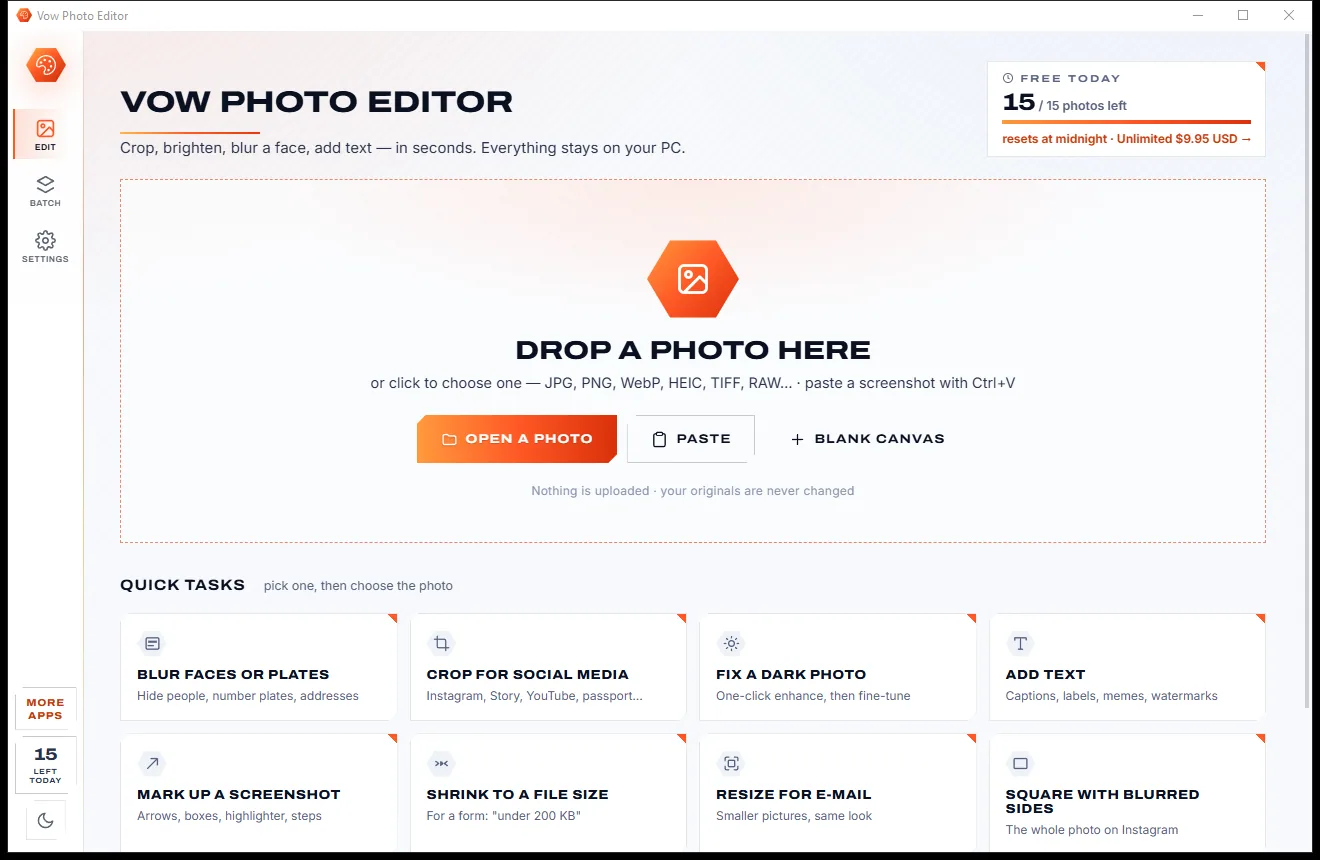
Vow Photo Editor
Crop, brighten, blur a face, add text, and save to an exact file size
- Free: Every basic edit, 15 saved photos a day, no watermarks
- $9.95 once: No daily limit, one-click face blur, layers, batch edits and presets

Passport, visa & ID photo maker for Windows
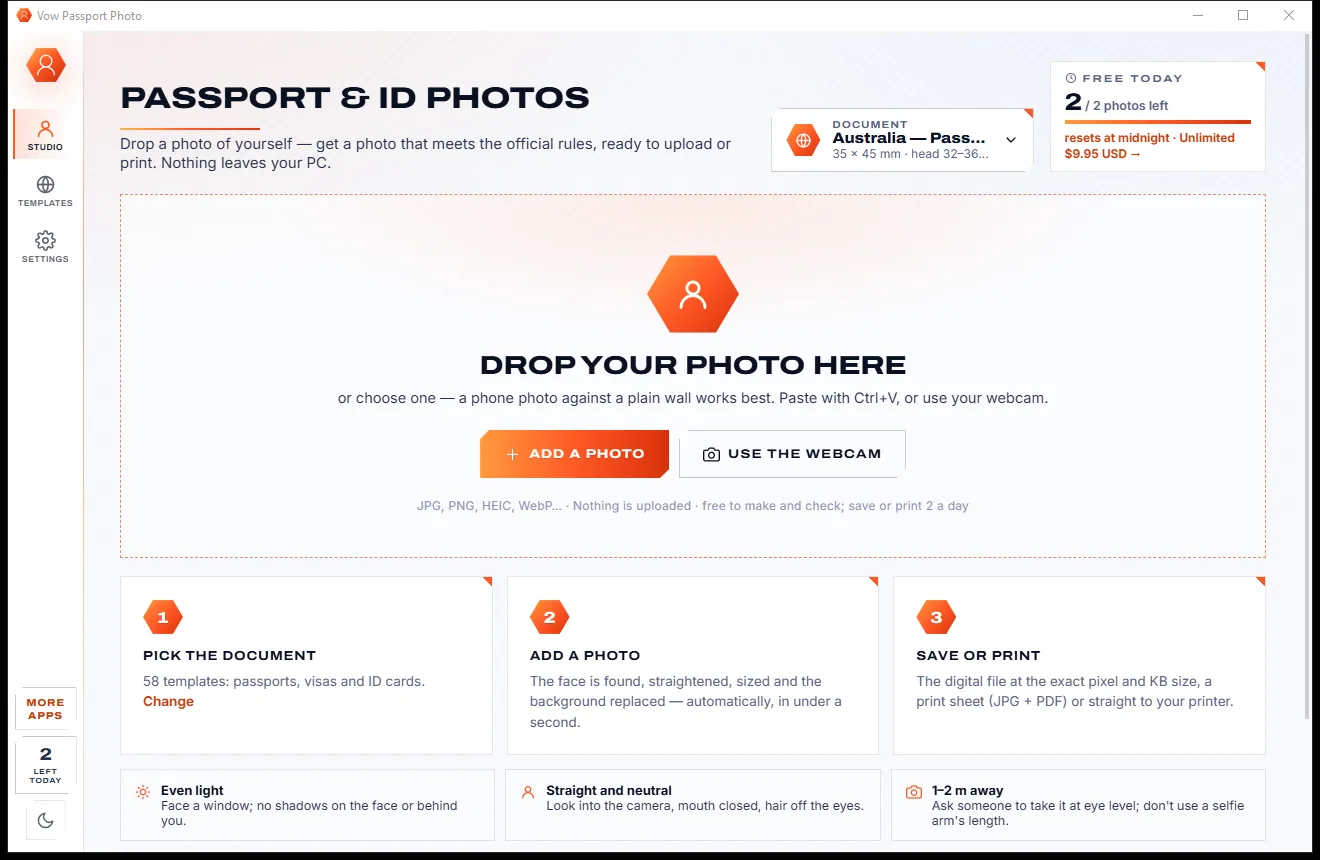
Drop a phone photo and Vow Passport Photo finds the face, straightens it, sizes it chin to crown for your document and replaces the background, then checks every rule on screen. Save the exact file for an online form, or a print sheet. Nothing is uploaded.
The problem
Booth photos get sent back, online makers want your face on their servers, and free apps hide the download behind a watermark or a subscription.
Online passport photo makers want a sharp, front-on photo of your face on their servers: exactly what an identity thief would love.
Free apps let you make the photo, then stamp a logo across it or hold back the download until you pay up.
Weekly or monthly plans for something you need once every few years, quietly renewing in the background.
Head 32-36 mm chin to crown? Eyes at a set height? Generic croppers leave all the measuring to you.
A shadow on one side, a toothy smile or a head that's a little too small, and the photo can be rejected.
Online visa forms demand exact pixels and a file-size window, and most editors leave you guessing.
Vow Passport Photo fixes all of it.
How it works
Your document's rules applied in under a second, every check on screen, and your photo never leaves your PC.
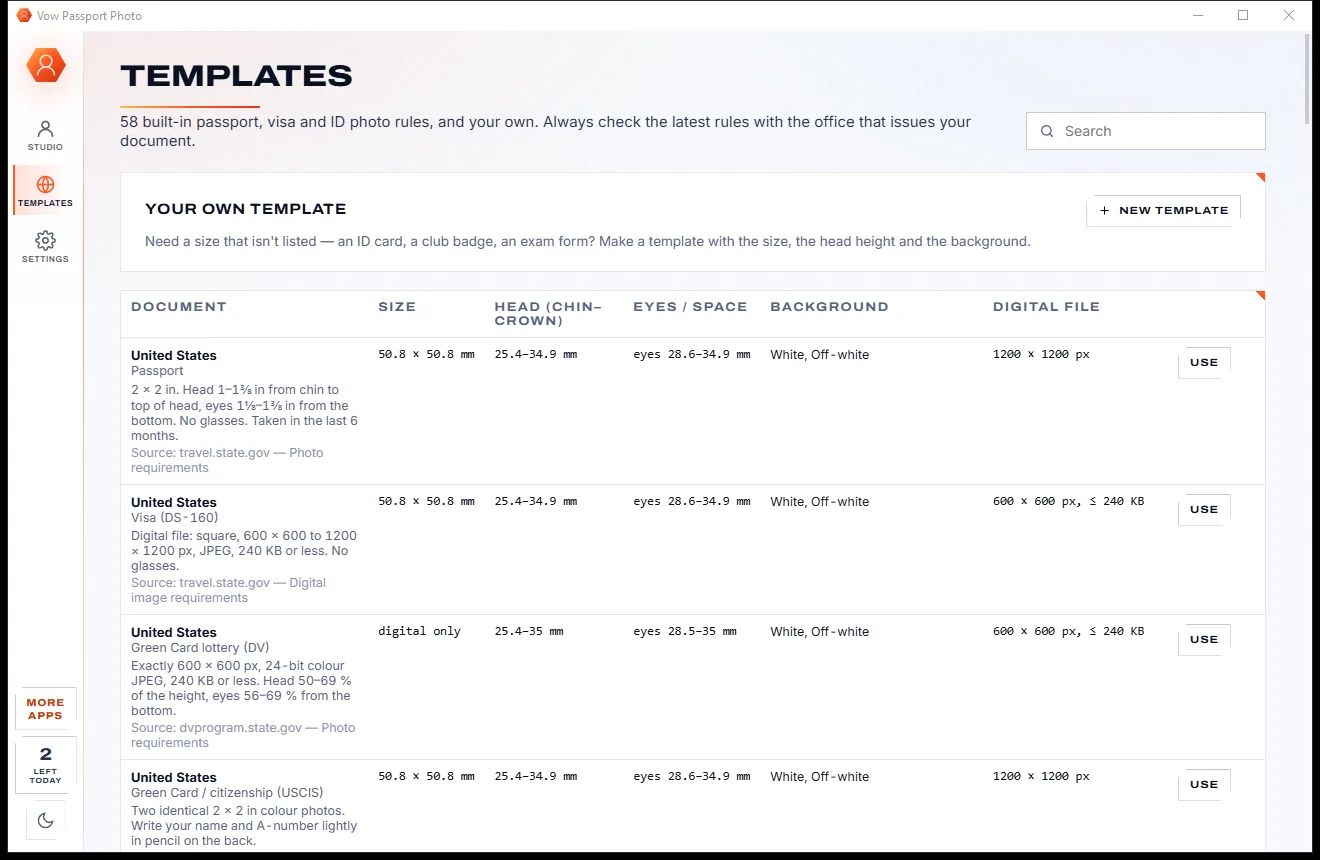
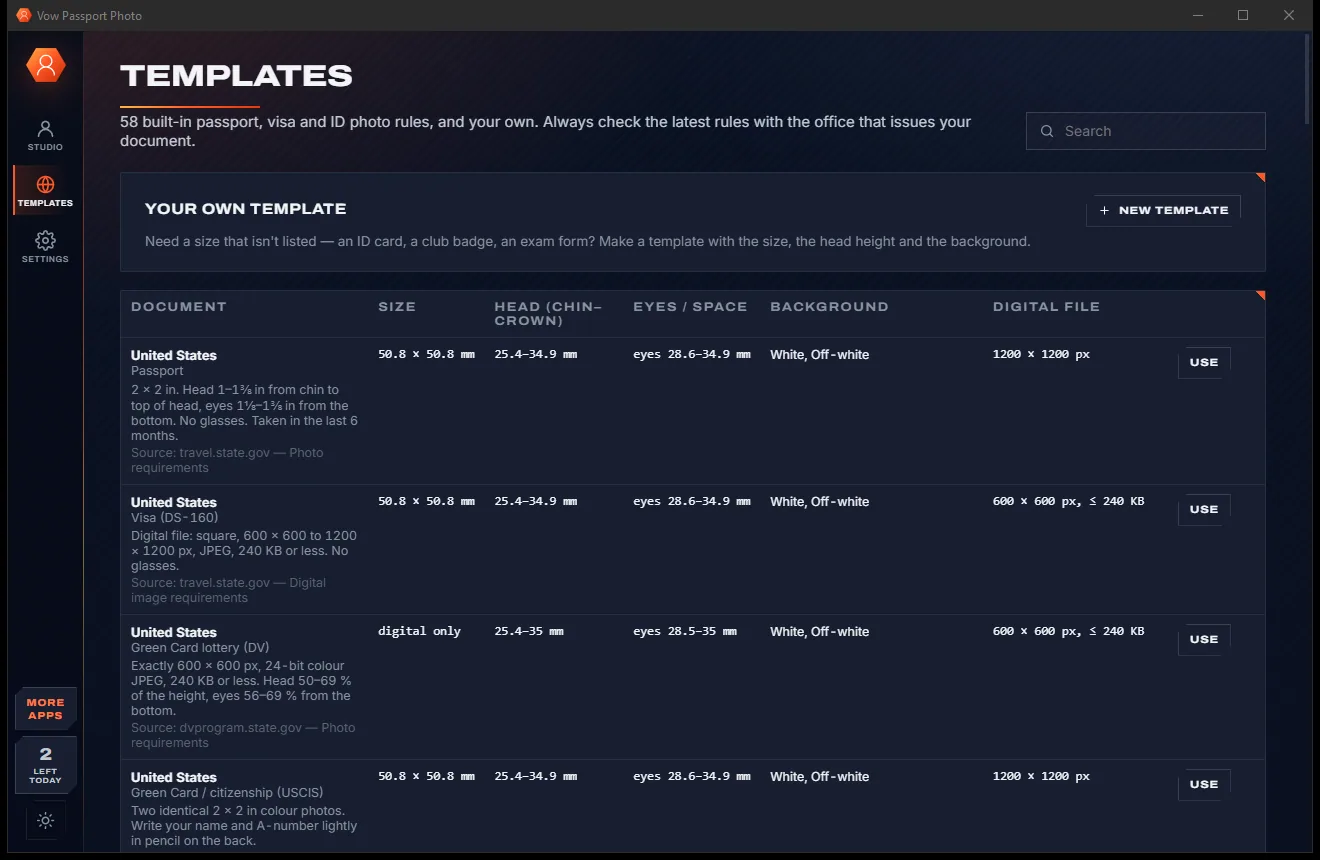
Search 58 built-in templates by typing "uk", "china visa" or "2x2". The first time, your country's passport is picked from the Windows region.
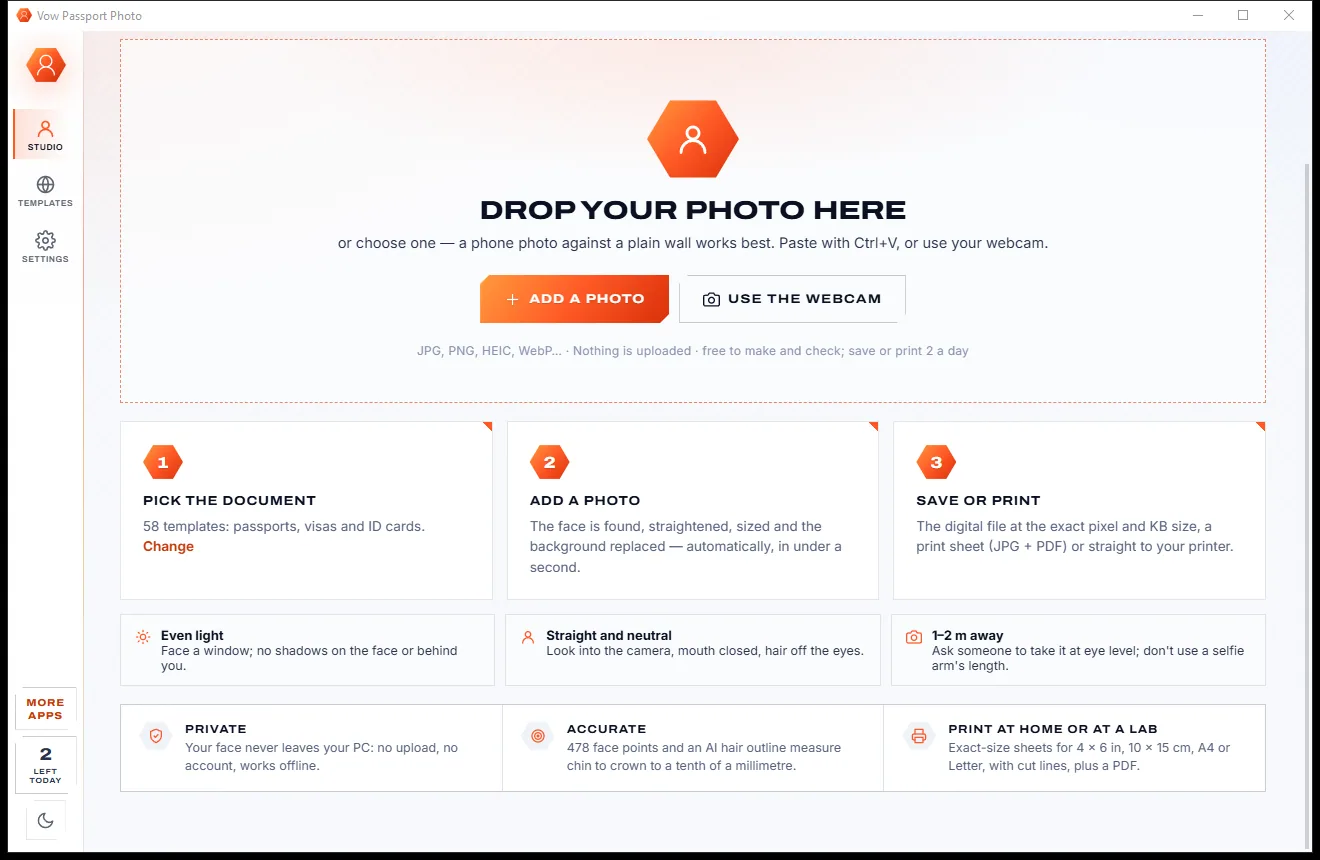
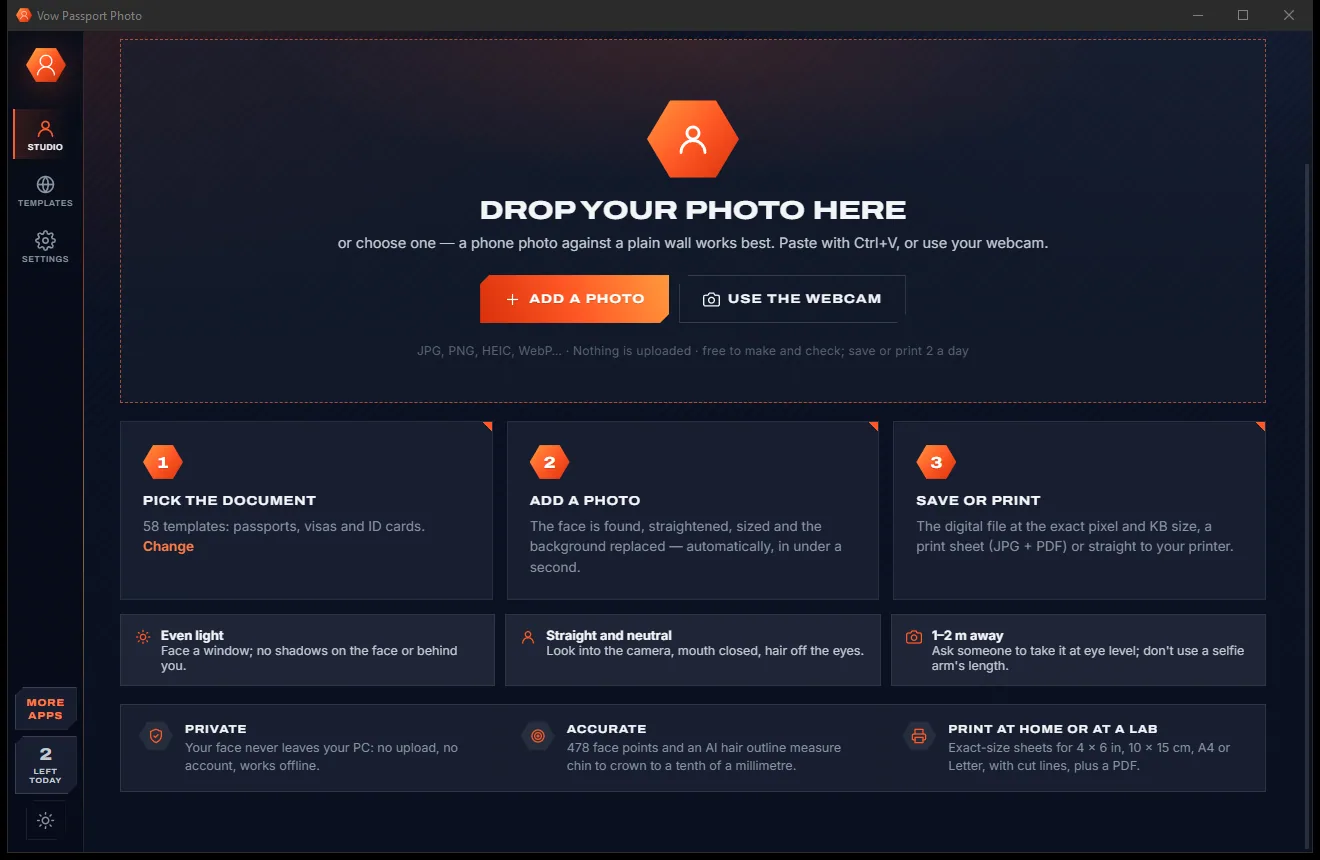
Drop or paste a phone photo, or use the webcam. The face is found, straightened, sized chin to crown, centred and put on the right background in under a second.
Every rule is checked on screen, with a fix for anything that fails. Save the exact digital file, a print sheet as JPEG and PDF, or print at true size.
Features
For families, students, travellers and anyone filling in an online visa form.
Face detection and 478 face landmarks find the eyes and chin, and an AI hair outline finds the real top of the head, not a guess.
The head is sized to the middle of the allowed chin-to-crown range, placed by the country's eye-line or top-margin rule, and straightened.
White, off-white, light grey, cream, blue, red or any colour, with the old colour lifted out of the hair so there is no halo.
Head size, eye height, centring, tilt, eyes open, neutral expression, light, sharpness, background and file size, each with a fix.
US, Canada, UK, Schengen and every EU and EFTA country, China, India, Japan, Australia, New Zealand and more, plus your own sizes.
Exactly the document's pixel size, a JPEG fitted into the portal's KB window at the best quality, with no personal metadata.
4 x 6 in, 10 x 15 cm, 5 x 7 in, A6, A5, A4 or Letter, as JPEG for a photo lab and PDF, or printed at true size at home.
Drag the photo or the crown and chin lines, set the head size within the legal range, rotate in 0.5° steps, and fine-tune light and colour.
Take the photo right in the app, with a face oval to line up in and a 3-second timer.
Baby and young child mode skips the eye and expression checks, and Save all saves everyone's photos in one go.
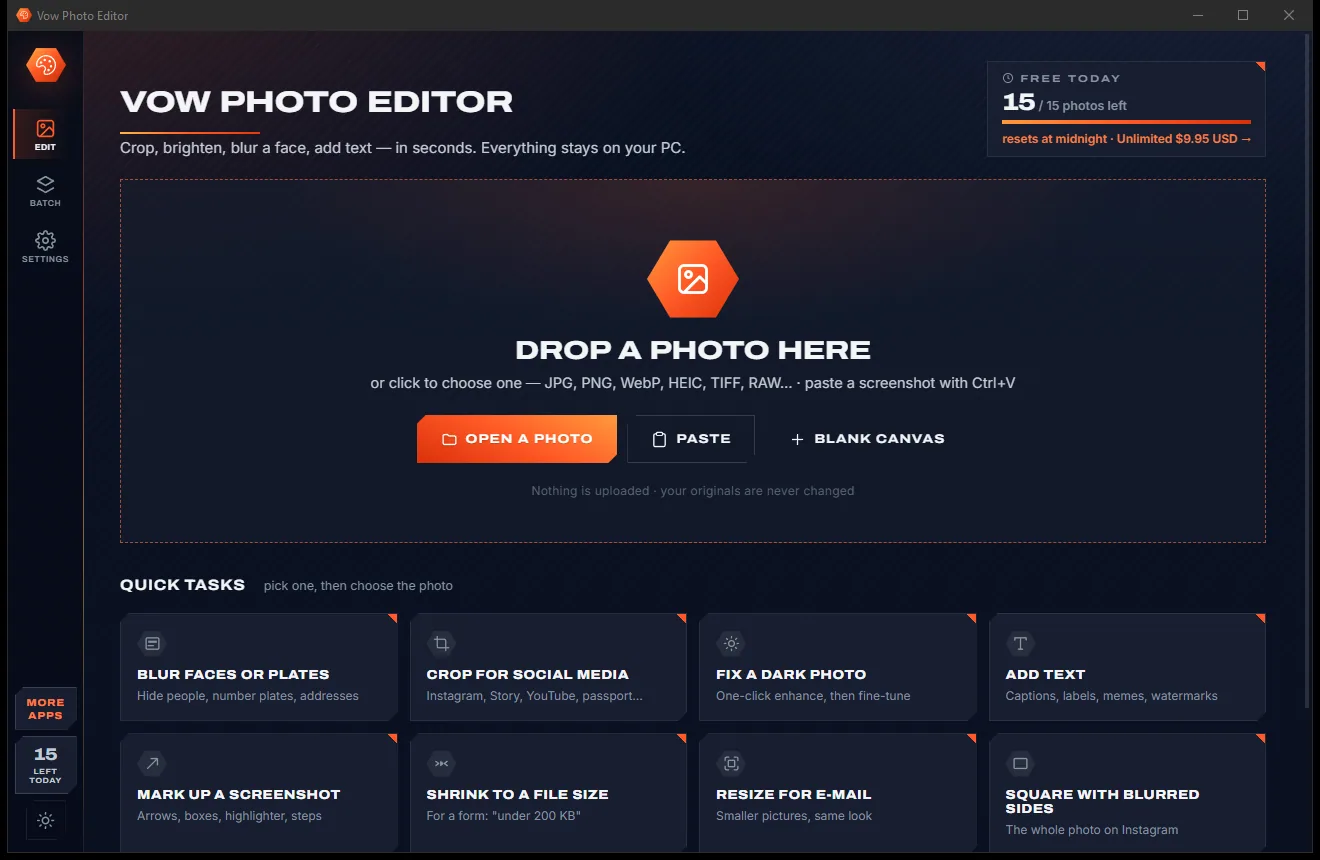
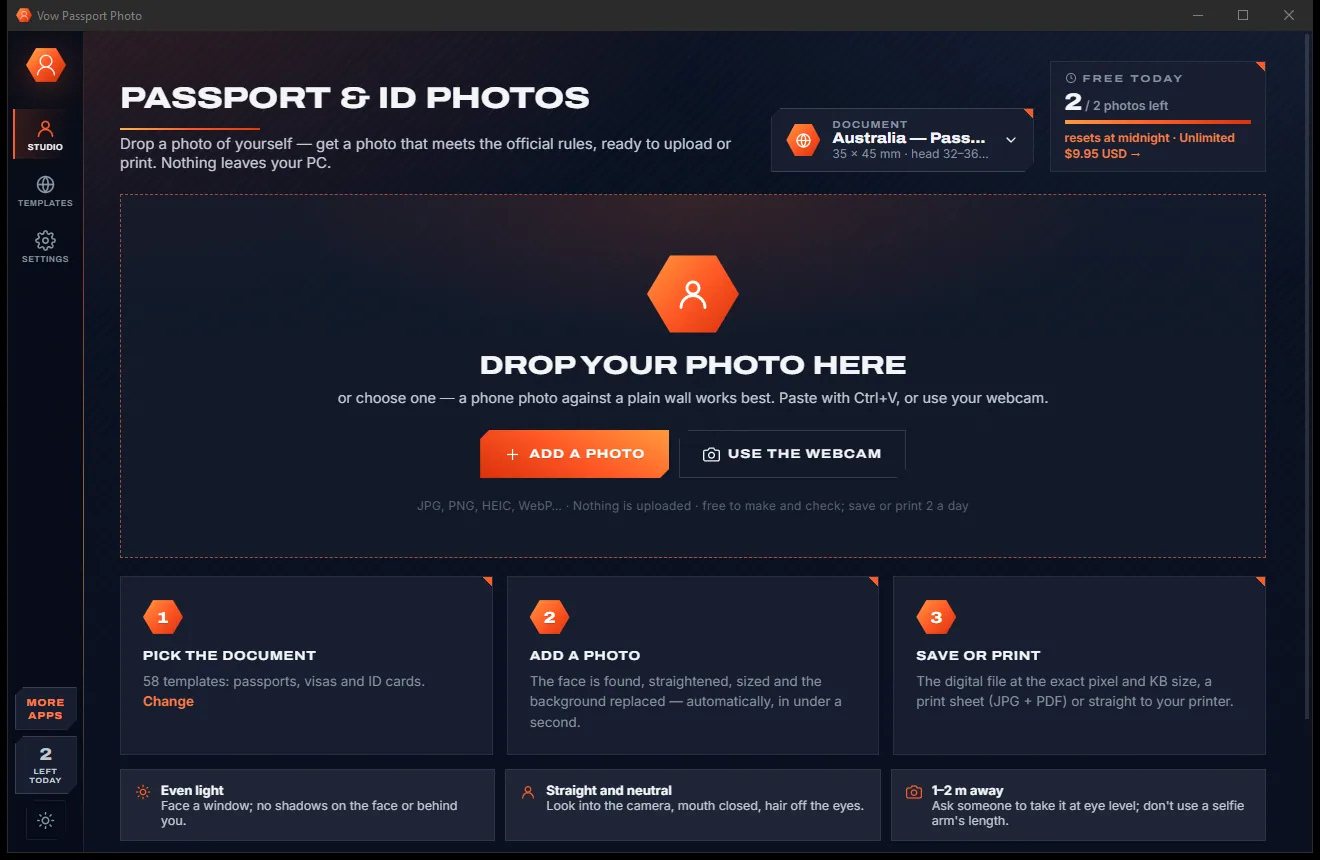
Light & dark theme
Passport Photo comes with a crisp light theme and a calm dark theme. Switch with one click, or let it follow your Windows setting by itself. It remembers your choice.
Screenshots
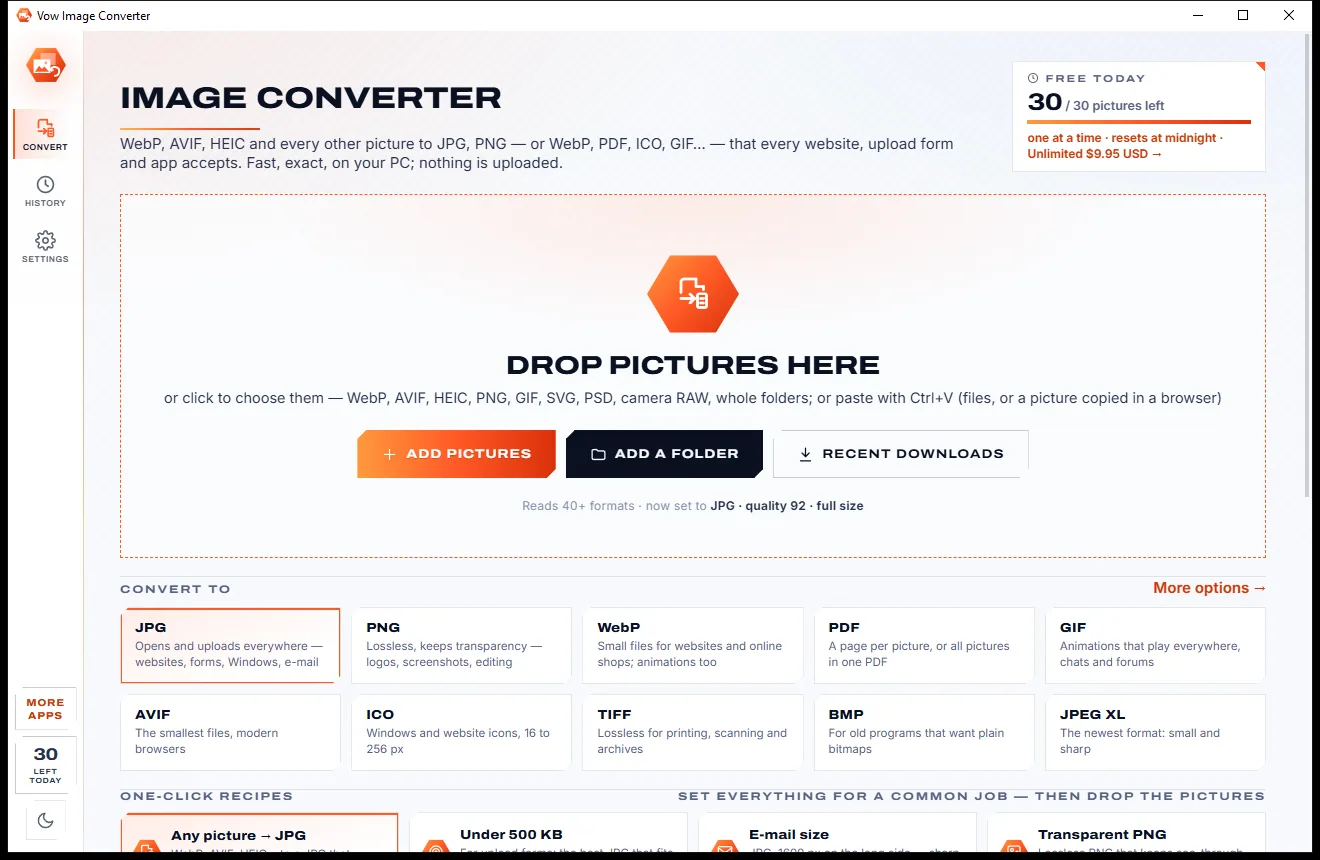
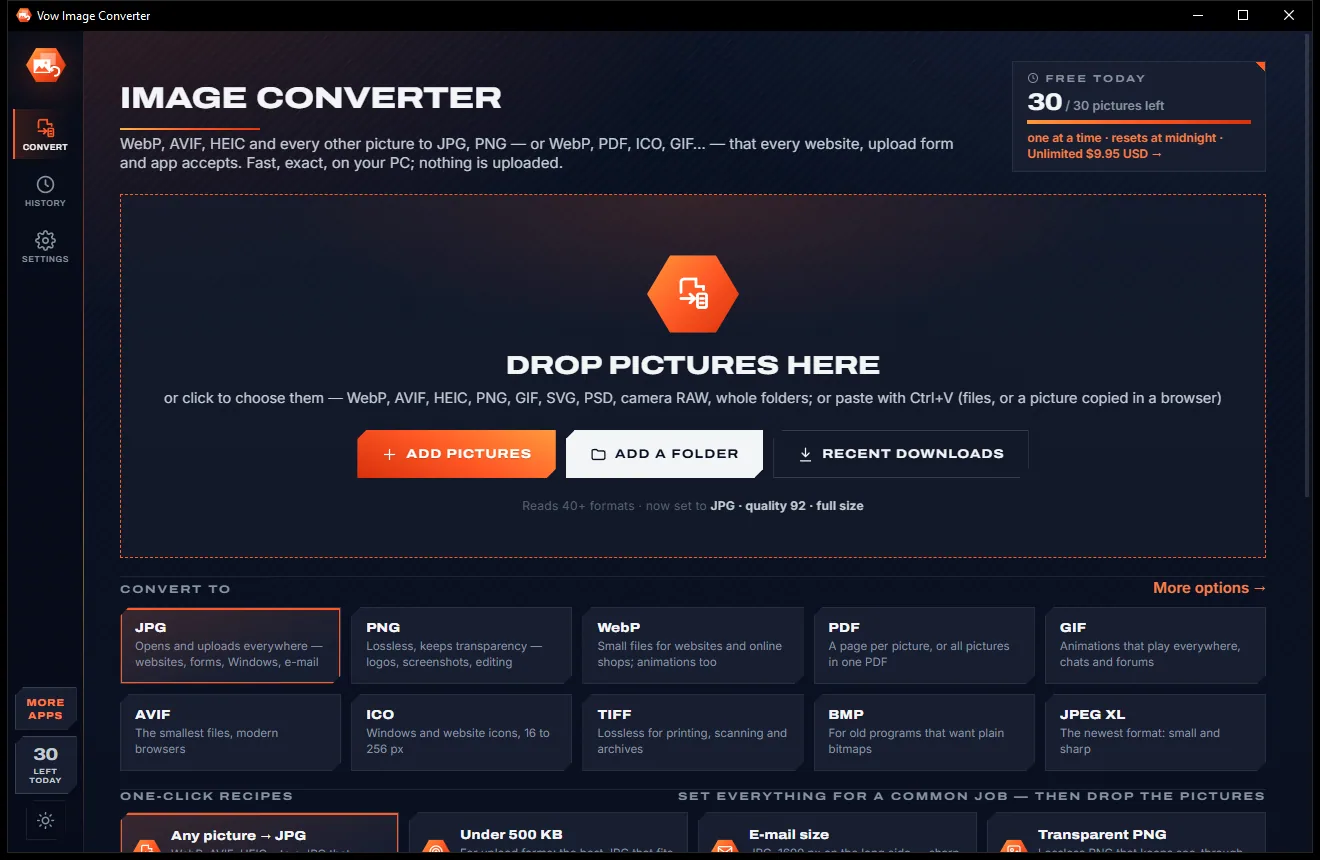
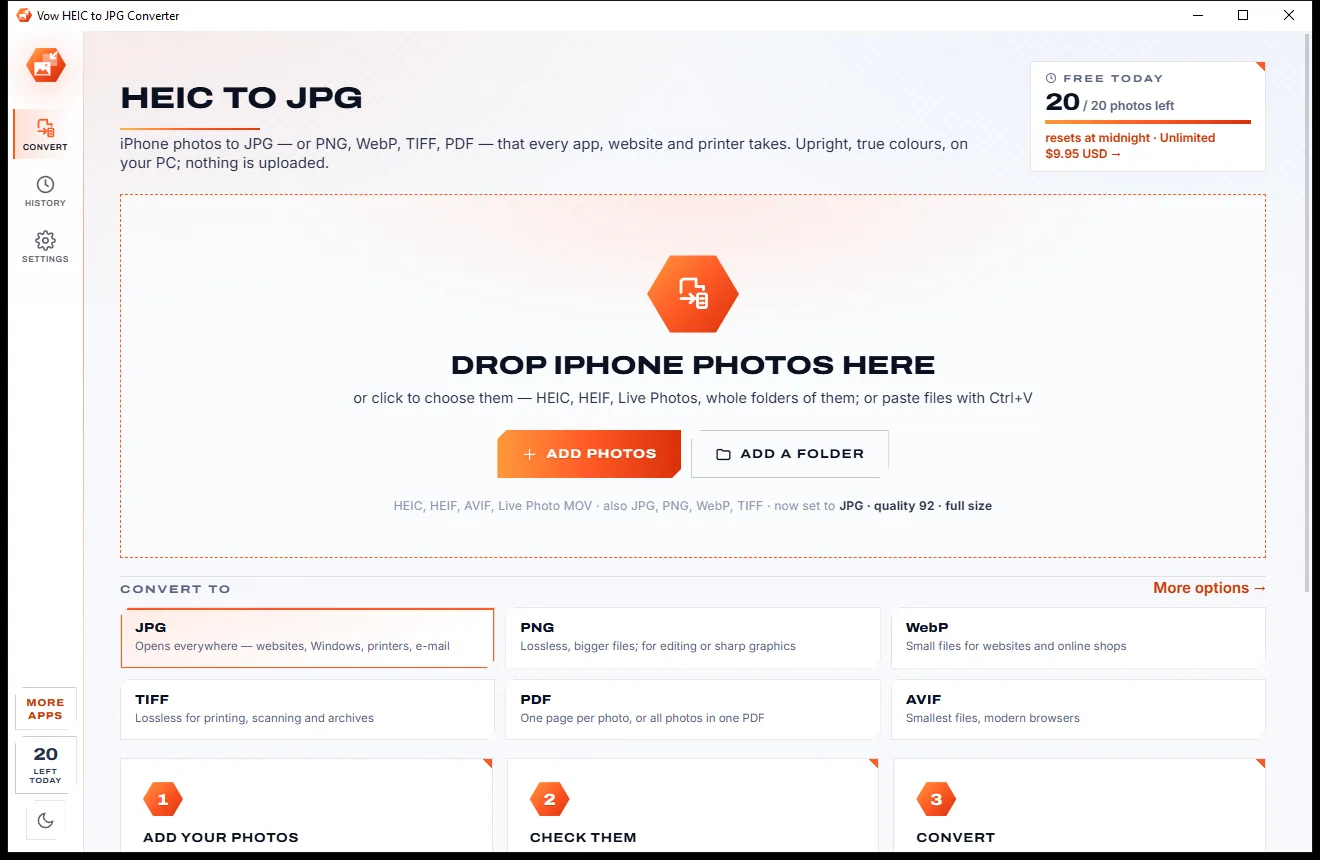
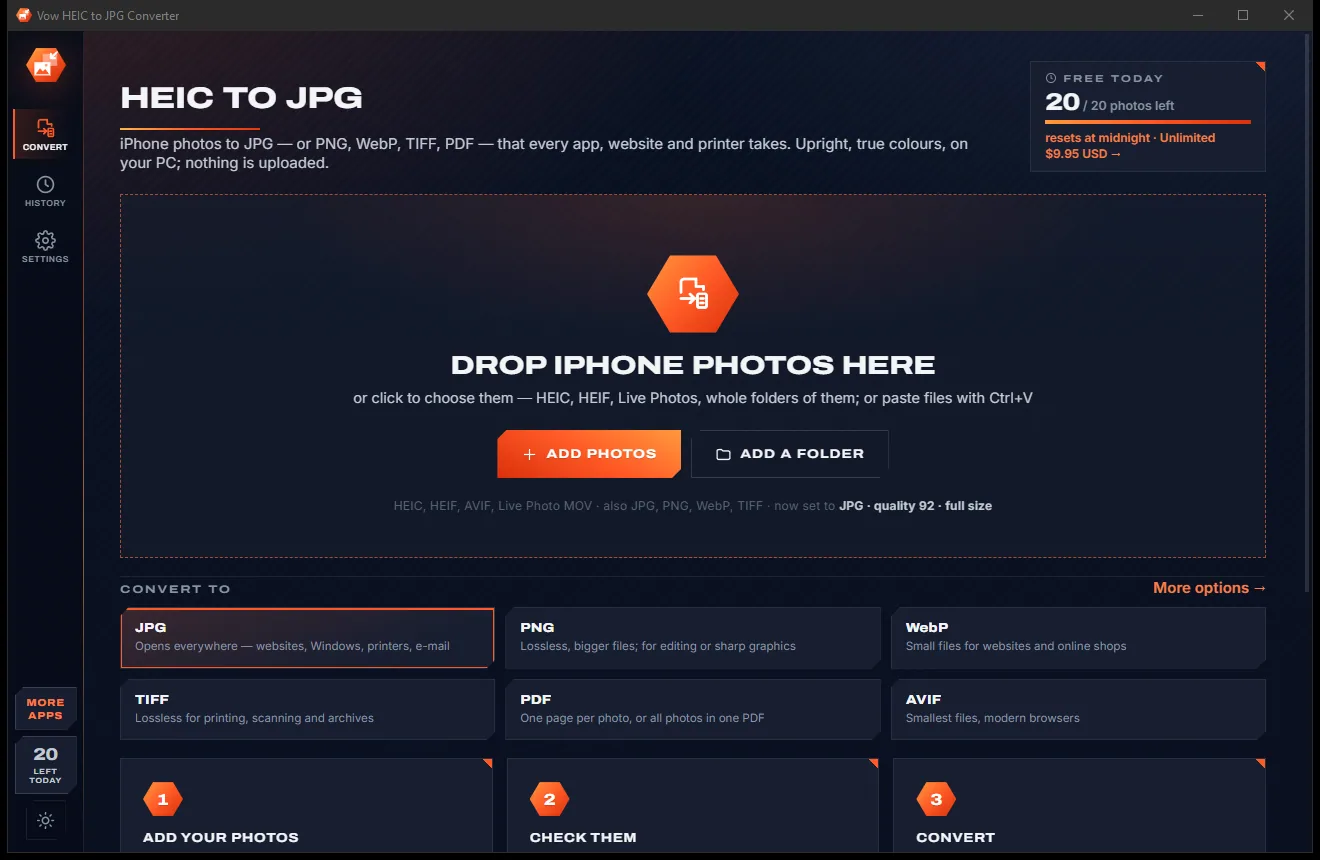
Real screenshots of the real app, in both of its themes: 6 light, 6 dark. Click any picture to see it full size.
Light theme
Dark theme
Who it's for
A photo made to your passport's rules, at home, in minutes, without a trip to the booth.
US DS-160, China, India e-Visa, Schengen and more, at the exact pixels and KB the portal asks for.
Green Card, PR card and citizenship photos, plus custom templates for ID cards, badges and exam forms.
Child mode skips the eyes-open and expression checks that little ones can't follow on cue.
Make everyone's photos in one sitting, switch between them with the arrow keys, and save them all at once.
Student visas, exam forms and a whole class of ID photos, with your own template for any size.
Compare
What typical passport photo apps and websites give you, side by side.
| Feature | Vow Passport Photo | Typical passport photo apps & sites |
|---|---|---|
| Price | Free every day, or $4.95 once | Per-photo fees or subscriptions |
| Your photo is uploaded | Never: the AI runs on your PC | Usually, to their servers |
| Watermarks | None | Common until you pay |
| Sized to your document's rules | 58 templates, head measured chin to crown | Often a generic crop box |
| Rules checked on the photo | About 20 checks, each with a fix | Basic, if any |
| Exact file for online forms | Exact pixels, fitted to the KB limit | Rarely |
| Print sheets at true size | JPEG, PDF or direct print | Often a paid extra |
| Ads, pop-ups, bundled extras | None, ever | Common on free apps |
| Works without internet | Yes | No, for online makers |
"Typical" describes what we found across the most-downloaded alternatives when we built Passport Photo. Your mileage with any one of them may vary; ours won't.
Pricing
That is not a typo. Software this powerful usually means a monthly subscription; Passport Photo is $4.95, once, for life: it's almost a giveaway. Use it free for as long as you like, and unlock Unlimited only if you need more.
Make and check unlimited photos, save or print 2 a day.
Almost a giveaway. Less than a coffee for software this powerful: no subscription, no renewals, yours for life on 2 PCs.
Save and print any number of photos, Save all for a whole family.
Payments by Stripe: we never see or store your card. Questions? Ask a real person.
Clean software
Most "free" Windows downloads pay for themselves with ads, bundled extras or your data. Vow Passport Photo doesn't need to: it's paid for honestly, once, by the people who find it useful.
Download Passport Photo freeStep-by-step guide
From a phone photo to a print sheet or a form-ready file in a few minutes.
Step 1: get it freeDownload it from this page and run the installer. It needs no administrator rights and no account, and the AI models are inside, so nothing is downloaded later.
Stand in front of a plain wall, face a window so there are no shadows, look into the camera with your mouth closed, and have someone take it from 1-2 m away at eye level.
Press the document button and type your country or document, such as "uk" or "us visa". Each template shows its size, head range and source.
Drop it on the window: in under a second it is sized and on the right background. Fix anything the checks flag, or drag the crown and chin lines, until it says "Ready to submit".
Press Save photo (Ctrl+Enter) for the digital file, a JPEG print sheet and a PDF, or Ctrl+P to print at true size. Take the JPEG to a photo lab or print the PDF at home.
Technical details
FAQ
Yes. You can make and check as many photos as you like, with every template, background and check, and save or print 2 photos a day for free. The same photo again that day, in any size or format, doesn't count, and there are no watermarks. Unlimited, a one-time $4.95 USD payment, removes the daily limit, so you can Save all for a whole family or class.
The templates follow each issuing authority's published rules, each with its source, and the app checks head size, eye height, background, light, expression and more on the finished photo. Rules change, so check the current rules for your document before you submit. The checks cover what can be measured in a photo, not things like whether it is recent.
No. Face detection, the landmarks and the background replacement all run on your own PC, offline. Your photo never leaves your computer, and no personal metadata such as GPS location is copied into the saved file.
58 built-in templates: US passport, visa (DS-160), DV lottery and USCIS; Canada passport, PR card and visa; UK passport and visa; Schengen and every EU and EFTA country; China, Hong Kong, Japan, South Korea, Taiwan, India (passport, e-Visa, OCI), Singapore, Pakistan, Israel, Australia and New Zealand; plus ICAO 35 x 45 mm, 2 x 2 in, and your own custom templates.
Both. Save a print sheet on 4 x 6 in, 10 x 15 cm, 5 x 7 in, A6, A5, A4 or US Letter as a JPEG for a photo lab and as a PDF at exact size, or print straight from the app: the paper size is preselected and the printer's margin is compensated, so photos print at true size.
Yes. The digital file is exactly the document's pixel size and, as a JPEG, fitted inside the portal's KB window at the best quality that fits: for example 600 x 600 px and no more than 240 KB for a US visa.
Yes. Baby and young child mode skips the eyes-open and expression checks, which little ones can't follow. The head is still sized and placed by your document's rules.
Yes. It is made and published by XTO Pty Ltd, an Australian company. There are no ads, no bundled software and no account, it needs no administrator rights, and it uninstalls cleanly from Windows Settings.
The Vow collection
Same design, same promises, a tiny one-time price. Learn one and you already know them all.
Crop, brighten, blur a face, add text, and save to an exact file size

Turn WebP, AVIF, HEIC and 40+ formats into pictures that open everywhere
Open and convert iPhone HEIC photos on any Windows PC
Passport, visa and ID photos at home, sized to each country's rules. Free to use every day, $4.95 once if you ever want Unlimited.