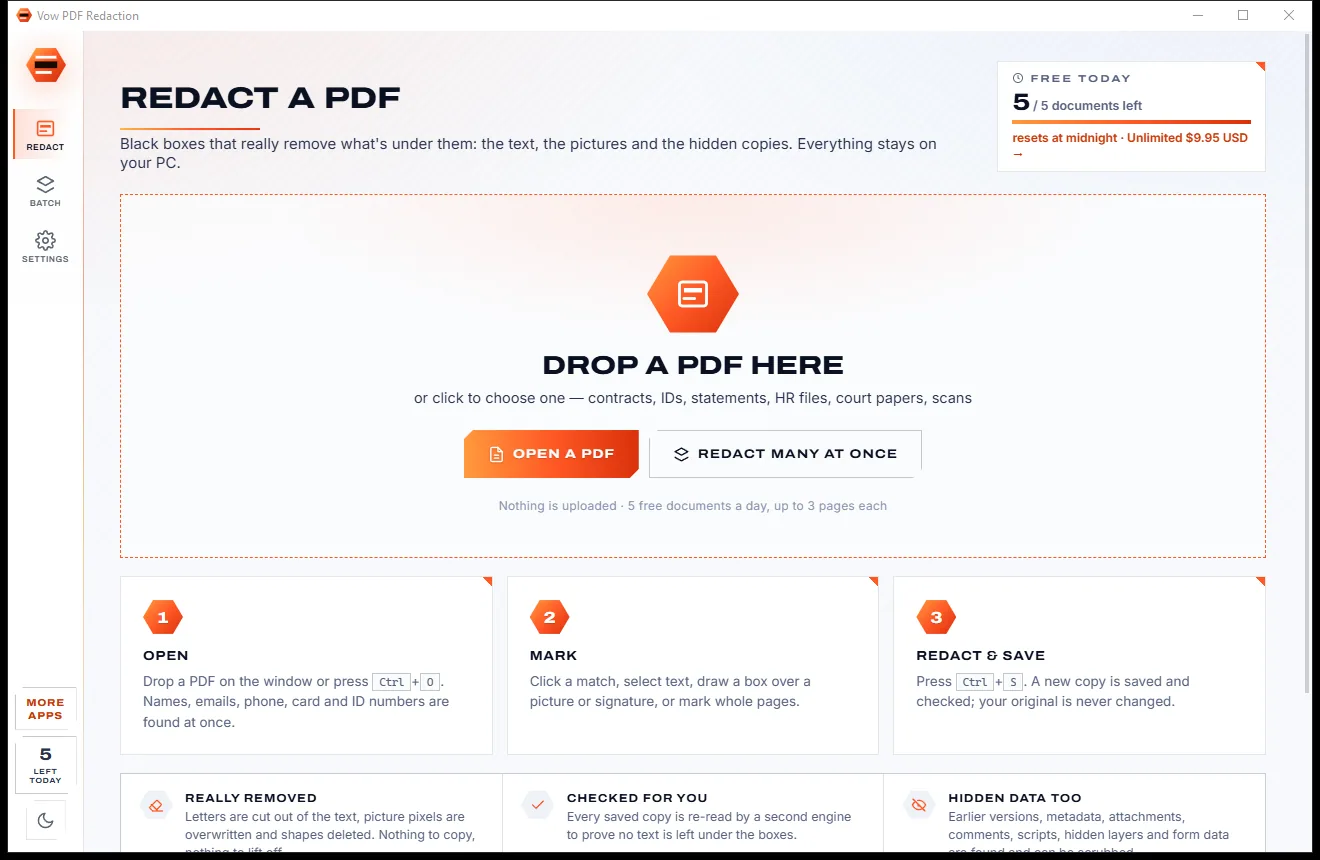
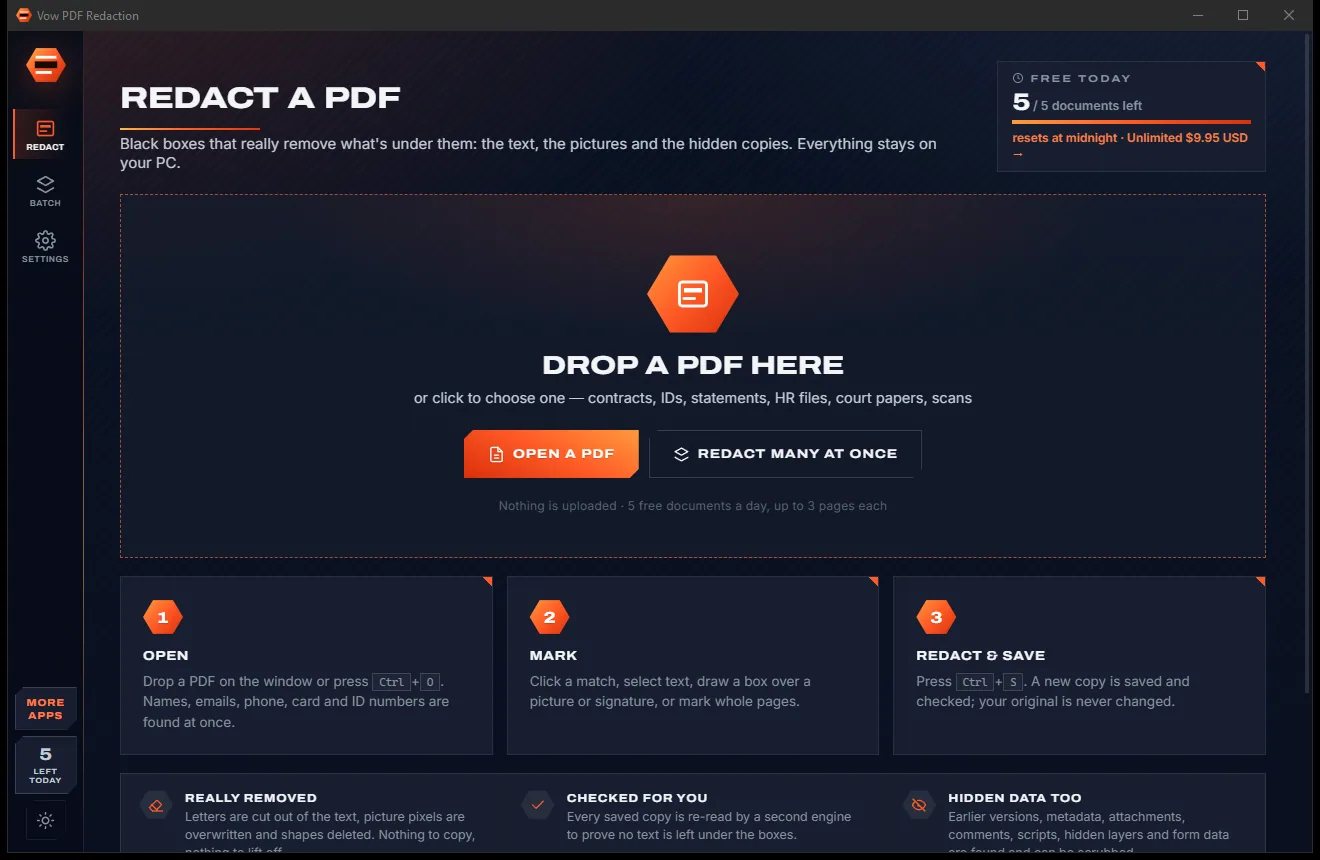

Redact PDFs for real: nothing left under the black boxes
- Free: 5 documents a day, up to 3 redacted pages each, true redaction
- $4.95 once: Any length, one-click redact-all, batch folders, scrub hidden data

PST, OST, MSG, EML and MBOX viewer for Windows
Drop in an old Outlook PST or OST, a Thunderbird or Gmail Takeout MBOX, or a folder of MSG and EML files. Read every message and attachment, search years of mail at once, and save what you need as PDF. Nothing is uploaded and your archives are never changed.
The problem
The Outlook account is gone, the PC is new, and all that's left is a PST on a backup drive. The usual "free PST viewers" come with a catch.
PST and OST files belong to Outlook. No Outlook, no subscription or no account any more usually means no email.
Many free PST viewers show only the first few dozen items per folder, or stamp a watermark on every export.
Searching only subjects and names means the one email with the contract number inside stays hidden.
Opening old newsletters loads pictures from the internet, telling senders exactly when you looked.
Online converters want years of private email on their servers before they'll show you a single message.
Converter suites often lock exporting behind costly licences or yearly plans, for mail that is already yours.
Vow Email Archive Opener fixes all of it.
How it works
Every archive readable in seconds, every word searchable, and anything you need saved in the format you want.
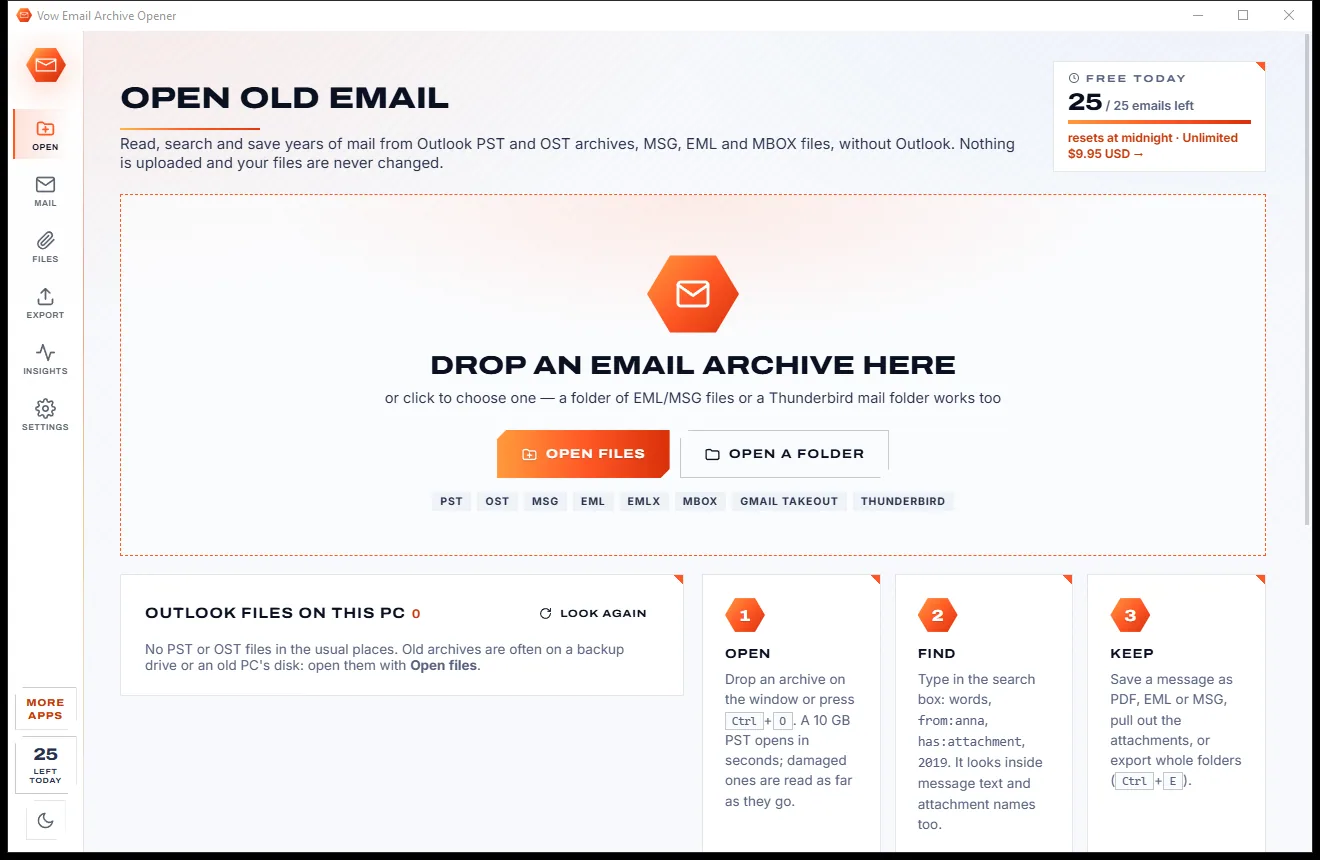
Drag in a PST, OST, MSG, EML or MBOX file, a folder of them or a Thunderbird mail folder. Outlook files already on this PC are listed for you.
Results update as you type, across message text and attachment names. Read HTML, RTF and plain-text mail with remote pictures blocked.
Save any email as PDF, EML, MSG, HTML or text, open or save its attachments, or export a whole search in one go.
Features
For anyone who switched PCs, left a job, closed an account or found a drawer of old backups.
PST (ANSI, Unicode and password-protected), OST, MSG, EML, EMLX, MBOX from Thunderbird, Apple Mail and Gmail Takeout, and winmail.dat.
Subjects, names, addresses, message text and attachment names, with phrases, OR, NOT, from:, has:attachment, year: and size filters.
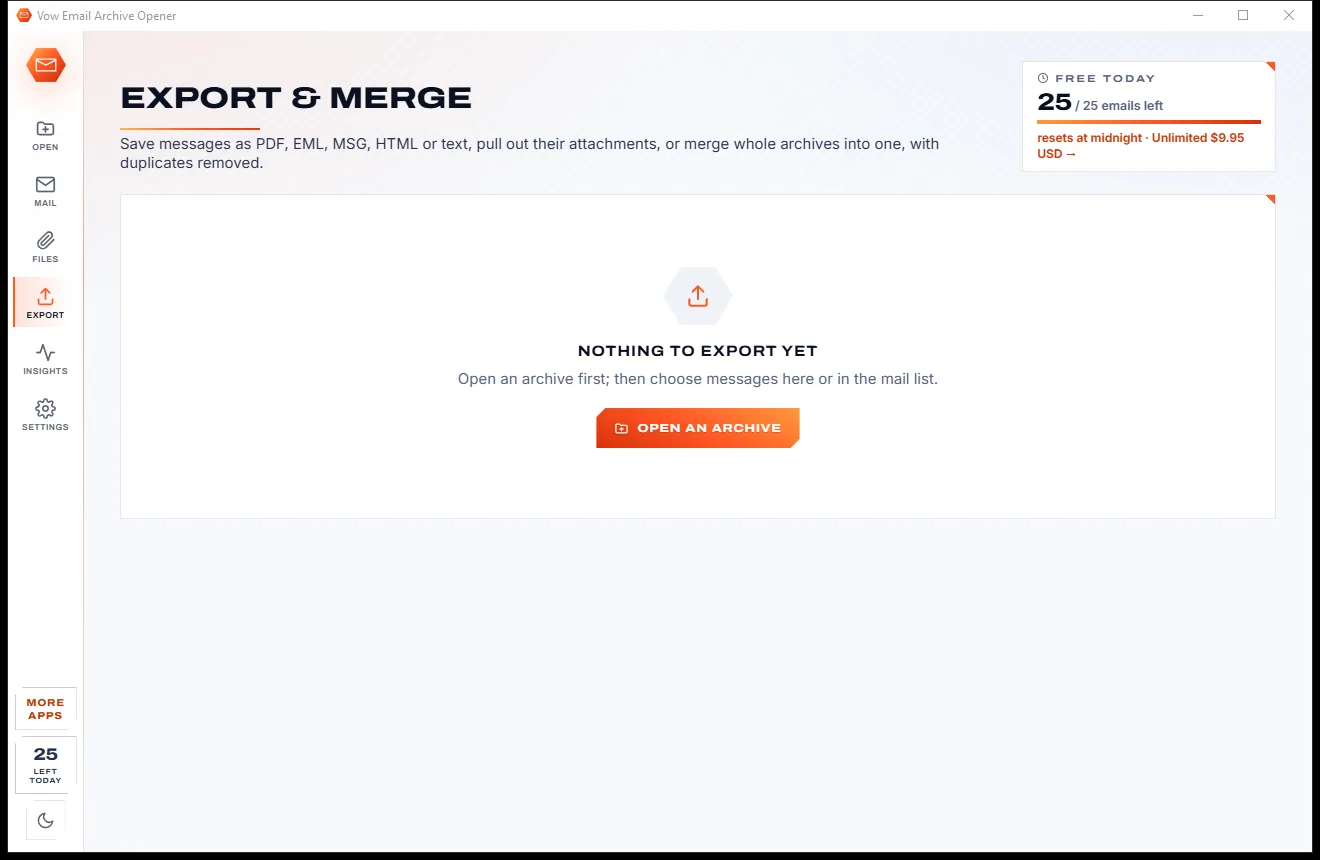
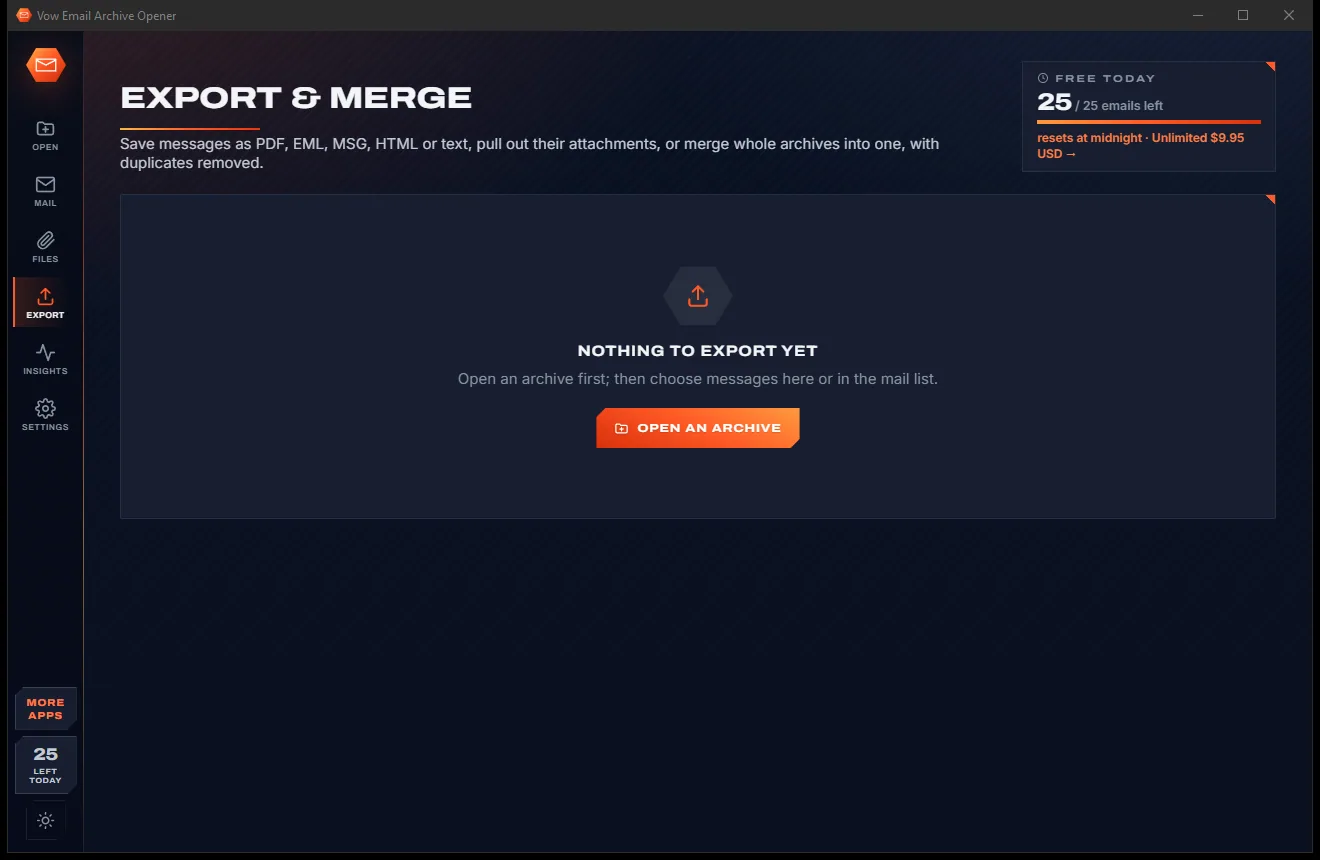
Any email as PDF, EML, MSG, HTML or text, with file names built from the date, sender and subject.
The Files page lists every attachment across your open archives. Filter by type, sort by size or date, open or save.
Scripts never run, remote pictures stay blocked until you choose, and risky attachments ask before they open.
Combine several PST, OST, MBOX or EML sources into one MBOX file or EML folder tree, oldest first, every duplicate removed.
Mail per year, top senders, busiest domains, biggest messages and attachment types. Every bar opens the matching messages.
Damaged archives are read as far as possible; damaged items are skipped and counted rather than stopping everything.
See every reply in a thread, even across archives, plus the full internet headers and every stored property.
Smart views for Unread, Flagged, With attachments, Duplicates, Calendar, Contacts, and Tasks & notes.
Light & dark theme
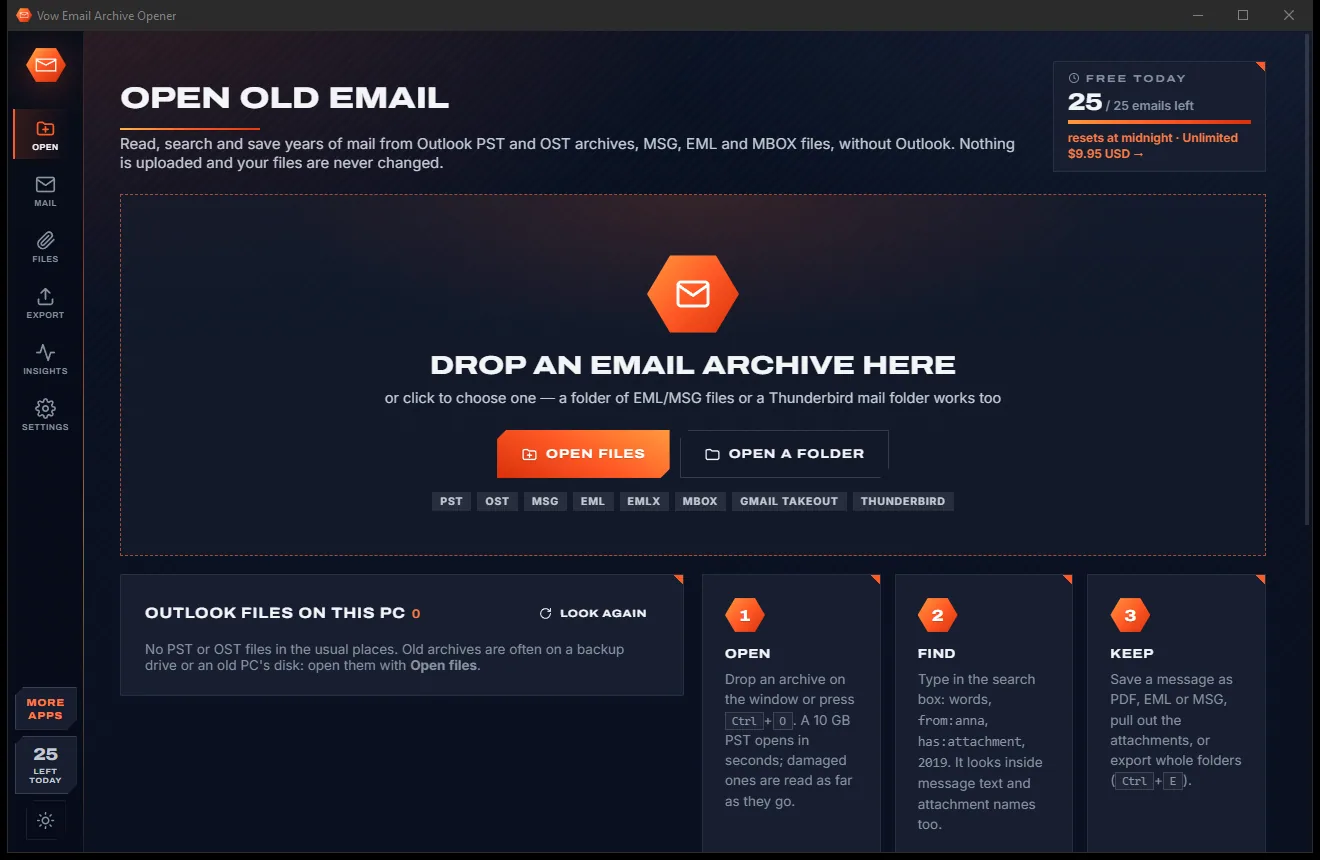
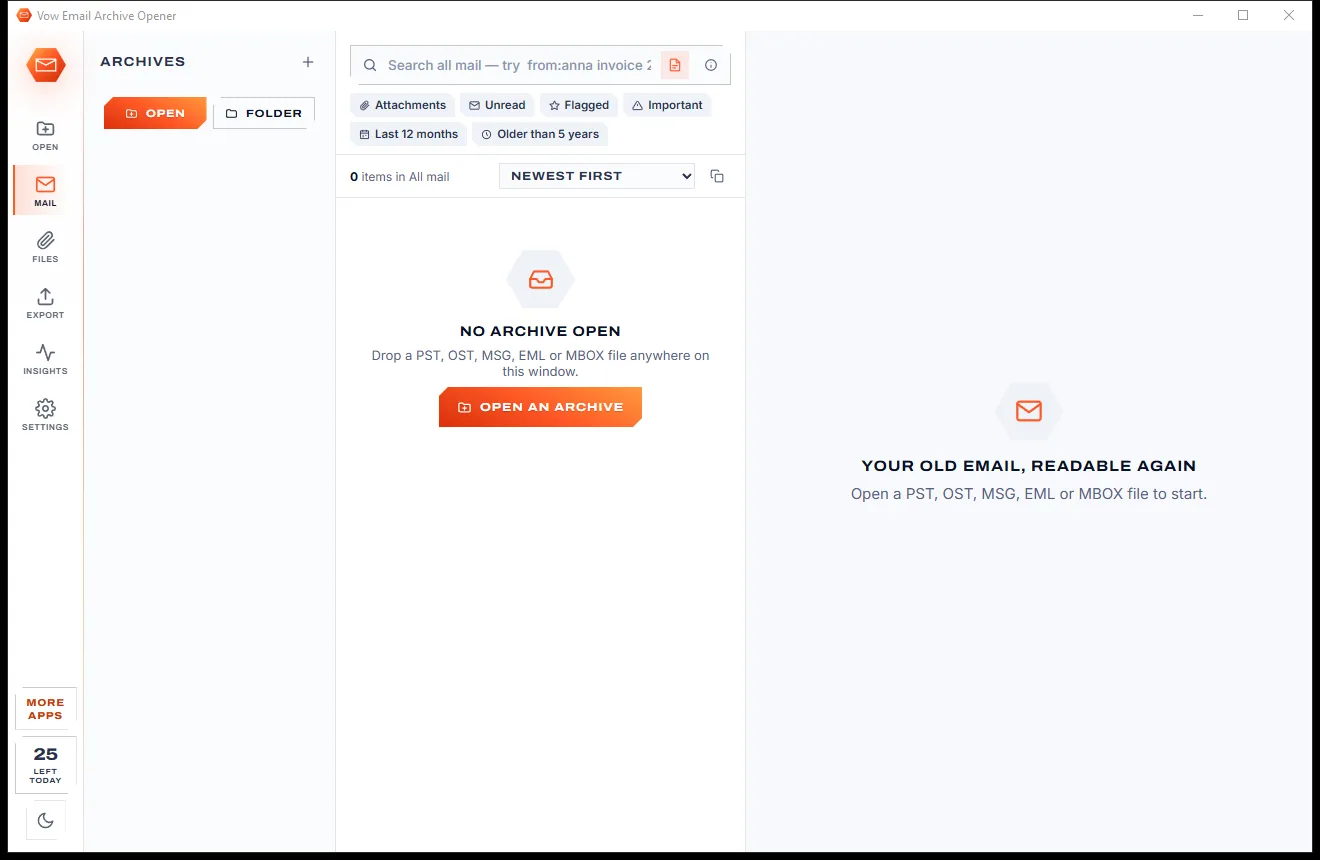
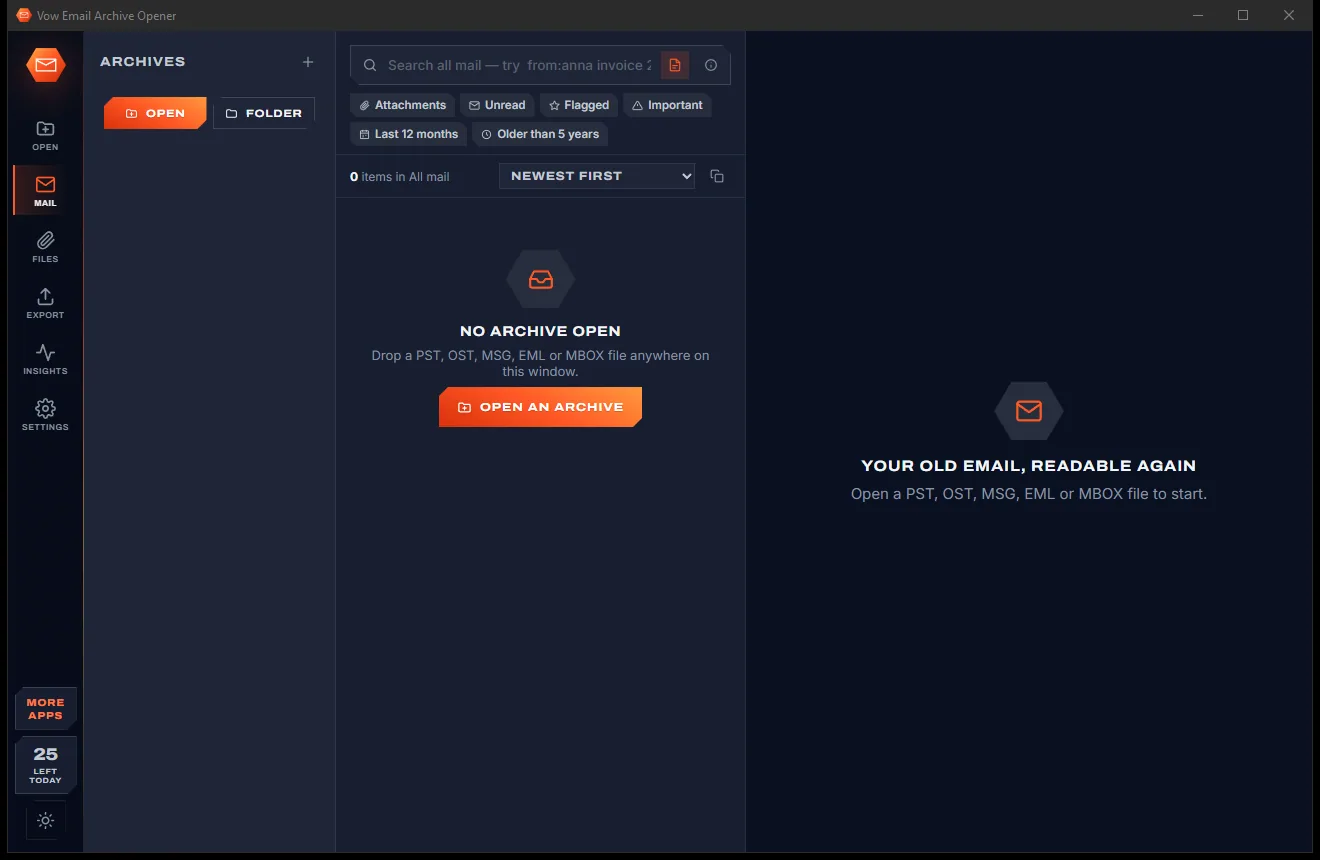
Email Archive Opener comes with a crisp light theme and a calm dark theme. Switch with one click, or let it follow your Windows setting by itself. It remembers your choice.
Screenshots
Real screenshots of the real app, in both of its themes: 8 light, 8 dark. Click any picture to see it full size.
Light theme
Dark theme
Who it's for
Read the mail you backed up years ago without installing or paying for Outlook.
OST files from Exchange or Outlook.com still open after the account is gone, so nothing is lost.
Find every email about a contract or claim and save it as PDF, attachments and all.
Pull invoices and receipts out of years of mail with one search, such as has:attachment ext:pdf year:2019.
Browse a Takeout MBOX with its labels as folders, or a Thunderbird profile, as easily as an inbox.
Recover photos and letters from an old family mailbox and keep them as ordinary files.
Compare
What the free download usually gives you, and what this one does instead.
| Feature | Vow Email Archive Opener | Typical PST & MBOX viewers |
|---|---|---|
| Needs Outlook installed | No | Some do |
| Emails you can read for free | Every email in every folder | Often a few dozen per folder |
| Watermarks on exports | None | Common on free versions |
| Searches message text and attachment names | Yes, as you type | Often subject and sender only |
| Remote tracking pictures | Blocked until you allow them | Often loaded straight away |
| Merge archives, remove duplicates | Yes | Usually a paid tier, if at all |
| Your mail is uploaded | Never | Yes, for online converters |
| Price | Free every day, or $9.95 once | Costly licences or yearly plans |
"Typical" describes what we found across the most-downloaded alternatives when we built Email Archive Opener. Your mileage with any one of them may vary; ours won't.
Pricing
That is not a typo. Software this powerful usually means a monthly subscription; Email Archive Opener is $9.95, once, for life: it's almost a giveaway. Use it free for as long as you like, and unlock Unlimited only if you need more.
Read and search everything, plus 25 email exports a day.
Almost a giveaway. Less than a takeaway lunch for software this powerful: no subscription, no renewals, yours for life on 2 PCs.
Whole archives, bulk attachments, merge, one PDF, CSV.
Payments by Stripe: we never see or store your card. Questions? Ask a real person.
Clean software
Most "free" Windows downloads pay for themselves with ads, bundled extras or your data. Vow Email Archive Opener doesn't need to: it's paid for honestly, once, by the people who find it useful.
Download Email Archive Opener freeStep-by-step guide
Read, search and save old Outlook email on any Windows PC in a few minutes.
Step 1: get it freeGet Vow Email Archive Opener from this page and run the installer. It needs no administrator rights, no account and no Outlook.
Drop the file on the window, press Ctrl+O, or pick it from the Outlook files found on this PC. Password-protected PST files and OST files from closed accounts open too.
Type in the search box: words, "exact phrases", from:anna, has:attachment or year:2015. Results update as you type, across every open archive.
The reading pane shows the message, its attachments, the internet headers and the whole conversation. Pictures from the internet stay blocked until you choose Show pictures.
Press Save as PDF, or Save as for EML, MSG, HTML or text. For many emails at once, press Ctrl+E and export the selection, the search results or everything.
Technical details
FAQ
Yes. Vow Email Archive Opener reads PST and OST files itself, so Outlook doesn't need to be installed. It also opens MSG, EML, EMLX and MBOX files from Thunderbird, Apple Mail and Gmail Takeout.
Yes. Reading, searching, printing and opening attachments are free without limits, and you can export 25 emails a day to PDF, EML, MSG, HTML or text (resets at midnight; the same email again that day is free). Unlimited, a one-time $9.95 USD payment, removes the limit and adds bulk attachment extraction, merging, one combined PDF, MBOX and CSV export.
No. Archives are only ever read, never written to. Exports are saved as new files, by default in Documents\Vow Email Archive Opener.
Yes. OST files from Exchange or Outlook.com open even after the account is gone. If Outlook is running with that OST open, close Outlook first.
No. Everything happens on your own PC. Pictures from the internet are blocked by default so old senders can't see when you open their mail, and scripts inside messages never run.
Yes, with Unlimited: choose only some file types, a folder per message, and identical files saved once. The free version opens any attachment without limit and saves attachments email by email, as part of the 25 daily exports.
Outlook for Mac (OLM) and Lotus Notes (NSF) files aren't supported, and S/MIME-encrypted messages are listed but not decrypted. Merging creates one MBOX file or an EML folder tree rather than a new PST.
Yes. It is made and published by XTO Pty Ltd, an Australian company. There are no ads, no bundled software and no account, it needs no administrator rights, and it uninstalls cleanly from Windows Settings.
The Vow collection
Same design, same promises, a tiny one-time price. Learn one and you already know them all.
Redact PDFs for real: nothing left under the black boxes
Merge, split and reorder PDFs on your own PC
Shrink any PDF to the exact size an upload form asks for
Open old Outlook PST files and email archives, without Outlook. Free to use every day, $9.95 once if you ever want Unlimited.