
Audio
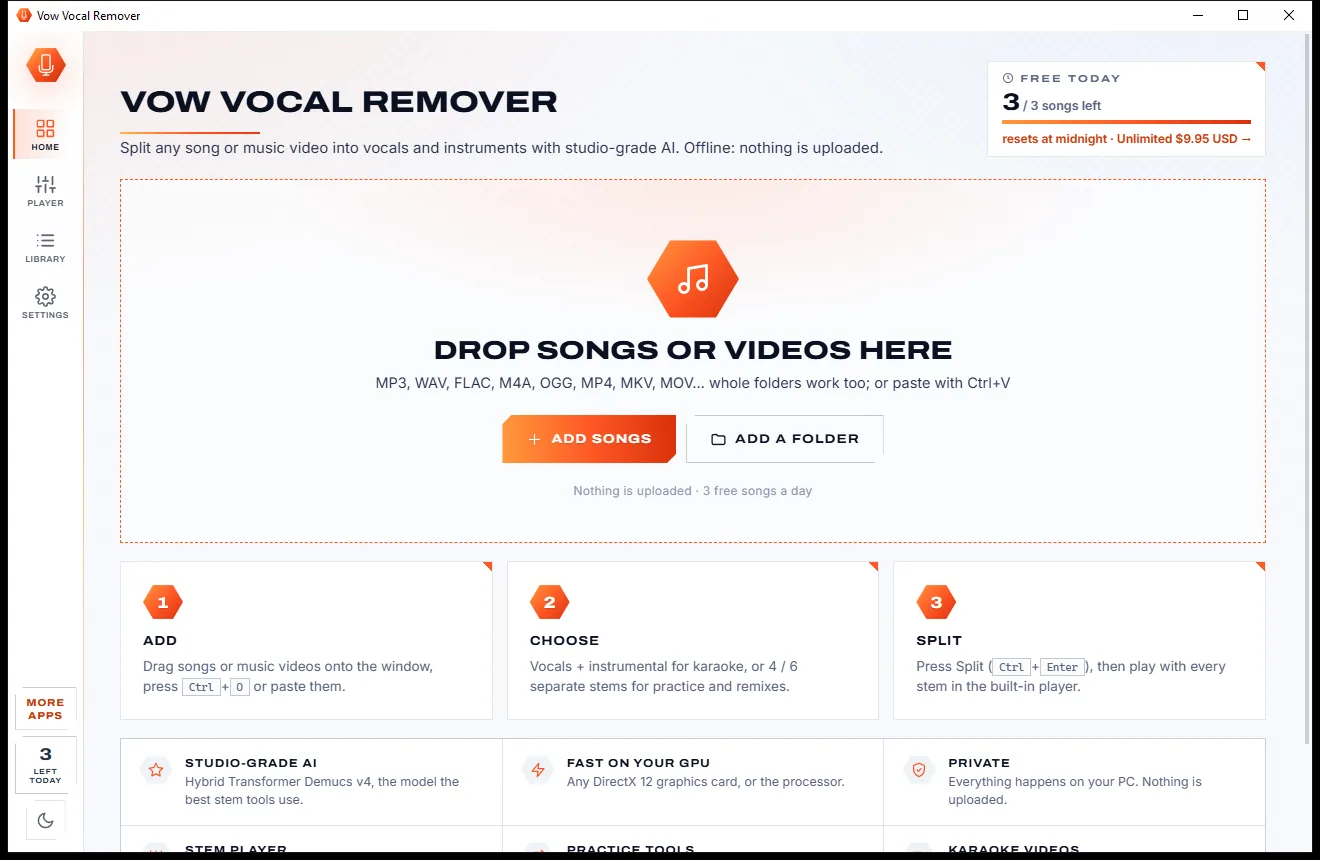
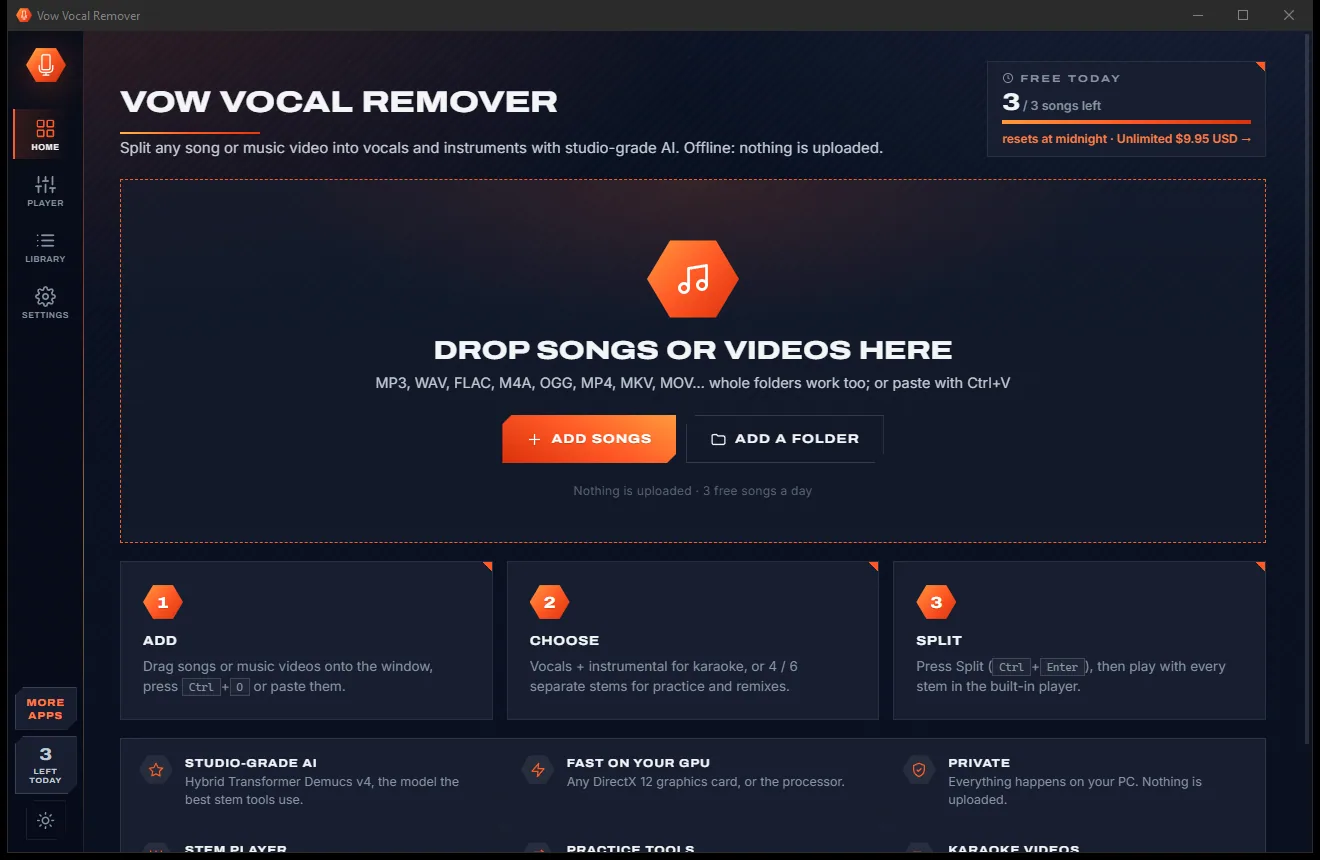
Vow Vocal Remover
Remove vocals from any song, offline, in two clicks
- Free: 3 songs a day, vocals + instrumental, the full stem player
- $9.95 once: Unlimited songs, 4 and 6 stems, lossless WAV and FLAC

Audio & meeting transcriber for Windows
Drop a recording or press Record during a call. Whisper AI writes down every word, tells the speakers apart and turns the meeting into notes with decisions and action items, all on your own computer. No bots joining your calls, no uploads, no monthly minutes.
The problem
Private meetings, interviews and patient notes end up on someone else's server, billed by the minute.
Online transcription means uploading confidential calls, interviews and client conversations to a company you have never met.
Note-taking bots join your meetings as an extra guest, and everyone on the call has to wonder where the recording goes.
Plans count your minutes. One long workshop or a week of interviews and you are paying for the next tier.
Plain speech-to-text gives you a wall of words with no idea who was speaking, so you sort it out by ear.
Writing a transcript by hand takes several times longer than the recording, and the notes still have to be written after.
Text arrives without times, speakers or formatting, ready for another hour of copying into Word.
Vow Audio and Meeting Transcriber fixes all of it.
How it works
A finished transcript with speakers, times and notes, without your audio ever leaving the PC.
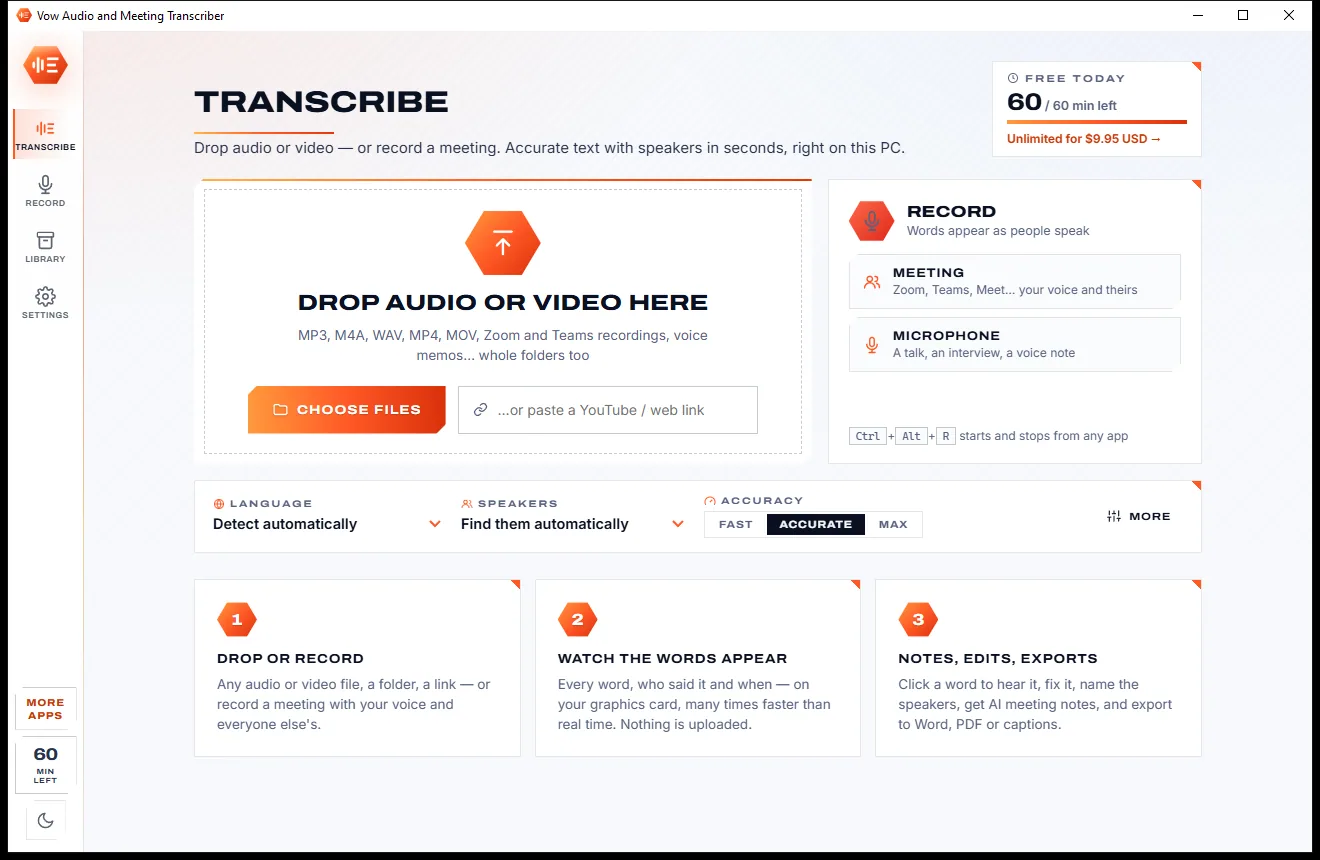
Drag in audio or video, a whole folder or a link, or press Record for a Zoom, Teams or Meet call. Ctrl+Alt+R starts it from any app.
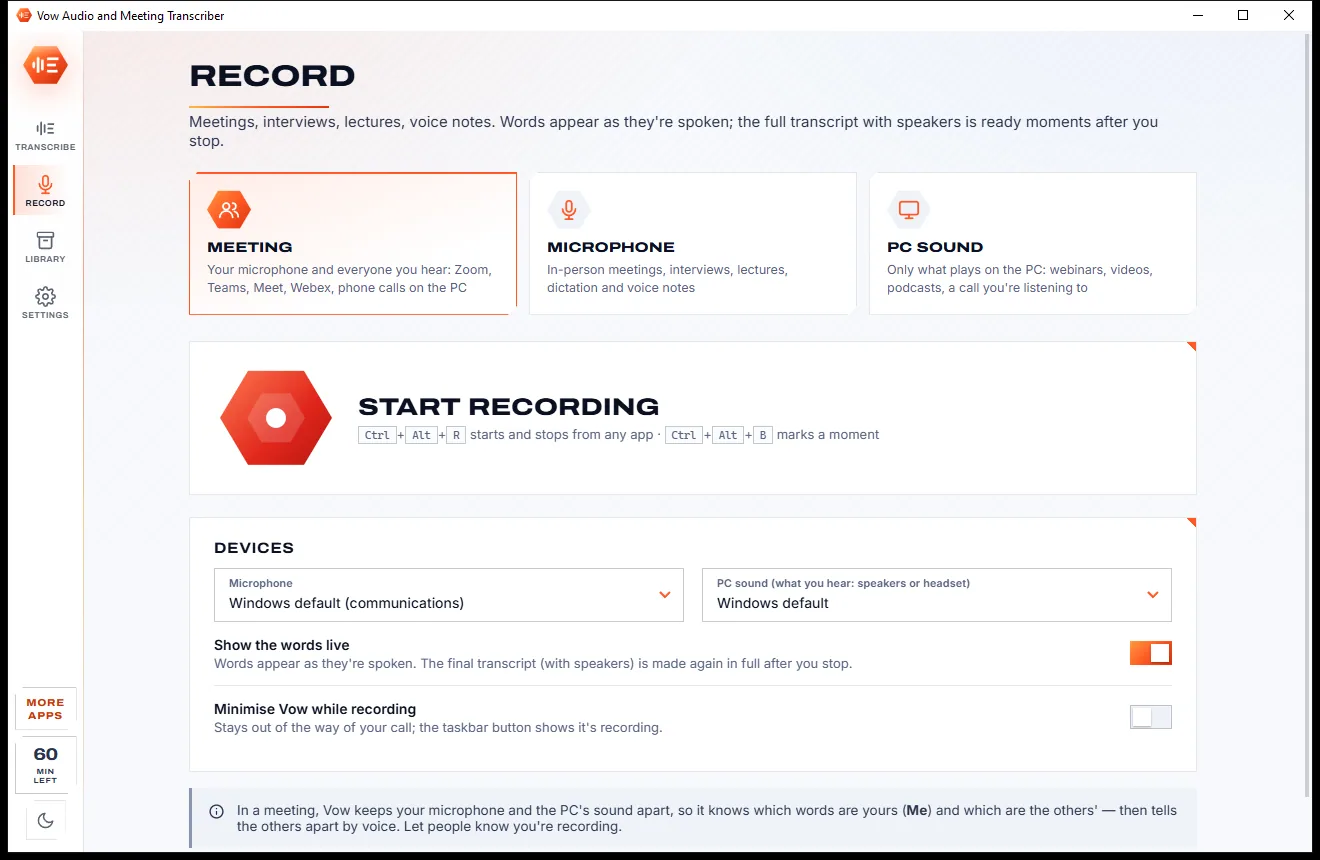
The language and the speakers are found by themselves. Whisper AI works on your graphics card, many times faster than real time.
Click a word to hear it, name the speakers, ask for meeting notes with decisions and action items, then export to Word, PDF or captions.
Features
For meetings, interviews, lectures, podcasts and voice notes: simple to start, thorough when you need it.
Whisper Large v3 Turbo by default, 99 languages detected by themselves, a vocabulary for names and jargon, and noise clean-up.
Voice prints tell people apart automatically, or set the number. Name a speaker once and that voice is recognised in later transcripts.
Records your microphone and the PC's sound apart, so your words are told from everyone else's, with live words as people speak.
The word being said lights up, click any word to hear it, and edits keep every unchanged word's time. Doubtful words are underlined.
Summary, decisions, action items with owners, chapters, follow-up emails and more, written on your PC, with clickable times.
Ask anything about a long recording and get an answer that points to the exact moments it came from.
Word, PDF, text, Markdown, web page, SRT and WebVTT captions, JSON and CSV, with speakers, times and notes on top if you like.
Every transcript searchable word for word, with tags, stars and talk-time statistics for each speaker.
Listening, speakers and notes all run on your own PC. Your audio is never uploaded and no bot ever joins your calls.
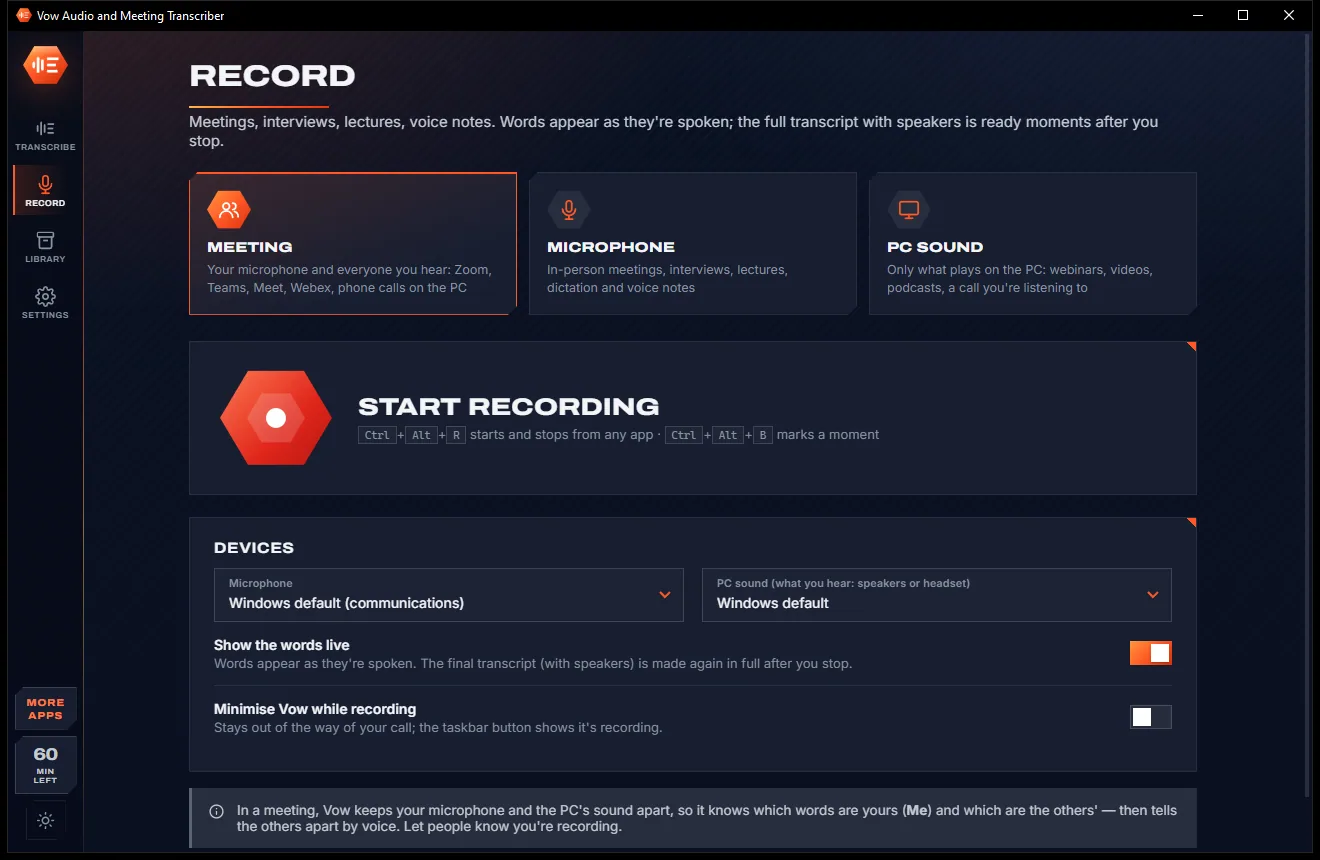
Switch between a bright paper look and a dark carbon look with one click in the sidebar, or let it follow Windows.
Light & dark theme
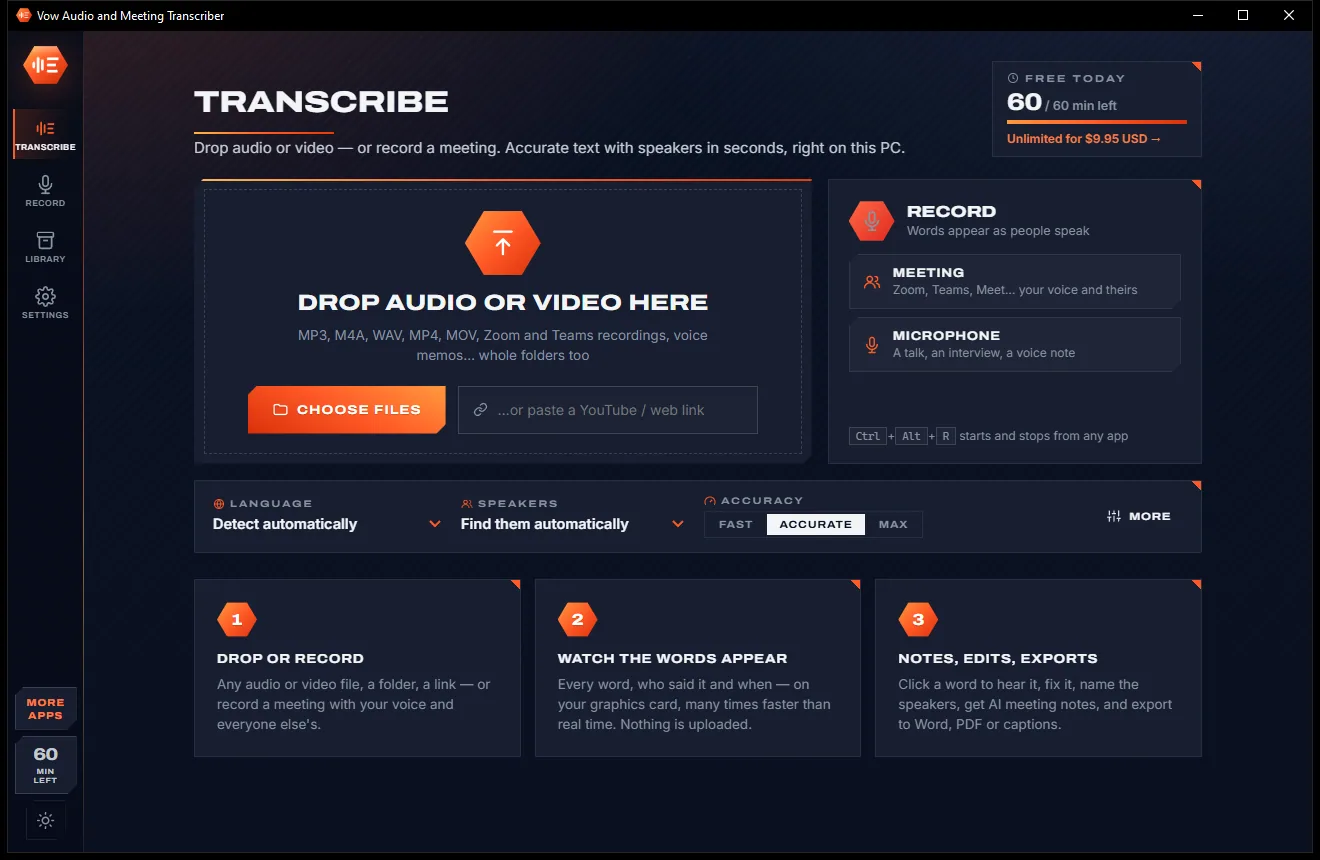
Audio Transcriber comes with a crisp light theme and a calm dark theme. Switch with one click, or let it follow your Windows setting by itself. It remembers your choice.
Screenshots
Real screenshots of the real app, in both of its themes: 5 light, 5 dark. Click any picture to see it full size.
Light theme
Dark theme
Who it's for
Minutes, decisions and action items from every Zoom, Teams or Meet call, without a bot in the room.
Accurate interview transcripts with each voice labelled, ready to quote and code.
Turn recorded lectures into searchable text and study notes you can click back into.
Show notes, chapters, quotes and captions from every episode, in minutes.
Confidential conversations transcribed on your own computer, never sent to an outside service.
Speak your thoughts, then read, search and share them as tidy text.
Compare
What you actually get from typical online transcription services and meeting bots, side by side.
| Feature | Vow Audio and Meeting Transcriber | Online transcription services & meeting bots |
|---|---|---|
| Price | Free every day, or $9.95 once | Monthly plans with minute limits |
| Your audio is uploaded | Never: 100% on your PC | Yes, to their servers |
| A bot joins your meetings | Never: it records on your PC | Often |
| Speakers told apart | Automatically, with known voices | Usually, sometimes on paid plans |
| AI meeting notes | On your PC, included free | Often a paid add-on |
| Word, PDF and caption exports | All included | Some formats on higher plans |
| Works without internet | Yes, after the one-time model download | No |
| Ads and upsell pop-ups | None | Common on free tiers |
"Typical" describes what we found across the most-downloaded alternatives when we built Audio Transcriber. Your mileage with any one of them may vary; ours won't.
Pricing
That is not a typo. Software this powerful usually means a monthly subscription; Audio Transcriber is $9.95, once, for life: it's almost a giveaway. Use it free for as long as you like, and unlock Unlimited only if you need more.
60 minutes a day, every feature: speakers, live words, AI notes.
Almost a giveaway. Less than a takeaway lunch for software this powerful: no subscription, no renewals, yours for life on 2 PCs.
Unlimited hours every day, whole workshops and podcasts in one go.
Payments by Stripe: we never see or store your card. Questions? Ask a real person.
Clean software
Most "free" Windows downloads pay for themselves with ads, bundled extras or your data. Vow Audio and Meeting Transcriber doesn't need to: it's paid for honestly, once, by the people who find it useful.
Download Audio Transcriber freeStep-by-step guide
From a recording to a shareable transcript with notes in a few minutes, without uploading anything.
Step 1: get it freeDownload Vow Audio and Meeting Transcriber from this page and run the installer. It needs no administrator rights and no account. The speech model downloads once with your first transcript.
Drag an audio or video file onto the window, choose files, paste a link, or right-click a file in Explorer and choose Transcribe with Vow. To capture a call, press Record and pick Meeting.
Language and speakers are found by themselves and Accurate is the recommended quality. If you know how many people spoke, set the number for the cleanest speaker split.
It opens by itself when it is done. Click a word to hear it, double-click to fix it, and rename Speaker 1 and Speaker 2 to real names everywhere at once.
Under Notes, press Meeting notes for a summary, decisions and action items. Then press Export and save a Word document, a PDF or captions.
Technical details
FAQ
Yes. You can transcribe 60 minutes of audio every day for free, with every feature: speakers, meeting recording with live words, AI notes and every export. Recording, editing and exporting are never limited. Unlimited, a one-time $9.95 USD payment, removes the daily minutes.
No. Transcription, speaker detection and the AI notes run on your own PC. The models download once on first use; after that it works with no internet. Cloud AI services such as Claude or OpenAI are only used for notes if you add your own key and choose them.
Yes. Meeting mode records your microphone and the PC's sound at the same time, kept apart, so your words are told from everyone else's. No bot joins the call. Ctrl+Alt+R starts and stops it from any app.
It builds a voice print for each speaker and groups what they said, automatically or for a number of people you set. Rename Speaker 2 to a name and that voice is recognised in later transcripts.
It transcribes up to the free minutes you have left today. The rest waits, marked as a part, and is added with tomorrow's minutes, or at once with Unlimited.
On a fast graphics card, many times faster than real time: the developer measured 10 minutes of audio, including speakers, in 9.7 seconds on an RTX 5090. It also runs on NVIDIA, AMD and Intel graphics or on the processor alone, more slowly.
It understands 99 languages and can translate speech to English. It opens MP3, M4A, WAV, MP4, MOV and other audio and video files, and exports Word, PDF, text, Markdown, web page, SRT, WebVTT, JSON and CSV.
Yes. It is made and published by XTO Pty Ltd, an Australian company. The installer contains no ads, no toolbars and no bundled software, needs no administrator rights, and uninstalls cleanly from Windows Settings.
The Vow collection
Same design, same promises, a tiny one-time price. Learn one and you already know them all.
Remove vocals from any song, offline, in two clicks

Cut, fade and clean up any audio, and make ringtones, on your own PC

Convert any audio to MP3, FLAC and 9 more formats, tags and all
Transcripts with speakers and AI meeting notes, made on your own PC. Free to use every day, $9.95 once if you ever want Unlimited.