
Video
Vow GIF & Meme Maker
Turn any video clip into a GIF or meme, with no watermark
- Free: 10 GIFs a day, up to 10 seconds at 480p, with meme text
- $4.95 once: Any length, HD up to the original size, MP4, WebP and APNG

DVD to digital converter for Windows
Put a home DVD in and Vow DVD Digitizer lists the real videos, skips the "play all" repeats and turns each one into an MP4 with its chapters, ready for any TV, phone or PC. Camcorder files and tapes work too. Nothing is uploaded and nothing is watermarked.
The problem
Most DVD converters are built for movie discs, priced like it, and baffled by the discs a family actually owns.
Free versions often stop after a few minutes or stamp a logo across your wedding video until you buy.
Discs from a DVD recorder, unfinalised discs and camcorder DVDs confuse tools made for shop-bought movies.
"Play all" titles repeat the whole disc, so you end up converting, storing and sorting the same videos twice.
Bitrates, presets, deinterlace filters and anamorphic flags, just to get a file that plays on the TV.
One bad spot on an old disc and many converters give up, leaving you with nothing at all.
Free converters that come with ads, bundled offers and yearly renewals for a box of discs you digitize once.
Vow DVD Digitizer fixes all of it.
How it works
The disc opens by itself, the real videos are already ticked, and one button does the rest.
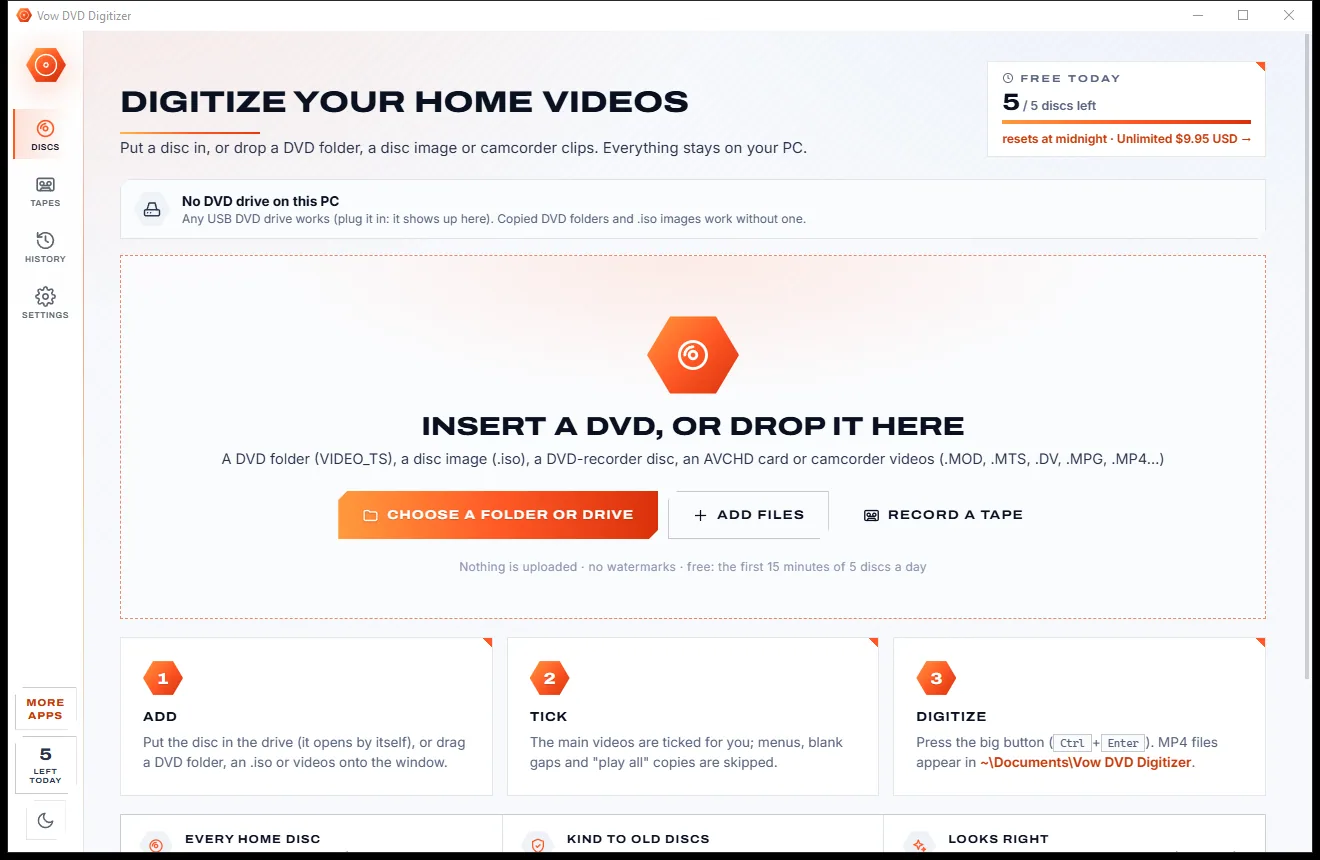
Put a DVD in and it opens by itself, or drop a VIDEO_TS folder, an .iso image, an AVCHD card or camcorder files onto the window.
Every title is listed with a thumbnail, length and chapters. The real videos are ticked; "play all" repeats, duplicates and blank gaps are skipped.
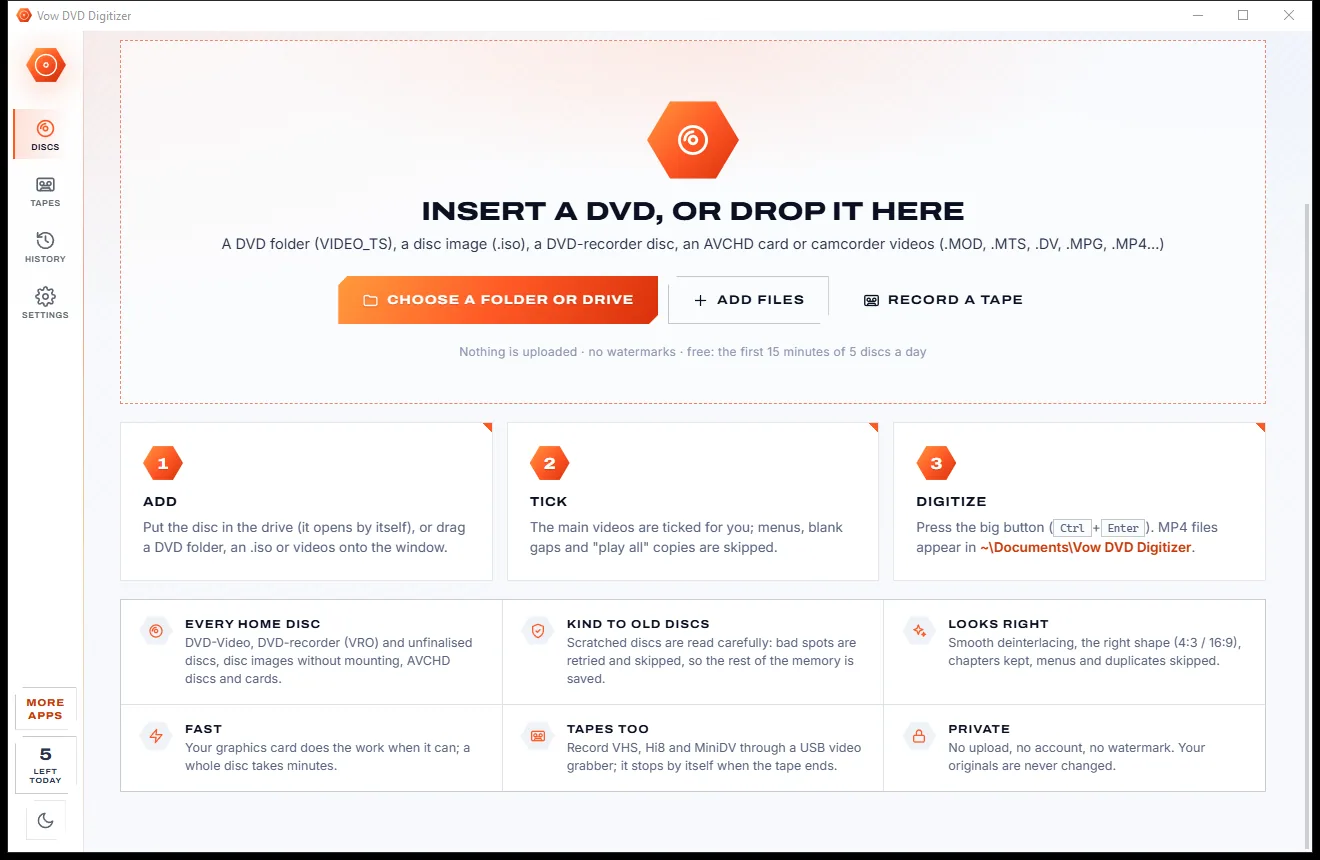
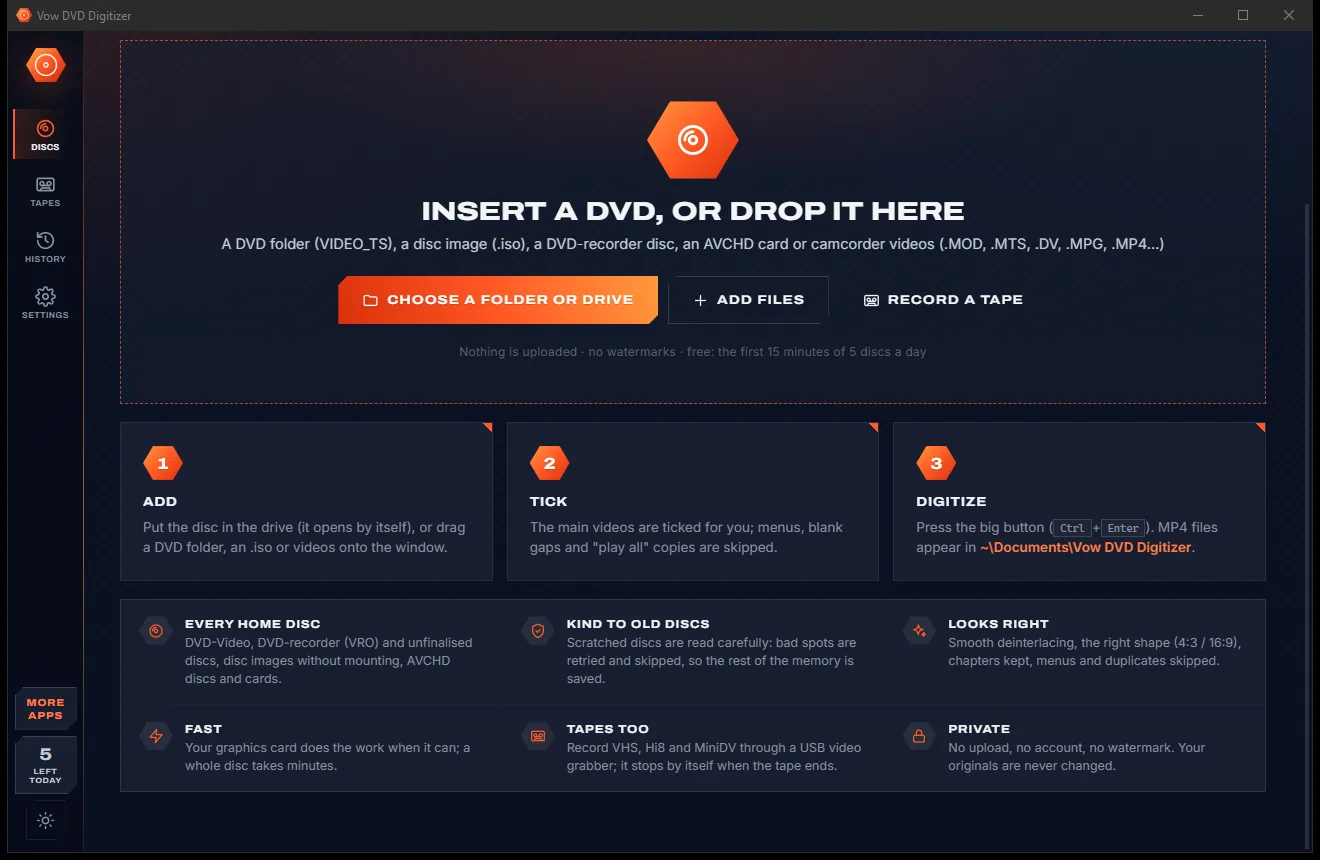
Choose a look, or keep Plays everywhere, and press the big button. Each video becomes an MP4 with its chapter marks, and the disc ejects when done.
Features
Weddings, birthdays and school concerts on DVD, camcorder cards and tapes, all handled with care in one app.
Reads the disc's own title and chapter tables, then skips "play all" titles, duplicates and short blank gaps for you.
H.264 MP4 with square pixels and the correct 4:3 or 16:9 shape, so videos look right on every TV, phone and PC.
Plays everywhere, Smaller files (H.265, about half the size), an exact MPEG-2 copy with no quality lost, or a small file for sharing.
DVD-Video, DVD-recorder (DVD-VR) discs, unfinalised discs, VOB-only copies, AVCHD discs and cards, and .iso images without mounting.
Failed reads are retried, unreadable sectors are skipped and long scratches are jumped, so the rest of the video is still saved.
Interlacing is detected automatically and removed smoothly, with film mode and optional 50/60 fps smooth motion for camcorder video.
Record VHS, Hi8 and Video8 through a USB video grabber, or MiniDV and Digital8 from a DV camcorder. It stops when the tape ends.
Less noise and tape grain, no black edges, the VHS noise line hidden, fresher colours and even sound. Preview it free first.
Camcorder clips keep their recording date in the file name, the file dates and the MP4 itself, so they sort in order.
With Unlimited, queue several discs and use disc swap: each disc starts when it goes in and comes out when it is done.
Light & dark theme
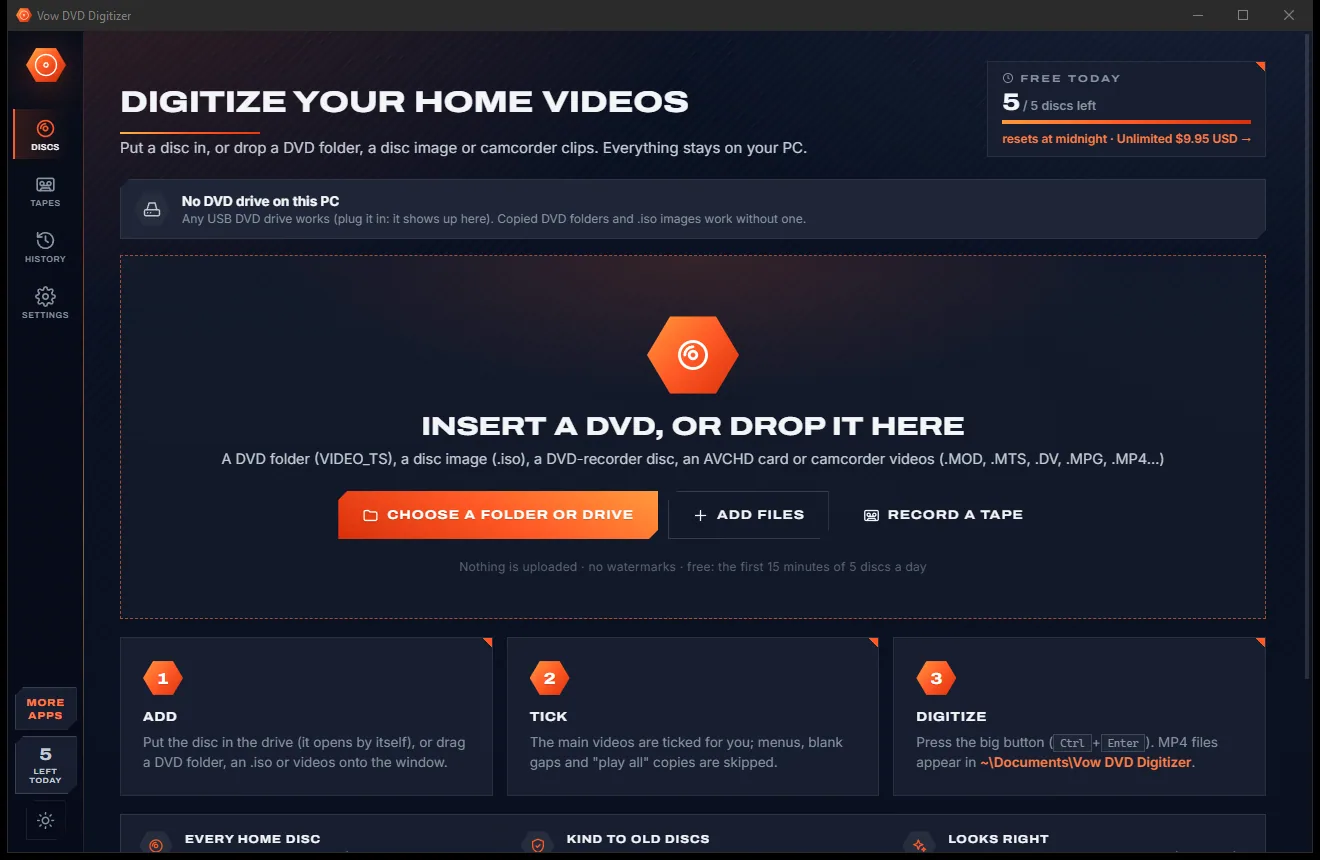
DVD Digitizer comes with a crisp light theme and a calm dark theme. Switch with one click, or let it follow your Windows setting by itself. It remembers your choice.
Screenshots
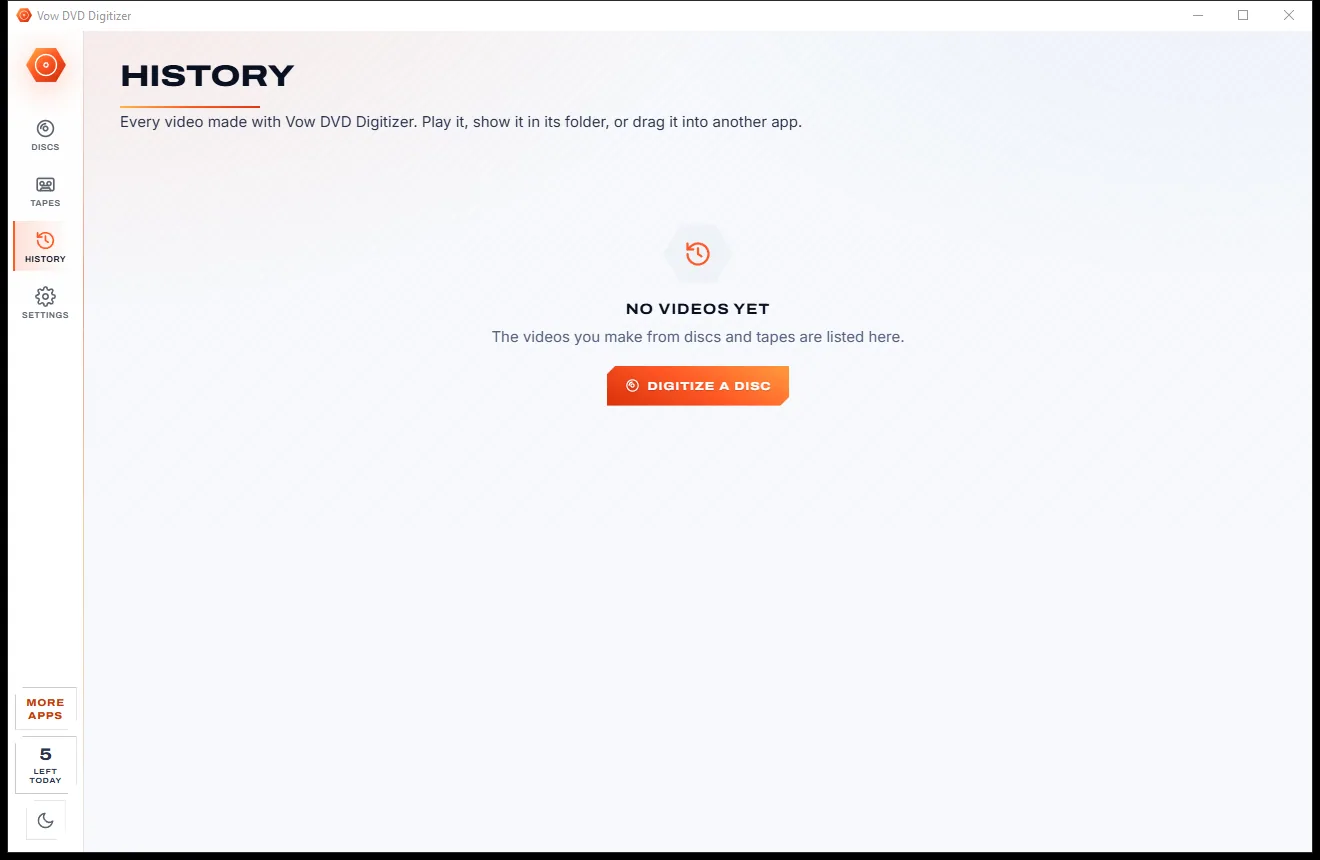
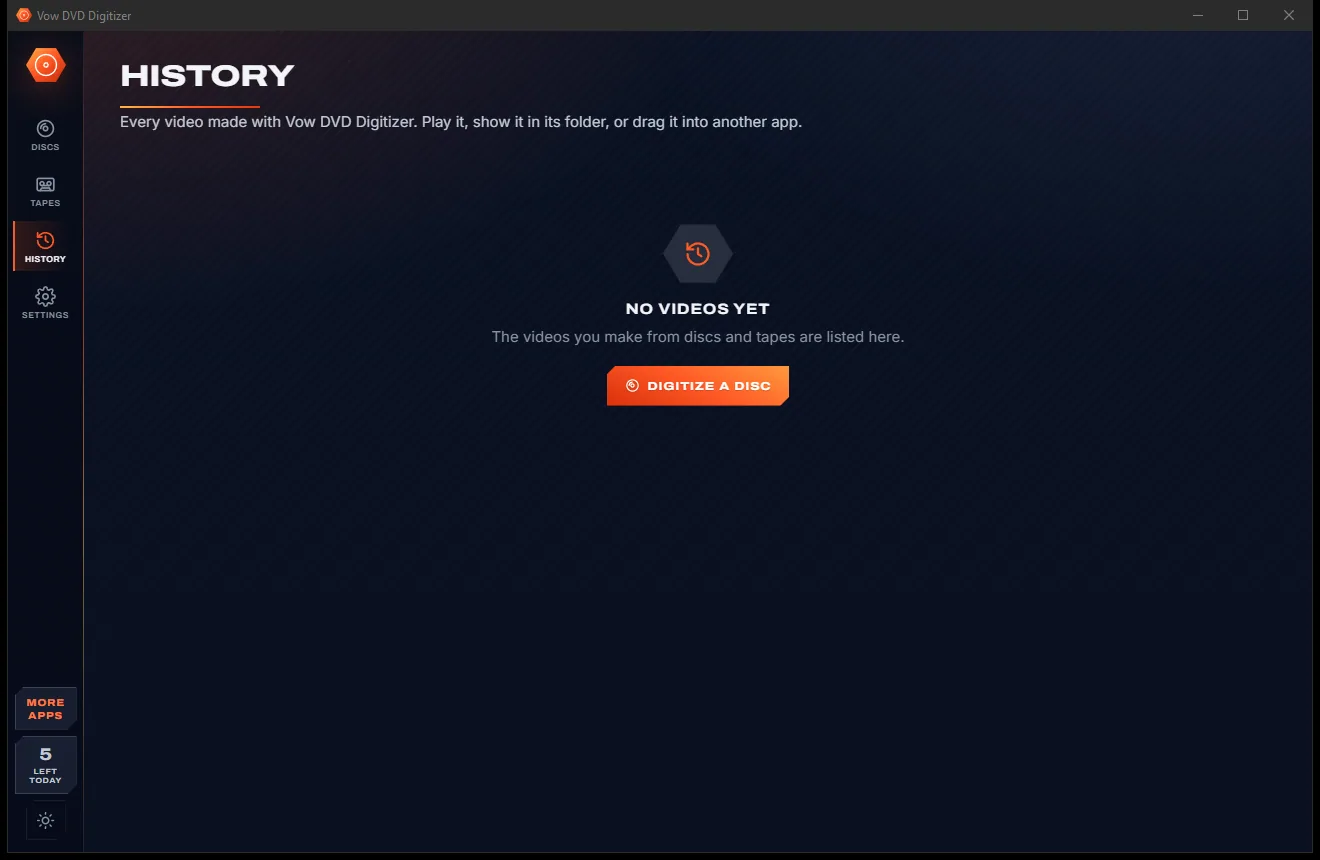
Real screenshots of the real app, in both of its themes: 7 light, 7 dark. Click any picture to see it full size.
Light theme
Dark theme
Who it's for
Birthdays, holidays and Christmas mornings moved off fragile discs and onto your PC.
The professionally made wedding DVD, kept as MP4 with every chapter mark in place.
Mini DVDs, AVCHD cards and .MOD or .MTS files turned into videos that open everywhere.
Grandparents' tapes recorded through a USB grabber before the players disappear.
Discs recorded on a home DVD recorder, finalised or not, finally playable on a computer.
Small MP4s for sending to family, ready to watch on a phone or smart TV.
Compare
What usually happens when you try to save a box of family discs, and what happens here.
| Feature | Vow DVD Digitizer | Typical DVD ripper apps |
|---|---|---|
| Price | Free every day, or $9.95 once | Paid licences, often renewing yearly |
| Free version | First 15 minutes of each disc, no watermark | Short trials, watermarks or 30-day limits |
| DVD-recorder and unfinalised discs | Yes, plus AVCHD and VOB-only copies | Rarely supported |
| Skips "play all" and duplicate titles | Automatically | Usually you pick titles by hand |
| Plays on every TV and phone | H.264 MP4 with the right shape, by default | Some default to MKV or need tuning |
| Scratched or damaged discs | Retries, skips bad sectors, saves the rest | Often stops at the first read error |
| Discs, camcorder files and tapes | All in one app | Usually separate programs |
| Interlaced home video | Detected and smoothed automatically | A manual setting in many tools |
| Ads and bundled offers | None | Common on free converters |
"Typical" describes what we found across the most-downloaded alternatives when we built DVD Digitizer. Your mileage with any one of them may vary; ours won't.
Pricing
That is not a typo. Software this powerful usually means a monthly subscription; DVD Digitizer is $9.95, once, for life: it's almost a giveaway. Use it free for as long as you like, and unlock Unlimited only if you need more.
The first 15 minutes of each disc or tape, 5 a day, no watermark.
Almost a giveaway. Less than a takeaway lunch for software this powerful: no subscription, no renewals, yours for life on 2 PCs.
Whole discs and tapes, chapter files, auto-cleanup, batch runs.
Payments by Stripe: we never see or store your card. Questions? Ask a real person.
Clean software
Most "free" Windows downloads pay for themselves with ads, bundled extras or your data. Vow DVD Digitizer doesn't need to: it's paid for honestly, once, by the people who find it useful.
Download DVD Digitizer freeStep-by-step guide
From a disc in the drive to MP4 files on your PC in a few clicks, with the chapters kept.
Step 1: get it freeDownload it from this page and run the installer. It needs no administrator rights and no account, and the video engine is included. Any internal or USB DVD drive works.
Insert the DVD and it opens by itself. Or drag a VIDEO_TS folder, an .iso image, an AVCHD card or camcorder files onto the window, or press Ctrl+O.
The main videos are ticked for you, while "play all" titles, duplicates and blank gaps are left out. Rename the disc if you like: the videos are named after it.
Keep Plays everywhere for an MP4 that works on any device, or choose Smaller files, Exact copy or For sharing. Choose one file per video or one file for the whole disc.
Press the big button or Ctrl+Enter. Each video is saved as an MP4 with its chapter marks in Documents\Vow DVD Digitizer, in a folder named after the disc, and the disc ejects when done.
Technical details
FAQ
Yes. Every day you can digitize the first 15 minutes of up to 5 discs, tapes or folders of camcorder clips for free, with every look, chapter marks and smooth deinterlacing, and no watermark. Unlimited, a one-time $9.95 USD payment, converts whole discs and tapes and adds chapter files, auto-cleanup, batches with disc swap and disc backups.
No. Everything runs on your own PC. There is no account and no cloud, so your family videos never leave your computer.
No. Copy-protected (CSS) commercial DVDs are not supported. Vow DVD Digitizer is made for home discs and your own recordings: family DVDs, wedding videos, DVD-recorder discs and camcorder footage.
DVD-Video discs and VIDEO_TS folders, .iso disc images (read without mounting), DVD-recorder (DVD-VR) discs, unfinalised discs and VOB-only copies, AVCHD discs and cards, and camcorder files such as .MOD, .TOD, .MTS, .M2TS, .DV, .AVI, .MPG, .VOB, .MP4, .MOV and .3GP.
Usually, yes. Discs from home DVD recorders, including unfinalised ones and copies with only VOB files, are read directly. A DVD-VR disc is converted as one video holding all its recordings.
Yes, with a USB video grabber (any "USB 2.0 Video Capture" device) for VHS, Hi8 and Video8, or a DV camcorder for MiniDV and Digital8. Press Preview to check the picture, then Record. Recording stops by itself when the tape ends and the blank end is cut off.
Failed reads are retried, sectors that stay unreadable are skipped, and long scratches are jumped in growing steps, so the rest of the video is still saved instead of the whole job failing.
Yes. It is made and published by XTO Pty Ltd, an Australian company. There are no ads, no toolbars and no bundled software, it needs no administrator rights, and it uninstalls cleanly from Windows Settings.
The Vow collection
Same design, same promises, a tiny one-time price. Learn one and you already know them all.
Turn any video clip into a GIF or meme, with no watermark

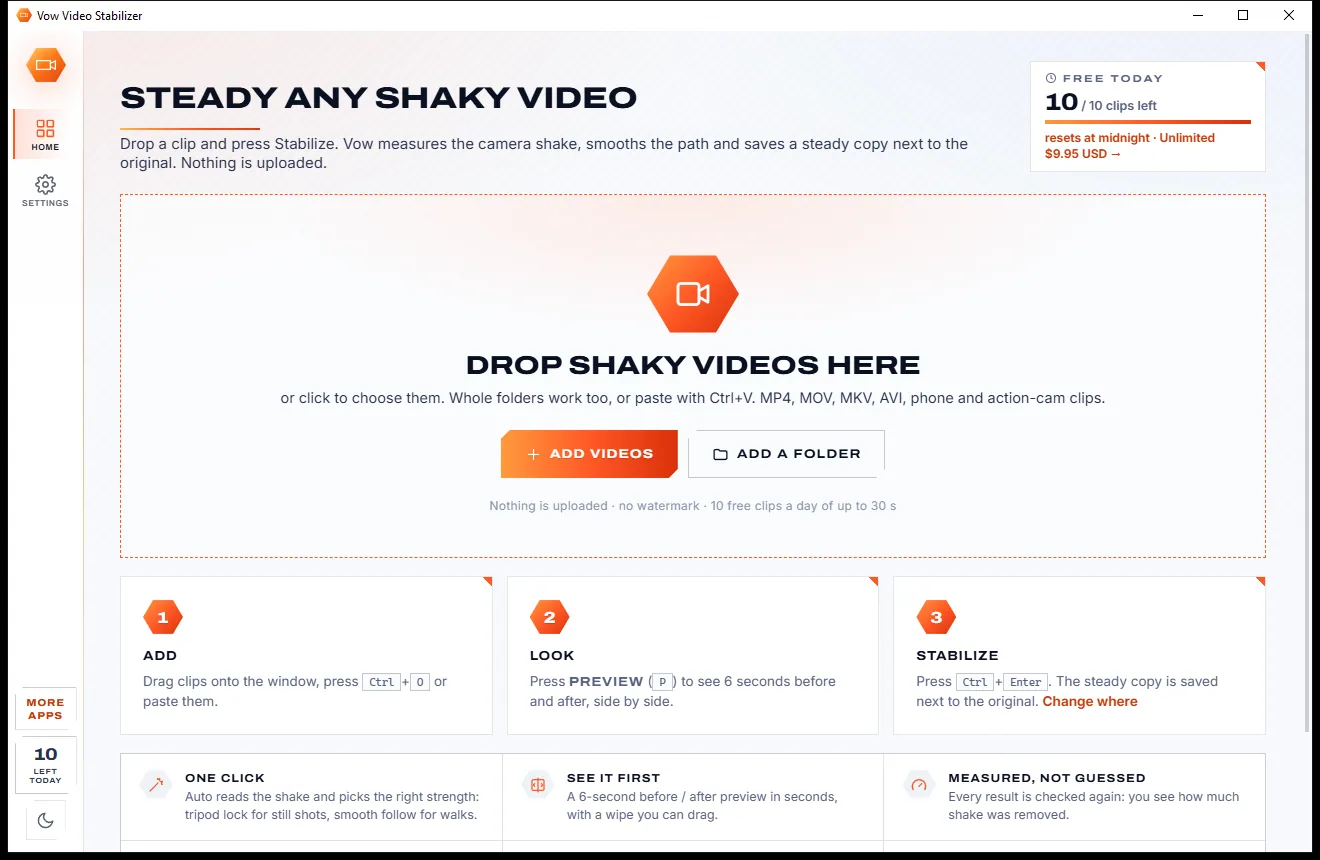
Steady any shaky video in one click, right on your PC

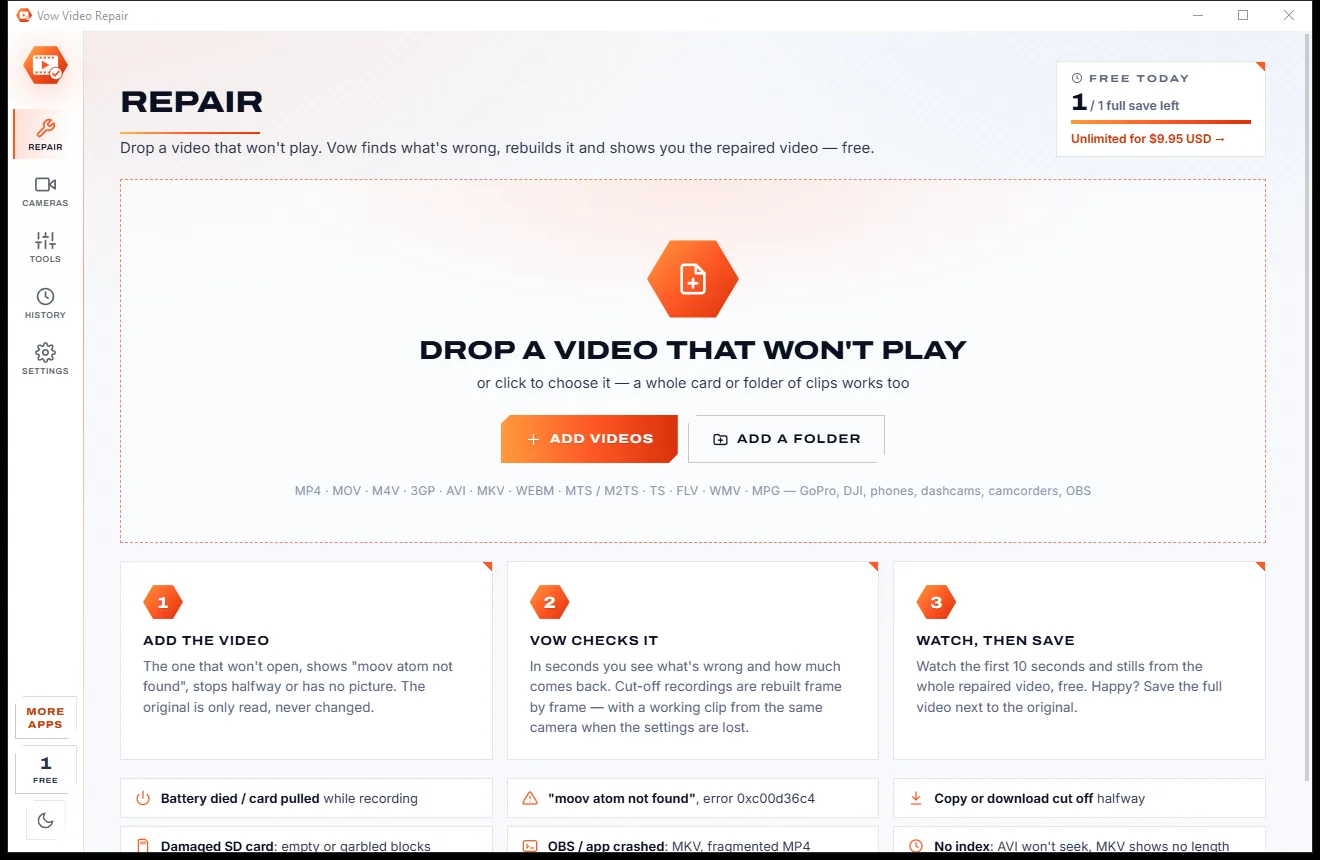
Fix videos that won't play, and see the repair before you pay
Turn home DVDs, camcorder clips and tapes into MP4s that play anywhere. Free to use every day, $9.95 once if you ever want Unlimited.