
Files
Vow File Search
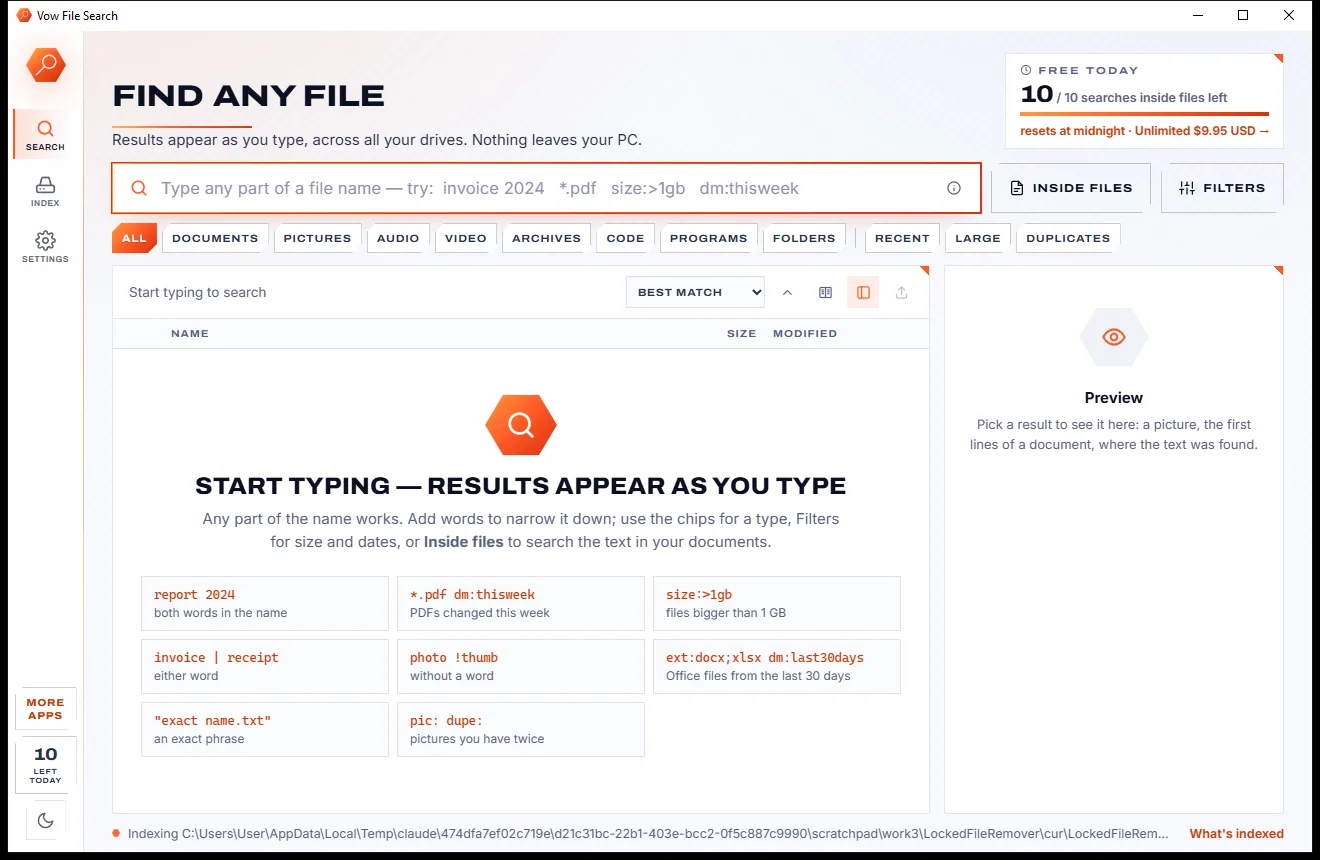
Find any file as you type, across every drive
- Free: Unlimited file name search on every drive, 10 searches inside files a day
- $4.95 once: Unlimited searches inside files, network drives and NAS shares

RAW drive and partition repair for Windows
Vow Drive Rescue finds out in seconds why Windows won't open your drive, shows you the files as they are, and repairs the boot sector or partition table so it opens again. Every change is shown before it is written, backed up first and undoable.
The problem
Windows offers to format it. Forums tell you to type commands into a black window. Repair tools change your disk without showing you what they are about to do.
Windows' own answer to a damaged drive writes a new, empty file system over the old one. One click on Yes and the easy fix is gone.
The free classics are powerful, but they live in a text console and expect you to know what a cylinder boundary is.
Many tools write to the disk the moment you press the button, with no preview of the result and no way back.
Partition repairs are often locked behind monthly plans or pricey licences, for a job you hope to do once.
RAW, no letter, not initialized, the parameter is incorrect: the messages say something broke, not what or why.
Running scan after scan on a drive that is already dying can finish it off before the files are safe.
Vow Drive Rescue fixes all of it.
How it works
The cause in plain words, your files safe on another drive, then a repair you can see and undo.
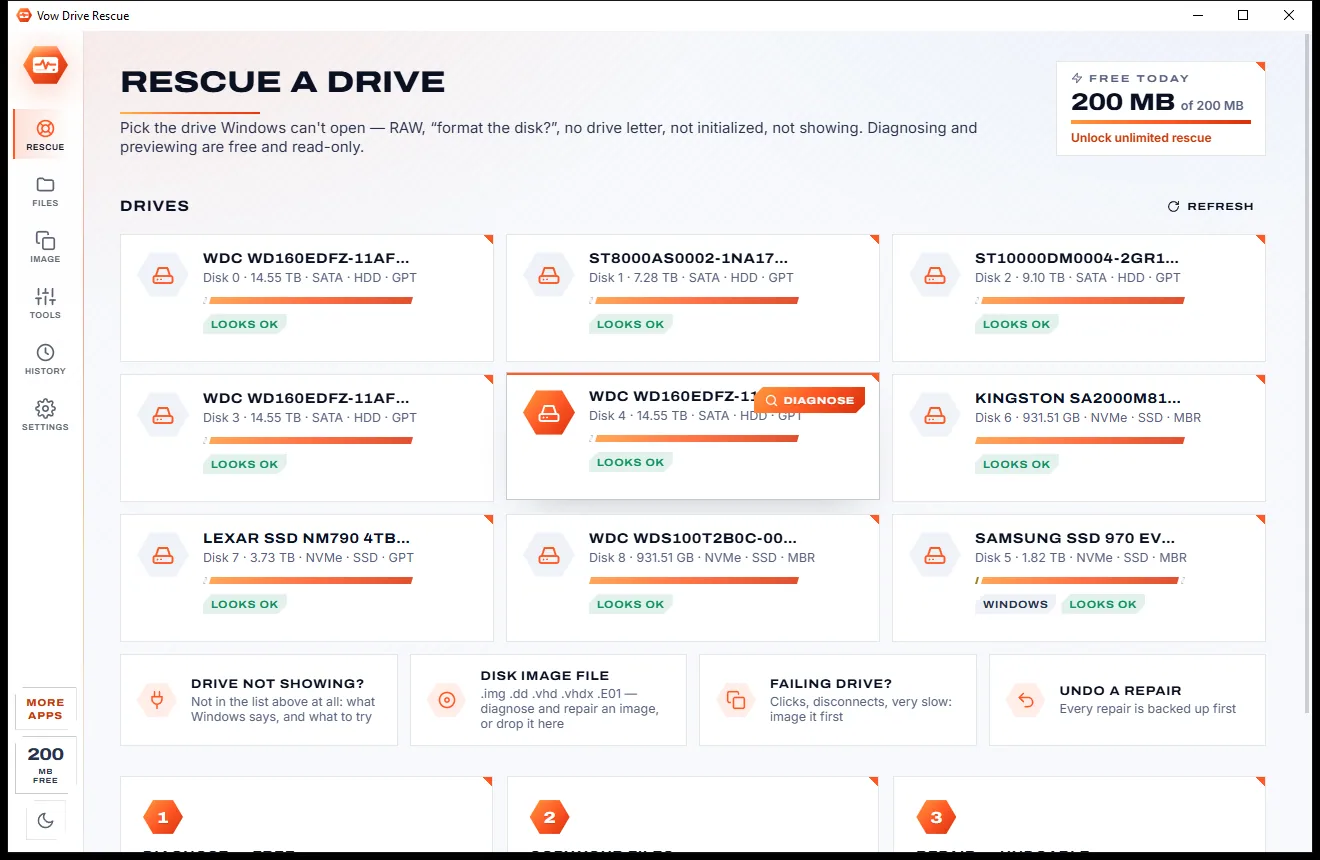
Every disk Windows knows is listed, even ones with no letter, offline or not initialized. Click it and the diagnosis takes a few seconds, read-only.
The drive is read through a virtual repair, so files appear as they will after the fix while nothing is written. Preview them and copy them to another drive.
Each fix shows exactly which bytes it writes and what Windows will see afterwards. The old bytes are saved first, so one click undoes it.
Features
For the external drive that went RAW, the stick with no letter and the card that says "not initialized".
"Found it: the NTFS boot sector is damaged", with a disk map, every finding explained and the fix next to it.
See, preview and recover the files of a drive Windows can't open, read through a virtual repair with nothing written.
Restores NTFS, FAT32 and exFAT boot sectors from their backups, or rebuilds them from the file table when both copies are gone.
Finds deleted partitions by their boot sectors or backups and adds them back to the MBR or GPT table, or rebuilds the table.
A preview of every repair, checked on a virtual copy, with a hex view of each sector as it is now and after the repair.
The bytes a repair replaces are saved before it writes, sectors are read back afterwards, and Undo puts them back.
Readable areas first and bad spots last, ddrescue-style and resumable, to a VHD Windows opens with a double-click.
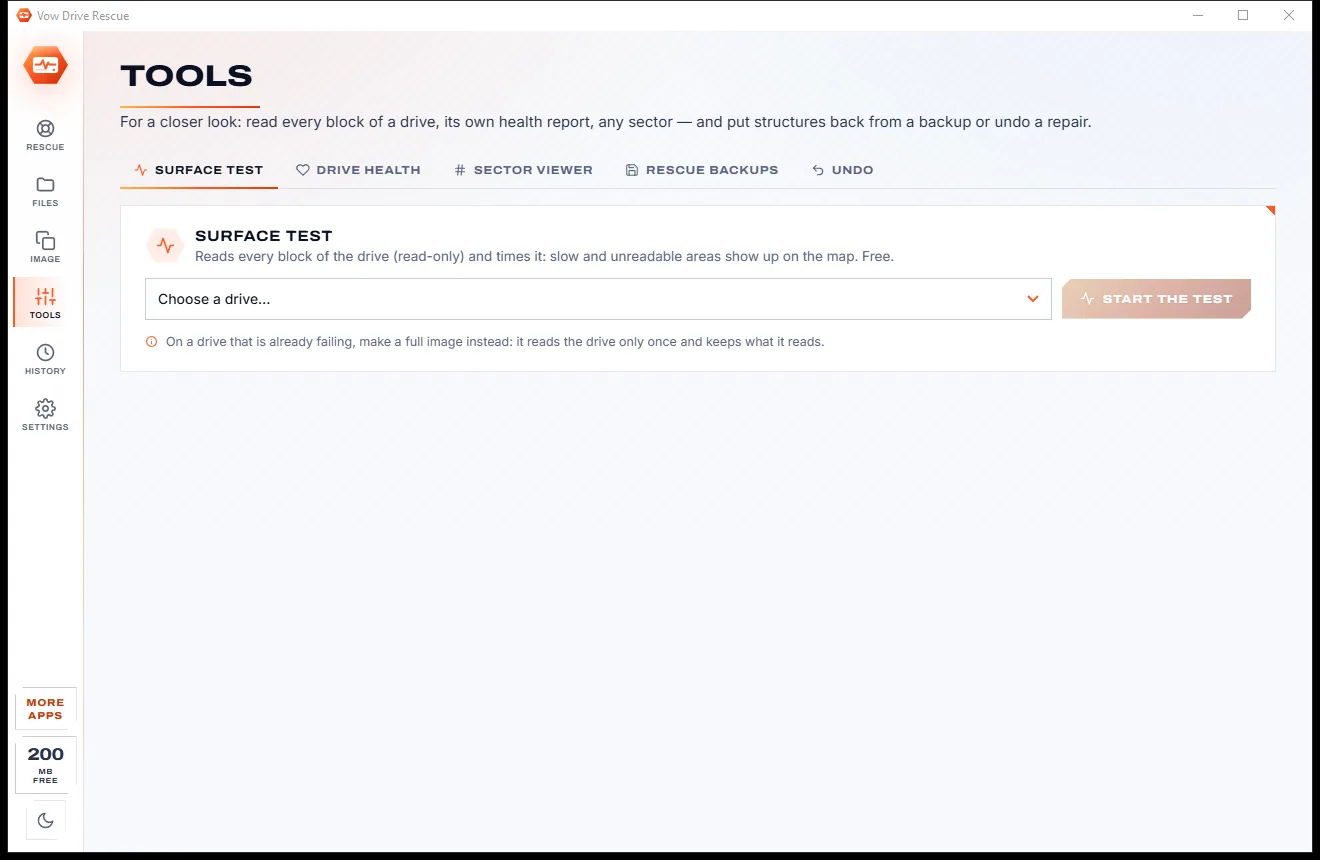
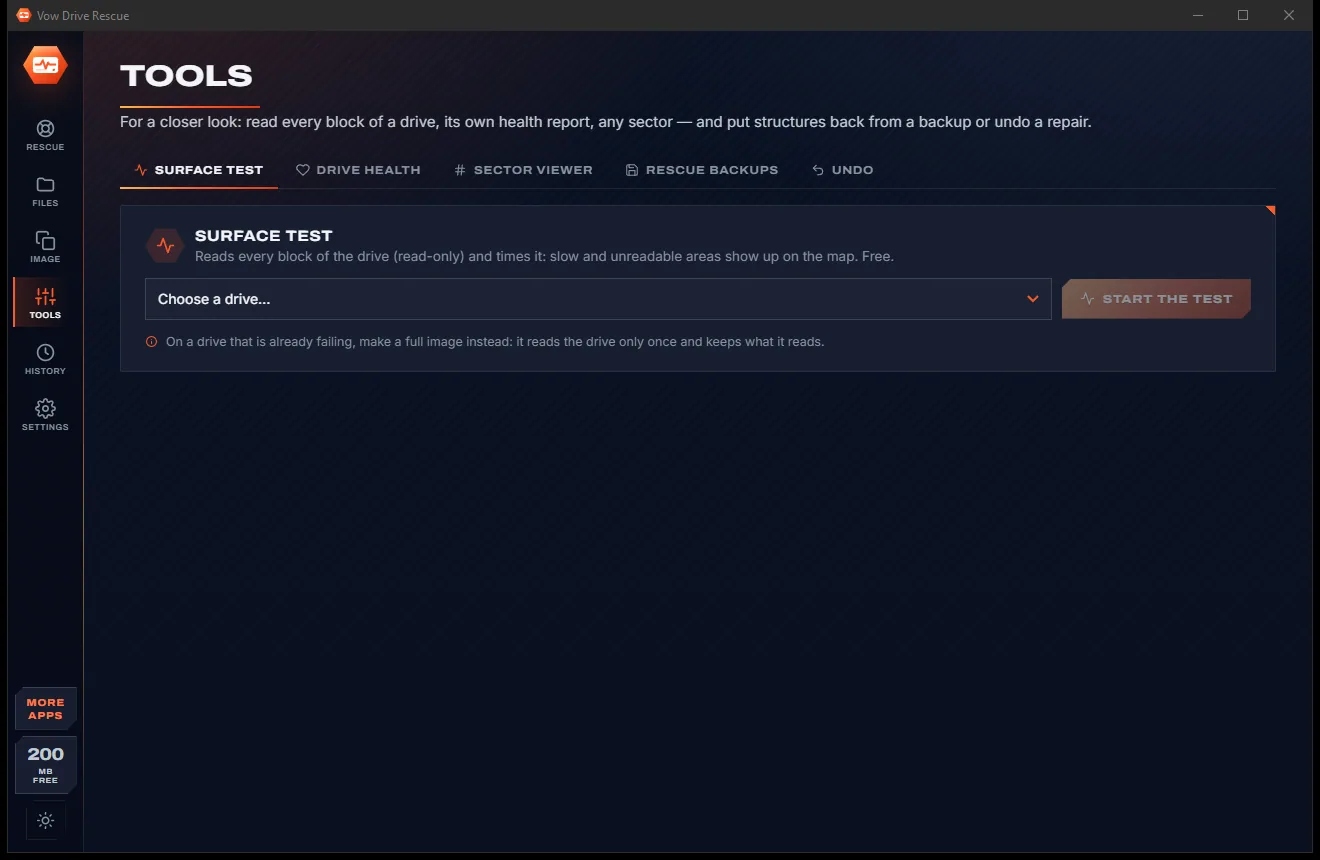
Read test, counterfeit-size check, a timed surface map of every block and S.M.A.R.T. read in plain language.
Bring a disk online, clear read-only, give it a drive letter, lift the USB write-protect policy or run Windows' check.
Switch between the paper-light and carbon-dark look with one click on the side rail, and it stays the way you left it.
Light & dark theme
Drive Rescue comes with a crisp light theme and a calm dark theme. Switch with one click, or let it follow your Windows setting by itself. It remembers your choice.
Screenshots
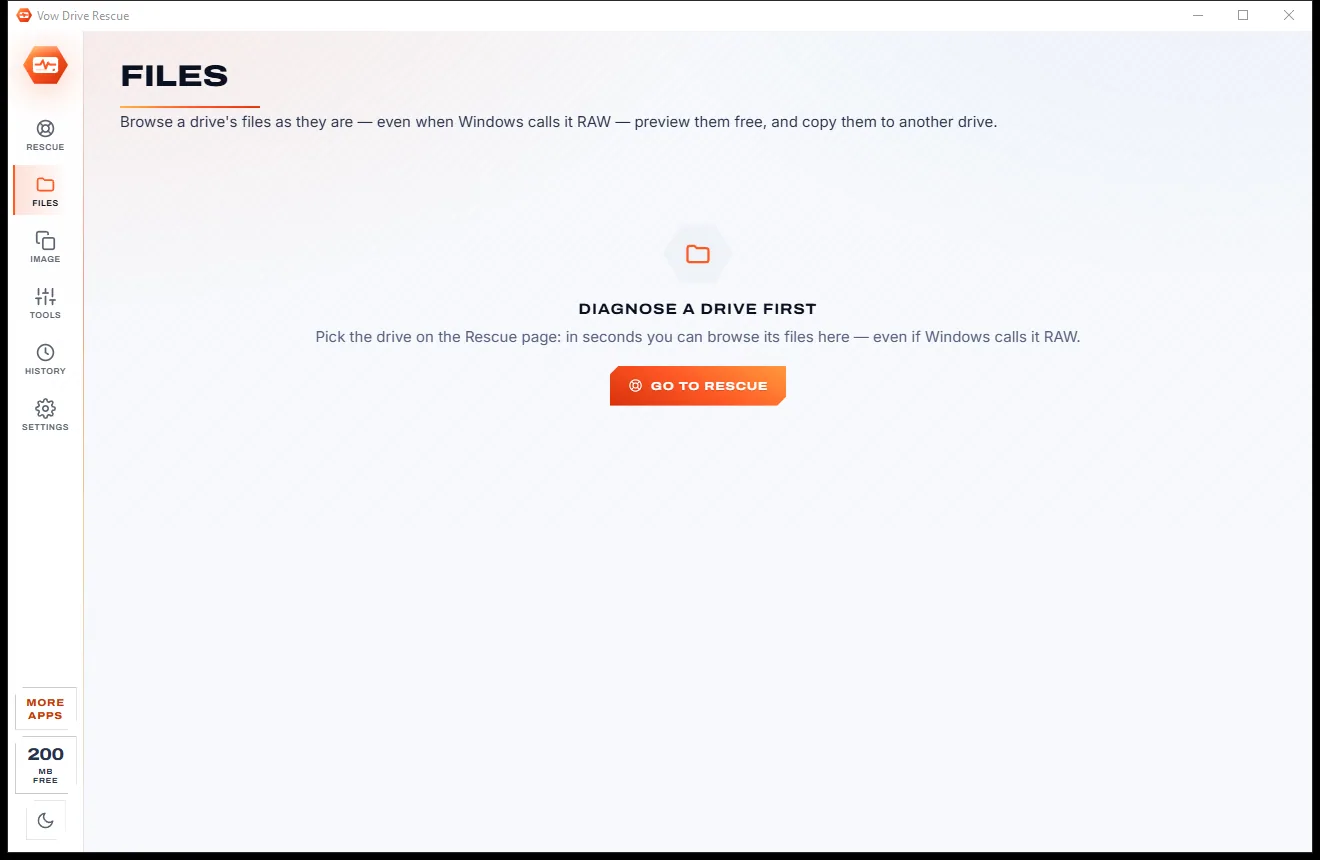
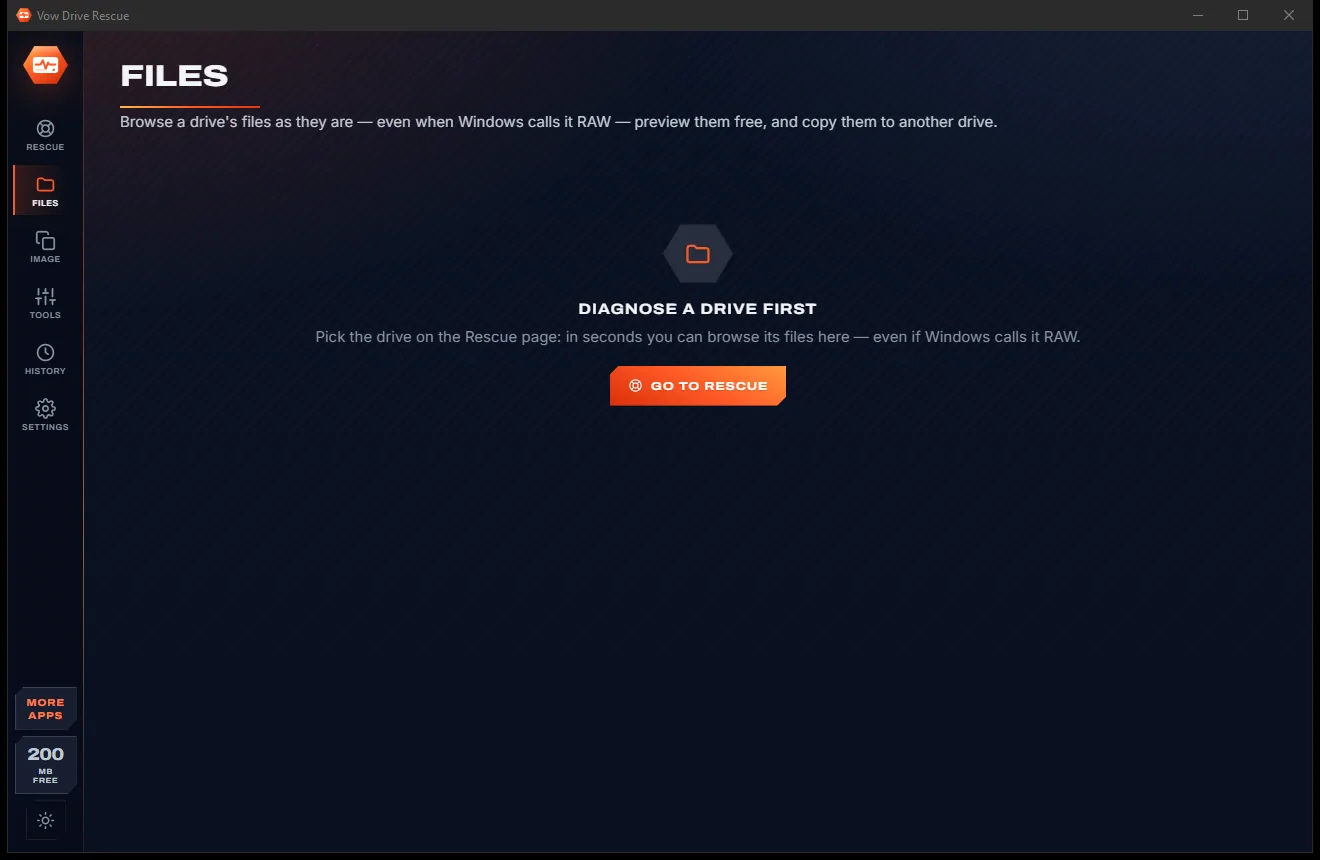
Real screenshots of the real app, in both of its themes: 8 light, 8 dark. Click any picture to see it full size.
Light theme
Dark theme
Who it's for
Windows shows it as RAW and wants to format it. Find out why and put the boot sector back.
It shows in Disk Management but not in Explorer. Give it a letter or find its lost partition.
A memory card whose partition table was wiped gets its partition found and the table rebuilt.
Bring a deleted partition back with every file on it, instead of recovering file by file.
Image it first, readable areas before bad spots, then rescue the files from the image.
Diagnose disk images, keep rescue backups of each drive's structures and copy the diagnosis for the job sheet.
Compare
What happens to your drive with each of the options people usually reach for.
| Feature | Vow Drive Rescue | Format prompts & typical repair tools |
|---|---|---|
| Price | Free diagnosis, or $9.95 once to repair | Subscriptions or pricey licences |
| Explains the cause | In plain words, with the fix | Rarely; error codes or nothing |
| Preview of the repair | Checked on a virtual copy, hex before and after | Rarely shown |
| Undo after writing | Replaced bytes saved first, one-click Undo | Rarely offered |
| Browse files before repairing | Yes, free, through the virtual repair | Sometimes, often paid |
| Imaging a failing drive | ddrescue-style, resumable, to VHD | Separate tools |
| Easy to use | Click the drive, read the verdict | Free classics are text consoles |
| Ads, bundled extras | None, ever | Common with free downloads |
"Typical" describes what we found across the most-downloaded alternatives when we built Drive Rescue. Your mileage with any one of them may vary; ours won't.
Pricing
That is not a typo. Software this powerful usually means a monthly subscription; Drive Rescue is $9.95, once, for life: it's almost a giveaway. Use it free for as long as you like, and unlock Unlimited only if you need more.
Full diagnosis, browse and preview, repair previews, 200 MB a day.
Almost a giveaway. Less than a takeaway lunch for software this powerful: no subscription, no renewals, yours for life on 2 PCs.
Drive repairs with undo, full drive images, unlimited recovery.
Payments by Stripe: we never see or store your card. Questions? Ask a real person.
Clean software
Most "free" Windows downloads pay for themselves with ads, bundled extras or your data. Vow Drive Rescue doesn't need to: it's paid for honestly, once, by the people who find it useful.
Download Drive Rescue freeStep-by-step guide
Get the files off first, then put the drive back the way it was, with nothing written you haven't seen.
Step 1: get it freeWhen Windows asks "You need to format the disk", click Cancel. Formatting writes a new, empty file system over the old one.
Every disk is listed, including ones with no letter or not initialized. Windows asks once for permission, because Vow reads the drive directly.
In a few seconds you see what is wrong in plain words, a map of the disk's partitions, the drive's health and the fix for each finding.
Press Browse & preview files. The files appear as they will after the repair; tick the ones you need and recover them to another drive.
Open Repair the drive, press Preview changes to see every byte it will write, then repair. The old bytes are saved first, so Undo is one click away.
Technical details
FAQ
The full diagnosis, browsing and previewing every file, the preview of every repair, Windows' own fixes, the surface test, S.M.A.R.T. and Undo are free, plus 200 MB of recovered files a day. Unlimited, a one-time $9.95 USD payment, adds the sector repairs, full drive images and unlimited recovery.
Often, yes. When the cause is a damaged boot sector or partition table, Vow restores it from the backup copy the file system keeps, or rebuilds it, so Windows opens the drive again with every file in place.
Not unless you press Repair. Diagnosing, browsing and previewing are read-only. A repair first shows exactly what it writes, saves the bytes it replaces, then reads the sectors back to check them.
Every repair is checked on a virtual copy before anything is written, and the replaced bytes are saved first. Undo puts them back, after checking the drive still holds what the repair wrote.
Make a full image first. Vow reads the good areas first and the bad spots last, the way ddrescue does, keeps a map so it can resume, and saves a VHD you can diagnose, browse and recover from instead of the drive.
It does what they do, lost-partition search, boot-sector rebuilds and MBR or GPT rebuilds, in one app that explains the cause in plain words, previews every repair on a virtual copy and backs up and undoes every write. TestDisk runs in a text console; Vow Unlimited is $9.95 once.
If Windows doesn't see the drive, no software can read it, but Drive not showing? explains any Device Manager error and walks you through the checks that fix most cases, with a free Rescan disks button.
Yes. It is made and published by XTO Pty Ltd, an Australian company. The installer contains no ads, no toolbars and no bundled software, needs no administrator rights, and uninstalls cleanly from Windows Settings.
The Vow collection
Same design, same promises, a tiny one-time price. Learn one and you already know them all.
Find any file as you type, across every drive
Open every archive, and fix the ones that won't open
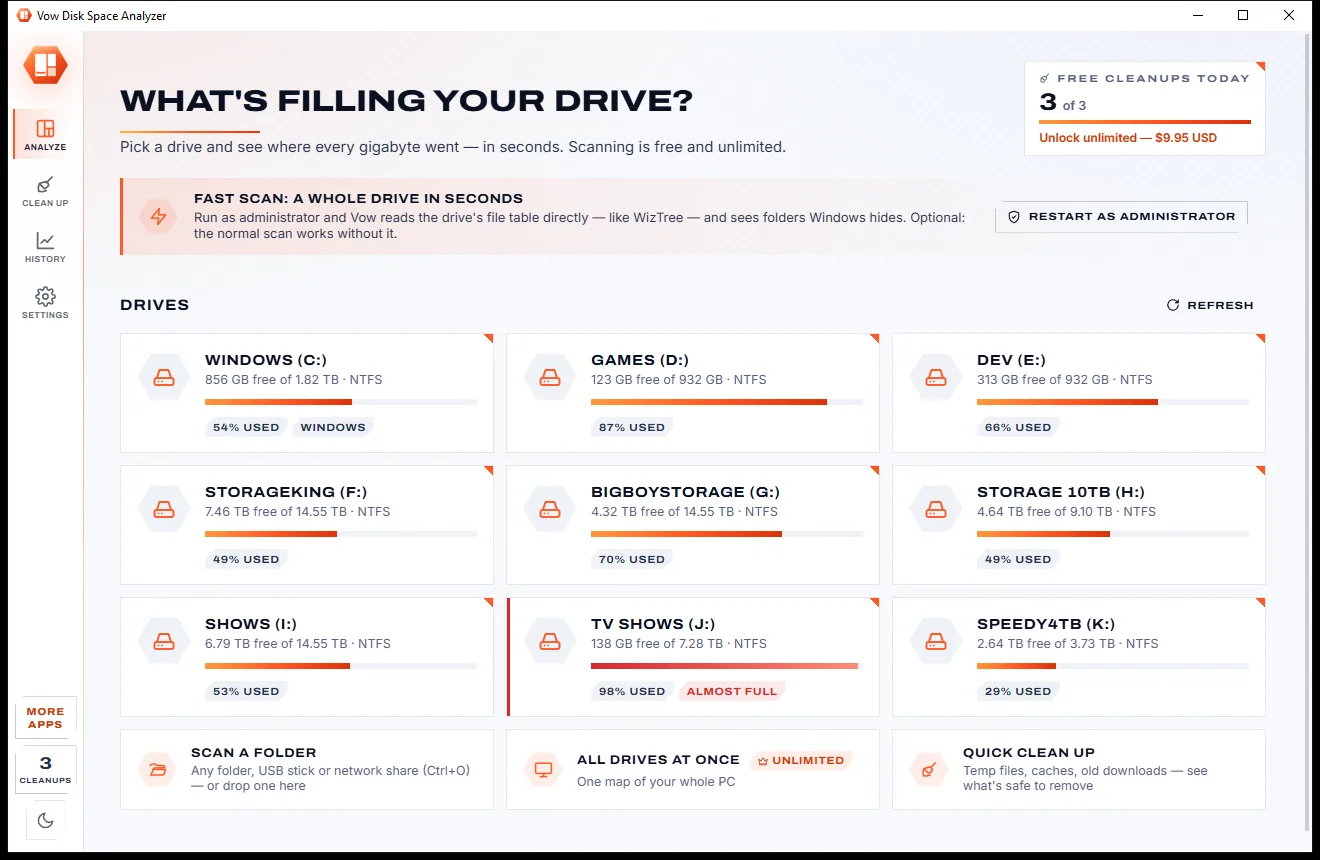
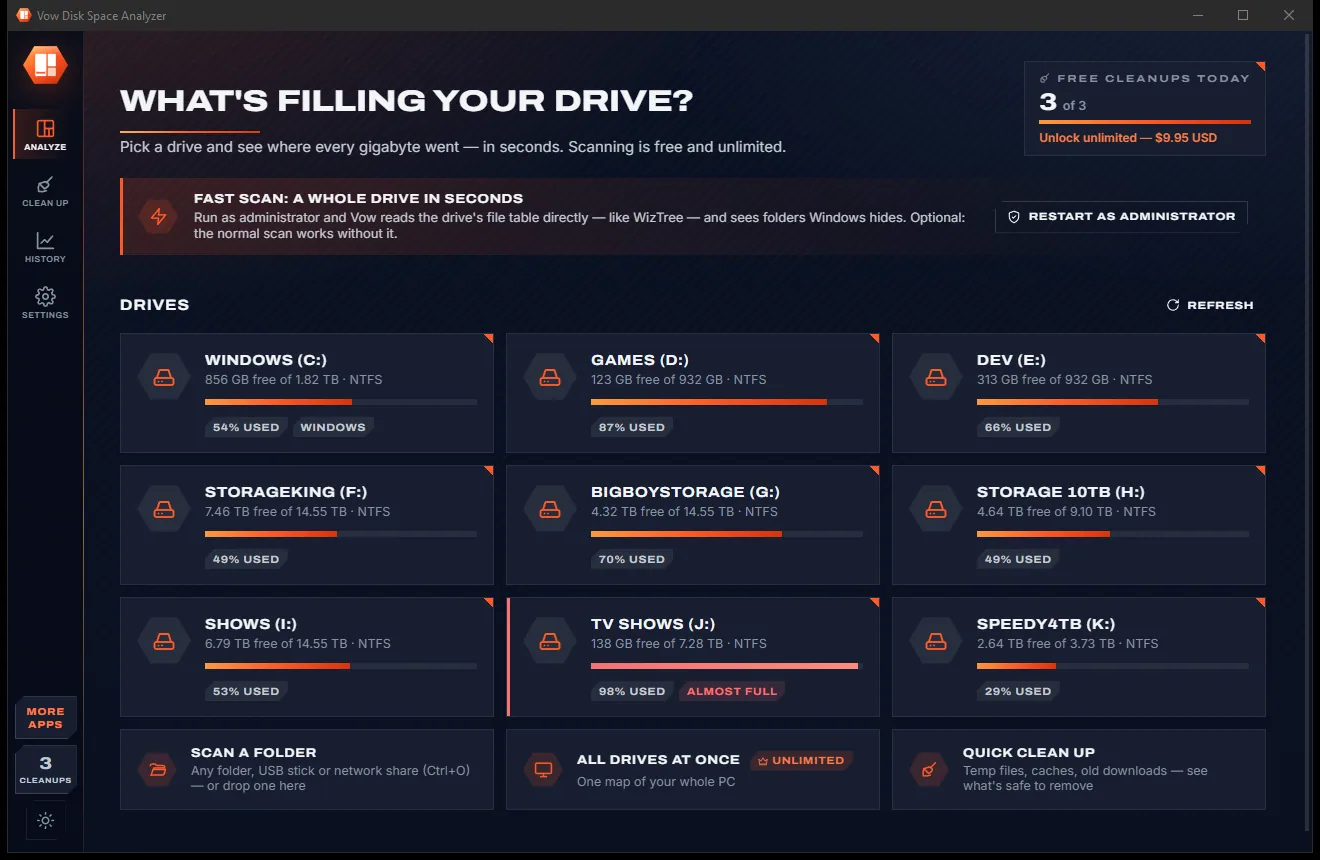
See what's filling your drive, then win the space back safely
Fix drives Windows can't open, without losing a single file. Free to use every day, $9.95 once if you ever want Unlimited.