
Video
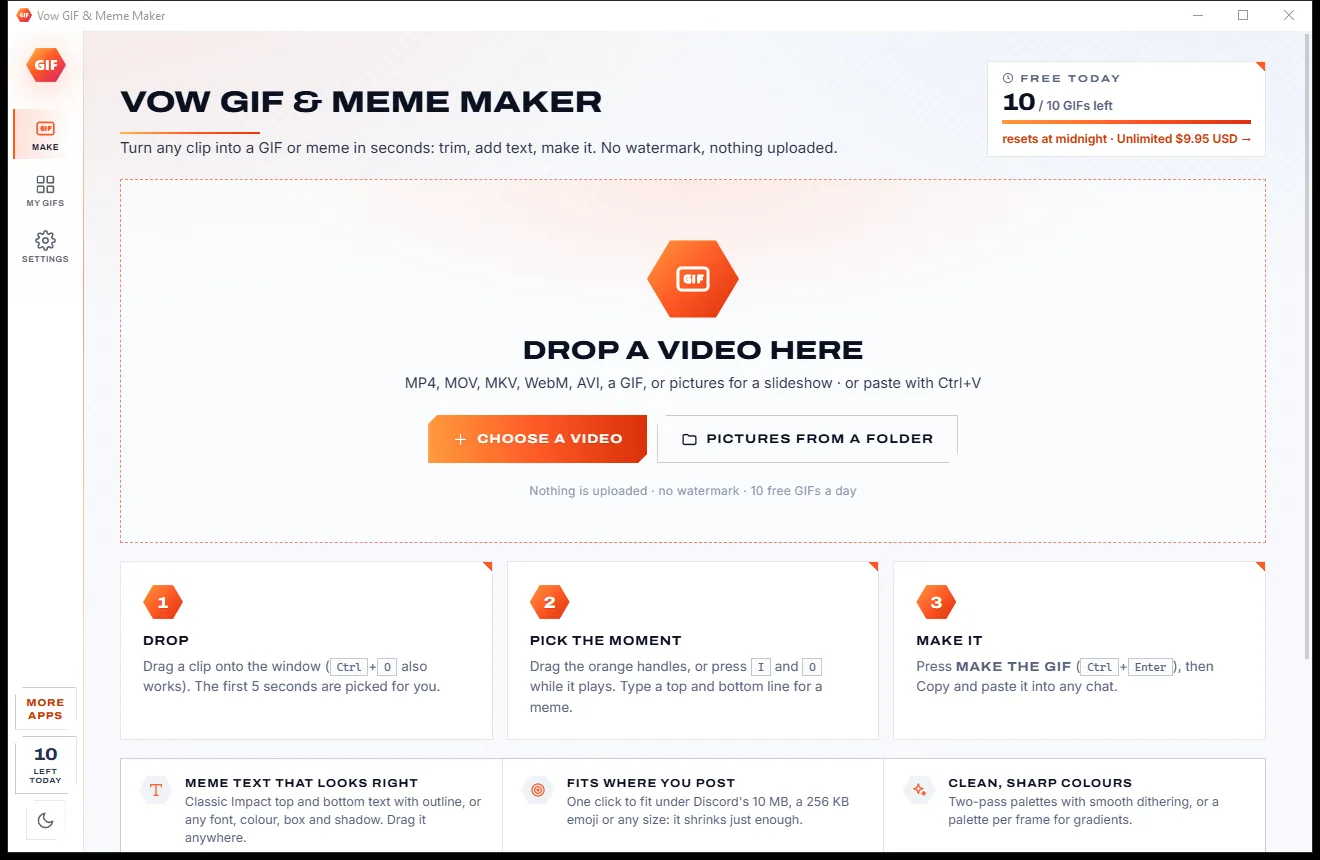
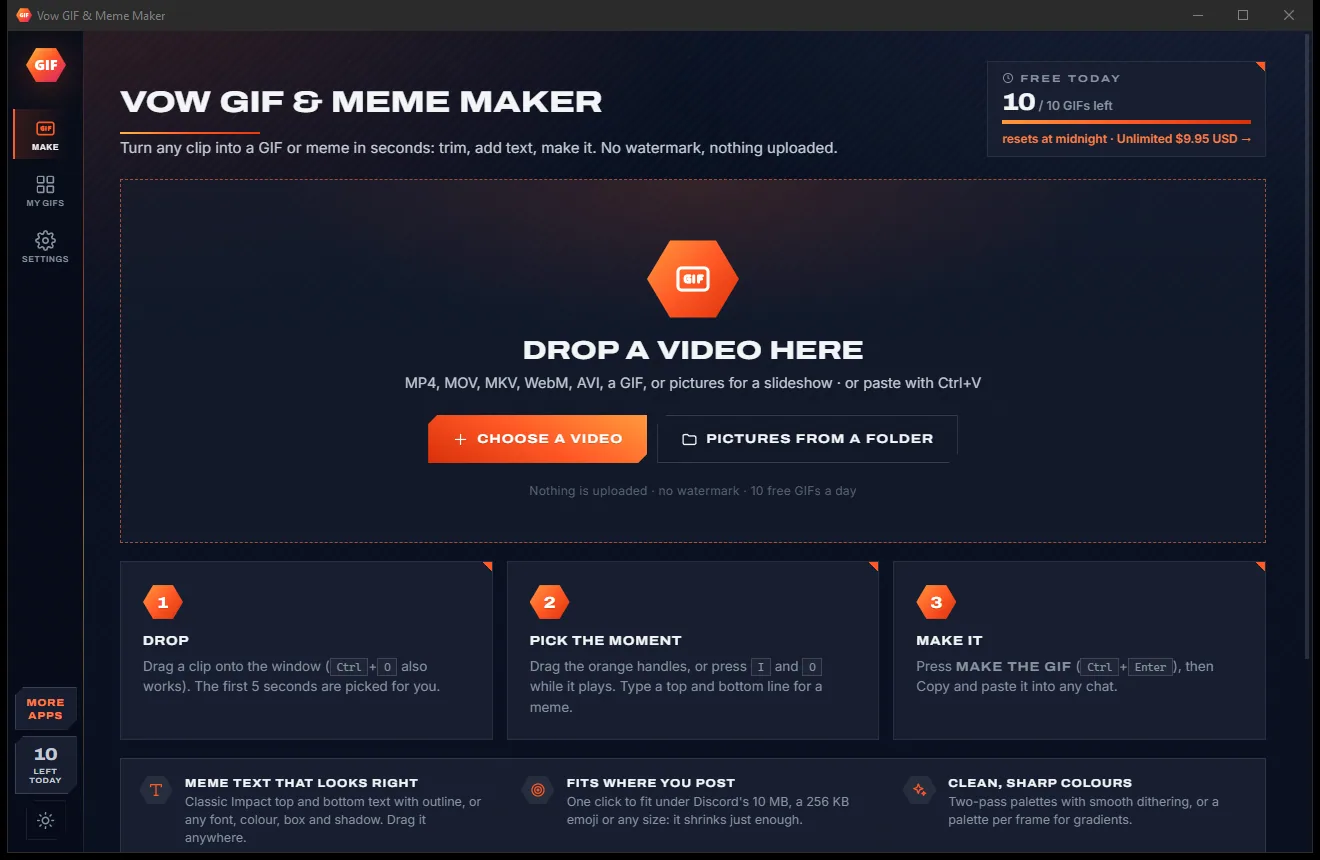
Vow GIF & Meme Maker
Turn any video clip into a GIF or meme, with no watermark
- Free: 10 GIFs a day, up to 10 seconds at 480p, with meme text
- $4.95 once: Any length, HD up to the original size, MP4, WebP and APNG

Video editor for Windows
Drop in your videos, photos and music, cut with one key, add titles, transitions and a look, then export in one click for YouTube, TikTok or email. Editing is never limited, exports are watermark-free up to 4K, and everything stays on your PC.
The problem
Most let you spend an hour on your edit, then reveal the watermark, the resolution cap or the subscription at the export button.
Many free editors only mention their logo when you export, after you have put in all the work.
Free versions often cap the resolution, so your sharp phone footage comes out soft and small.
Monthly plans for something you might do a few times a year, renewing whether you edit or not.
Online editors want your footage on their servers before you can cut a single frame, and big files take forever.
Upgrade pop-ups between steps, and installers that slip in browser extensions and "PC optimisers".
Professional editors can do everything, after a weekend of tutorials to find out where everything is.
Vow Video Editor fixes all of it.
How it works
A full timeline that stays simple, and your footage never leaves your PC.
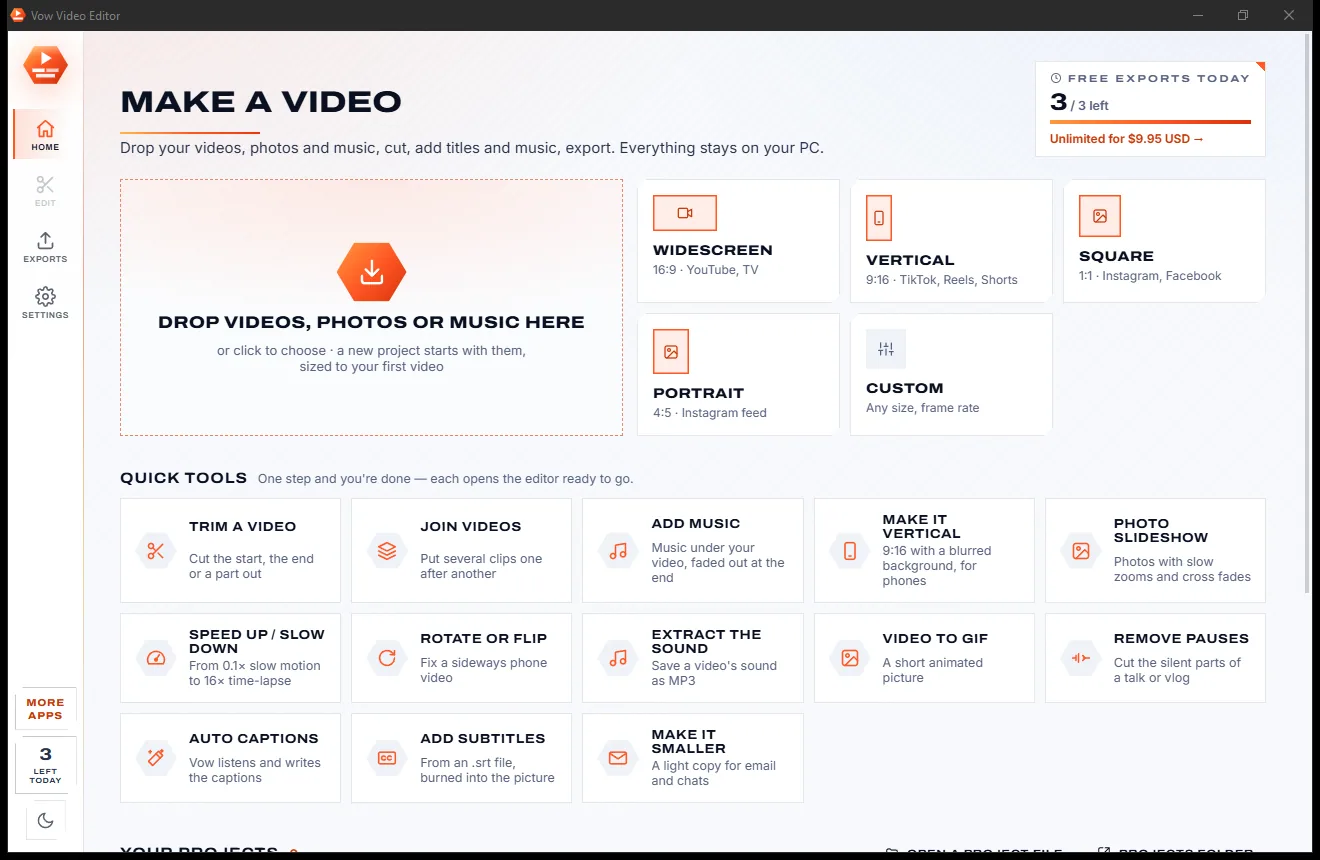
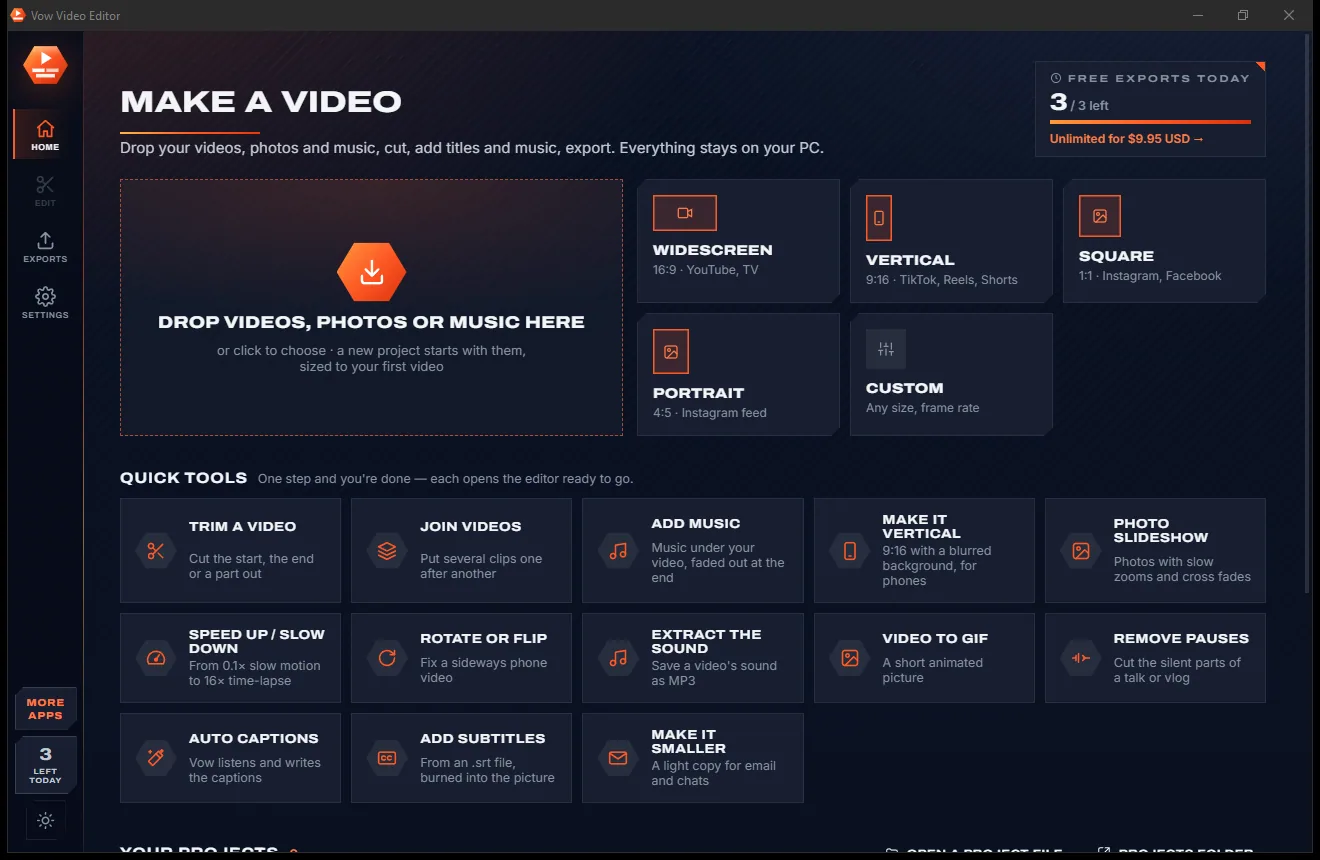
Drag videos, photos and music onto the window. A project starts by itself, sized to your first video, with the clips in a row. Or pick 16:9, 9:16, 1:1 or 4:5.
Press S to split, drag clip ends to trim, and add titles, transitions, music and looks from the left. Change anything on the right, or drag it on the preview.
Pick what it's for: Full HD, 4K, Social, Small, Under 10 MB, GIF or MP3. Projects save themselves, and every export waits on the Exports page.
Features
For family films, holiday videos, social clips and YouTube channels: quick tools for the basics, a real timeline for everything else.
Unlimited video, overlay and audio tracks, a magnetic main track, snapping, markers, ripple delete, box selection and unlimited undo.
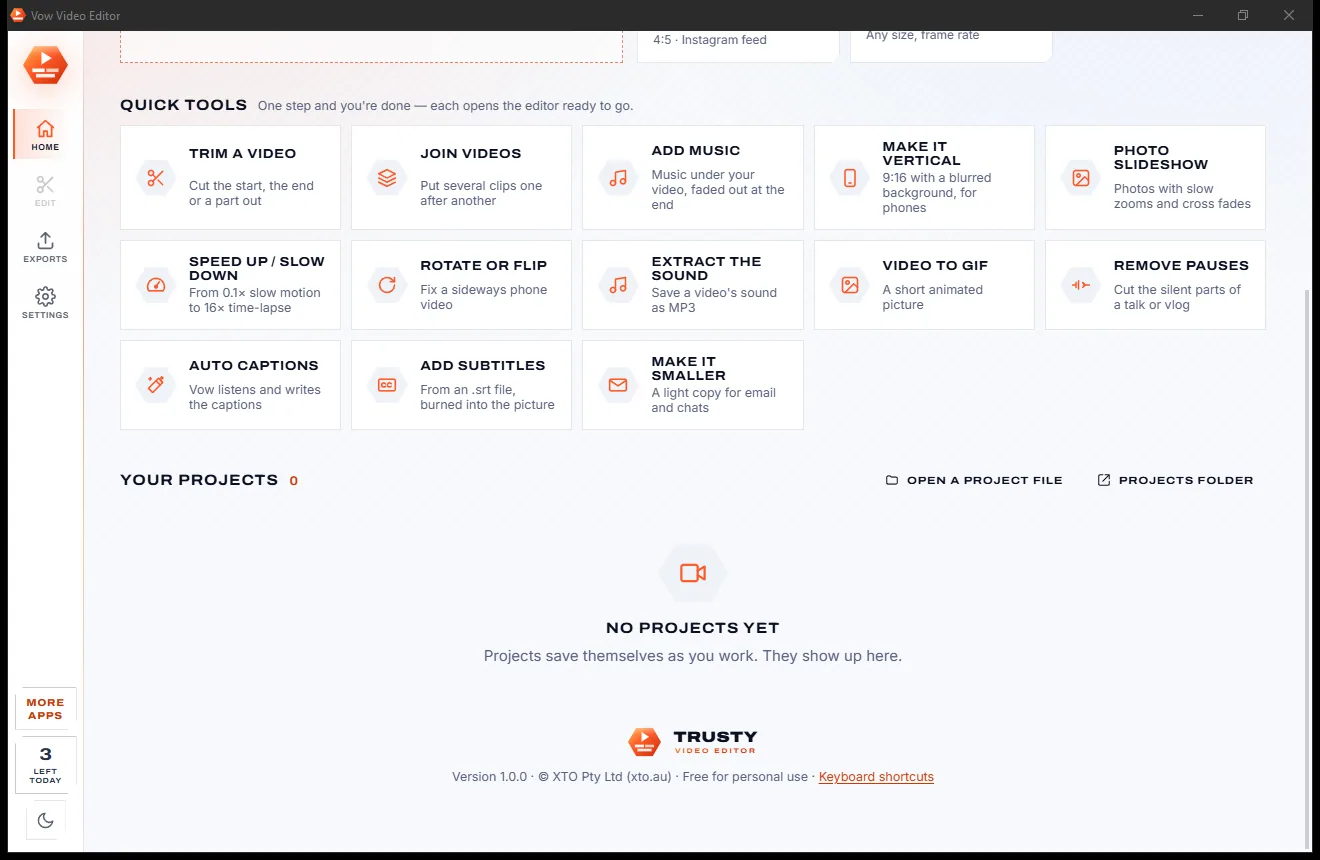
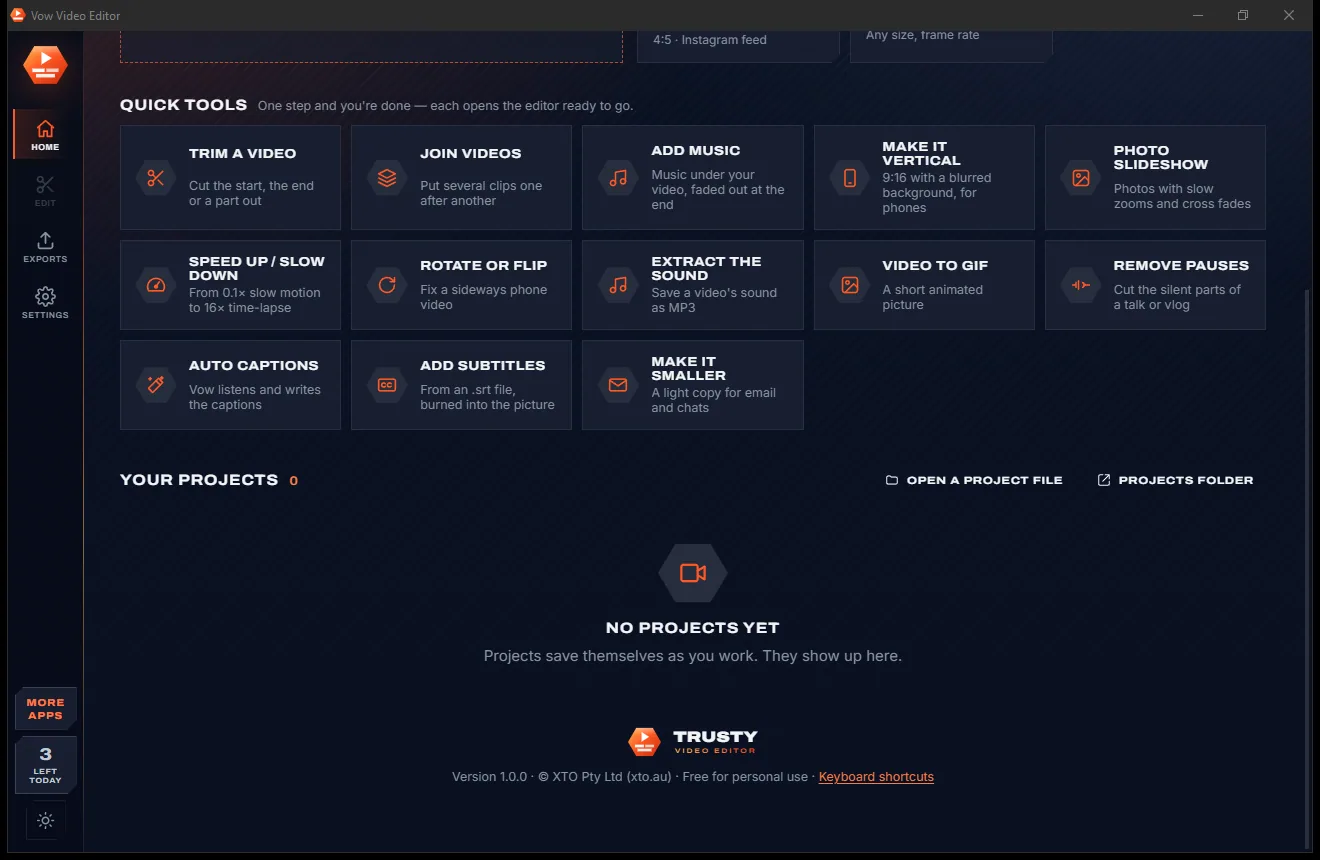
Trim, join, add music, make it vertical, photo slideshow, speed, rotate, extract the sound, video to GIF, remove pauses and make it smaller.
14 title styles, from lower thirds to neon, gradient and typewriter, in any installed font, plus 120 emoji stickers, shapes and backgrounds.
Cross fades, dips, wipes, slides, circles, doors, blinds, zooms and more, with sound crossfades, or one on every cut in a single click.
Plus brightness, contrast, saturation, temperature, blur and vignette, green screen, sharpening, grain removal and stabilising.
whisper.cpp listens and writes word-timed captions in 30 languages with nothing uploaded, or import SRT and VTT and style them all at once.
Drag, resize and turn anything right on the picture, with keyframes, ready-made zooms and pans, and 11 in and 11 out animations.
Fades, keyframed volume, noise removal, voice boost, voice-over from your microphone, music that ducks under speech and even loudness.
MP4, MOV, MKV or WebM in H.264, H.265, AV1, VP9 or ProRes, a GIF or MP3, by quality or exact size, fast on NVIDIA, Intel or AMD cards.
Edit in a bright light theme or a calm dark one: a single click on the side bar switches between them.
Light & dark theme
Video Editor comes with a crisp light theme and a calm dark theme. Switch with one click, or let it follow your Windows setting by itself. It remembers your choice.
Screenshots
Real screenshots of the real app, in both of its themes: 7 light, 7 dark. Click any picture to see it full size.
Light theme
Dark theme
Who it's for
Turn a trip's worth of clips and photos into one film with music, titles and transitions.
Vertical 9:16 videos with big word-by-word captions for social feeds.
Lower thirds, subscribe buttons, chapters from markers and exports up to 4K.
Product clips, promos and how-to videos without an agency or a subscription.
Lessons with captions and voice-over, with the long pauses taken out.
Birthdays, weddings and memorials as slideshows with gentle zooms and cross fades.
Compare
What you actually get when you download a free video editor or try one online, side by side.
| Feature | Vow Video Editor | Typical free & online video editors |
|---|---|---|
| Price | Free every day, or $9.95 once | Monthly or yearly plans |
| Watermark on exports | Never | Common on free versions |
| Export resolution | Up to 4K, free | Often capped when free |
| Your footage is uploaded | Never: 100% on your PC | Yes, for online editors |
| Ads, nags, bundled extras | None, ever | Common on free downloads |
| Auto captions | Built in, on your PC, 30 languages | Often paid, or done in the cloud |
| One-step quick tools | 13 on the Home screen | Rarely |
| Keyframes and blend modes | Yes, with 13 blend modes | Usually only in pro editors |
| Works without internet | Yes (caption models download once) | No, for online editors |
"Typical" describes what we found across the most-downloaded alternatives when we built Video Editor. Your mileage with any one of them may vary; ours won't.
Pricing
That is not a typo. Software this powerful usually means a monthly subscription; Video Editor is $9.95, once, for life: it's almost a giveaway. Use it free for as long as you like, and unlock Unlimited only if you need more.
Unlimited editing, 3 exports a day up to 4K.
Almost a giveaway. Less than a takeaway lunch for software this powerful: no subscription, no renewals, yours for life on 2 PCs.
Unlimited exports every day, queue as many as you like.
Payments by Stripe: we never see or store your card. Questions? Ask a real person.
Clean software
Most "free" Windows downloads pay for themselves with ads, bundled extras or your data. Vow Video Editor doesn't need to: it's paid for honestly, once, by the people who find it useful.
Download Video Editor freeStep-by-step guide
Turn a handful of clips into a finished video with a title, transitions and music, start to finish.
Step 1: get it freeGet Vow Video Editor from this page and run the installer. It installs just for you, with no administrator rights and no account, and the video engine is included.
Drag your videos, photos and music onto the Home screen. A new project starts, sized to the first video, with every clip in a row on the timeline.
Play to a spot and press S to split, drag the ends of a clip to trim it, and drag clips to change the order. Ctrl+Z undoes anything.
Open Text and click a style for a title, open Transitions and press Apply for a cross fade on every cut, and add music from Audio. A look colours a clip in one click.
Press Export, pick Full HD, Social, Small or Under 10 MB and press Export again. The video is saved in Videos\Vow Video Editor, ready to play, copy or show in its folder.
Technical details
FAQ
Yes. Editing, previews and frame snapshots are free and unlimited, and you can export 3 videos every day with every feature, up to 4K and with no watermark. An export that fails or is stopped doesn't count. Unlimited, a one-time $9.95 USD payment, removes the daily export limit.
Never, on the free version or on Unlimited. Every export comes out exactly as you edited it, at the resolution you chose, with nothing added.
No. Editing, previews, exports and auto captions all run on your own PC with FFmpeg and whisper.cpp, which come with the app. The only downloads are the speech models for auto captions, fetched once the first time you use them, and an optional faster caption engine for NVIDIA cards.
Yes. Auto captions listen to your video on your own PC and write captions timed to every word, in 30 languages or with the language detected for you, and can translate to English. Choose sentences at the bottom or a few big words at a time for social videos, then edit any word in the list. They can also be saved as an .srt file.
Yes. Start a 9:16 project, or use the Make it vertical quick tool to turn a wide video into 9:16 with a blurred background. Export it with the Social preset.
MP4, MOV, MKV or WebM in H.264, H.265, AV1, VP9 or ProRes 422 HQ, up to 4K at any frame rate, by quality or an exact file size. You can also export an animated GIF, or the sound alone as MP3, M4A or WAV. Markers become chapters.
Yes. Exports use NVIDIA, Intel or AMD hardware encoders when your card has them, falling back to the processor automatically. NVIDIA owners can add an optional one-time download that makes auto captions up to 8 times faster.
Yes. It is made and published by XTO Pty Ltd, an Australian company. The installer contains no ads, no toolbars and no bundled software, needs no administrator rights, and uninstalls cleanly from Windows Settings.
The Vow collection
Same design, same promises, a tiny one-time price. Learn one and you already know them all.
Turn any video clip into a GIF or meme, with no watermark

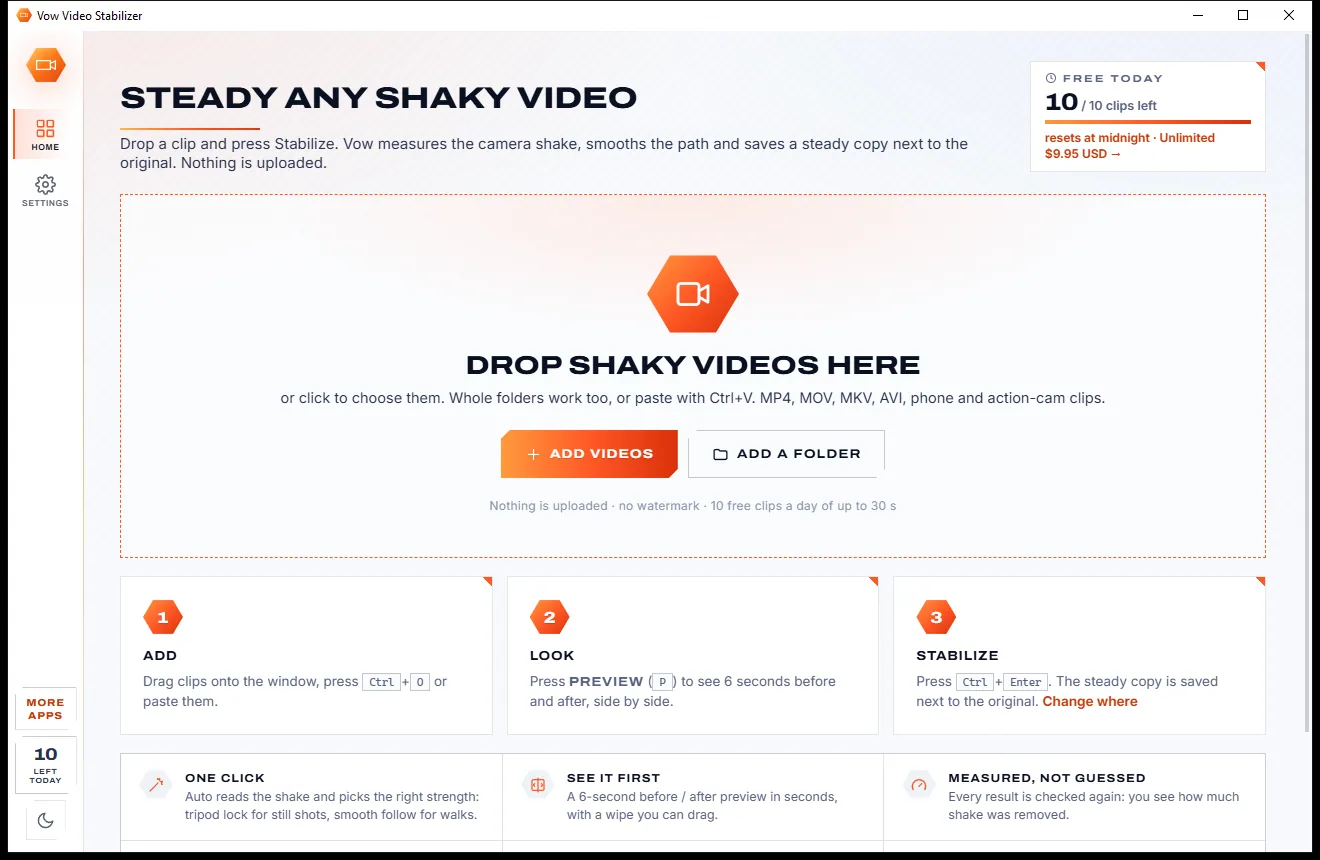
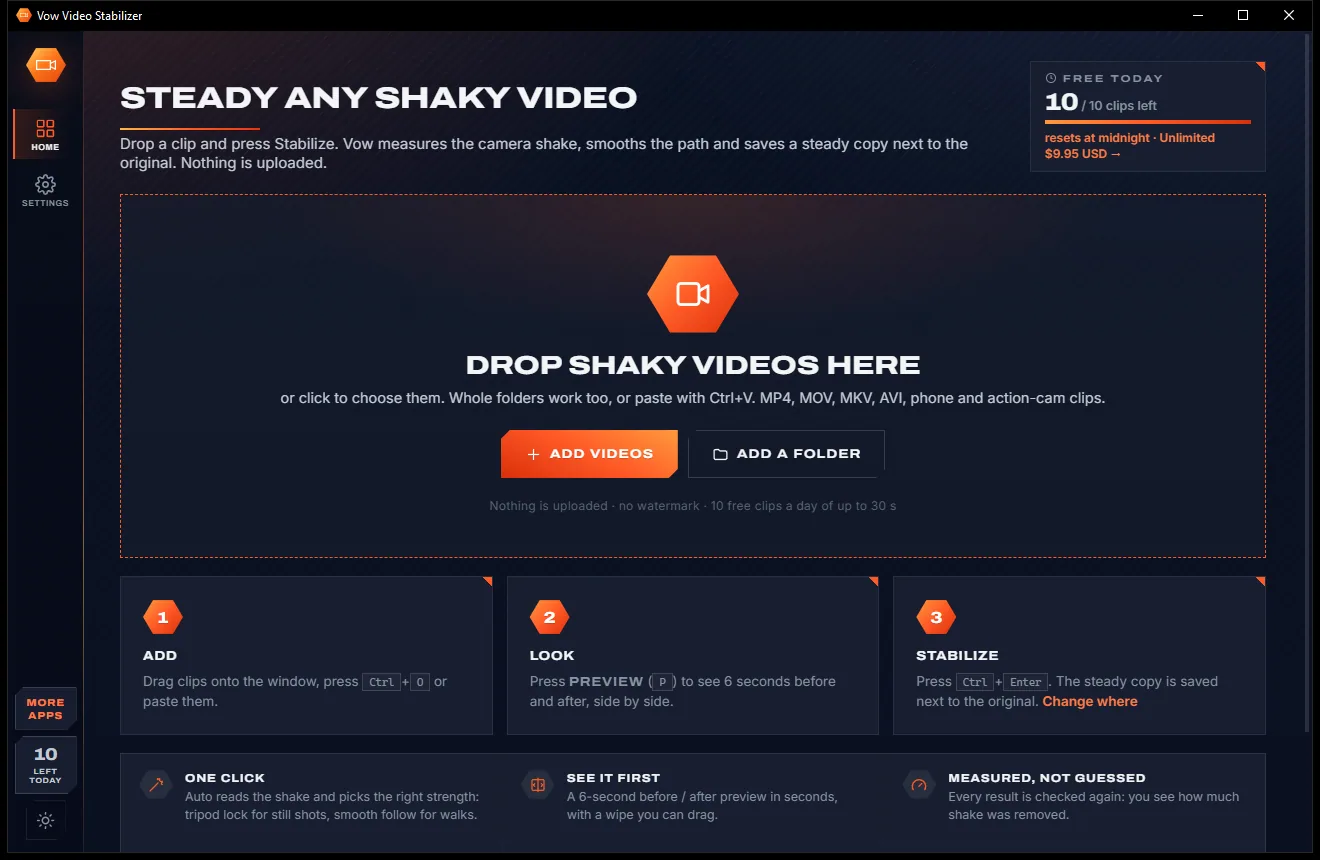
Steady any shaky video in one click, right on your PC

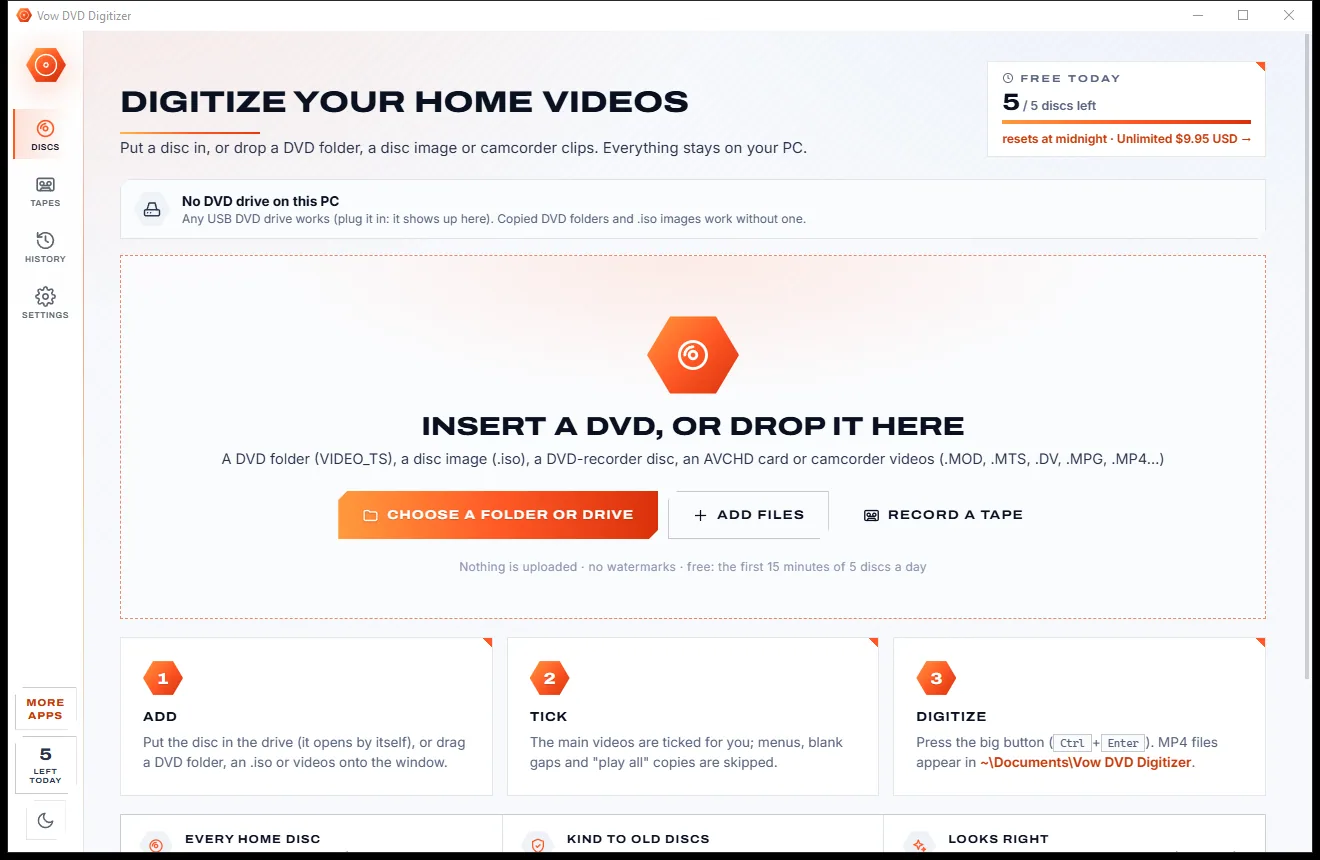
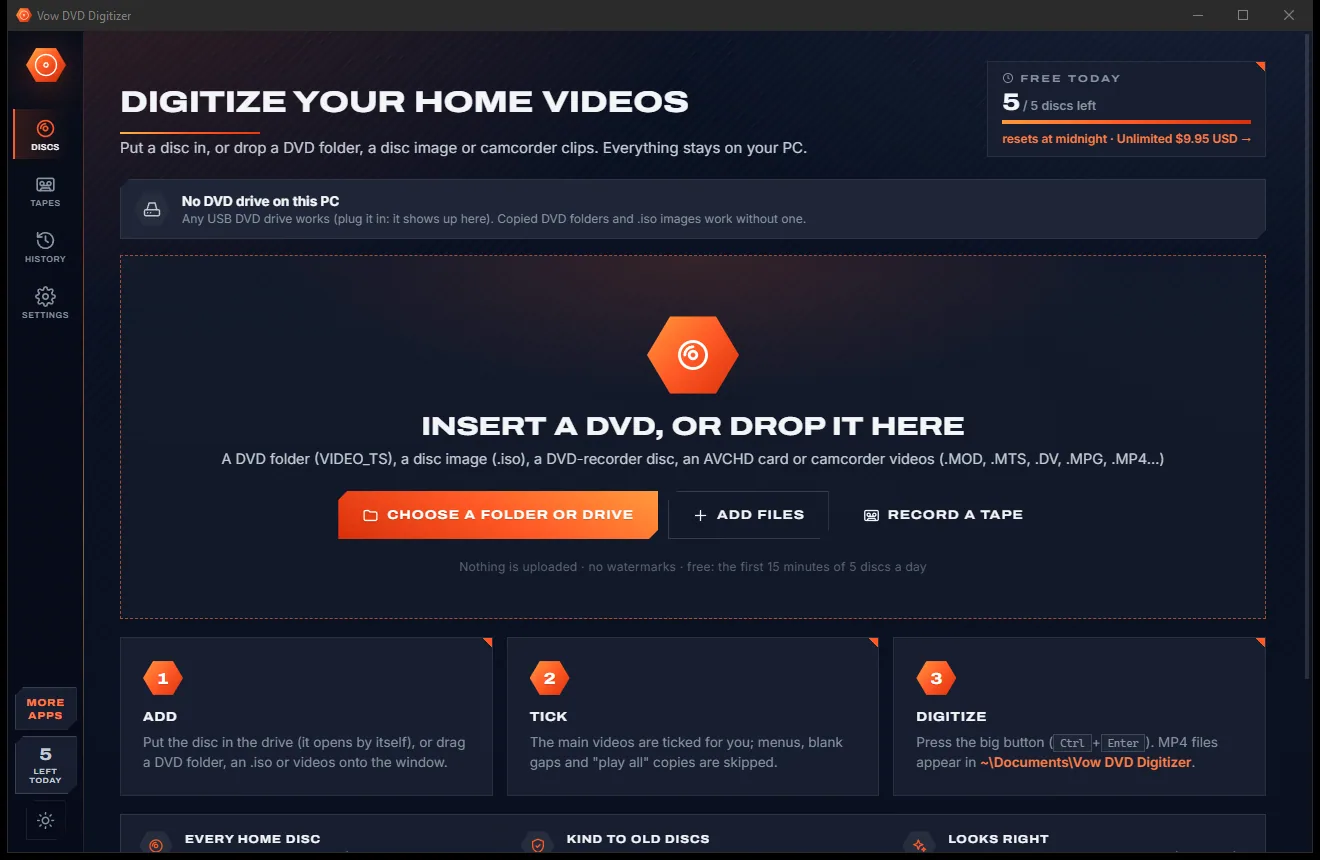
Turn home DVDs, camcorder clips and tapes into MP4s that play anywhere
A real video editor for Windows that never watermarks your work. Free to use every day, $9.95 once if you ever want Unlimited.