
PC Fixes
Vow Driver Finder
Find the drivers your PC is really missing, from official sources only
- Free: Unlimited scans, official links, 5 in-app searches a day
- $4.95 once: One-click install, backup and restore, offline driver packs

The careful Windows 11 debloater
Vow Debloater switches off Start-menu ads, tips, Copilot and Bing nags, telemetry and Edge clutter, and removes the preinstalled apps nobody asked for. You review every change in plain words first, and each one is recorded so it can be put back exactly. No scripts, no registry editing, no ads.
The problem
You only wanted the ads out of your Start menu. The usual advice is to paste a command from the internet, run it as administrator and hope for the best.
Suggested apps, lock-screen promos, "finish setting up" screens and Microsoft 365 reminders on a PC you paid for.
Most debloat guides end with a one-line script from the internet, run as administrator, that you can't read and can't easily undo.
Group Policy and Windows' own protections quietly block some changes, while the script still reports success.
Removed an app you needed or switched off a feature you missed? Generic tools rarely remember what the old value was.
A big Windows update switches the tips, Copilot and suggested apps back on, and brings removed apps back.
Some clean-up apps come with upsell pop-ups and extras of their own: more bloat to remove the bloat.
Vow Debloater fixes all of it.
How it works
See what's switched on, tick what you want off, and keep a record of every value it replaced.
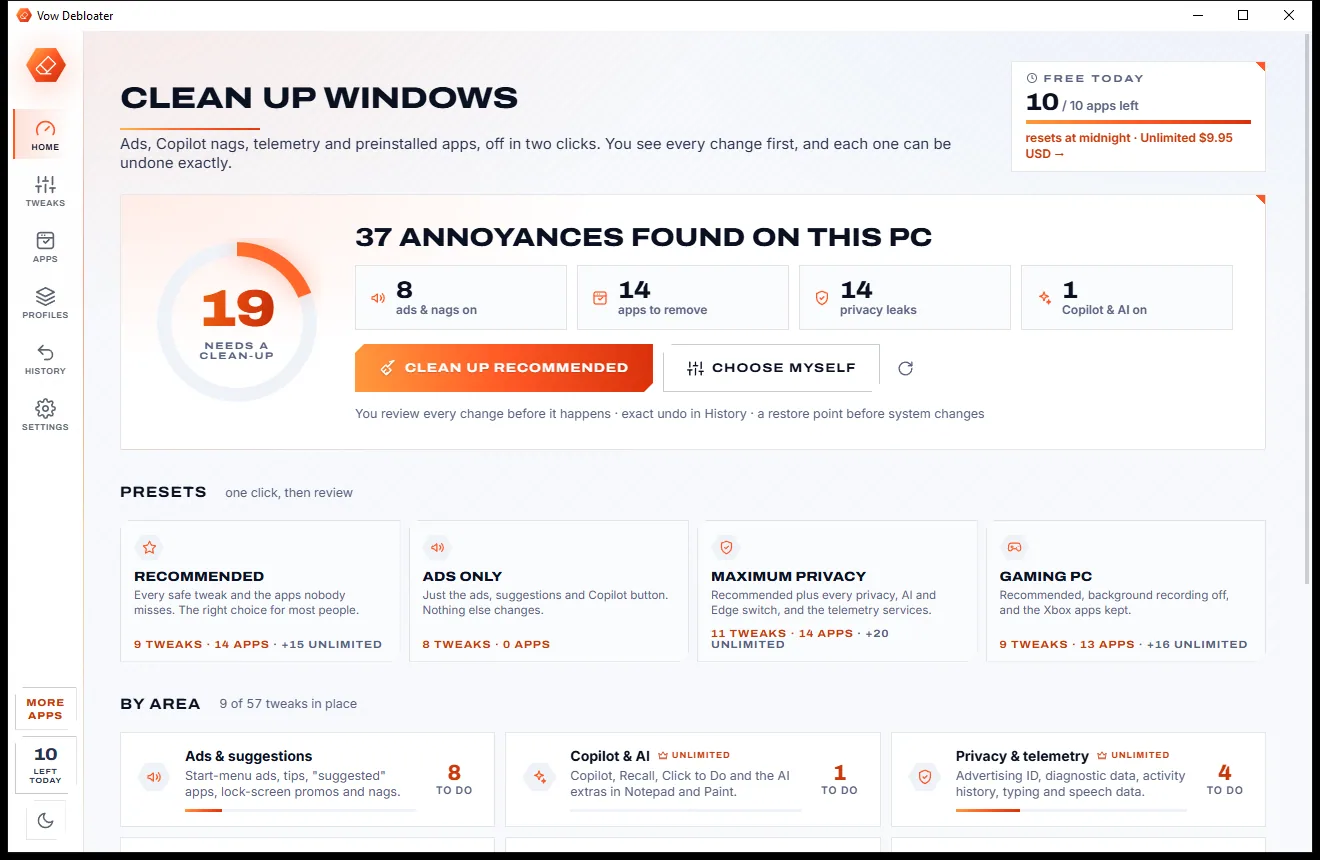
In about two seconds you see a cleanliness score and what's switched on: ads and nags, apps to remove, privacy leaks, Copilot and AI.
Press Clean up recommended, or pick switches and apps yourself. The review lists each change in plain words, with the exact registry values on request.
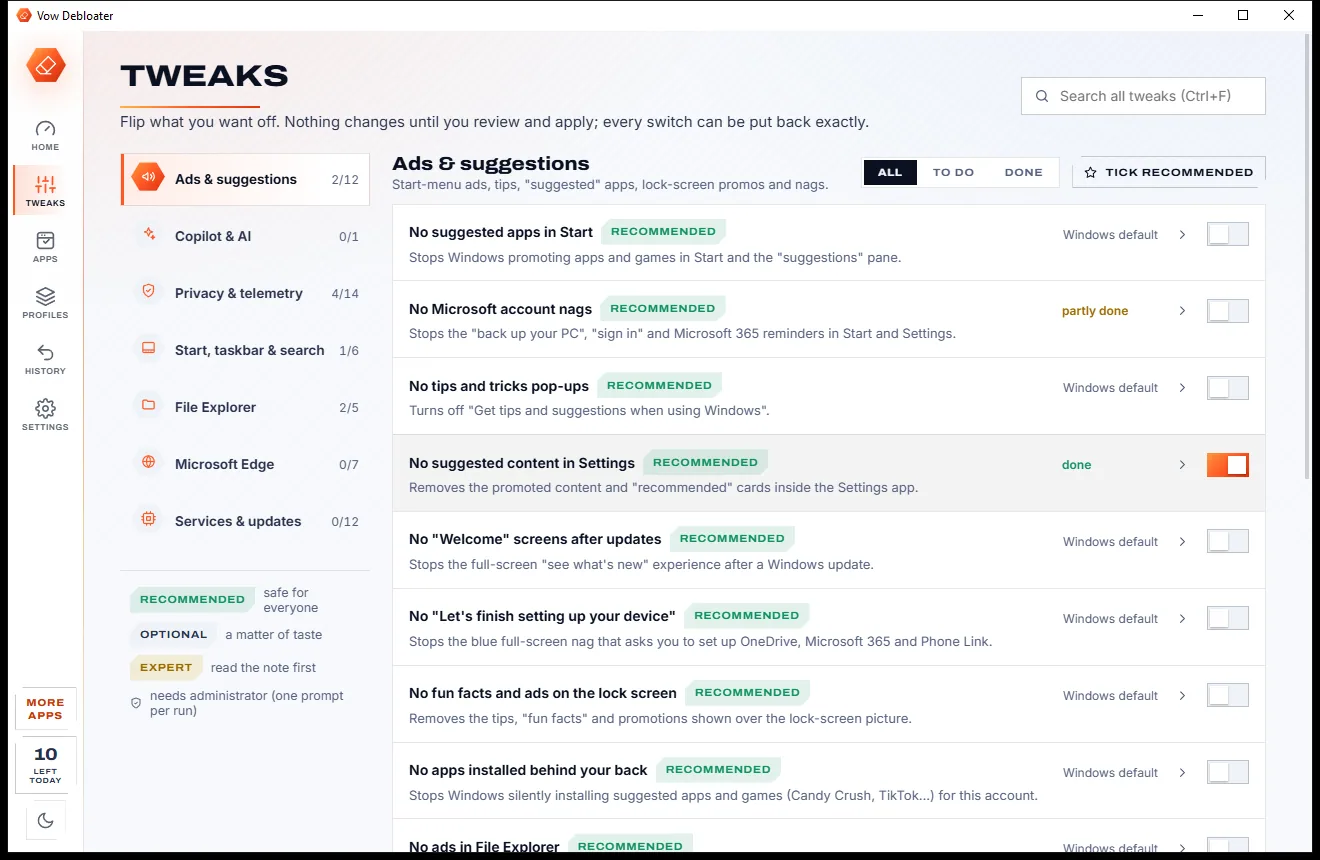
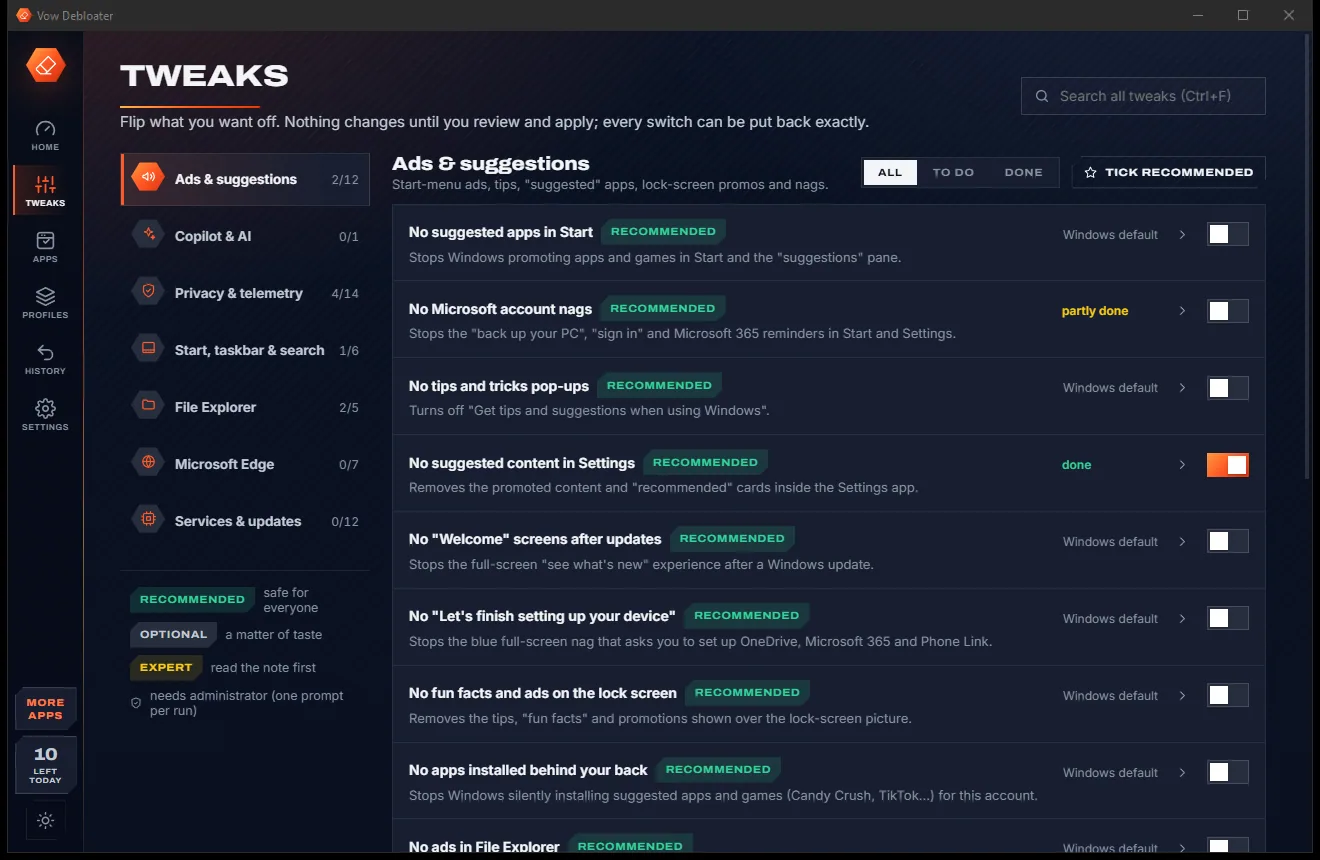
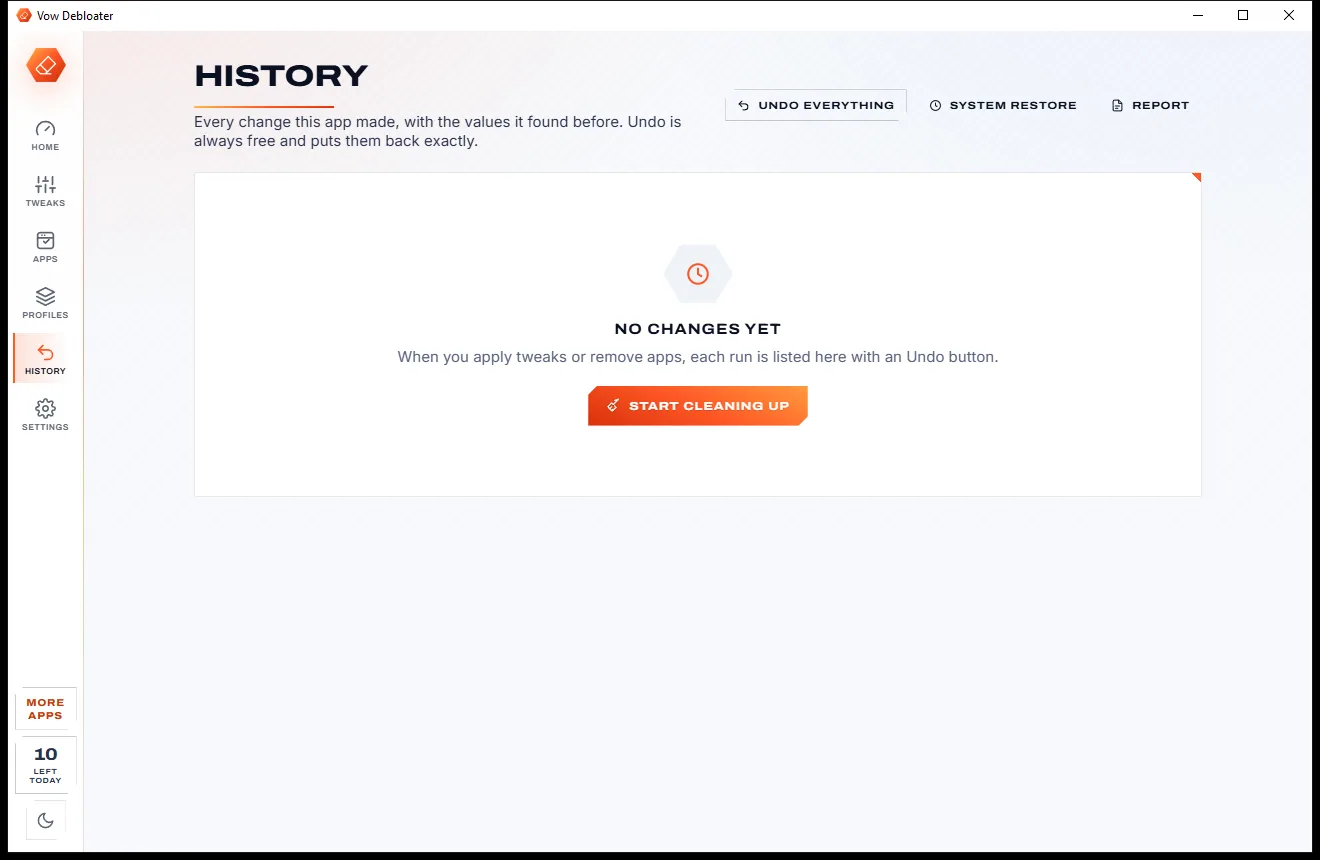
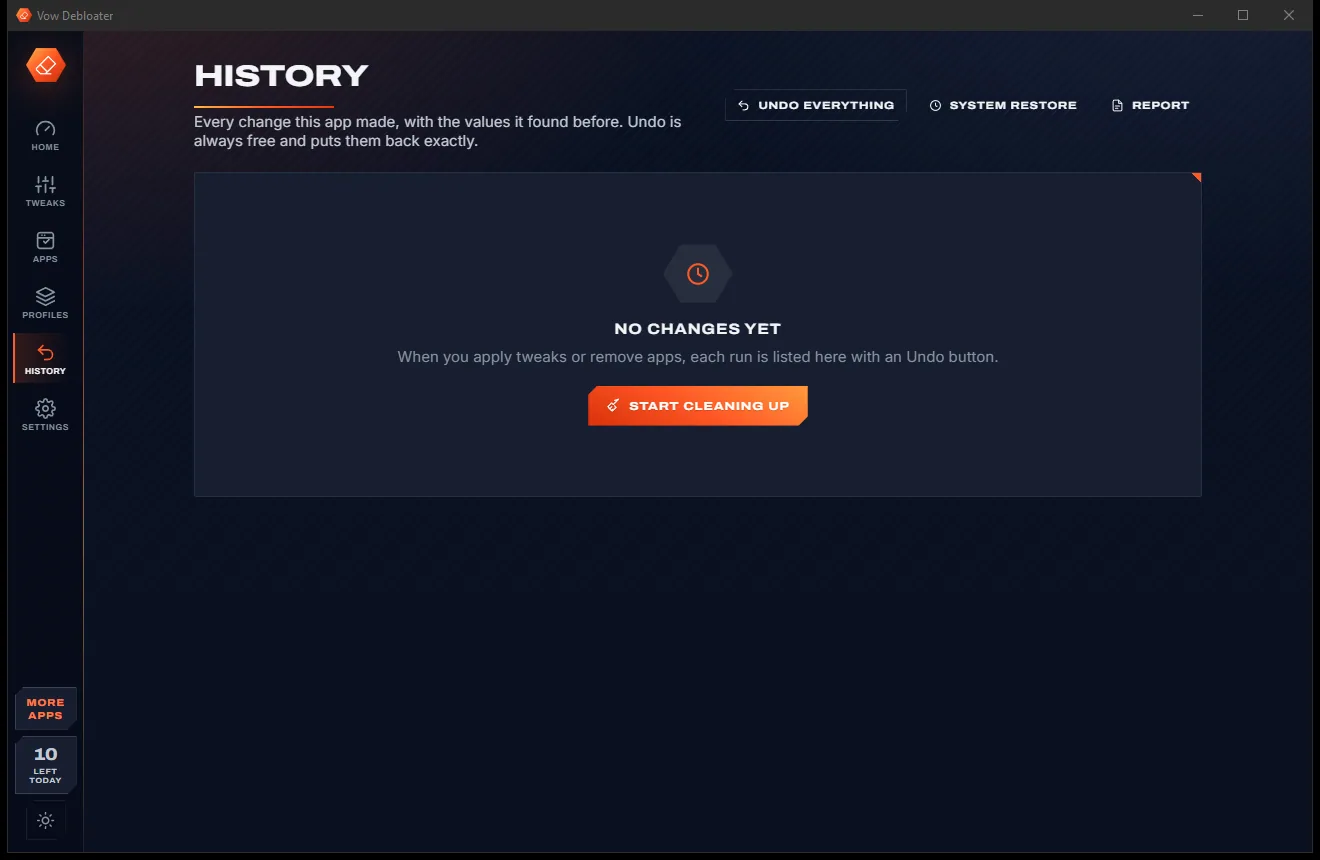
Changes are read back after writing and recorded with the value they replaced. History puts any run, or everything, back exactly.
Features
Covers ads, AI, telemetry, search, Edge, the taskbar, Explorer, services and apps, with every change explained and undoable.
Ads and suggestions, Copilot and AI, privacy and telemetry, Start, taskbar and search, File Explorer, Microsoft Edge, services and updates.
Each switch is Recommended, Optional or Expert, with what an Expert tweak costs spelled out before you tick it.
Sponsored, retired and PC-maker apps marked Suggested, Optional or Keep. The ones Windows needs can't be ticked.
Every switch can show the registry value, service or scheduled task behind it, with its current value on this PC.
Each value is read back. If Group Policy or Windows kept the old one, you're told so instead of being shown a false success.
The original values are recorded, including keys the app created, so Undo restores your PC exactly as it was.
A System Restore point is made before system changes, and removed apps reinstall in one click from the copy Windows keeps.
Windows asks for permission once per run, and only when a change needs it. The elevated helper accepts only the app's own listed changes.
After a Windows update, it spots the switches that were turned back on and the apps that returned, and puts your choices back.
Save this PC's setup as a .tdprofile file and apply it to another PC in one go, or use the four built-in presets.
Light & dark theme
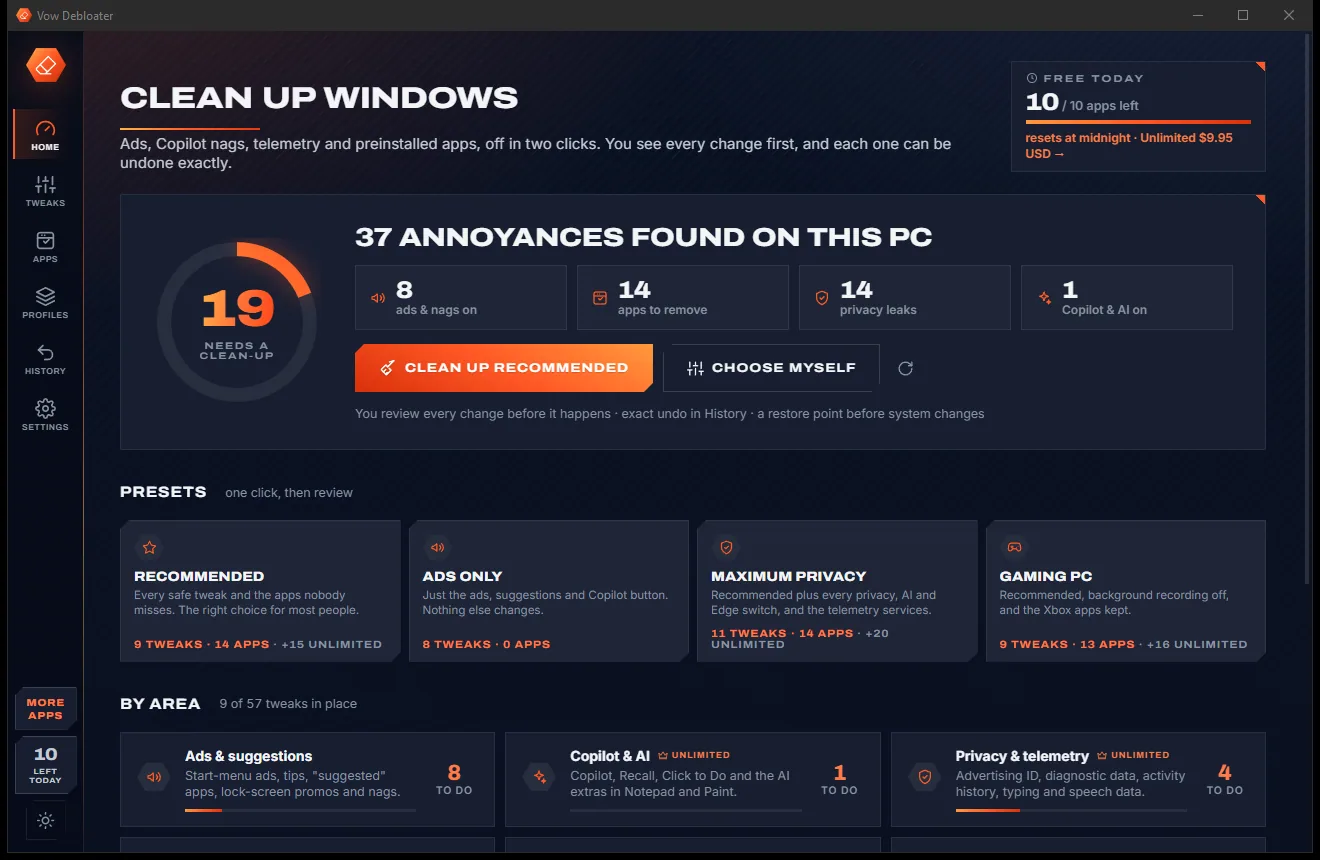
Debloater comes with a crisp light theme and a calm dark theme. Switch with one click, or let it follow your Windows setting by itself. It remembers your choice.
Screenshots
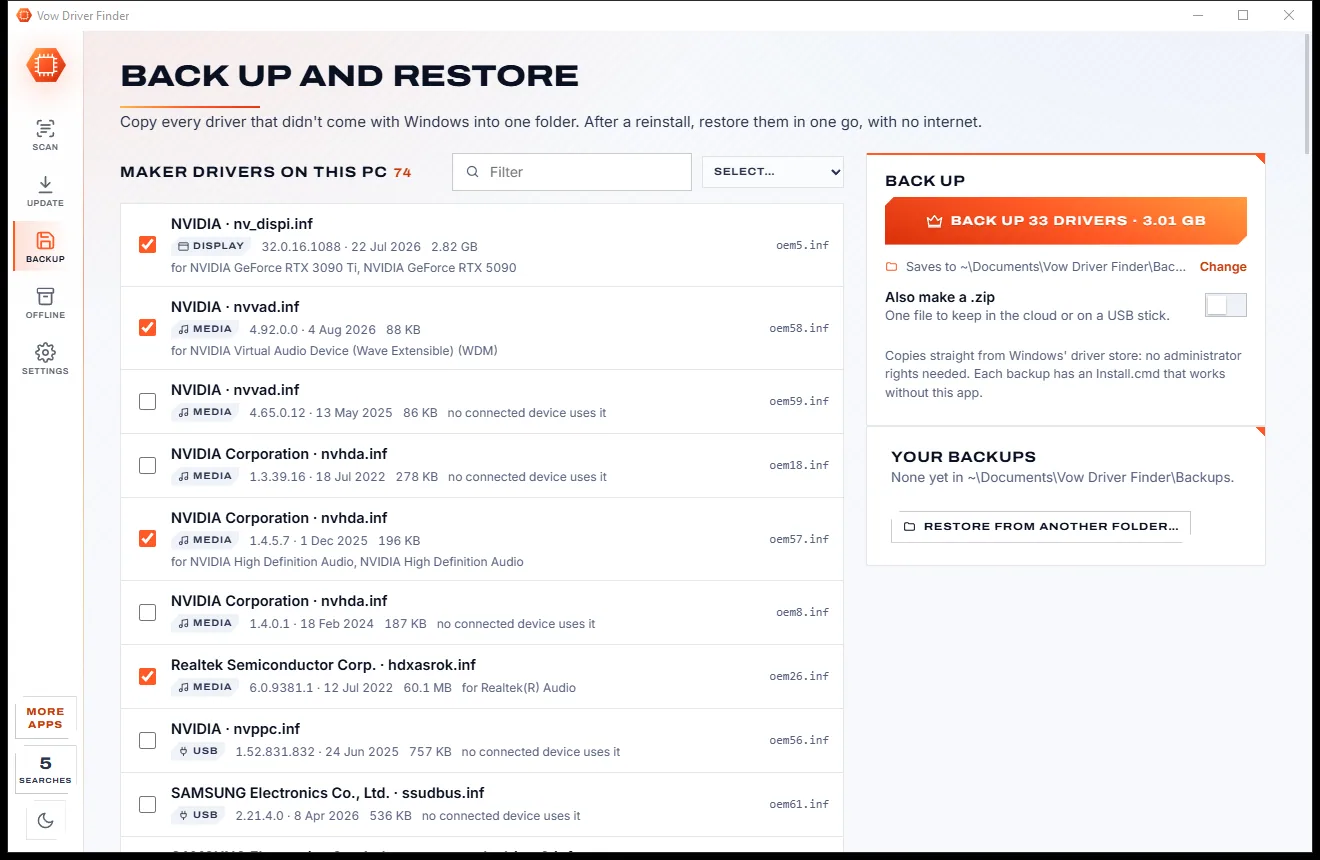
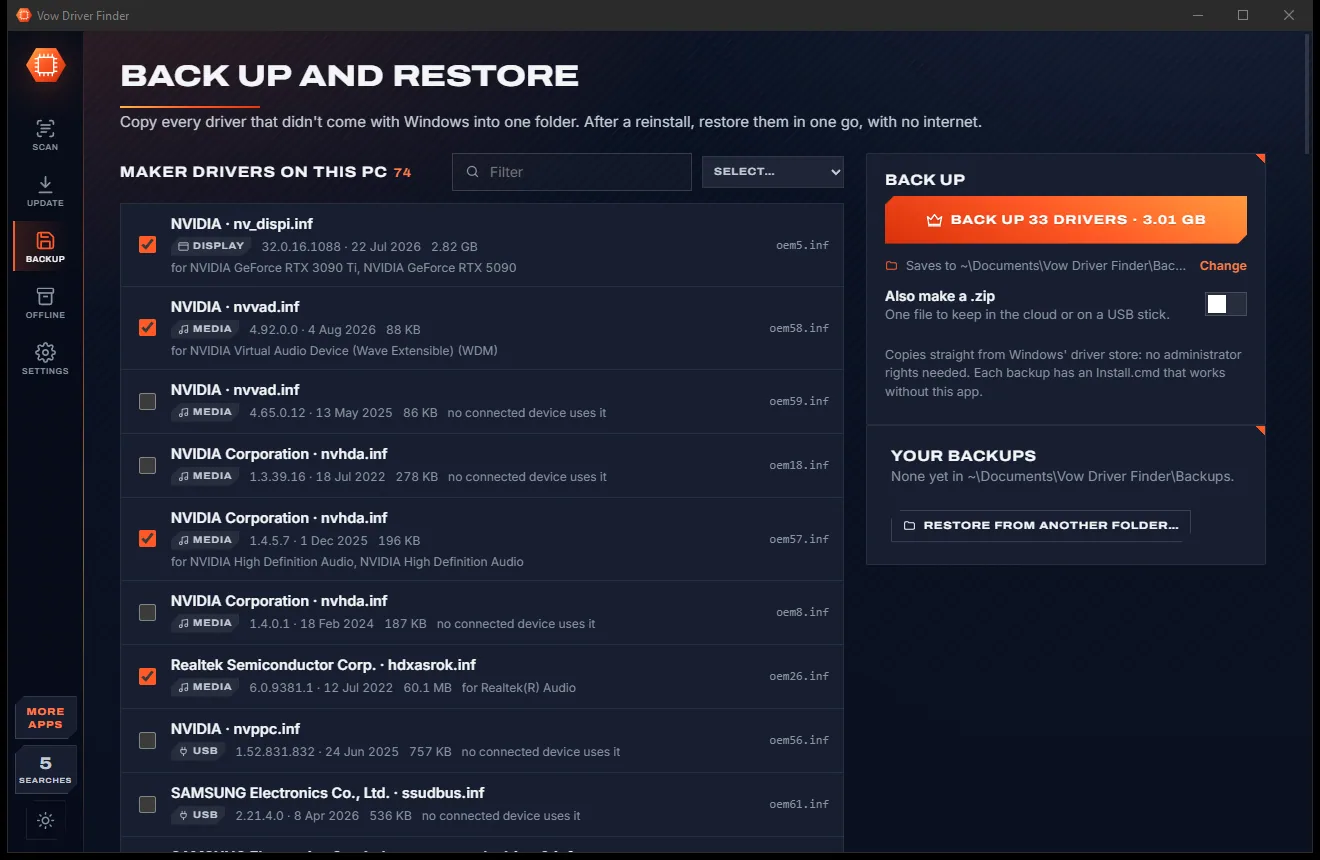
Real screenshots of the real app, in both of its themes: 10 light, 10 dark. Click any picture to see it full size.
Light theme
Dark theme
Who it's for
Clear out the trials, sponsored games and nags before you settle in.
Get Windows to a quiet, clean state in minutes instead of an evening of Settings pages.
Switch off the advertising ID, diagnostic data, activity history and the AI extras, and see exactly what changed.
The Gaming PC preset keeps the Xbox apps and switches background recording off.
Apply the same clean setup to every PC in the house with one saved profile.
Profiles, de-provisioning for new accounts, a portable version and text reports for the PCs you look after.
Compare
The same clean-up, without running blind scripts or losing track of what changed.
| Feature | Vow Debloater | Typical debloat scripts & tweak tools |
|---|---|---|
| Price | Free every day, or $4.95 once | Free scripts, or yearly plans for optimiser apps |
| How it runs | A desktop app, one Windows prompt per run | Often a PowerShell one-liner run as administrator |
| Every change shown first | Plain words, exact values on request | Often a wall of script output |
| Checks Windows kept the change | Read back after every write | Usually reports success either way |
| Exact undo | Recorded values put back, free | A generic reset, or none |
| Restore point before system changes | Yes | Sometimes |
| Reinstall a removed app | One click, from Windows' copy | Rarely offered |
| Re-applies after Windows updates | Keep it clean, at sign-in | Run it again by hand |
| Ads, upsells, bundled extras | None, ever | Common in optimiser apps |
"Typical" describes what we found across the most-downloaded alternatives when we built Debloater. Your mileage with any one of them may vary; ours won't.
Pricing
That is not a typo. Software this powerful usually means a monthly subscription; Debloater is $4.95, once, for life: it's almost a giveaway. Use it free for as long as you like, and unlock Unlimited only if you need more.
Every ad and nag switch, 10 app removals a day, exact undo.
Almost a giveaway. Less than a coffee for software this powerful: no subscription, no renewals, yours for life on 2 PCs.
Privacy, Copilot and Edge controls, profiles and Keep it clean.
Payments by Stripe: we never see or store your card. Questions? Ask a real person.
Clean software
Most "free" Windows downloads pay for themselves with ads, bundled extras or your data. Vow Debloater doesn't need to: it's paid for honestly, once, by the people who find it useful.
Download Debloater freeStep-by-step guide
From a cluttered Start menu to a clean PC in a few minutes, with a way back for every change.
Step 1: get it freeGet Vow Debloater from this page and run the installer. It installs for your account without administrator rights, and there is no account to create.
The read-only scan runs by itself and shows a score out of 100, plus how many ads and nags, apps to remove, privacy leaks and Copilot features are switched on.
Every safe switch and the apps nobody misses are ticked for you. Prefer to choose? Use Tweaks and Apps, or pick a preset such as Ads only or Gaming PC.
Read the list of changes, untick anything you want to keep and leave the restore point on. Windows asks for permission once, only if a change needs it.
Taskbar and Start changes appear after Explorer restarts, which the app offers to do. Changed your mind? History puts a run, or everything, back exactly.
Technical details
FAQ
Yes. Every ad, suggestion and nag switch, the Start, taskbar, search and File Explorer tweaks, the Copilot button and 10 app removals a day are free, along with the scan, undo, restore points and reinstalling apps. Unlimited, a one-time $4.95 USD payment, adds the privacy, Copilot, Edge and services controls, unlimited app removals, saved profiles and Keep it clean.
It is built not to. Every change is shown before it runs, Windows' essential apps are marked Keep and can't be ticked, a restore point is made before system changes, and each original value is recorded so Undo puts it back exactly. Expert switches say what they cost before you choose them.
Yes, and undo is never charged for. History lists every run with its exact changes, with Undo per run and Undo everything. Removed apps reinstall in one click from the copy Windows keeps, or from the Store page.
Updates sometimes switch tips, Copilot and suggested apps back on and bring removed apps back. The app shows a banner when that happens. With Unlimited, Keep it clean checks at every sign-in and puts your choices back.
Not to run or scan. Your own settings change without a prompt. Changes to system policies, services, scheduled tasks and the restore point are batched together, so Windows asks for permission once per run.
It covers the same areas, from ads and AI to telemetry, Edge, services and app removal, as a desktop app instead of a PowerShell script. It also reads each value back after writing, keeps the original for an exact undo, shows a plain-words review first and can re-apply your choices after Windows updates.
Yes. It works on Windows 11 and Windows 10. Switches that only exist on newer Windows builds are shown as not supported on older ones instead of being applied.
Yes. It is made and published by XTO Pty Ltd, an Australian company. There are no ads, no bundled software and no background service, nothing is uploaded, and it uninstalls cleanly from Windows Settings.
The Vow collection
Same design, same promises, a tiny one-time price. Learn one and you already know them all.
Find the drivers your PC is really missing, from official sources only

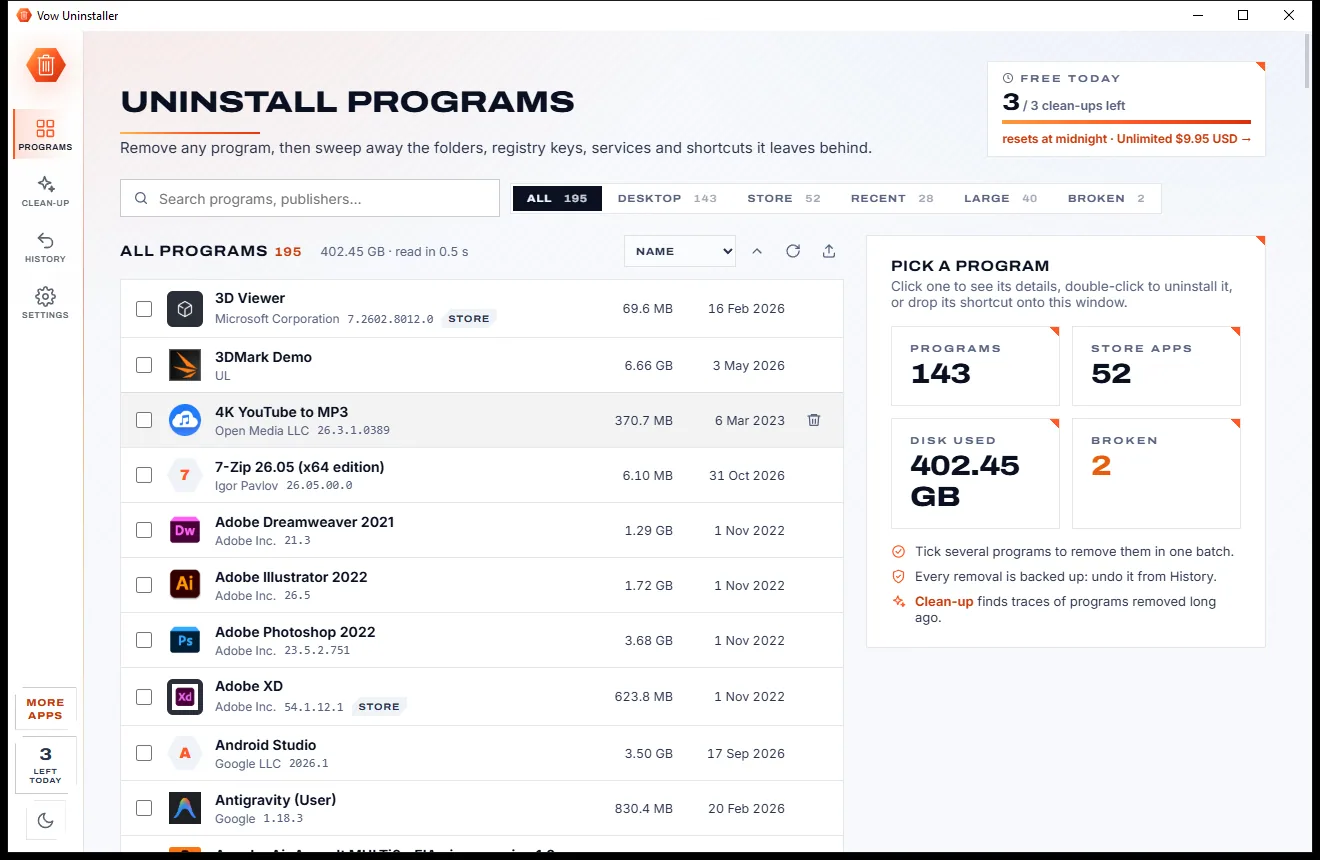
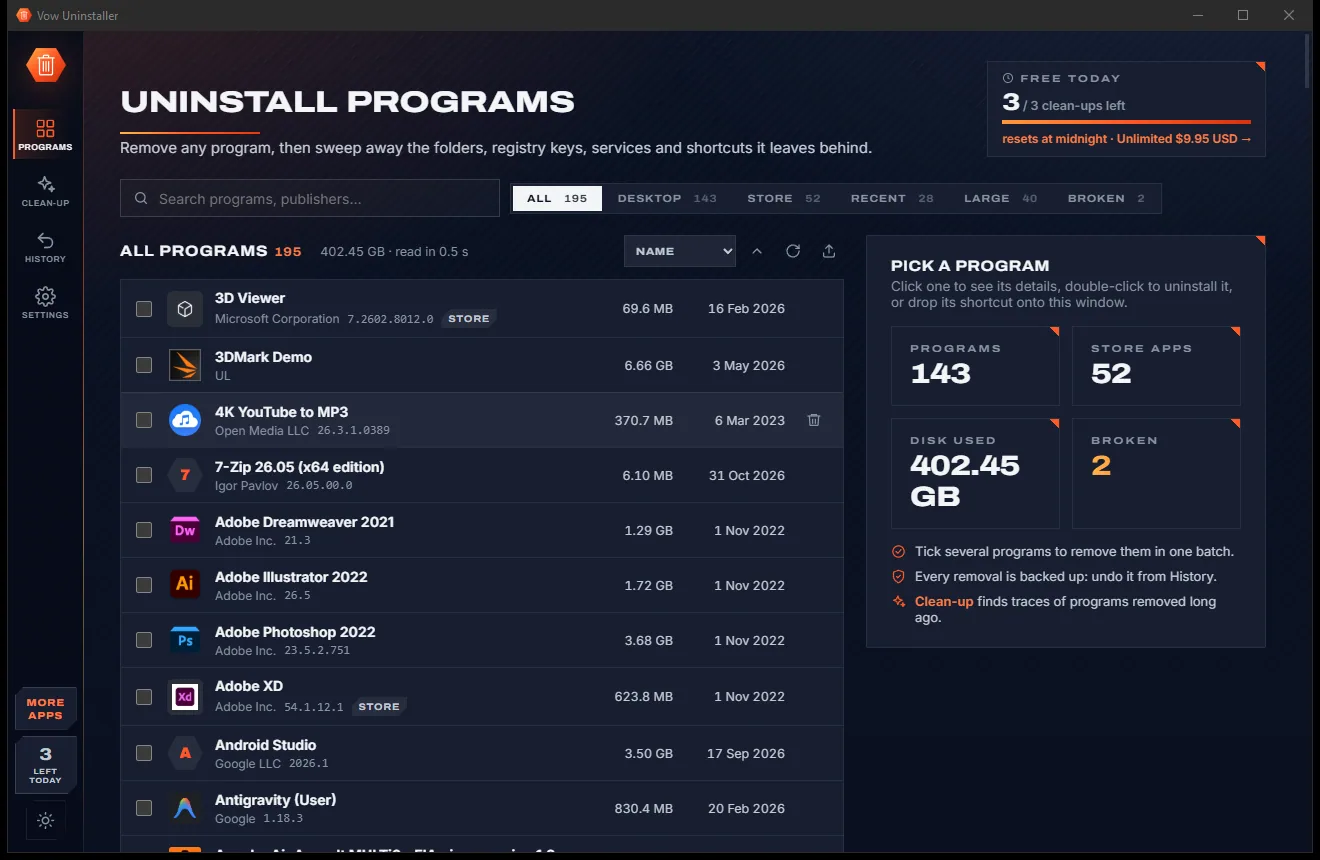
Uninstall programs completely, and undo it if you change your mind

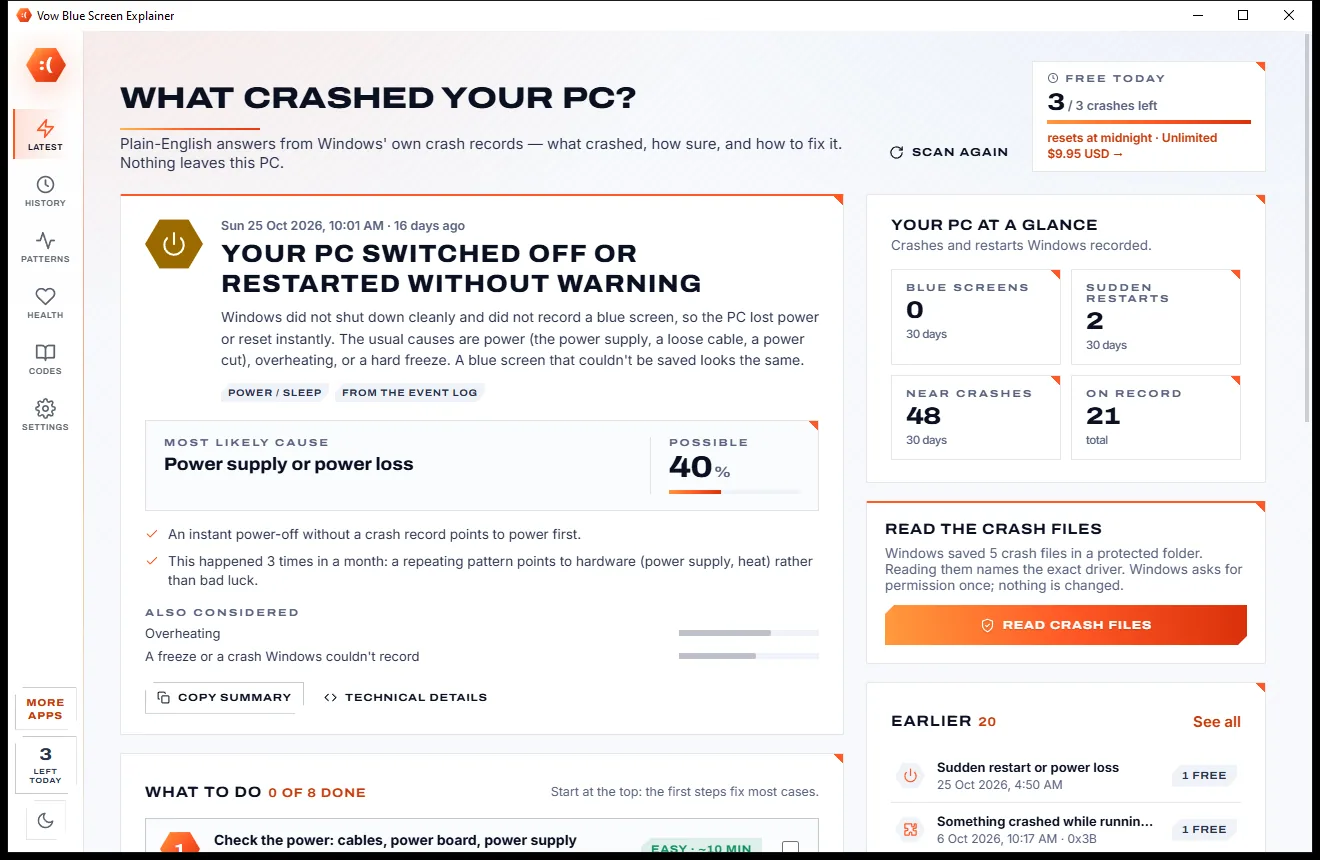
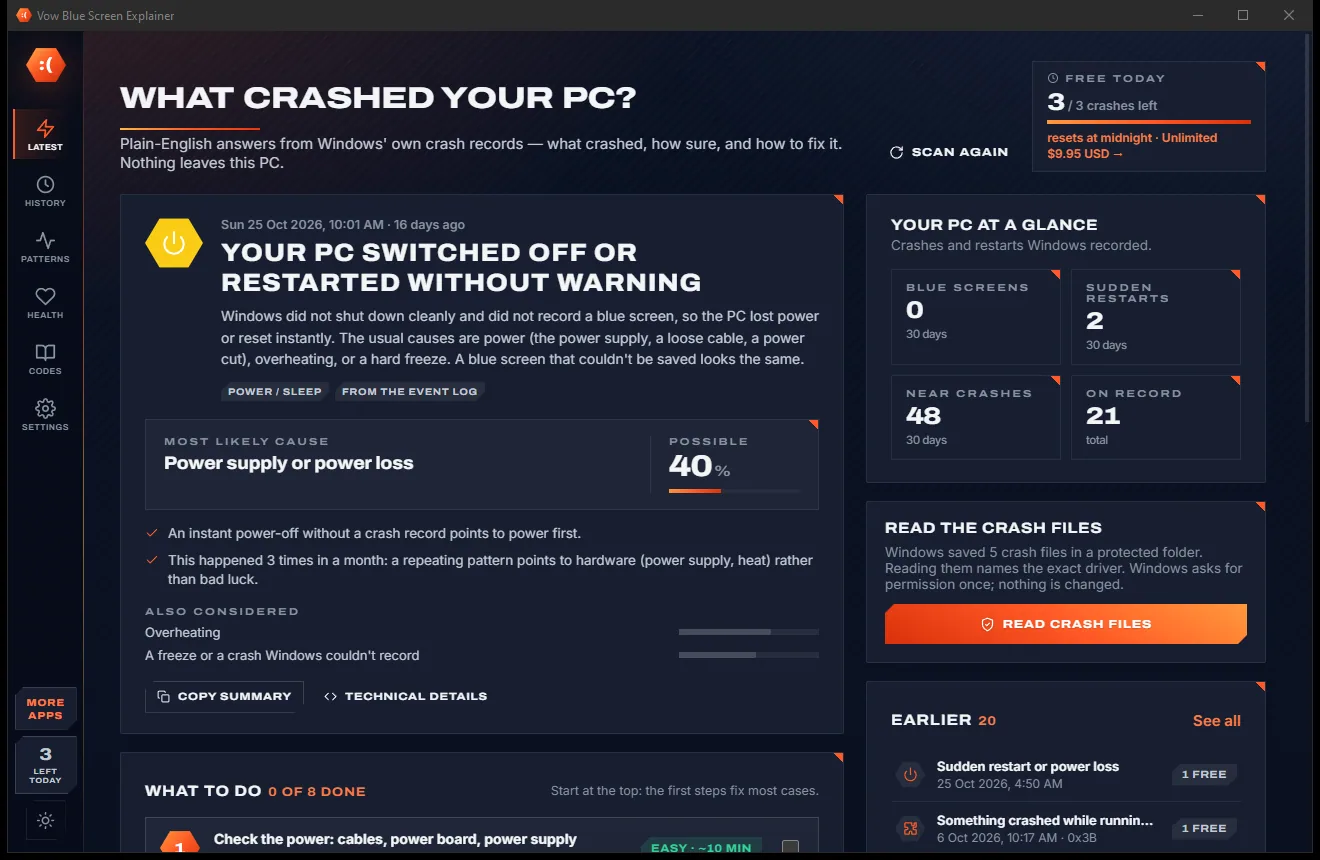
Find out what crashed your PC, in plain English, with the fix
Switch off Windows ads, nags and Copilot, and remove the bloat, with an exact undo. Free to use every day, $4.95 once if you ever want Unlimited.