
PC Fixes
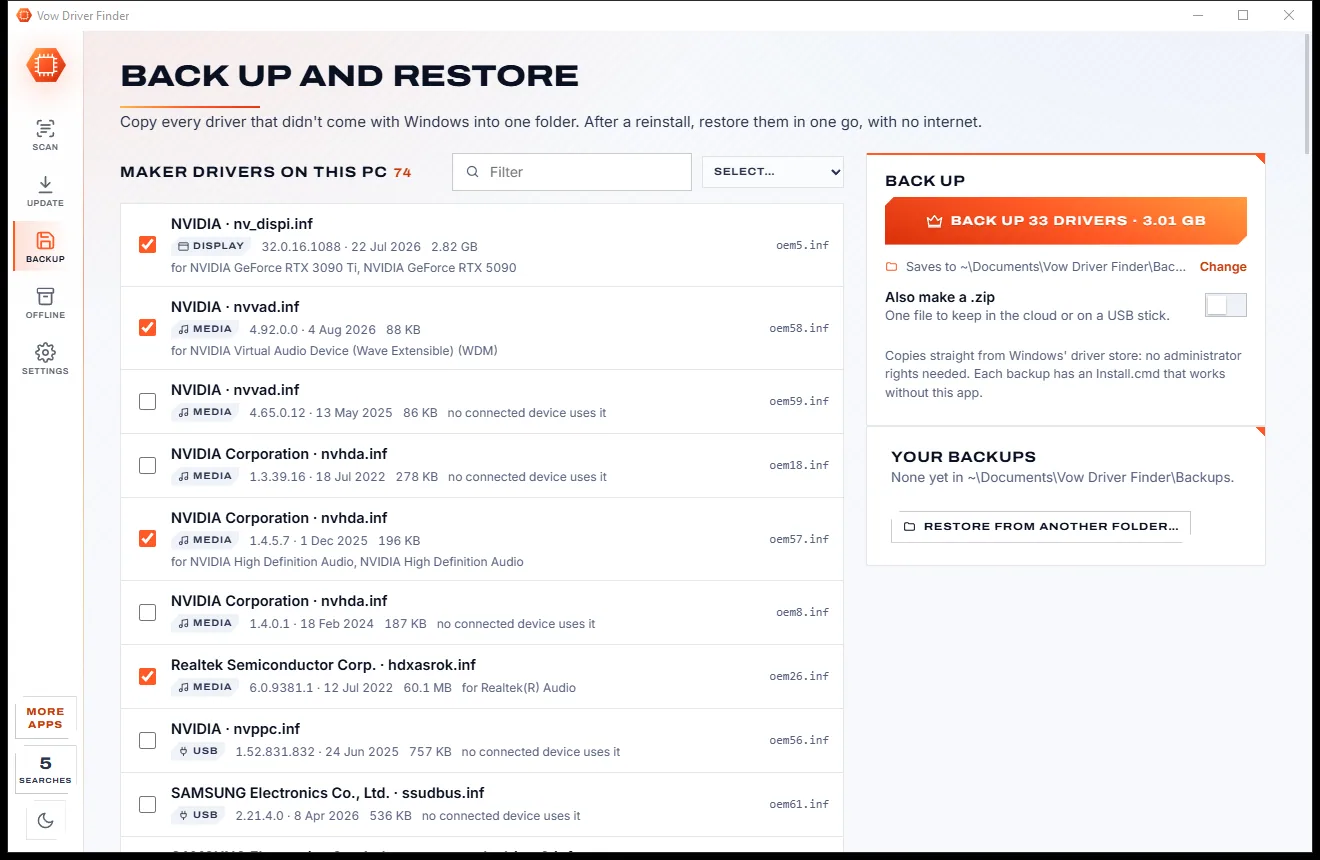
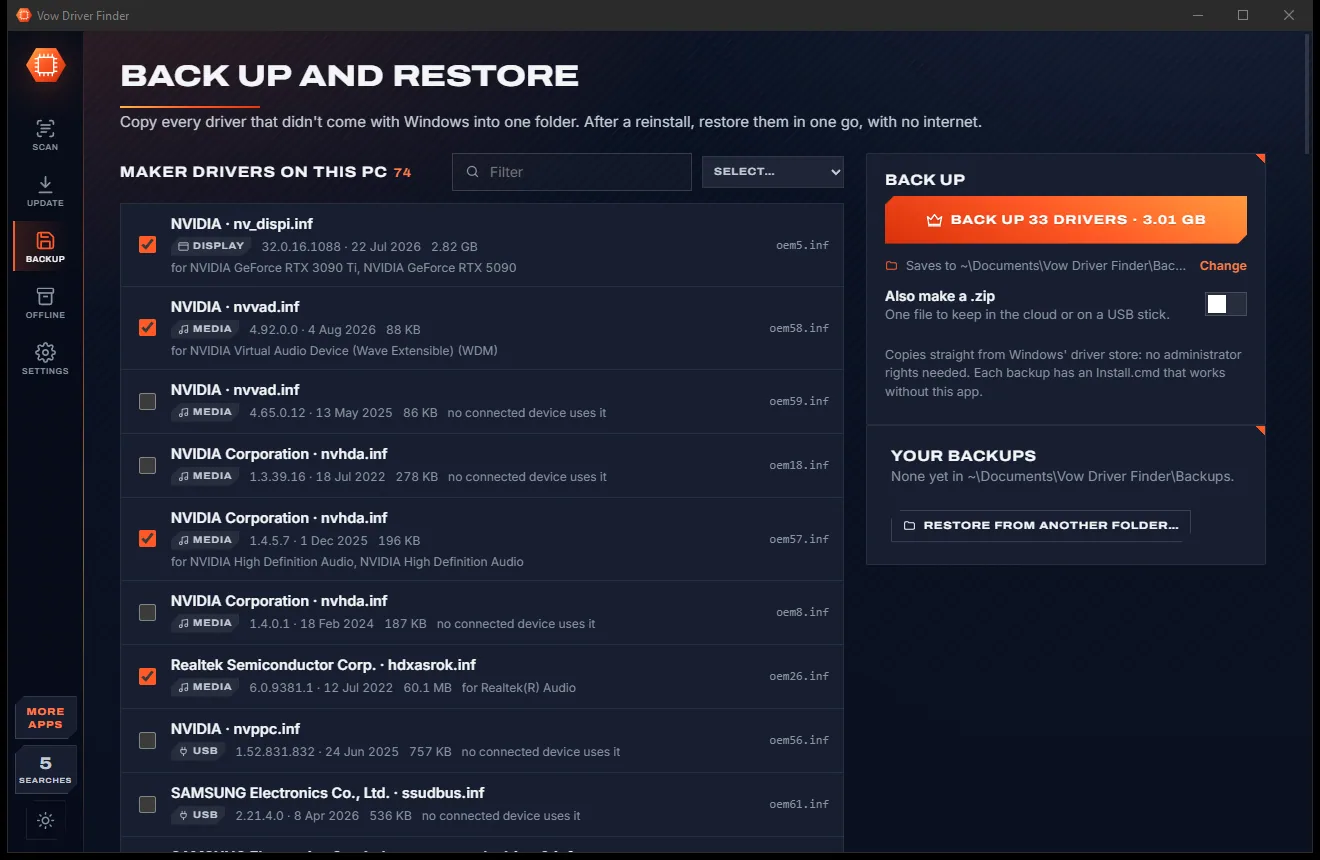
Vow Driver Finder
Find the drivers your PC is really missing, from official sources only
- Free: Unlimited scans, official links, 5 in-app searches a day
- $4.95 once: One-click install, backup and restore, offline driver packs

The honest product key finder for Windows
Vow Key Finder shows your Windows key in big letters with one sentence on what it is, then lists Office and program keys with honest labels. It tells you when Windows needs no key at all, instead of showing a generic one as yours. Read-only, nothing uploaded.
The problem
On a modern PC the key in the registry is often Microsoft's public generic key. Show it as "your key" and you find out after the reinstall that it activates nothing.
Windows with a digital licence stores Microsoft's public default key. Many finders show it as if it were the key you paid for.
Free versions that show four characters and a padlock, so the scan is free but the answer isn't.
A subscription for something you need once per reinstall, renewing long after you have written the key down.
A list of strings with no idea which is Windows, which is a volume key from work and which will activate after a reinstall.
The PC that won't start is exactly the one whose keys you need, and most tools can only read the running Windows.
Key finders are a favourite disguise for adware, on the very screen that shows your licences.
Vow Key Finder fixes all of it.
How it works
The key that matters in big letters, what it means in one sentence, and a backup before you wipe the drive.
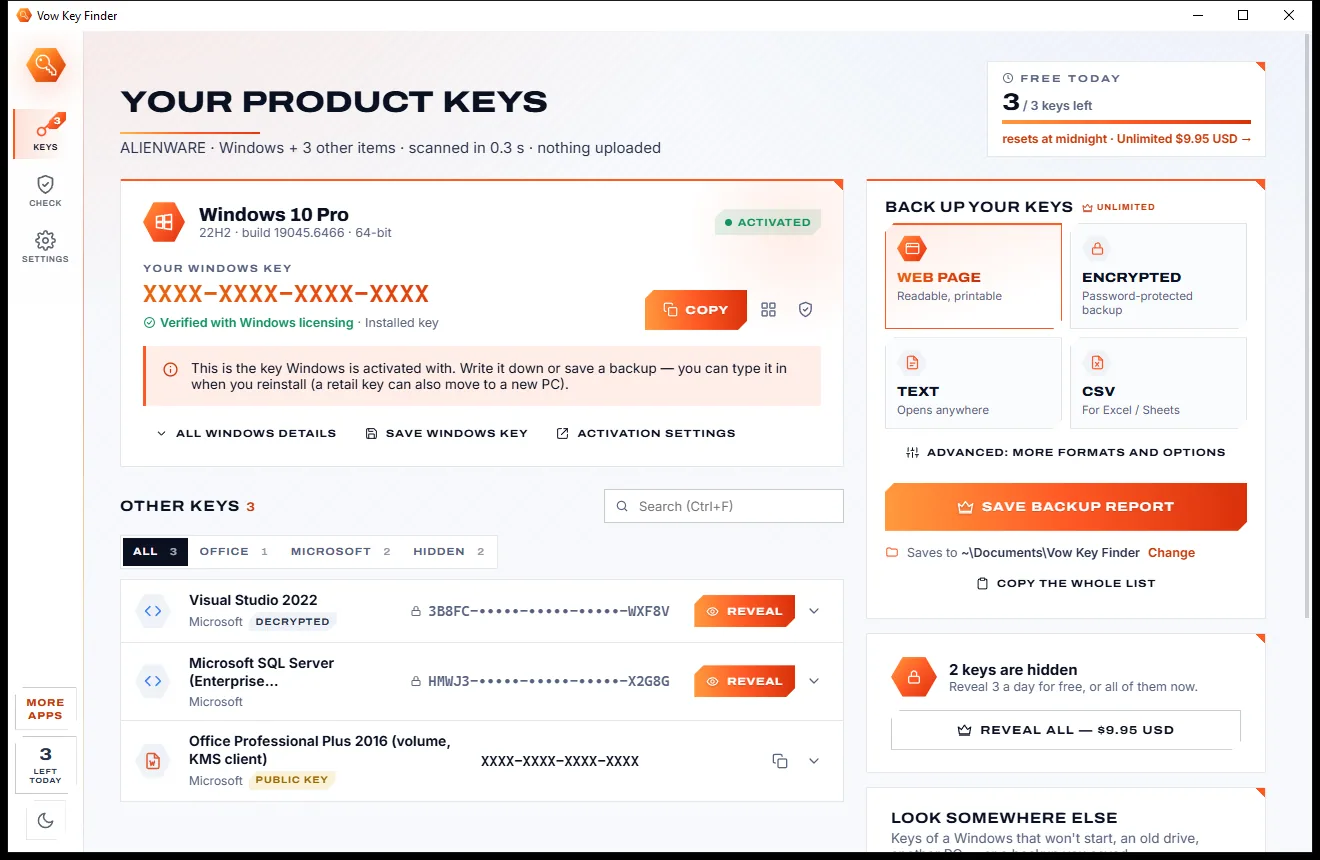
It reads this PC by itself in well under a second. The Windows card shows the key to keep in big letters, with Copy, a QR code and one sentence on what it is.
Office, Microsoft and program keys are listed with honest labels: verified, public key, last 5 only, licence file. Click a row for where it was found.
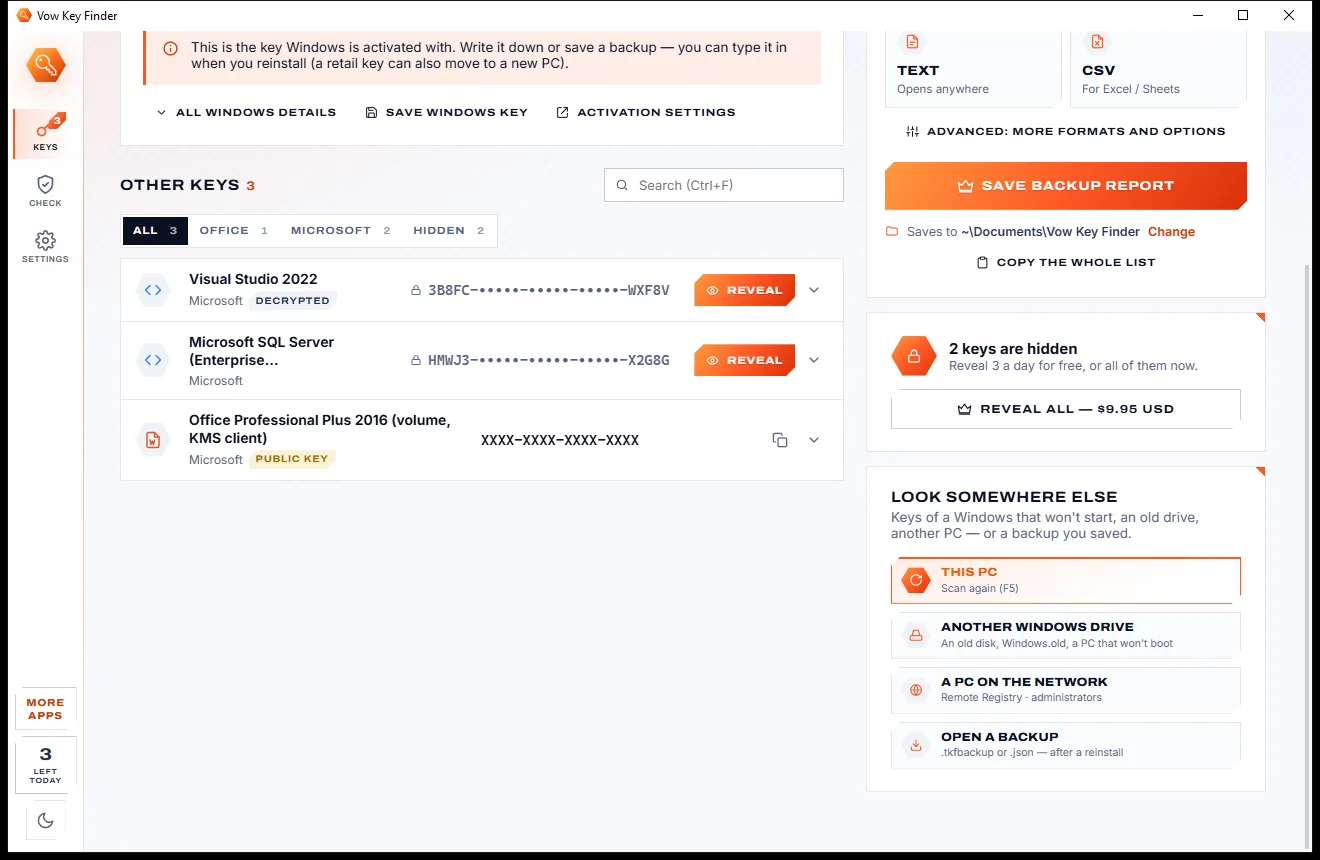
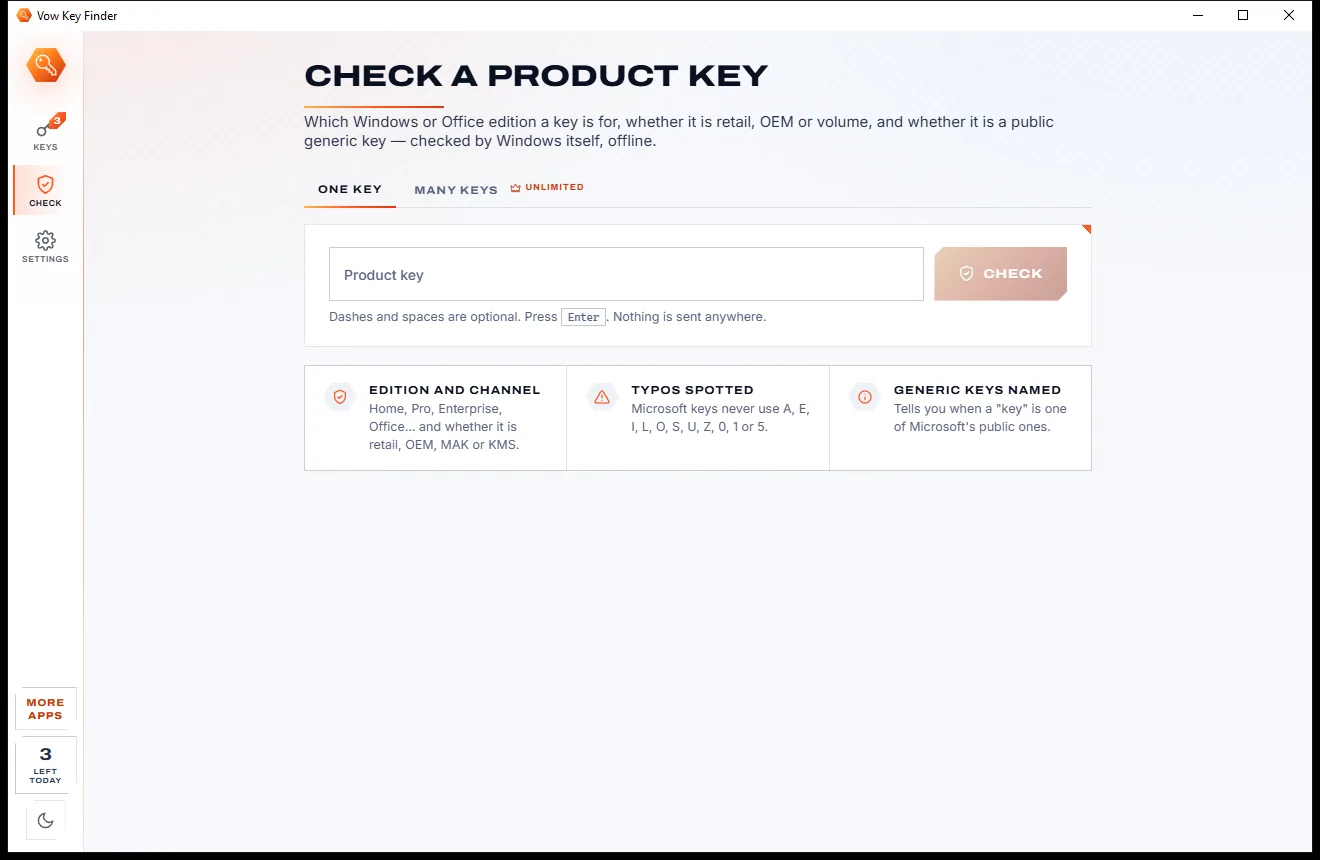
Save a printable web page or a password-encrypted backup, or type any key into the checker to see which edition it is for.
Features
For reinstalls, new drives, old PCs that won't start and anyone who looks after more than one computer.
Installed key, the OEM key in the firmware and Windows' backup copy, checked against Windows' own licensing service.
When Windows needs no key, it says so, instead of presenting Microsoft's public generic key as yours.
Full keys where Office stores them, the last 5 characters and product names for Click-to-Run, each explained.
SQL Server, Visual Studio, VMware, WinRAR, WinZip and more, plus a deep registry scan for keys no rule knows.
Read the keys of another Windows drive or a Windows.old folder, user hives included, without changing a file.
Type or paste any key: Windows' own checker names the edition, retail, OEM or volume, and spots typos, offline.
Saved networks are listed, with their passwords when you choose to restart the app as administrator.
Save a printable web page, text, CSV or a password-protected backup, and open your backup again after the reinstall.
It never changes a key, a licence or the registry, nothing is uploaded, and privacy mode hides keys until clicked.
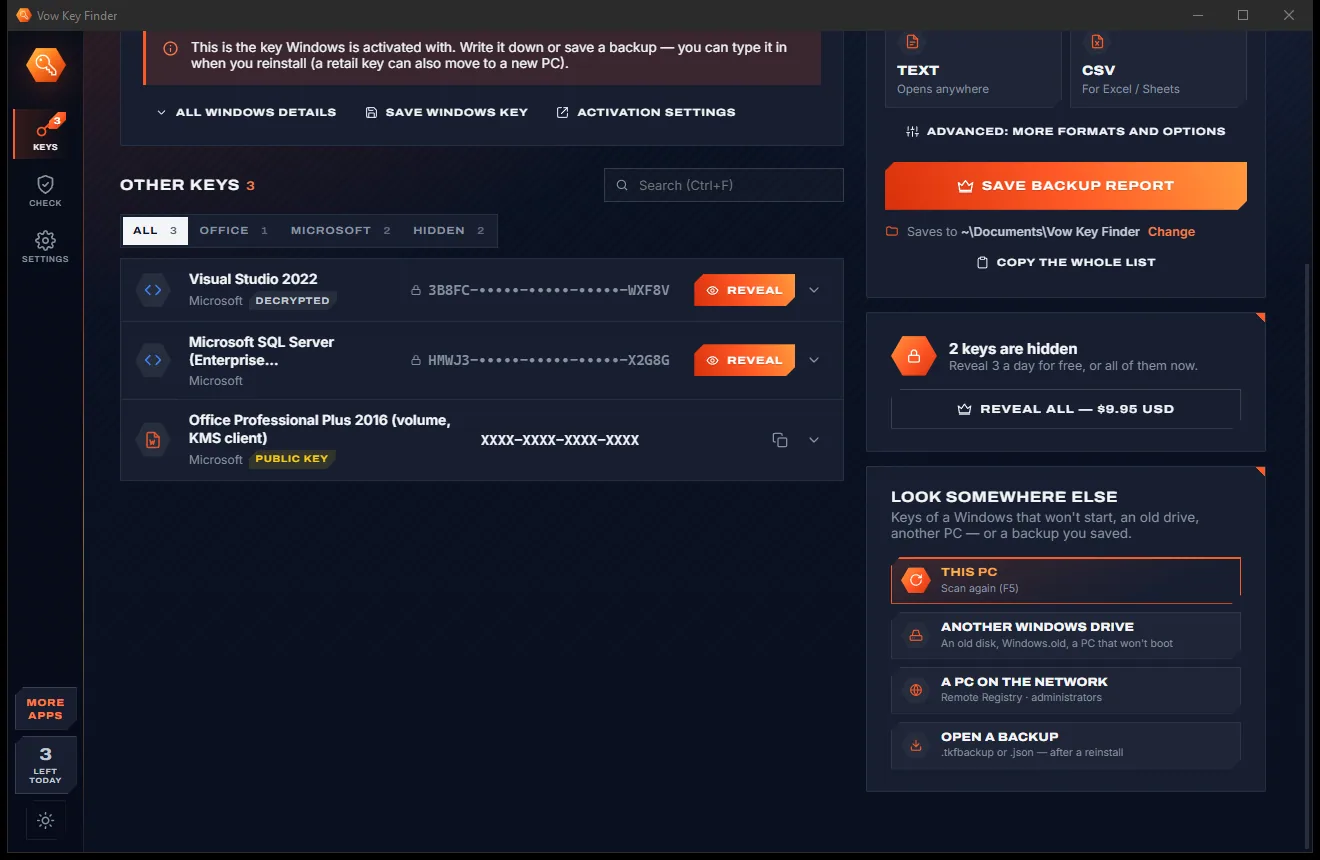
Paper-light or carbon-dark: switch with one click at the bottom of the side rail, and your choice is kept.
Light & dark theme
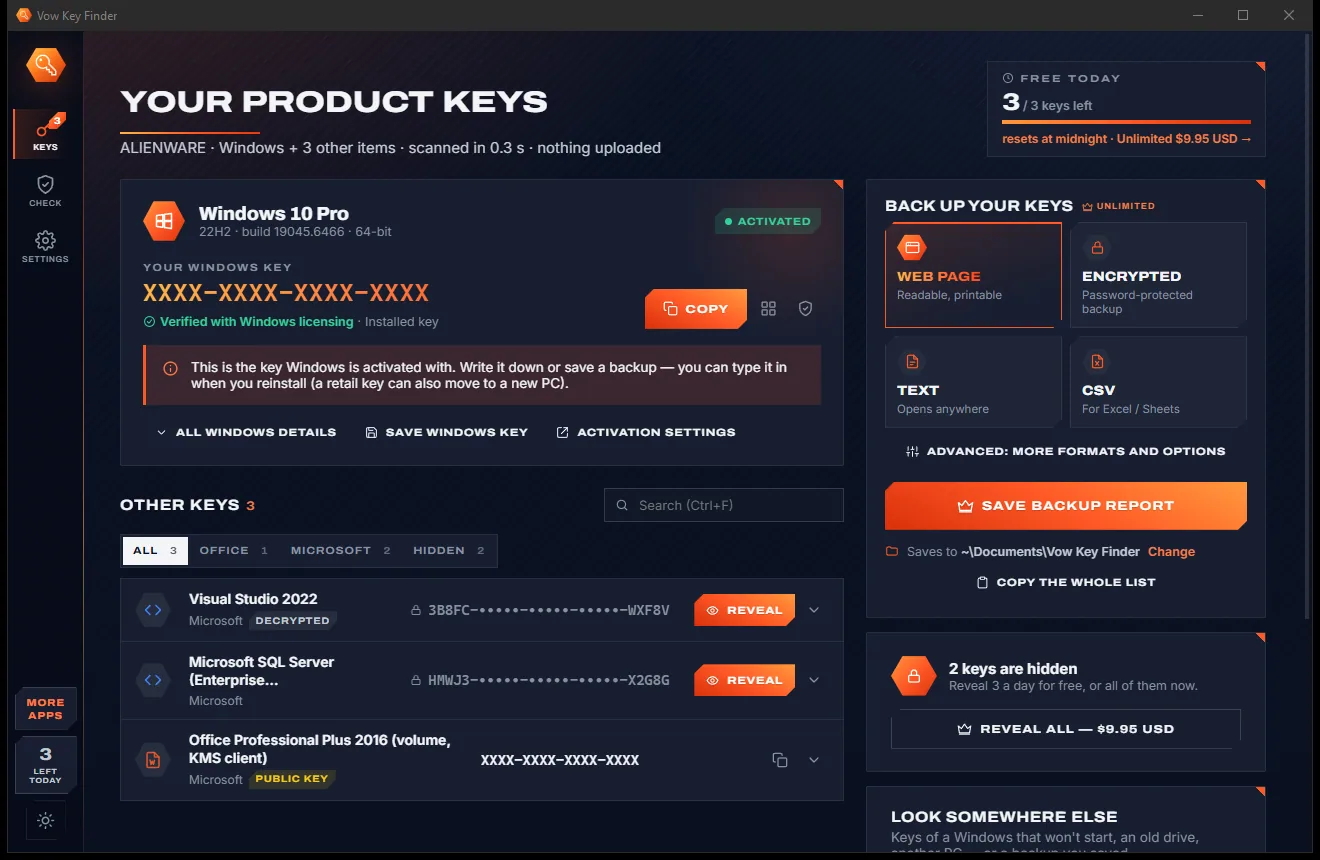
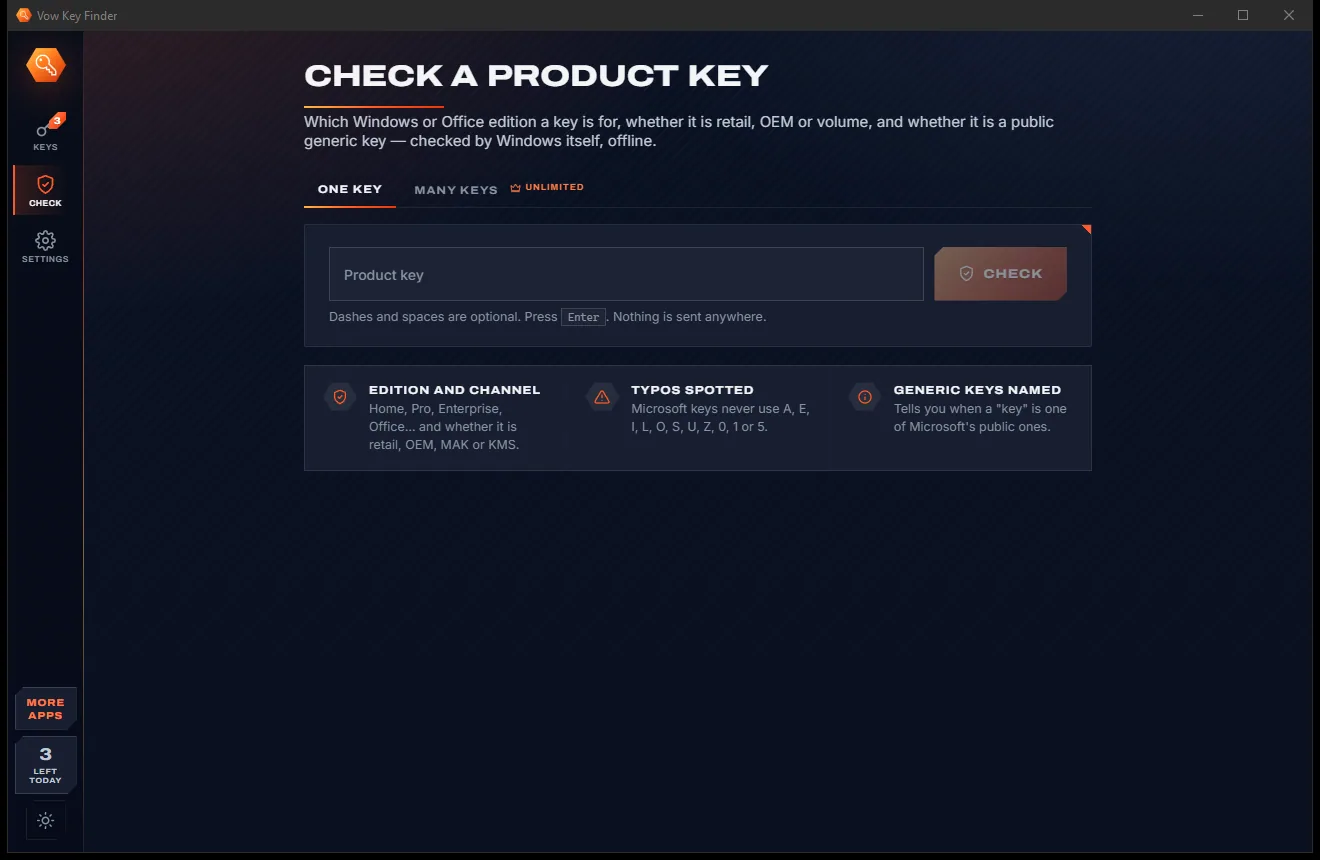
Key Finder comes with a crisp light theme and a calm dark theme. Switch with one click, or let it follow your Windows setting by itself. It remembers your choice.
Screenshots
Real screenshots of the real app, in both of its themes: 5 light, 5 dark. Click any picture to see it full size.
Light theme
Dark theme
Who it's for
Write down the Windows and Office keys, or learn that Windows reactivates by itself.
Put its drive in another PC and read the keys of that Windows, including each user's programs.
Save every key as an encrypted backup and open it on the new machine.
Recover the full key of an older Office install, or see which Microsoft 365 product is installed.
See which edition a key is for and whether it is a public generic key before you rely on it.
Network PC scans, many keys checked at once and command-line reports for the PCs you look after.
Compare
Finding a string that looks like a key is easy. Knowing whether it will activate anything is the useful part.
| Feature | Vow Key Finder | Typical key finder apps |
|---|---|---|
| Price | Free Windows key, or $4.95 once | Often a yearly licence |
| Full keys in the free version | Windows always, 3 others a day | Demos often show a few characters |
| Digital licence explained | Yes, never shown as your key | Generic key shown as yours |
| Windows key verified | Against Windows' licensing service | Rarely |
| Public KMS and default keys labelled | Every one | Rarely |
| Keys of a Windows that won't start | Another drive or Windows.old | Some tools |
| Key checker | Edition, channel and typos, offline | Rarely included |
| Ads, bundled extras | None, ever | Common with free downloads |
"Typical" describes what we found across the most-downloaded alternatives when we built Key Finder. Your mileage with any one of them may vary; ours won't.
Pricing
That is not a typo. Software this powerful usually means a monthly subscription; Key Finder is $4.95, once, for life: it's almost a giveaway. Use it free for as long as you like, and unlock Unlimited only if you need more.
Your Windows key always, 3 other keys revealed a day.
Almost a giveaway. Less than a coffee for software this powerful: no subscription, no renewals, yours for life on 2 PCs.
Every key revealed, full backup reports, network PCs.
Payments by Stripe: we never see or store your card. Questions? Ask a real person.
Clean software
Most "free" Windows downloads pay for themselves with ads, bundled extras or your data. Vow Key Finder doesn't need to: it's paid for honestly, once, by the people who find it useful.
Download Key Finder freeStep-by-step guide
Save your Windows and Office keys before a reinstall in a couple of minutes, without touching the registry.
Step 1: get it freeInstall it free with no administrator rights, or run the portable version. The scan of this PC starts by itself and takes well under a second.
The key to keep is shown in big letters with one sentence on what it is, or "No key needed" when Windows has a digital licence and reactivates by itself.
Office and program keys are listed below with honest labels. Click a row to see where it was found, its product ID and how to use it.
Copy the Windows key or save it as text for free, or save a printable web page or a password-protected backup with every key.
Put the backup on a USB stick or in your email. After the reinstall, open it in Vow Key Finder to see every key again.
Technical details
FAQ
Yes. Your Windows key is always free: installed, firmware and backup keys, copy, QR code and saving it as text. Office and program keys are found and listed, with 3 revealed a day. Unlimited, a one-time $4.95 USD payment, reveals every key and adds full backup reports, network PCs and the command line.
Because Windows is activated with a digital licence tied to your PC or Microsoft account, and the key stored in the registry is Microsoft's public generic key. Reinstall the same edition and Windows activates by itself.
For Office 2000 to 2013 installed from a disc or download, yes, the full key. Office 2016 and later store only the last 5 characters, and Microsoft 365 is licensed to your account; the app shows what is installed and says so honestly.
Yes. Connect its drive to a working PC, or use a Windows.old folder, and choose Another Windows drive. Its registry files are copied and read privately, so the original drive is never changed.
No. It only reads: it never changes a key, a licence or the registry, and nothing is uploaded. It asks for administrator rights only if you want saved Wi-Fi passwords or a protected drive.
It verifies the Windows key against Windows' licensing service, explains digital licences instead of showing a generic key as yours, labels every public default key, reads the firmware key and its edition, and includes a key checker and encrypted backups.
Type or paste any Windows or Office key and Windows' own checker, offline, says which edition it is for, whether it is retail, OEM or volume, its part number and whether it is a public generic key. It also spots typos.
Yes. It is made and published by XTO Pty Ltd, an Australian company. The installer contains no ads, no toolbars and no bundled software, needs no administrator rights, and uninstalls cleanly from Windows Settings.
The Vow collection
Same design, same promises, a tiny one-time price. Learn one and you already know them all.
Find the drivers your PC is really missing, from official sources only

Uninstall programs completely, and undo it if you change your mind

Find out what crashed your PC, in plain English, with the fix
Find your Windows and Office product keys before you reinstall. Free to use every day, $4.95 once if you ever want Unlimited.