
Network
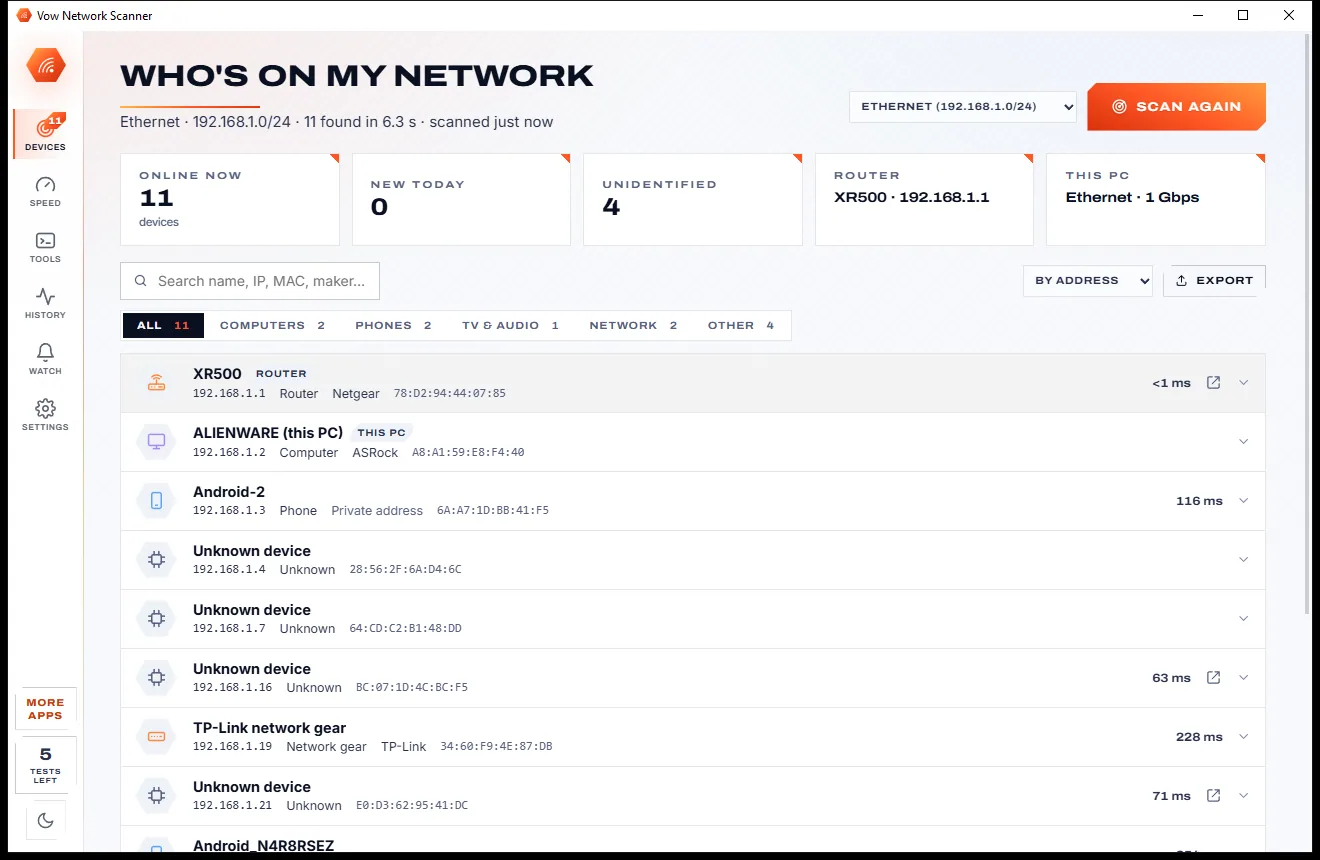
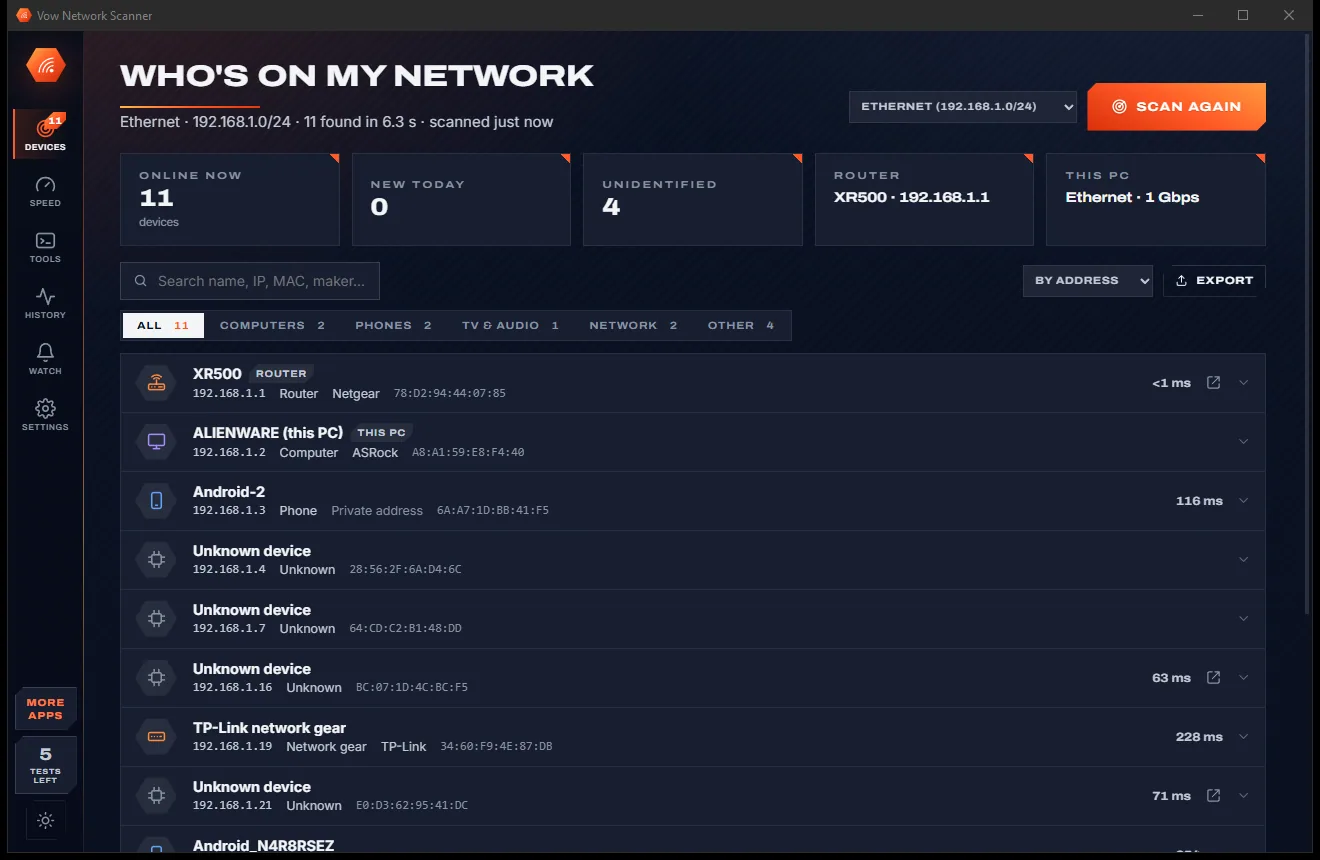
Vow Network Scanner
Who's on my Wi-Fi, and why is it slow? Answered in seconds
- Free: Unlimited scans and network tools, 5 speed tests a day
- $4.95 once: New-device alerts, device names and history, schedules, unlimited speed tests

Send large files from Windows, no cloud upload
Drop files or whole folders, press Create link and paste it into an e-mail or chat. Your recipient downloads straight from your PC in any browser, with no app and no account, while you watch every download arrive live.
The problem
You have one folder of footage to hand over. The usual services want you to upload all of it first, stay under their cap, and pay monthly for the privilege.
Cloud services make you push every gigabyte up to their servers before your recipient can start downloading a single byte.
A few gigabytes per transfer and a handful of transfers a month, then a paywall right when the shoot is finished.
Monthly plans for a job many people do now and then, renewing whether you send anything or not.
Many browser-to-browser senders can't resume. A Wi-Fi hiccup at 90% means downloading the whole thing again.
Command-line tools and some apps need your recipient to install the same software or create an account first.
You paste a link and hope. Did they open it? Is it still downloading? Most services won't tell you until it's too late.
Vow Large File Sender fixes all of it.
How it works
The download starts the moment you share the link, because the files never leave your PC until someone asks for them.
Drag them onto the window, click Add files, paste with Ctrl+V, or right-click in Explorer and use Send to. Folders keep their structure.
Pick how long it works and, if you like, a message and a download limit. Press Create link: it is copied for you, with a QR code for phones.
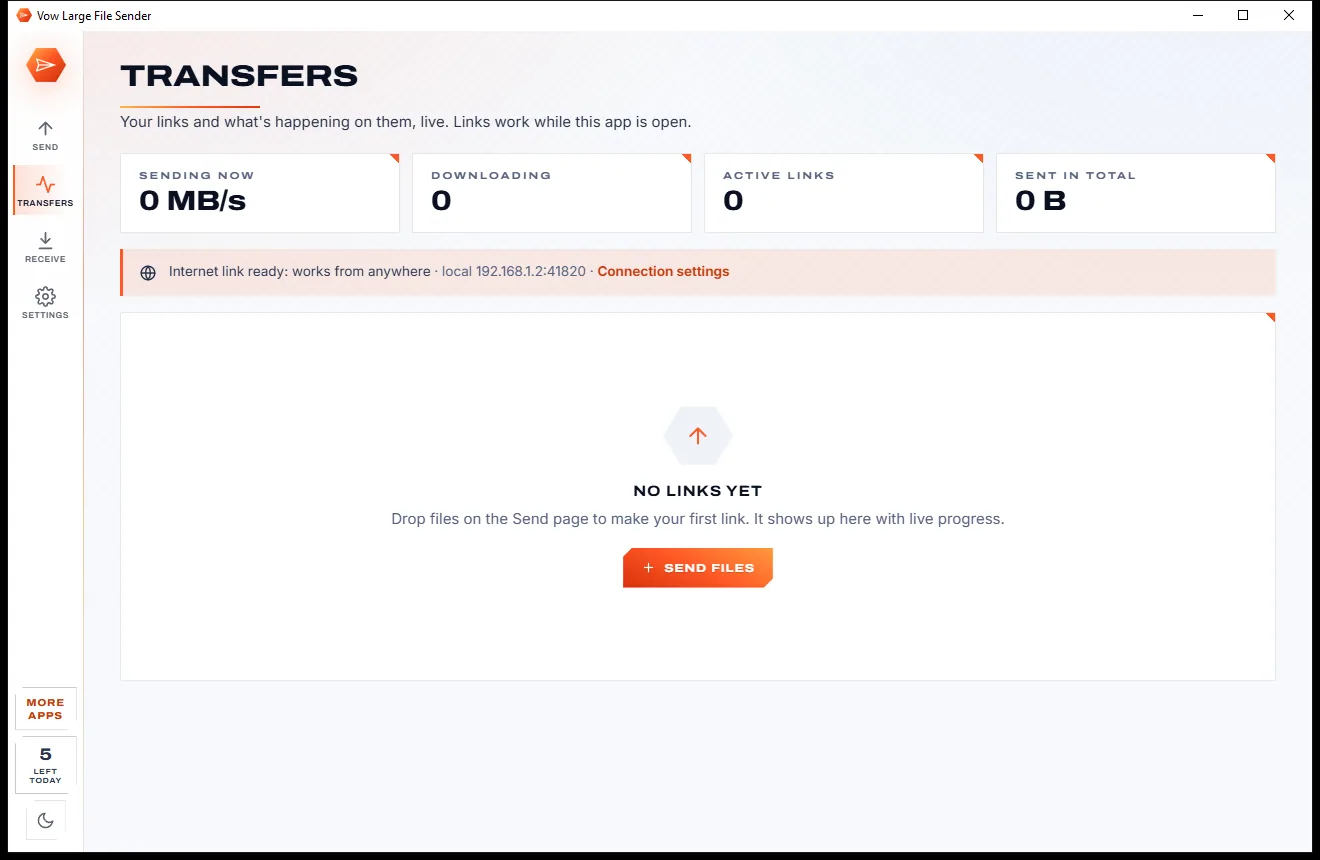
Your recipient opens the link in any browser. Follow each download live on Transfers and get a notification when they have everything.
Features
For video editors, photographers, musicians and anyone whose files are simply too big for e-mail.
Files are served straight from your PC, so the download starts the moment your recipient opens the link.
An encrypted HTTPS internet link that gets through routers and firewalls, plus direct, local-network or your own address.
A clean, phone-friendly download page in any browser with your name, your message, sizes and expiry.
Whole folders arrive as one .zip built on the fly, with no temporary copy, or as individual files with their folders kept.
See upload speed, who is downloading what, progress and time left per recipient, page views and a full activity log.
Every file gets a SHA-256 checksum. The receiving app verifies each one and never keeps a damaged file.
With Unlimited, interrupted downloads carry on where they stopped, with several connections at once for speed.
Unlimited adds passwords that are checked by a challenge, so the password itself is never sent over the network.
PCs on the same network running the app appear automatically. The other side accepts before anything is downloaded.
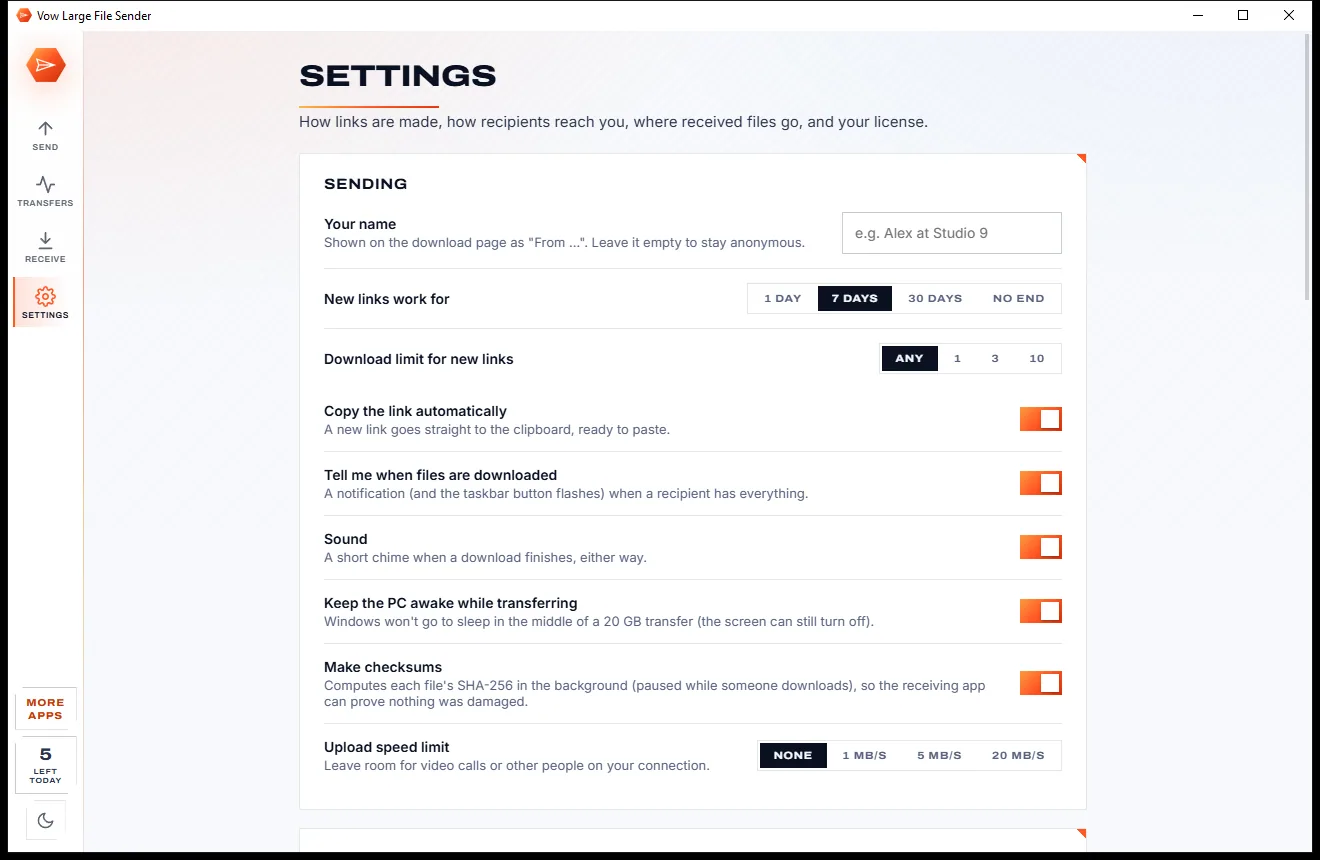
Valid for 1 day, 7 days, 30 days or no end, with an optional download limit. Pause, resume, stop or add 7 days any time.
Light & dark theme
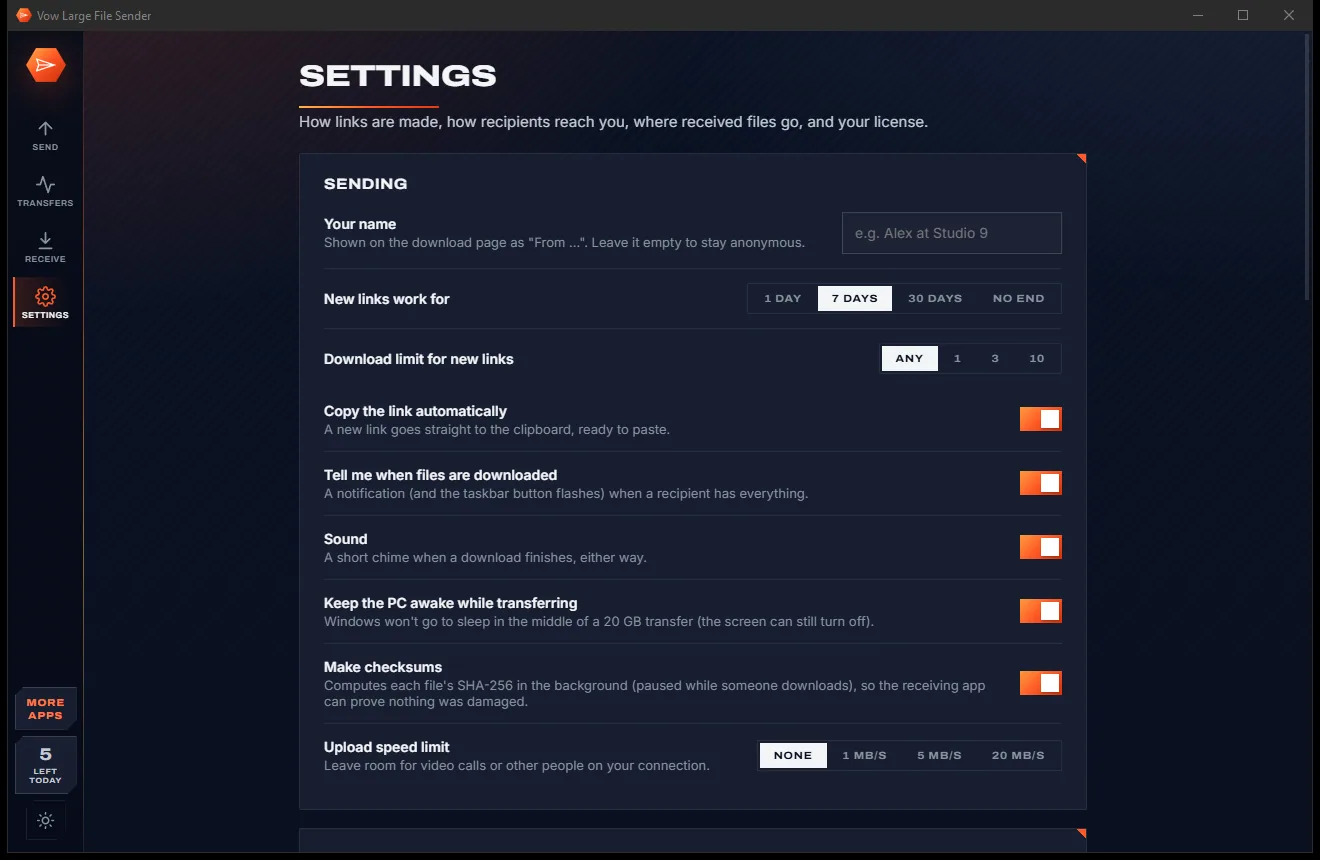
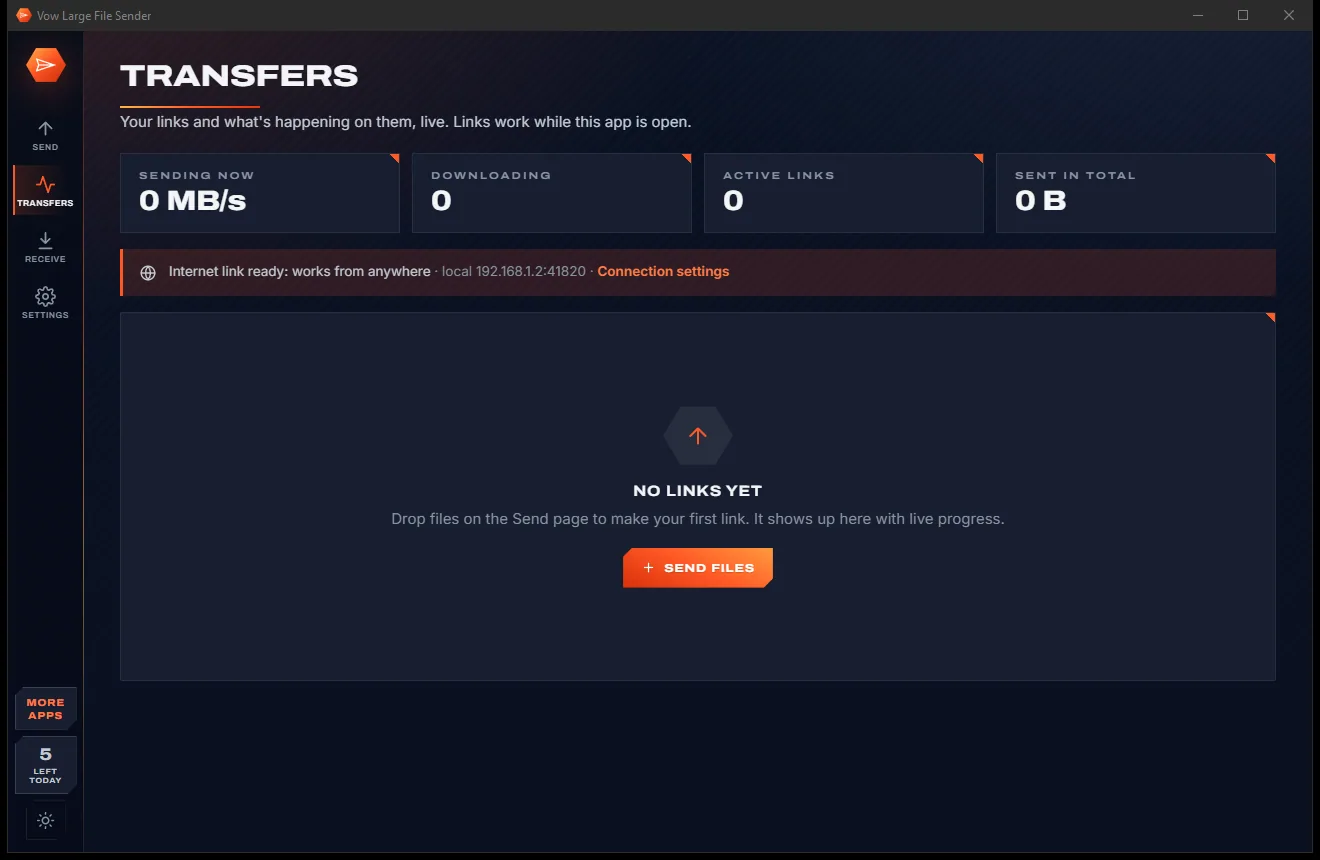
Large File Sender comes with a crisp light theme and a calm dark theme. Switch with one click, or let it follow your Windows setting by itself. It remembers your choice.
Screenshots
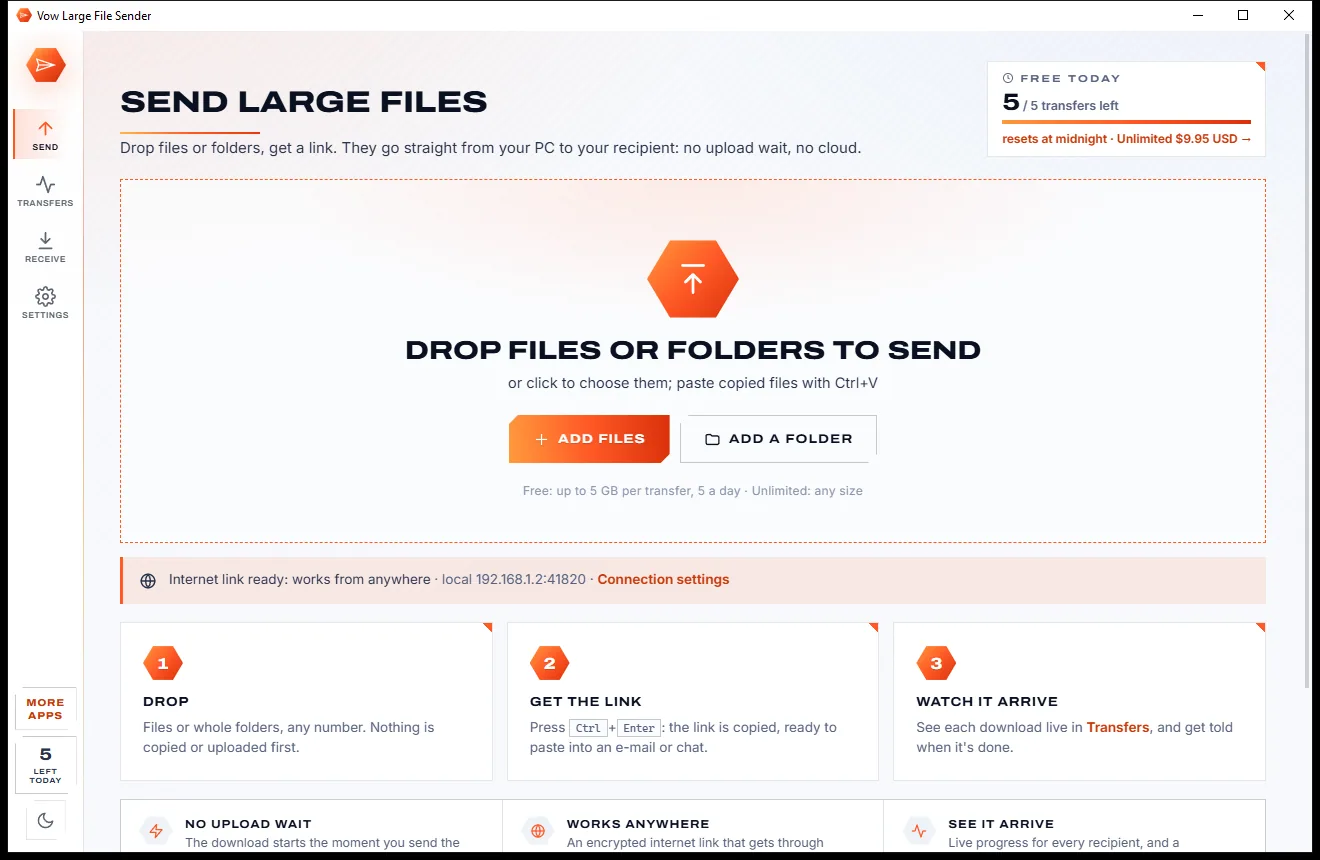
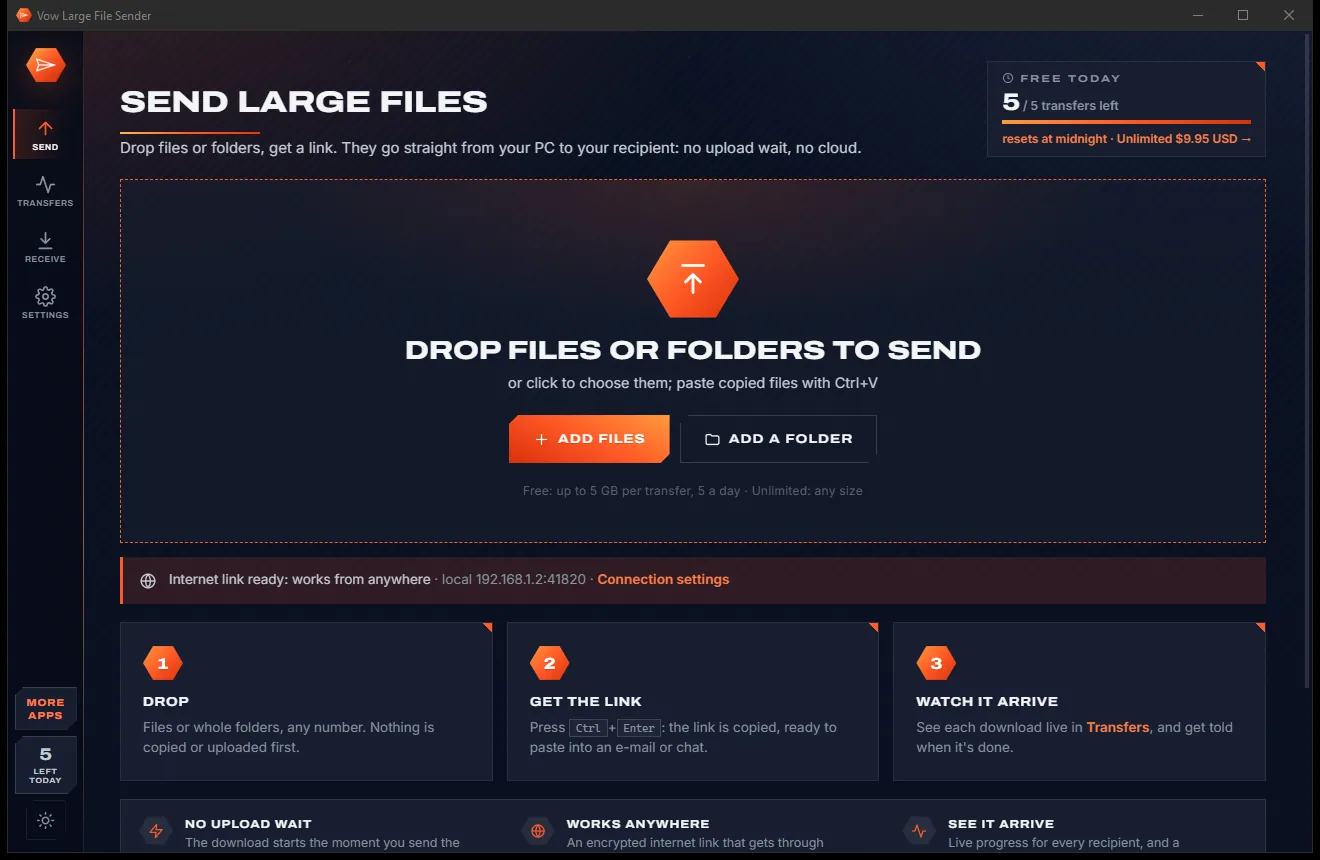
Real screenshots of the real app, in both of its themes: 6 light, 6 dark. Click any picture to see it full size.
Light theme
Dark theme
Who it's for
Hand raw footage and finished cuts to clients and collaborators without waiting hours for an upload.
Deliver a full wedding or event shoot, folders intact, in one link the client opens in a browser.
Send multitrack sessions and stems to a mixer or band mate, checked for damage on arrival.
Share large deliverables with your name and a message on the download page, and know when they're done.
Send a big folder to another PC on your network with the nearby list, accepted on the other side.
Share holiday videos and photo collections with relatives who just need a link that works.
Compare
What actually happens when you try to send 20 GB the usual way.
| Feature | Vow Large File Sender | Typical cloud transfer services |
|---|---|---|
| Upload before they can download | Never: straight from your PC | Always, the whole lot first |
| Size per transfer | 5 GB free, any size with Unlimited | Capped on free plans |
| Price | Free every day, or $9.95 once | Monthly or yearly plans |
| Recipient needs an app or account | No: any browser | Some services and tools need one |
| Live progress per recipient | Yes, with a done notification | Usually just a download count |
| Resumes after a dropped connection | Yes, with Unlimited | Not for browser-to-browser tools |
| Checksums against damage | SHA-256 for every file | Rarely |
| Works on your local network too | Yes, plus nearby PCs | Internet only |
| Ads | None, ever | Common on free tiers |
"Typical" describes what we found across the most-downloaded alternatives when we built Large File Sender. Your mileage with any one of them may vary; ours won't.
Pricing
That is not a typo. Software this powerful usually means a monthly subscription; Large File Sender is $9.95, once, for life: it's almost a giveaway. Use it free for as long as you like, and unlock Unlimited only if you need more.
5 transfers a day, each up to 5 GB, live tracking and checksums.
Almost a giveaway. Less than a takeaway lunch for software this powerful: no subscription, no renewals, yours for life on 2 PCs.
Any size, any number, resumable downloads, password links.
Payments by Stripe: we never see or store your card. Questions? Ask a real person.
Clean software
Most "free" Windows downloads pay for themselves with ads, bundled extras or your data. Vow Large File Sender doesn't need to: it's paid for honestly, once, by the people who find it useful.
Download Large File Sender freeStep-by-step guide
From a folder on your desktop to a link in someone's inbox in under a minute.
Step 1: get it freeGet Vow Large File Sender from this page and run the installer. It needs no administrator rights and no account, and everything it needs is included.
Drag them onto the Send page, click Add files, or right-click them in Explorer and choose Send to. The free version sends up to 5 GB per transfer.
Pick 1 day, 7 days, 30 days or no end. Under More options add a title, a message, your name and a download limit if you want them.
Press Create link or Ctrl+Enter. The link is already on your clipboard: paste it into an e-mail or chat, use Copy with a message, or show the QR code.
Follow the download live on the Transfers page. You get a notification with a sound when your recipient has everything. Closing the app asks first and can keep it running in the taskbar.
Technical details
FAQ
Yes. You can make 5 new transfers a day for free, each up to 5 GB, with internet links, live tracking, checksums, QR codes and nearby PCs. There are no ads and no sign-up. Unlimited, a one-time $9.95 USD payment, adds any size, any number of transfers, resumable downloads and password-protected links. Receiving is always free.
No. Your files stay on your PC and are sent only when your recipient downloads them. Internet links travel through an encrypted relay so they work behind routers and firewalls, but nothing is stored there, so there is no upload wait and no cloud size cap.
Just a web browser. The link opens a download page with your name, your message, the file list and sizes, and a Download all as .zip button. They don't need to install anything or create an account.
Yes. Because the files come straight from your PC, the app has to be running until the download is finished. It keeps the PC awake during transfers, asks before you close it, and can keep running in the taskbar.
With Unlimited, downloads are resumable: they continue where they stopped in the browser, in download managers and in the receiving app, which also uses several connections at once. Links made before you upgrade become resumable too.
There is no upload wait as with cloud services like WeTransfer and SwissTransfer, and no monthly subscription: Unlimited is $9.95 once. Unlike LAN-only tools such as LocalSend, the same link works over the internet, and your recipient only needs a browser.
Yes, always for free. Paste a link from Vow Large File Sender, or any direct download link, on the Receive page. It downloads with several connections, continues after a restart and checks every file against the sender's checksum.
Yes. It is made and published by XTO Pty Ltd, an Australian company. The installer contains no ads, no toolbars and no bundled software, needs no administrator rights, and uninstalls cleanly from Windows Settings.
The Vow collection
Same design, same promises, a tiny one-time price. Learn one and you already know them all.
Who's on my Wi-Fi, and why is it slow? Answered in seconds

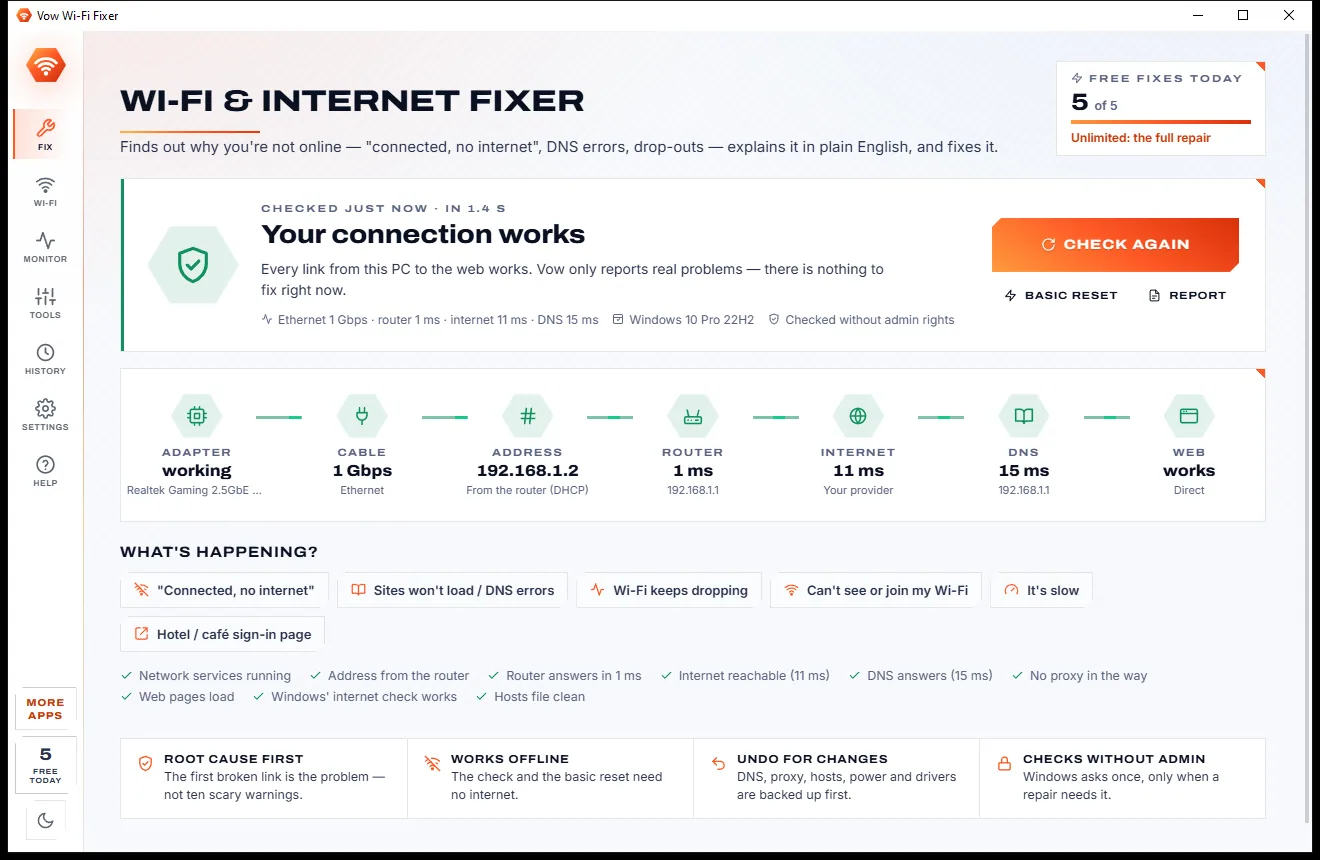
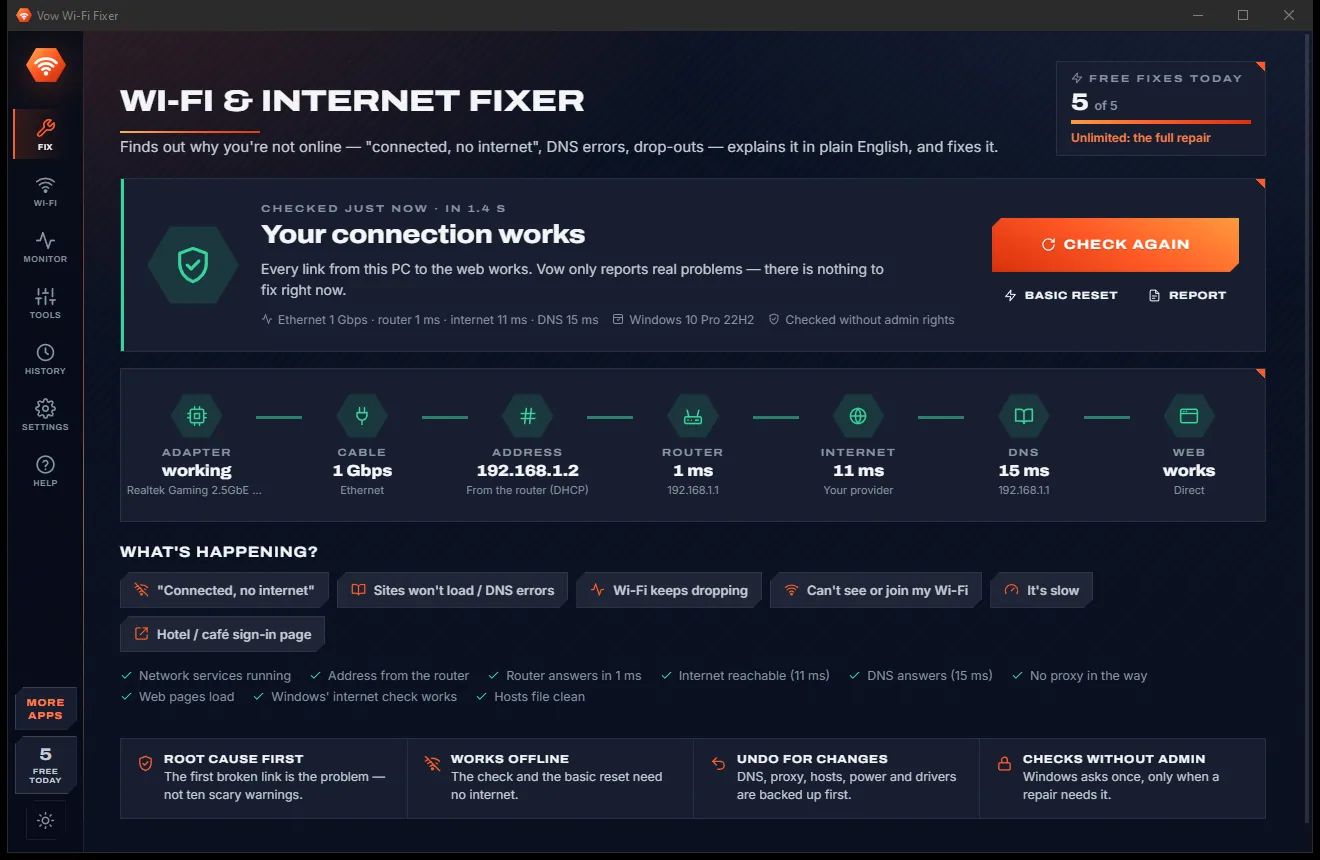
Fix "connected, no internet", DNS errors and Wi-Fi drop-outs, root cause first

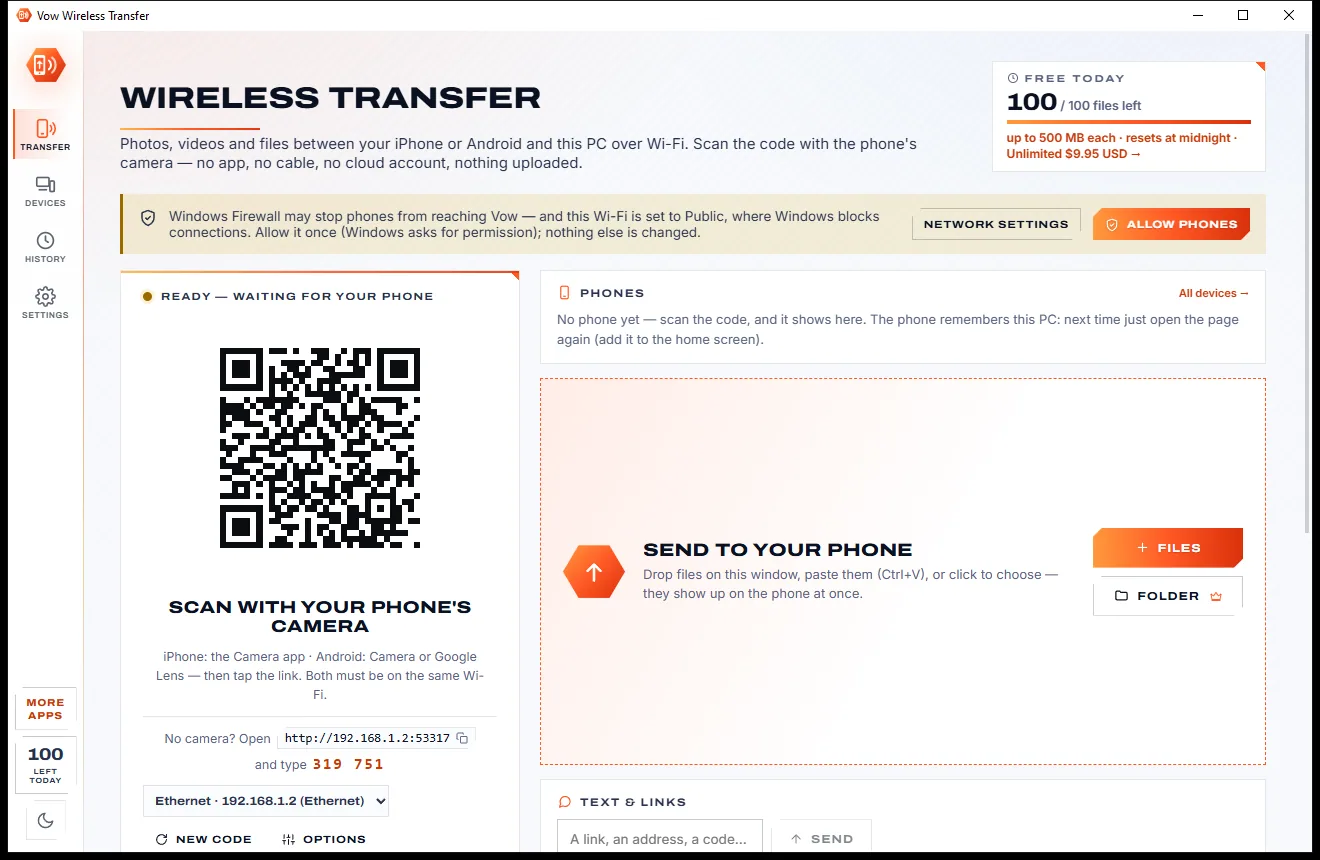
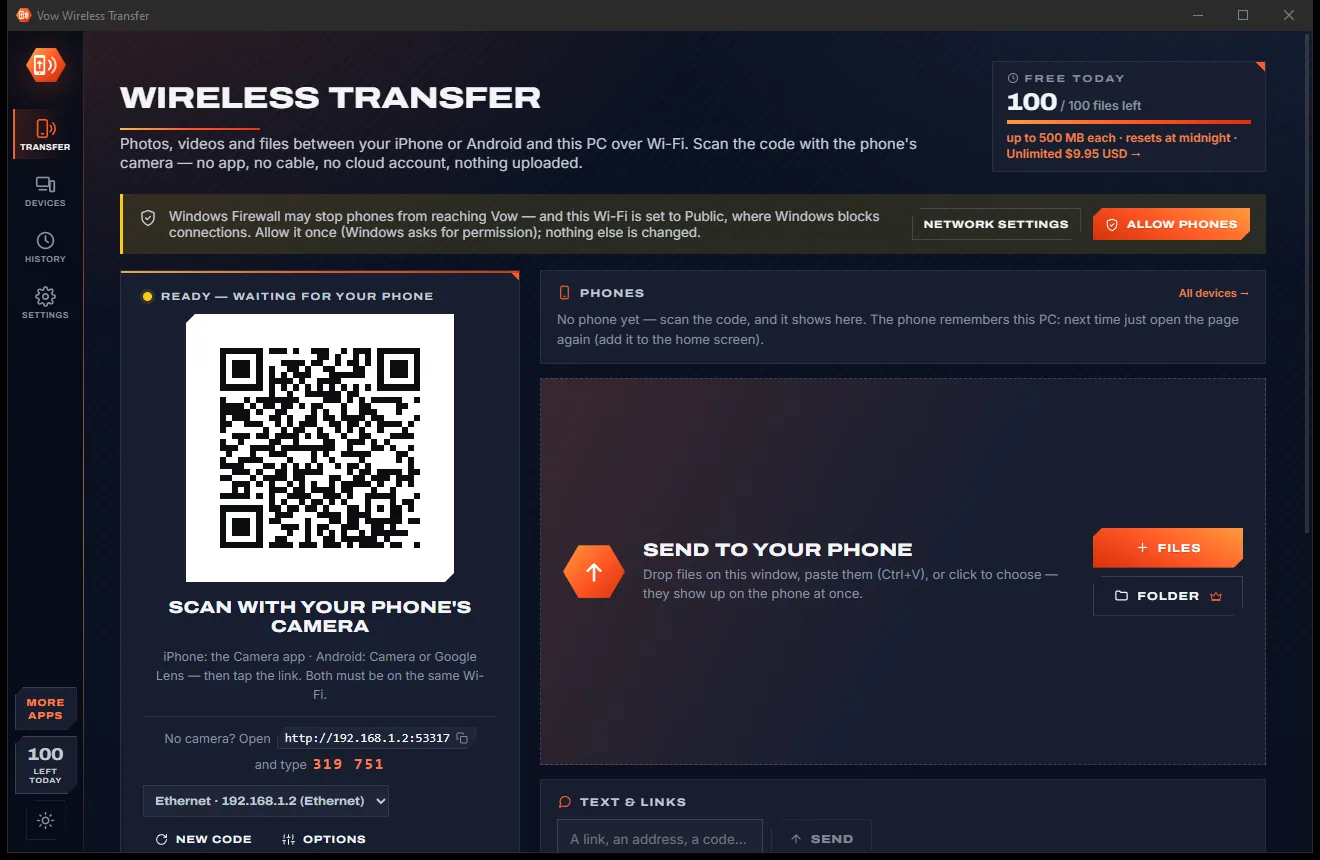
Phone to PC and back over your own Wi-Fi, with no app on the phone
Send huge files with one link, straight from your PC. Free to use every day, $9.95 once if you ever want Unlimited.