
Photos
Vow Photo Editor
Crop, brighten, blur a face, add text, and save to an exact file size
- Free: Every basic edit, 15 saved photos a day, no watermarks
- $9.95 once: No daily limit, one-click face blur, layers, batch edits and presets

AI old photo restorer for Windows
Drop in a scan or a phone photo of a faded, scratched print. It restores itself straight away: dust and scratches healed, fading fixed, faces sharpened, colour added if you like, and enlarged for printing. Your family photos are never uploaded.
The problem
Old photos are irreplaceable. The usual AI restore apps treat them as uploads, credits and a weekly plan.
Most AI restorers are apps and websites that need your family photos on their servers before they do anything.
A few free tries, then a credit pack or a subscription for something you'll do one shoebox at a time.
The free download is stamped with a logo or shrunk to thumbnail size until you pay up.
Over-eager AI invents a new face with plastic skin, and you can't turn it down or off.
One button, one result. No say in how much is fixed, and no way to keep the grain that makes it look real.
Free "photo fixers" that arrive with pop-up ads, toolbars and installers that change your browser.
Vow Photo Restorer fixes all of it.
How it works
The photo restores itself as it opens, tuned to that photo. Compare, tweak if you like, and save.
Drag in scans or phone photos of prints, add a whole folder, or paste a picture with Ctrl+V straight from a browser or scanner app.
The Auto preset looks at each photo and restores it in seconds. Drag the line to compare before and after, or hold Space for the original.
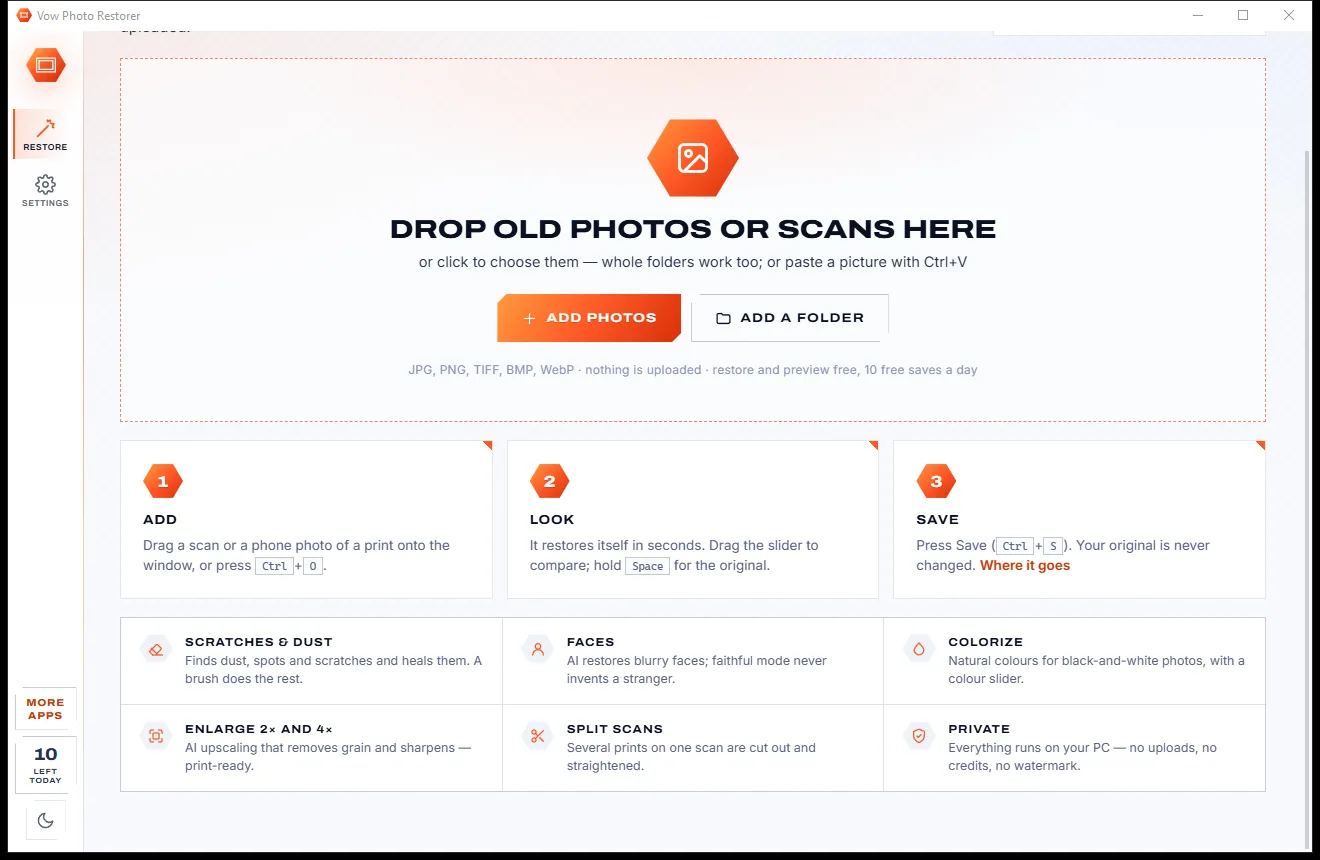
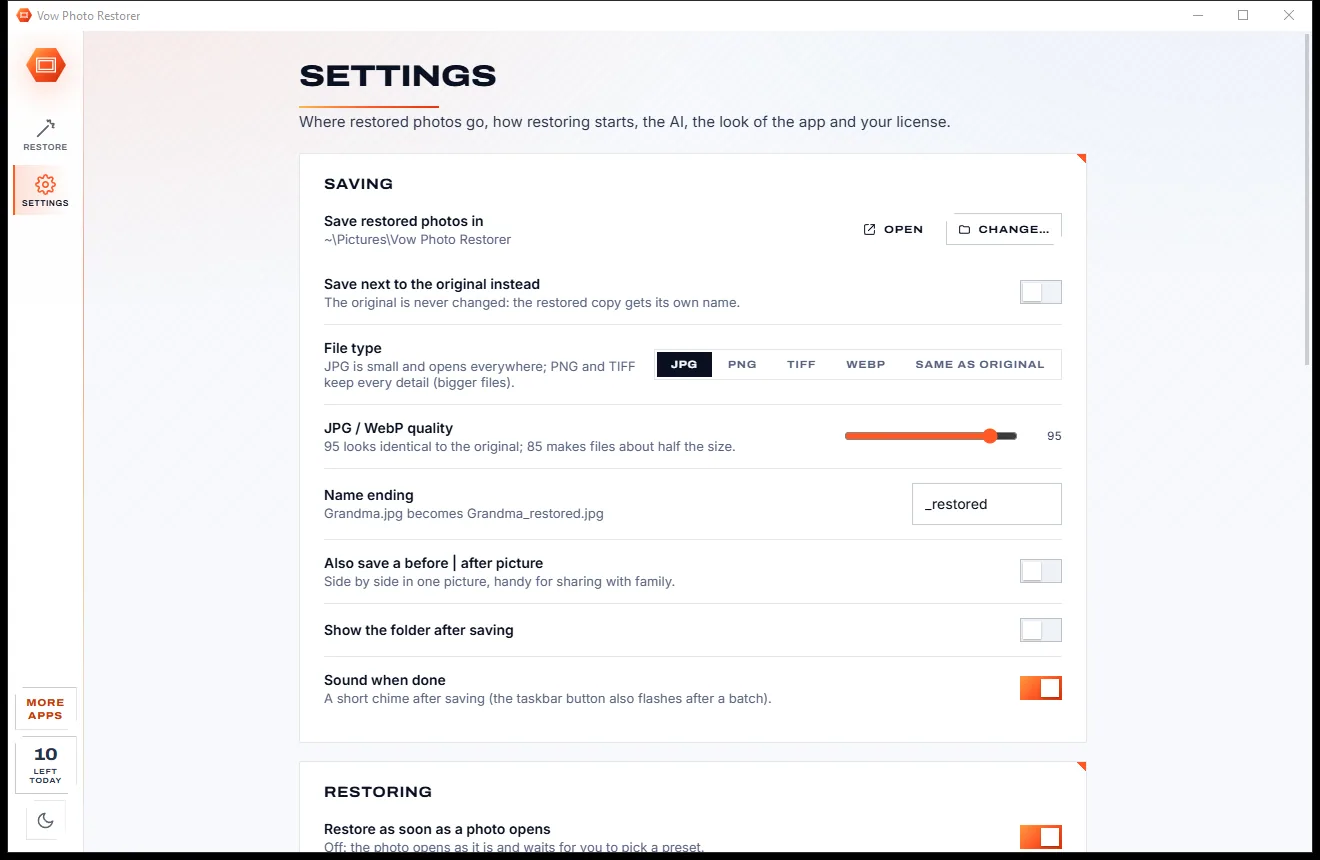
Press Ctrl+S. Your original is never changed: the restored copy is saved as a new file in Pictures, or next to the original.
Features
For family historians, anyone with a shoebox of prints, and everyone who wants Grandma to still look like Grandma.
Spots, dust and thin scratches are found and filled in. The eye button shows what was healed, and a brush handles the rest.
True blacks and whites come back, a named colour cast is removed, and yellowed or sepia prints can turn neutral grey.
Blurry faces are restored by AI, even small ones in group photos. Faithful faces skips any face that would stop looking like itself.
Colourise with AI and set the intensity with a slider. The photo's own brightness is kept; only the colour is added.
Real-ESRGAN removes grain and restores detail at the same size, 2x or 4x, and shows how big it prints at 300 dpi.
Scanned three photos at once? It cuts each one out, straightens it and adds it to the strip, ready to restore.
Finds a print lying on the scanner glass and cuts it out, turns, mirrors and straightens up to 20 degrees.
Auto, Gentle, Strong and Colorize presets, plus a strength for every step and chips that diagnose fading, casts and damage.
Uses any DirectX 12 graphics card (NVIDIA, AMD or Intel) or the processor, and falls back by itself if the card runs out of memory.
Optionally save a side-by-side before | after picture with every photo, ready to share.
Light & dark theme
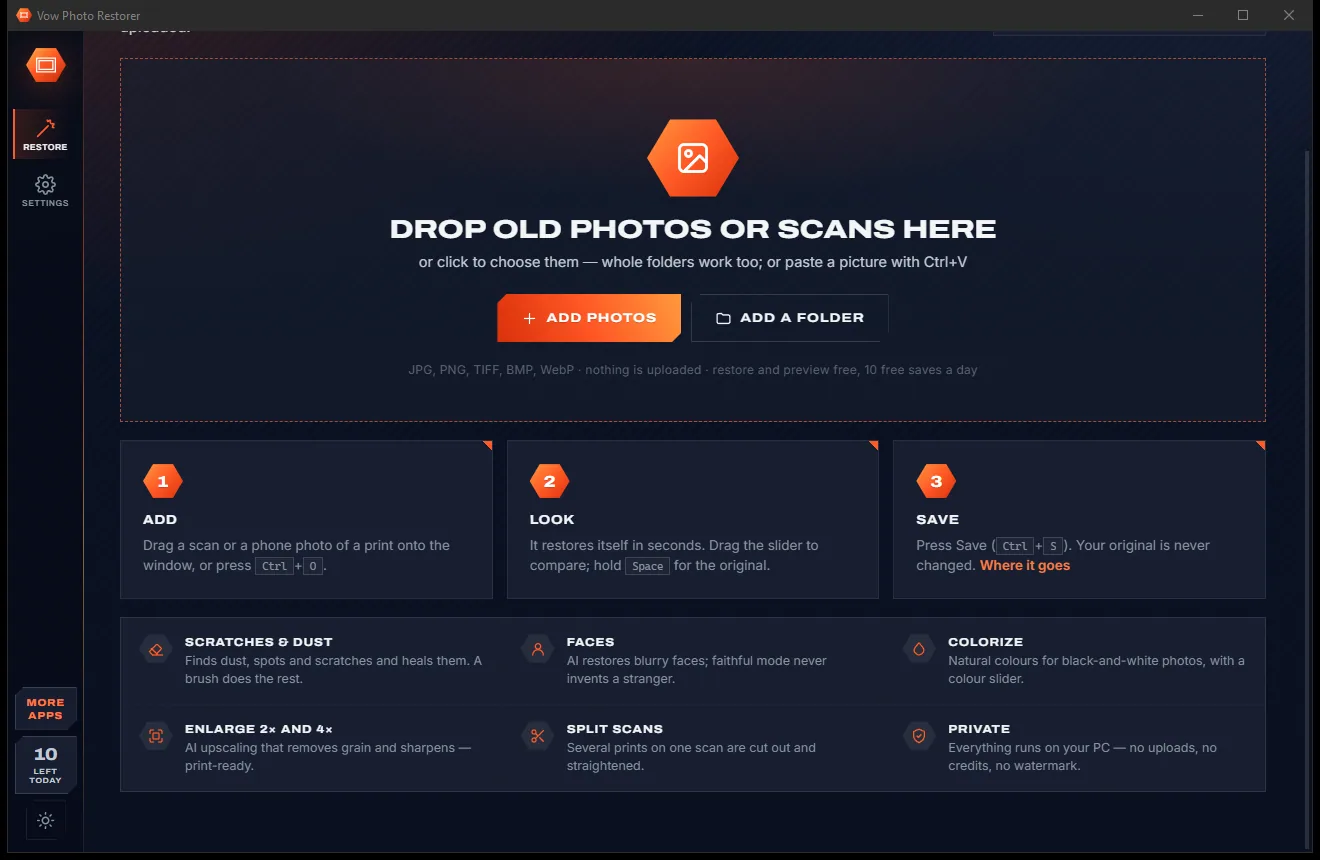
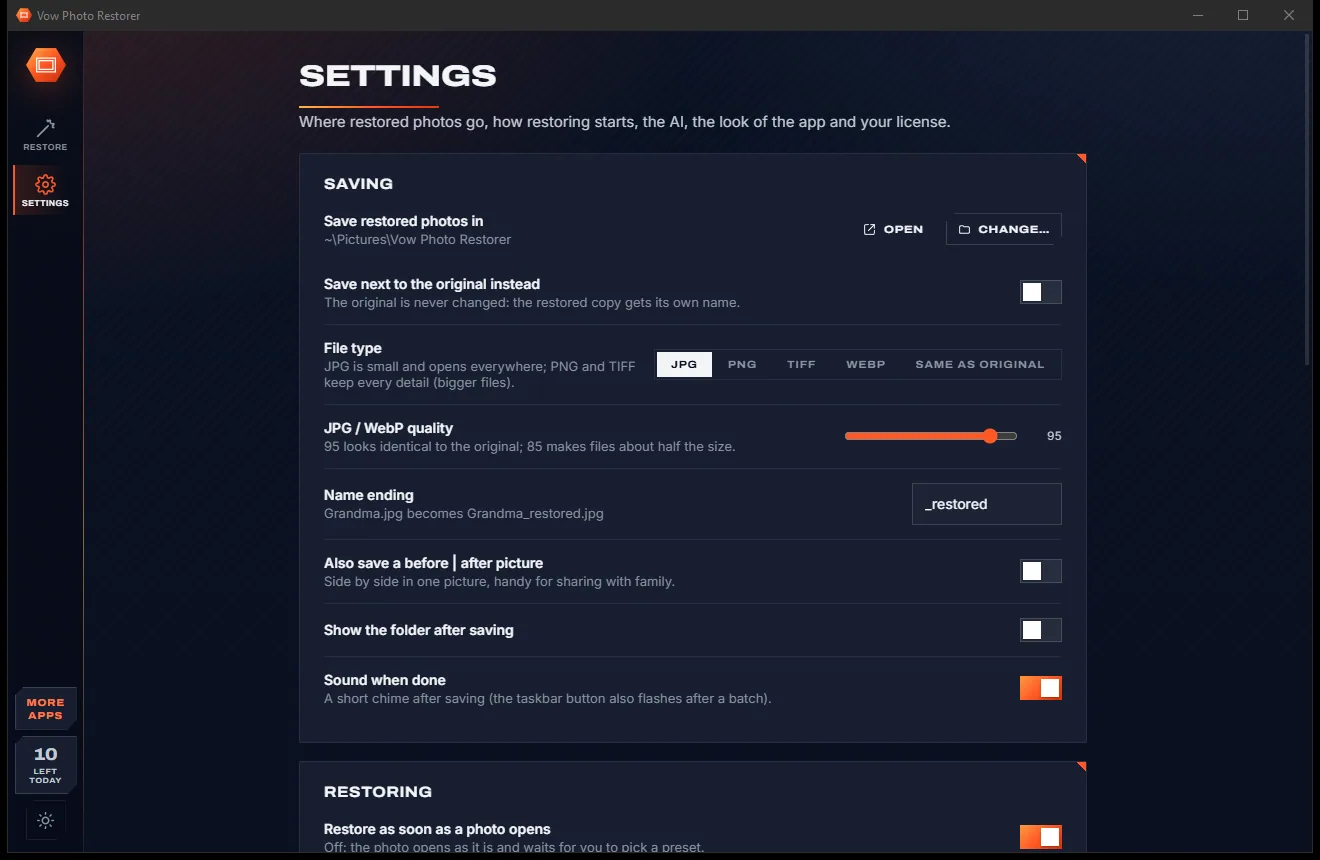
Photo Restorer comes with a crisp light theme and a calm dark theme. Switch with one click, or let it follow your Windows setting by itself. It remembers your choice.
Screenshots
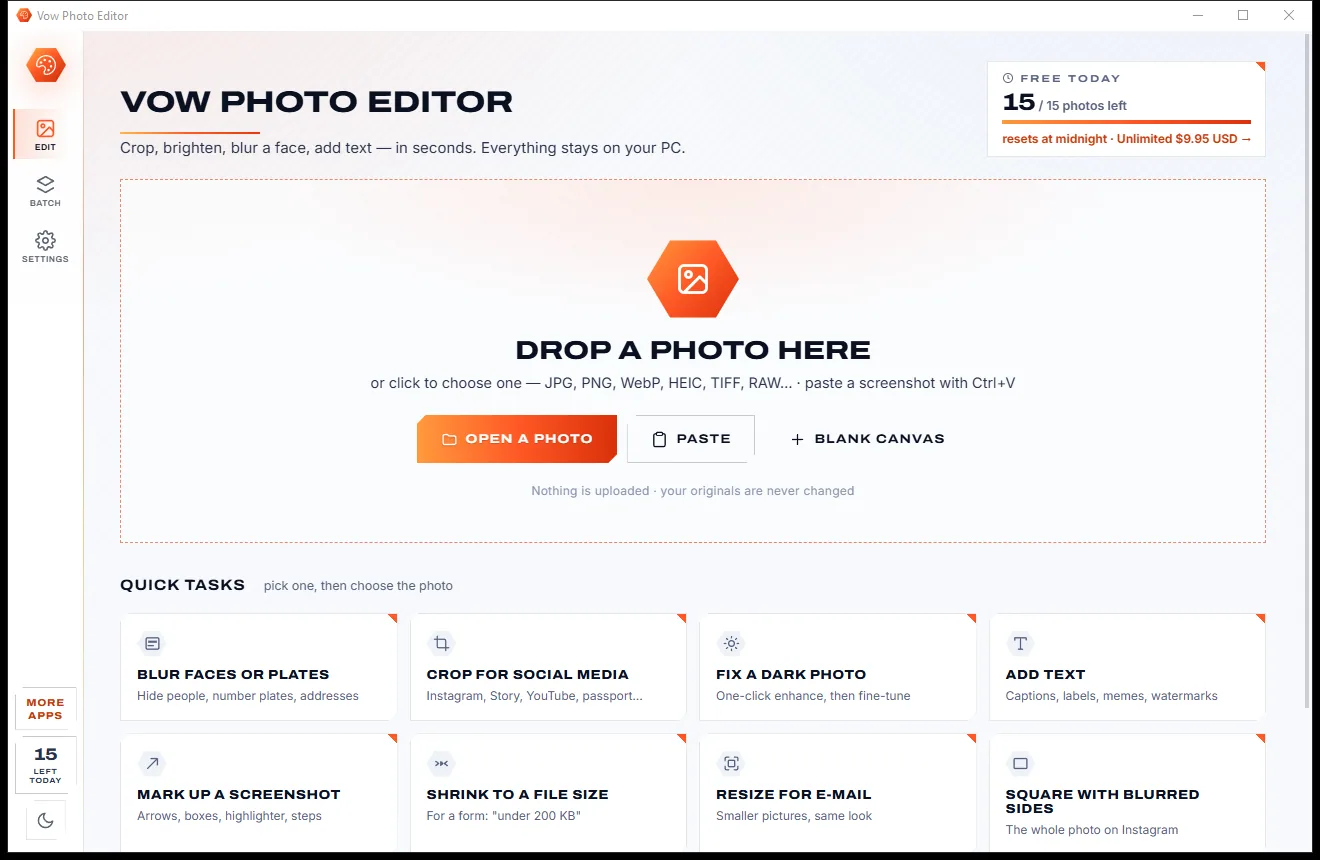
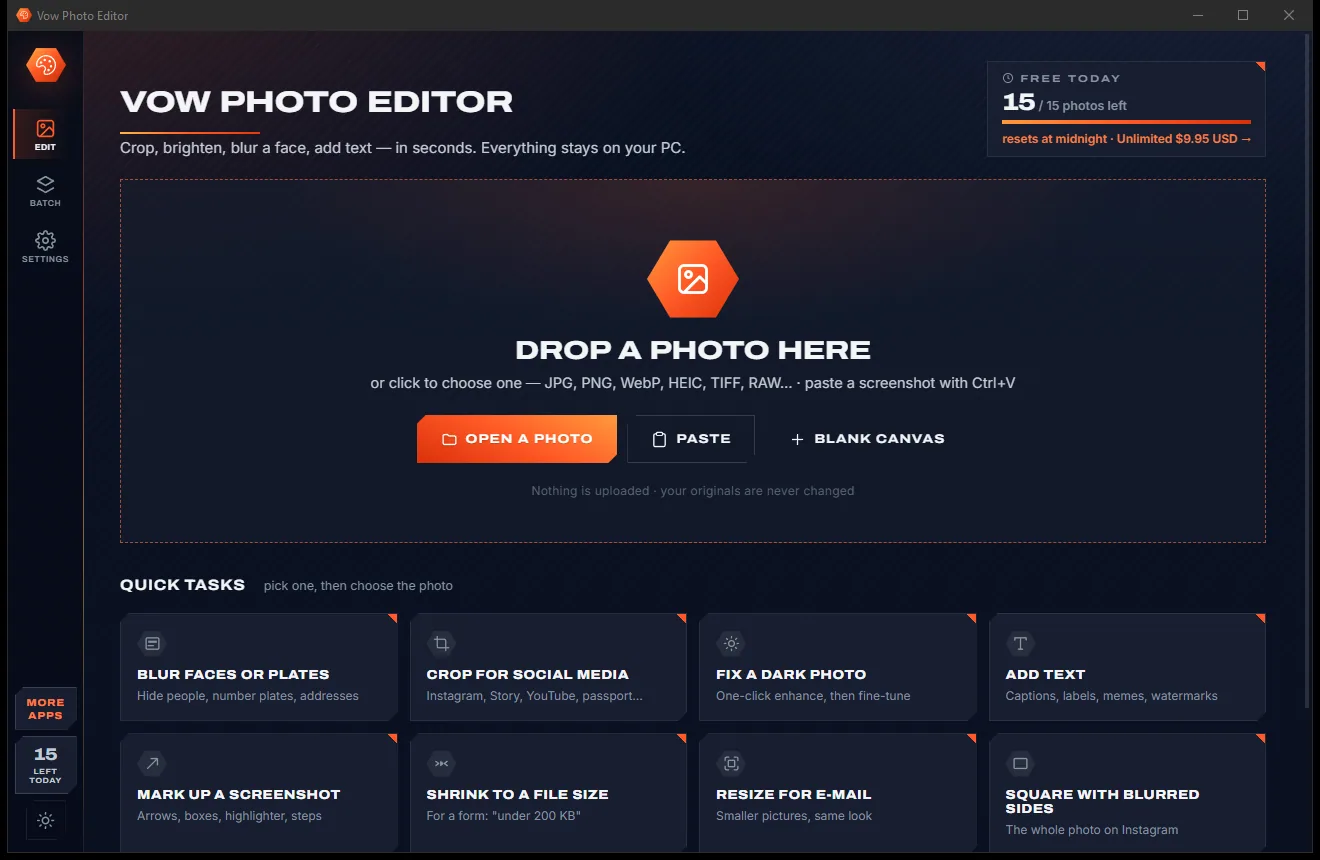
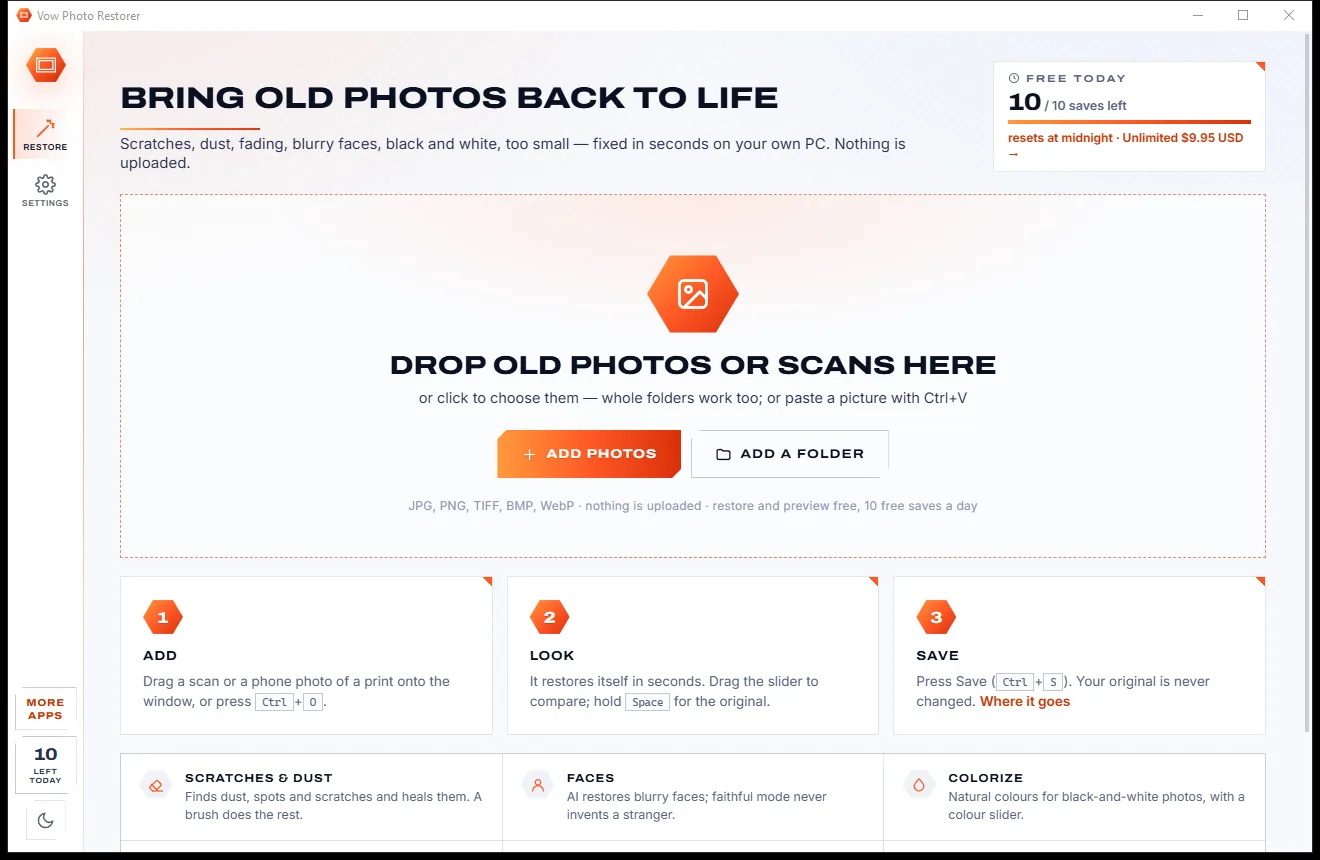
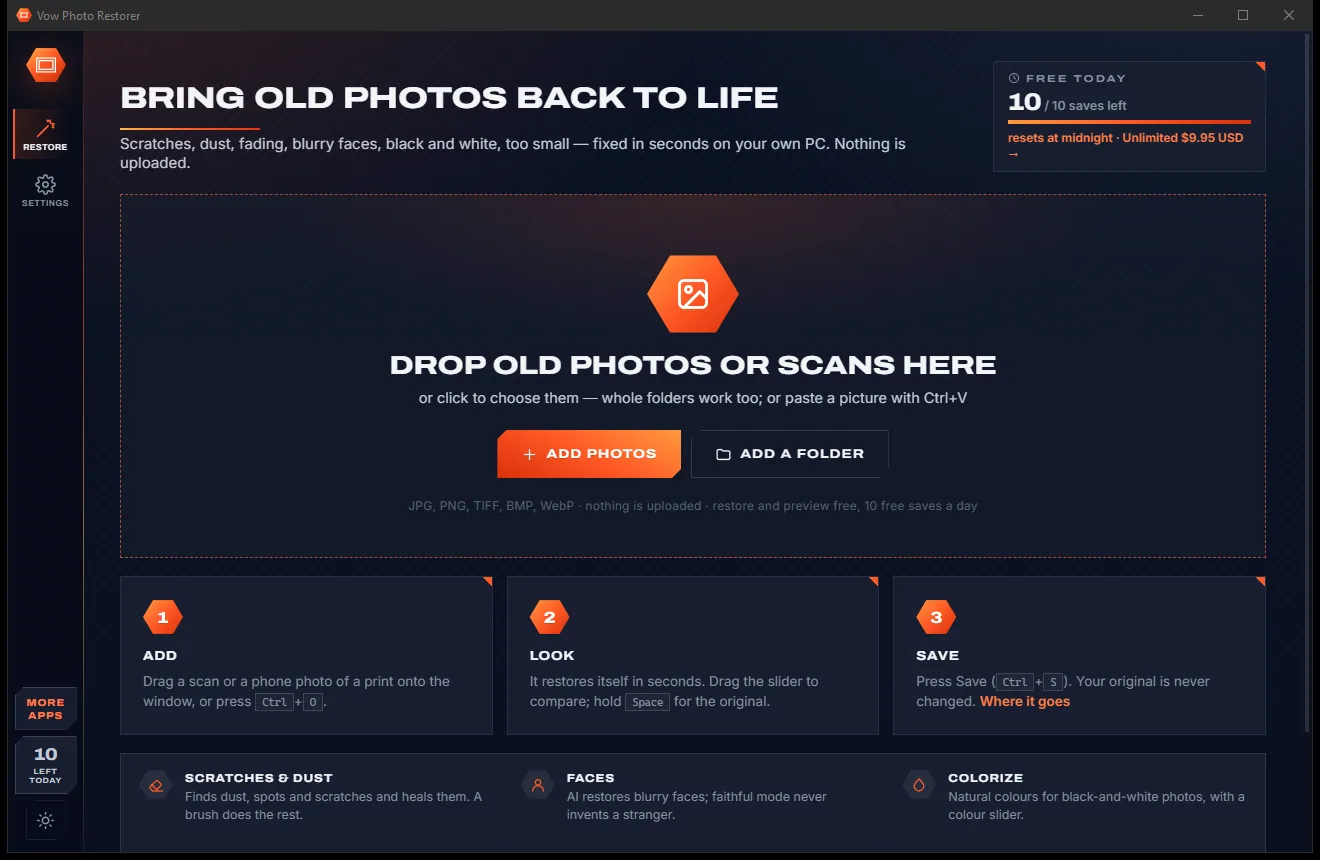
Real screenshots of the real app, in both of its themes: 4 light, 4 dark. Click any picture to see it full size.
Light theme
Dark theme
Who it's for
Clean up the faces and dates in old portraits before they go into the family tree.
Scan several prints at a time and let the app split, straighten and restore each one.
Enlarge a small snapshot for a frame, with the print size shown at 300 dpi.
Give anniversary books and tribute slideshows clean, consistent old photos.
Photograph the print with your phone; it comes in upright and restores the same way.
Restore archive photos on your own PC, without sending collections to a website.
Compare
What you actually get when you look for a way to restore an old photo, side by side.
| Feature | Vow Photo Restorer | Typical AI photo restore apps & sites |
|---|---|---|
| Price | Free every day, or $9.95 once | Credits or weekly and monthly plans |
| Your photos are uploaded | Never: 100% on your PC | Usually, to their servers |
| Watermarks on free saves | None | Common |
| Faces kept faithful | Unsure faces are skipped | Faces can drift or look plastic |
| Strength for each step | Every step, plus film grain | Usually all or nothing |
| Shows what was healed | Red overlay, plus a repair brush | Rarely |
| Splits a scan of several prints | Yes | Rarely |
| Ads, pop-ups, bundled extras | None, ever | Common on free apps |
| Works without internet | Yes | No, for online tools |
"Typical" describes what we found across the most-downloaded alternatives when we built Photo Restorer. Your mileage with any one of them may vary; ours won't.
Pricing
That is not a typo. Software this powerful usually means a monthly subscription; Photo Restorer is $9.95, once, for life: it's almost a giveaway. Use it free for as long as you like, and unlock Unlimited only if you need more.
Restore and preview everything, 10 screen-size saves a day.
Almost a giveaway. Less than a takeaway lunch for software this powerful: no subscription, no renewals, yours for life on 2 PCs.
Unlimited full-resolution saves, colourised saves and batches.
Payments by Stripe: we never see or store your card. Questions? Ask a real person.
Clean software
Most "free" Windows downloads pay for themselves with ads, bundled extras or your data. Vow Photo Restorer doesn't need to: it's paid for honestly, once, by the people who find it useful.
Download Photo Restorer freeStep-by-step guide
From a faded, scratched print to a clean copy ready to print or share, in a couple of minutes.
Step 1: get it freeGet Vow Photo Restorer from this page and run the installer. It needs no administrator rights and no account, and every AI model is already inside, so nothing is downloaded later.
A flatbed scan gives the best detail, but a straight-on phone photo of the print works too. Several prints on one scan are fine.
Drag the file in, press Ctrl+O, or paste it with Ctrl+V. The photo opens and restores itself with the Auto preset, tuned to that photo.
Drag the line between Before and After. If you want more or less, pick Gentle or Strong, change a step's strength, or paint over a missed scratch with the brush.
Press Save or Ctrl+S. The original is never changed; the restored photo is saved as name_restored.jpg in Pictures\Vow Photo Restorer, or next to the original.
Technical details
FAQ
Yes. You can restore and preview every photo with every feature for free, and save 10 photos a day at screen size (1920 px on the long edge), with no watermarks. Unlimited, a one-time $9.95 USD payment, adds unlimited full-resolution saves (up to 4x enlarged), saving colourised photos and batch Save all.
No. Every step, including the AI, runs on your own PC, on the graphics card when there is one. There is no account and no cloud, and the app works with no internet connection at all.
Faithful faces is on by default. It skips a face when the face finder is unsure, when the landmarks look wrong, or when the restored face strays too far from the original, so a face is never swapped for a stranger's. You can also set how strongly faces are restored.
Yes. Colourising is previewed free on any black-and-white photo, with a slider for the colour intensity; saving colourised photos is part of Unlimited. Unusual prints such as tintypes can come out warm, so the slider and the Colorize switch are always one click away.
Photos can be enlarged 2x or 4x (up to 64 megapixels), and the panel shows the print size at 300 dpi before you save. Free saves are at screen size, 1920 px on the long edge.
No. It runs on any 64-bit Windows 10 or 11 PC. With a DirectX 12 graphics card from NVIDIA, AMD or Intel it is much faster, and if the card fails or runs out of memory the work moves to the processor by itself.
All the AI models for scratches, faces, colour and enlarging are included in the installer, so nothing is downloaded on first run and the app works offline. It opens JPG, PNG, TIFF, BMP and WebP files.
Yes. It is made and published by XTO Pty Ltd, an Australian company. The installer contains no ads, no toolbars and no bundled software, needs no administrator rights, and uninstalls cleanly from Windows Settings.
The Vow collection
Same design, same promises, a tiny one-time price. Learn one and you already know them all.
Crop, brighten, blur a face, add text, and save to an exact file size

Passport, visa and ID photos at home, sized to each country's rules

Turn WebP, AVIF, HEIC and 40+ formats into pictures that open everywhere
Bring faded, scratched old family photos back to life, offline. Free to use every day, $9.95 once if you ever want Unlimited.