
Photos
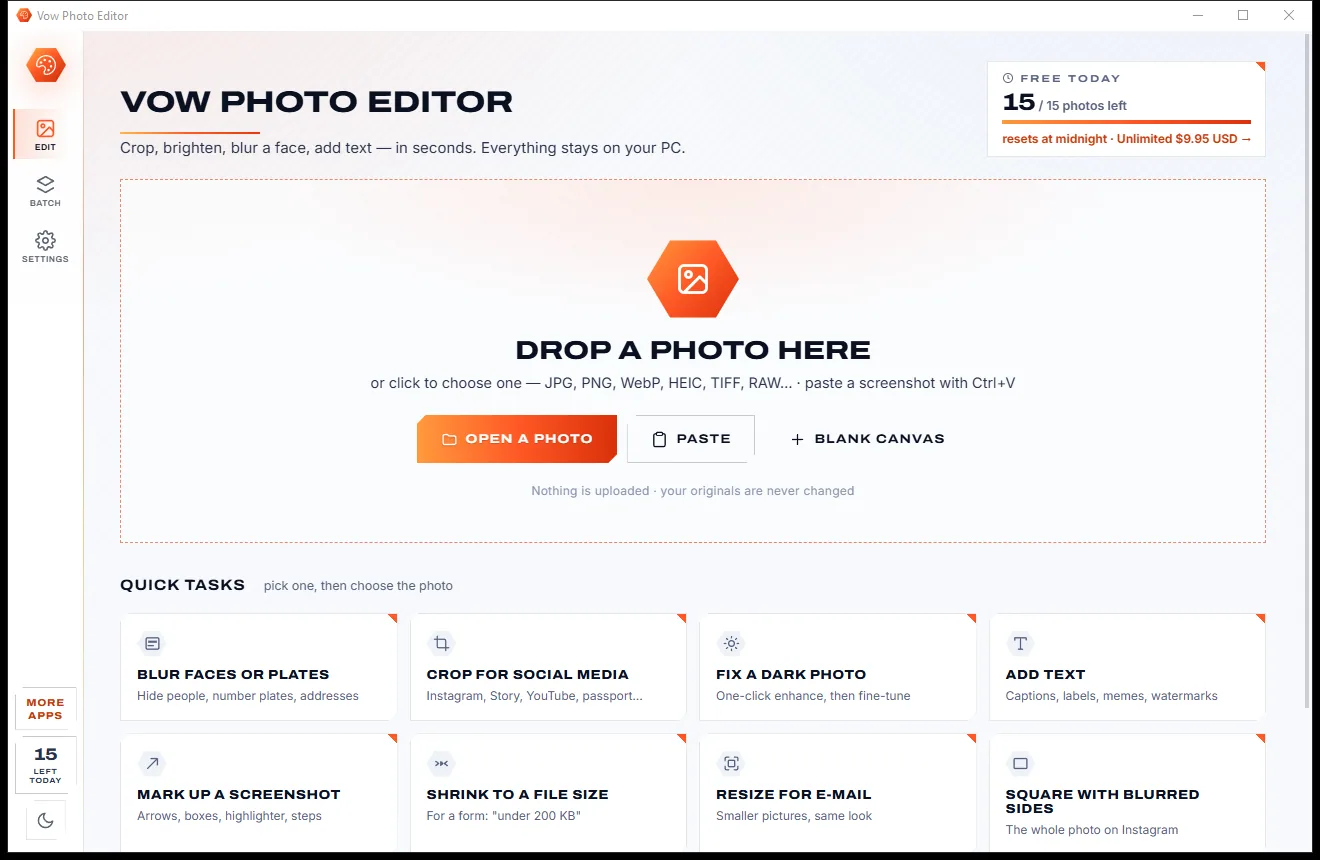
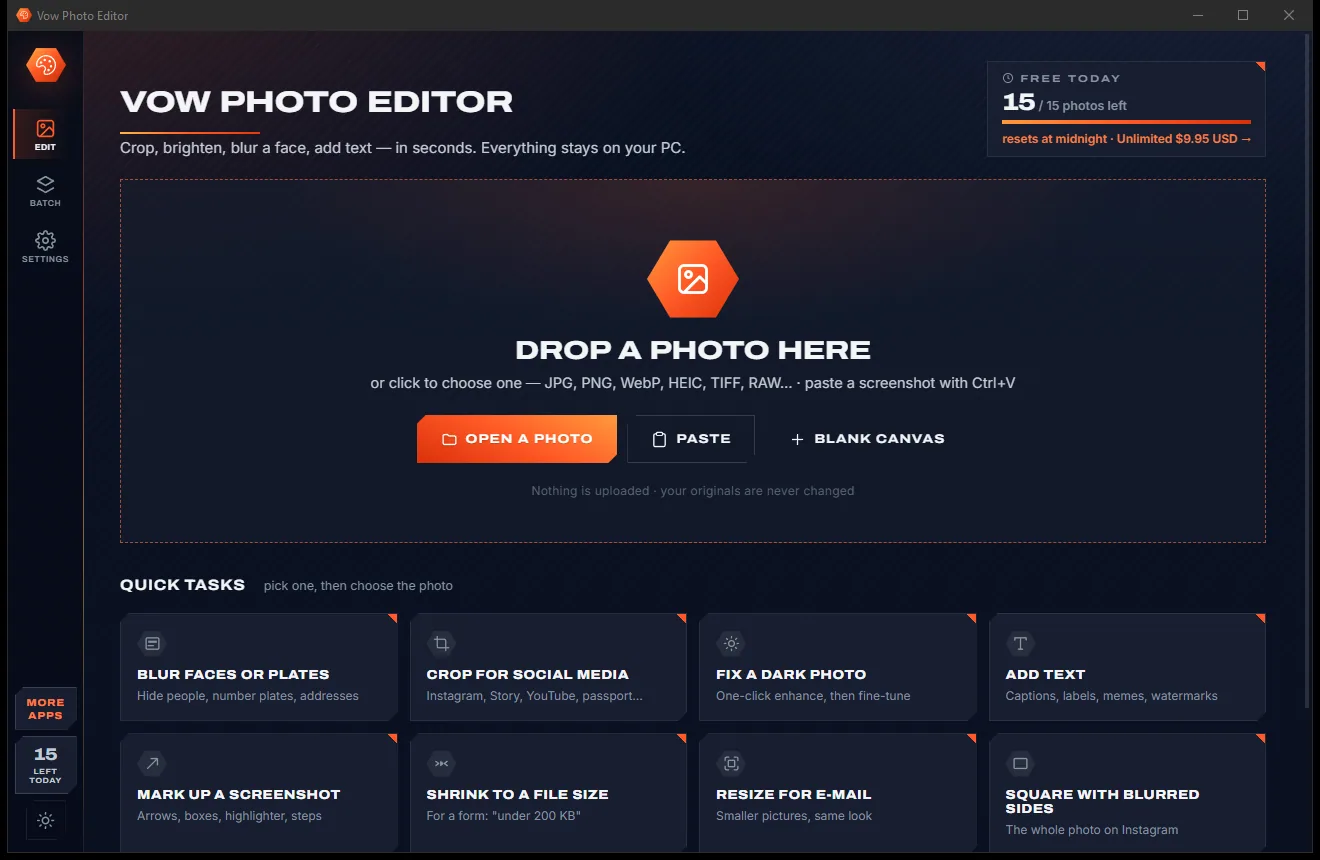
Vow Photo Editor
Crop, brighten, blur a face, add text, and save to an exact file size
- Free: Every basic edit, 15 saved photos a day, no watermarks
- $9.95 once: No daily limit, one-click face blur, layers, batch edits and presets

Camera RAW viewer & converter for Windows
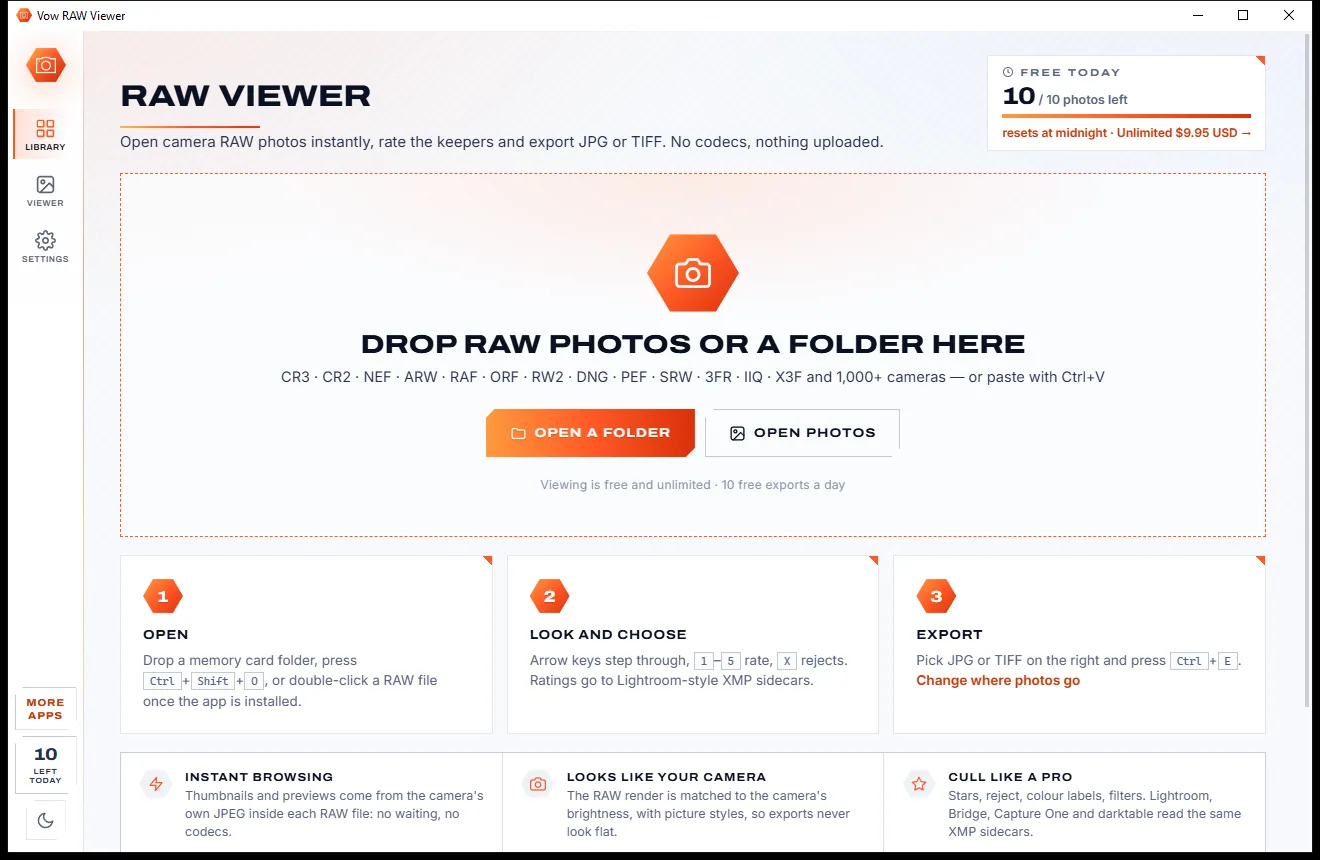
Drop a memory card's folder and every CR3, NEF, ARW, RAF or DNG appears at once. Flick through at full speed, rate the keepers, check focus and clipping, adjust, and export JPGs that look like your camera made them. All on your own PC.
The problem
You just want to see what is on the card, pick the good ones and send a few JPGs. Windows and the usual tools make a job of it.
Windows often can't show a RAW file without an extra extension, and support for newer formats like CR3 can lag behind.
Editors that fully render each RAW before you see it turn a quick look through a card into an afternoon.
Many RAW-to-JPG converters give you dull, flat pictures that look nothing like what the camera showed you.
Monthly plans for software you mostly use to look at pictures and save a few JPGs.
Upload a 30 MB RAW to a website full of ads, wait in a queue, then download it again, one file at a time.
Free professional editors are powerful, but they take a weekend to learn when you only want to pick keepers.
Vow RAW Viewer fixes all of it.
How it works
A whole card on screen in a moment, the keepers rated, and JPGs that look like the camera's own.
Drop a folder, a card's DCIM or a few RAW files on the window. The grid fills at once from the previews inside each file.
Step through with the arrow keys, press 1-5 for stars or X to reject, check focus and clipping, and tweak the look if you want.
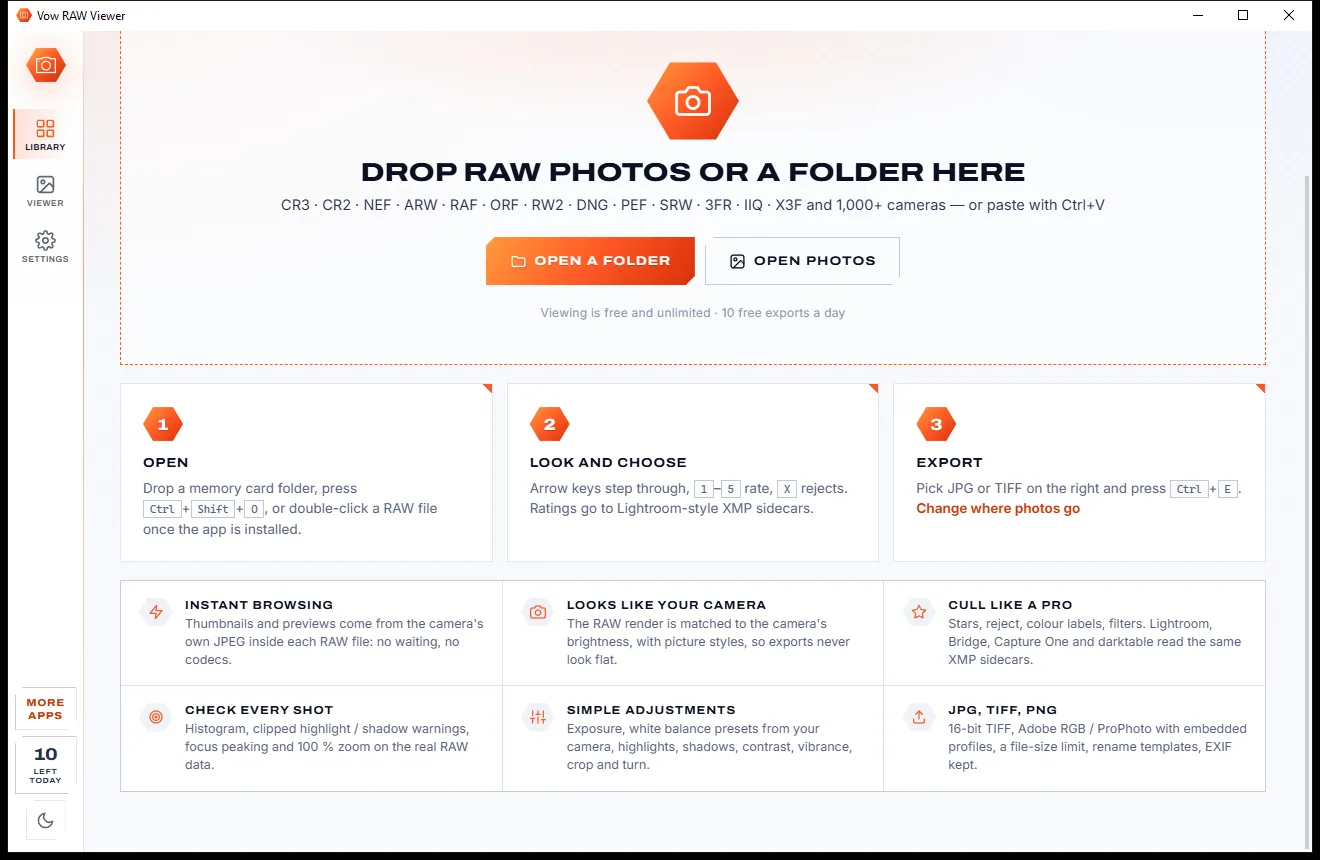
Pick JPG, TIFF, PNG or the camera's own JPEG and a size, then press Export. Selected photos are exported, or every one shown.
Features
For photographers who shoot RAW and want the first pass done before the coffee goes cold.
LibRaw opens RAW files from 1,000+ camera models directly. There is nothing extra to install and no Windows extension to buy.
Thumbnails come from the preview inside each RAW, then the real RAW data is developed in the background. The arrow keys never wait.
Brightness is matched to the camera's own JPEG, with Standard, Natural, Vivid, Flat and Mono looks. Exports never come out flat.
Zoom to 100% or up to 800% and the full-resolution RAW is developed, with a choice of demosaicing methods.
Histogram, blown highlights in red, crushed shadows in blue, focus peaking in green, and before and after against the camera JPEG.
Stars, rejects and colour labels go to XMP sidecars that Lightroom, Bridge, Capture One and darktable read. RAW files are never changed.
Auto, exposure, highlights, shadows, the camera's white balance presets, vibrance, noise reduction and crop, remembered per photo.
JPG to a maximum file size in KB, 8 or 16-bit TIFF and PNG, or the camera's own JPEG copied byte for byte.
sRGB, Adobe RGB or ProPhoto RGB with the profile embedded, and EXIF kept, with or without the GPS location.
Name exports from {date}, {camera}, {lens}, {iso} or {rating}, and export several photos at a time with progress for each.
Light & dark theme
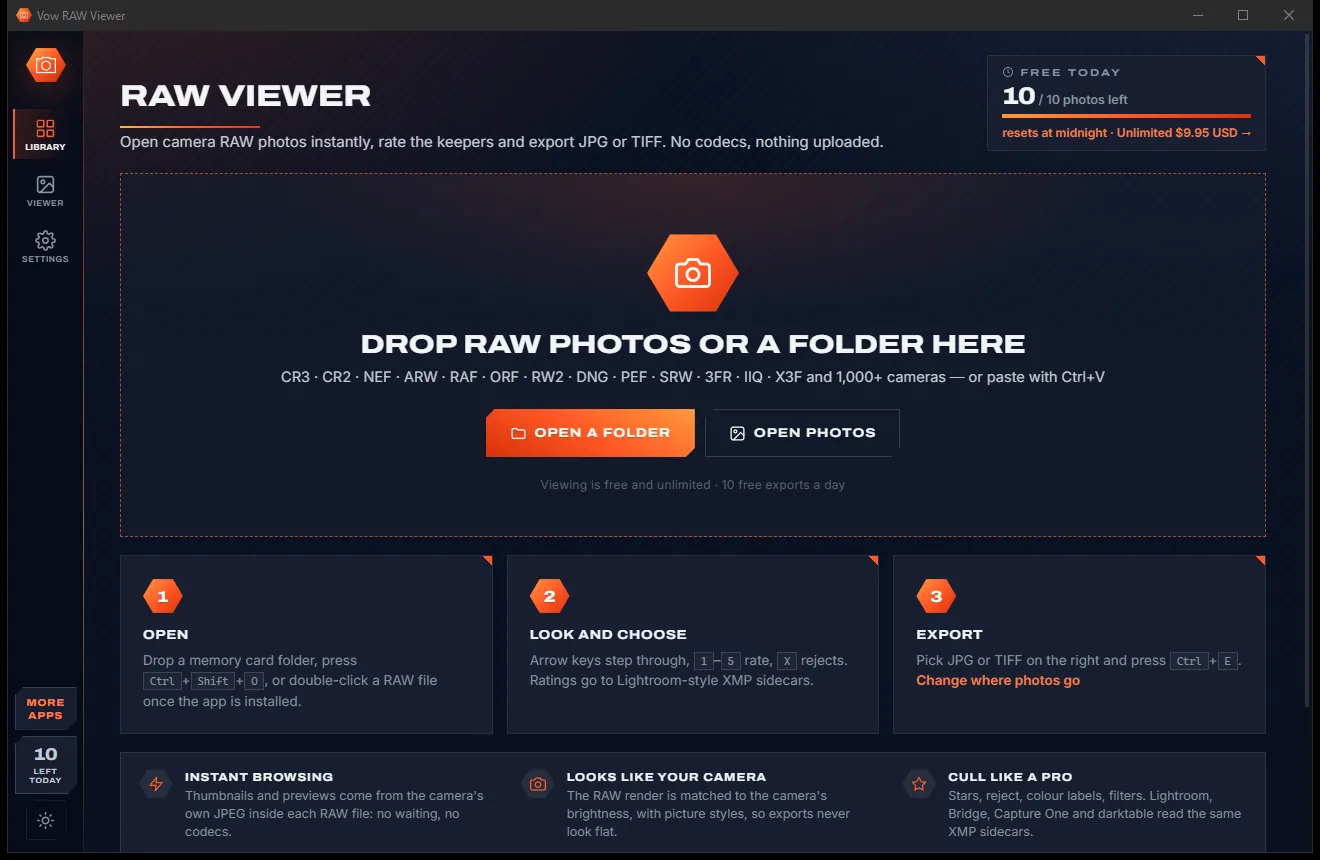
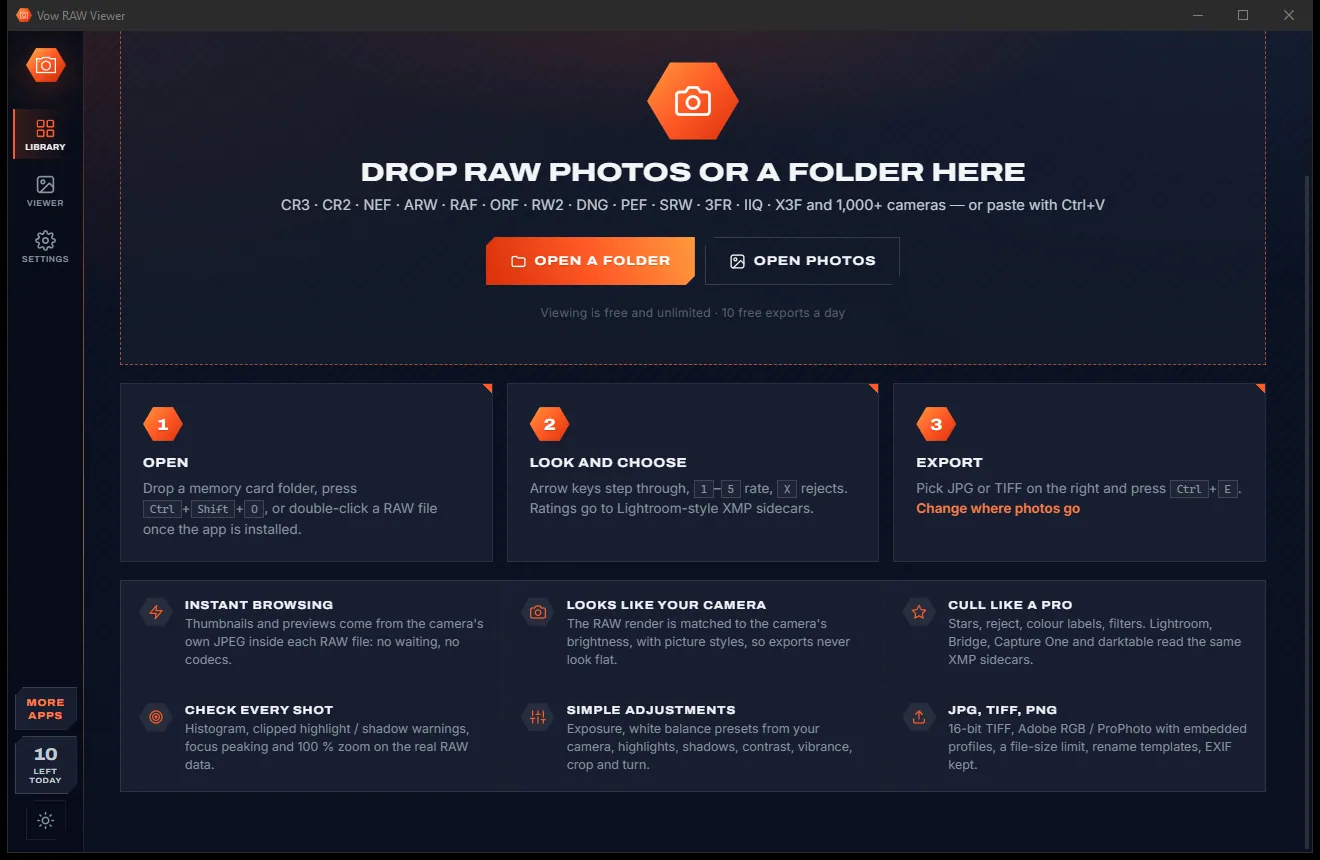
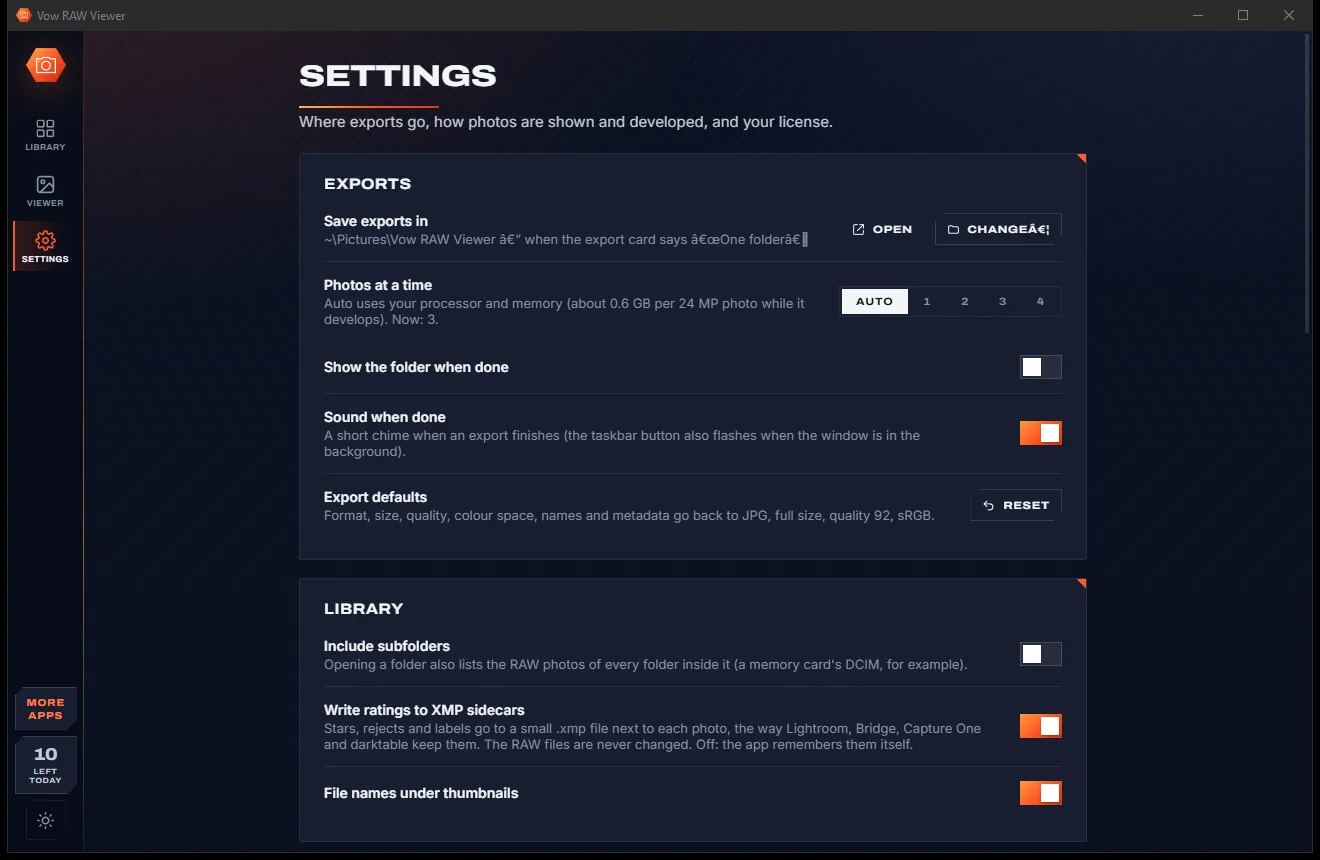
RAW Viewer comes with a crisp light theme and a calm dark theme. Switch with one click, or let it follow your Windows setting by itself. It remembers your choice.
Screenshots
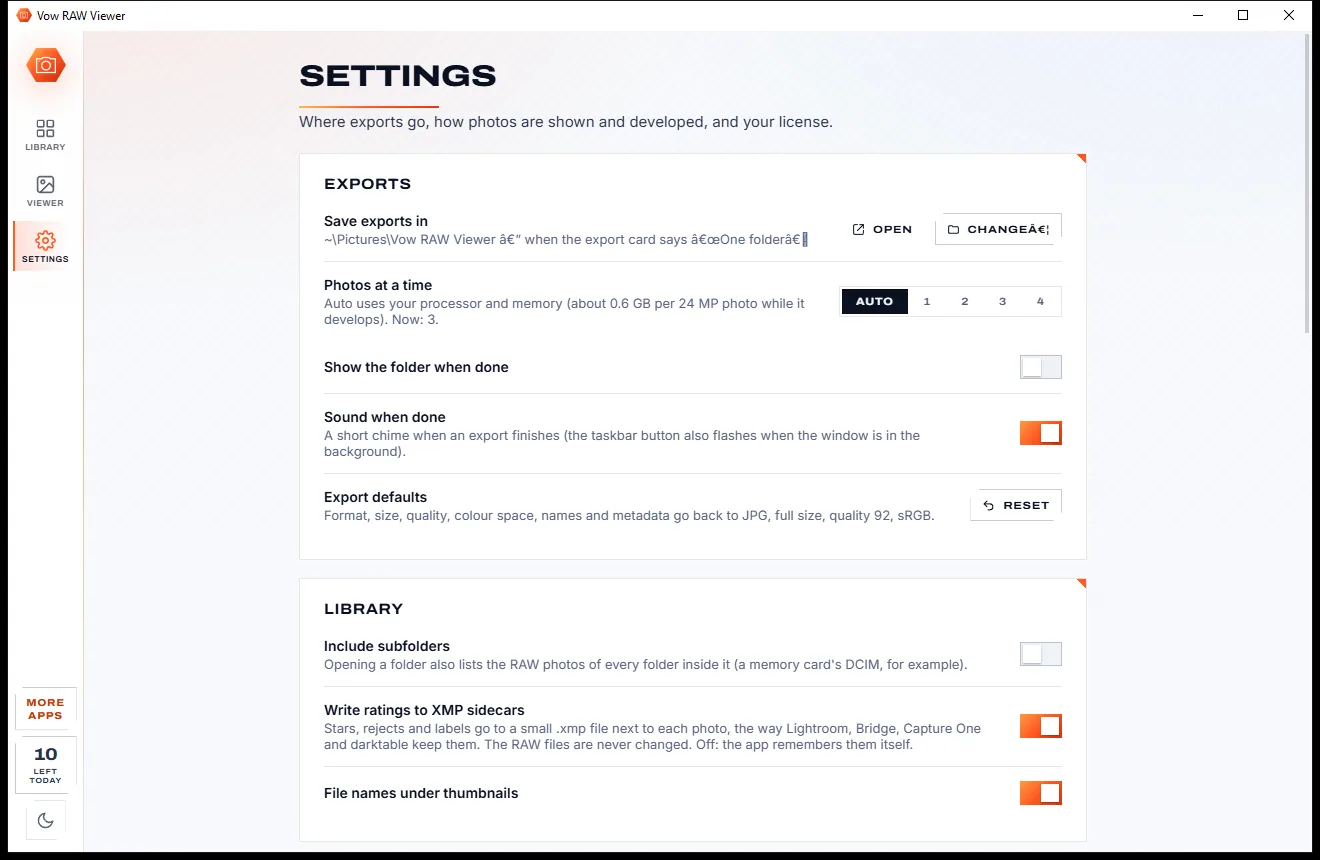
Real screenshots of the real app, in both of its themes: 5 light, 5 dark. Click any picture to see it full size.
Light theme
Dark theme
Who it's for
See every shot at once, reject the misses and export the keepers as JPGs.
Cull hundreds of holiday shots on a laptop, with focus checks before you delete anything.
A fast first pass with stars and labels that Lightroom picks up later from the XMP.
Learn what RAW really holds with the histogram, clipping overlay and before and after view.
Open RAW files on any Windows PC, or run the portable version from a USB stick.
Send JPGs under a size limit for email, forums and upload forms in one export.
Compare
What you get from typical RAW viewers, converters and online tools, side by side.
| Feature | Vow RAW Viewer | Typical RAW viewers & converters |
|---|---|---|
| Price | Free every day, or $4.95 once | Often a subscription or paid upgrades |
| Extra codecs needed | None | Often an extension or plug-in |
| Browsing a full card | Instant, from the built-in previews | Often renders every file first |
| Exports match the camera's look | Brightness matched to the camera JPEG | Often flat and dull |
| Culling with XMP ratings | Stars, rejects, labels | Viewers often lack it |
| Batch export to JPG, TIFF, PNG | Yes, several at a time | Viewers often lack it |
| JPG to a maximum file size | Yes, in KB | Rare |
| Your photos are uploaded | Never: 100% on your PC | Online converters: always |
| Ads, pop-ups, bundled extras | None, ever | Common on free sites and downloads |
"Typical" describes what we found across the most-downloaded alternatives when we built RAW Viewer. Your mileage with any one of them may vary; ours won't.
Pricing
That is not a typo. Software this powerful usually means a monthly subscription; RAW Viewer is $4.95, once, for life: it's almost a giveaway. Use it free for as long as you like, and unlock Unlimited only if you need more.
Unlimited viewing, rating and adjusting, 10 exports a day.
Almost a giveaway. Less than a coffee for software this powerful: no subscription, no renewals, yours for life on 2 PCs.
Export any number of photos and whole cards in one go.
Payments by Stripe: we never see or store your card. Questions? Ask a real person.
Clean software
Most "free" Windows downloads pay for themselves with ads, bundled extras or your data. Vow RAW Viewer doesn't need to: it's paid for honestly, once, by the people who find it useful.
Download RAW Viewer freeStep-by-step guide
From a full memory card to a folder of JPGs in a few minutes, without installing a codec.
Step 1: get it freeGet Vow RAW Viewer from this page and run the installer. It needs no administrator rights and no account, and LibRaw is built in, so no codec is needed. A portable version is available too.
Drop a folder or a memory card's DCIM onto the window, press Ctrl+Shift+O, or right-click a RAW file in Explorer and choose Open with. The grid fills at once.
Double-click a photo to open the viewer. Use the arrow keys to move, 1-5 for stars, X to reject and Space for 100%. Hold B to see the camera's own JPEG.
Press Auto or choose a look such as Vivid, then fine-tune exposure, white balance and colour. Copy the adjustments to other photos with Ctrl+Shift+C and Ctrl+Shift+V.
Filter to your rated photos, pick JPG and a size on the export card, and press Export (Ctrl+E). The files go to Pictures\Vow RAW Viewer, or next to each RAW.
Technical details
FAQ
Yes. Viewing, browsing, rating, checking and adjusting are free and unlimited, and you can export 10 photos a day to JPG, TIFF, PNG or the camera's own JPEG, with every option. Unlimited, a one-time $4.95 USD payment, removes the daily export limit so whole folders and cards go in one go.
CR3, CR2, NEF, ARW, RAF, ORF, RW2, DNG, PEF, SRW, 3FR, IIQ, X3F and more, from over 1,000 camera models supported by LibRaw 0.21.1. A very new camera that LibRaw doesn't know yet still shows its built-in JPEG preview, and that JPEG can be exported.
No. Vow RAW Viewer decodes RAW files itself, so there is no codec or extension to install and nothing to download later.
Never. Ratings and labels are written to small .xmp sidecar files next to each photo, adjustments are stored by the app, and exports are always new files.
By default the brightness of every render is matched to the camera's own JPEG, with a Standard look, so exports don't come out flat. You can switch to Natural, Vivid, Flat or Mono, or turn the matching off.
Yes. Stars, rejects and colour labels go into XMP sidecars that Lightroom, Bridge, Capture One and darktable read, and sidecars those apps already wrote are read and kept intact.
Yes. Set a maximum file size in KB and the quality, and if needed the size, is lowered until each file fits. That suits email, forums and upload forms.
Yes. It is made and published by XTO Pty Ltd, an Australian company. There are no ads and no bundled software, it needs no administrator rights, it never takes over your file types, and it uninstalls cleanly from Windows Settings.
The Vow collection
Same design, same promises, a tiny one-time price. Learn one and you already know them all.
Crop, brighten, blur a face, add text, and save to an exact file size

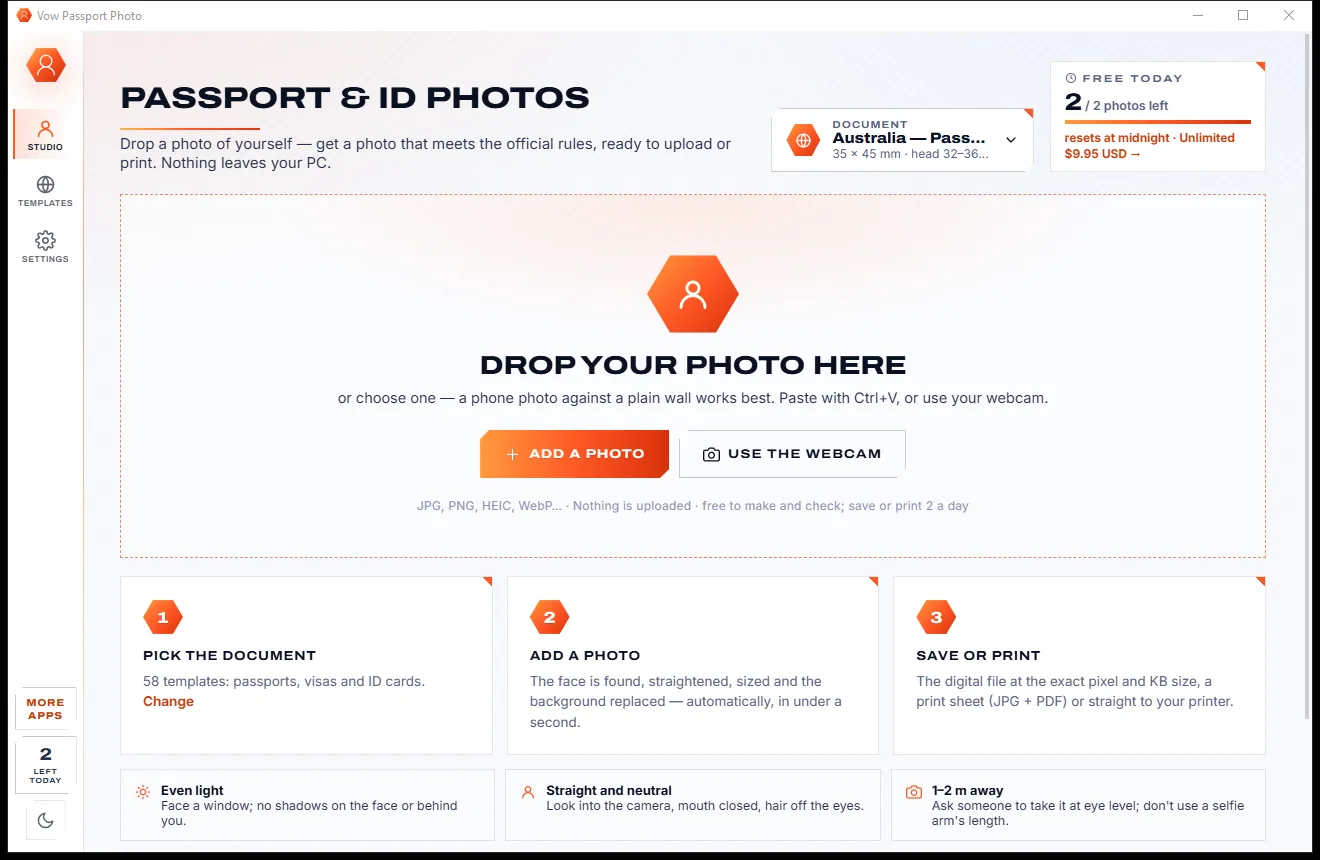
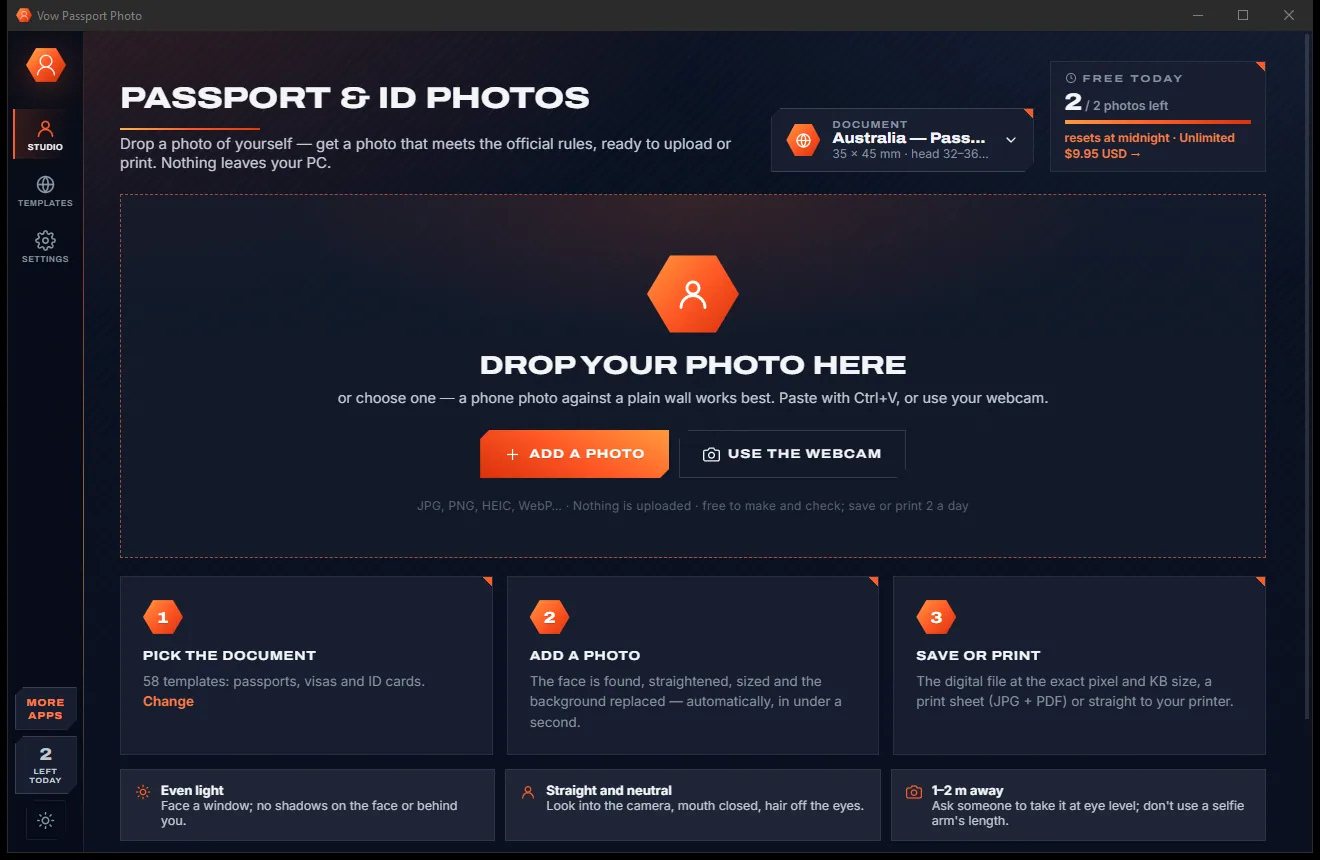
Passport, visa and ID photos at home, sized to each country's rules

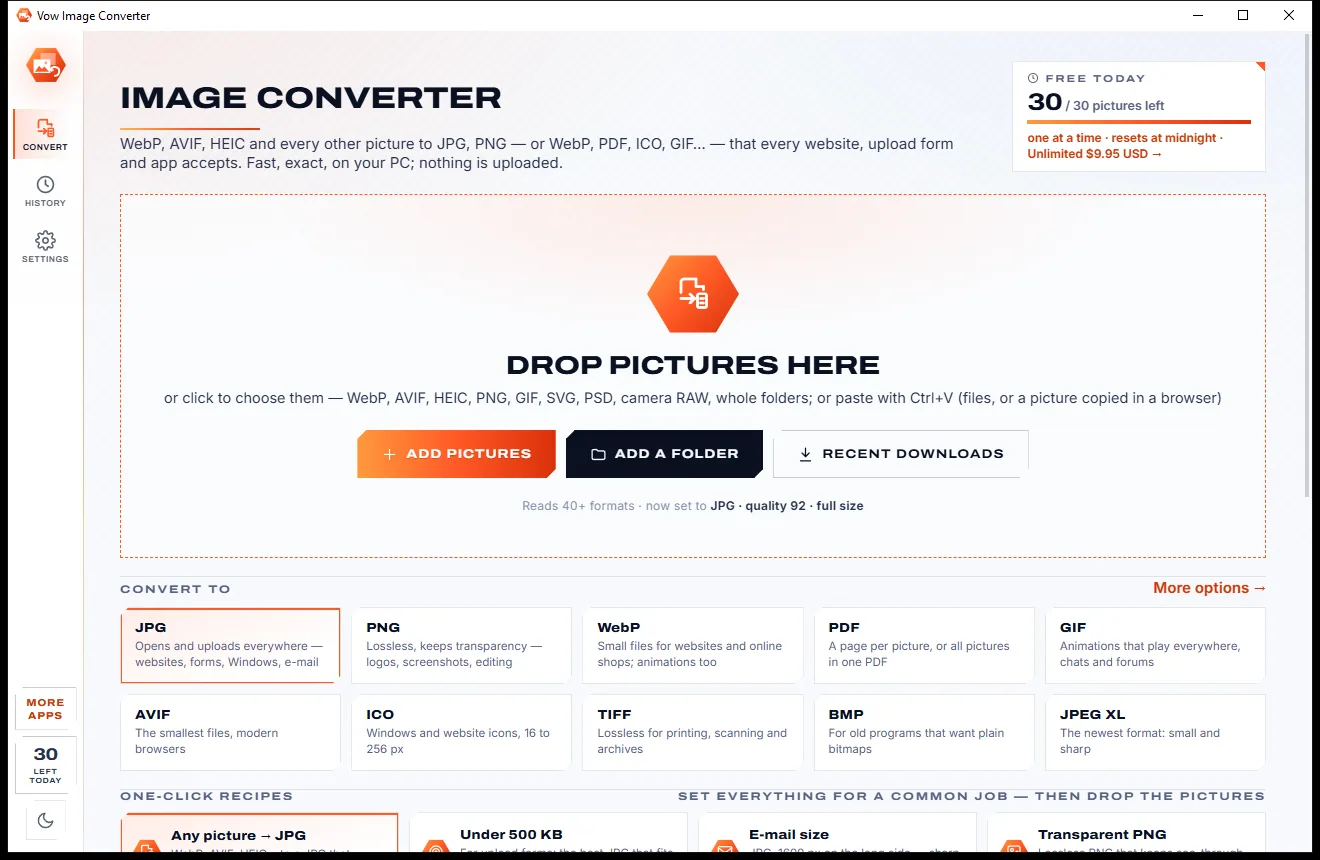
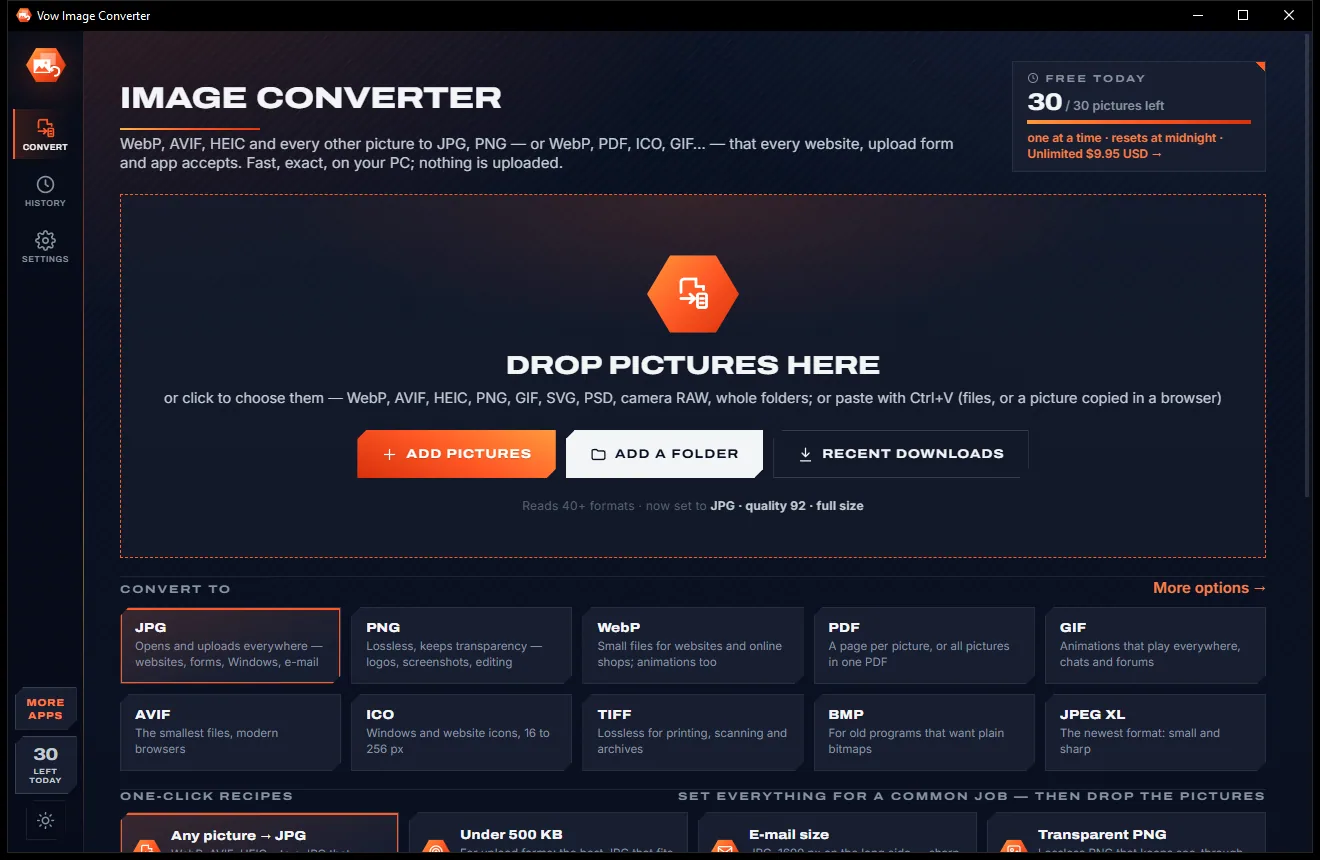
Turn WebP, AVIF, HEIC and 40+ formats into pictures that open everywhere
Open camera RAW photos instantly, pick the keepers and export JPGs. Free to use every day, $4.95 once if you ever want Unlimited.