
Productivity
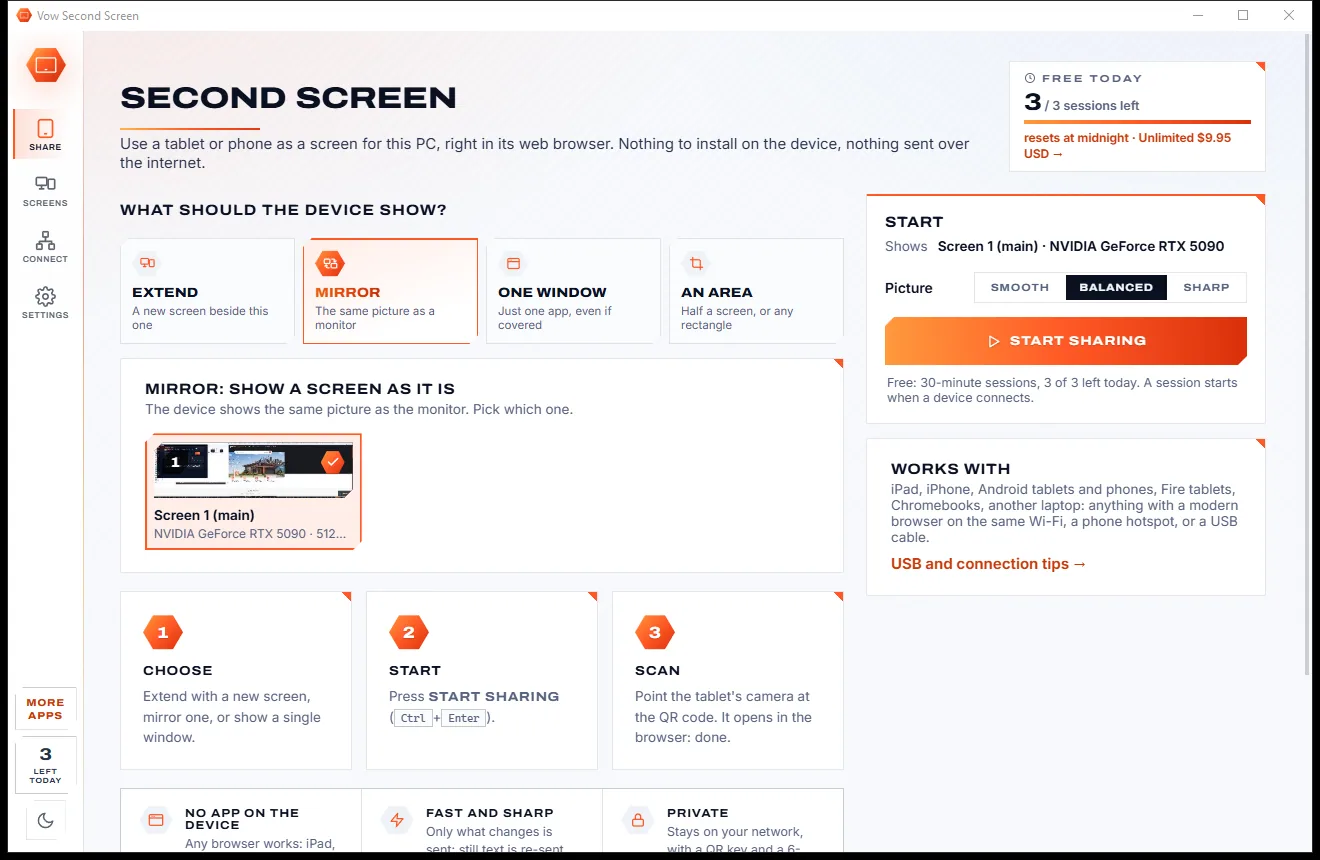
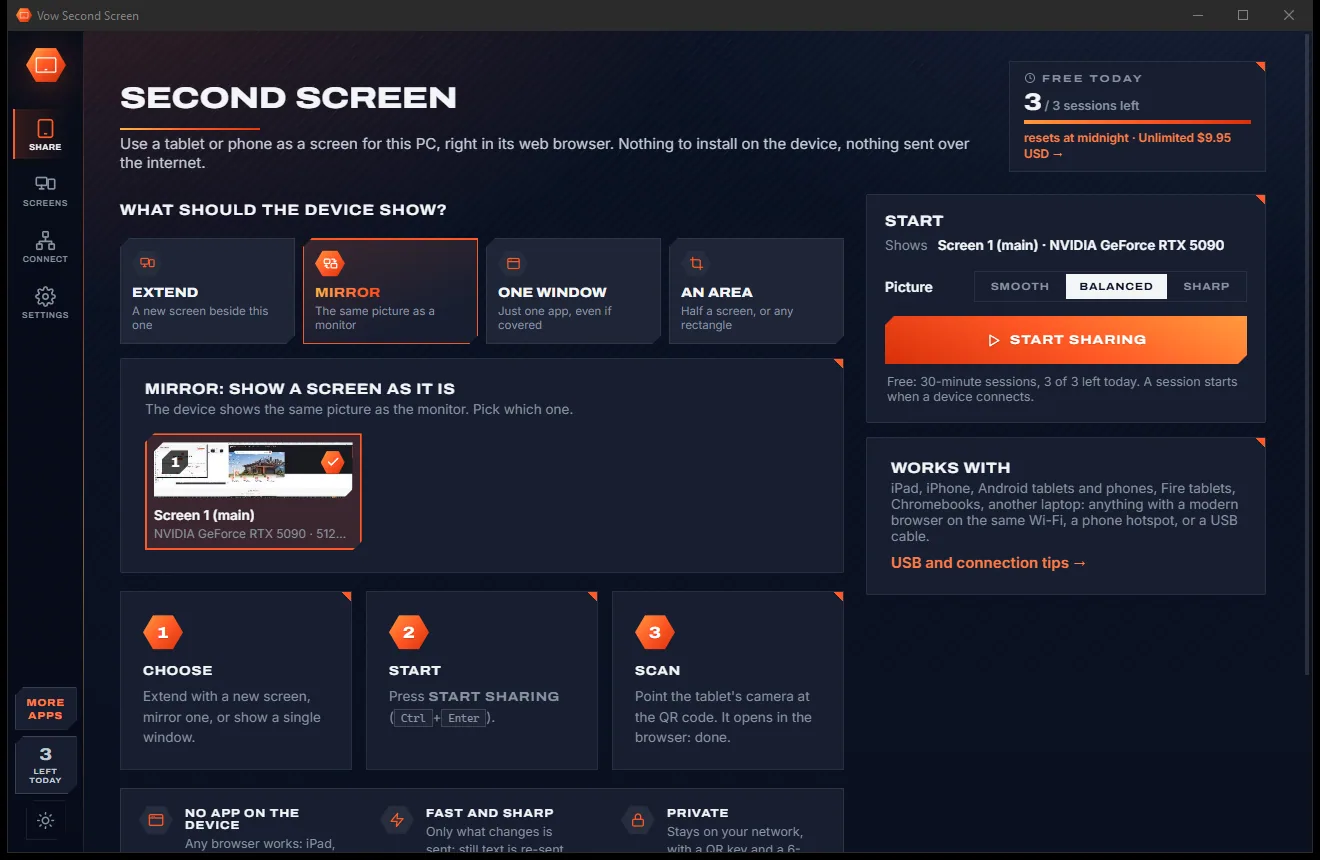
Vow Second Screen
Turn a tablet or phone into a second screen for your PC, in its browser
- Free: 3 sessions a day of 30 minutes, HD picture, view only, one device
- $4.95 once: Any length, up to 4K, touch, pen and keyboard, up to 6 devices

Clipboard history manager for Windows
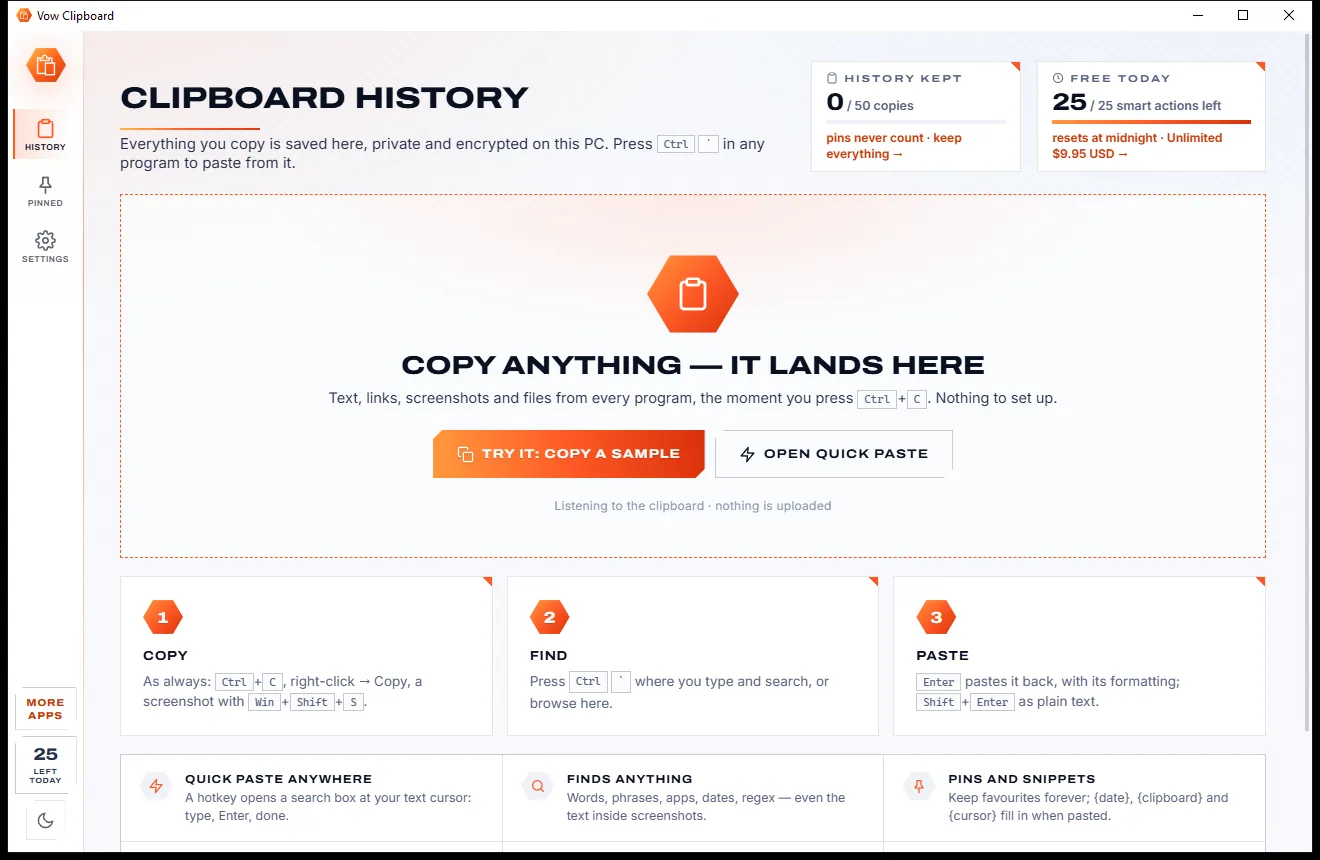
Vow Clipboard quietly keeps everything you copy: text, links, screenshots and files. Press Ctrl+` in any program, type a few letters, press Enter, and it is pasted right where you were typing. The history is encrypted on your PC and nothing is uploaded.
The problem
Windows only holds a short list of recent copies, and most add-on clipboard tools trade one problem for another.
Windows' own Win+V keeps 25 items and forgets them all the moment the PC restarts or updates overnight.
Many clipboard tools save everything you copy, passwords and card numbers included, in a plain file anyone can open.
Somewhere in the list is that address you copied on Tuesday. Without real search you scroll, squint and give up.
A screenshot of an invoice number is just a picture to most tools, so the number inside it can never be found.
Ad-supported downloads, bundled extras, and paid tiers that renew whether you use them or not.
Popular clipboard apps can feel like a settings maze from another decade, just to paste something you copied.
Vow Clipboard fixes all of it.
How it works
Nothing to set up: copy the way you always do, and everything is waiting behind one hotkey.
Ctrl+C, right-click Copy or a Win+Shift+S screenshot. Text, links, formatting, pictures and files are saved the moment you copy them.
A search box opens at your text cursor in any program. Type a few letters, or press Ctrl+1 to 9 to pick by number.
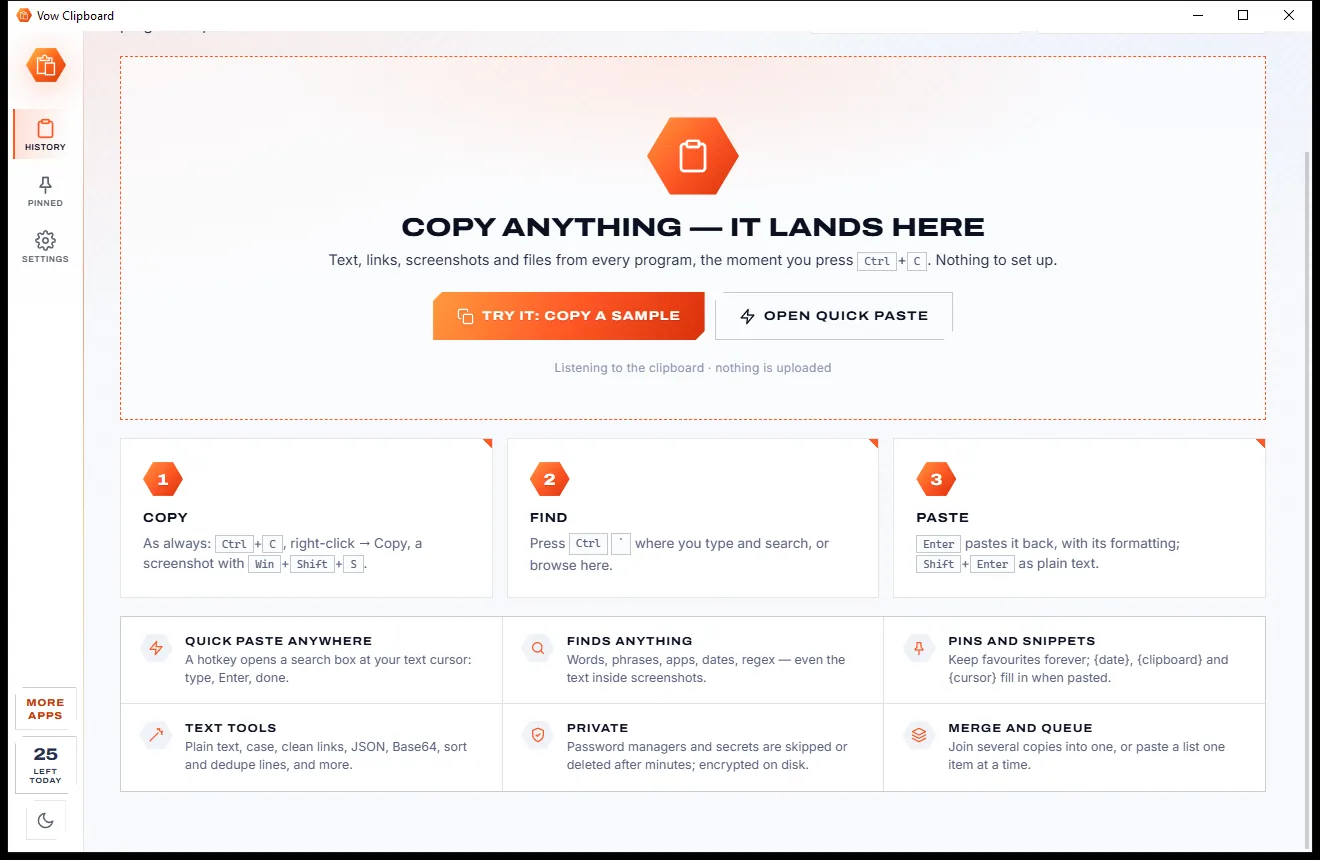
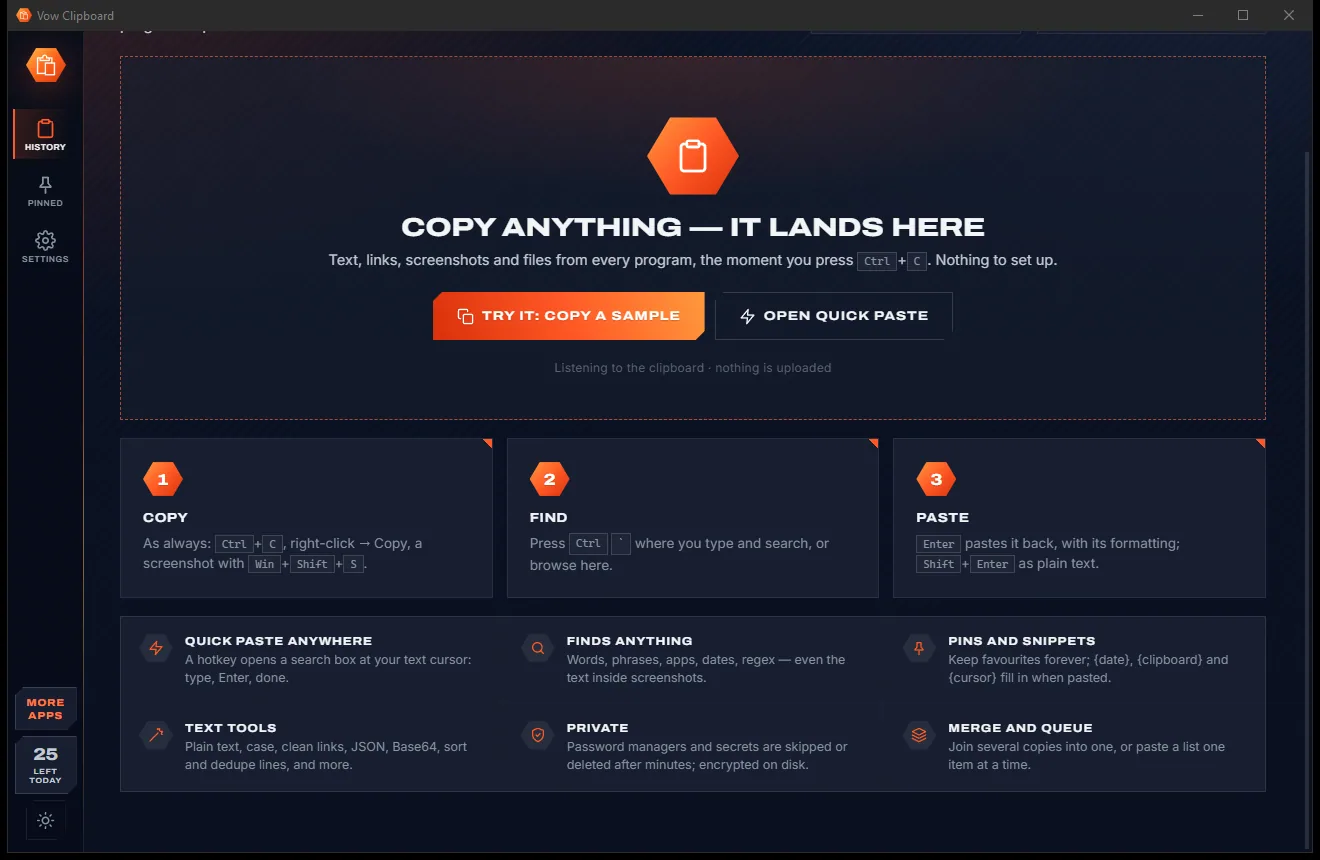
Enter pastes with the original formatting, Shift+Enter as plain text. Pin favourites, or open the history to edit and reuse.
Features
Quick enough for every copy and paste of the day, private enough for the ones that matter.
One hotkey opens a search box where you are typing. Enter pastes into that program and you carry on.
Words, "exact phrases", exclusions, the source app, and even the words inside screenshots, read on your PC.
Bold, links and tables from Word, Excel, Outlook and browsers come back as copied, or as plain text when you prefer.
Honours password managers and private windows, and spots card numbers, keys and generated passwords to hide or delete them.
The history is encrypted with AES-256-GCM, with the key protected by your Windows account. It never leaves your PC.
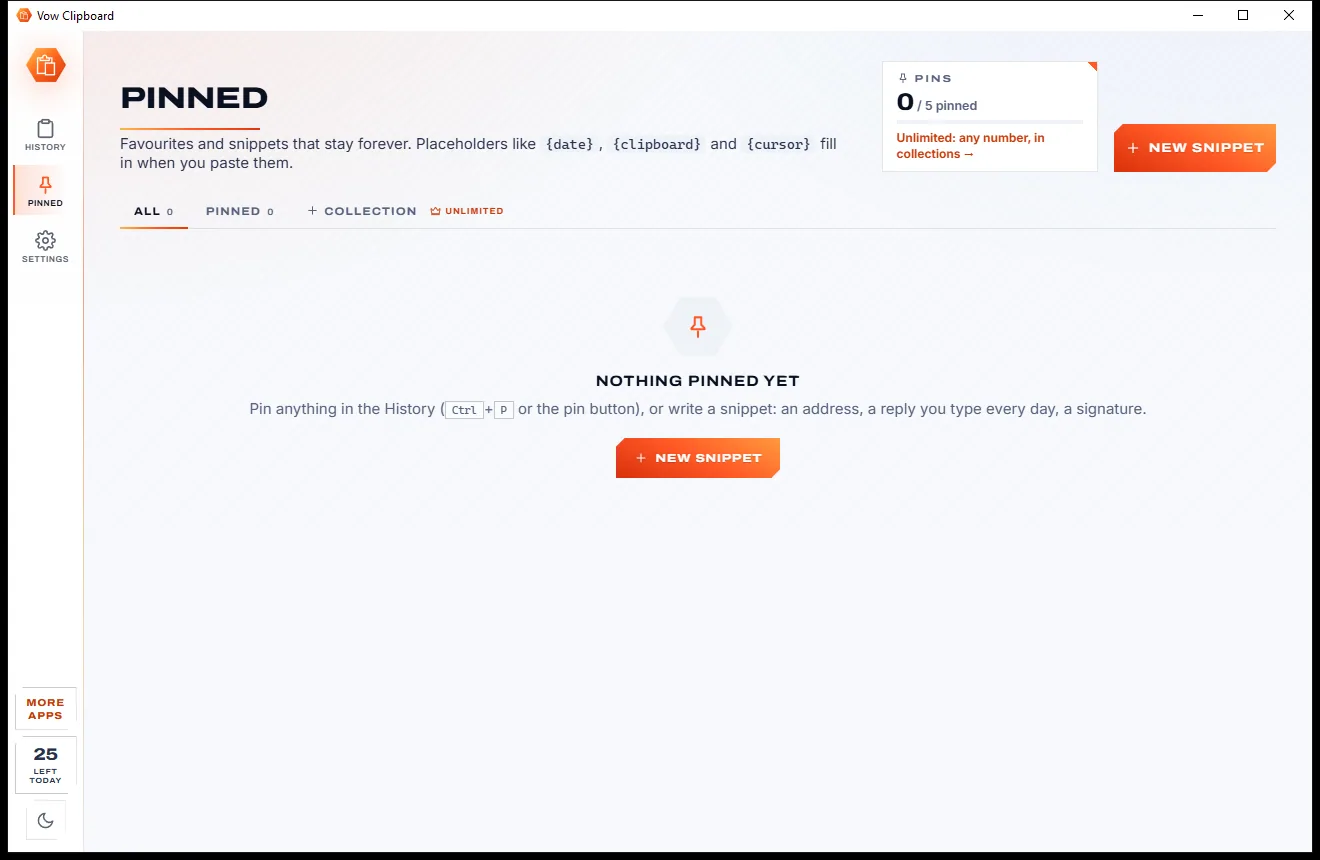
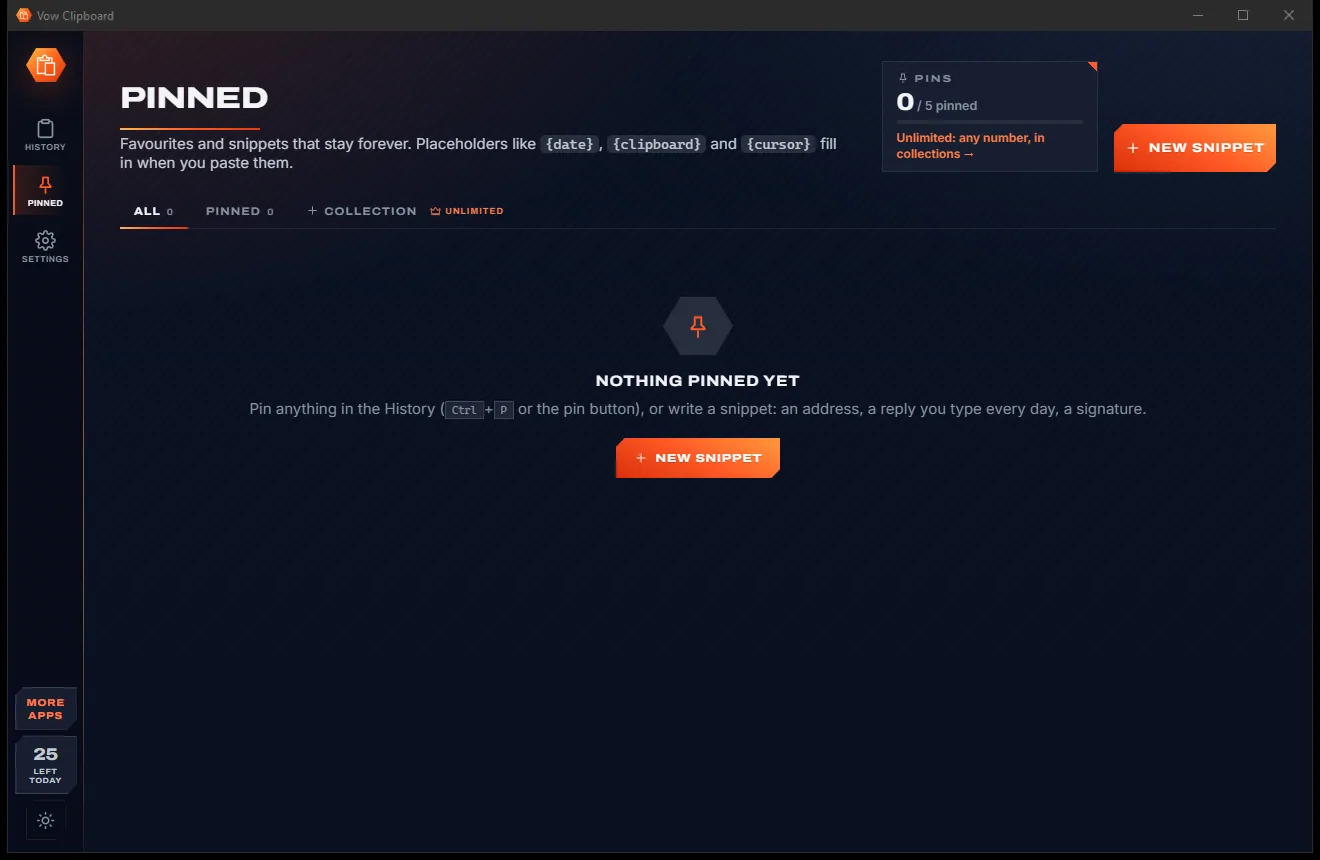
Keep favourites forever, with placeholders like {date}, {clipboard} and {cursor} that fill in as you paste.
Change case, clean up spaces, sort lines, encode, format JSON or extract links, with a preview before you use it.
Select several items to merge them, or queue them and paste each in turn with one hotkey.
Clean tracking tags from links, see colours as HEX, RGB and HSL, make a QR code, or show copied files in Explorer.
Back up your history to a file, restore it, or merge the histories of two PCs. Export to text or CSV too.
Light & dark theme
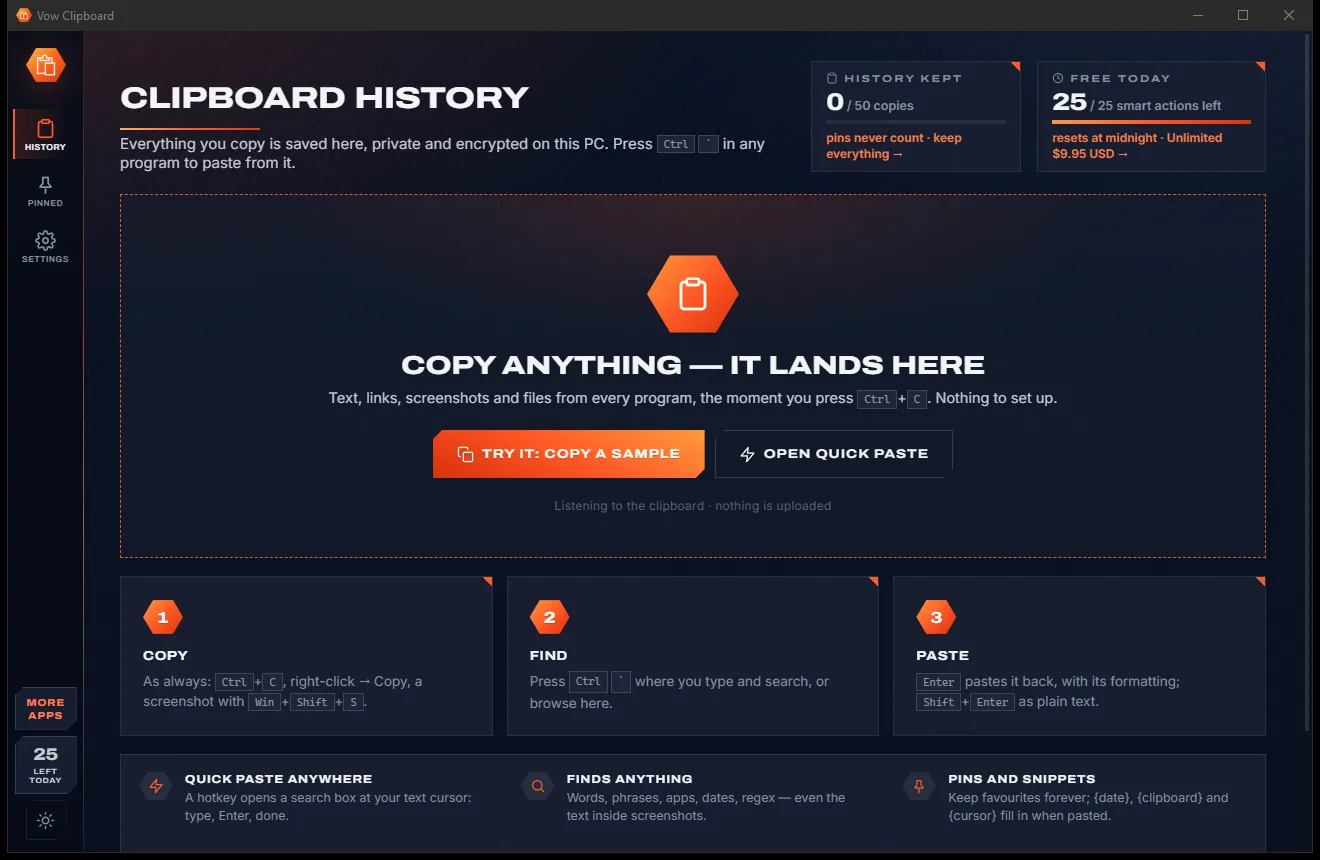
Clipboard comes with a crisp light theme and a calm dark theme. Switch with one click, or let it follow your Windows setting by itself. It remembers your choice.
Screenshots
Real screenshots of the real app, in both of its themes: 5 light, 5 dark. Click any picture to see it full size.
Light theme
Dark theme
Who it's for
Move names, figures and replies between email, spreadsheets and documents without retyping a thing.
Keep commands, paths and snippets at hand, format JSON, and paste into terminals that need Shift+Insert.
Pin the replies and links you send every day and paste them with a couple of keystrokes.
Collect quotes, links and screenshots as you go, then find any of them later by a word inside.
Copy a colour once and get its HEX, RGB and HSL values ready to paste wherever you need them.
Gather notes and references from many sources and never lose the one you copied an hour ago.
Compare
What Windows gives you, what the typical add-ons give you, and what you get here.
| Feature | Vow Clipboard | Win+V & typical clipboard apps |
|---|---|---|
| History after a restart | Kept: 50 free, everything with Unlimited | Win+V forgets it; others vary |
| Search text inside screenshots | Yes, with Windows OCR on your PC | Rarely |
| History encrypted on disk | AES-256-GCM | Often a plain file |
| Skips passwords and private windows | Yes, and detects cards and keys | Not always |
| Pastes with the original formatting | Yes, or plain text on Shift+Enter | Usually |
| Text tools with a preview | 36 built in | Rare |
| Price | Free every day, or $4.95 once | Ads, subscriptions or abandoned projects |
| Ads and bundled extras | None, ever | Common in freeware downloads |
| Your clips are uploaded | Never | Some sync to the cloud |
"Typical" describes what we found across the most-downloaded alternatives when we built Clipboard. Your mileage with any one of them may vary; ours won't.
Pricing
That is not a typo. Software this powerful usually means a monthly subscription; Clipboard is $4.95, once, for life: it's almost a giveaway. Use it free for as long as you like, and unlock Unlimited only if you need more.
Your last 50 copies, 5 pins and 25 smart actions a day.
Almost a giveaway. Less than a coffee for software this powerful: no subscription, no renewals, yours for life on 2 PCs.
Your whole history, advanced search, unlimited pins, backups.
Payments by Stripe: we never see or store your card. Questions? Ask a real person.
Clean software
Most "free" Windows downloads pay for themselves with ads, bundled extras or your data. Vow Clipboard doesn't need to: it's paid for honestly, once, by the people who find it useful.
Download Clipboard freeStep-by-step guide
Set up once in under a minute, then paste anything you copied earlier with a single hotkey.
Step 1: get it freeDownload it from this page and run the installer. It needs no administrator rights and no account, starts with Windows and waits in the notification area.
Use Ctrl+C, right-click Copy, or take a screenshot with Win+Shift+S. Every copy appears in the History page, newest first, with the app it came from.
In any program, press Ctrl and the key above Tab. A search box opens at your text cursor, showing your recent copies.
Type a few letters of what you copied, or of the words in a screenshot, and press Enter to paste it. Shift+Enter pastes it as plain text.
Pin a reply, an address or a snippet so it stays forever, and press Tab in the search box to jump straight to your pins.
Technical details
FAQ
Yes. Free keeps your last 50 copies across restarts, with quick paste, search, formatting, encryption and every privacy feature, plus 5 pins and 25 smart actions a day. There are no ads and no expiring trial. Unlimited, a one-time $4.95 USD payment, keeps your whole history and adds advanced search, unlimited pins and backups.
Win+V keeps 25 items until the PC restarts. Vow Clipboard keeps your history across restarts, searches it (including the words inside screenshots), pastes at your text cursor with Ctrl+`, and encrypts everything on disk.
No. It honours the "don't record" flags that password managers and private browser windows set, and you can add apps to an ignore list. Card numbers, private keys, API keys and generated passwords are detected and, by default, deleted after 5 minutes.
Never. The history is stored only on your PC, encrypted with AES-256-GCM using a key protected by your Windows account. There is no account and no cloud.
Yes. Screenshots and copied pictures are read with Windows' built-in OCR on your own PC, so you can search for an invoice number or a phrase inside them and copy the text out.
Yes. Ctrl+` works in any program you can type into, including browsers, Office, chat apps and terminals such as PuTTY, where it pastes with Shift+Insert. Every hotkey can be changed in Settings.
With Unlimited you can back up your history to a file and restore it on another PC, or merge two PCs' histories together. You can also export to text or CSV.
Yes. It is made and published by XTO Pty Ltd, an Australian company. There are no ads, no bundled software and no account, it needs no administrator rights, and it uninstalls cleanly from Windows Settings.
The Vow collection
Same design, same promises, a tiny one-time price. Learn one and you already know them all.
Turn a tablet or phone into a second screen for your PC, in its browser

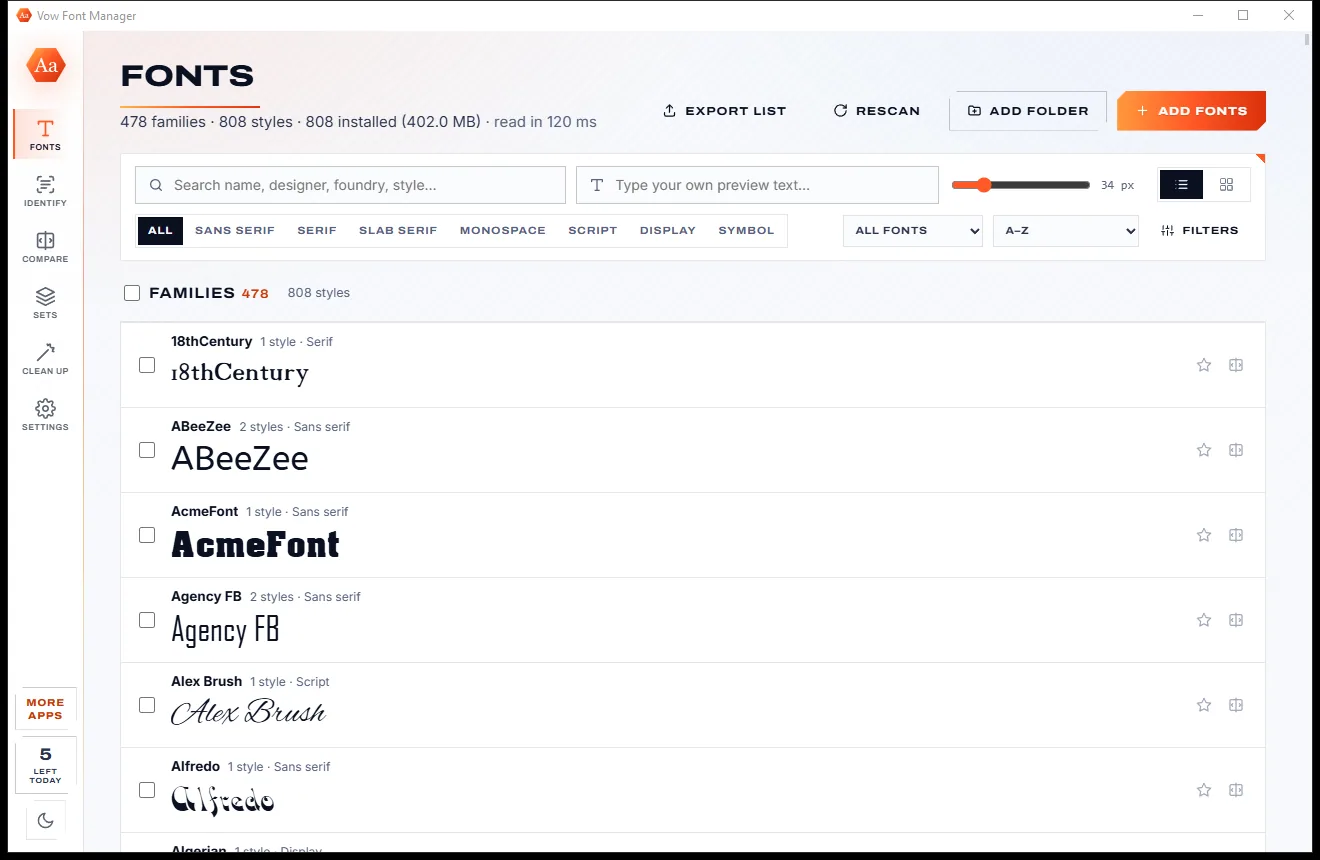
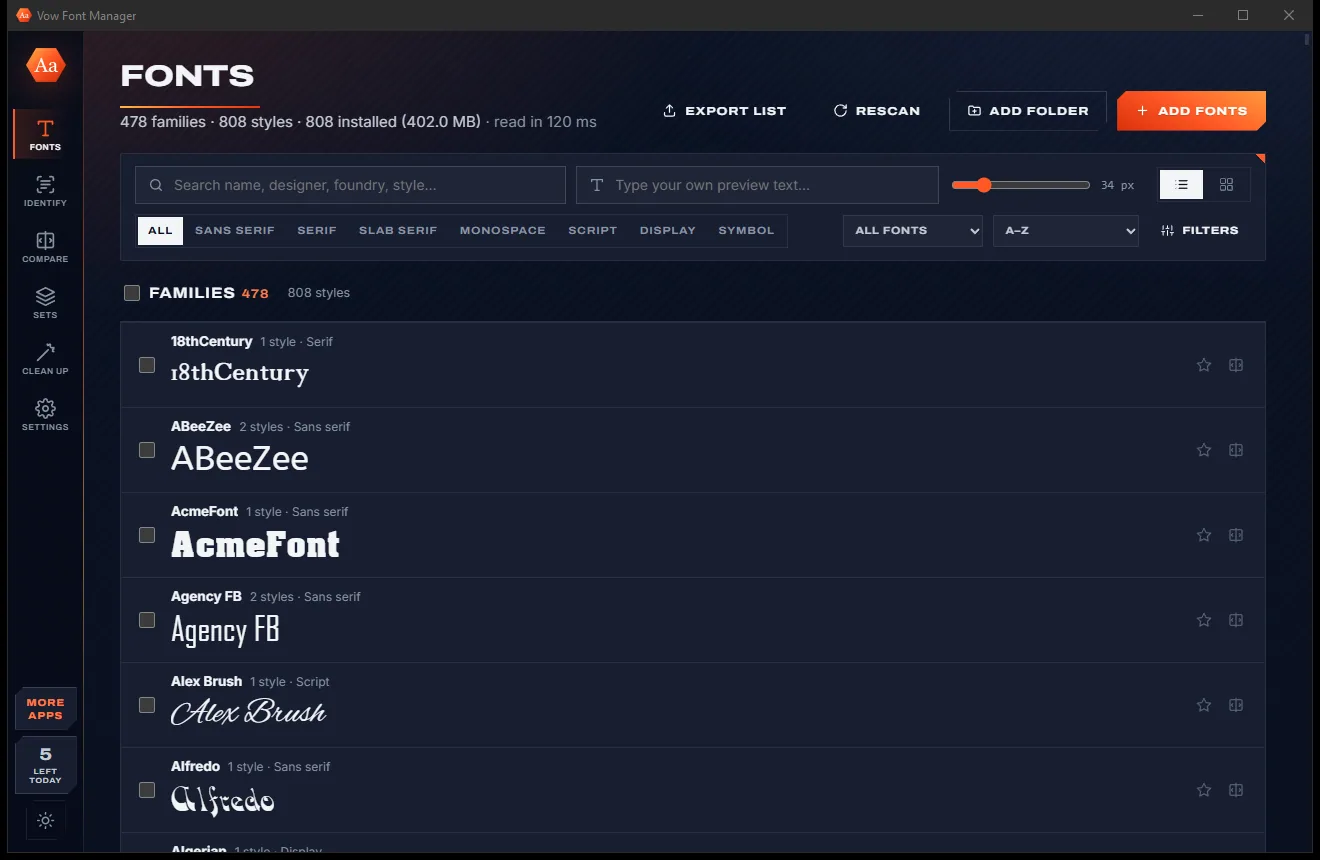
Preview, organise and identify every font on your PC, offline

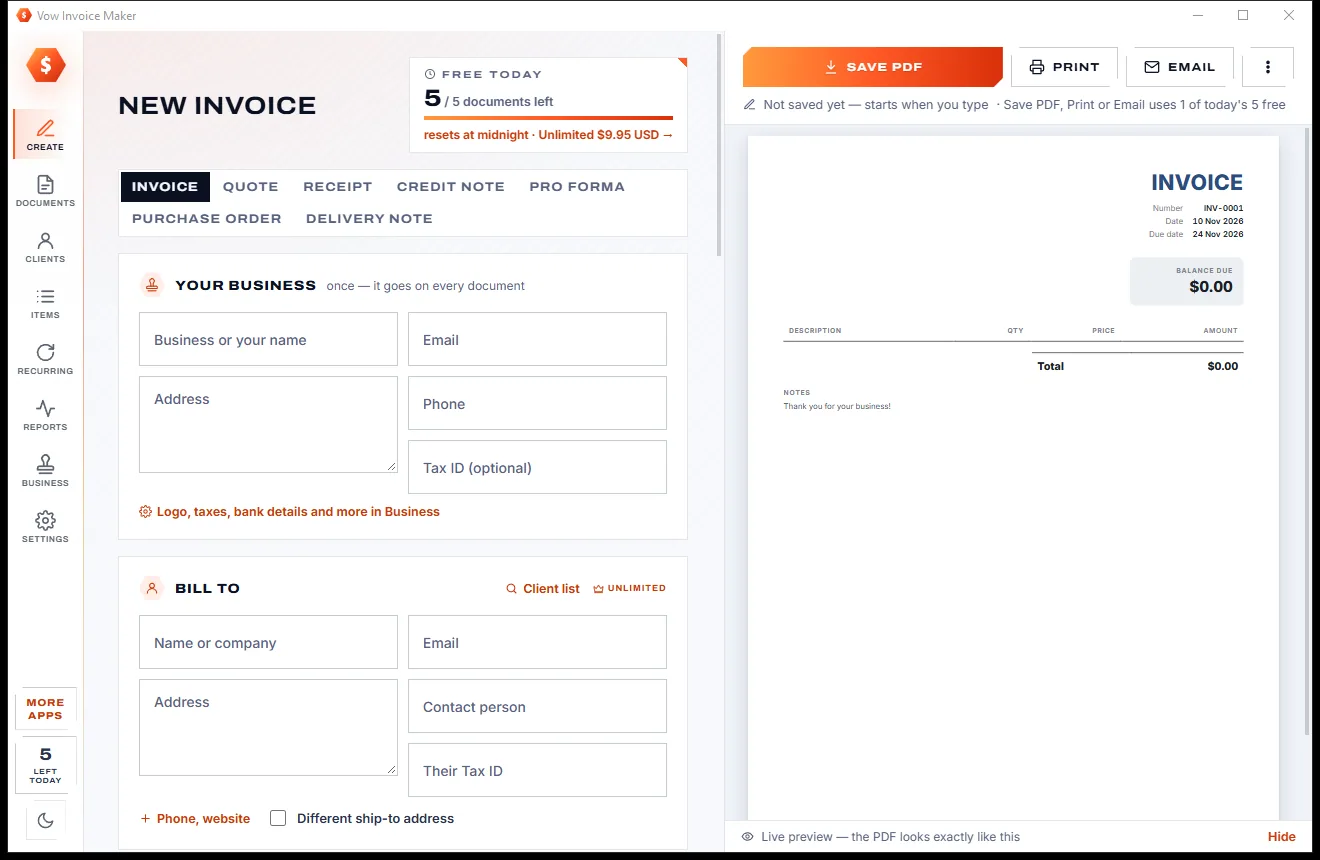
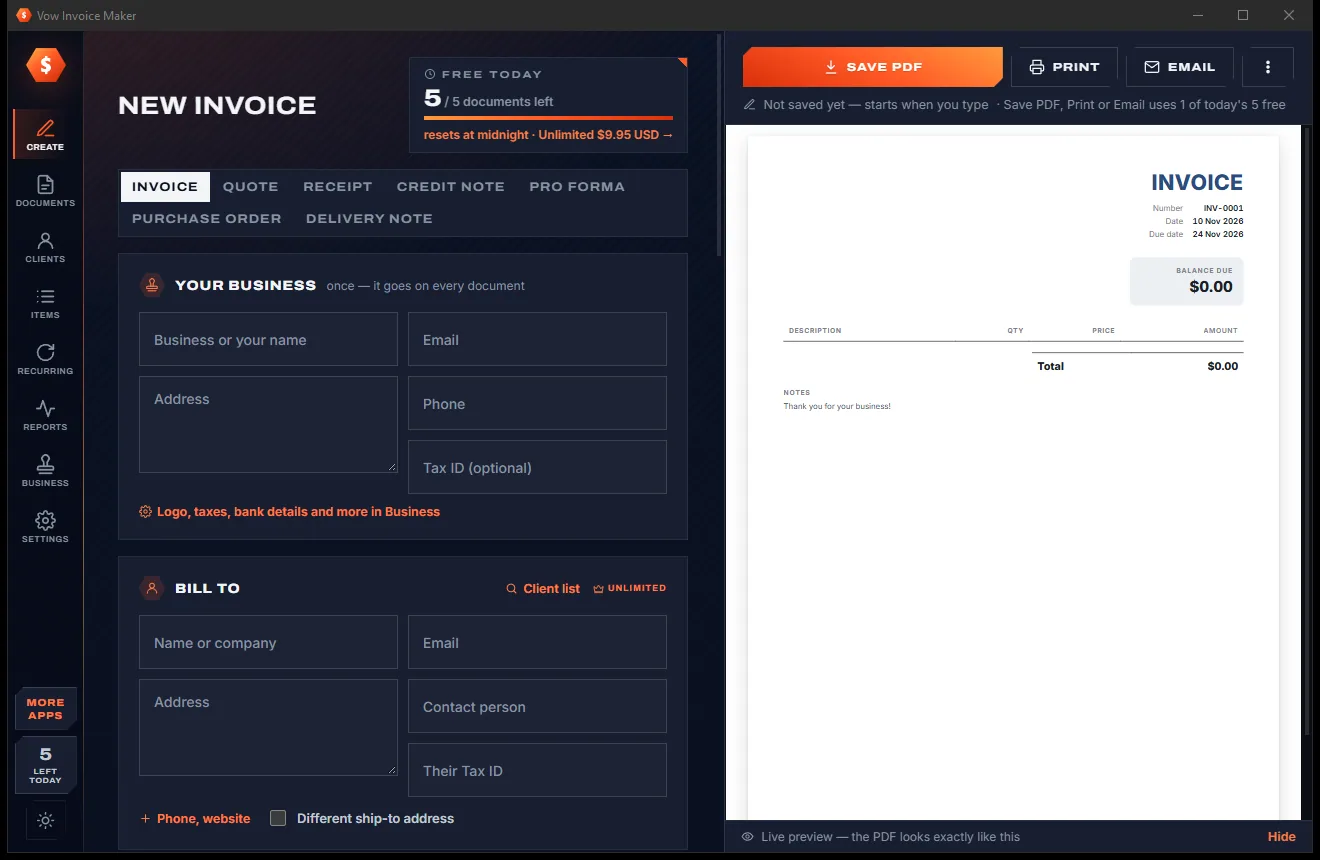
Professional invoices and quotes on Windows, without a subscription
Everything you copy, saved, searchable and one hotkey away. Free to use every day, $4.95 once if you ever want Unlimited.