
Files
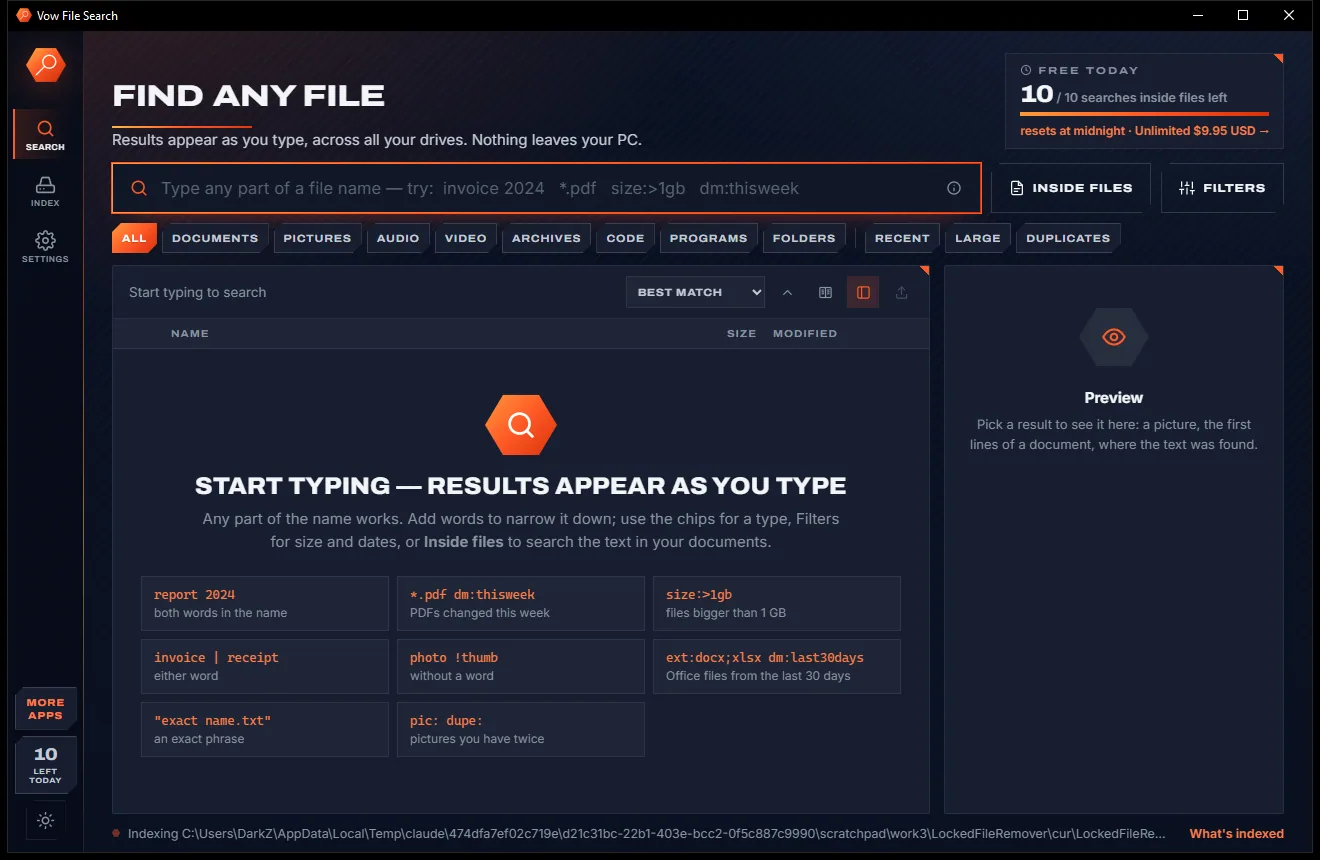
Vow File Search
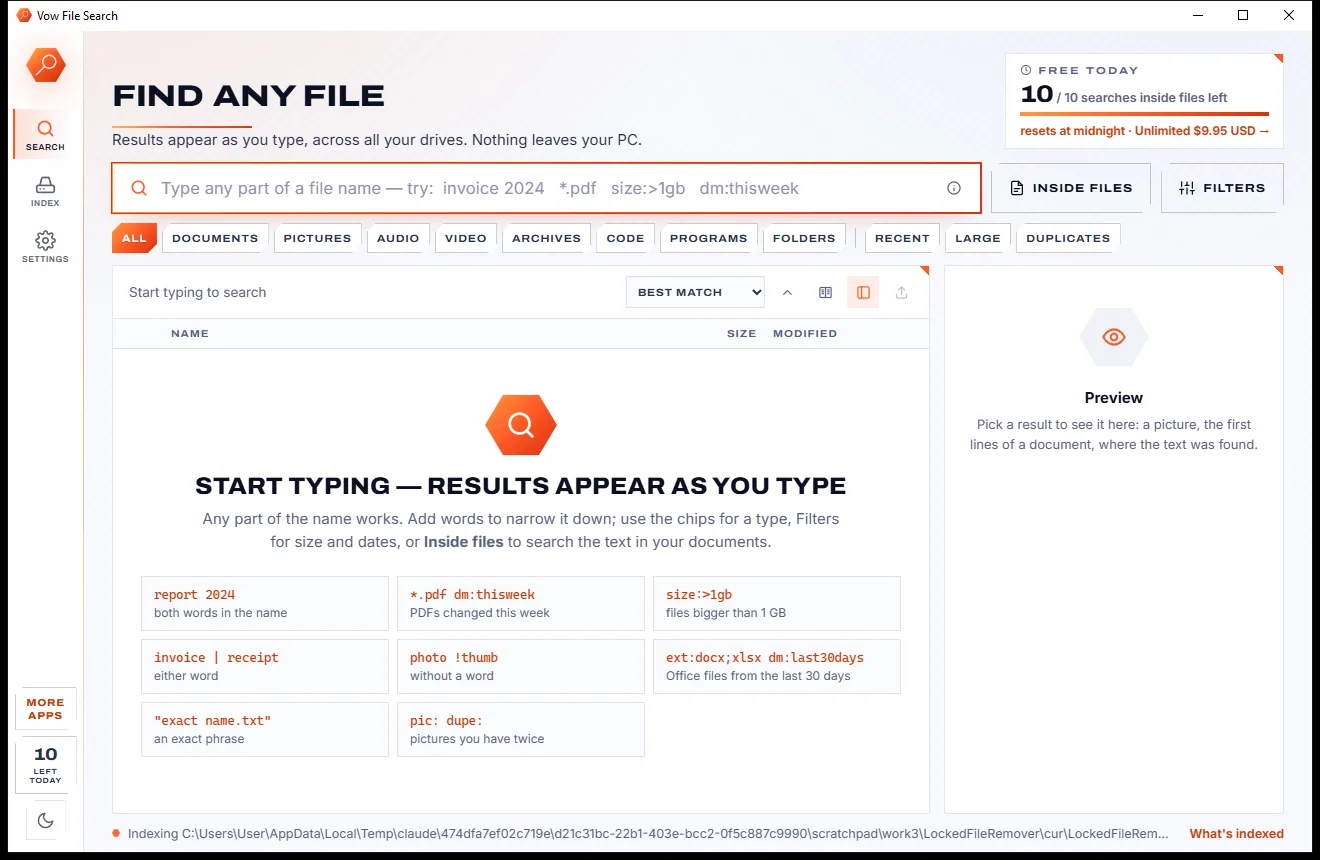
Find any file as you type, across every drive
- Free: Unlimited file name search on every drive, 10 searches inside files a day
- $4.95 once: Unlimited searches inside files, network drives and NAS shares

Bulk file renamer for Windows
Drop in photos, invoices, songs or TV episodes, pick a recipe, and every new name appears beside the old one before anything changes. Clashes and forbidden characters are fixed for you, and one click puts every name back. No ads, no sign-up, nothing uploaded.
The problem
F2, type, Enter, repeat. And the tools that promise to do it for you are either a cockpit of options or a gamble with your file names.
Windows renames files one by one. A folder of 300 camera photos called IMG_4821 and friends stays that way.
Classic rename utilities cram every option onto one screen, so a simple job needs a tutorial first.
A clash or a locked file halfway through, and you are left with a folder of half-old, half-new names.
Renamed the wrong files? Many tools have no undo you can find, let alone one that survives a restart.
Rename-by-date tools that quietly skip every photo without EXIF data, leaving half the folder untouched.
Free renamers that pay their way with banners, bundled offers or a nag screen before every batch.
Vow Bulk Renamer fixes all of it.
How it works
One click on a recipe, every new name previewed, and the whole batch undone just as fast.
Drop files or whole folders on the window, press Ctrl+O, paste files copied in Explorer, or right-click them in Explorer and choose Rename with Vow Bulk Renamer.
Find & replace, Number in order, Photos by date, Clean up names, TV episodes and more set everything up in one click, or stack your own steps.
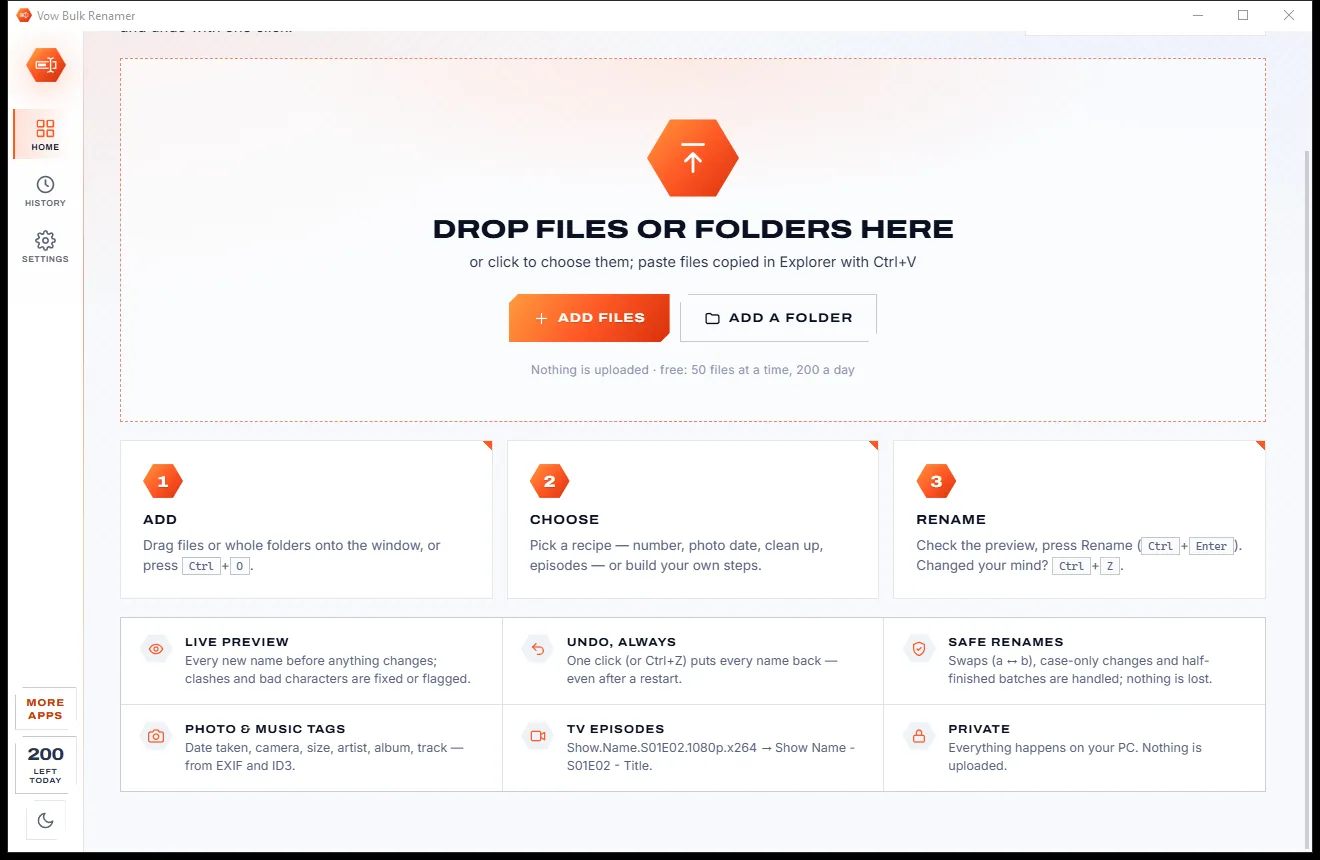
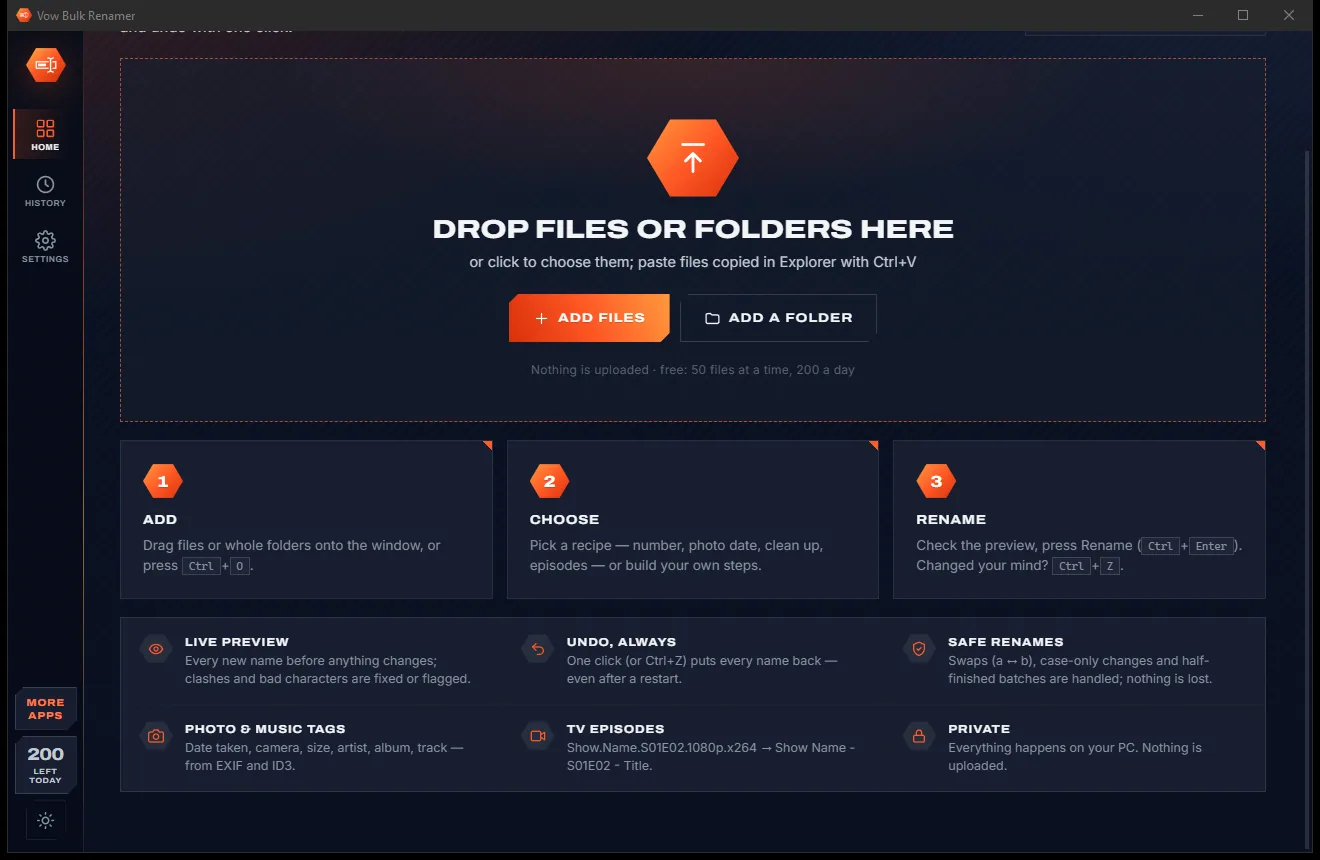
Every row shows the old and new name with the change highlighted and clashes flagged. Press Rename, and Ctrl+Z puts every name back.
Features
From tidying a folder of downloads to naming thousands of holiday photos by the moment they were taken.
Old and new names side by side with the changed part highlighted, and 10,000 files planned in well under a second.
Find & replace, Number in order, Photos by date, Change case, Clean up names, TV episodes, Music from tags, Add text, Sort into folders, Dates in names.
Replace, add, remove, case, number, pattern, clean up, pad, swap, shorten, extension and more, in any order, each one switchable.
Find & replace with regular expressions and $1 groups, match case, whole words, and the first, last or every match.
Name photos by date taken, camera, lens, size or ISO, falling back to the media date, a date in the name or the modified date.
Artist, album, title, track, disc, year and genre straight from the tags in MP3, FLAC, M4A, WMA and more.
Reads S01E02, 1x02 and "Season 1 Episode 2", drops 1080p, x264 and release-group tags, and writes Show - S01E02 - Title.
Duplicate names are numbered ("Beach (2).jpg"), forbidden characters fixed, and empty names and long paths flagged before you rename.
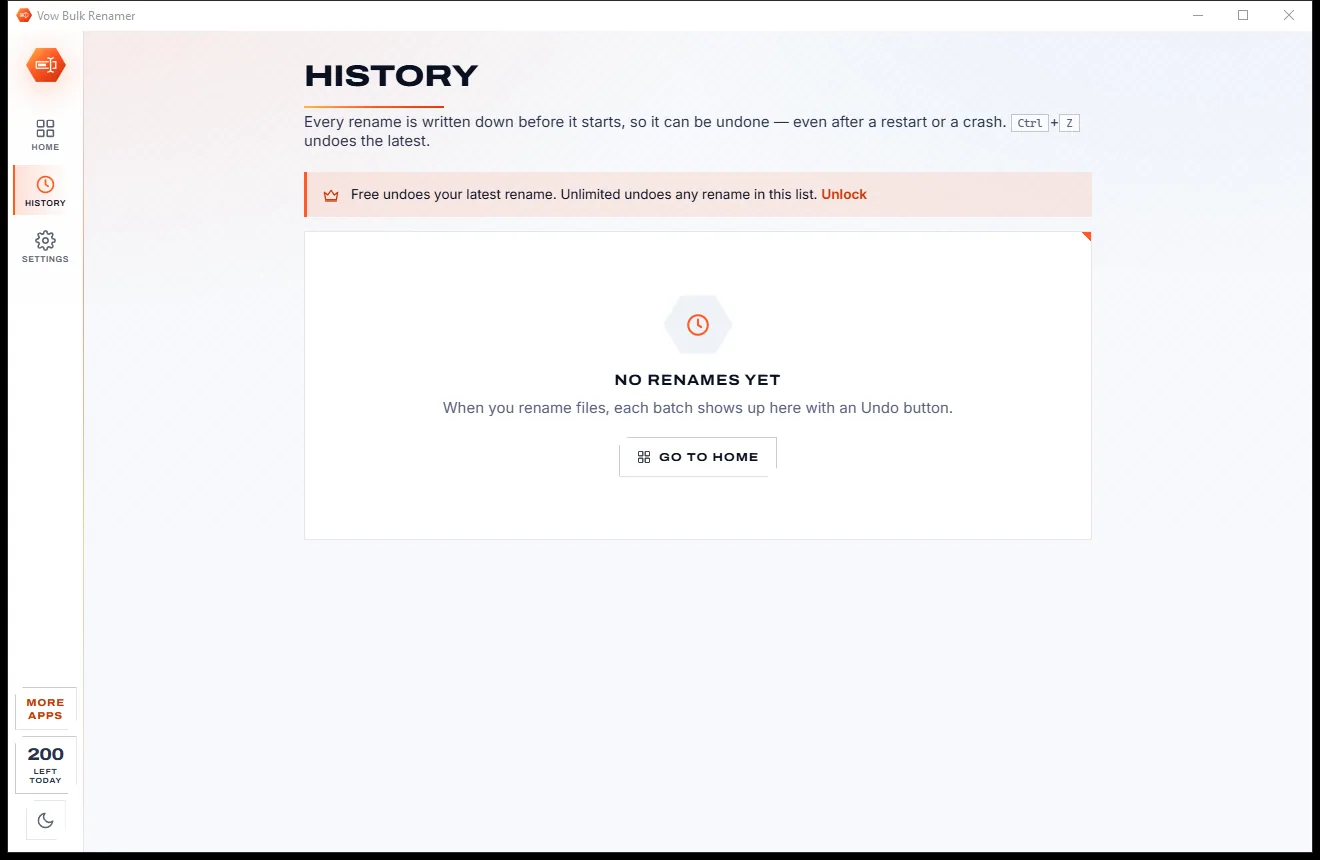
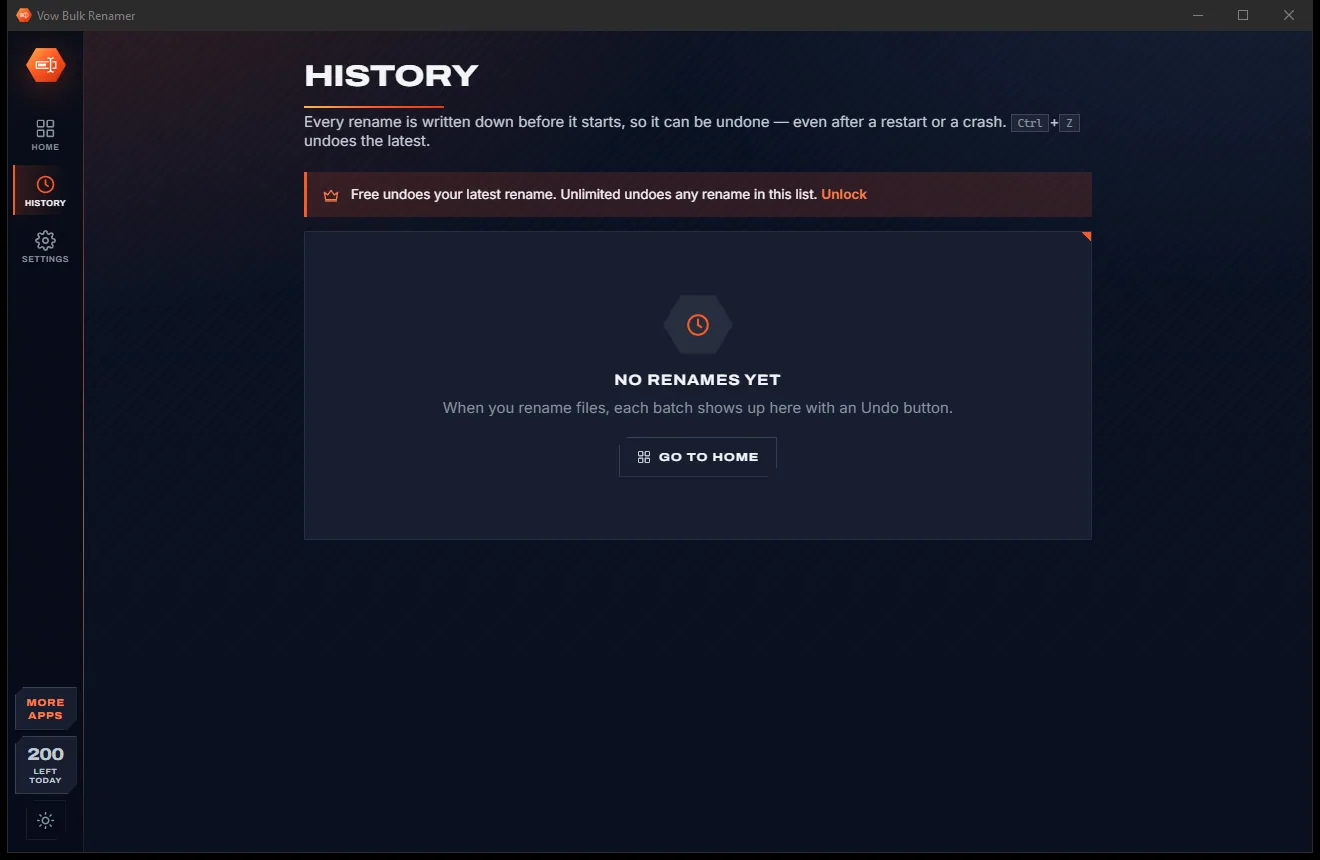
Every rename is written down before it starts. Ctrl+Z undoes the latest, and a batch cut short by a crash is put back at the next start.
Move files into folders by pattern, such as the year and month taken, and undo removes the folders it made.
Light & dark theme
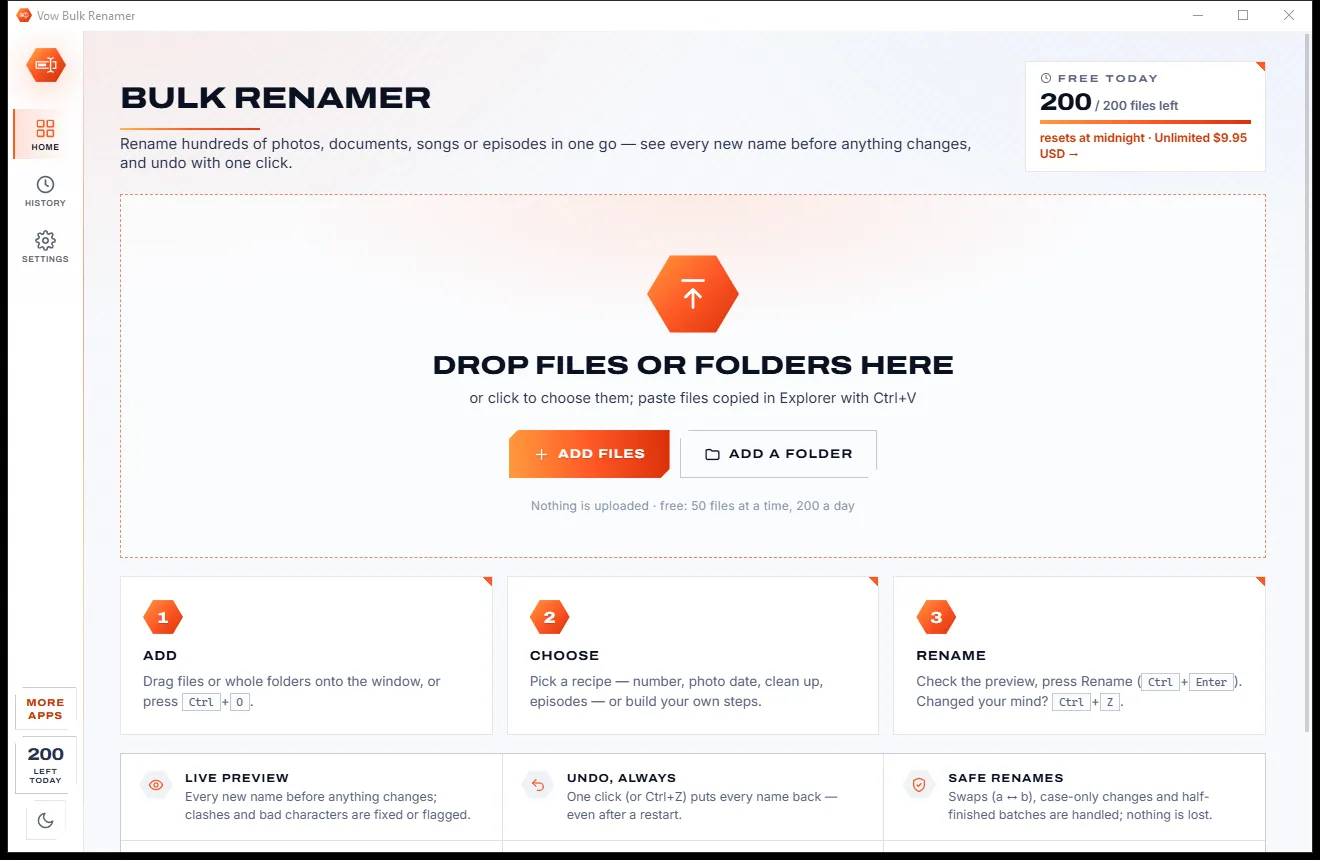
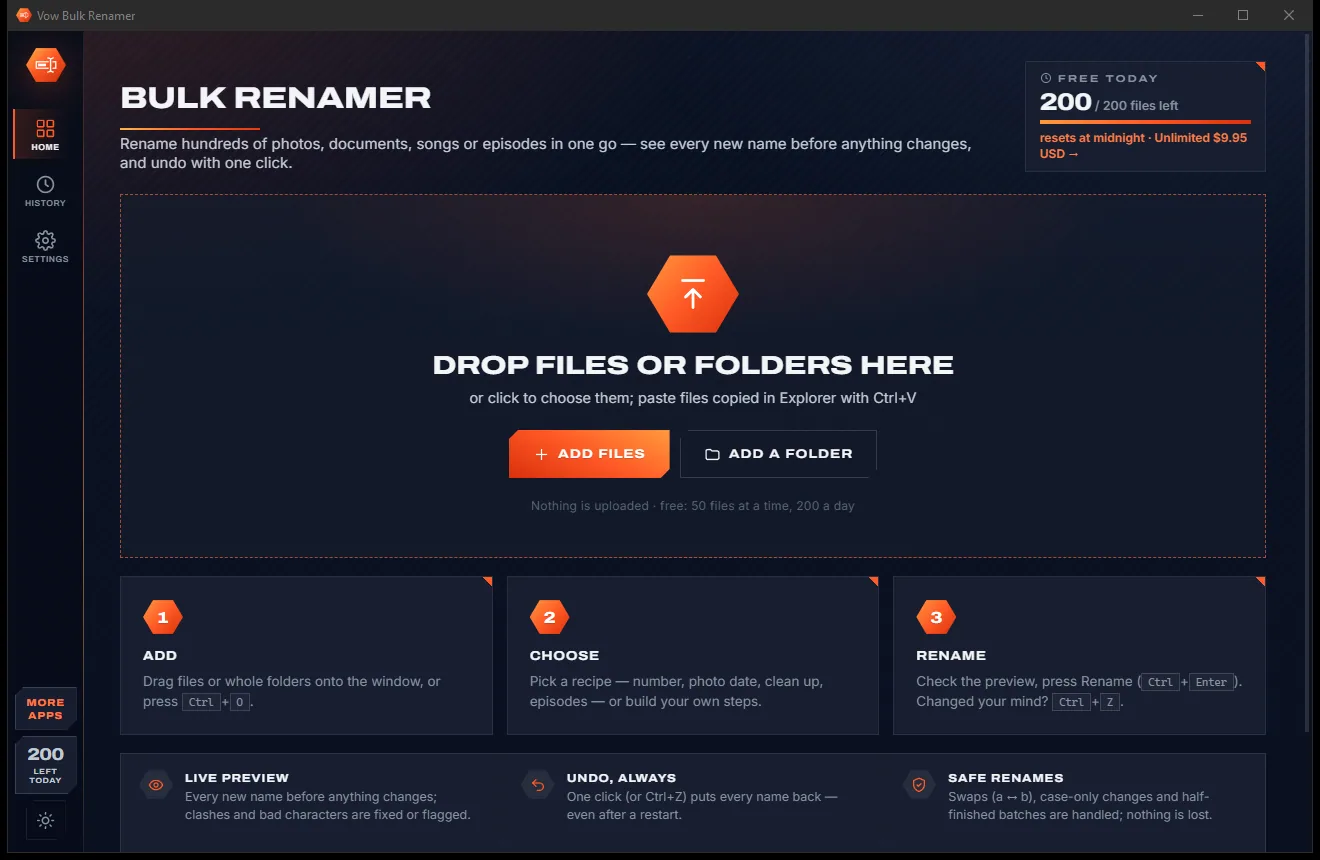
Bulk Renamer comes with a crisp light theme and a calm dark theme. Switch with one click, or let it follow your Windows setting by itself. It remembers your choice.
Screenshots
Real screenshots of the real app, in both of its themes: 5 light, 5 dark. Click any picture to see it full size.
Light theme
Dark theme
Who it's for
Turn IMG_0042.jpg into 2024-07-14 15.30.12.jpg and sort the lot into year and month folders.
Number documents in order, or reformat the dates in their names to 2024-07-14 so they sort properly.
Rename songs to 03 - Artist - Title straight from their tags.
Turn messy download names into Show - S01E02 - Episode title for your media library.
Add a client prefix, swap name parts, or clean up underscores and "- Copy" across a whole project.
Export the list to CSV, edit the names in Excel, and apply them all in one go.
Compare
What you get when you go looking for a faster way to rename files.
| Feature | Vow Bulk Renamer | Typical bulk rename tools |
|---|---|---|
| Preview before renaming | Every name, changes highlighted | Sometimes, often a plain list |
| Undo | One click, even after a restart | Often missing or hard to find |
| Clashes and forbidden characters | Fixed or explained on each row | Often an error halfway through |
| A batch that fails halfway | Put back automatically | Left half-renamed |
| One-click recipes | 10 built in, plus your saved recipes | Rare: mostly panels of options |
| Photos without EXIF dates | Falls back to media, name or file date | Often skipped |
| Price | Free every day, or $4.95 once | Nag screens, licences or subscriptions |
| Ads and bundled offers | None, ever | Common in free downloads |
"Typical" describes what we found across the most-downloaded alternatives when we built Bulk Renamer. Your mileage with any one of them may vary; ours won't.
Pricing
That is not a typo. Software this powerful usually means a monthly subscription; Bulk Renamer is $4.95, once, for life: it's almost a giveaway. Use it free for as long as you like, and unlock Unlimited only if you need more.
50 files at a time, 200 a day, find & replace, numbering, episodes, undo.
Almost a giveaway. Less than a coffee for software this powerful: no subscription, no renewals, yours for life on 2 PCs.
Any number of files, date and EXIF patterns, advanced rules, full undo history.
Payments by Stripe: we never see or store your card. Questions? Ask a real person.
Clean software
Most "free" Windows downloads pay for themselves with ads, bundled extras or your data. Vow Bulk Renamer doesn't need to: it's paid for honestly, once, by the people who find it useful.
Download Bulk Renamer freeStep-by-step guide
Rename a whole folder in under a minute, and see exactly what will happen before it does.
Step 1: get it freeDownload it from this page and run the installer. It needs no administrator rights and no sign-up, and can add itself to Explorer's right-click menu.
Drag files or whole folders onto the window, or right-click them in Explorer and choose Rename with Vow Bulk Renamer. Sort the list by name, date taken, size or type.
Click a quick recipe such as Number in order or Photos by date, or type into Find & replace. Add more steps if you need them; each one can be switched off or moved.
Read the new names, with every change highlighted. Untick rows you want left alone, or double-click a new name to type it yourself.
Press Rename or Ctrl+Enter. Changed your mind? Ctrl+Z, the Undo in the toast or the History page puts every name back.
Technical details
FAQ
Yes. You can rename up to 50 files at a time and 200 a day for free, with find & replace (regex included), numbering, case, clean-up, TV episodes, the live preview and undo of the last rename. Unlimited, a one-time $4.95 USD payment, removes the limits and adds date, EXIF and music-tag patterns, the advanced rules and the full undo history.
Yes. The Photos by date recipe reads the date taken from EXIF, including HEIC and RAW files, and falls back to the media date, a date in the name or the modified date. Photos taken in the same second get (2), (3) automatically. Renaming with date patterns is part of Unlimited; the preview is free.
The preview finds every clash before anything changes and numbers them, such as "Beach (2).jpg", or skips them if you prefer. Characters Windows forbids are fixed, and empty names and long paths are flagged.
Yes. Ctrl+Z, the toast or History puts every name back, even after a restart. If the app or the PC stops halfway through a batch, the next start puts it back too. Free undoes the latest rename; Unlimited undoes any rename in History.
Instead of one screen packed with panels, it starts with one-click recipes and keeps the advanced options in stacked steps. Compared with PowerRename's single step, you can stack steps, save recipes, see a full undo history, use music tags and sort files into folders.
Yes. The installer can add Rename with Vow Bulk Renamer to Explorer's right-click menu for files, folders and a folder's background. On Windows 11 it sits under Show more options.
Photo EXIF from JPEG, HEIC, AVIF, PNG, TIFF, WebP and camera RAW files; music tags from MP3, FLAC, OGG, M4A, WMA and APE; and creation dates from MP4 and MOV videos.
Yes. It is made and published by XTO Pty Ltd, an Australian company. There are no ads, no bundled software and no sign-up, it installs without administrator rights, and it uninstalls cleanly from Windows Settings, Explorer menu entries included.
The Vow collection
Same design, same promises, a tiny one-time price. Learn one and you already know them all.
Find any file as you type, across every drive
Open every archive, and fix the ones that won't open
See what's filling your drive, then win the space back safely
Rename hundreds of files at once, and see every new name first. Free to use every day, $4.95 once if you ever want Unlimited.