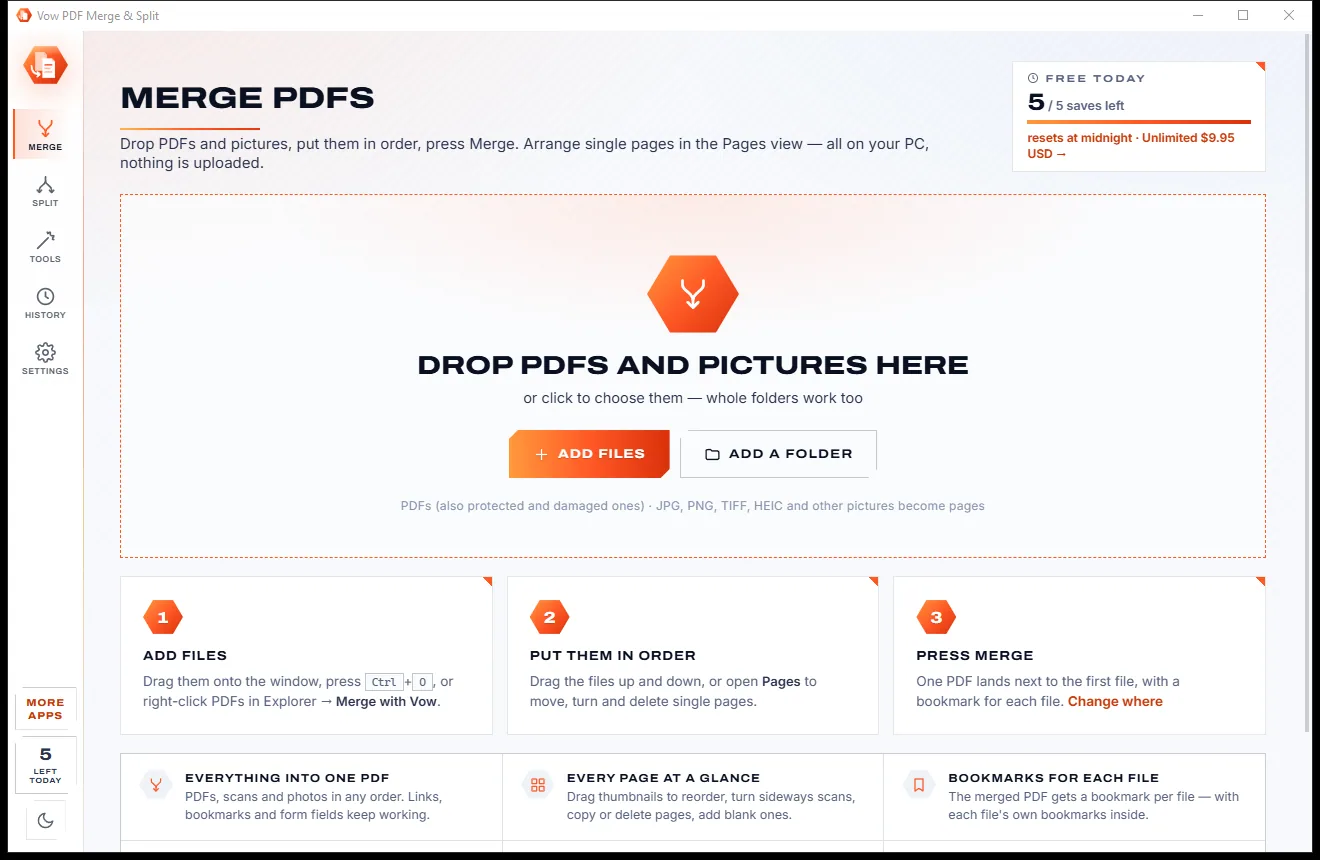
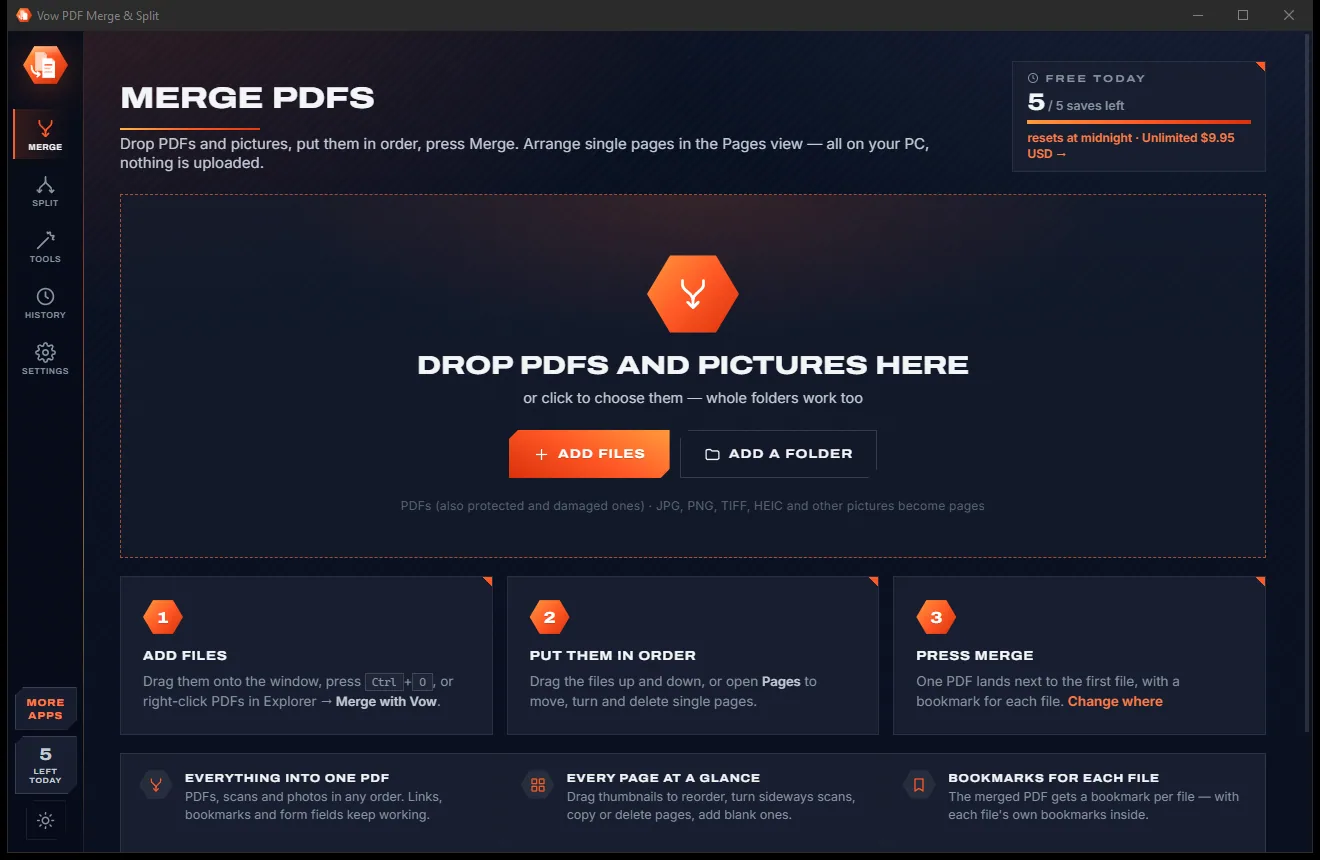

Merge, split and reorder PDFs on your own PC
- Free: Merge 3 files at a time, split one PDF at a time, 5 saves a day
- $4.95 once: Any number of files, drag-and-drop pages, rotate, batches

True PDF redaction for Windows
Drawing a black box over a PDF usually leaves the words underneath, ready to copy and paste. Vow PDF Redaction cuts them out of the file, overwrites the pixels, scrubs hidden data, then proves nothing is left. Nothing is uploaded.
The problem
A black rectangle is just a drawing on top of the page. The words, the pictures and the earlier versions are often still inside the file.
Select the "blacked-out" area, copy, paste into Notepad, and there are the words. It happens in court filings and government releases every year.
PDFs keep earlier versions when they are saved. The original, unredacted page can still be sitting in the file.
Author names, comments, attachments, form values and metadata leave with your document unless something removes them.
Online PDF editors want your contract, payslip or medical record on their servers before they will black anything out.
Real redaction is usually locked inside expensive monthly plans, for a job you might do a few times a year.
Finding every name, account number and date of birth by eye across 40 pages is how mistakes slip through.
Vow PDF Redaction fixes all of it.
How it works
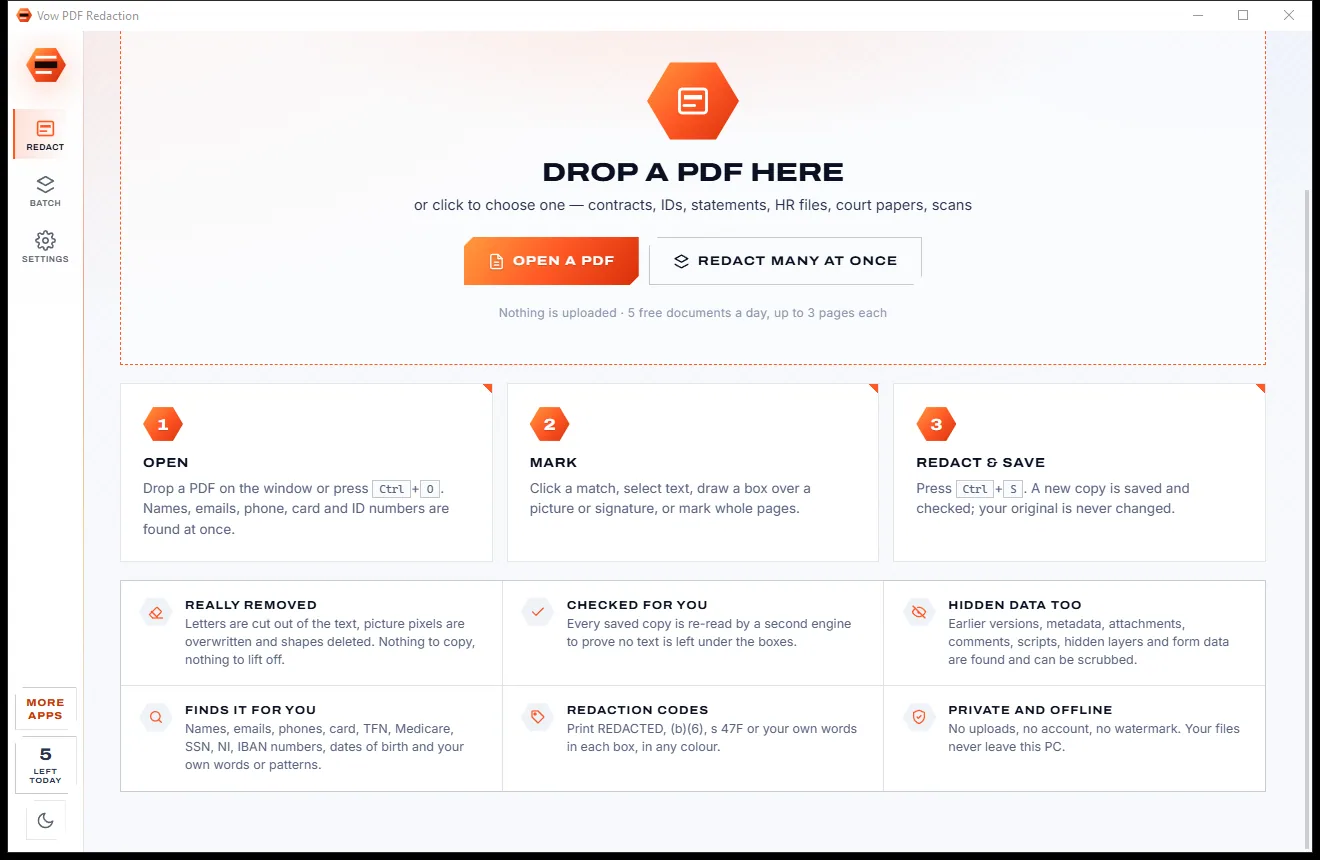
Sensitive details are found the moment the PDF opens. You check them, it removes them, then it proves it.
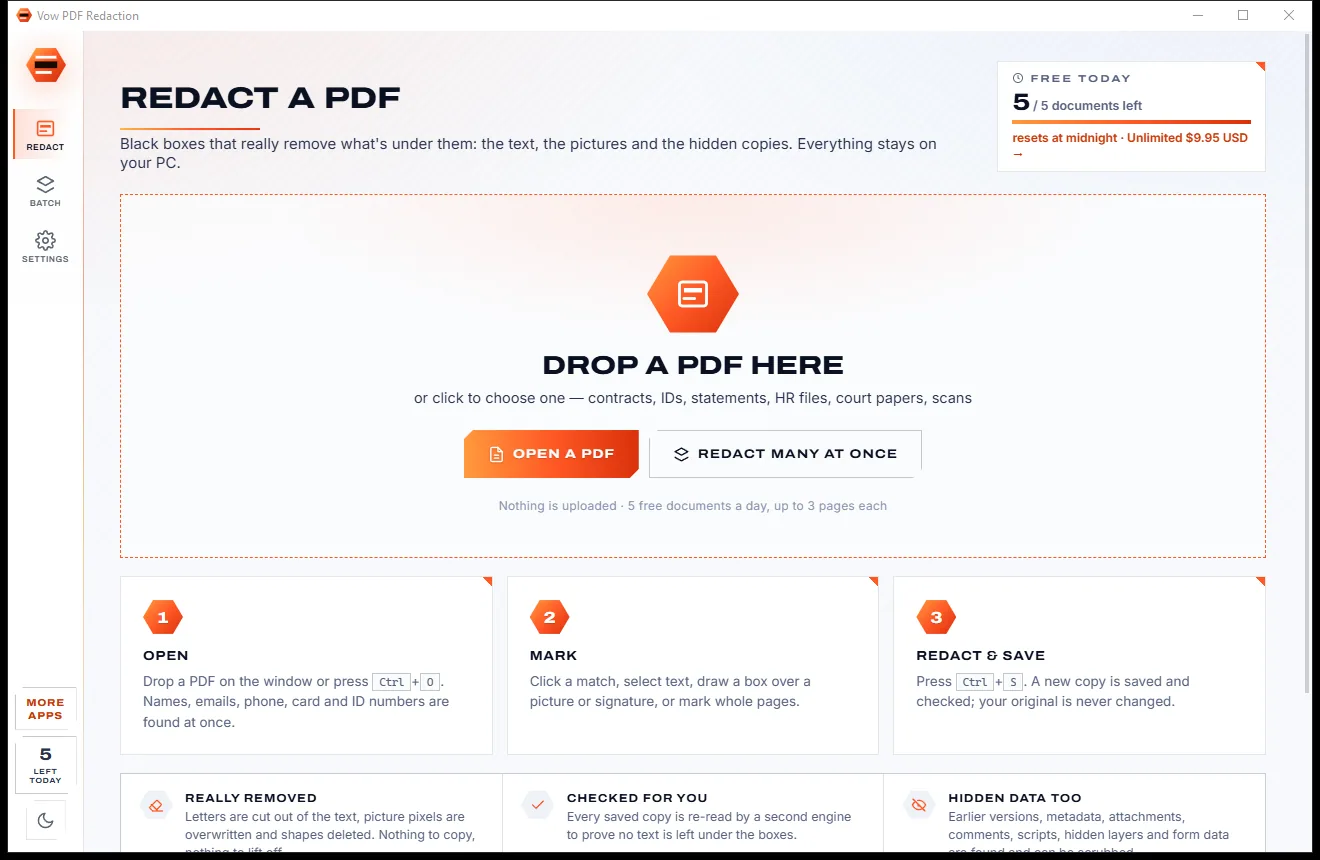
Drop it on the window. Names, email addresses, phone, card, tax and ID numbers, dates of birth and addresses are found automatically and outlined.
Click a match or Mark all, select text, draw a box over a picture or signature, or mark whole pages. Preview the final boxes any time.
Press Ctrl+S. A fresh copy is written beside your original, then a second engine re-reads it to confirm nothing is left under the boxes.
Features
For lawyers, HR, accountants, and anyone sharing IDs, statements or court papers.
Letters are cut out of the text, picture and scan pixels are overwritten, and shapes and annotations under each box are deleted.
Every saved copy is re-read by a second PDF engine to prove no text can be selected, copied or searched under any box.
Names, emails, phone numbers, credit cards (Luhn-checked), IBAN, SSN, TFN, Medicare, NHS, NI, ABN, addresses and dates of birth.
Metadata, attachments, scripts, comments, form fields, hidden layers, bookmarks and content outside the page can all be removed.
Built-in OCR reads scanned pages so names and numbers on a scan are found and redacted like any other text.
Redact a folder of PDFs with the same rules, with a preview of matches per file and verification of every copy.
Label boxes with US FOIA, Privacy Act, AU FOI or UK FOI exemption codes, or your own text, in any box colour.
Mark a header, footer, logo or signature once and repeat the box on every page in one click.
The redacted copy is written fresh beside the original, with no earlier versions inside it.
Save a CSV log of every redaction for your records, compliance file or a court's requirements.
Light & dark theme
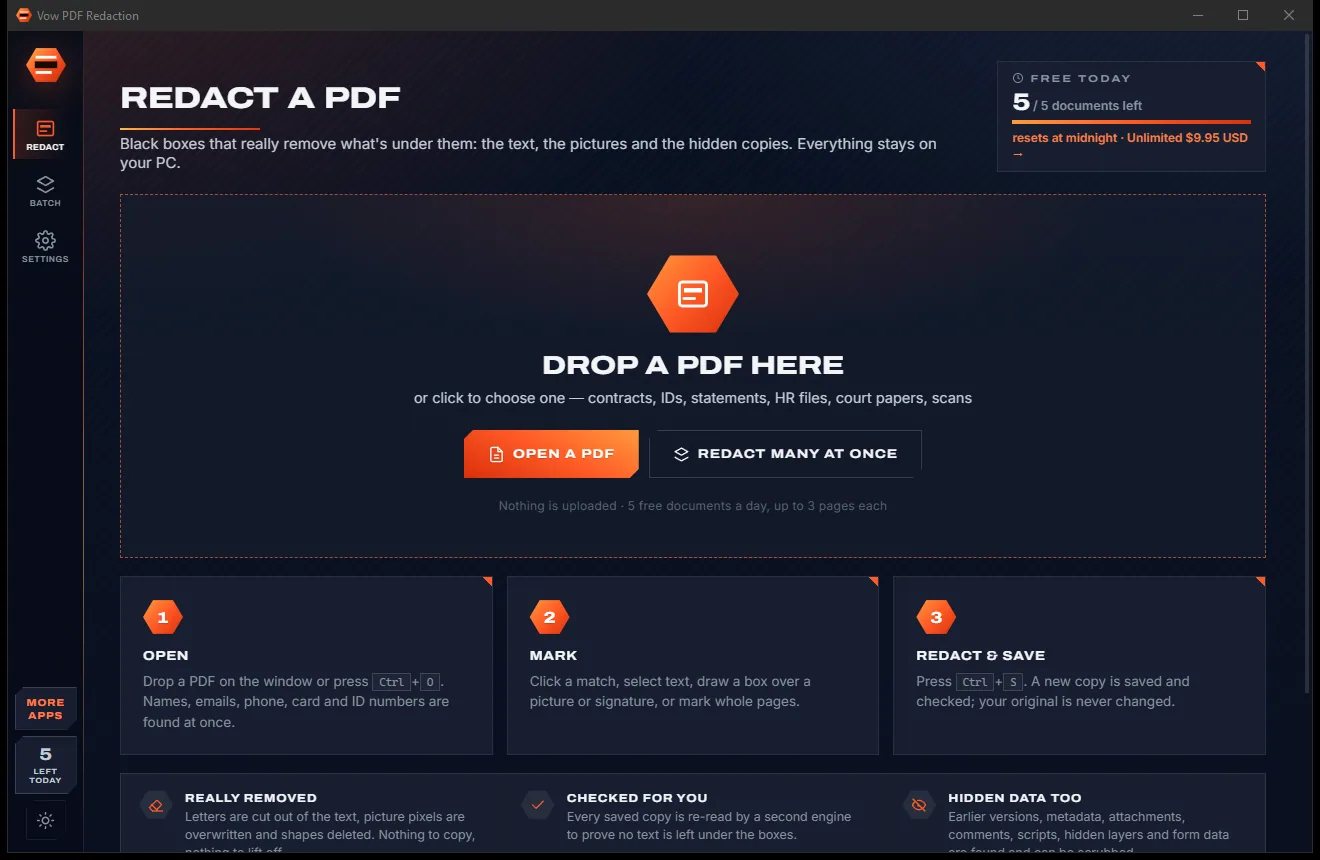
PDF Redaction comes with a crisp light theme and a calm dark theme. Switch with one click, or let it follow your Windows setting by itself. It remembers your choice.
Screenshots
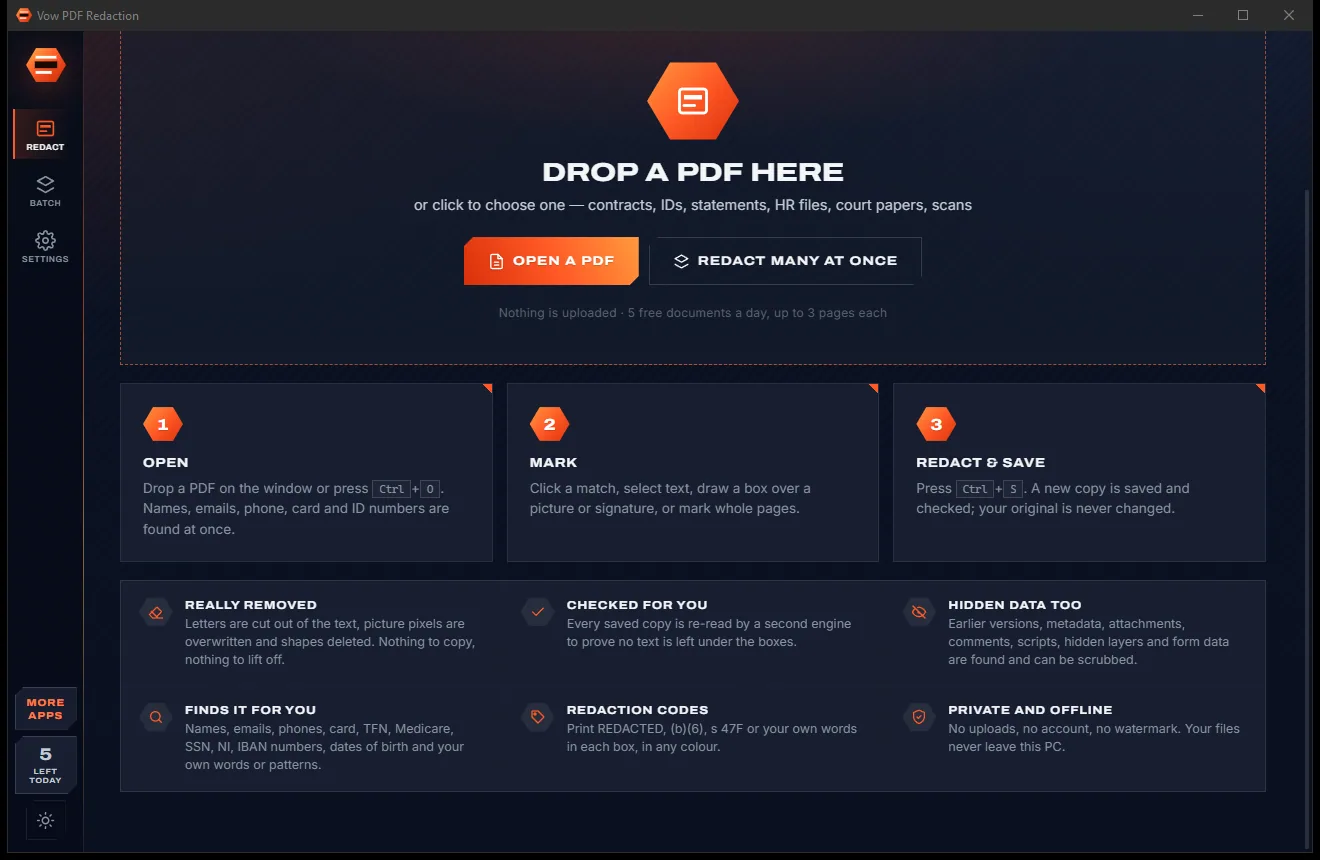
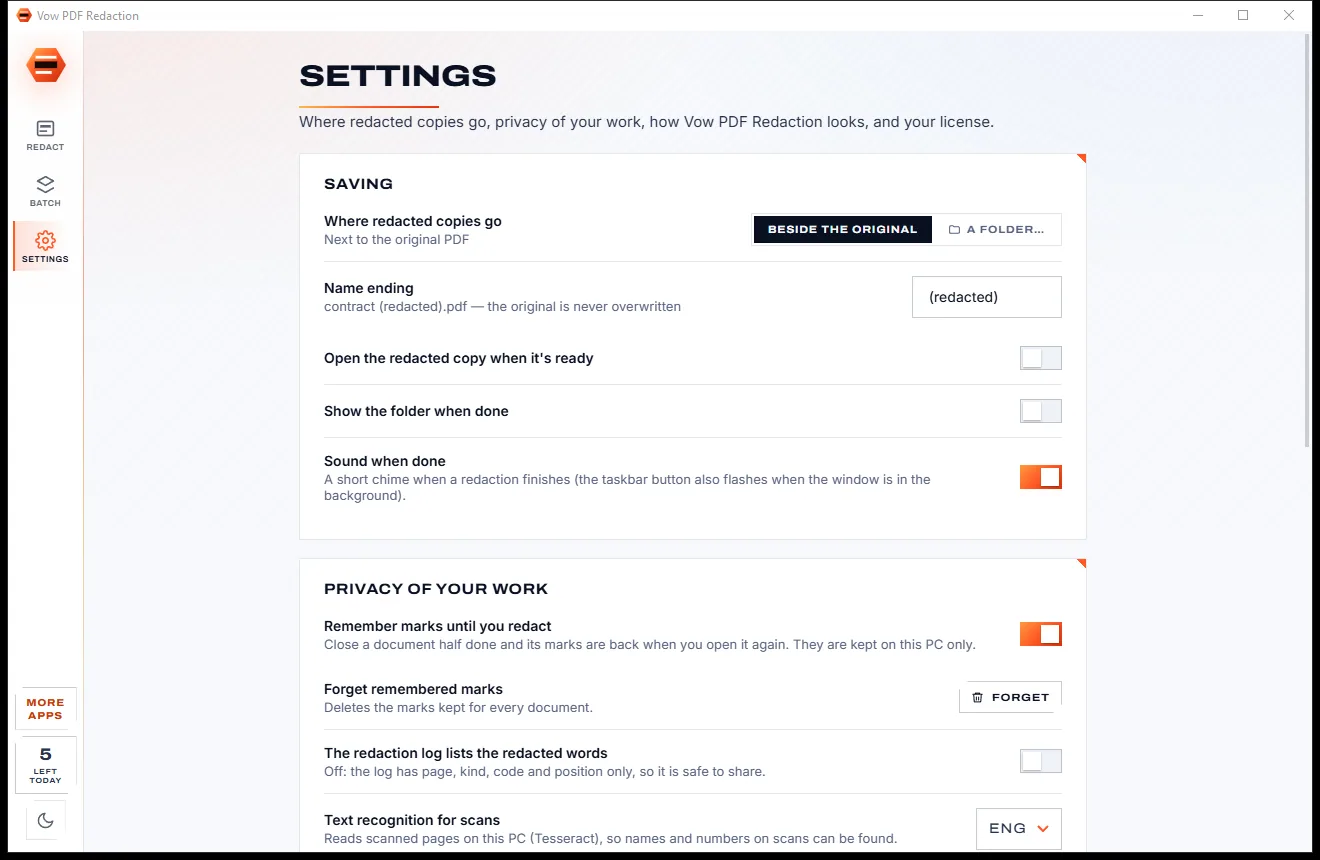
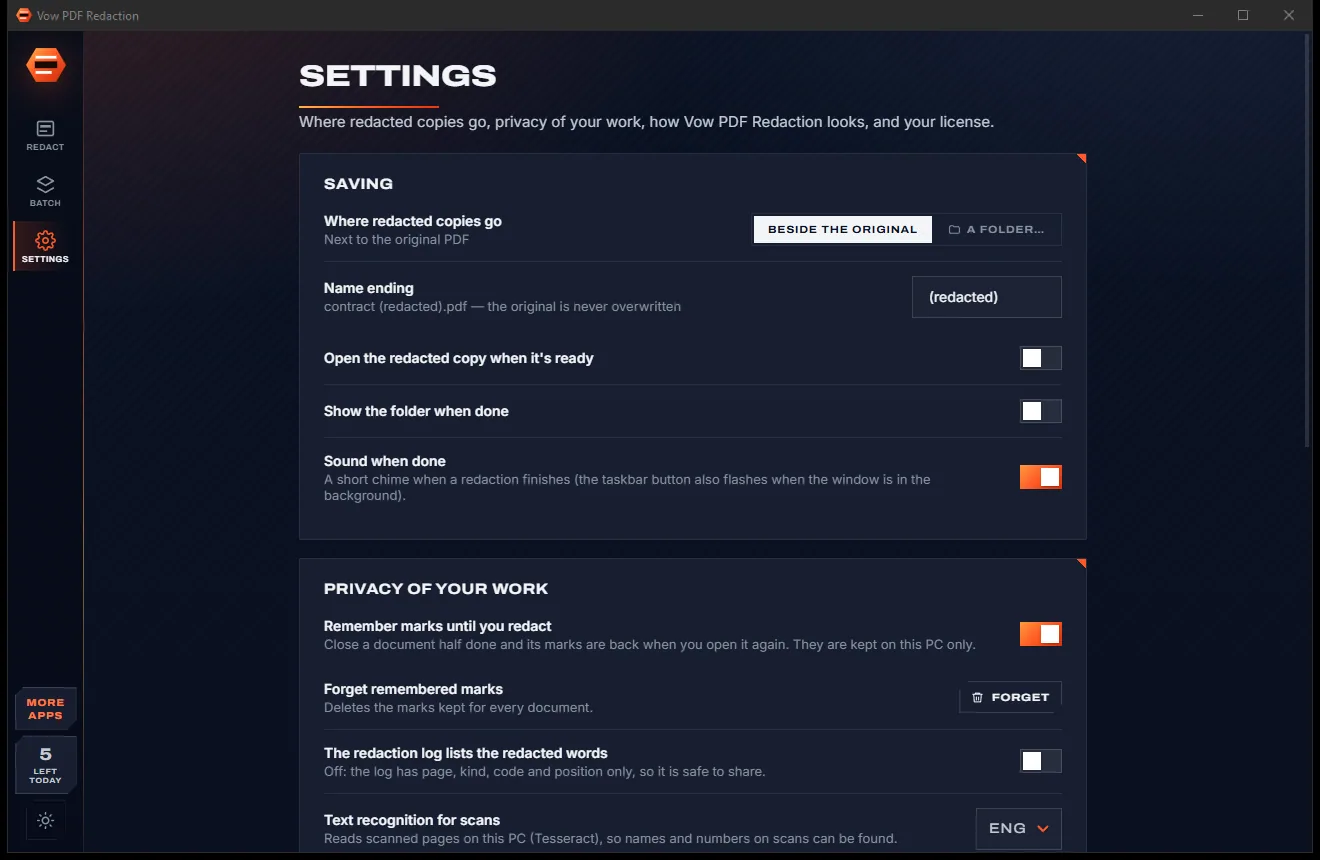
Real screenshots of the real app, in both of its themes: 5 light, 5 dark. Click any picture to see it full size.
Light theme
Dark theme
Who it's for
Court filings, discovery and exhibits with privileged details removed for real, and a log to prove it.
Share employee letters, investigations and payroll records without exposing personal data.
Send statements and tax documents with account and tax file numbers removed.
Release documents with exemption codes in the boxes and nothing recoverable underneath.
Strip patient names, dates of birth and Medicare or NHS numbers before documents leave the practice.
Black out the numbers on a licence, passport, payslip or bank statement before you email it.
Compare
Why a highlighter tool, an online editor or a pricey subscription isn't the answer.
| Feature | Vow PDF Redaction | Black-box tools & online editors |
|---|---|---|
| Removes the text under the box | Yes, cut out of the file | Often just draws a shape on top |
| Overwrites picture and scan pixels | Yes | Rarely |
| Checks the saved copy | Automatically, with a second engine | No |
| Removes earlier versions | Always: fresh file | Not always |
| Finds names, IDs and card numbers | Automatically on open | Manual search, or a paid tier |
| Your document is uploaded | Never | Yes, for online editors |
| Price | Free every day, or $4.95 once | Monthly subscription for real redaction |
| Ads and watermarks | None | Common on free tools |
"Typical" describes what we found across the most-downloaded alternatives when we built PDF Redaction. Your mileage with any one of them may vary; ours won't.
Pricing
That is not a typo. Software this powerful usually means a monthly subscription; PDF Redaction is $4.95, once, for life: it's almost a giveaway. Use it free for as long as you like, and unlock Unlimited only if you need more.
5 documents a day, up to 3 redacted pages each, true redaction.
Almost a giveaway. Less than a coffee for software this powerful: no subscription, no renewals, yours for life on 2 PCs.
Any length, one-click redact-all, batch folders, scrub hidden data.
Payments by Stripe: we never see or store your card. Questions? Ask a real person.
Clean software
Most "free" Windows downloads pay for themselves with ads, bundled extras or your data. Vow PDF Redaction doesn't need to: it's paid for honestly, once, by the people who find it useful.
Download PDF Redaction freeStep-by-step guide
Permanently remove names, numbers and pictures from a PDF in a few minutes, without uploading it anywhere.
Step 1: get it freeDownload it from this page and run the installer. There is no account and nothing is uploaded: every step happens on your own PC.
Drop the PDF on the window or press Ctrl+O. Password-protected files ask for their password. Sensitive details are detected and outlined in orange straight away.
Click the matches you want gone, or use Mark all. Select other text with the Text tool (T), draw boxes over pictures or signatures with the Box tool (A), or mark whole pages (P).
Use the eye button to preview the final boxes. Press Ctrl+S, review what will be removed and where the copy will be saved, and confirm.
The app re-reads the saved copy and reports "Nothing left under the boxes". Open it, drag it into an email, or save a CSV redaction log.
Technical details
FAQ
Most editors and highlighter tools draw a black rectangle on top of the page and leave the text, pictures and earlier versions underneath. Anyone can select and copy the words, search for them, or remove the box. Vow PDF Redaction removes what is under each box from the file itself and checks the result.
Yes. You can truly redact up to 3 pages per document, 5 documents a day, for free, with automatic detection, OCR and verification included. Unlimited, a one-time $4.95 USD payment, removes the limits and adds one-click redact-all, batch folders and hidden-data scrubbing.
No. Everything happens on your own PC. There is no account, no cloud and no upload, so it is safe for contracts, payslips, medical records and court papers.
Yes. Built-in OCR reads scanned pages so names and numbers on them can be found, and the pixels under each box are overwritten in the image itself.
Email addresses, phone numbers, names of people, credit card numbers (Luhn-checked), IBAN, bank and BSB account numbers, US SSN and EIN, Australian TFN, Medicare and ABN, UK National Insurance and NHS numbers, Canadian SIN, IDs after labels, dates of birth, street addresses, IP and web addresses, plus your own words, wildcards and regular expressions.
Never. The redacted copy is saved as a new file beside the original ("contract (redacted).pdf" by default), written fresh with no earlier versions inside.
It does true redaction without an Acrobat subscription: $4.95 once for Unlimited, or free within the daily allowance. Detection runs the moment a document opens, the review step can't be skipped, and every saved copy is verified automatically.
Yes. It is made and published by XTO Pty Ltd, an Australian company. There are no ads, no bundled software and no account, it needs no administrator rights, and it uninstalls cleanly from Windows Settings.
The Vow collection
Same design, same promises, a tiny one-time price. Learn one and you already know them all.
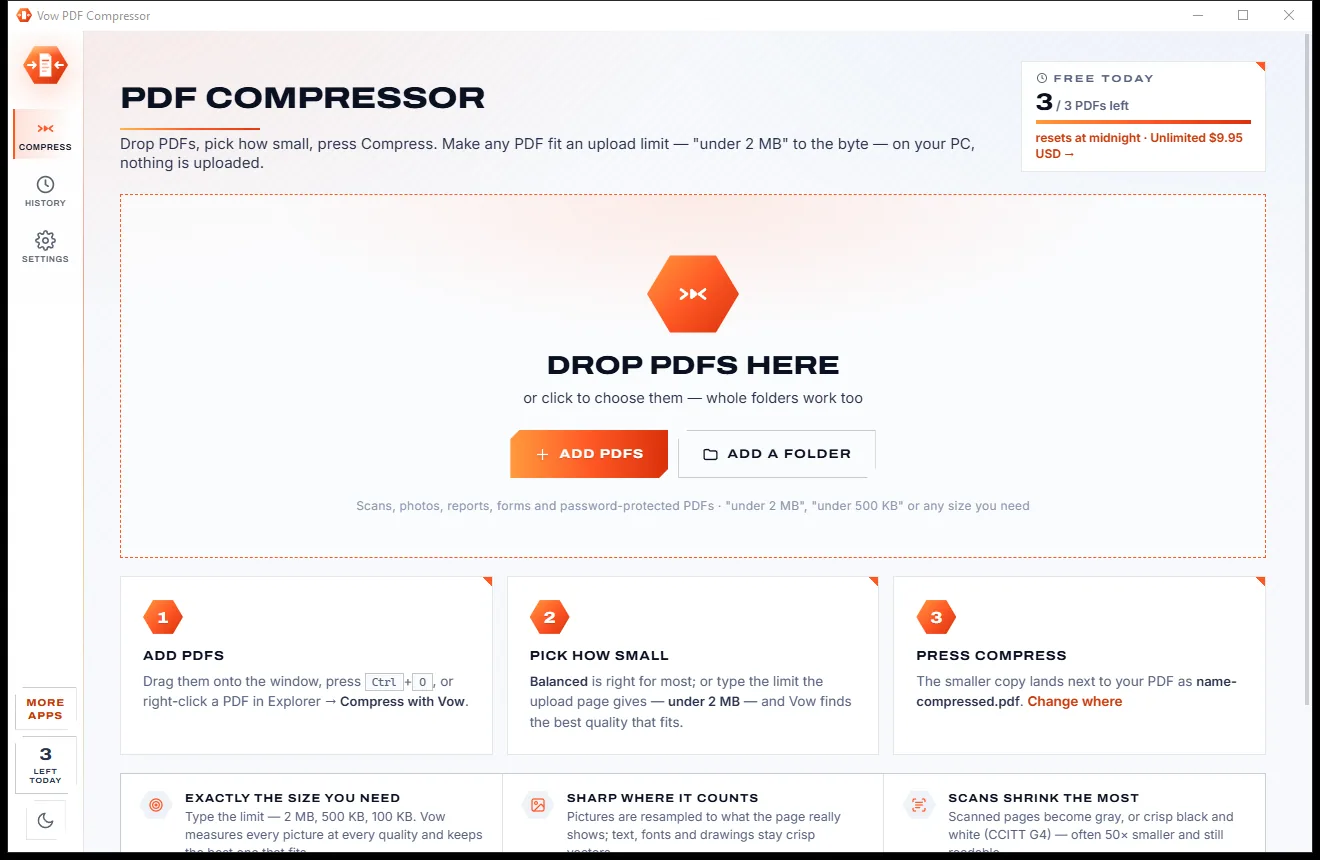
Merge, split and reorder PDFs on your own PC
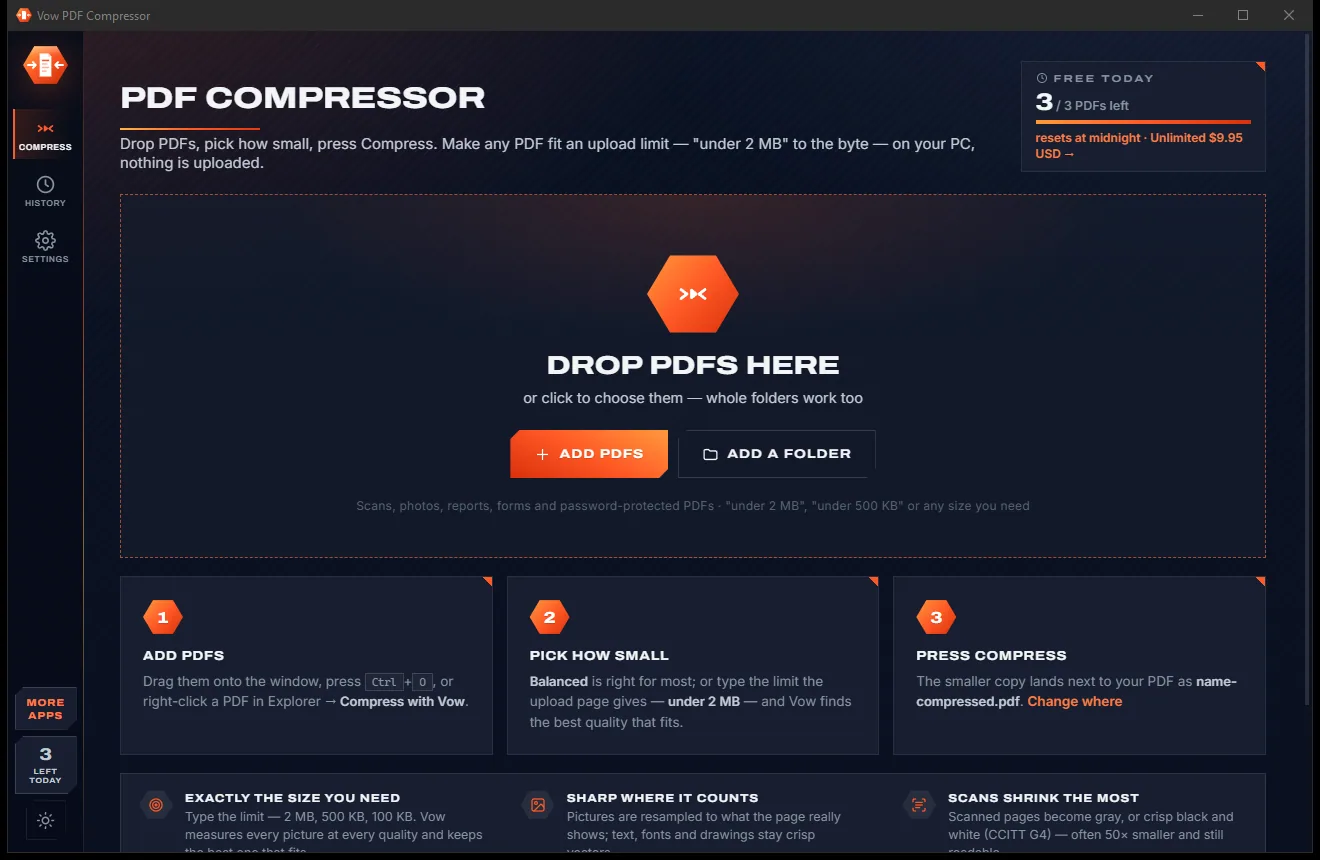
Shrink any PDF to the exact size an upload form asks for
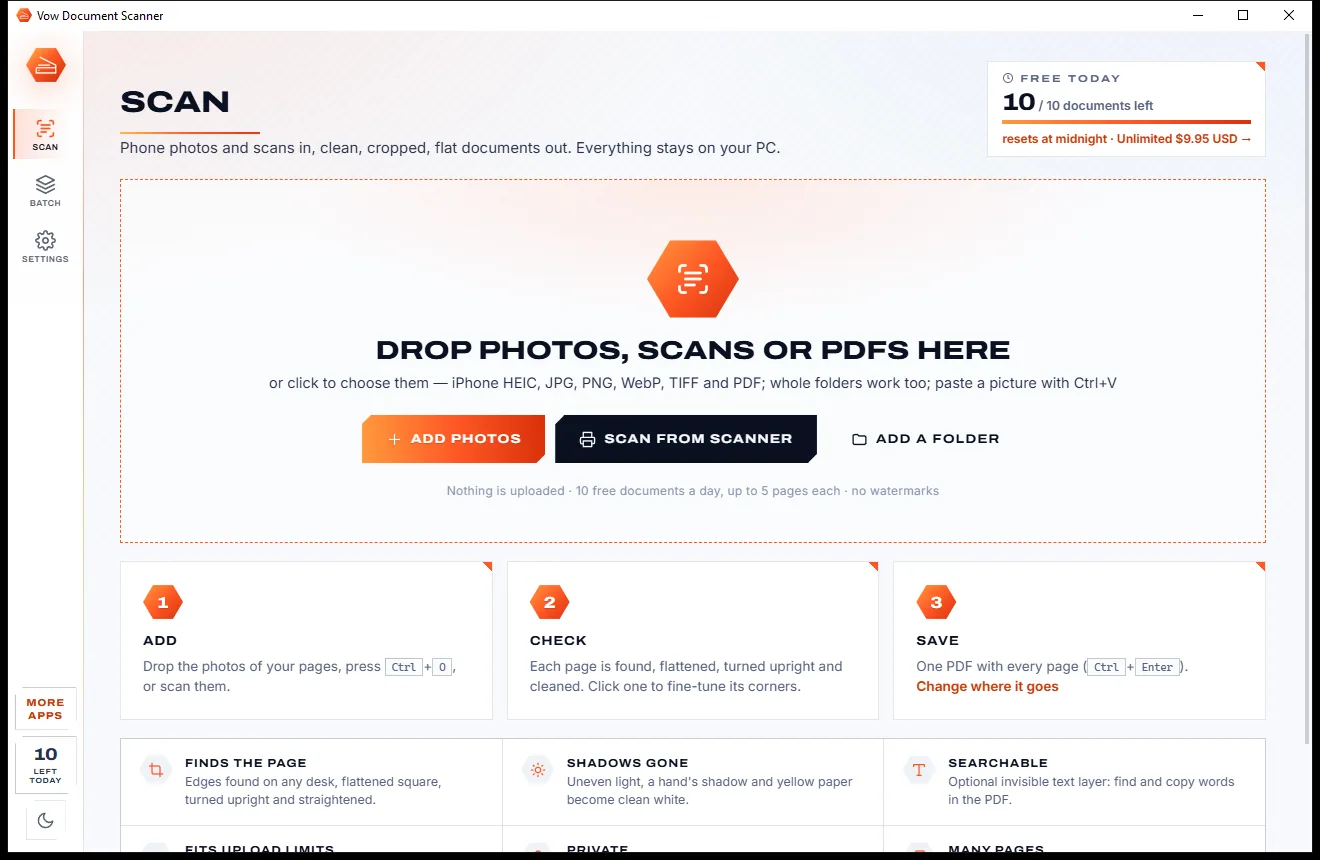
Turn phone photos of paper into clean, flat PDFs
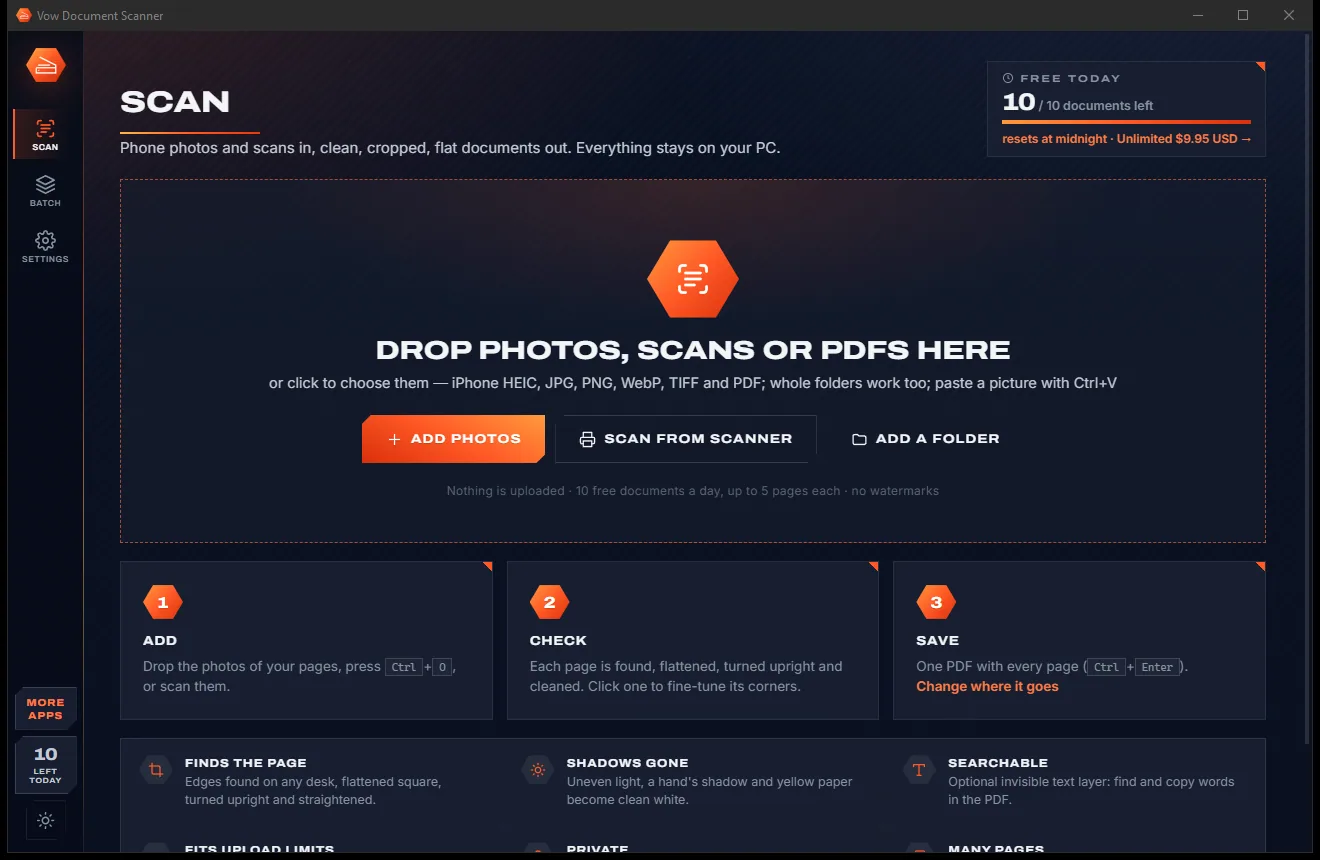
Redact PDFs for real: nothing left under the black boxes. Free to use every day, $4.95 once if you ever want Unlimited.