
PC Fixes
Vow Driver Finder
Find the drivers your PC is really missing, from official sources only
- Free: Unlimited scans, official links, 5 in-app searches a day
- $4.95 once: One-click install, backup and restore, offline driver packs

CPU & GPU temperature monitor for Windows
Vow Temperature Monitor answers "Is my PC OK?" the moment it opens, then shows every temperature and fan speed with a graph. One click on What's heating my PC? ranks the apps behind the heat. No wall of numbers, no flagged drivers, nothing bundled.
The problem
Your laptop is roasting and the fan is screaming. You open a monitor and get 200 rows of sensors, none of which says what's wrong or what to do.
Hundreds of sensor rows with cryptic names. Is 85 degrees fine? Which line even is the CPU? You're left to guess.
The fans spin up while you're only browsing. Something is working the processor hard, and nothing tells you which app it is.
A hot CPU quietly slows itself down to cool off. Games stutter and exports crawl, and nothing on screen explains it.
Older monitoring tools still rely on a kernel driver that Microsoft Defender now flags as a hack tool.
Installer offers, upgrade nags and accounts you never asked for, just to read a temperature.
Without an alert, the first sign of a dead fan or a clogged vent is a sudden shutdown in the middle of your work.
Vow Temperature Monitor fixes all of it.
How it works
The verdict is on screen before you've read a single number, and the cause is one click away.
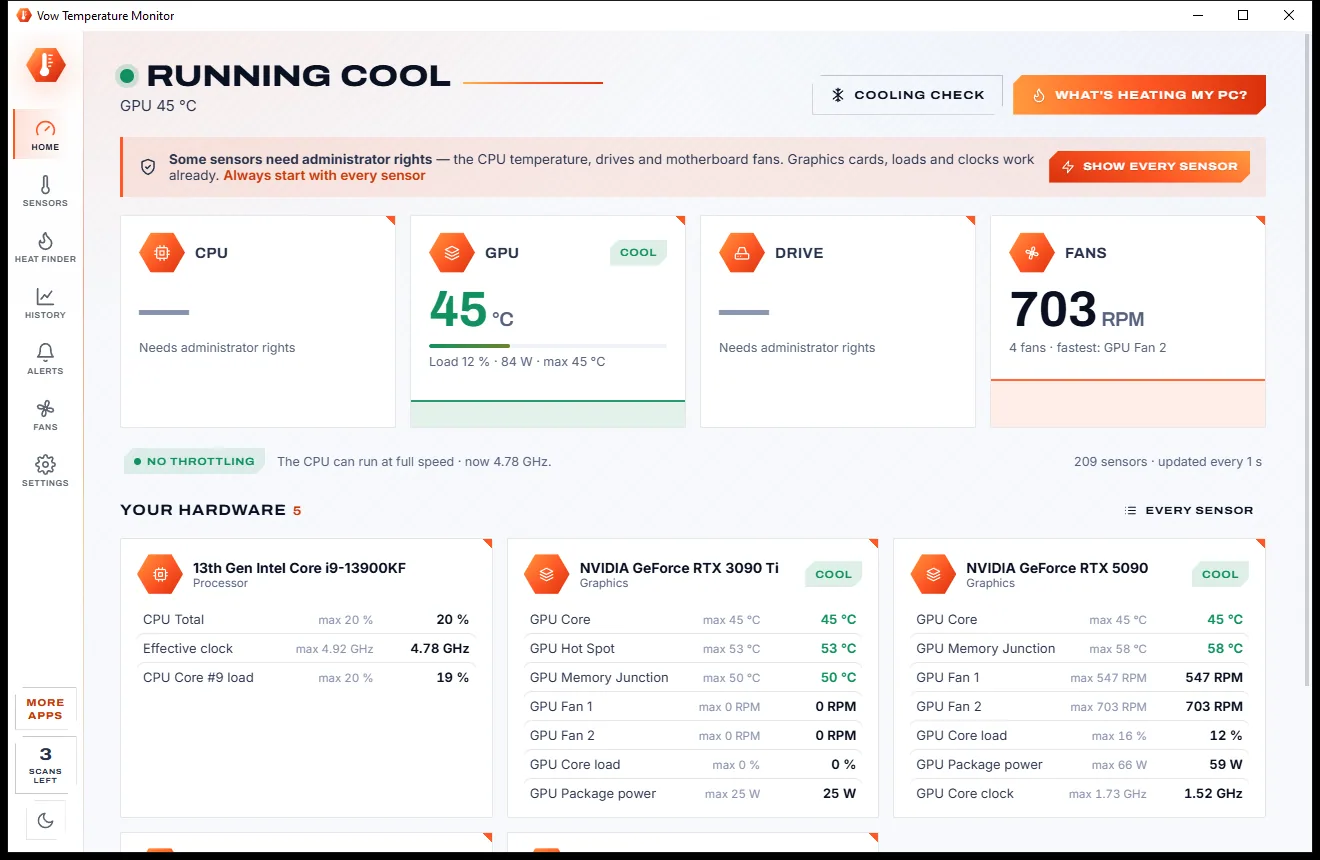
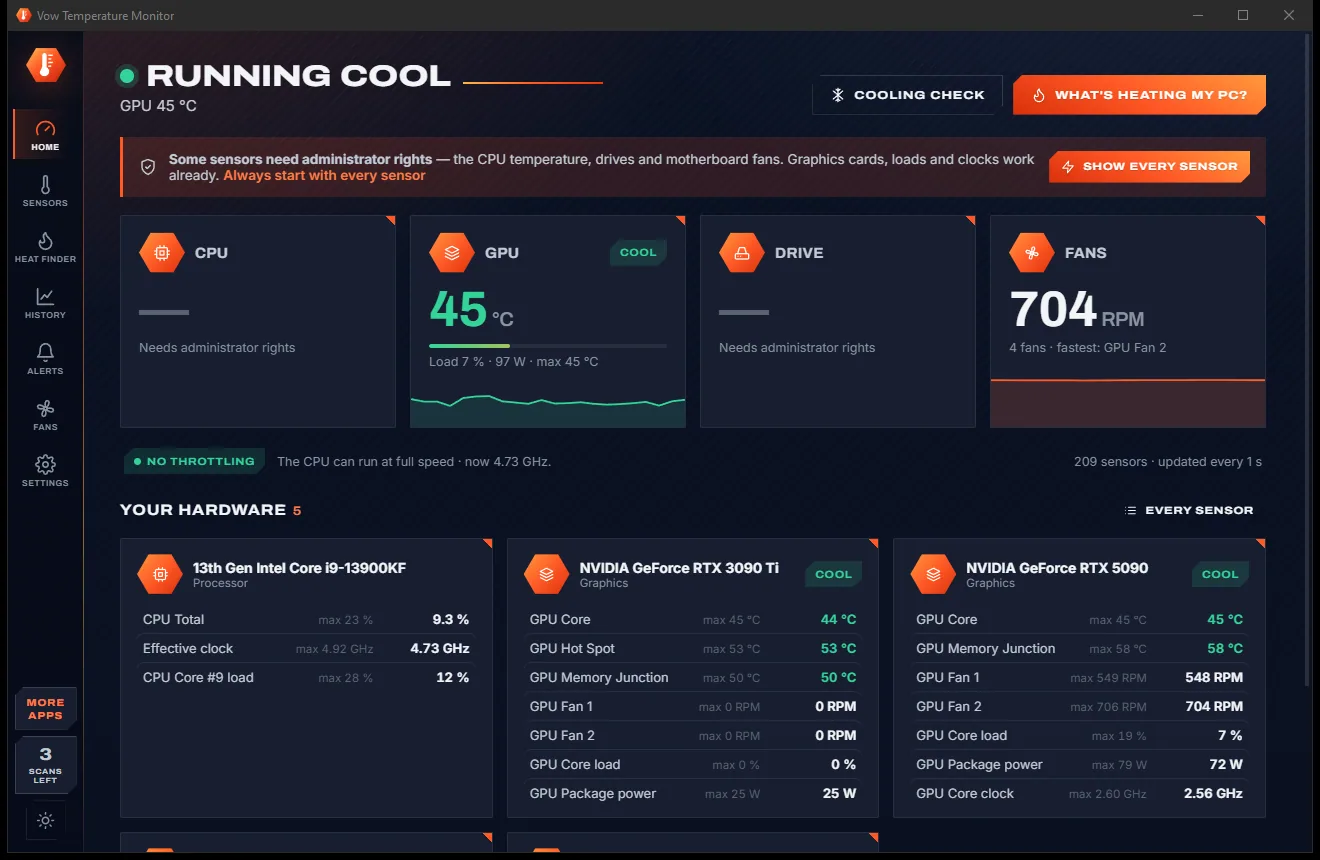
"Running cool", "Running hot" or "Hot enough to slow down" is the first line you see, with CPU, GPU, drive and fan readings underneath, each with its own graph.
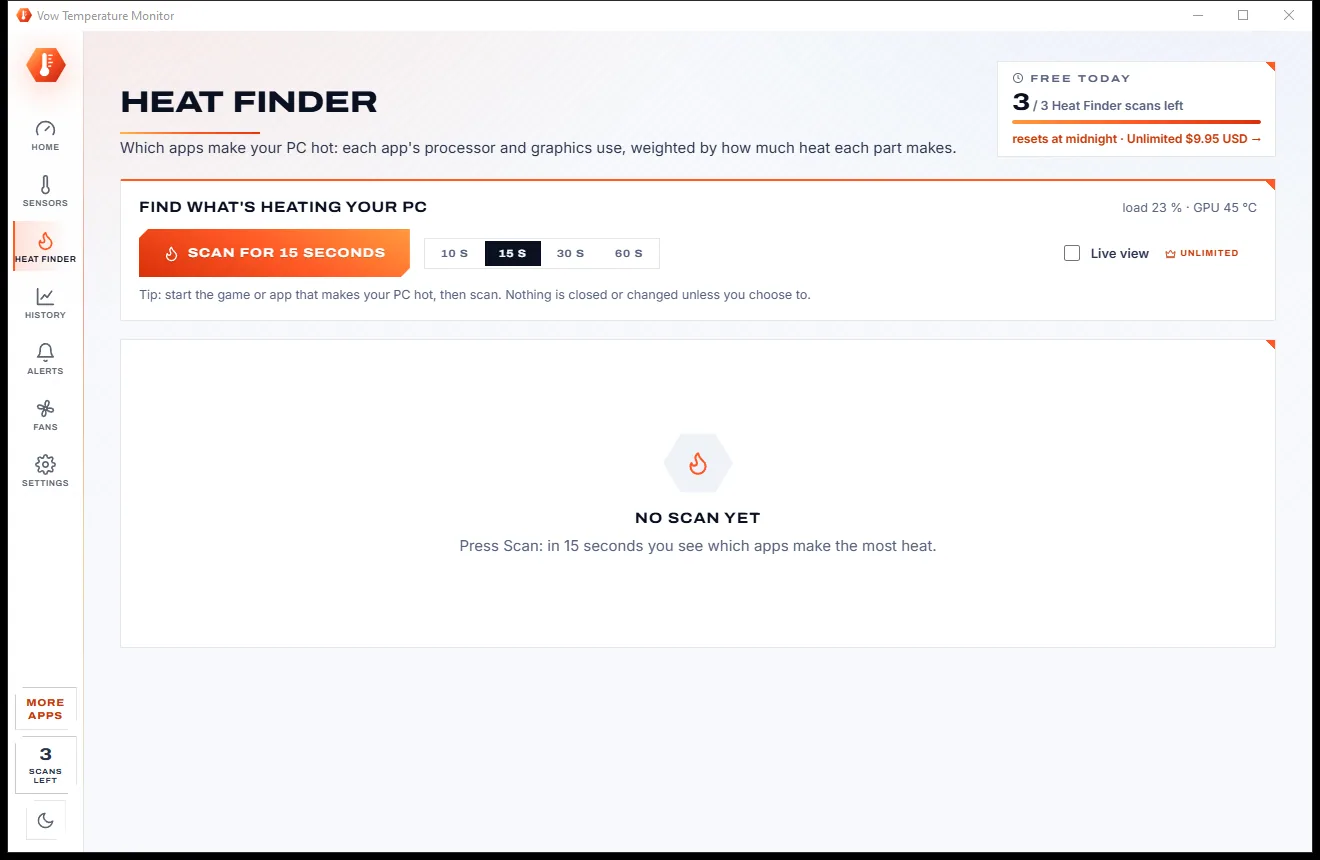
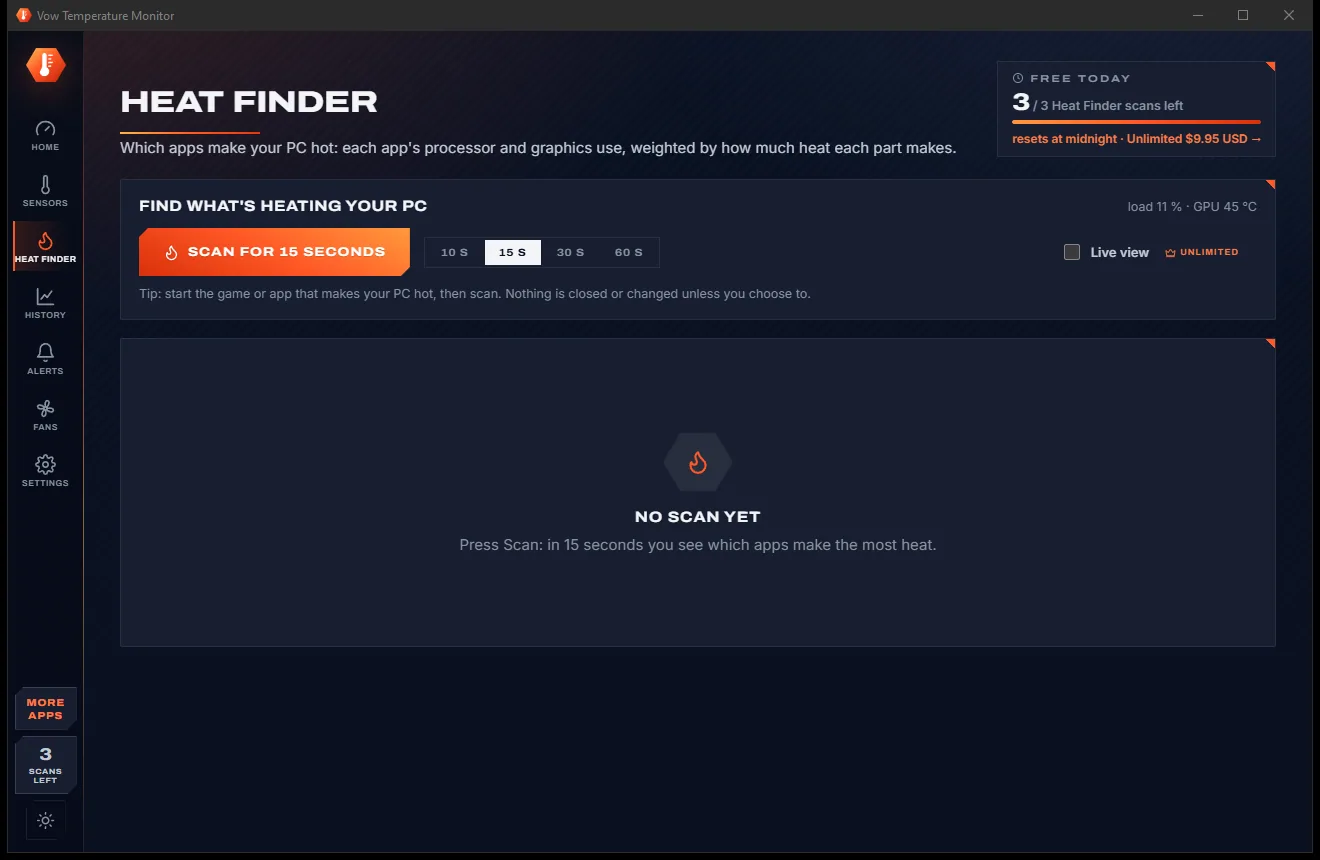
Keep working, or start the game that makes it hot. After 15 seconds the apps causing the heat are ranked, with their CPU and GPU use and an estimate of the watts.
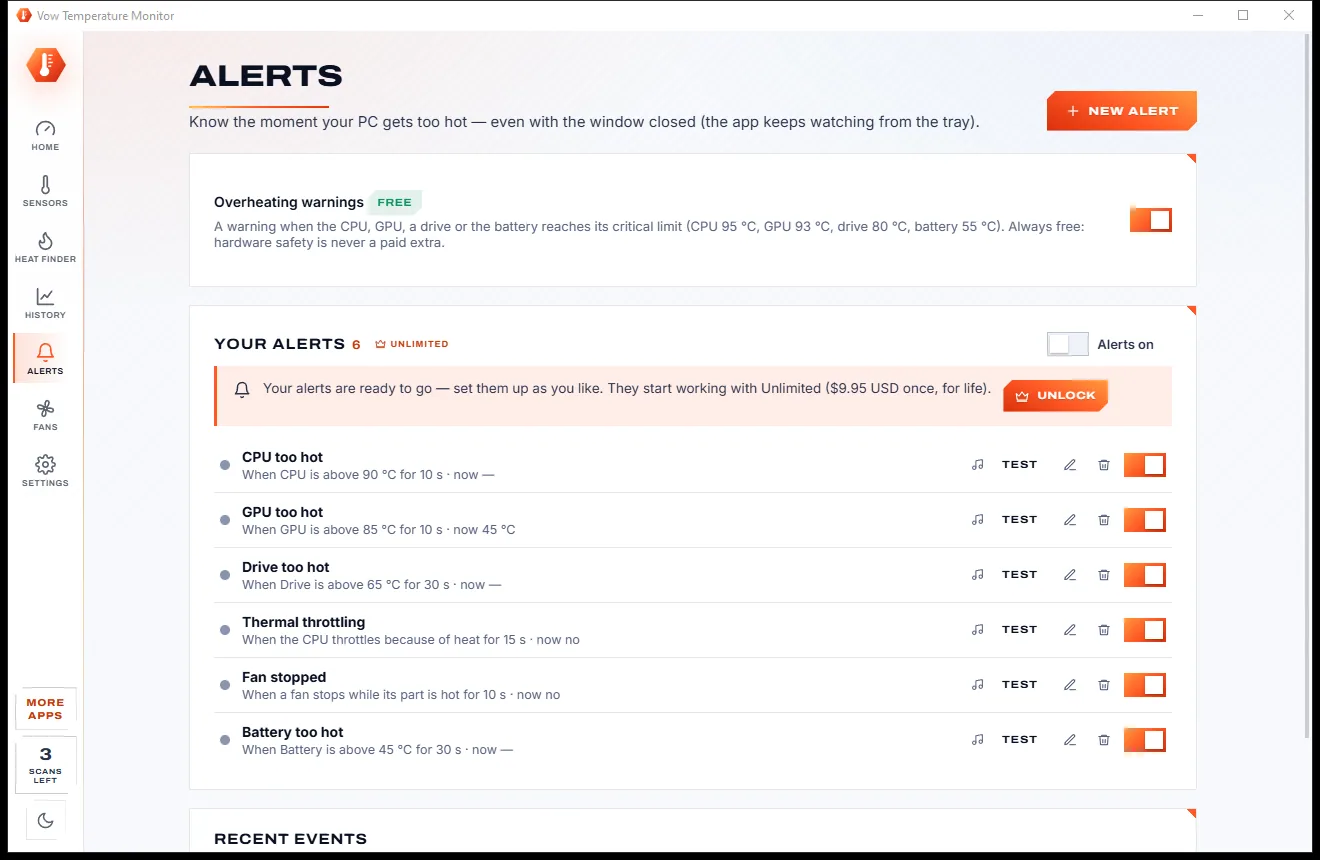
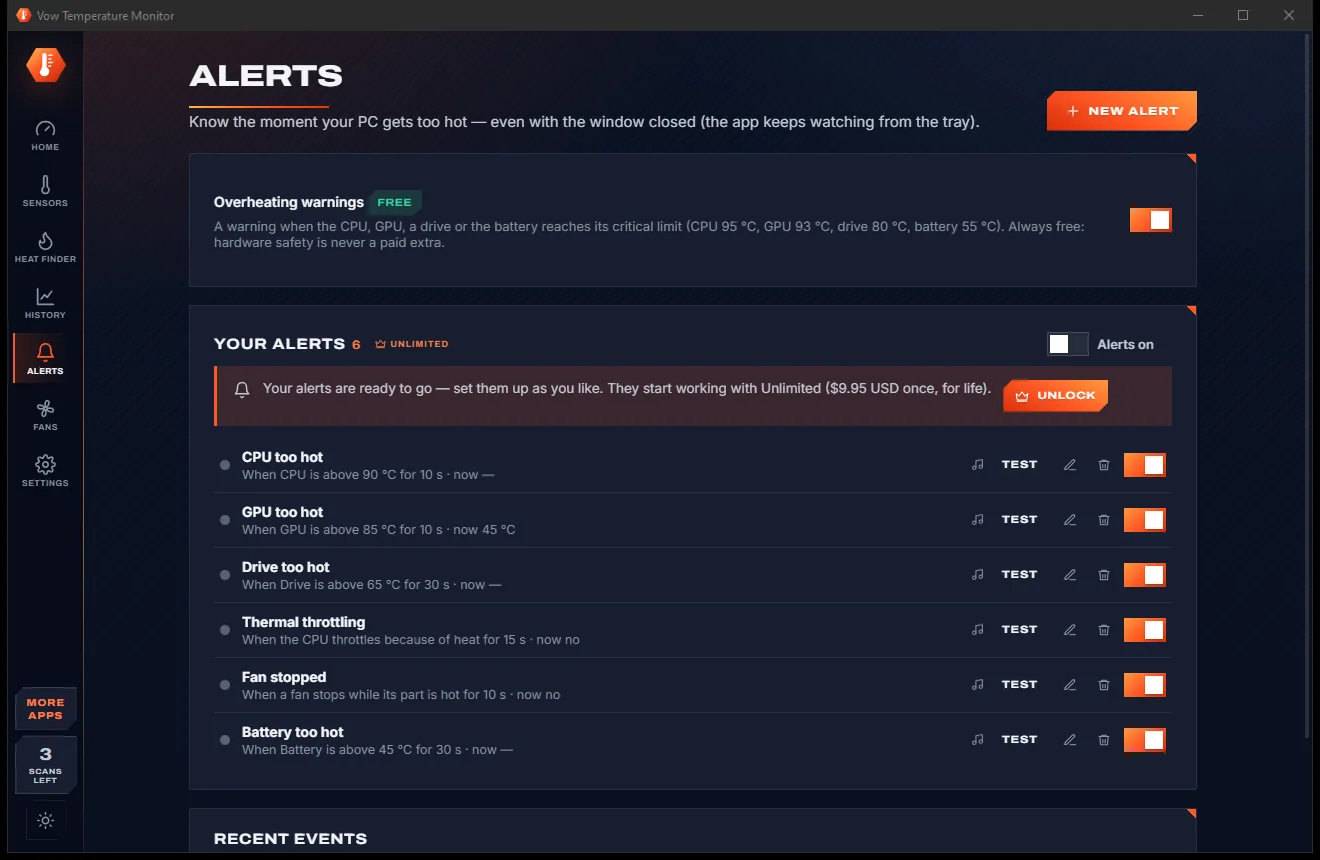
Close the window and the live temperature stays in the tray, coloured by heat. Overheating warnings are always on, and Unlimited adds your own alerts.
Features
For hot laptops, stuttering games and anyone who wants to know their PC is running safely.
A plain-language verdict with practical tips, such as cleaning the vents or capping a game's frame rate.
Ranks apps by their share of the heat: CPU and GPU use weighted by each part's power. Lower an app's priority or end it from the list.
See when the CPU is held back by heat or by a power limit, explained in words instead of a raw flag.
A 30-second to 2-minute load test that rates your cooling, and stops by itself if the CPU reaches 95 degrees.
CPU, graphics cards, drives (SMART and NVMe), motherboard, battery, PSU, coolers and memory, with min, max and average.
The tray icon shows the temperature as a number, coloured by heat. Add a small always-on-top desktop widget if you like.
Six ready-made rules for heat, throttling, a stopped fan or a long high load: a notification, a sound or a command of your choice.
Temperatures, fans, loads and power logged every 2 to 60 seconds in daily CSV files, with 6-hour to 30-day graphs and peaks.
Automatic, fixed or curve modes where the hardware allows. Never below your floor, full speed at critical heat, firmware back in charge on exit.
No WinRing0. For CPU readings it offers the signed PawnIO driver, downloaded from the official release and checked, only when you click.
Light & dark theme
Temperature Monitor comes with a crisp light theme and a calm dark theme. Switch with one click, or let it follow your Windows setting by itself. It remembers your choice.
Screenshots
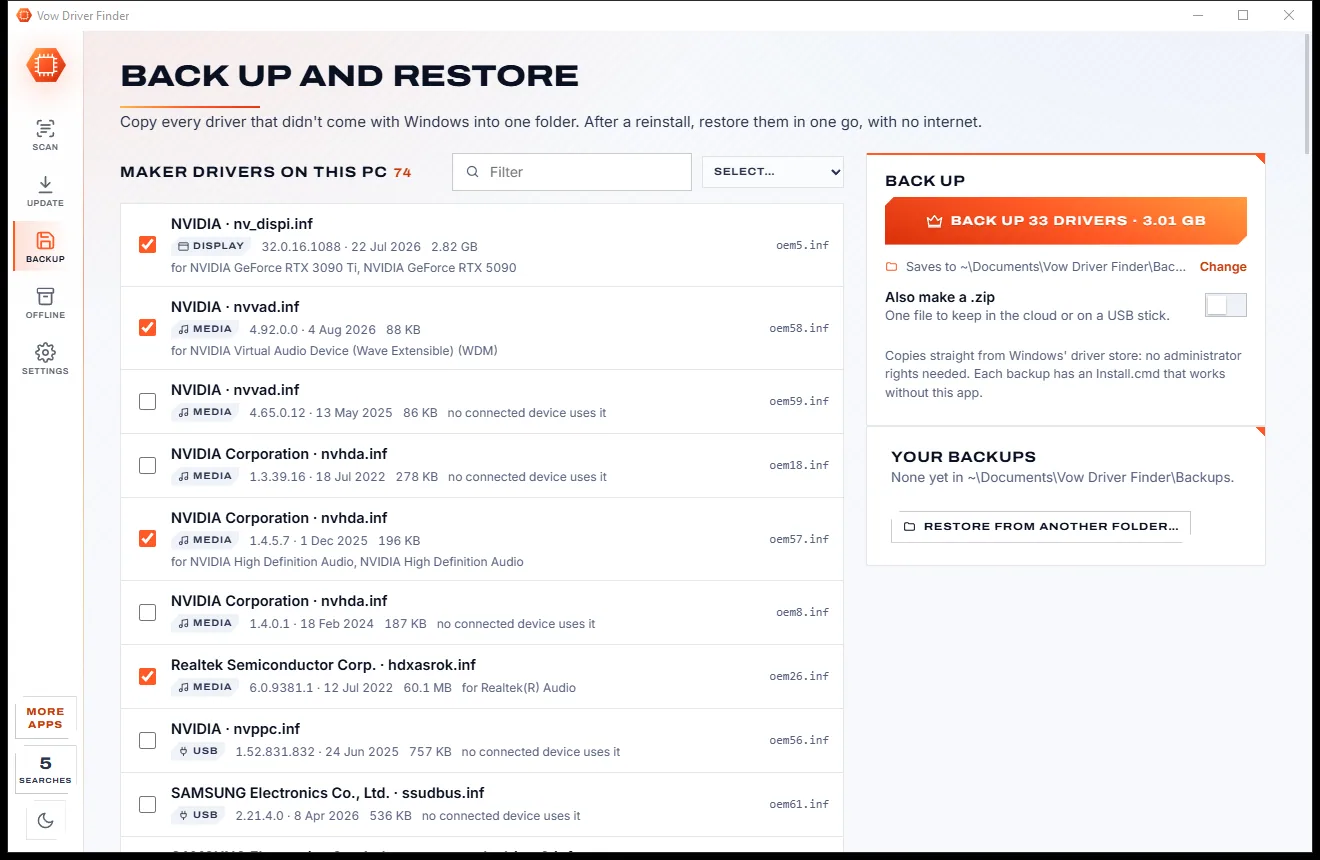
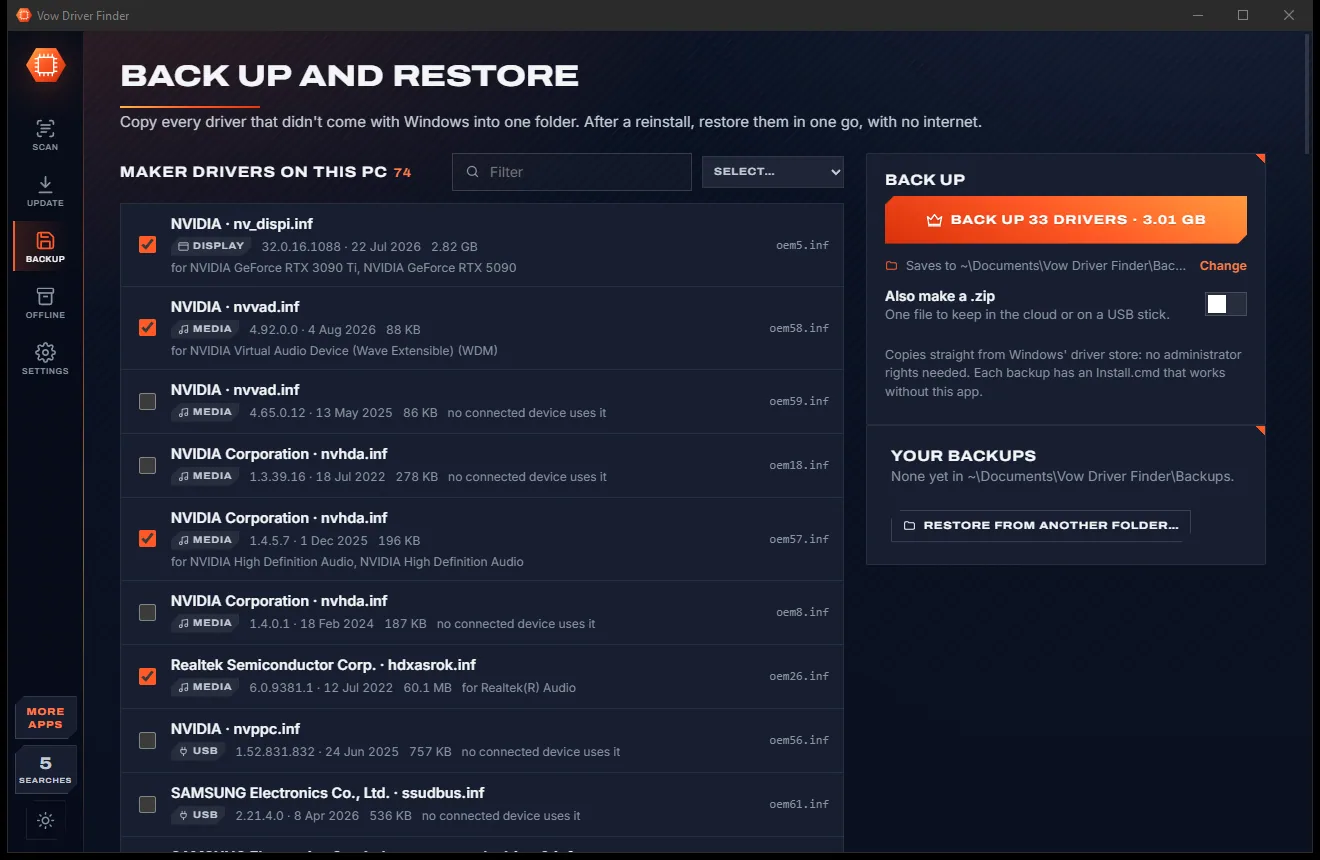
Real screenshots of the real app, in both of its themes: 12 light, 12 dark. Click any picture to see it full size.
Light theme
Dark theme
Who it's for
Find the app keeping the fans spinning and get tips that actually lower the temperature.
Check whether the CPU or graphics card is throttling from heat, and by how much.
Run the cooling check before and after to see whether the work made a real difference.
Watch every sensor under load and set fan curves that stay quiet when the PC is cool.
Alerts and history logs show what happened overnight, with CSV files ready for Excel.
Copy a sensor report or save a CSV so the technician sees exactly what your PC is doing.
Compare
Why a wall of sensor readings isn't the same as knowing what's wrong.
| Feature | Vow Temperature Monitor | Typical hardware monitor apps |
|---|---|---|
| Tells you if the PC is OK | A plain-words verdict on open | Rows of raw readings |
| Shows which apps cause the heat | Heat Finder ranks them | Not shown |
| Thermal throttling | Detected and explained | A raw flag, if anything |
| Cooling test | One click, stops at 95 degrees | A separate stress tool |
| Overheating warnings | Always on, always free | Set up by hand, if offered |
| Kernel driver Defender flags | None: no WinRing0 | Still used by some tools |
| Fan control safety | Floor, critical override, firmware fallback | Varies, often up to you |
| Installer offers and accounts | None, ever | Common |
| Price | Free every day, or $4.95 once | Free with offers, or paid editions |
"Typical" describes what we found across the most-downloaded alternatives when we built Temperature Monitor. Your mileage with any one of them may vary; ours won't.
Pricing
That is not a typo. Software this powerful usually means a monthly subscription; Temperature Monitor is $4.95, once, for life: it's almost a giveaway. Use it free for as long as you like, and unlock Unlimited only if you need more.
Live temperatures and fans, throttling check, 3 Heat Finder scans a day.
Almost a giveaway. Less than a coffee for software this powerful: no subscription, no renewals, yours for life on 2 PCs.
Alerts, history logs, live Heat Finder and fan control.
Payments by Stripe: we never see or store your card. Questions? Ask a real person.
Clean software
Most "free" Windows downloads pay for themselves with ads, bundled extras or your data. Vow Temperature Monitor doesn't need to: it's paid for honestly, once, by the people who find it useful.
Download Temperature Monitor freeStep-by-step guide
From "why is my PC so hot?" to the answer and a fix, in a few minutes.
Step 1: get it freeDownload it from this page and run the installer. It installs for your user only and needs no administrator rights or account.
The first line says whether the PC is running cool, running hot or hot enough to slow down. Graphics cards, loads and clocks show within a second.
Click Show every sensor in the orange banner. Windows asks for administrator rights once, which unlocks CPU, drive and motherboard readings.
Press What's heating my PC? (Ctrl+Enter) and keep using the PC, or start the game that makes it hot. After 15 seconds you get the ranked list of apps.
Follow the tips, lower a busy app's priority or end it, and run the cooling check. Close the window and the tray keeps showing the live temperature.
Technical details
FAQ
Yes. Live temperatures, fan speeds, loads and clocks have no time limit, along with the verdict, throttling detection, the cooling check, the tray icon, the widget, overheating warnings and 3 Heat Finder scans a day. Unlimited, a one-time $4.95 USD payment, adds alerts, history logs, the live Heat Finder and fan control.
Windows only lets programs read the CPU, drives and motherboard with administrator rights. Click Show every sensor and Windows asks once. The CPU and motherboard also need the free PawnIO driver: the app downloads the official signed setup, checks it, and Windows asks your permission first.
It samples every app's processor and graphics use for 15 seconds and weights each by how much power that part draws. The result is a ranked list with each app's share of the heat, its CPU and GPU use and an estimate of the watts it costs.
When a processor gets too hot it slows itself down to cool off, which makes games stutter and work take longer. The app reads Windows' own performance-limit counters, tells you whether heat or a power limit is the cause, and suggests what to do.
Fans are never set below the hardware's minimum or your floor (20% by default), and any part at its critical temperature gets full speed. If a reading goes missing, or the app exits or crashes, the firmware takes the fans back. Fan control works where the hardware allows it: GPU fans, many motherboard headers and some coolers.
You get an answer instead of a list of numbers: a verdict in plain words, the link from heat to the apps causing it, throttling explained, a one-click cooling check and a tray icon that shows the live temperature. It uses no WinRing0 driver, and asks for administrator rights only when you want every sensor.
Yes, it keeps watching from the tray, where the icon shows the live temperature coloured by heat. Starting with Windows is optional. To stop it completely, right-click the tray icon and choose Exit.
Yes. It is made and published by XTO Pty Ltd, an Australian company. There are no ads, no bundled software and no account, nothing is uploaded, it installs without administrator rights, and it uninstalls cleanly from Windows Settings.
The Vow collection
Same design, same promises, a tiny one-time price. Learn one and you already know them all.
Find the drivers your PC is really missing, from official sources only

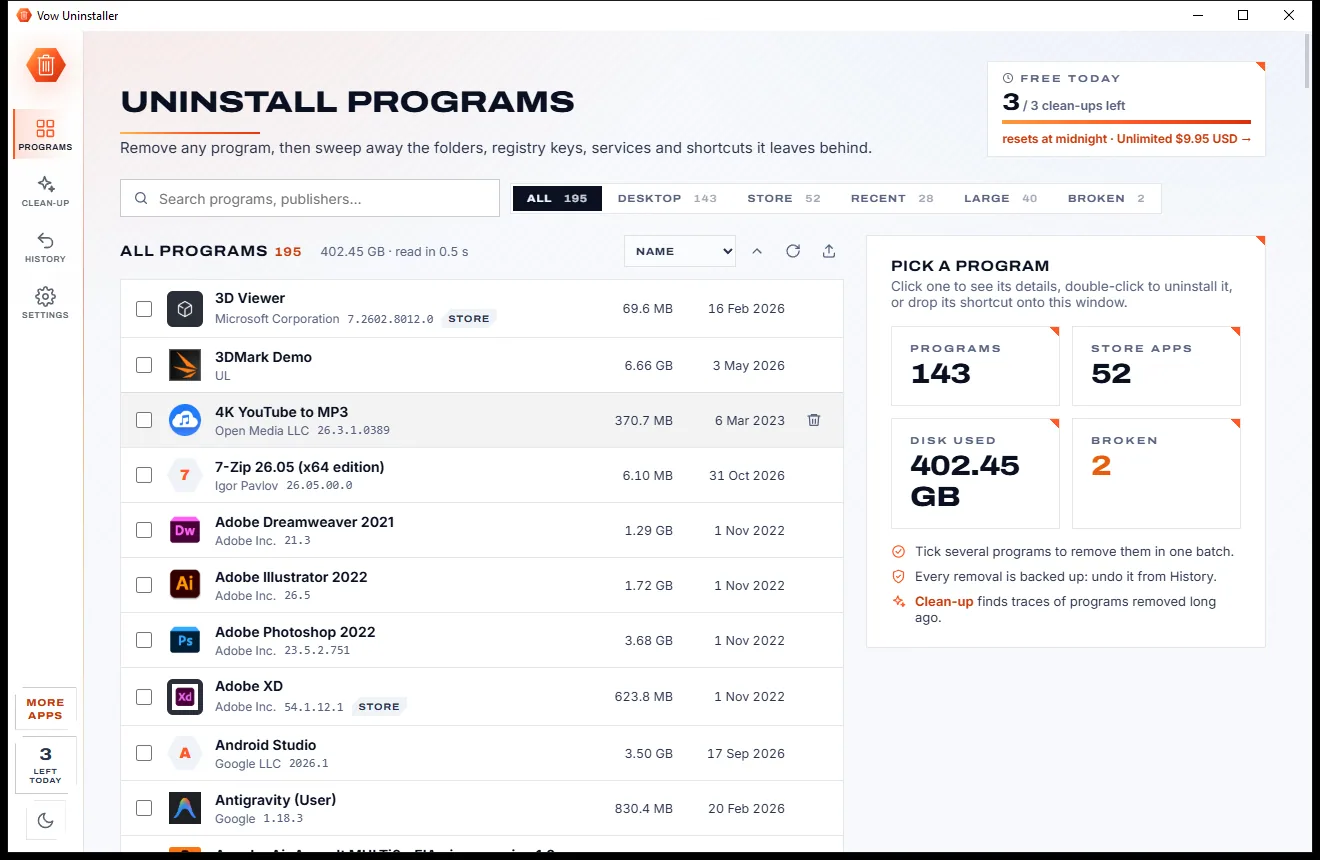
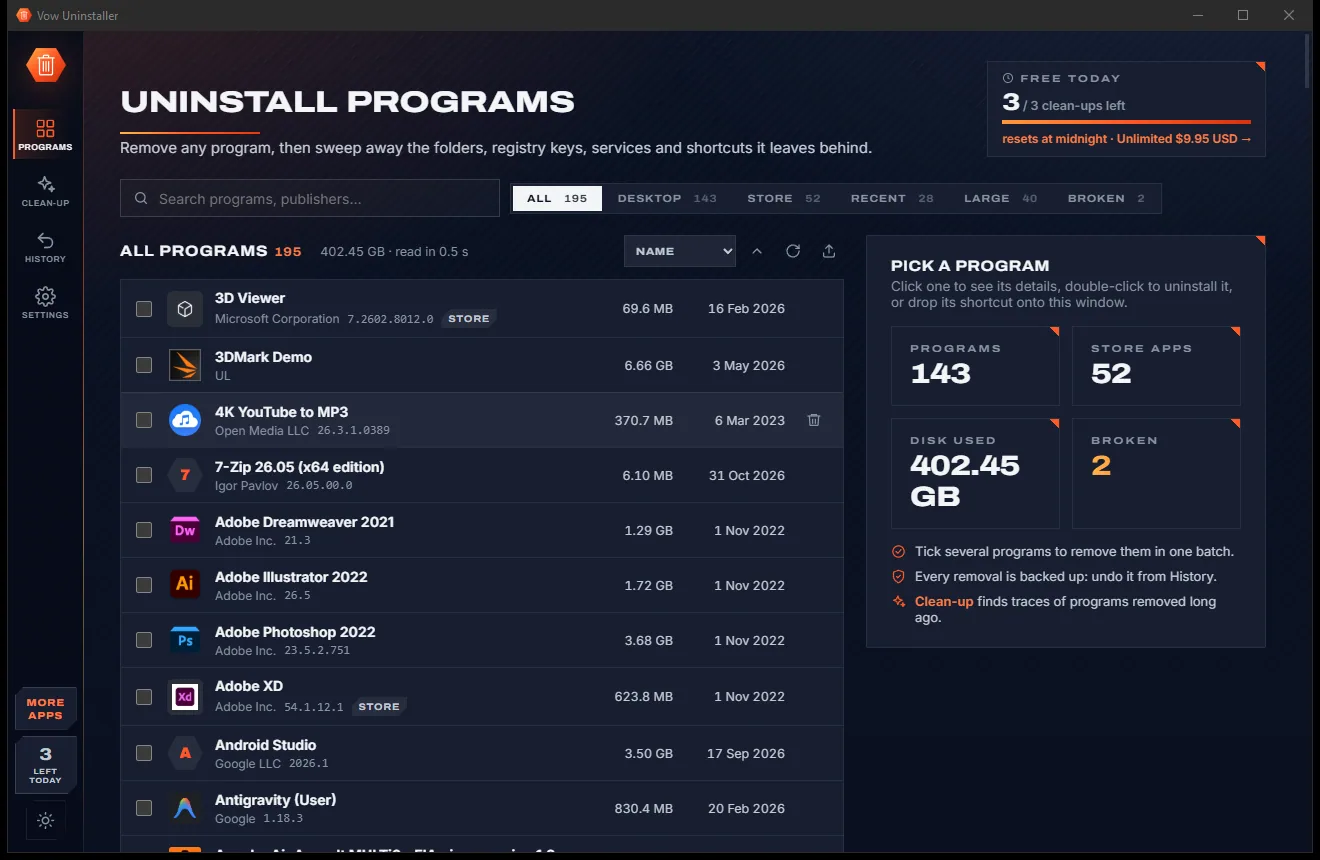
Uninstall programs completely, and undo it if you change your mind

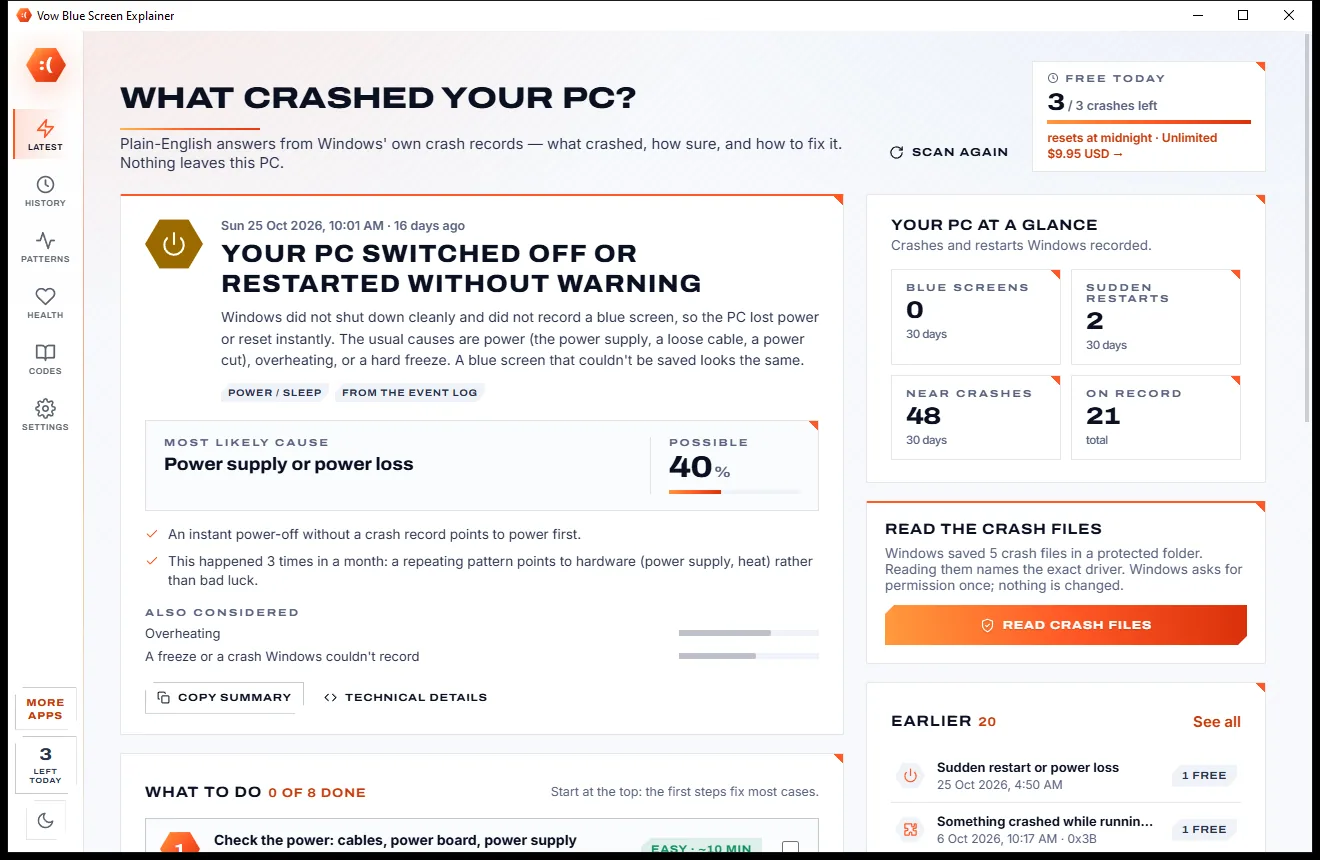
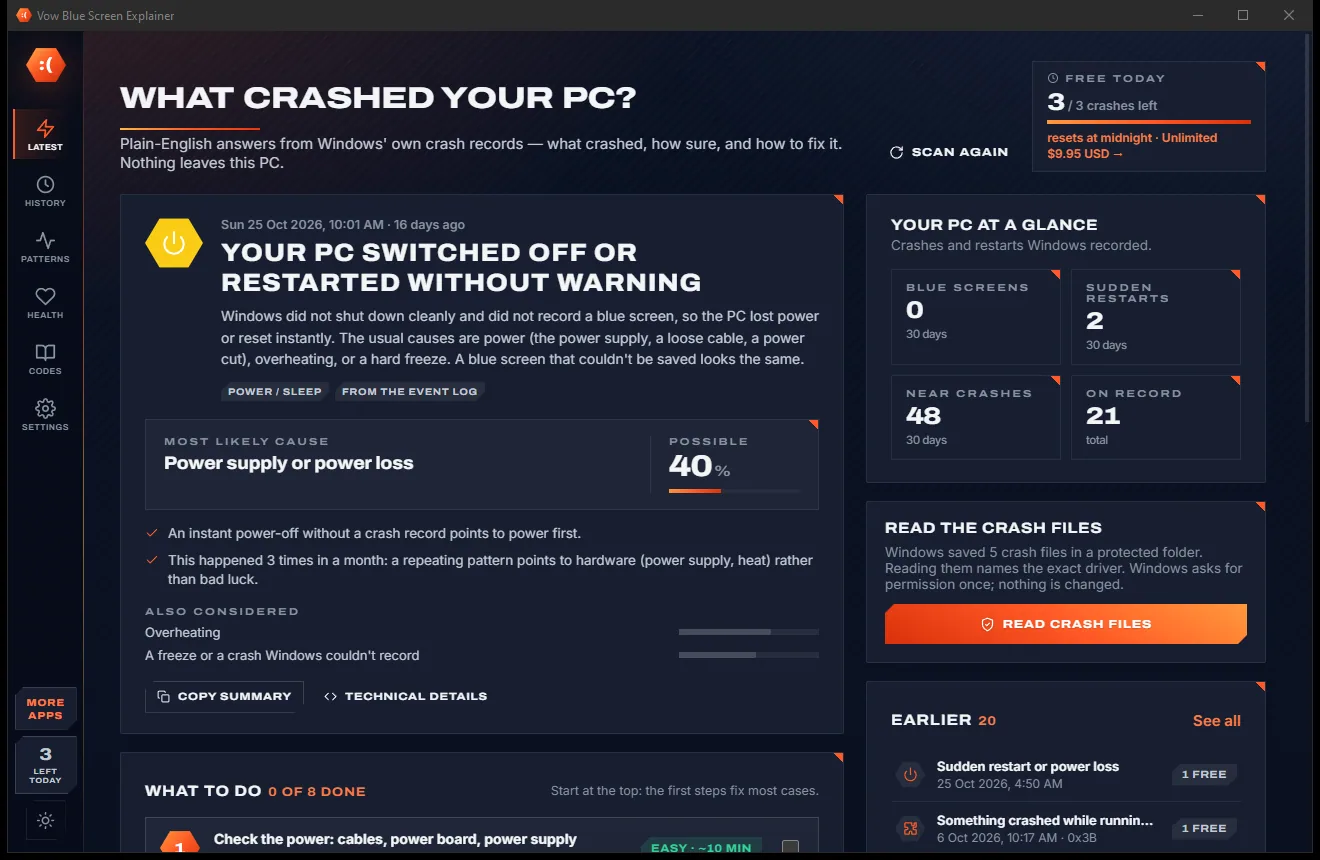
Find out what crashed your PC, in plain English, with the fix
See how hot your PC runs, and find out which app is heating it. Free to use every day, $4.95 once if you ever want Unlimited.