
PC Fixes
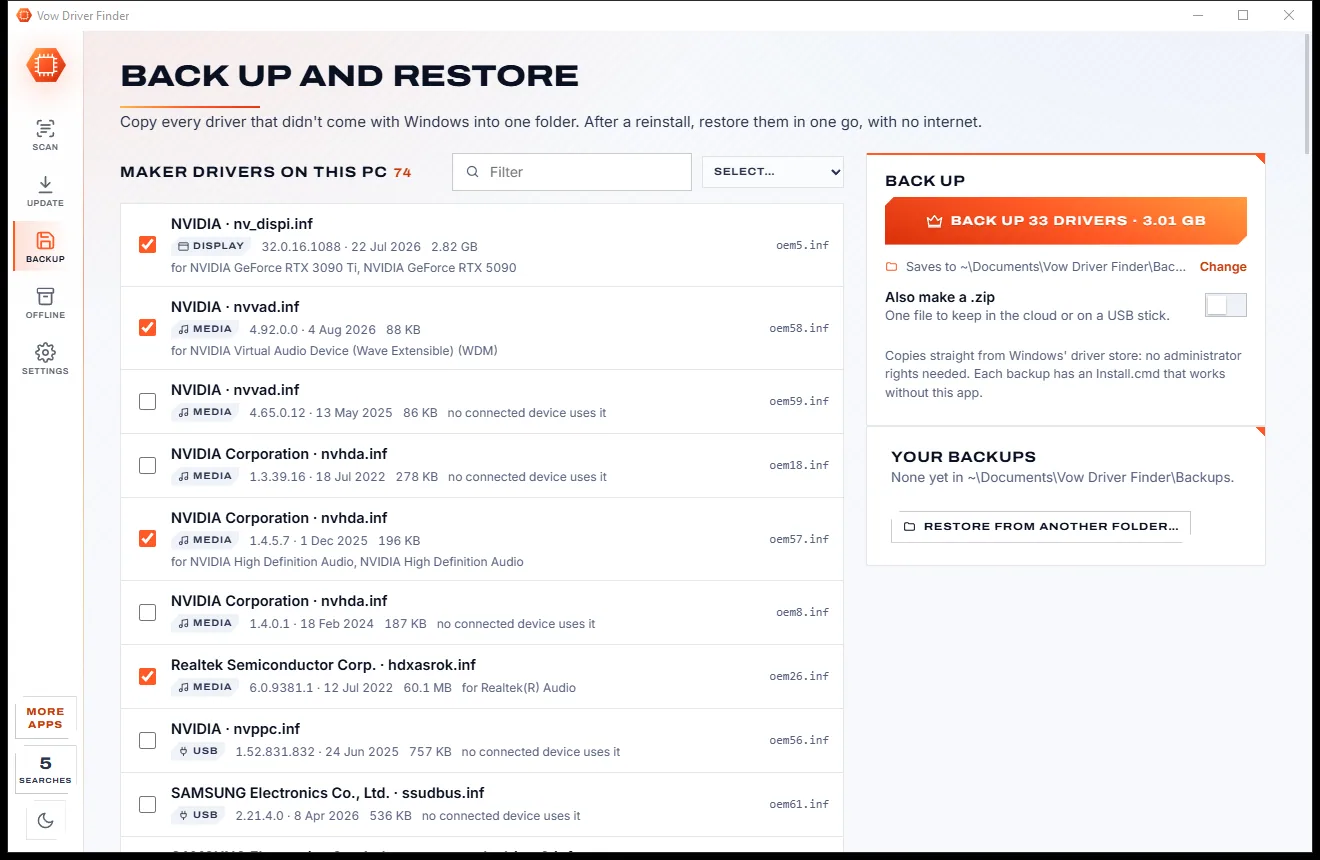
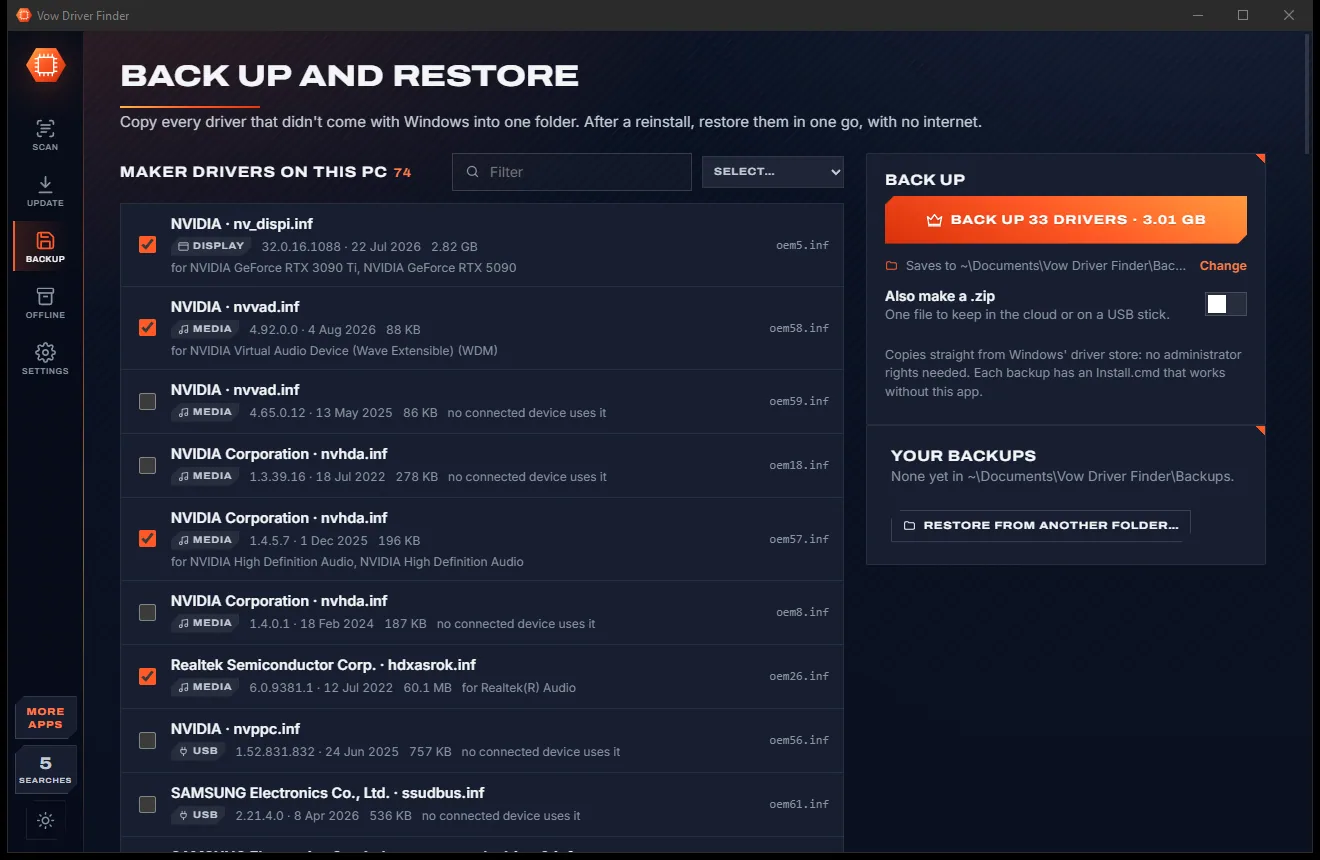
Vow Driver Finder
Find the drivers your PC is really missing, from official sources only
- Free: Unlimited scans, official links, 5 in-app searches a day
- $4.95 once: One-click install, backup and restore, offline driver packs

The honest battery check-up for Windows laptops
Vow Battery Doctor reads the battery's own data the moment it opens: health, wear, cycles and a clear verdict on whether to replace it. Then it shows which apps are eating your charge, in watts. No scare tactics, no "battery booster", nothing uploaded.
The problem
Your laptop dies by mid-afternoon. You want to know why, and whether a new battery would help. Instead you get raw figures, ads and a "boost" button.
Scareware battery tools invent alarming warnings and a one-tap "repair", because frightened people pay.
Windows' own battery report is pages of milliwatt-hours. It never says whether your battery is fine or finished.
Windows Settings keeps per-app battery use for just 7 days, with no export, so slow drains are hard to pin down.
Free "battery savers" that run adverts in the background, using the very charge they promise to save.
Monthly plans just to see the health figure your laptop already records for free.
Without a clear verdict it's easy to buy a new battery, or a whole new laptop, when the old one still had years left.
Vow Battery Doctor fixes all of it.
How it works
The battery's real condition in plain words, the apps behind the drain, and the settings that buy you more time.
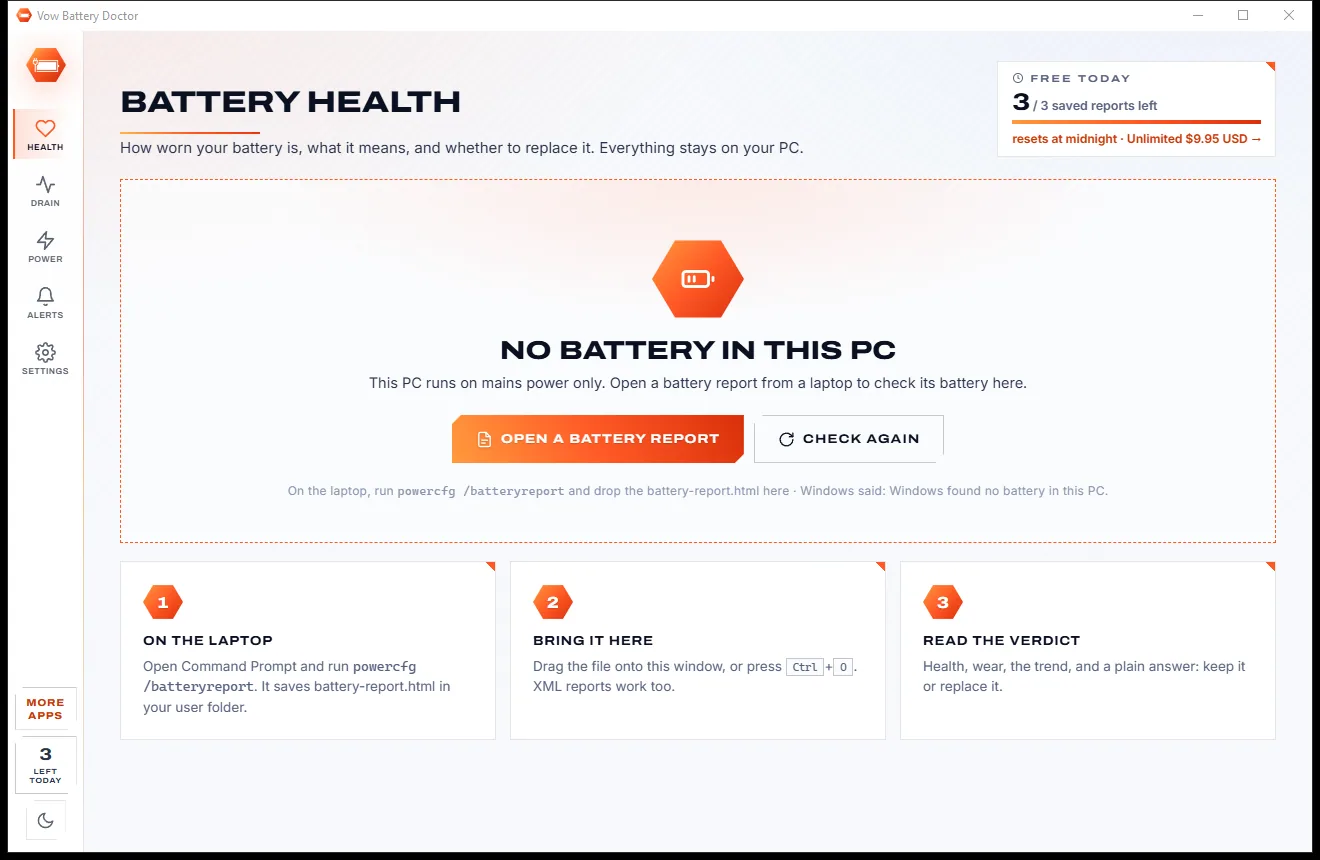
No clicks needed. A health gauge, wear, cycles, capacity now versus new and a plain verdict appear straight away, with charge, watts and time left beside it.
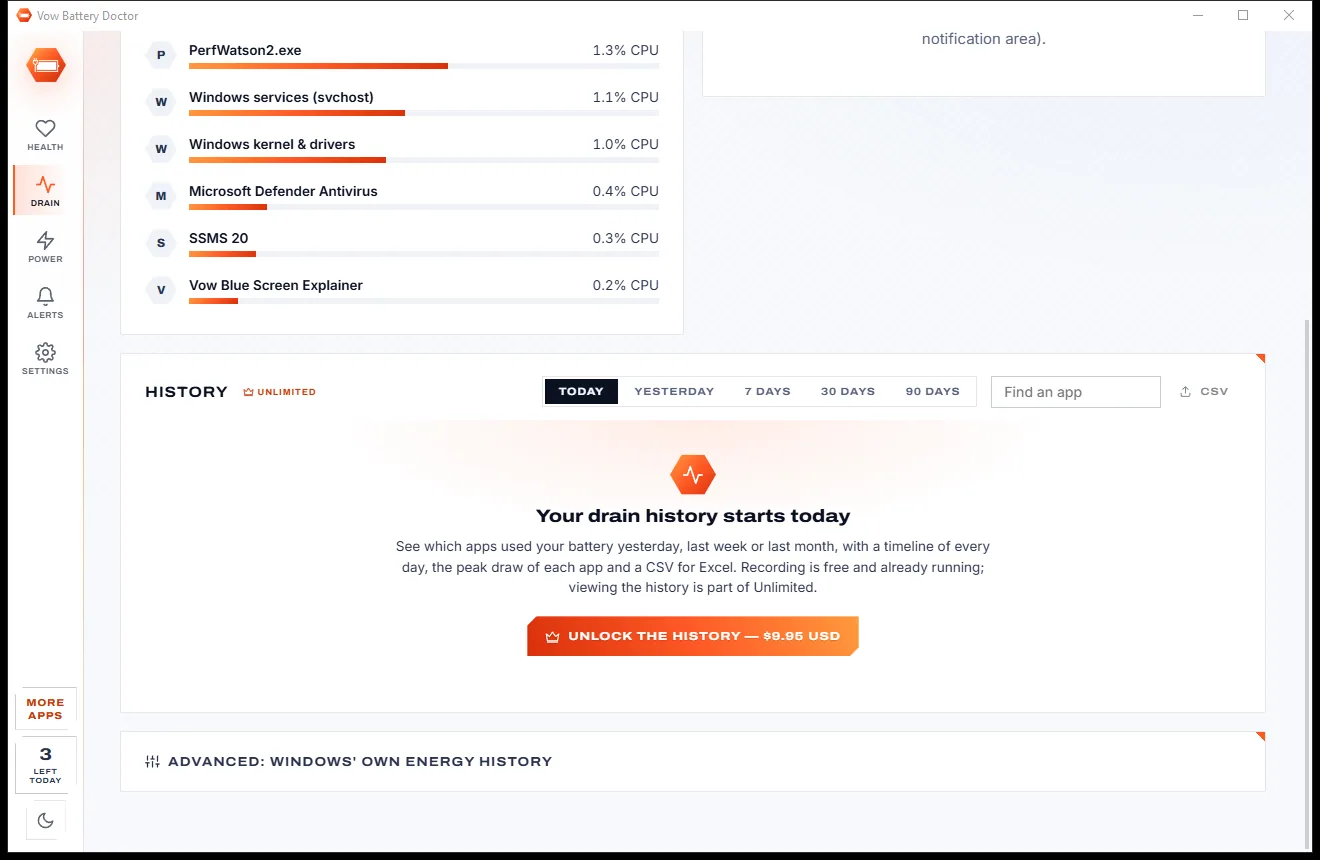
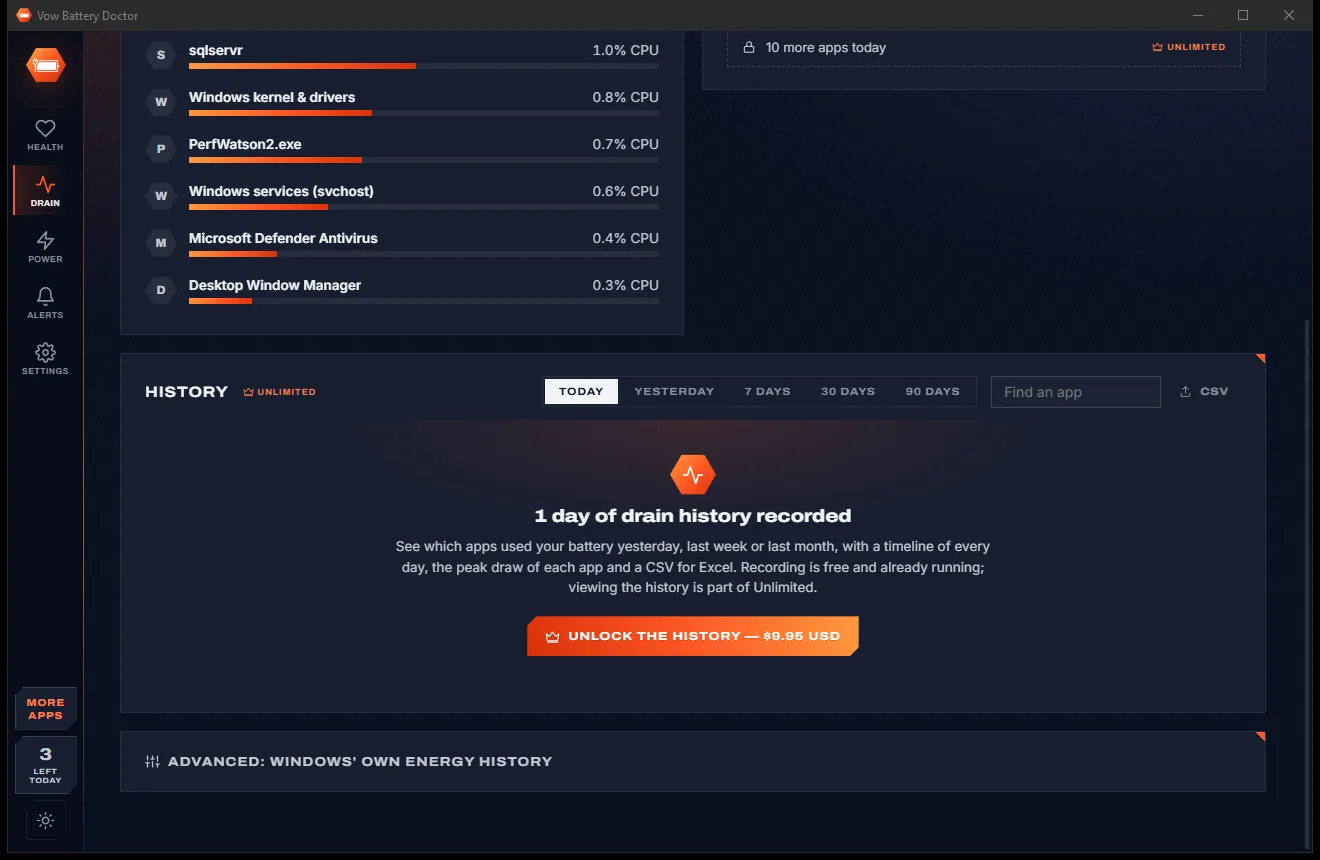
The Drain page splits the battery's measured draw between your apps, live and for today. Unlimited adds every app's history for yesterday, 7, 30 or 90 days.
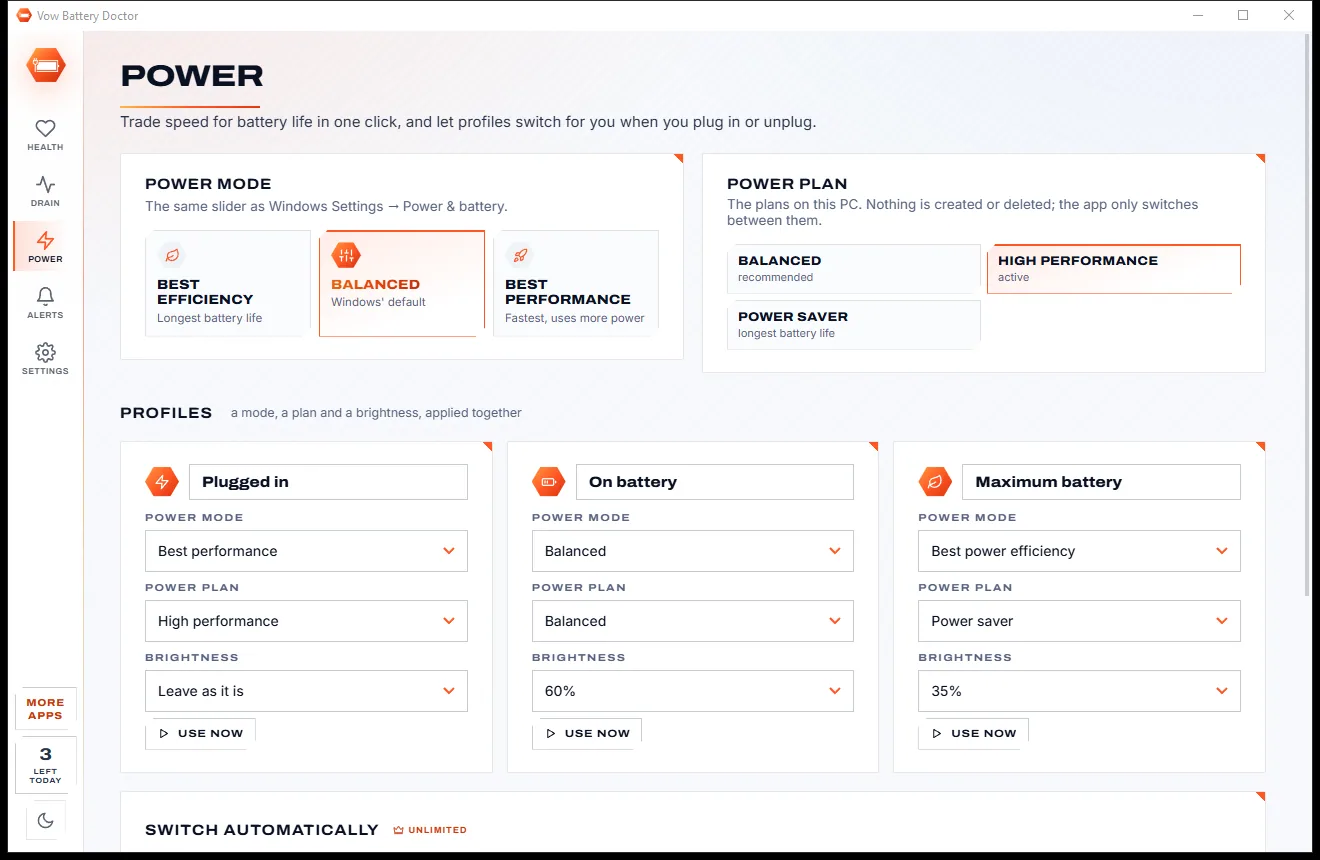
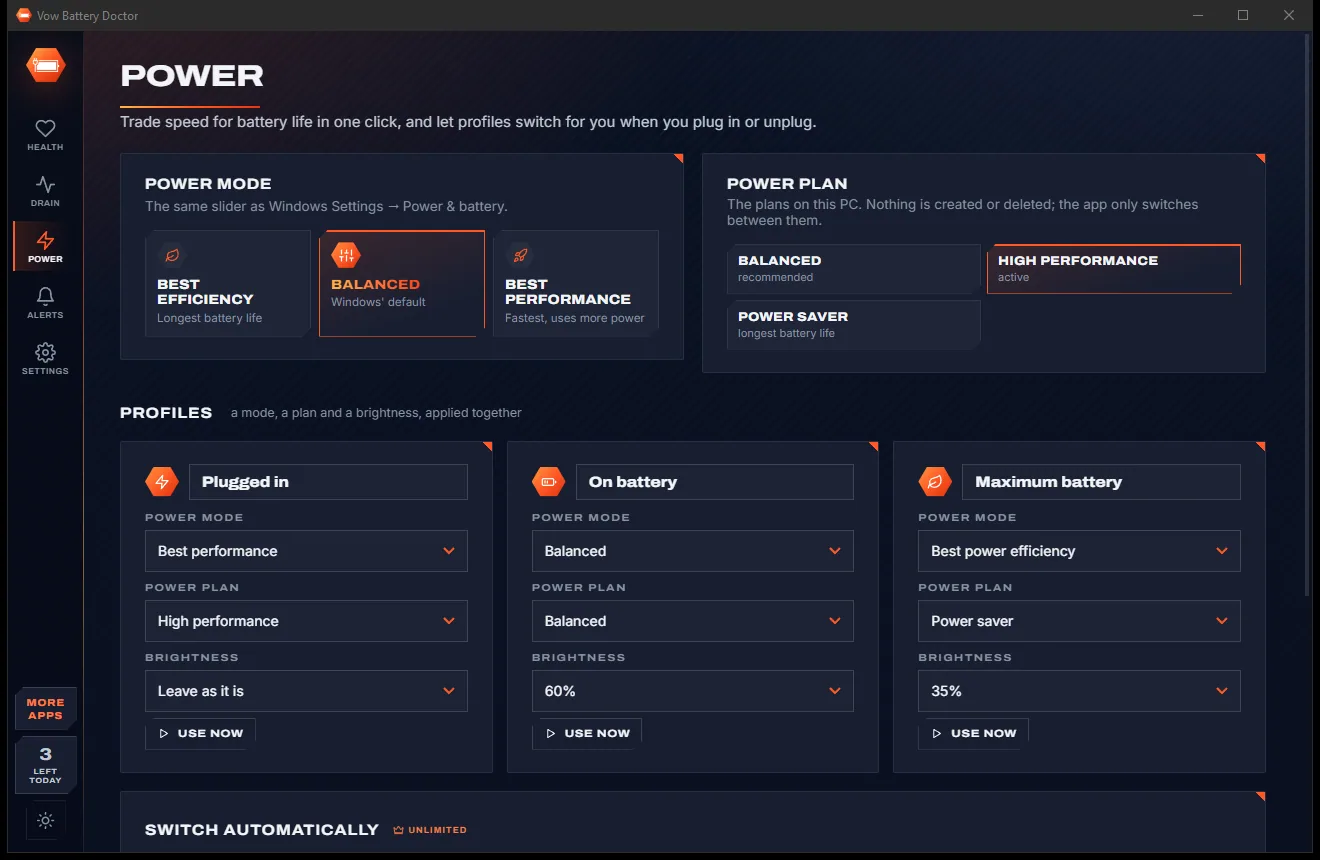
Switch the power mode, plan and brightness in one click, save three profiles, and let Unlimited switch them when you plug in or unplug.
Features
Health, history, drain, power profiles and alerts, for people who want facts instead of fear.
The share of its original capacity your battery still holds, with wear, cycle count, chemistry, maker and temperature.
A verdict from Excellent to Replace now, with advice, the capacity lost per month and the month it will reach 80% and 60%.
A chart of health over the battery's whole life, with the usual 80% "worn" mark, from Windows' own records.
Per-app watts are split from the battery's own power reading, not guessed from CPU alone, and averaged over the last minute.
Yesterday, 7, 30 or 90 days: battery used per app, CPU on battery and plugged in, peaks, search and CSV export.
Plugged in, On battery and Maximum battery: a power mode, plan and brightness applied together, switched automatically if you like.
Unplug at 80% to slow wear, plug in before it dies, heavy drain, an app hogging power, charger in or out, and quiet hours.
Drop a battery report from any Windows laptop onto the window and get the same diagnosis for that machine's battery.
Save the whole check-up as HTML, CSV or text, or open Windows' own HTML battery report straight from the app.
One click on the sun or moon button in the side rail switches between light and dark, or let it follow Windows.
Light & dark theme
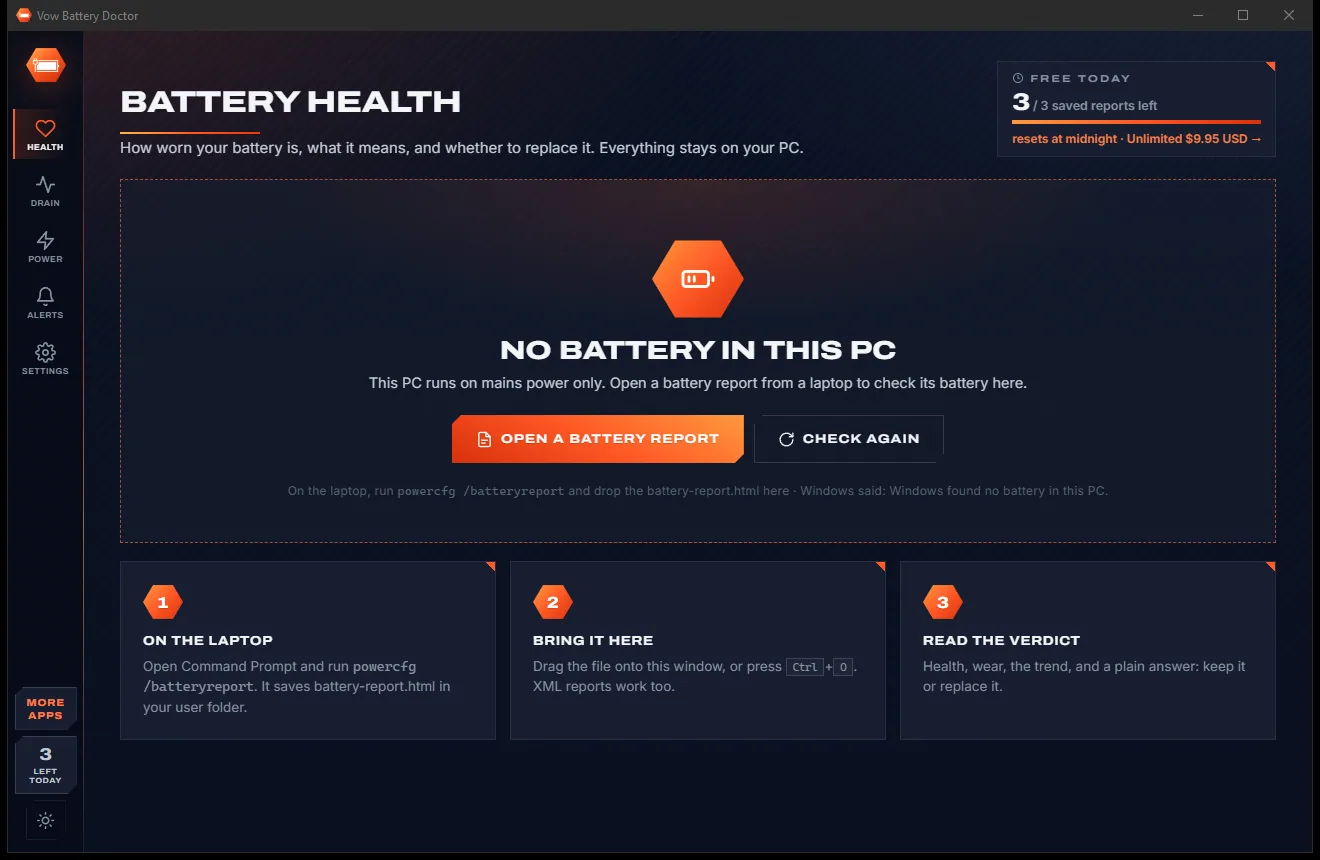
Battery Doctor comes with a crisp light theme and a calm dark theme. Switch with one click, or let it follow your Windows setting by itself. It remembers your choice.
Screenshots
Real screenshots of the real app, in both of its themes: 9 light, 9 dark. Click any picture to see it full size.
Light theme
Dark theme
Who it's for
Find out whether the battery has worn down or an app is quietly draining it.
Check wear and cycle count before you hand over the money, or ask the seller for a battery report.
A clear replace-or-keep verdict, with how much longer a new battery would actually last.
Switch to the Maximum battery profile in one click and see which apps to close first.
Open customers' battery reports, save HTML or CSV results and judge every laptop the same way.
Keep a laptop healthy for longer with the unplug-at-80% reminder and a record of what drains it.
Compare
Why a real diagnosis beats a booster button and a monthly fee.
| Feature | Vow Battery Doctor | Typical battery saver apps |
|---|---|---|
| Price | Free check-up, or $4.95 once | Monthly or yearly plans |
| Fake "battery damaged" warnings | Never | Common |
| Clear replace-or-keep verdict | Yes, with dates for 80% and 60% | Raw numbers, if any |
| Per-app drain measured from the battery | Yes, in watts | Rarely |
| Drain history beyond a week | 7, 30 or 90 days, with CSV | Seldom |
| Ads inside the app | None | Often |
| Your data uploaded | Nothing leaves your PC | Sometimes |
| Reads other laptops' battery reports | Yes, HTML or XML | Rarely |
"Typical" describes what we found across the most-downloaded alternatives when we built Battery Doctor. Your mileage with any one of them may vary; ours won't.
Pricing
That is not a typo. Software this powerful usually means a monthly subscription; Battery Doctor is $4.95, once, for life: it's almost a giveaway. Use it free for as long as you like, and unlock Unlimited only if you need more.
Full health check-up, live drain and today's top apps, 3 reports a day.
Almost a giveaway. Less than a coffee for software this powerful: no subscription, no renewals, yours for life on 2 PCs.
Per-app drain history, automatic power profiles, battery alerts.
Payments by Stripe: we never see or store your card. Questions? Ask a real person.
Clean software
Most "free" Windows downloads pay for themselves with ads, bundled extras or your data. Vow Battery Doctor doesn't need to: it's paid for honestly, once, by the people who find it useful.
Download Battery Doctor freeStep-by-step guide
Find out how worn the battery is, whether to replace it and what drains it, in a couple of minutes.
Step 1: get it freeInstall it free for your account, or use the portable version. The Health page checks the battery as soon as it opens, without administrator rights.
The gauge shows how much of its original capacity the battery still holds. The verdict, from Excellent to Replace now, says in plain words whether to act.
See whether wear and cycles are normal for its age, any heat warnings, the capacity lost each month and when it will cross 80% and 60%.
The live draw is split between your apps over the last minute, with today's top apps below. Close or limit the worst offenders.
Save the check-up as HTML, CSV or text, then pick a power profile such as Maximum battery to stretch the charge you have left.
Technical details
FAQ
Yes. The full battery check-up, the verdict and outlook, capacity history, live drain with the apps behind it, today's top 3 apps, power switching and 3 saved reports a day are free. Unlimited, a one-time $4.95 USD payment, adds per-app drain history, automatic profiles, alerts and unlimited reports.
It reads the battery's design capacity, full-charge capacity, cycle count and temperature straight from Windows' battery driver, and the capacity history from Windows' own battery report. Health is simply what the battery holds today compared with when it was new.
Around 80% of the original capacity is the usual "worn" mark. The verdict tells you whether yours is Excellent, Good, Worn, Replace soon or Replace now, estimates the month it will reach 80% and shows how much longer a new battery would last.
It reads the battery's own power draw, learns how much your screen and system use at idle, and splits the rest between apps by their CPU time. You see watts right now, today's totals and, with Unlimited, every day's history.
Yes. Run powercfg /batteryreport on that laptop and drop the battery-report.html (or the XML version) onto the window, or press Ctrl+O. You get the same diagnosis for that laptop's battery.
It shows the same driver-level battery details, then adds a plain replace-or-keep verdict, capacity history, per-app drain measured against the battery's own reading with long-term history and CSV, power profiles and alerts, all in one app.
No. It reads the battery, the power plans and your apps, and switches plans, as a normal user. Only the optional import of Windows' own per-app energy history asks Windows for permission, once per import.
Yes. It is made and published by XTO Pty Ltd, an Australian company. There are no ads and no bundled software, nothing is uploaded, and it uninstalls cleanly from Windows Settings.
The Vow collection
Same design, same promises, a tiny one-time price. Learn one and you already know them all.
Find the drivers your PC is really missing, from official sources only

Uninstall programs completely, and undo it if you change your mind

Find out what crashed your PC, in plain English, with the fix
Know how worn your laptop battery is, and which apps drain it. Free to use every day, $4.95 once if you ever want Unlimited.