
Video
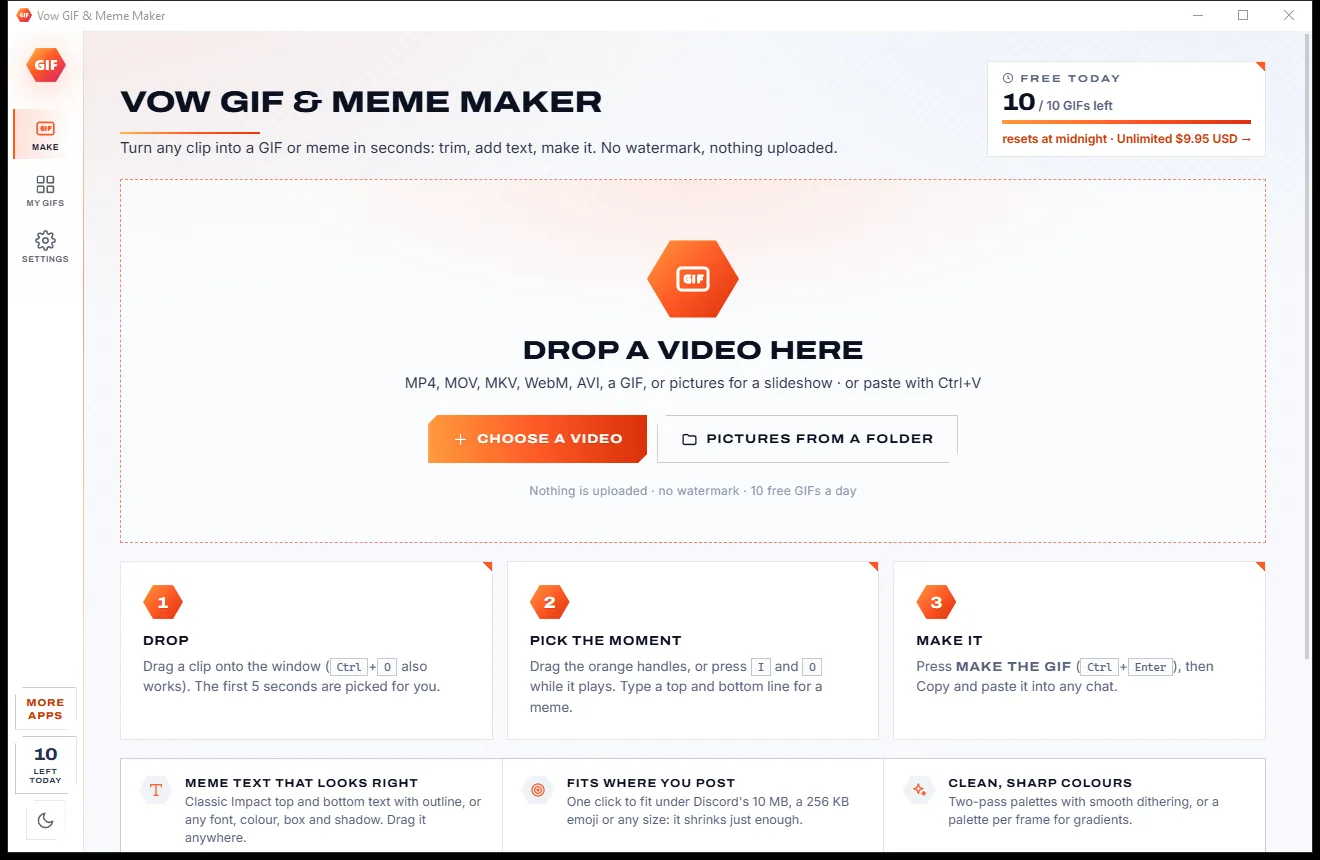
Vow GIF & Meme Maker
Turn any video clip into a GIF or meme, with no watermark
- Free: 10 GIFs a day, up to 10 seconds at 480p, with meme text
- $4.95 once: Any length, HD up to the original size, MP4, WebP and APNG

Corrupted video repair for Windows
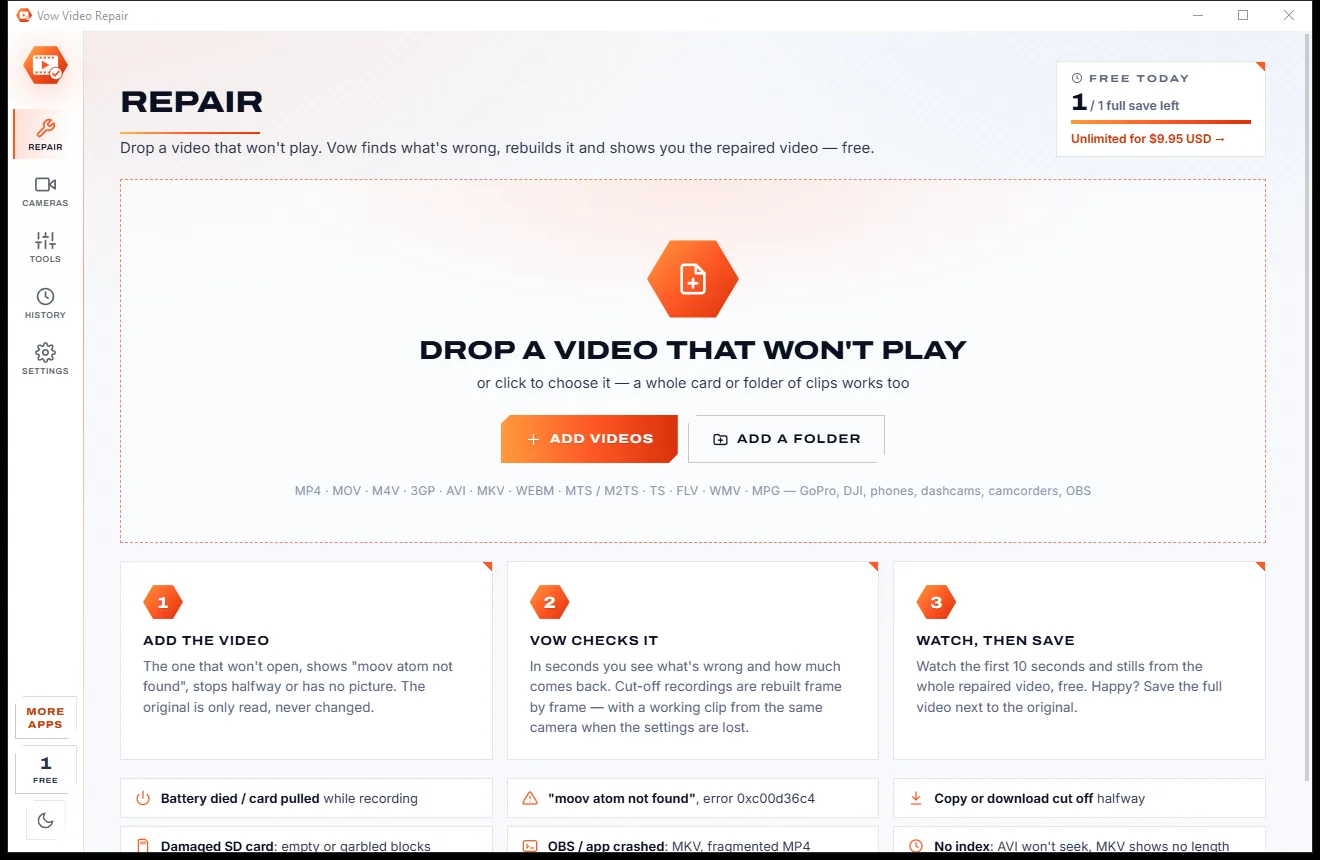
Drop the broken MP4, MOV, AVI or MKV. In seconds Vow Video Repair shows what is wrong and how much comes back, rebuilds the missing index frame by frame, and lets you watch the result before you save it. Your original is never changed and nothing is uploaded.
The problem
The footage is irreplaceable, the error message means nothing, and the repair tools you find all want something before they show a single frame.
Players refuse the file with an error code that explains nothing, even though the video is still inside it.
Many repair tools want your card details before you can tell whether your clip will actually come back.
Online repair services need the whole file on their servers, along with whatever personal moments are in it.
Advanced repairs need a working clip from the same camera, and you are left to work out which one and where.
Yearly plans and auto-renewals for a job you hope you will only ever need once.
Rough fixes leave smeared frames after damage and sound that drifts out of step with the picture.
Vow Video Repair fixes all of it.
How it works
You see exactly what went wrong and how much of the video comes back, before you spend a cent.
Drag in the MP4, MOV, AVI or MKV that won't open, or a whole SD card. The original is only read, never changed.
In seconds you get a plain-words verdict, a health map of the file and how much comes back. A working clip from the same camera is found by itself.
Watch the first 10 seconds and stills from the whole repaired video, free. Happy? Save it next to the original, checked to play.
Features
Built for action cams, drones, phones, dashcams and screen recordings, by people who would rather show you the result than promise it.
When a recording stops suddenly, the index is rebuilt frame by frame from the video and sound data, with exact timing.
It tries the other clips in the same folder against the damaged data and picks the one from the same camera.
Every reference is saved as a camera profile, so the next broken clip from that camera needs no reference at all.
See where the video data, damaged parts, empty space and index are, with findings explained in plain words.
Zeroed blocks and garbled data are skipped cleanly, frames that would smear are left out, and the sound stays in step.
Every repair gets a free 10-second preview, plus stills from the start to the end of the whole repaired video.
The saved file is probed and decoded straight away, so you know its length, picture and sound really play.
Frames are copied as they are, at about the speed of your disk, with the index first so the file opens instantly.
Repairs AVI files without an index, Matroska from crashed recordings, and MPEG-TS and AVCHD with damaged packets.
Look inside a video, check every frame for damage, make a file web-ready, or fix sideways video without re-encoding.
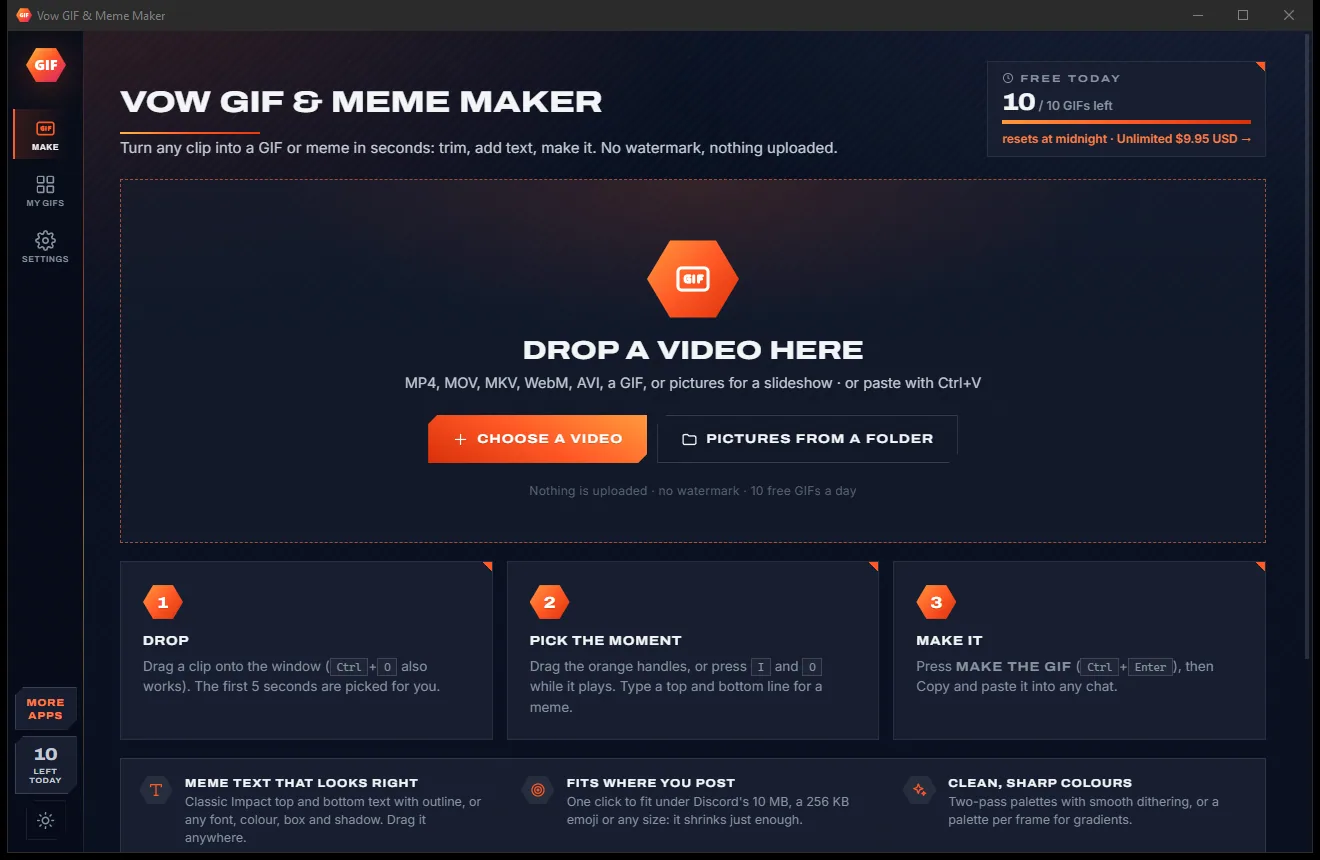
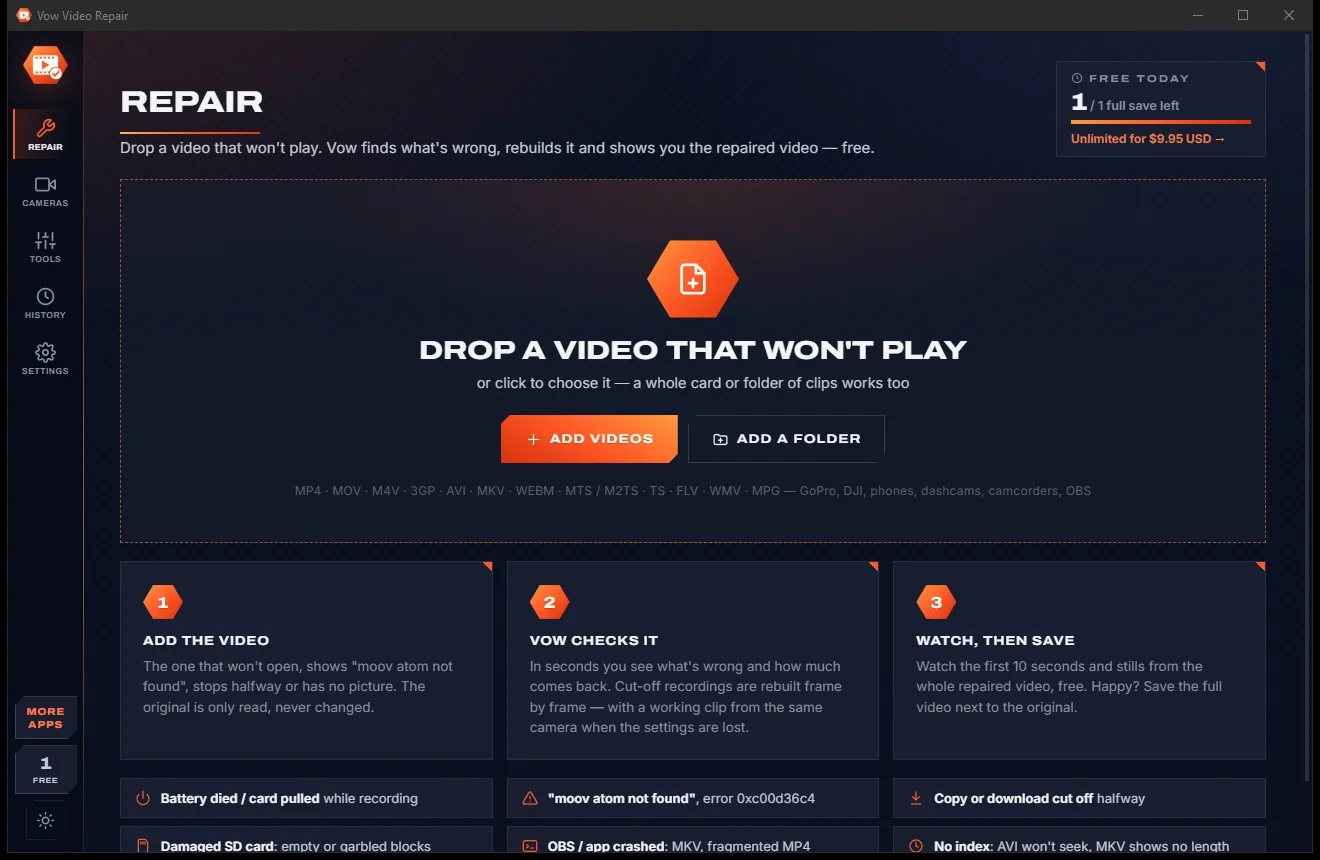
Light & dark theme
Video Repair comes with a crisp light theme and a calm dark theme. Switch with one click, or let it follow your Windows setting by itself. It remembers your choice.
Screenshots
Real screenshots of the real app, in both of its themes: 6 light, 6 dark. Click any picture to see it full size.
Light theme
Dark theme
Who it's for
The best run of the day, cut off when the battery died mid-recording.
Clips left unfinished by a crash, a low battery or a card pulled too soon.
Evidence clips and AVI files without an index after the power was cut.
Recordings broken when the camera app crashed or the phone shut down.
Streams and gameplay saved as MKV or fragmented MP4 that stopped when the app crashed.
Wedding and event footage on a failing SD card, recovered without sending it anywhere.
Compare
What usually happens when you search for a fix for a broken video, and what happens here.
| Feature | Vow Video Repair | Typical video repair software & sites |
|---|---|---|
| Price | Free every day, or $9.95 once | Subscriptions or costly licences |
| See the result before paying | 10-second preview plus stills from the whole video | A short preview at best |
| Finds a sample clip for you | Automatically, from the same folder | You pick one by hand |
| Repairs without a sample | Saved camera profiles, or none needed when the stream allows | Usually needs a sample every time |
| Explains what's wrong | Health map and plain-words findings | Often just "corrupted" or a pass/fail |
| Checks the repaired file plays | Yes, right after saving | Rarely |
| Your video is uploaded | Never: 100% on your PC | Yes, for online repair services |
| Ads and watermarks | None | Common on free tools |
"Typical" describes what we found across the most-downloaded alternatives when we built Video Repair. Your mileage with any one of them may vary; ours won't.
Pricing
That is not a typo. Software this powerful usually means a monthly subscription; Video Repair is $9.95, once, for life: it's almost a giveaway. Use it free for as long as you like, and unlock Unlimited only if you need more.
Check, repair and preview any video, 1 full save a day.
Almost a giveaway. Less than a takeaway lunch for software this powerful: no subscription, no renewals, yours for life on 2 PCs.
Save every repaired video in full, batch whole SD cards.
Payments by Stripe: we never see or store your card. Questions? Ask a real person.
Clean software
Most "free" Windows downloads pay for themselves with ads, bundled extras or your data. Vow Video Repair doesn't need to: it's paid for honestly, once, by the people who find it useful.
Download Video Repair freeStep-by-step guide
Fix "moov atom not found" and other broken recordings in a few minutes, without uploading anything.
Step 1: get it freeDownload it from this page and run the installer. It needs no administrator rights and no account. You can also add a "Repair with Vow Video Repair" entry to the right-click menu.
Drag it onto the window, click Add videos, or right-click it in File Explorer. To repair a whole SD card, use Add a folder.
Within seconds it shows what is wrong in plain words, a health map of the file and how much of the video comes back.
If the camera's settings were lost, it looks for a working clip from the same camera in the same folder by itself. If none is there, add one, or use a saved camera profile.
Play the first 10 seconds and look through the stills. Press Save the repaired video: it is saved as "name_repaired.mp4" next to the original and checked to play.
Technical details
FAQ
Yes. Checking and repairing any number of videos is free, with a 10-second preview of every repair, stills from the whole repaired video, camera profiles and all the tools. You can save 1 full-length repaired video a day for free. Unlimited, a one-time $9.95 USD payment, saves every repaired video in full and adds batch saving for whole cards and folders.
No. The check and the repair run entirely on your own PC. There is no account and no cloud, so private and sensitive footage never leaves your computer.
Recordings interrupted by a dead battery, a crash or a pulled card ("moov atom not found", error 0xc00d36c4), copies and downloads cut off part way, clips from damaged SD cards, files with a shifted index, OBS recordings left broken by a crash, AVI files without an index, and MPEG-TS or AVCHD files with damaged packets.
When a recording is cut off, the camera's settings are often lost with the index. A few seconds of any working video recorded with the same camera and settings supplies them. Vow looks for one in the same folder by itself, remembers each camera as a profile, and needs no reference at all when the video stream carries its own settings.
GoPro, DJI, Insta360, phones, dashcams, camcorders and OBS. Formats include MP4, MOV, M4V, 3GP, GoPro LRV, Insta360 INSV, AVI, MKV, WebM, MTS, M2TS, TS, FLV, WMV and MPG.
Never. The original is only read. The repaired copy is saved as a new file next to it, such as "GX010123_repaired.mp4", and nothing is ever overwritten.
Everything that is still in the file is kept. Parts that were never written or are truly damaged can't be recovered, so they are skipped cleanly while the sound stays in step. The check tells you how much comes back before you save anything.
Yes. It is made and published by XTO Pty Ltd, an Australian company. There are no ads and no bundled software, it needs no administrator rights, it never takes over your video file types, and it uninstalls cleanly from Windows Settings.
The Vow collection
Same design, same promises, a tiny one-time price. Learn one and you already know them all.
Turn any video clip into a GIF or meme, with no watermark

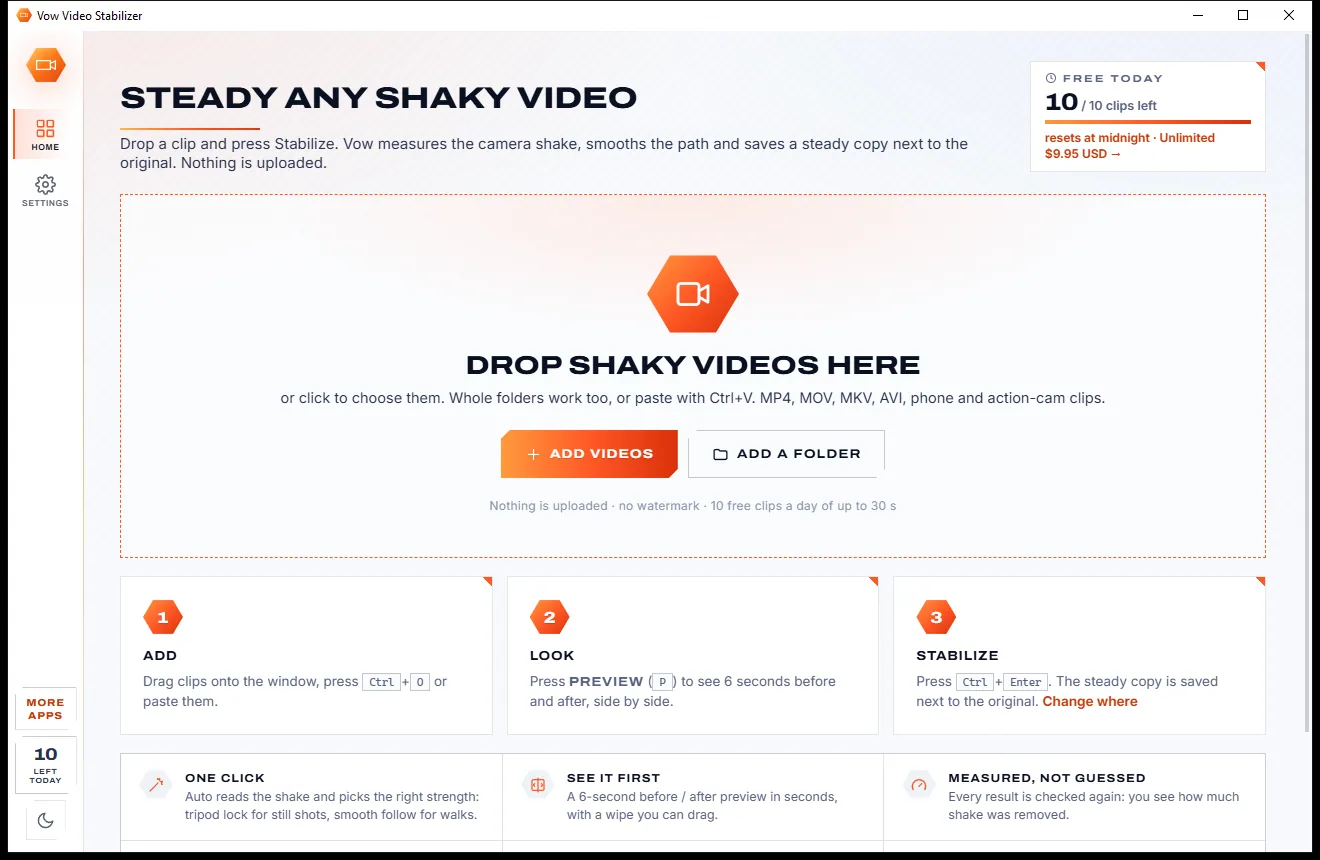
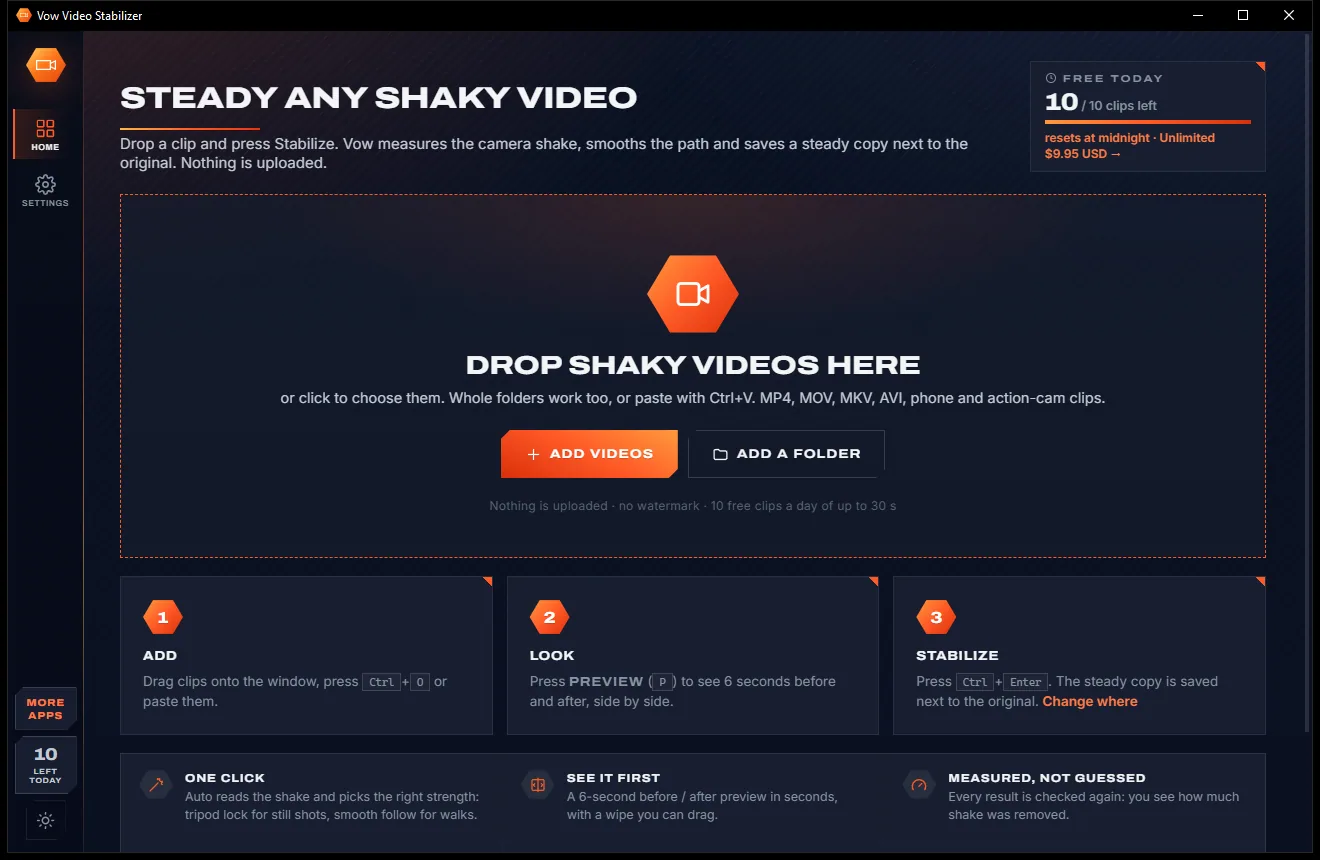
Steady any shaky video in one click, right on your PC

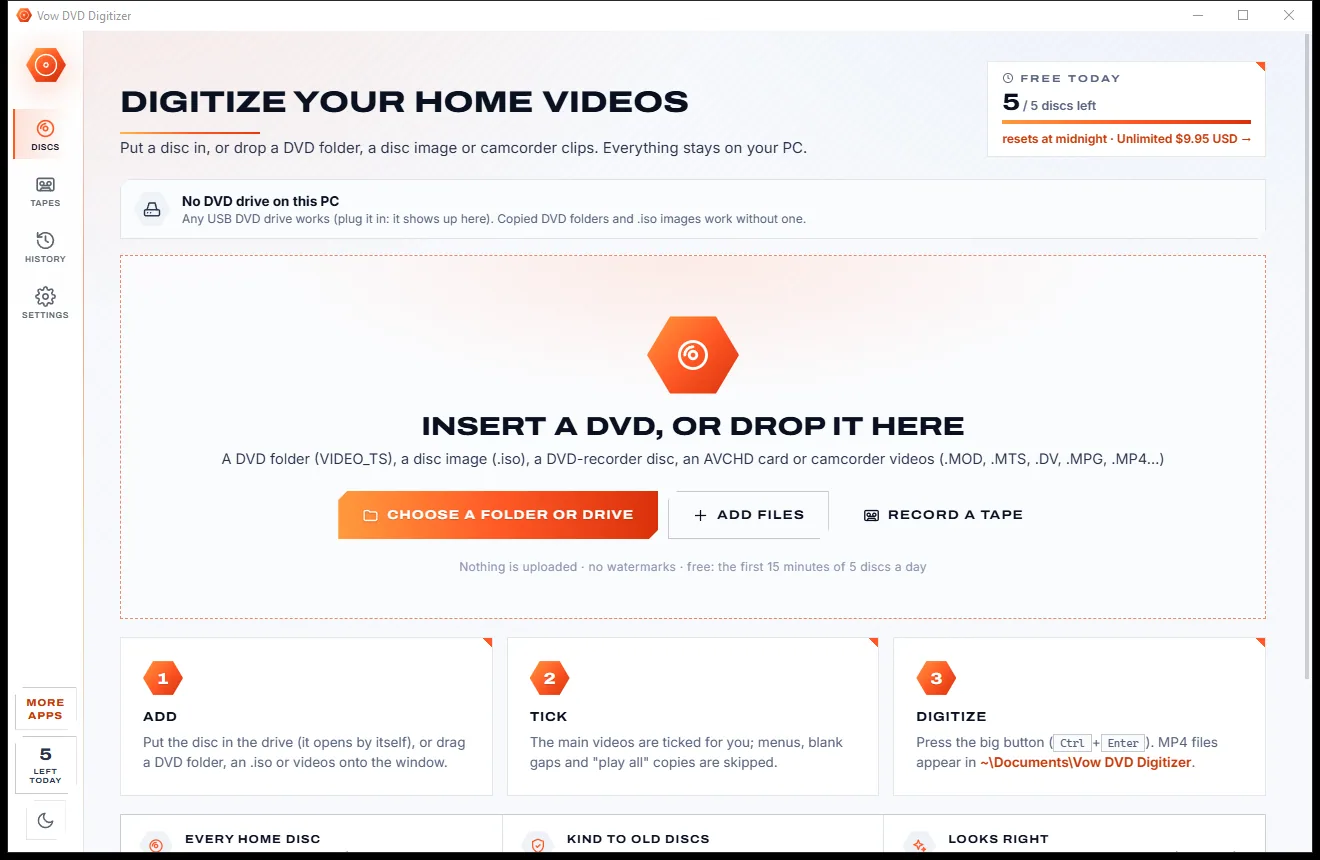
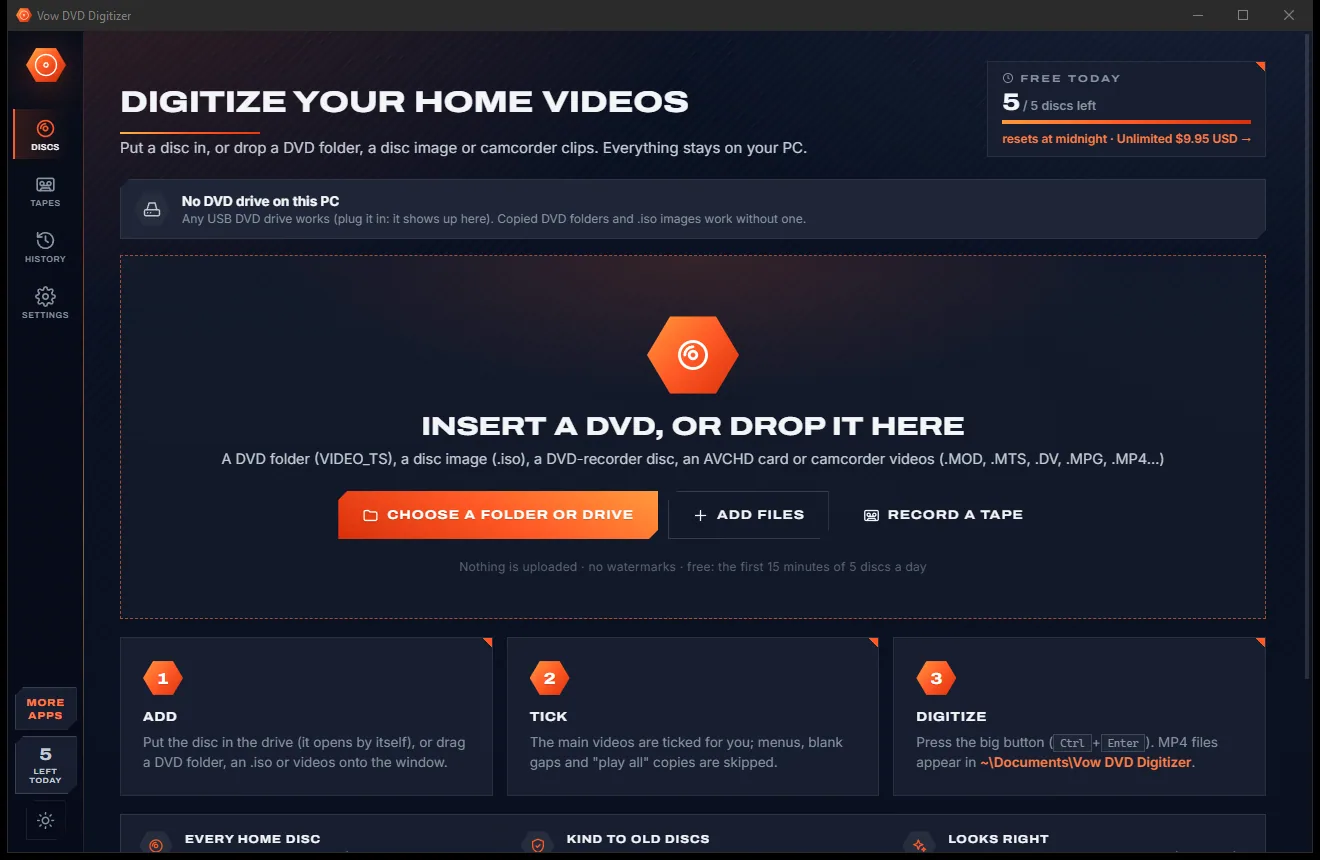
Turn home DVDs, camcorder clips and tapes into MP4s that play anywhere
Fix videos that won't play, and see the repair before you pay. Free to use every day, $9.95 once if you ever want Unlimited.