
PC Fixes
Vow Driver Finder
Find the drivers your PC is really missing, from official sources only
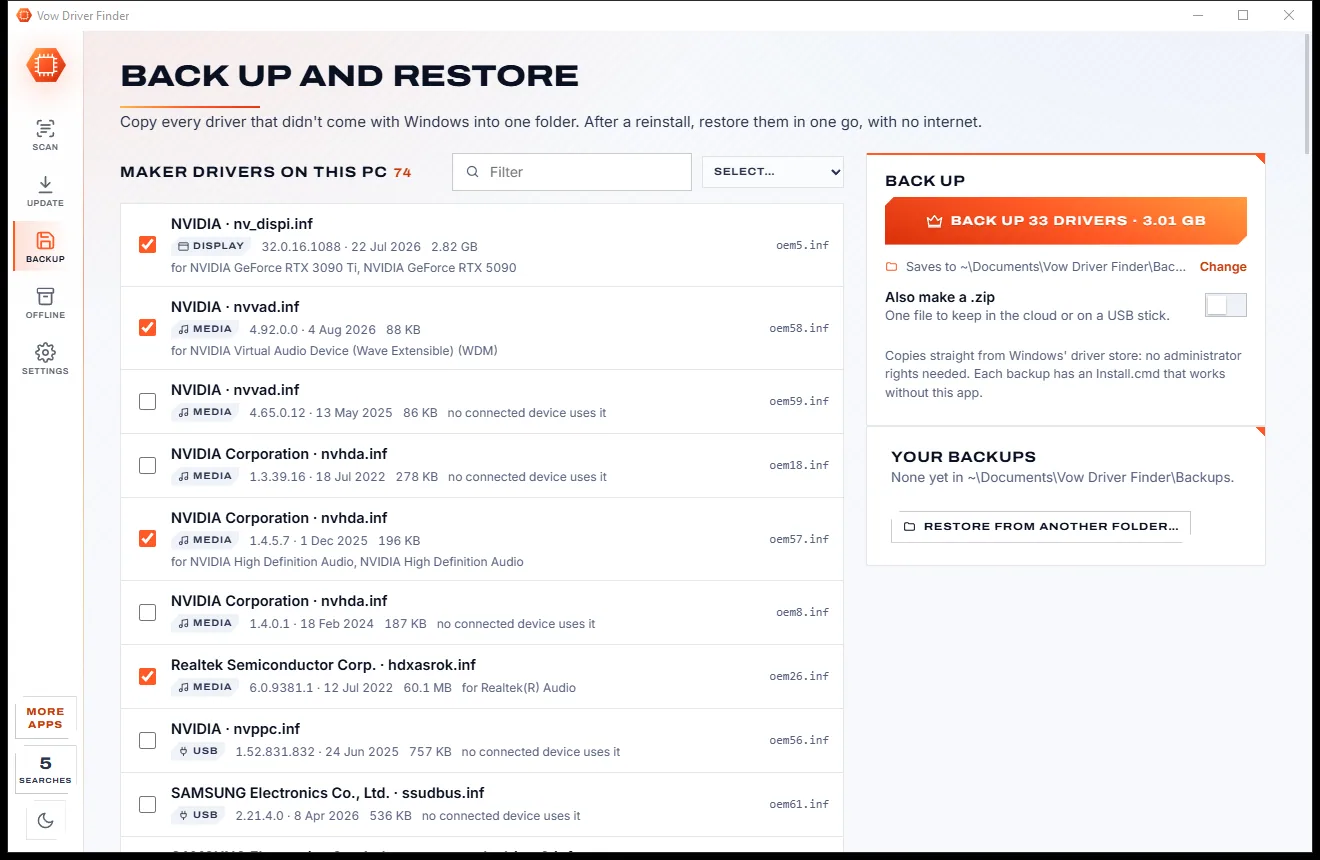
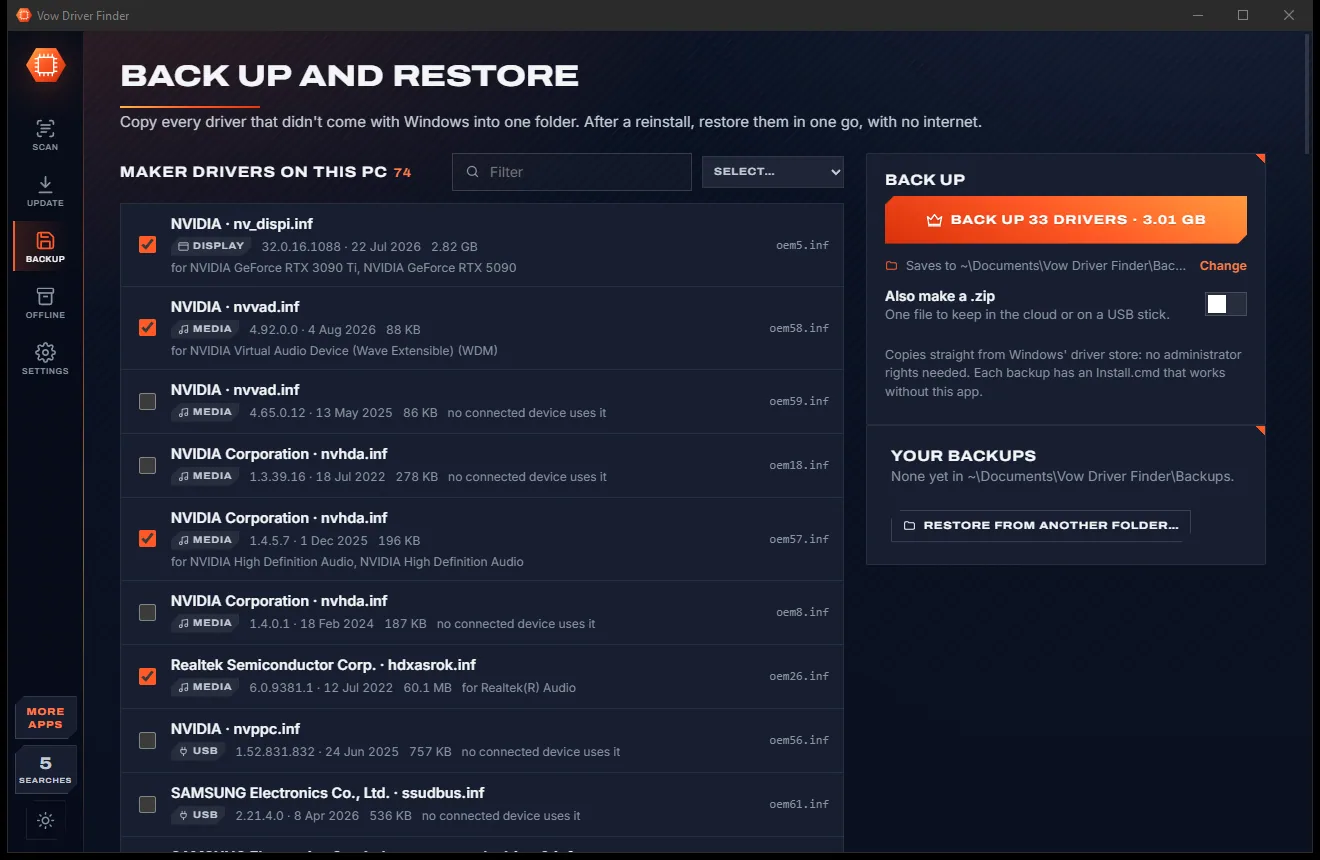
- Free: Unlimited scans, official links, 5 in-app searches a day
- $4.95 once: One-click install, backup and restore, offline driver packs

Bootable USB maker for Windows
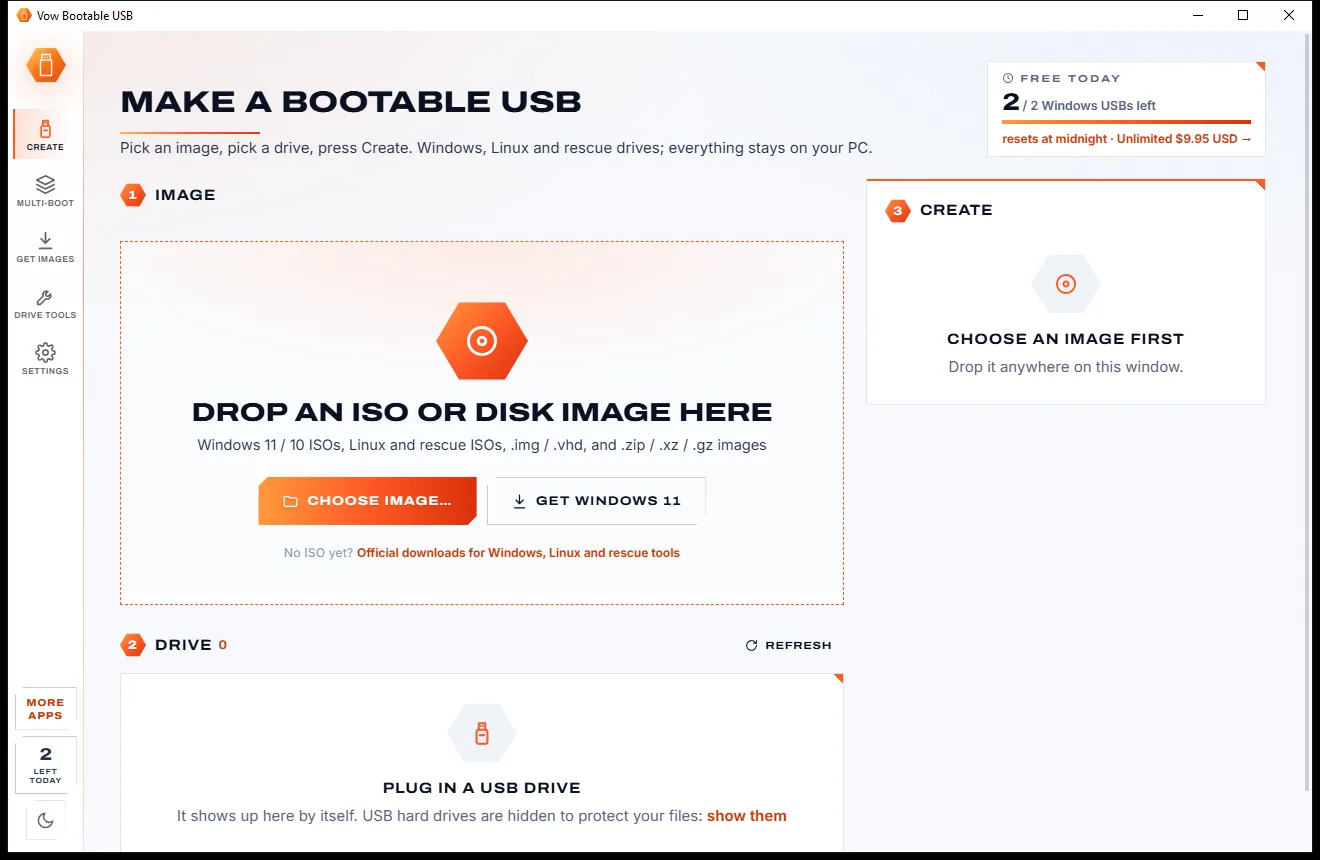
Drop an ISO on the window, plug in a USB drive and press Create. Vow Bootable USB reads the image, picks the right settings and writes the drive, with no partition-scheme jargon unless you ask for it. Skip the Windows 11 TPM check, keep a local account, and never wipe the wrong disk.
The problem
MBR or GPT? ISO or DD mode? FAT32 or NTFS? Most tools ask before they help, and one wrong pick means a drive that won't start.
Partition scheme, target system, file system, cluster size: questions before you've even picked a stick.
TPM, Secure Boot and RAM checks stop the install on perfectly good older PCs.
Windows setup pushes you to sign in, when all you wanted was a local account.
install.wim over 4 GB and sticks over 32 GB trip up Windows' own format tool.
One misread drive letter and your backup disk is now a Linux installer.
A "128 GB" bargain that silently loses everything after the first few gigabytes.
Vow Bootable USB fixes all of it.
How it works
The image is read for you, the drive is picked for you, and only the choices that matter are on screen.
Drag it onto the window, press Ctrl+O, or get Windows 11 from the official page. In about a second Vow reads the version, editions and build.
It appears by itself, and if it's the only one it's chosen for you. Internal disks and the Windows disk are never listed.
Tick the Windows setup tweaks you want, confirm the drive by name, allow one Windows prompt and watch the progress, speed and time left.
Features
Windows installers, Linux, rescue tools and multi-boot drives, with safety built in at every step.
UEFI and legacy BIOS, any drive size, install.wim over 4 GB split automatically. Windows Server too.
Skip TPM, Secure Boot, RAM and CPU checks, use a local account, skip privacy questions, no automatic BitLocker.
Windows edition, release and build, Linux distribution, rescue tool, boot modes and files over 4 GB, read in a second.
Files mode keeps the stick usable, or exact image (DD) mode for hybrid ISOs. Hiren's, SystemRescue, Clonezilla and more.
Several systems on one drive, one partition each so Secure Boot keeps working, plus space for your files.
Only USB drives and cards are listed. The disk is checked again by size and serial right before writing.
Every written byte is read back and compared, catching fake and failing drives before you rely on them.
Finds sticks that lie about their size, measures real speed, then formats them to the size that really works.
Turn a bootable stick back into ordinary storage as FAT32 of any size, exFAT or NTFS. Always free.
MD5, SHA-1, SHA-256 and SHA-512 in one pass, with links to the official download pages.
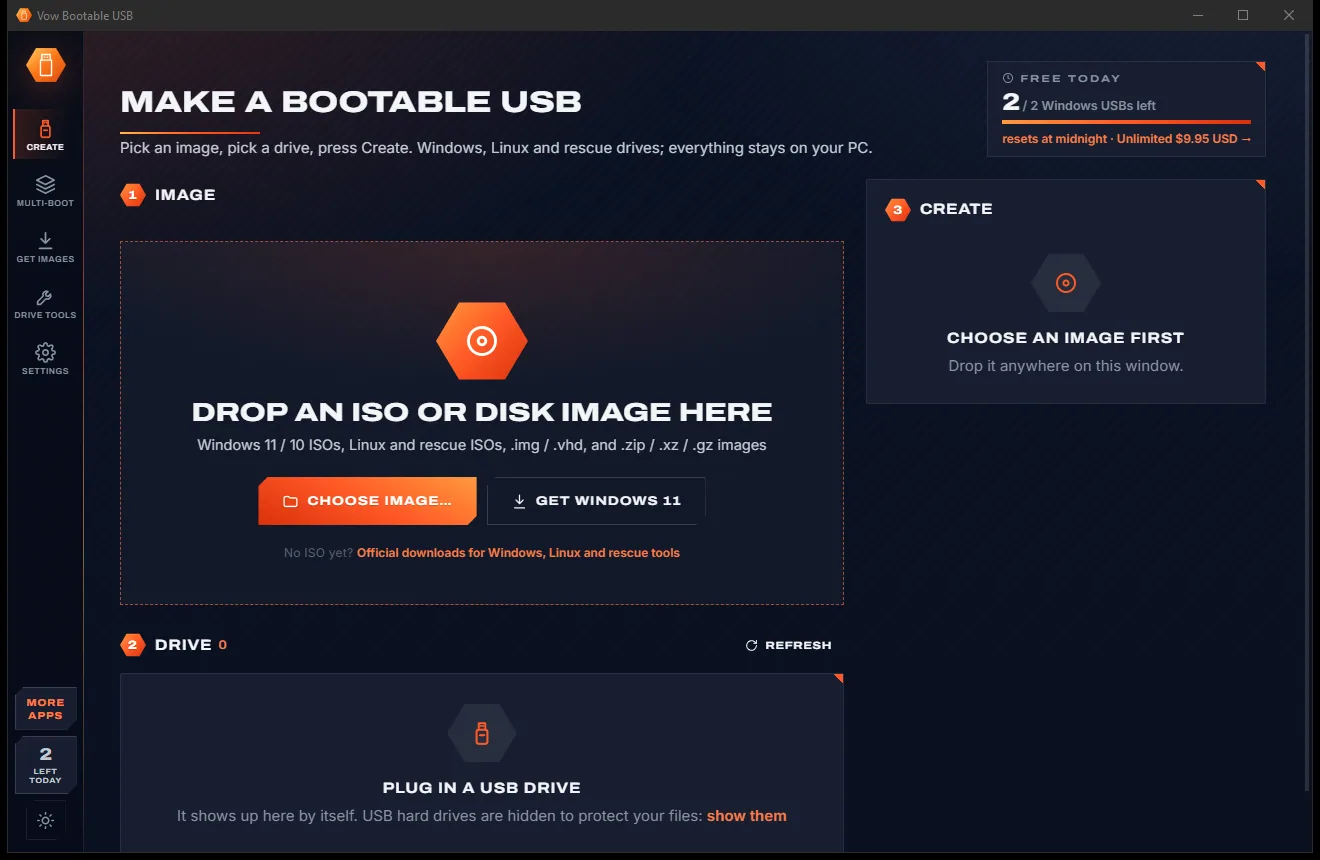
Light & dark theme
Bootable USB comes with a crisp light theme and a calm dark theme. Switch with one click, or let it follow your Windows setting by itself. It remembers your choice.
Screenshots
Real screenshots of the real app, in both of its themes: 7 light, 7 dark. Click any picture to see it full size.
Light theme
Dark theme
Who it's for
Make an installer that skips the TPM and Secure Boot checks, and sets up a local account.
A fresh Windows 10 or 11 installer, checked against its checksum, ready in minutes.
Put a Linux distribution on a stick and start a PC from it to try it out.
Windows installers, Linux and rescue tools on one multi-boot drive for every job.
Test a bargain stick for fake capacity before you trust it with anything important.
Write .img, .zip, .gz and .xz disk images straight to a USB drive or memory card.
Compare
What you get when you search for "make a bootable USB", side by side.
| Feature | Vow Bootable USB | Typical bootable USB tools |
|---|---|---|
| Price | Free every day, or $4.95 once | Free but technical, or paid upgrades |
| Jargon-free choices | MBR, GPT and DD only under Advanced | Partition schemes and modes up front |
| Windows 11 setup tweaks | Skip TPM, Secure Boot, RAM; local account | Only in some tools |
| FAT32 over 32 GB, install.wim over 4 GB | Yes, split automatically | Not always |
| Windows edition and build shown | Read from the image | Rarely |
| Multi-boot that keeps Secure Boot | Yes, one partition per system | Rarely |
| Fake-capacity test that repairs the stick | Yes | Rarely |
| Dry run before writing | Yes | Rarely |
| Ads and bundled extras | None, ever | Common on free download sites |
"Typical" describes what we found across the most-downloaded alternatives when we built Bootable USB. Your mileage with any one of them may vary; ours won't.
Pricing
That is not a typo. Software this powerful usually means a monthly subscription; Bootable USB is $4.95, once, for life: it's almost a giveaway. Use it free for as long as you like, and unlock Unlimited only if you need more.
2 Windows install USBs a day, setup tweaks, drive repair.
Almost a giveaway. Less than a coffee for software this powerful: no subscription, no renewals, yours for life on 2 PCs.
Any number of drives, Linux, multi-boot, verify, drive test.
Payments by Stripe: we never see or store your card. Questions? Ask a real person.
Clean software
Most "free" Windows downloads pay for themselves with ads, bundled extras or your data. Vow Bootable USB doesn't need to: it's paid for honestly, once, by the people who find it useful.
Download Bootable USB freeStep-by-step guide
From ISO to a USB drive that starts any PC, in a few minutes.
Step 1: get it freeGet it free from this page. It installs without administrator rights and no account; Windows asks for permission only when a drive is written.
Or press Get Windows 11 to open Microsoft's official download page. Vow shows the release, build and editions inside, and can check the checksum.
Use one big enough for the image. It appears by itself and is chosen for you when it's the only one. Internal disks and the Windows disk are never listed.
Skip the TPM 2.0, Secure Boot and 4 GB RAM checks, use a local account instead of a Microsoft account, skip the privacy questions or stop automatic BitLocker.
Confirm the drive by its name and size, allow the Windows prompt, and watch the progress. The result card says what was written, and How to start a PC from it shows the boot-menu keys.
Technical details
FAQ
Yes. You can create 2 Windows install USBs a day for free, with the Windows 11 setup tweaks, image analysis, checksums, official image links, dry runs and drive restore. Unlimited, a one-time $4.95 USD payment, adds any number of drives, Linux, rescue and disk images, multi-boot, verification, drive backups and the fake-capacity test.
Yes. Tick Skip the TPM 2.0, Secure Boot and 4 GB RAM checks, and Windows setup is answered for you. You can also set up a local account without a Microsoft account, skip the privacy questions and stop automatic BitLocker. These tweaks are free.
Yes. Vow writes FAT32 of any size itself, where Windows' own format stops at 32 GB, and splits an install.wim over 4 GB automatically so it fits.
It is built not to. Only USB drives and memory cards are listed; internal disks and the Windows disk never are. You confirm the drive by name and size, and right before writing it checks again that it's the same disk and that Windows doesn't run from it.
Yes, with Unlimited. Multi-boot puts each system in its own partition, so Secure Boot keeps working, and leaves the rest for your files. Boot first chooses which system starts first in seconds, without rewriting the drive.
It offers Rufus-level Windows 11 tweaks and FAT32 over 32 GB without the jargon, Etcher-style verification and Ventoy-style multi-boot that keeps Secure Boot and the stick usable. It also reads the Windows edition and build from the image, tests for fake capacity, switches the first system in one click and can do a dry run.
The Get images page links to the official download pages for Windows, 8 Linux distributions and 8 rescue tools. You can also download from a direct link with resume and a checksum check.
Yes. It is made and published by XTO Pty Ltd, an Australian company. There are no ads and no bundled software, nothing is downloaded behind your back, and it uninstalls cleanly from Windows Settings.
The Vow collection
Same design, same promises, a tiny one-time price. Learn one and you already know them all.
Find the drivers your PC is really missing, from official sources only

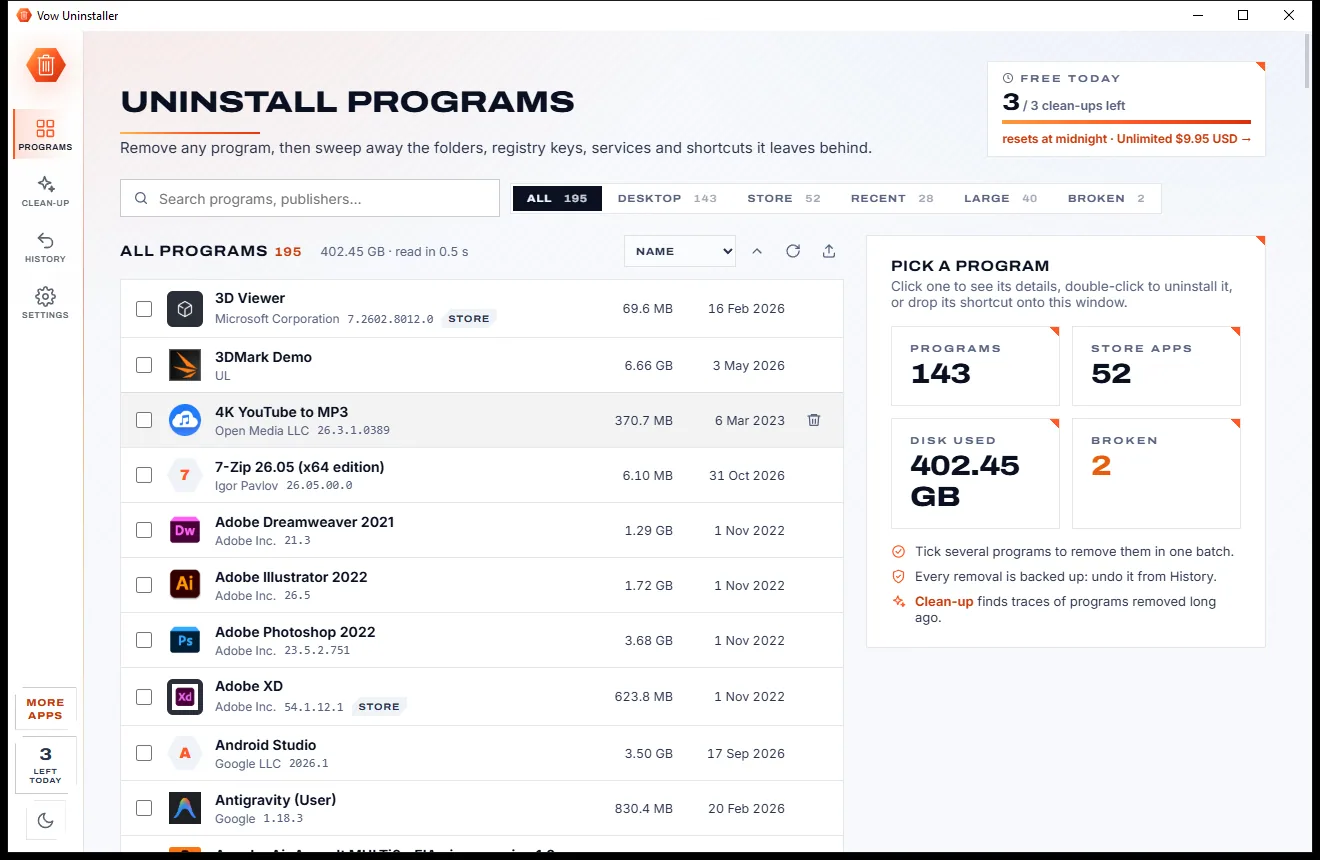
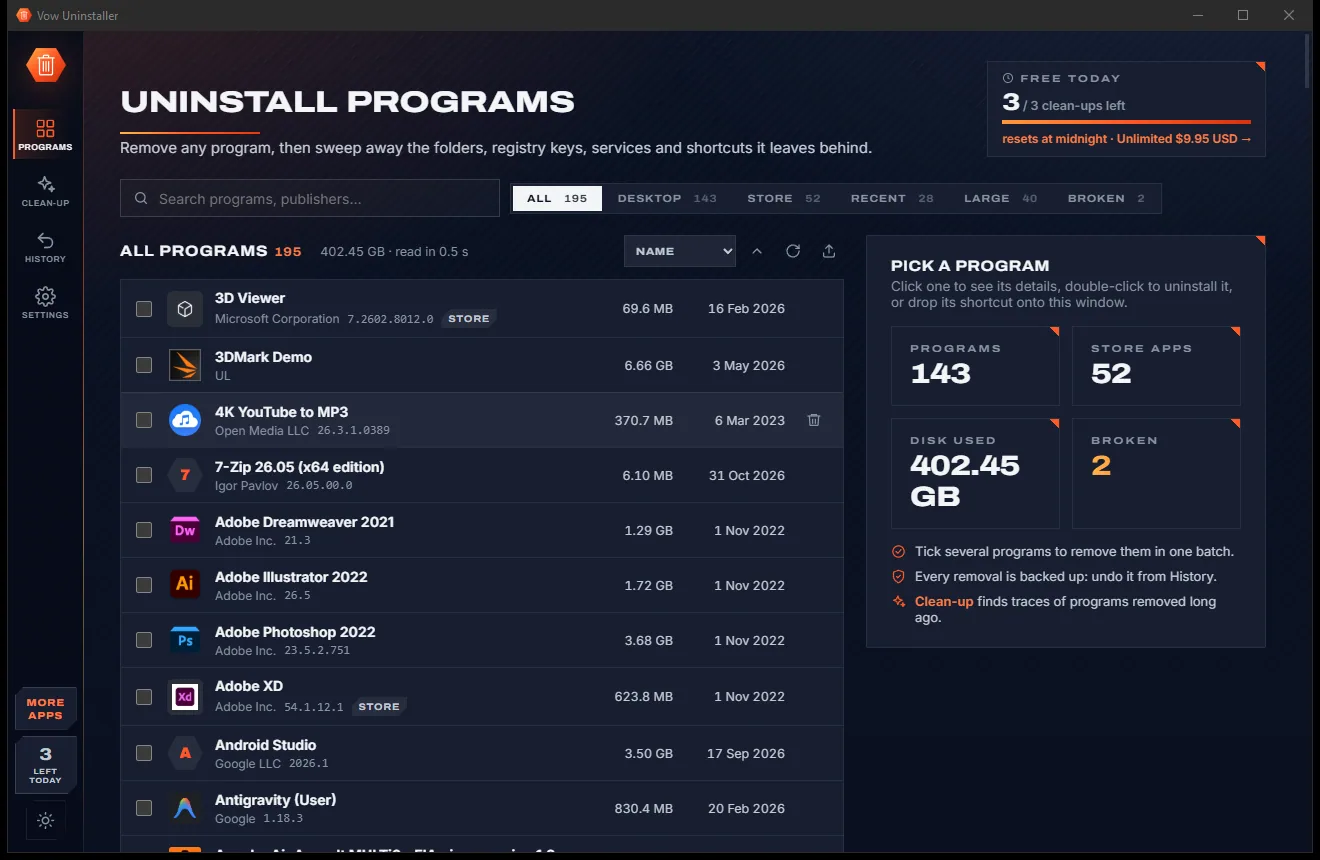
Uninstall programs completely, and undo it if you change your mind

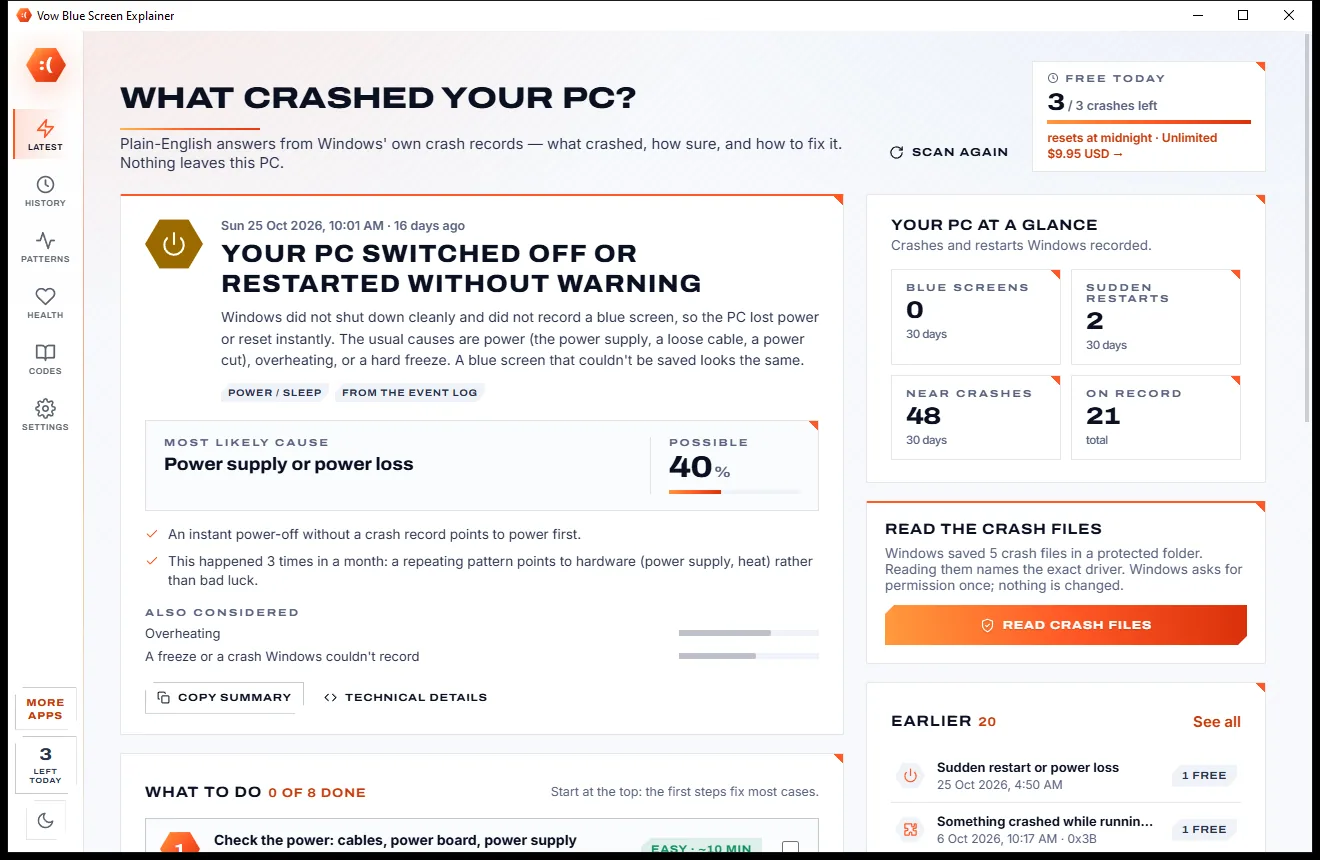
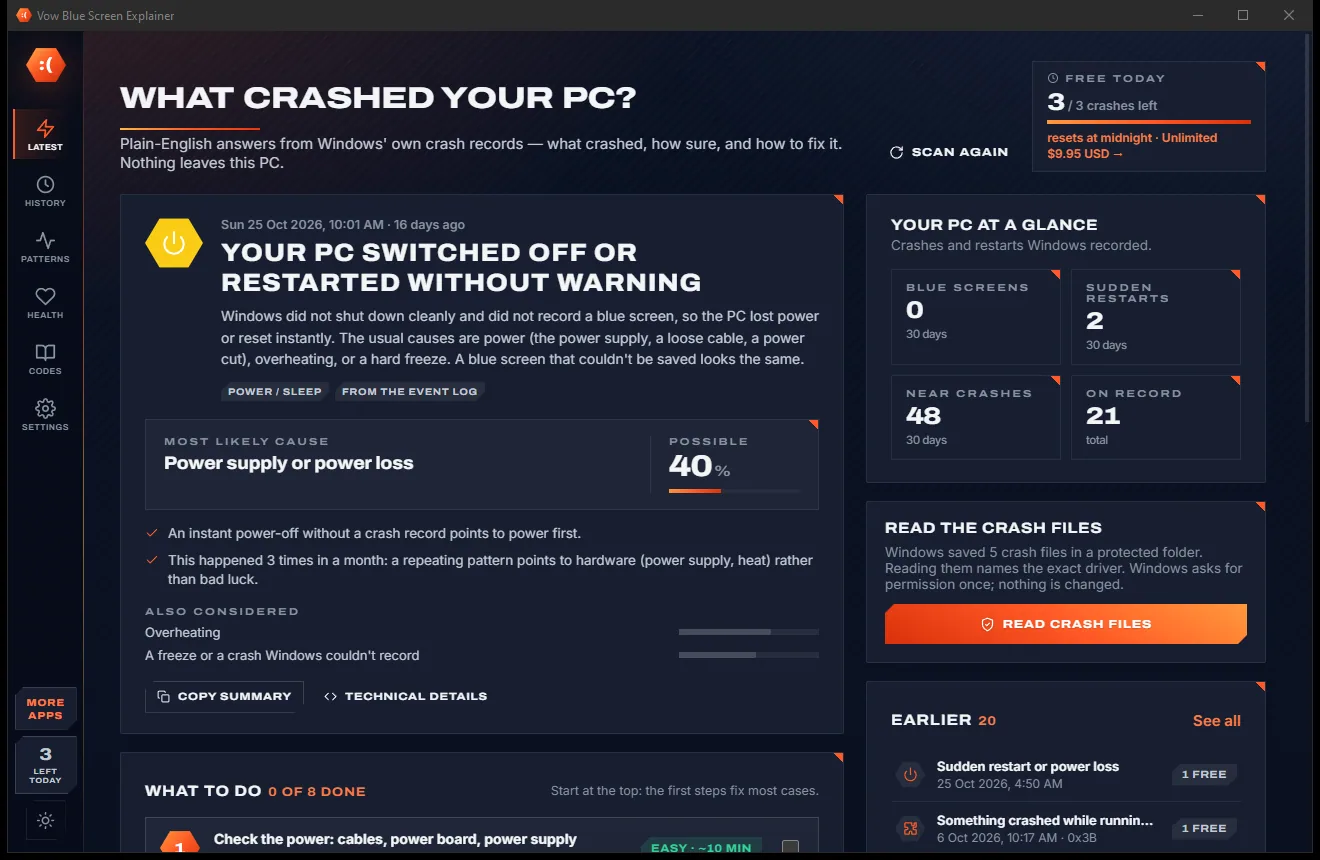
Find out what crashed your PC, in plain English, with the fix
Make Windows 11, Linux and multi-boot USB drives in two clicks. Free to use every day, $4.95 once if you ever want Unlimited.