
PC Fixes
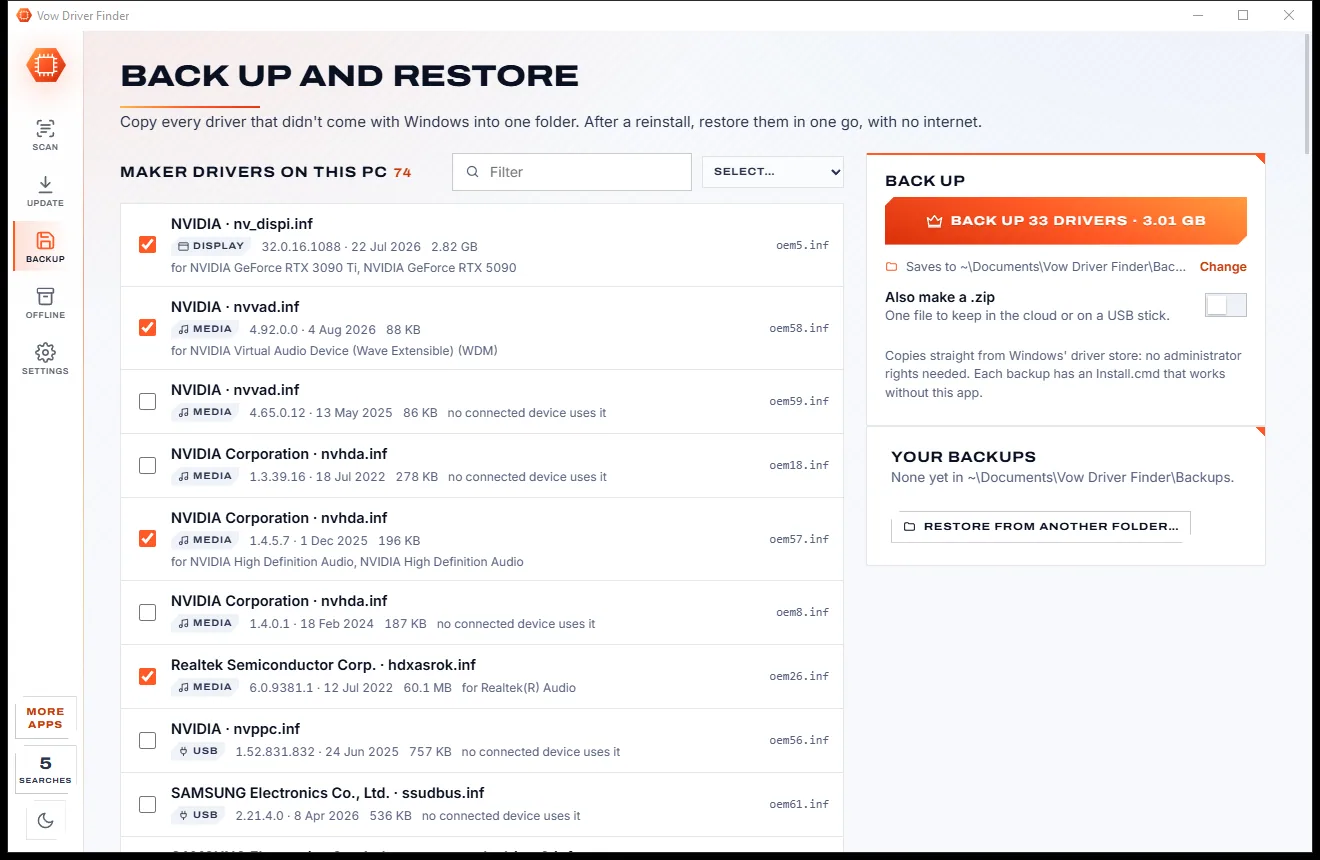
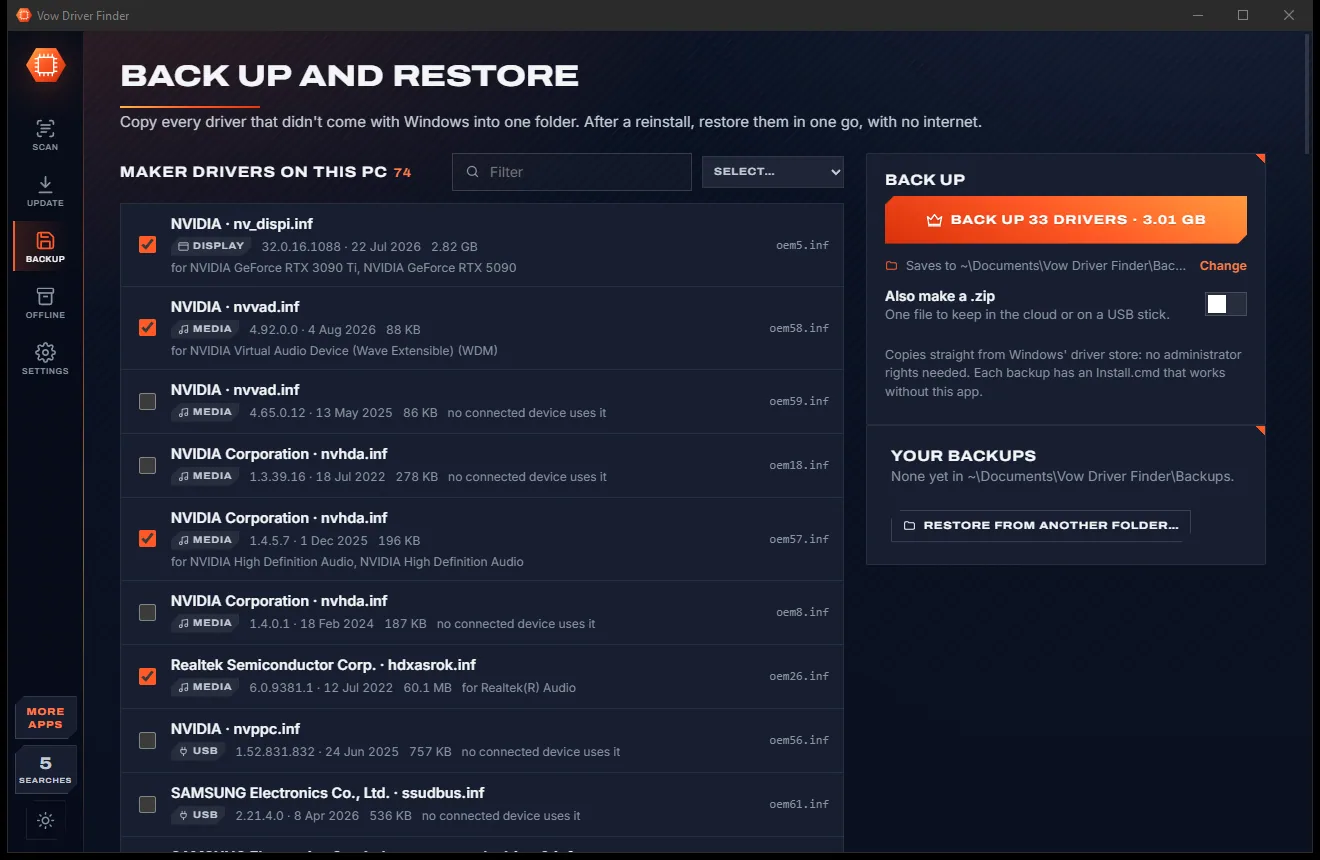
Vow Driver Finder
Find the drivers your PC is really missing, from official sources only
- Free: Unlimited scans, official links, 5 in-app searches a day
- $4.95 once: One-click install, backup and restore, offline driver packs

Bluetooth troubleshooter for Windows
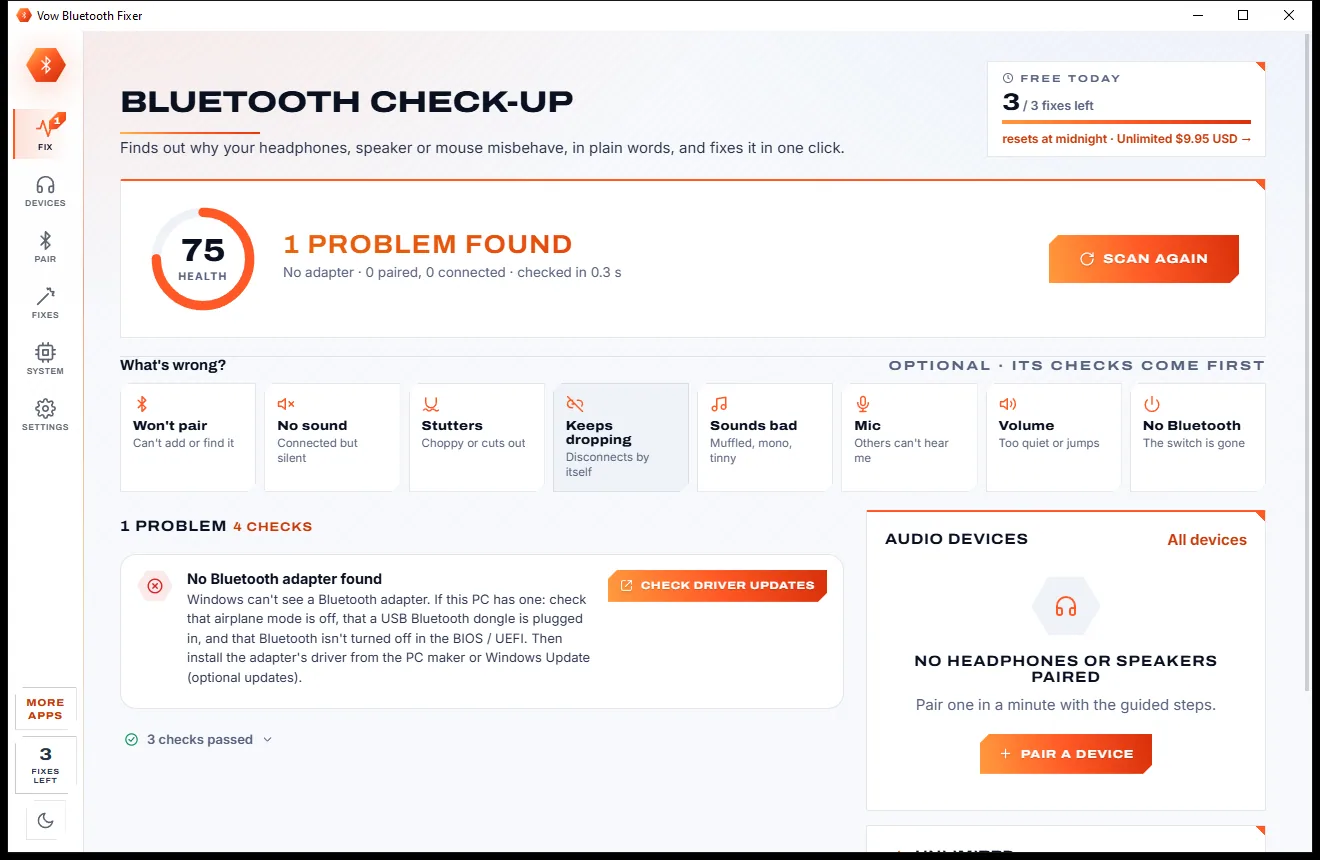
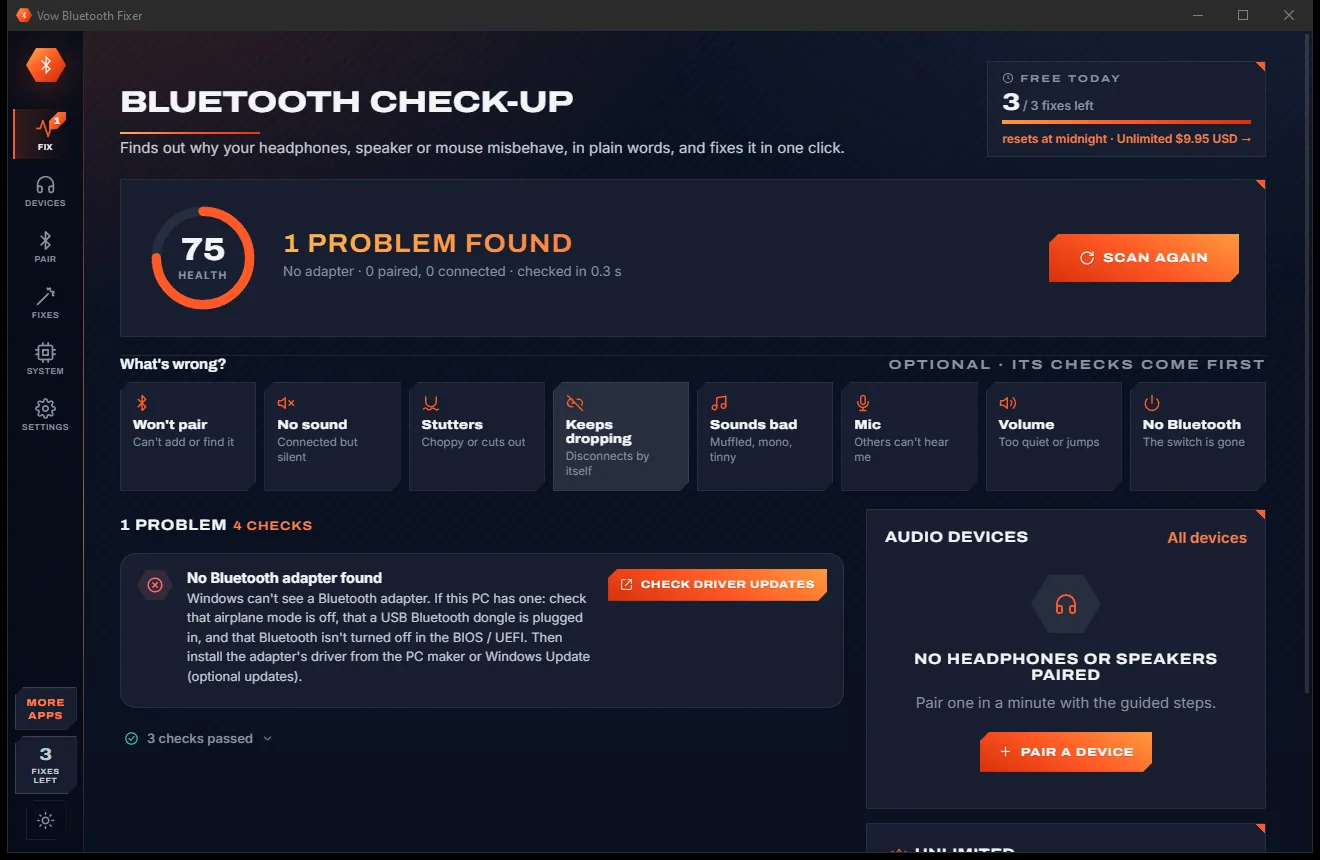
Vow Bluetooth Fixer runs 30+ checks in about half a second and tells you in plain words why your headphones, speaker, earbuds, mouse or keyboard misbehave. Each problem has a fix button, every change can be undone, and the diagnosis is always free.
The problem
It says "Connected", yet there's no sound. Or the music turns to a muffled phone call the moment Teams opens. And Windows rarely tells you why.
Windows says the headphones are connected while the sound keeps playing through the laptop speakers.
Open a call app and your music drops to low-quality Hands-Free mode, and stays there.
Choppy audio and random disconnects, with no hint whether it's power saving, Wi-Fi or the driver.
The built-in troubleshooter runs generic checks and ends with "couldn't identify the problem".
One app for battery, another for profiles, another to switch outputs, each with its own settings.
The Bluetooth toggle disappears from Settings and nothing you click brings it back.
Vow Bluetooth Fixer fixes all of it.
How it works
The whole check-up runs by itself when the app opens, and every problem comes with its own fix button.
In about half a second you get a health score and the problems in plain words, worst first. Pick a symptom like No sound or Stutters and its checks come first.
Each problem has its own button. Fix all repairs everything with one Windows permission prompt, and every change is listed with an Undo.
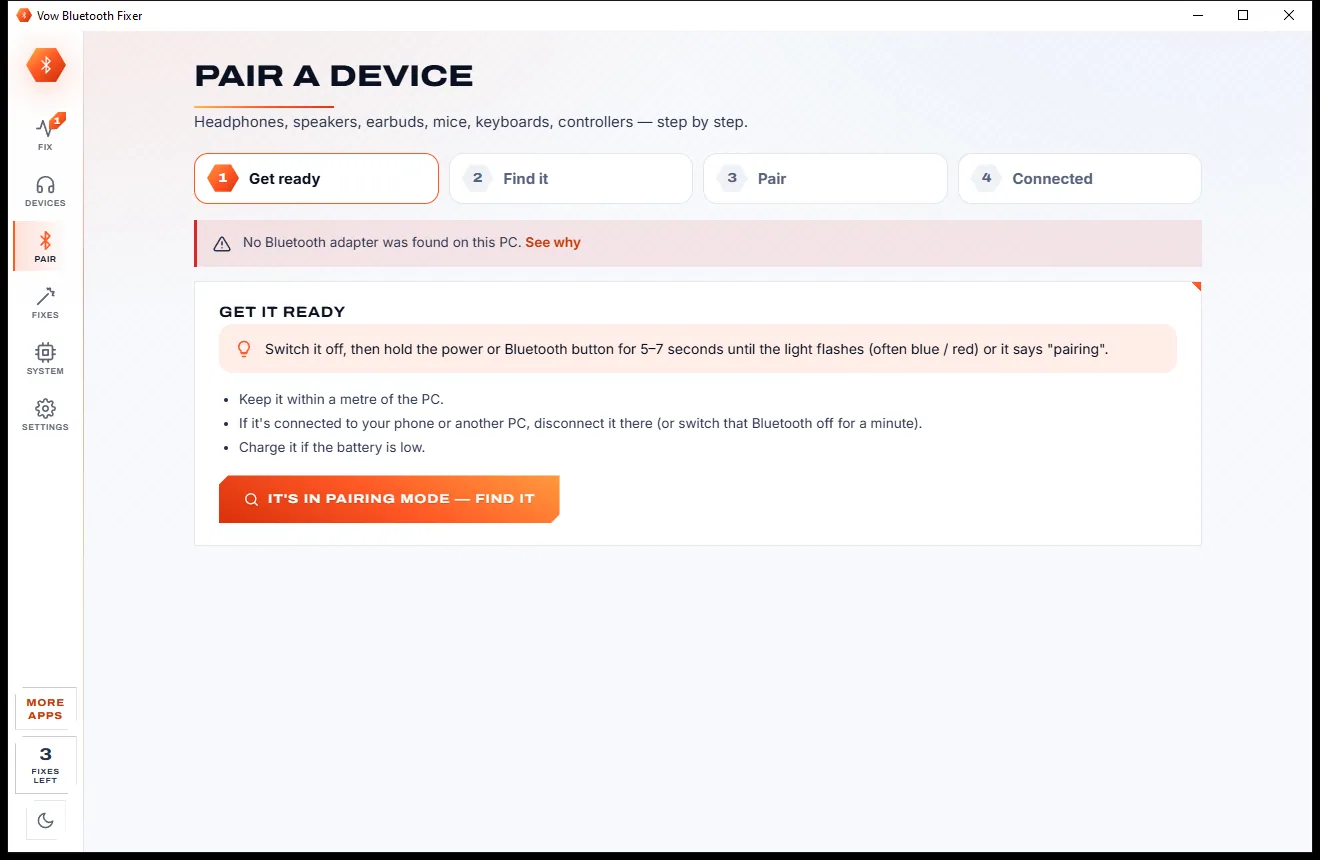
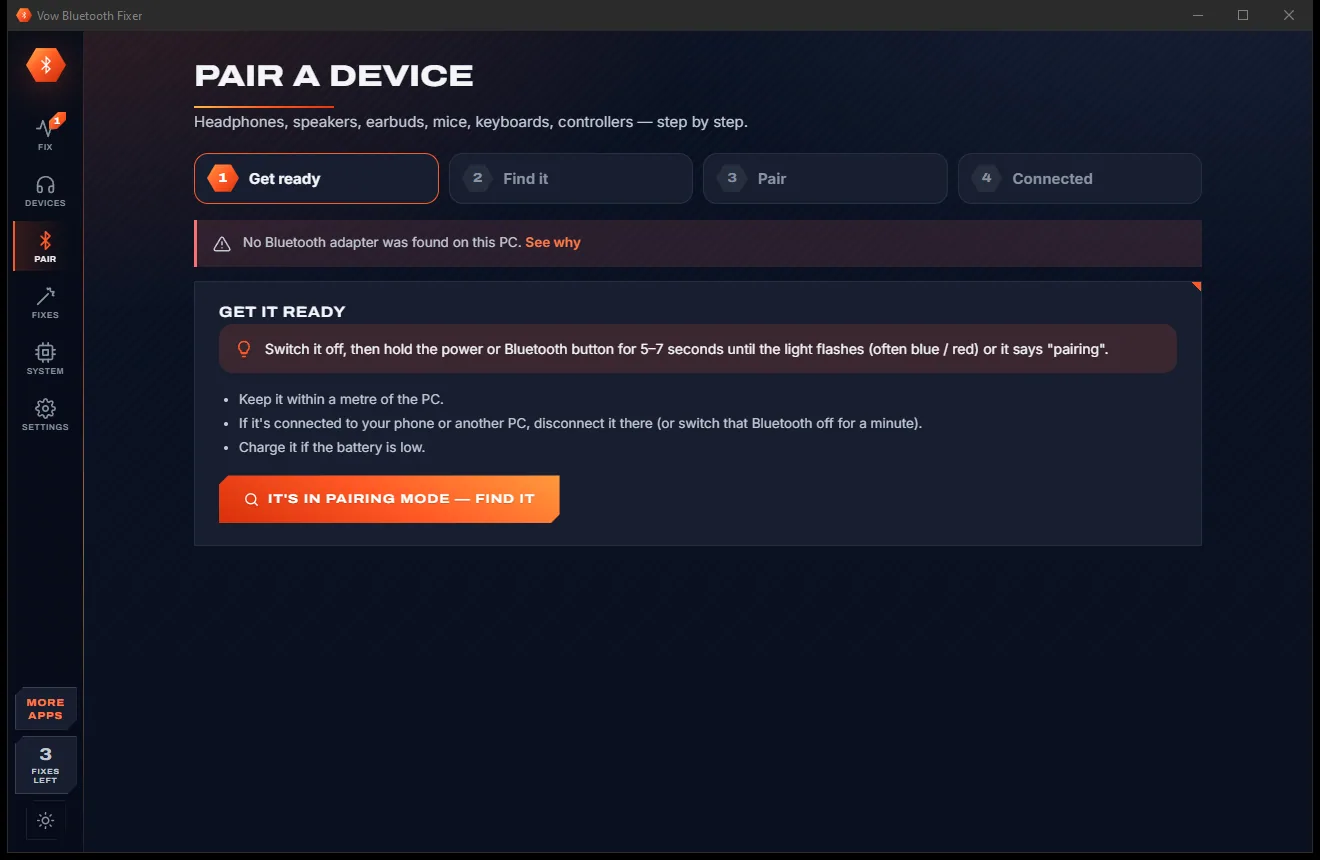
Brand-specific pairing-mode instructions, a live scan that picks your device by itself, then play through it and test it.
Features
Diagnosis, pairing, sound routing, battery and repairs, together in one place instead of five small tools.
Adapter, driver, airplane mode, services, the event log, Wi-Fi band and every device's sound settings.
"WH-1000XM4 plays in low-quality Hands-Free mode", with what it means and how to fix it.
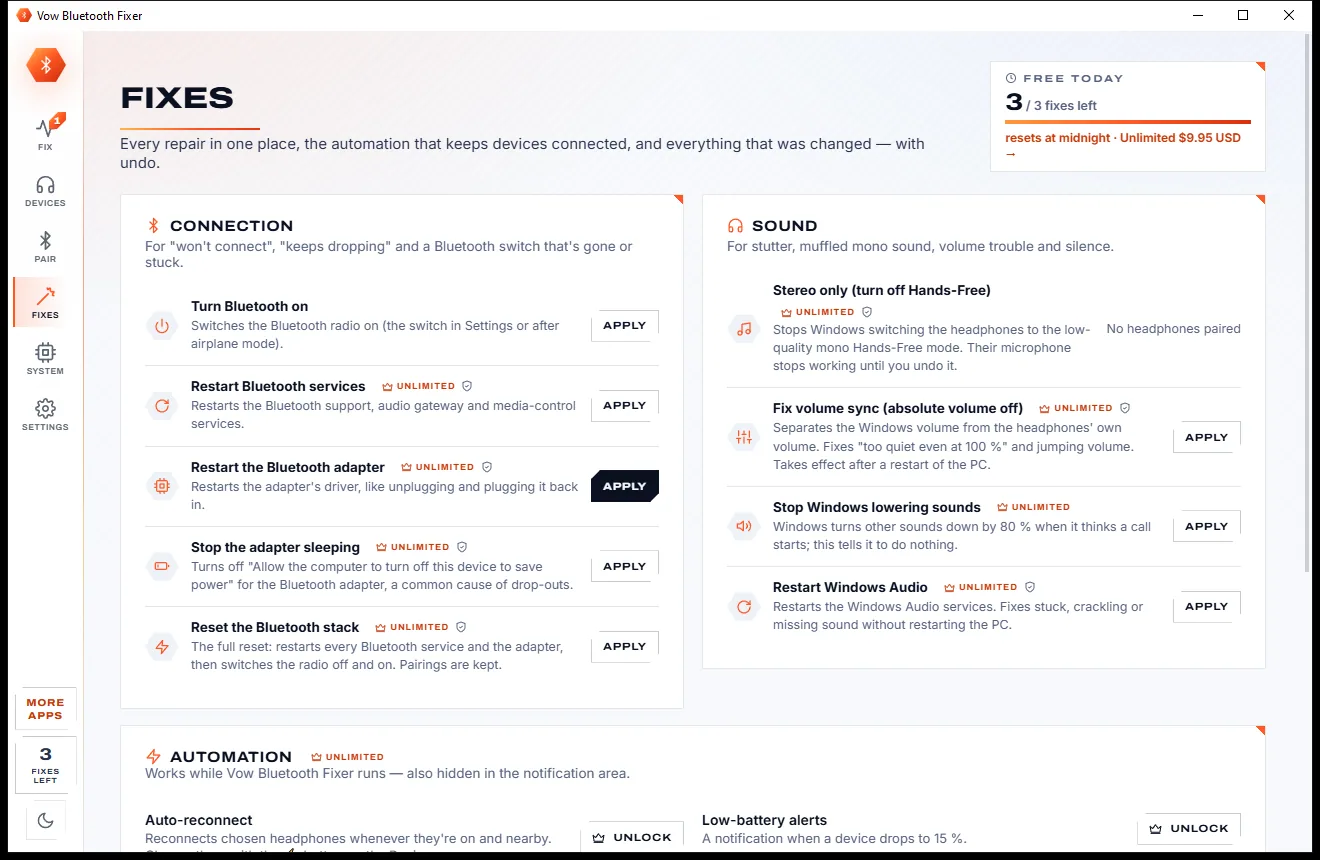
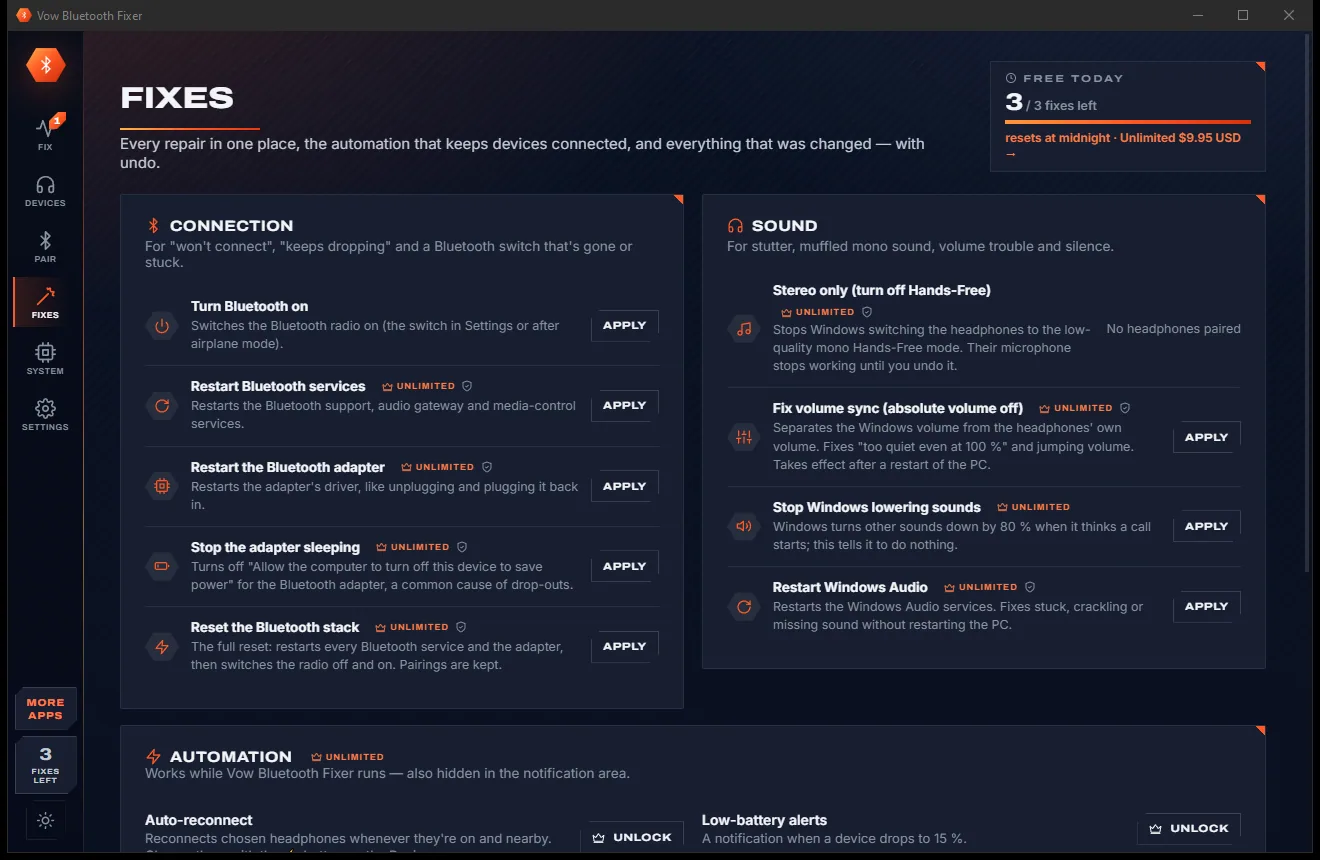
Turn Bluetooth on, play through the right device, unmute, restart services, or fix everything with one prompt.
Stop Windows dropping your headphones to muffled mono whenever an app opens the microphone.
Pairing-mode steps for Sony, Bose, AirPods, Galaxy Buds, JBL, Beats, Jabra, Logitech and game controllers.
Every paired device with its battery, connection, Stereo and Hands-Free profiles and when it was last used.
Reconnects chosen devices when they're switched on nearby and after the PC wakes up, and switches the sound to them.
Every change is recorded with its steps, a restore point is made first, and most fixes have an Undo button.
Play a left, right or both test tone and watch the microphone level, without opening Windows' sound settings.
Everything runs on your PC with Windows' own Bluetooth and audio APIs. Nothing is uploaded.
Light & dark theme
Bluetooth Fixer comes with a crisp light theme and a calm dark theme. Switch with one click, or let it follow your Windows setting by itself. It remembers your choice.
Screenshots
Real screenshots of the real app, in both of its themes: 10 light, 10 dark. Click any picture to see it full size.
Light theme
Dark theme
Who it's for
Get your headset's microphone working in Teams or Zoom without wrecking the sound quality afterwards.
Find out whether adapter power saving, 2.4 GHz Wi-Fi or the driver is choking your audio.
Pair Xbox and PlayStation controllers step by step and see their connection at a glance.
Re-pair a mouse or keyboard that dropped off after a Windows update or a sleep.
Check the adapter, driver and services in seconds and get every device back where it was.
Copy a plain-words report or just press Fix all, without talking anyone through Device Manager.
Compare
What you get when you search for "Bluetooth headphones not working", side by side.
| Feature | Vow Bluetooth Fixer | Windows' troubleshooter & typical Bluetooth tools |
|---|---|---|
| Price | Free every day, or $4.95 once | Free but limited, or paid add-ons |
| Plain-word diagnosis | 30+ checks, worst first | Generic checks |
| One-click fixes with undo | Yes, with history and a restore point | Rarely |
| Fixes muffled Hands-Free sound | Stereo only, in one click | Needs a separate tweak tool |
| Guided pairing by brand | Sony, Bose, AirPods and more | Rarely |
| Battery, profiles and output switching | All in one app | Spread over several small tools |
| Auto-reconnect after sleep | Yes | Rarely |
| Full Bluetooth stack reset | Yes, pairings kept | Manual service restarts |
| Ads and bundled extras | None, ever | Common on free "fixer" downloads |
"Typical" describes what we found across the most-downloaded alternatives when we built Bluetooth Fixer. Your mileage with any one of them may vary; ours won't.
Pricing
That is not a typo. Software this powerful usually means a monthly subscription; Bluetooth Fixer is $4.95, once, for life: it's almost a giveaway. Use it free for as long as you like, and unlock Unlimited only if you need more.
Full diagnosis, guided pairing, 3 one-click fixes a day.
Almost a giveaway. Less than a coffee for software this powerful: no subscription, no renewals, yours for life on 2 PCs.
Any number of fixes, stutter fixes, stack reset, auto-reconnect.
Payments by Stripe: we never see or store your card. Questions? Ask a real person.
Clean software
Most "free" Windows downloads pay for themselves with ads, bundled extras or your data. Vow Bluetooth Fixer doesn't need to: it's paid for honestly, once, by the people who find it useful.
Download Bluetooth Fixer freeStep-by-step guide
From "connected but silent" to music playing, usually in under a minute.
Step 1: get it freeInstall it free from this page. It needs no administrator rights and no account, and the check-up starts by itself as soon as it opens.
The health score and the problems appear in about half a second, worst first, each explained in plain words with the device it affects.
Choose No sound, Stutters, Keeps dropping, Mic, Sounds bad, Volume, Won't pair or No Bluetooth, and the checks for it move to the top.
Click the button on a problem, or press Fix all (Ctrl+Enter). Windows asks for permission once if a system change is needed, and a restore point is made first.
Play a test tone through the device. If it still won't behave, Forget it and use Pair to add it again, step by step, with the right pairing-mode instructions.
Technical details
FAQ
Yes. The full diagnosis is never limited, and guided pairing, connecting, sound and mic tests and the report are free and never counted. You also get 3 one-click fixes a day. Unlimited, a one-time $4.95 USD payment, adds any number of fixes, the stutter and audio fixes, the full stack reset and auto-reconnect.
Windows has switched them to Hands-Free mode, the low-quality profile used for calls. The app spots this and switches the sound back to the stereo output in one click. With Unlimited, Stereo only turns Hands-Free off so it can't happen again; the microphone then stays off until you undo it.
The free diagnosis shows the likely causes, such as adapter crashes in the event log, power saving or 2.4 GHz Wi-Fi sharing the airwaves. Unlimited adds the fixes: stop the adapter sleeping, Stereo only, volume sync, Windows Audio restart and the full stack reset.
No. The check-up only reads. System changes go through Windows' permission prompt, a System Restore point is made first, every change is listed in History, and most have an Undo. Simulation in Settings runs every fix as a dry run.
Not for the diagnosis, connecting, pairing, switching the sound device or volume. Windows asks once per fix, or once for Fix all, only when a service, the adapter or a profile has to change.
Windows' troubleshooter runs generic checks and fixes little. NirSoft BluetoothView lists devices, while other small tools handle profiles, battery or output switching. Vow Bluetooth Fixer does all of those jobs in one place, and adds guided pairing, plain-word findings with one-click fixes and undo, a stack reset and auto-reconnect.
Bluetooth headphones, earbuds, speakers, headsets, mice, keyboards and game controllers, on Windows 10 version 2004 or later and Windows 11, 64-bit. It works through Windows' own Bluetooth and audio APIs, so no extra drivers are installed.
Yes. It is made and published by XTO Pty Ltd, an Australian company. There are no ads and no bundled software, it installs without administrator rights, and it uninstalls cleanly from Windows Settings.
The Vow collection
Same design, same promises, a tiny one-time price. Learn one and you already know them all.
Find the drivers your PC is really missing, from official sources only

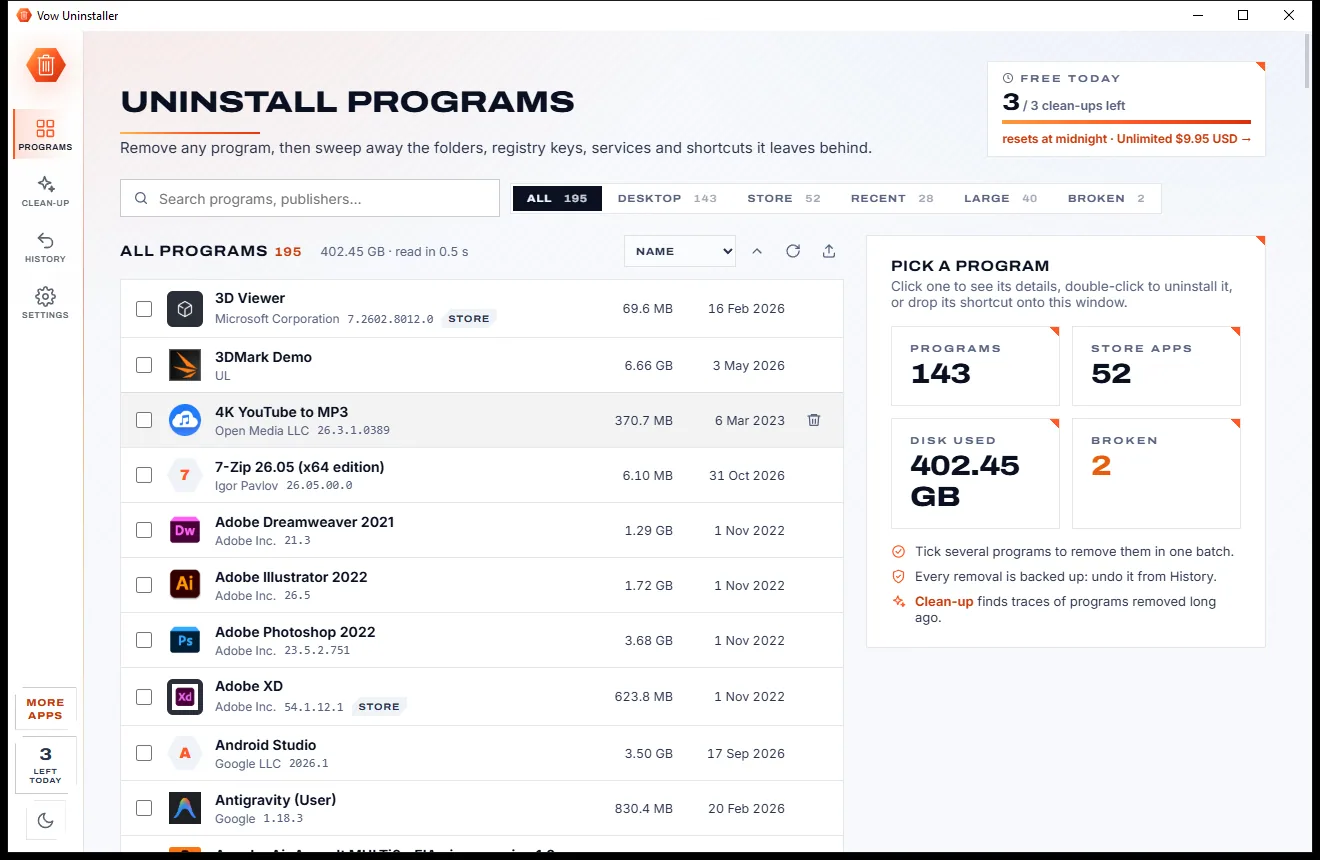
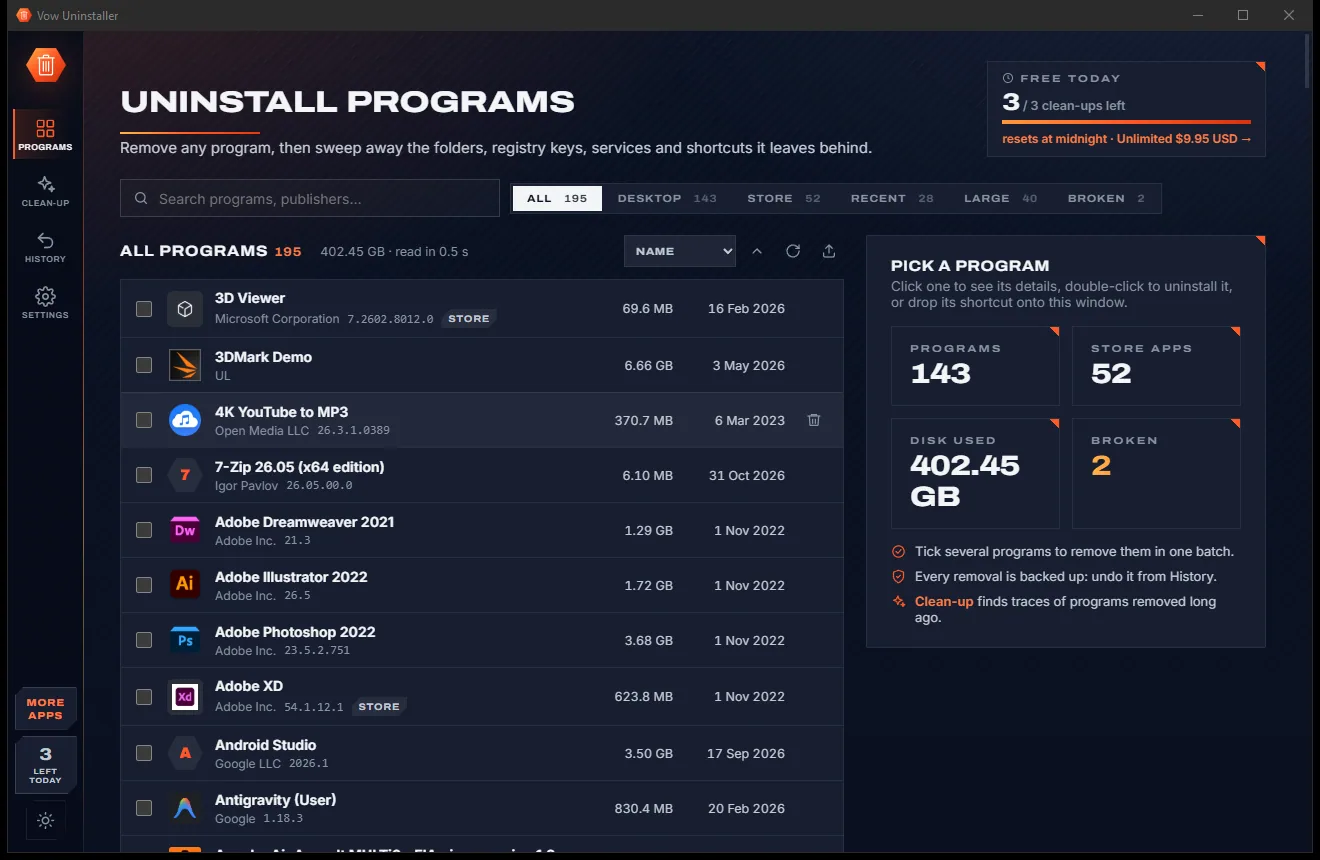
Uninstall programs completely, and undo it if you change your mind

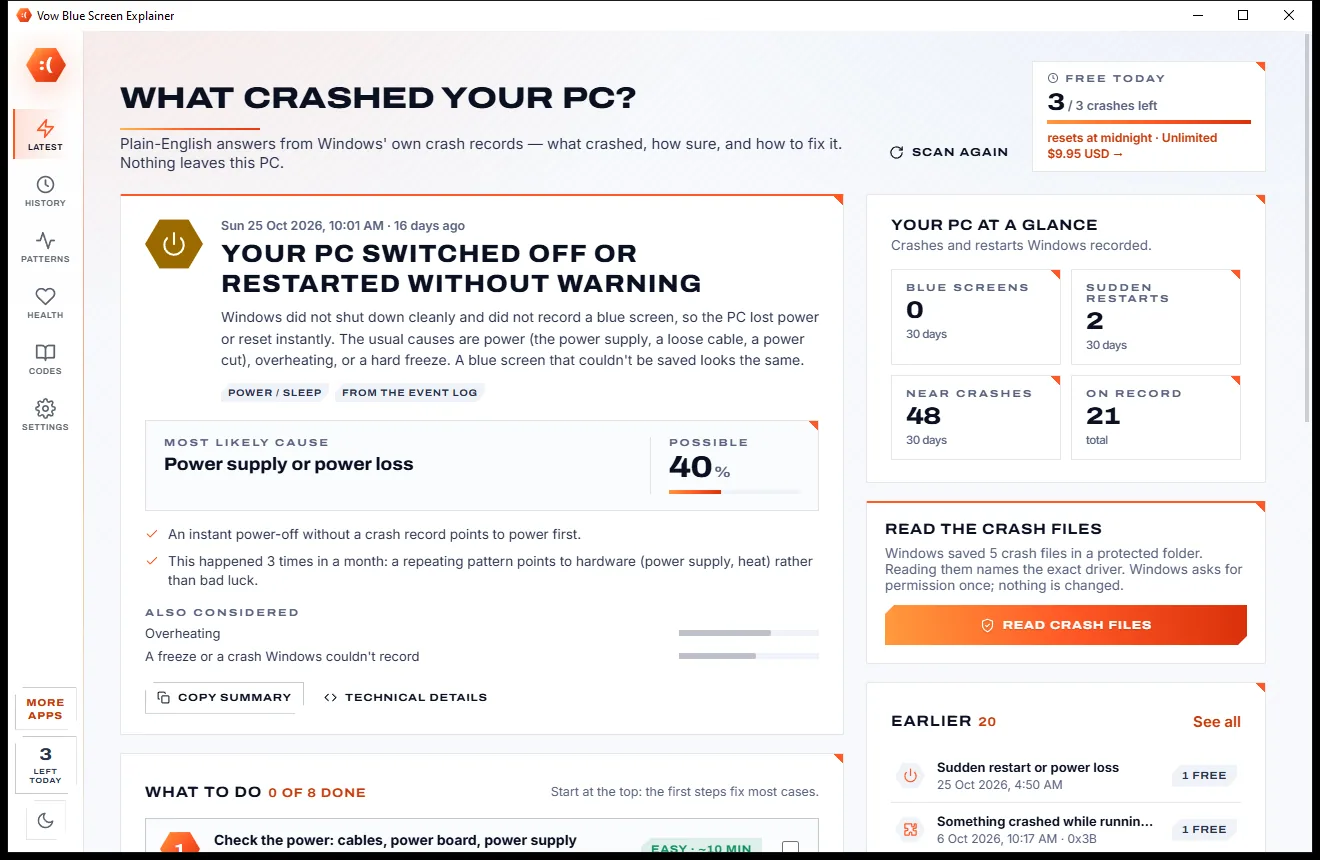
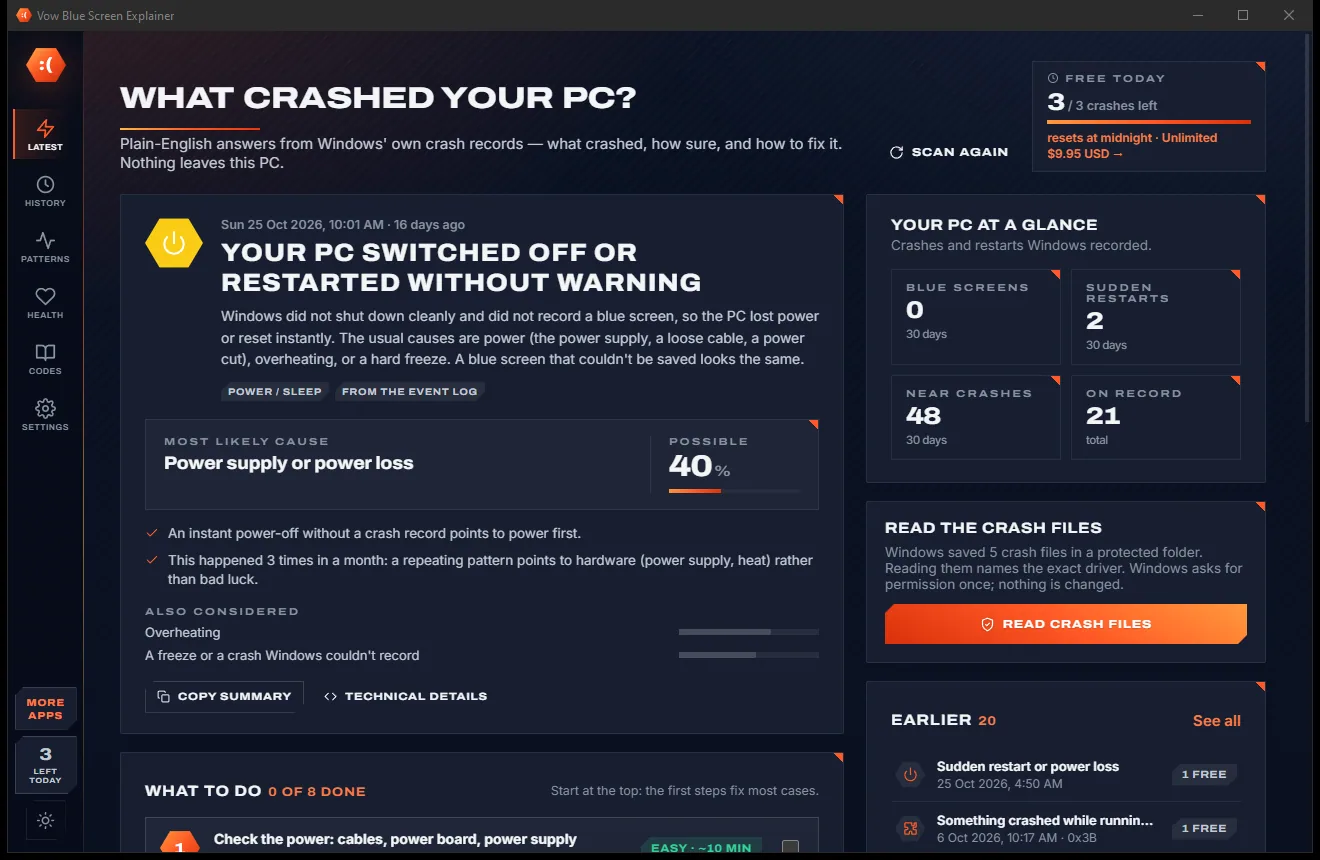
Find out what crashed your PC, in plain English, with the fix
Fix Bluetooth headphones, speakers and mice that won't pair, stutter or play. Free to use every day, $4.95 once if you ever want Unlimited.