
Audio
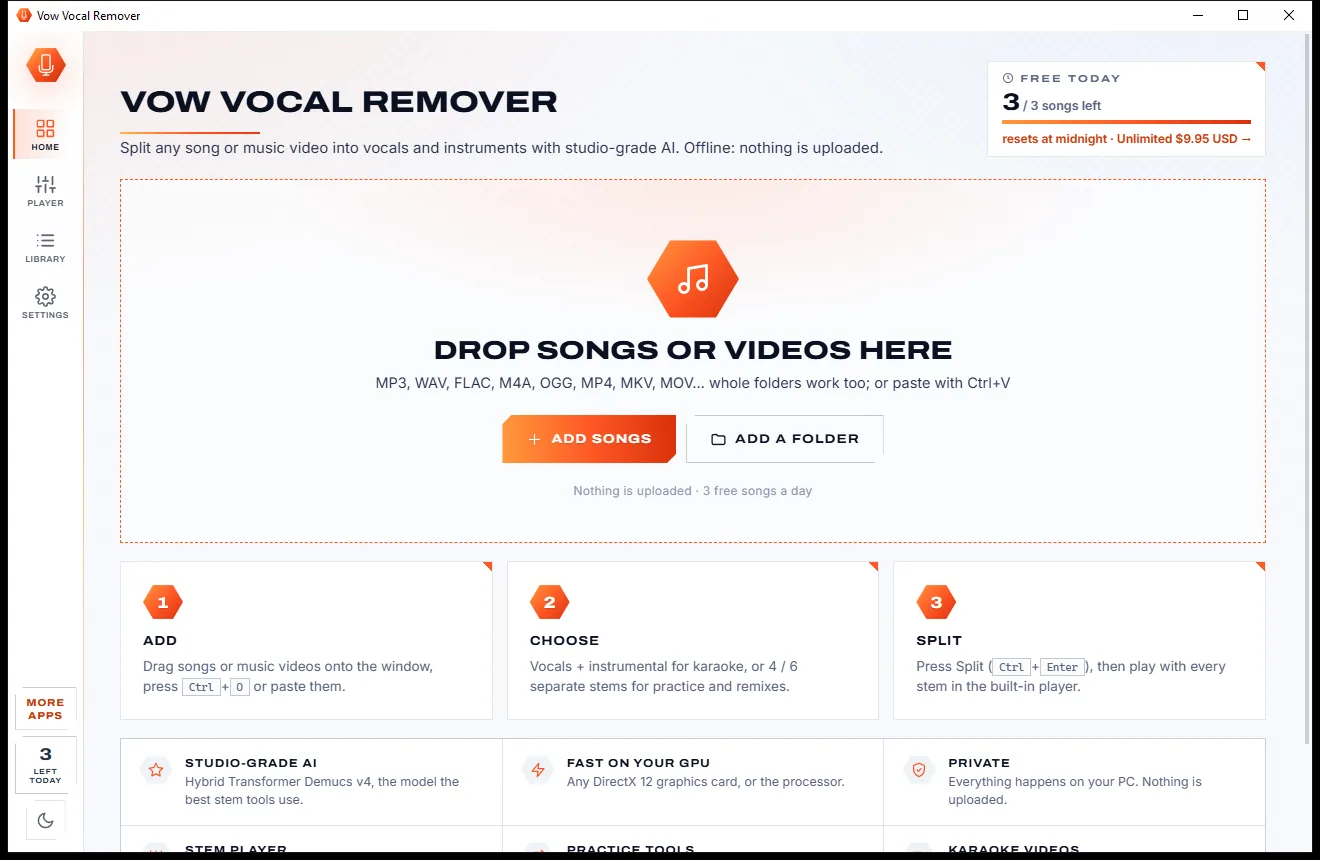
Vow Vocal Remover
Remove vocals from any song, offline, in two clicks
- Free: 3 songs a day, vocals + instrumental, the full stem player
- $9.95 once: Unlimited songs, 4 and 6 stems, lossless WAV and FLAC

Offline audio converter for Windows
Drop in M4A, FLAC, OPUS, WMA, APE or even a video and get MP3 for the car, AAC for your phone or FLAC for the archive. Every result is checked before it is called done, and your music never leaves your PC. No uploads, no size caps, no subscription.
The problem
One file in the wrong format, and suddenly you are pasting music into a website that caps the size, strips the tags and shows you three ads per click.
Online converters want every song on their servers, then make you wait for each file to come back one by one.
A long album or audiobook is too big for the free tier, so you split it, pay up or give up.
Artist, album, track number and the cover art quietly disappear, and your player turns into a list of "Unknown".
Fake download buttons, pop-ups and "recommended offers" between you and a three-minute MP3.
Desktop converters from unknown developers that install toolbars or extra programs along the way.
A 128 kbps file "upgraded" to 320 kbps, or re-encoded for no reason, loses quality and wastes space.
Vow Audio Converter fixes all of it.
How it works
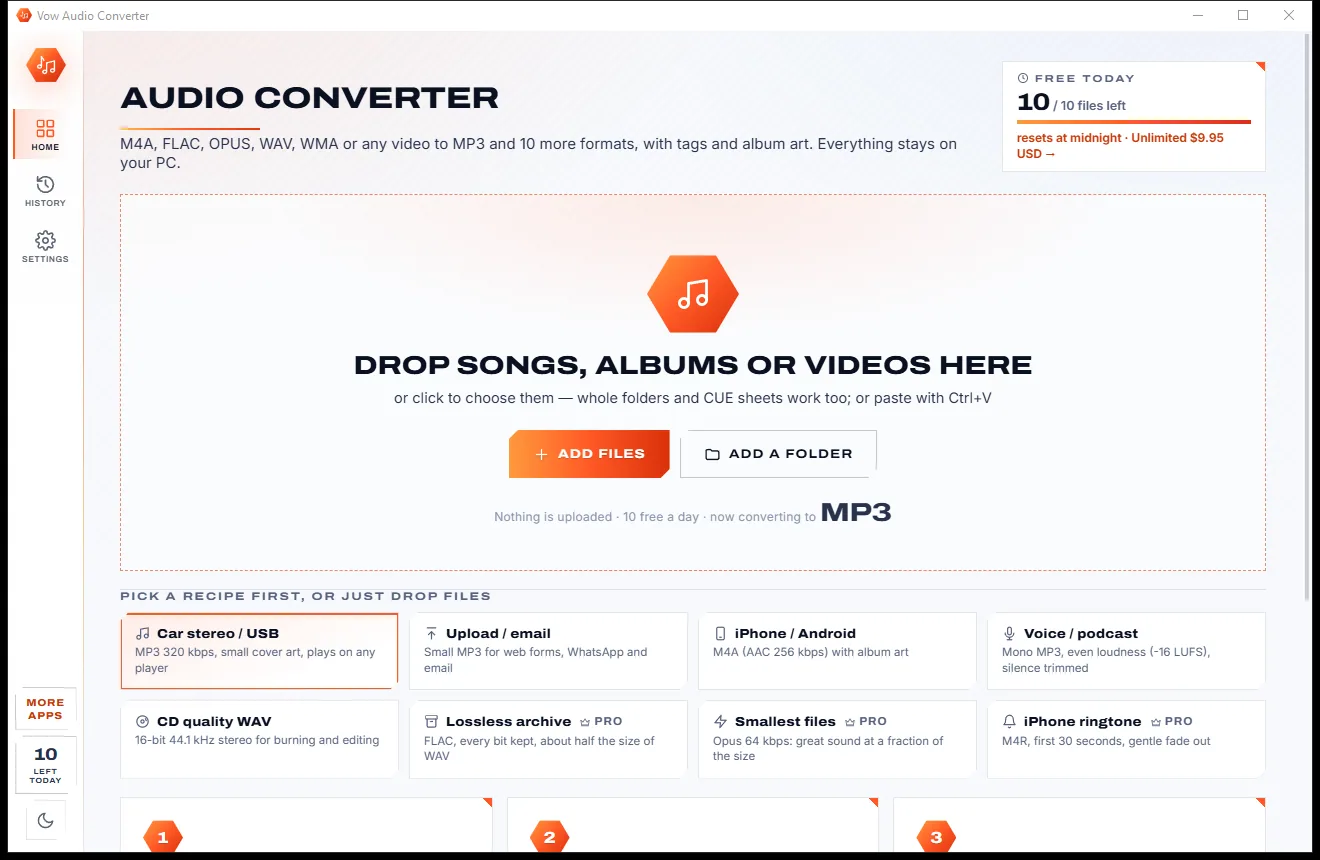
MP3 is already picked for you. Drop the files and press one button, or choose a recipe for your phone, car or archive.
Drag in songs, whole folders, CUE sheets or videos, or paste with Ctrl+V. Each file's format, bit rate, length and cover appear at once.
MP3 is preselected. Or choose a recipe such as Car stereo, iPhone / Android, Voice / podcast or Lossless archive, and a quality from Small to Best.
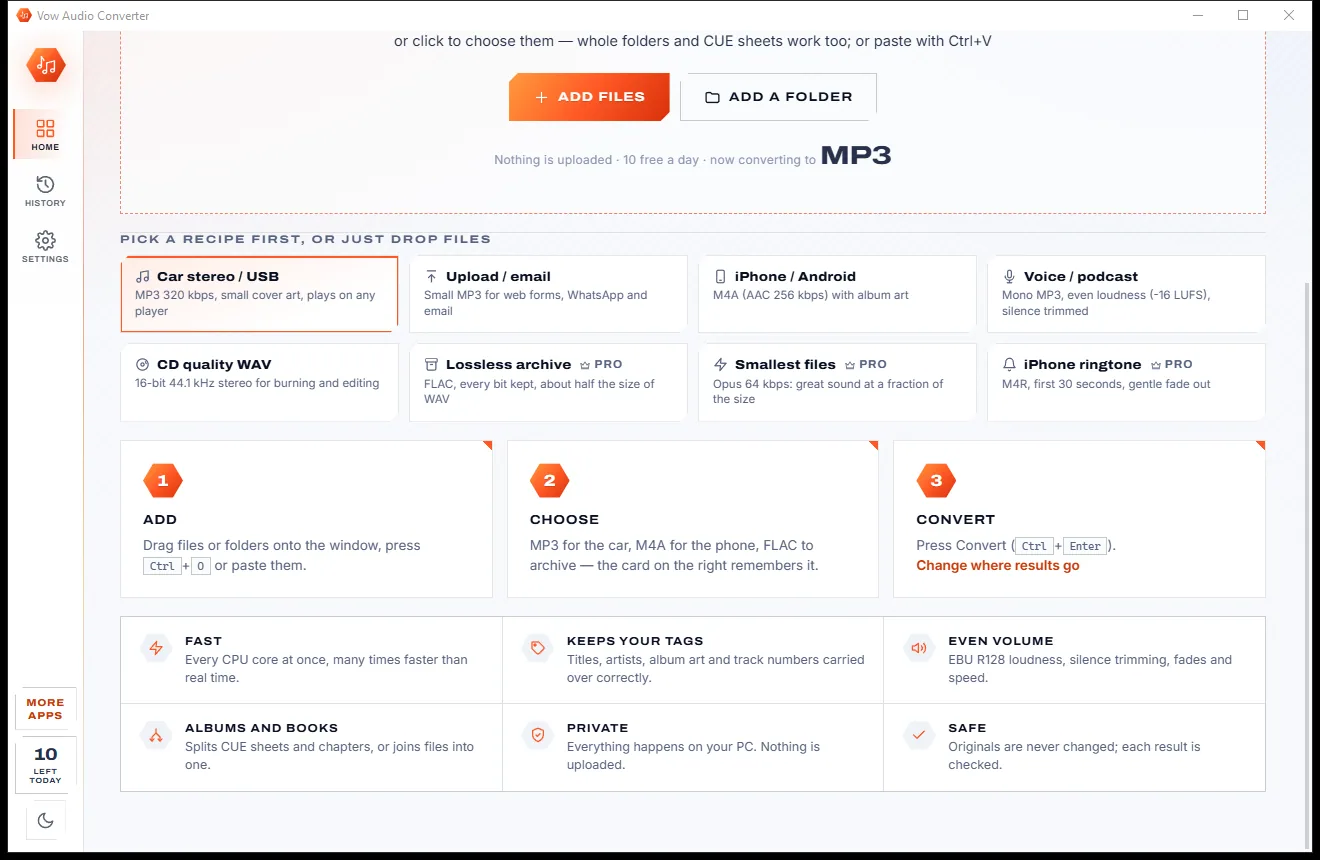
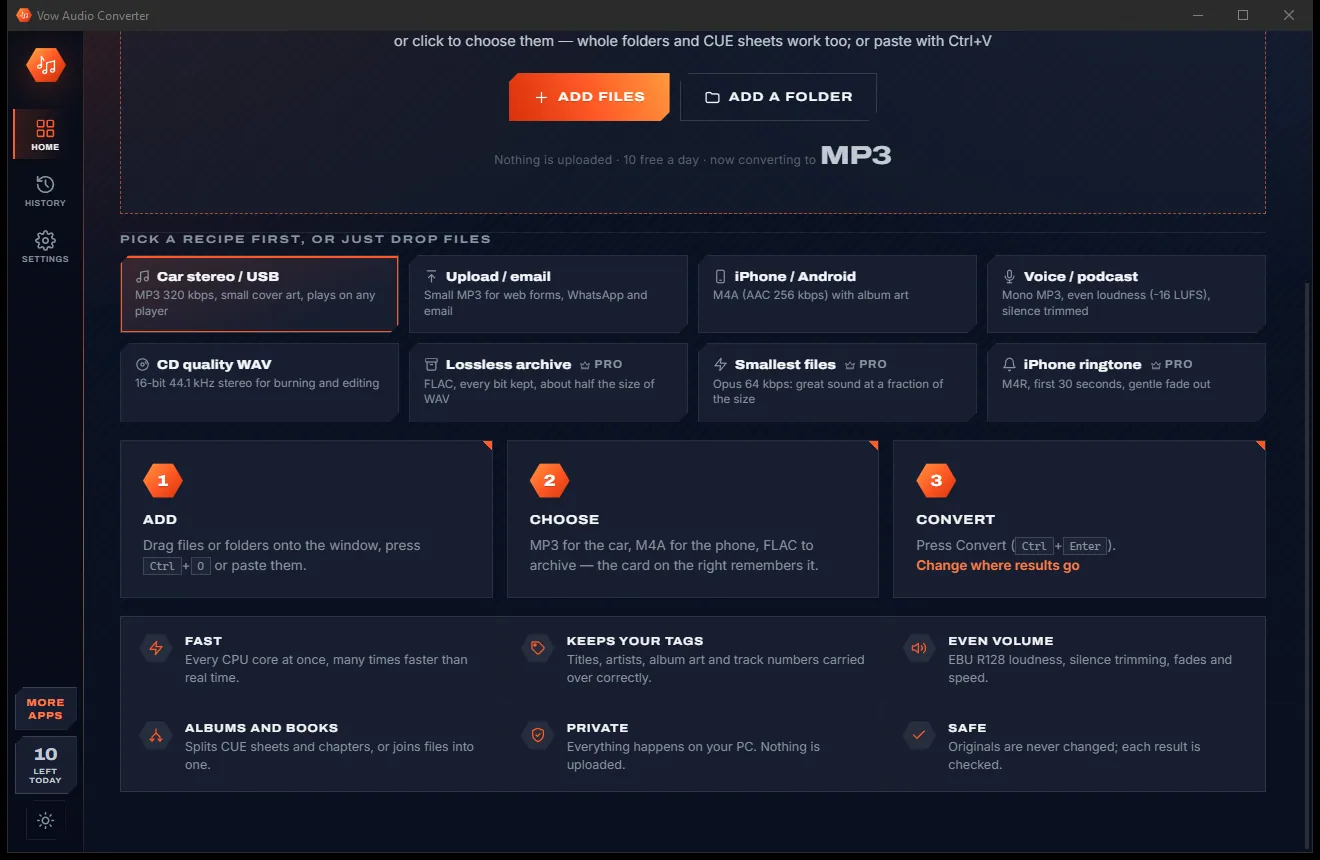
Each row shows its progress, then the new file's name and size with Play and Show buttons. Every result is read back and its length checked.
Features
For music collectors, podcasters, audiobook listeners and anyone with a car stereo that only plays MP3.
MP3, M4A (AAC), WAV, FLAC, OPUS, OGG Vorbis, ALAC, AIFF, WMA, M4R ringtone and AC3, from anything FFmpeg can read.
Title, artist, album, track and the rest carried across, with the cover embedded or taken from the folder's cover.jpg.
Car stereo, Upload / email, iPhone / Android, Voice / podcast, CD quality WAV, Lossless archive, Smallest files and iPhone ringtone.
Two-pass EBU R128 loudness from -9 to -23 LUFS, peak normalise and a gain control, so a playlist plays at one level.
Turn one big album file with a CUE sheet into separate tracks, or an M4B audiobook into its chapters.
Combine a set of files, in any mix of formats, into a single track in the order you choose.
Files already in the right format are copied as they are, and the bit rate is never raised above the source's.
Each new file is probed and its length compared with the original before it is saved. A failed job leaves nothing behind.
Unlimited converts many files at once, one per processor thread, so a whole collection is done in moments.
Fix a title or track number, or convert just part of a file with a start and end time, from the details drawer.
Light & dark theme
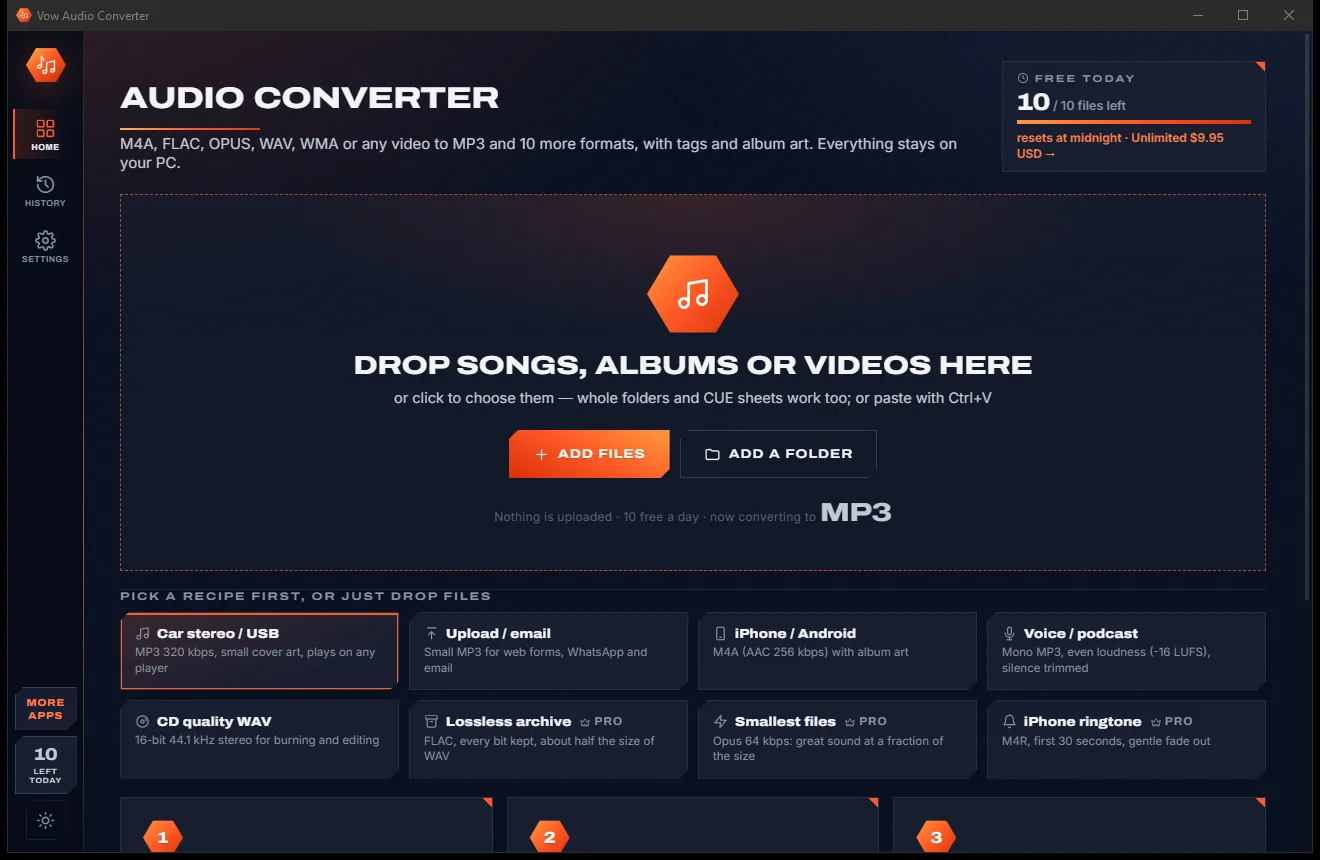
Audio Converter comes with a crisp light theme and a calm dark theme. Switch with one click, or let it follow your Windows setting by itself. It remembers your choice.
Screenshots
Real screenshots of the real app, in both of its themes: 5 light, 5 dark. Click any picture to see it full size.
Light theme
Dark theme
Who it's for
Turn FLAC, M4A or OPUS files into MP3s that any car radio or USB stick player understands.
AAC files with the cover art for iPhone and Android, and M4R ringtones from your favourite chorus.
Archive to FLAC or ALAC without losing a bit, and split CUE albums into properly tagged tracks.
Small mono MP3s at an even -16 LUFS, with silence trimmed from both ends.
Split an M4B into chapters, or join a stack of parts into one file for your player.
Pull the sound track out of an MP4, MKV or MOV and save it as an MP3 or WAV.
Compare
What you really get from a typical online converter or free download, side by side.
| Feature | Vow Audio Converter | Typical online & freeware converters |
|---|---|---|
| Price | Free every day, or $4.95 once | Subscriptions or a paid "pro" tier |
| Your music is uploaded | Never: converted on your PC | Yes, for online converters |
| Ads, pop-ups, bundled offers | None | Common on free converters |
| File size limits | None | Common on free online tiers |
| Tags and album art | Kept (all tags and art with Unlimited) | Often stripped |
| Even loudness (EBU R128) | Two-pass, -9 to -23 LUFS | Rarely |
| CUE and chapter splitting | Yes | Rarely |
| Every result checked | Length verified before saving | Not shown |
| Works without internet | Yes | No, for online tools |
"Typical" describes what we found across the most-downloaded alternatives when we built Audio Converter. Your mileage with any one of them may vary; ours won't.
Pricing
That is not a typo. Software this powerful usually means a monthly subscription; Audio Converter is $4.95, once, for life: it's almost a giveaway. Use it free for as long as you like, and unlock Unlimited only if you need more.
10 files a day to MP3, M4A or WAV, with every sound option.
Almost a giveaway. Less than a coffee for software this powerful: no subscription, no renewals, yours for life on 2 PCs.
Whole folders on every core, all 11 formats, every tag and art.
Payments by Stripe: we never see or store your card. Questions? Ask a real person.
Clean software
Most "free" Windows downloads pay for themselves with ads, bundled extras or your data. Vow Audio Converter doesn't need to: it's paid for honestly, once, by the people who find it useful.
Download Audio Converter freeStep-by-step guide
From a folder of FLAC or M4A files to MP3s that play anywhere, in about a minute.
Step 1: get it freeDownload it from this page and run the installer. It needs no administrator rights and no account, and FFmpeg comes built in, so there is nothing else to find.
Drag in songs, a whole folder, a CUE sheet or a video, or press Ctrl+O. You can also turn on a right-click "Convert with Vow Audio Converter" entry in Explorer.
MP3 with the Car stereo recipe is already selected. Pick Small, Standard, High or Best; the card shows exactly what that means and how big the result will be.
Press Convert or Ctrl+Enter. Each file shows its progress, and every result is read back and its length checked before it is renamed into place.
Use Play or Show on any row. Results go to Music\Vow Audio Converter by default, or next to the originals if you prefer, and the Results card shows the size before and after.
Technical details
FAQ
Yes. You can convert 10 files every day to MP3, M4A or WAV for free, with every quality and sound option and the main tags kept. There are no ads and no watermarks. Unlimited, a one-time $4.95 USD payment, removes the daily limit and adds all 11 formats, every tag and the album art, CUE and chapter splitting, joining and parallel conversion.
No. Every conversion runs on your own PC with the built-in FFmpeg. Your files never leave your computer, there is no account, and the app works with no internet connection.
It opens M4A, FLAC, OPUS, WAV, WMA, AIFF, APE, MP3 and practically any other audio, plus the sound of video files. It saves MP3, M4A and WAV for free, and FLAC, OPUS, OGG Vorbis, ALAC, AIFF, WMA, M4R and AC3 with Unlimited.
The free version keeps title, artist, album and track. Unlimited keeps every tag plus the album art, embedded or taken from the folder's cover.jpg, and can resize it. WAV, WMA, AC3 and M4R files can't hold album art, and the app tells you so before you convert.
As little as possible. Files already in the target format at or below the chosen quality are copied untouched, the bit rate is never raised above the source's, resampling uses the high-quality soxr engine, and lossless formats keep every bit.
Yes, in the free version too. Choose a two-pass EBU R128 loudness target from -9 to -23 LUFS, peak normalise to a ceiling or add a fixed gain. Silence at both ends can be trimmed as well.
Yes, with Unlimited. Drop an album file with its .cue sheet and it becomes separate, tagged tracks; M4B and MKA audiobooks split by their chapters. You can also join several files into one.
Yes. It is made and published by XTO Pty Ltd, an Australian company. The installer contains no ads, no toolbars and no bundled software, needs no administrator rights, and uninstalls cleanly from Windows Settings.
The Vow collection
Same design, same promises, a tiny one-time price. Learn one and you already know them all.
Remove vocals from any song, offline, in two clicks

Cut, fade and clean up any audio, and make ringtones, on your own PC

Remove background noise, hum and echo from any recording, offline
Convert any audio to MP3, FLAC and 9 more formats, tags and all. Free to use every day, $4.95 once if you ever want Unlimited.