
Video
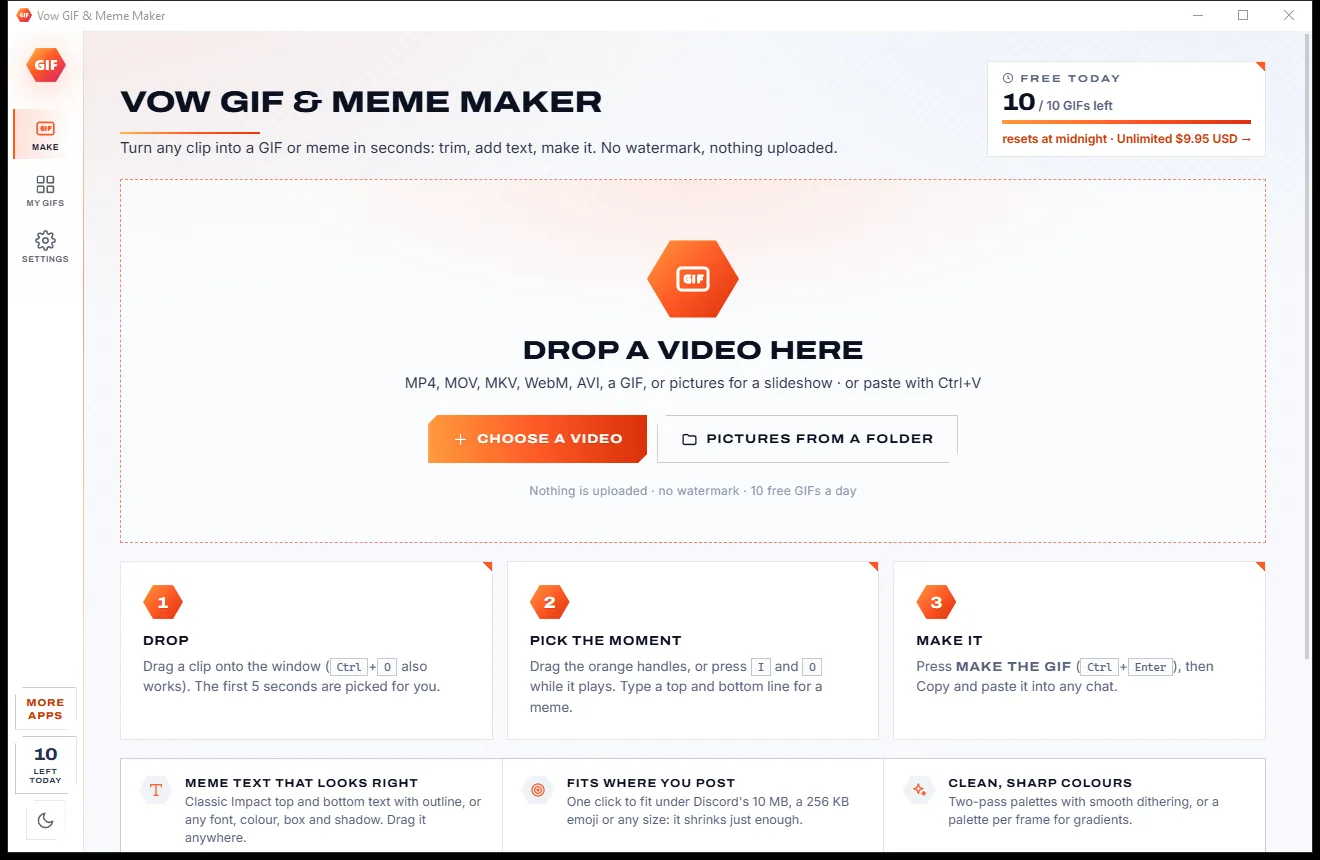
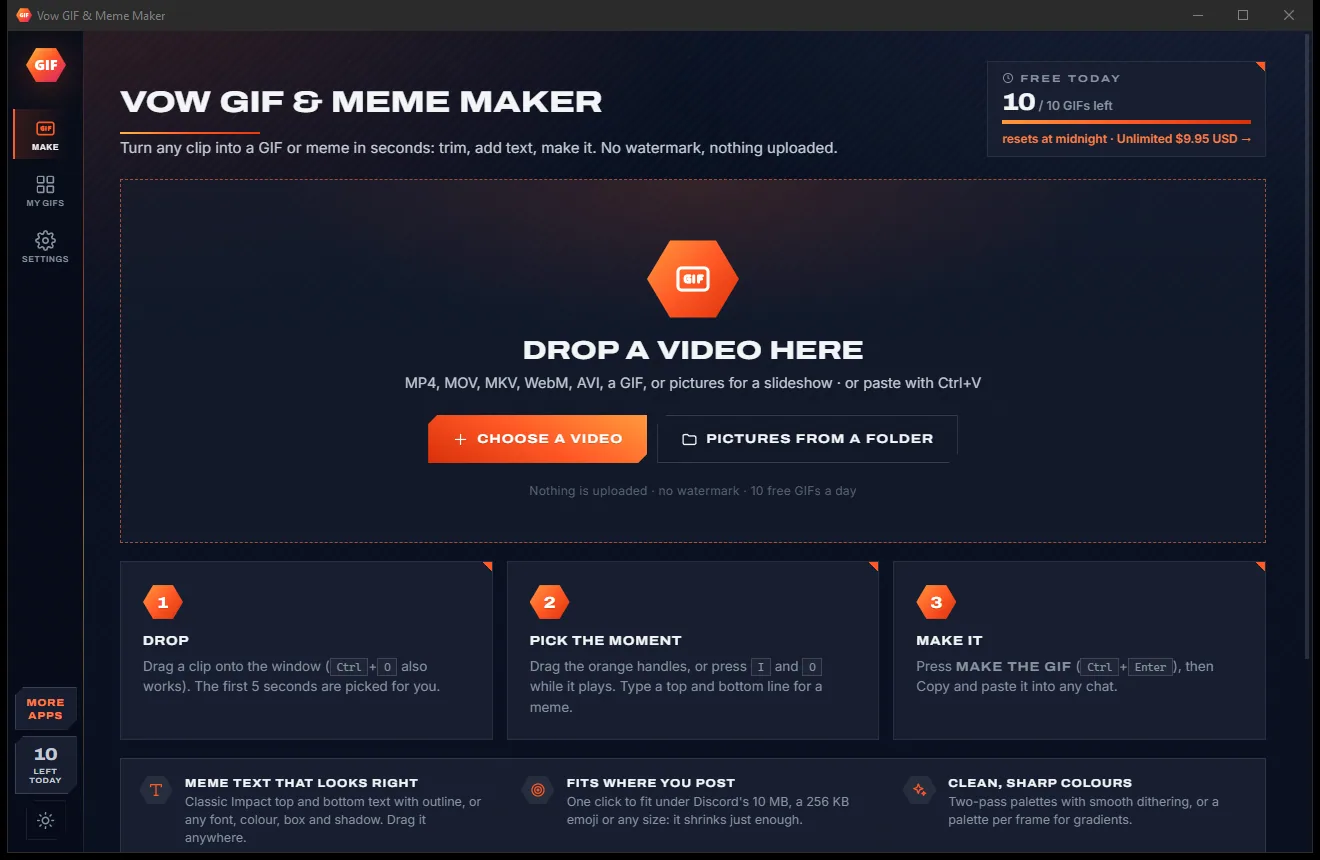
Vow GIF & Meme Maker
Turn any video clip into a GIF or meme, with no watermark
- Free: 10 GIFs a day, up to 10 seconds at 480p, with meme text
- $4.95 once: Any length, HD up to the original size, MP4, WebP and APNG

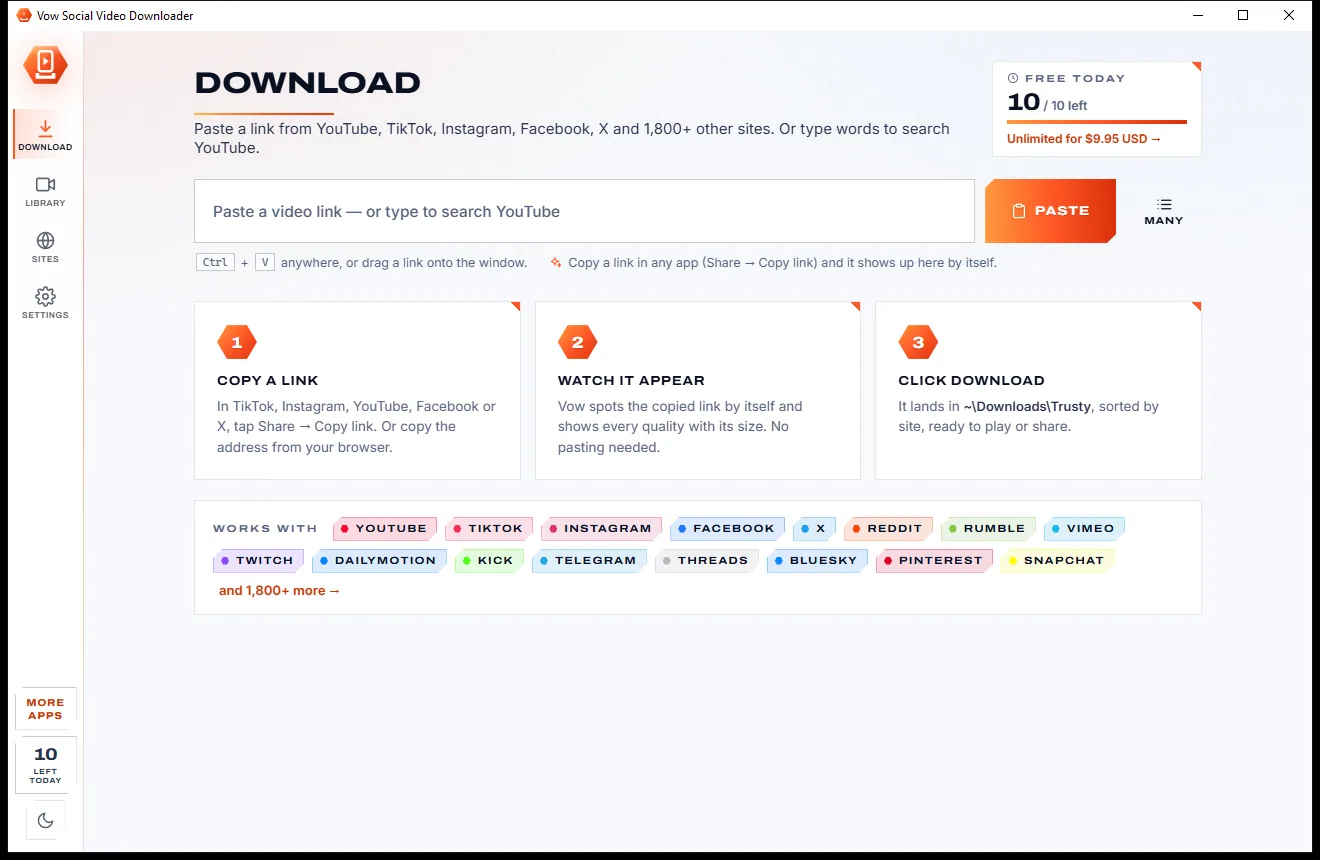
Video downloader for 1,800+ sites
Copy a link in TikTok, Instagram, YouTube, Facebook or X and Vow picks it up by itself, shows every quality with its size and saves it in a folder per site. Clip it, shrink it for Discord or WhatsApp, or grab just the audio. No ads, no account, no subscription.
The problem
Paste a link into a typical online downloader and you are dodging pop-ups, fake Download buttons and "allow notifications" prompts before anything saves.
Online downloaders bury the real button under ads that look just like it, and one wrong click opens something you didn't want.
Pop-ups and new tabs that ask for permissions and keep spamming your desktop long after you leave.
One site for TikTok, another for Instagram, a third for Facebook, each with its own limits and catches.
Many sites only offer a small, blurry copy unless you pay, and never tell you the file size first.
Free downloader apps that come with toolbars, browser hijackers and installers that change your settings.
Monthly plans for a tool most people use now and then, renewing whether you download anything or not.
Vow Social Video Downloader fixes all of it.
How it works
One window for every site, and the video is on your PC in the quality you chose.
In TikTok, Instagram, YouTube, Facebook or X tap Share and Copy link, or copy the browser's address. Vow picks it up by itself. Paste a whole list with Many.
Every quality the site has appears as a tile with its size, from 4K to 144p, plus audio only. MP4 plays everywhere; Best quality keeps HDR.
Click Download and it lands in its own folder per site, with progress, speed and time left. Pause, resume or cancel at any time.
Features
For creators, social media managers and anyone keeping copies of their own posts: simple for one clip, ready for a whole profile.
YouTube, TikTok, Instagram, Facebook, X, Reddit, Vimeo, Twitch, Dailymotion, Bluesky, Pinterest, SoundCloud and many more.
Copy a link anywhere and it appears at once. Or paste with Ctrl+V anywhere, or drag a link onto the window.
Paste a list, or a whole chat or note: every link in it is found, sorted by site and downloaded in one go.
Set a from and to time and only that part is kept, cut frame-exact after the download.
Shrink a video under 10 MB for Discord, 25 MB for email, 100 MB for WhatsApp or any size you type.
Save just the sound as MP3, M4A, Opus, FLAC or WAV, with the cover and details embedded.
Lists show every video with checkboxes, a filter, "Have it" badges and a download only new option.
Search, filter by site, play, copy the file to paste into a chat, or open the original post again.
Parallel downloads that survive restarts, with taskbar progress, a speed limit and sleep or shut down when done.
Switch between light and dark with one click from the sidebar, whichever suits your desk.
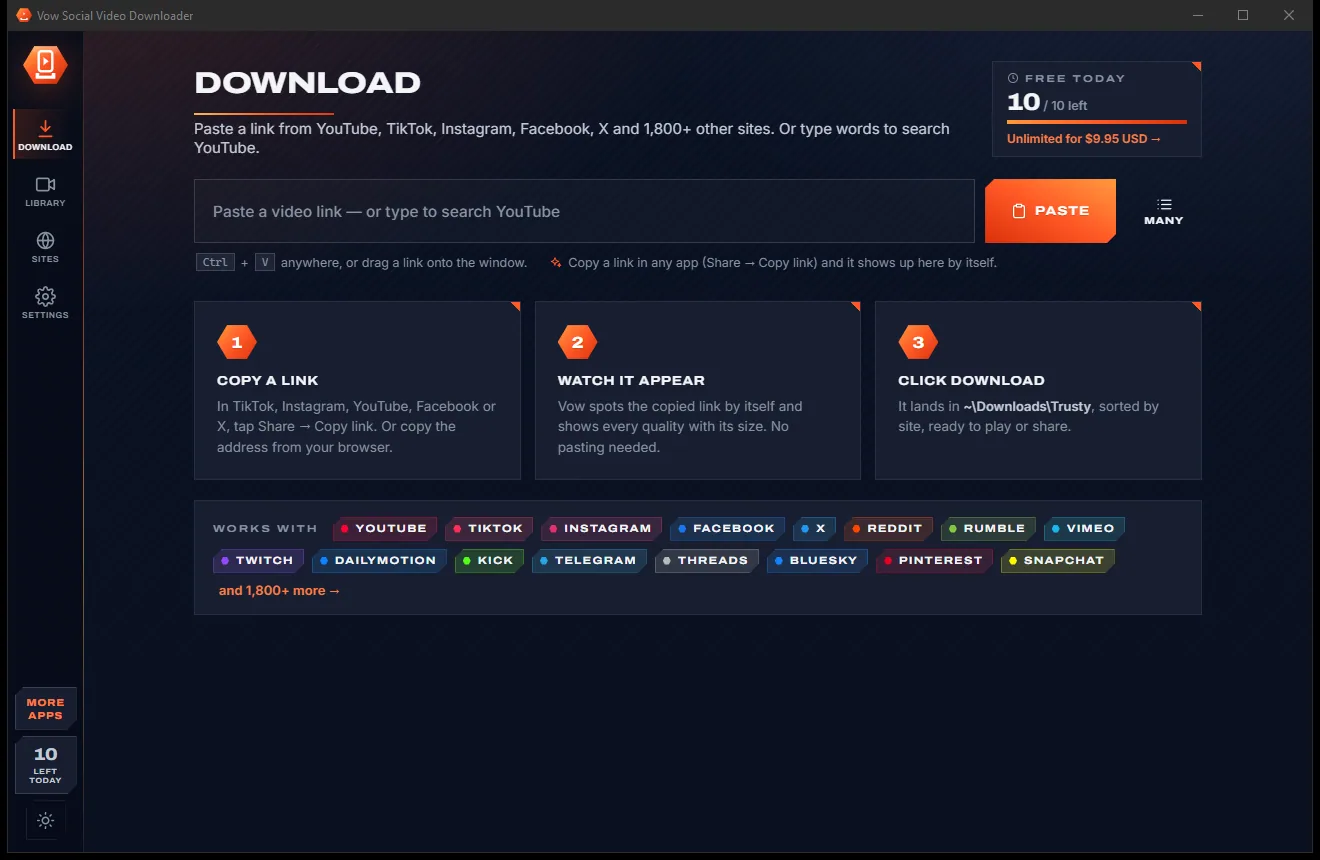
Light & dark theme
Social Video Downloader comes with a crisp light theme and a calm dark theme. Switch with one click, or let it follow your Windows setting by itself. It remembers your choice.
Screenshots
Real screenshots of the real app, in both of its themes: 6 light, 6 dark. Click any picture to see it full size.
Light theme
Dark theme
Who it's for
Keep your own TikToks, Reels and clips in full quality, sorted by site, before an account or post disappears.
Collect approved brand videos from every platform into one library for reports and reposts.
Save openly licensed or permitted videos to play offline in class, without buffering or ads.
Take videos you are allowed to keep on a flight, a commute or anywhere the signal drops.
Clip the moment and shrink it to fit Discord or WhatsApp, then copy the file straight into the chat.
Keep the audio of talks, interviews and podcasts you have the right to save, as MP3 or M4A.
Compare
What you usually get when you search for a video downloader, side by side.
| Feature | Vow Social Video Downloader | Typical download sites & apps |
|---|---|---|
| Price | 10 free a day, or $4.95 once | Ad-funded, or monthly plans |
| Ads, pop-ups, fake buttons | None, ever | Common on download sites |
| Sites in one app | 1,800+ | Often one site per tool |
| Every quality with its size | Yes, 4K to 144p and audio | Often low quality only |
| Many links at once | Paste a whole list or chat | Rarely |
| Clip and shrink for Discord or WhatsApp | Built in | Rarely |
| Bundled toolbars and extras | None | Common in free apps |
| Account needed | No | Sometimes |
"Typical" describes what we found across the most-downloaded alternatives when we built Social Video Downloader. Your mileage with any one of them may vary; ours won't.
Pricing
That is not a typo. Software this powerful usually means a monthly subscription; Social Video Downloader is $4.95, once, for life: it's almost a giveaway. Use it free for as long as you like, and unlock Unlimited only if you need more.
10 downloads a day from every site, every quality, clips included.
Almost a giveaway. Less than a coffee for software this powerful: no subscription, no renewals, yours for life on 2 PCs.
Unlimited downloads, whole profiles, playlists and link lists.
Payments by Stripe: we never see or store your card. Questions? Ask a real person.
Clean software
Most "free" Windows downloads pay for themselves with ads, bundled extras or your data. Vow Social Video Downloader doesn't need to: it's paid for honestly, once, by the people who find it useful.
Download Social Video Downloader freeStep-by-step guide
Save a video from TikTok, Instagram, Facebook, X or YouTube in about a minute.
Step 1: get it freeGet Vow Social Video Downloader from this page and run the installer. It installs for your user only, with no administrator rights and no account, or use the portable version.
In the TikTok, Instagram, Facebook or X app or website, tap Share and Copy link. On a computer you can copy the address from the browser instead.
The copied link is picked up by itself and the video appears with every quality the site offers and the size of each. You can also paste with Ctrl+V or drag the link onto the window.
Pick a tile, such as 1080p or audio only. Open More to keep only a part of the video, shrink it to fit Discord or WhatsApp, or add subtitles.
The video saves to Downloads\Vow, in a folder named after the site. Play it from the Library, open its folder, or copy the file to paste into a chat.
Technical details
FAQ
Yes. You can download 10 videos every day for free, from every site and in every quality, with clips, shrink-to-fit, subtitles and playlists included. Extra downloads wait and start by themselves after midnight. Unlimited, a one-time $4.95 USD payment, removes the daily limit for life on up to 2 PCs.
More than 1,800, including YouTube, TikTok, Instagram, Facebook, X, Reddit, Rumble, Vimeo, Twitch, Dailymotion, Kick, Telegram, Threads, Bluesky, Pinterest, Snapchat, LinkedIn, Bilibili and SoundCloud. If a site has a video, paste its link and try.
Use it for videos you own, videos in the public domain or under licences that allow it, such as Creative Commons, and videos the owner lets you save. Respect each site's terms and the creator's rights. It does not get around DRM or copy protection.
Yes. Playlists, channels, profiles and posts with several videos show every video with a checkbox, a filter, first 10 or 50, and "Have it" badges so you can download only what is new. Each list goes into its own numbered folder.
Yes. Open More before you download and choose 10 MB for Discord, 25 MB for email, 100 MB for WhatsApp or type any size. The video is re-encoded until it fits, using your graphics card when it can.
Choose MP4 and it plays everywhere. When a site only sends HEVC, VP9 or AV1, Vow converts it to H.264 at a bit rate matched to the source. Best quality keeps the original codecs and HDR in MKV.
It uses yt-dlp, the well-known open-source download engine, and keeps it up to date every day. When a download fails because a site has changed, it updates the engine and tries again by itself.
Yes. It is made and published by XTO Pty Ltd, an Australian company. The installer contains no ads, no toolbars and no bundled software, needs no administrator rights, and uninstalls cleanly from Windows Settings.
The Vow collection
Same design, same promises, a tiny one-time price. Learn one and you already know them all.
Turn any video clip into a GIF or meme, with no watermark

Steady any shaky video in one click, right on your PC

Turn home DVDs, camcorder clips and tapes into MP4s that play anywhere
Save videos from 1,800+ sites in the quality you choose. Free to use every day, $4.95 once if you ever want Unlimited.