
Productivity
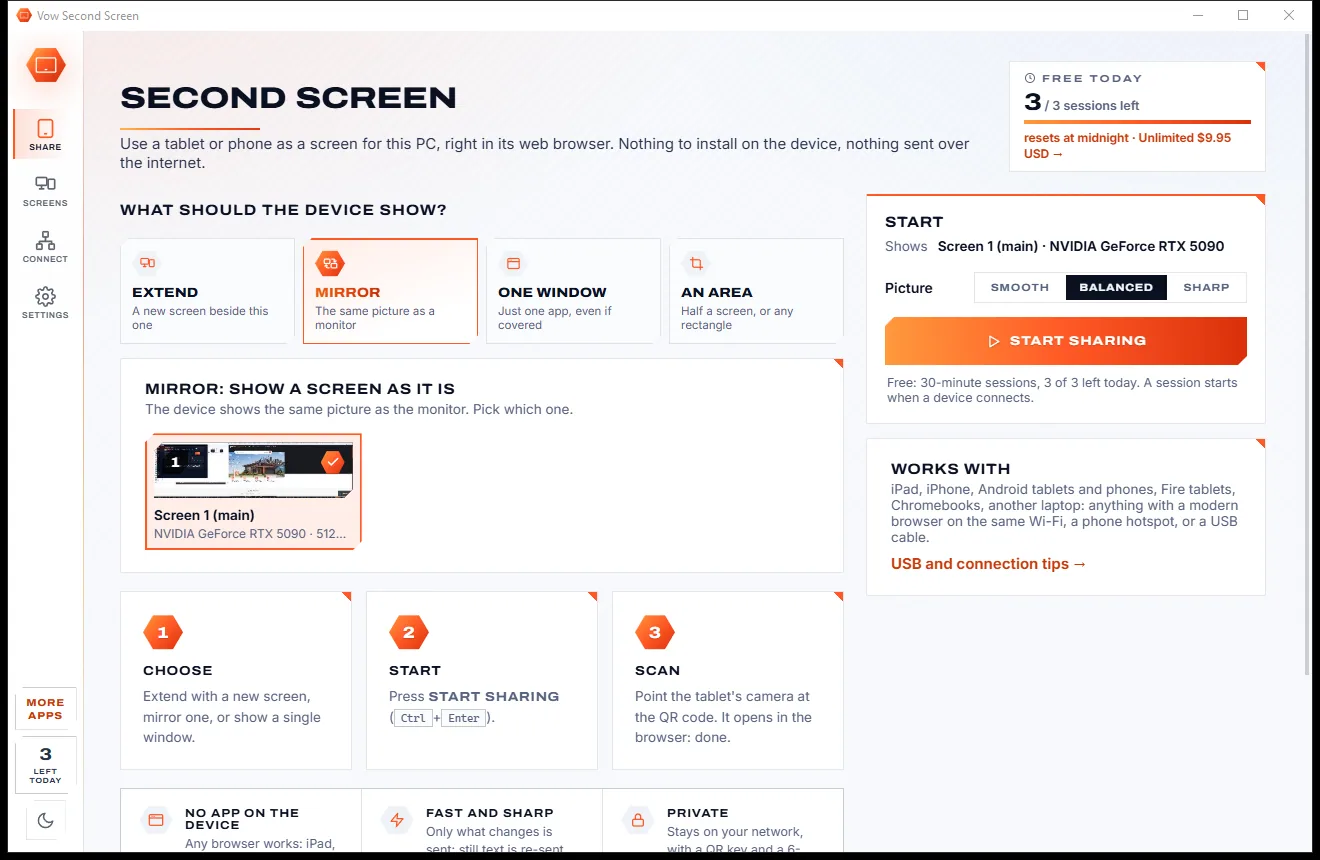
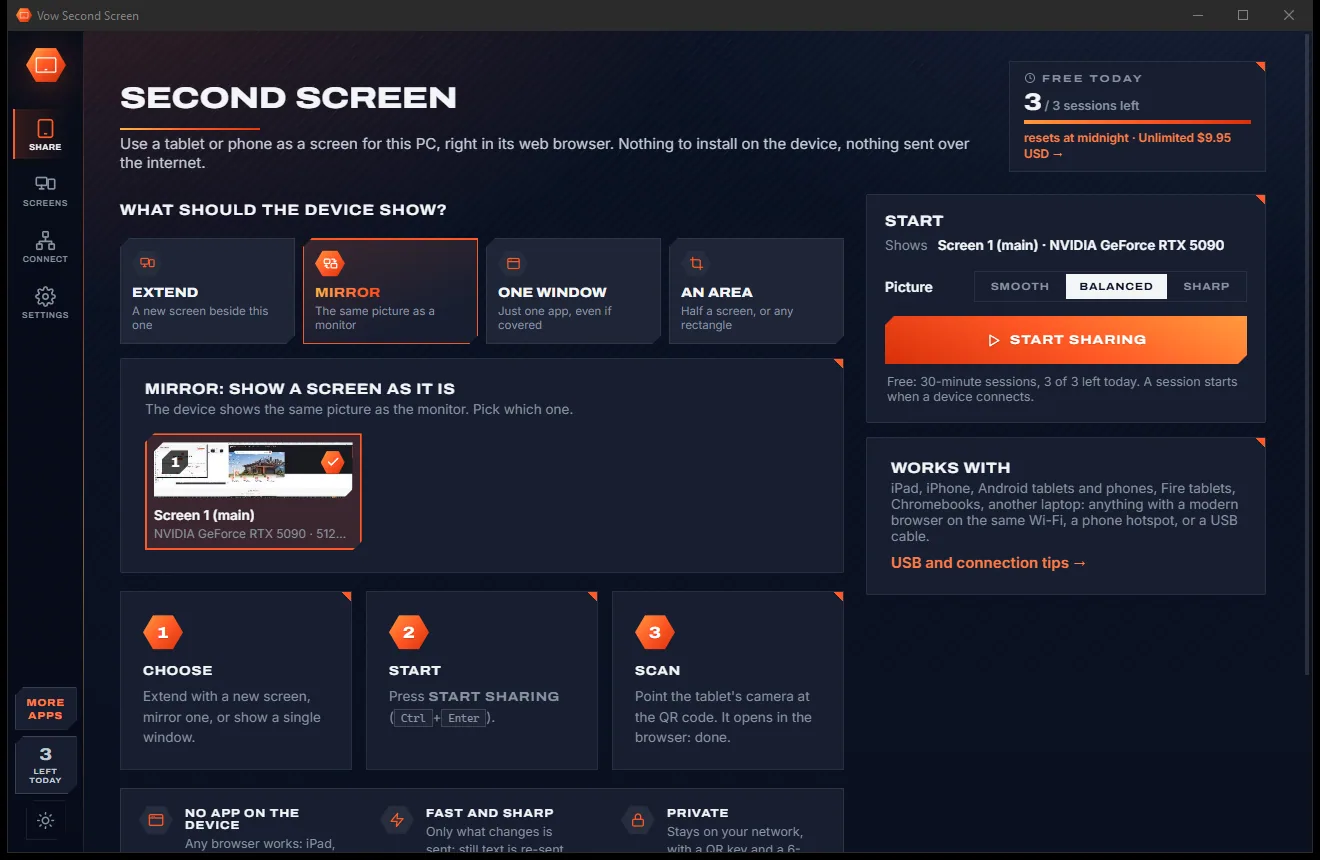
Vow Second Screen
Turn a tablet or phone into a second screen for your PC, in its browser
- Free: 3 sessions a day of 30 minutes, HD picture, view only, one device
- $4.95 once: Any length, up to 4K, touch, pen and keyboard, up to 6 devices

Mouse & keyboard macro recorder for Windows
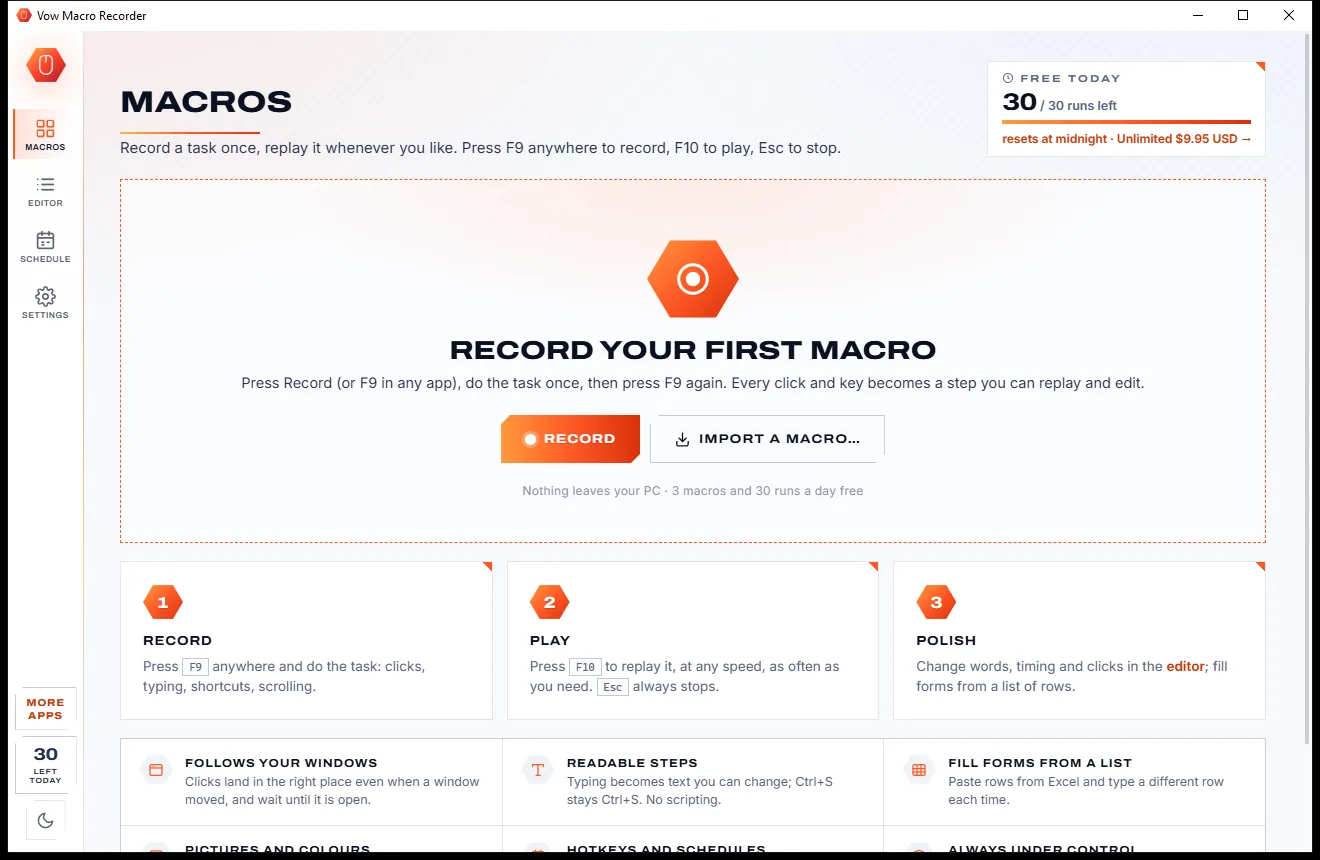
Press F9, do the task, press F9 again. Vow Macro Recorder turns every click and key into readable steps you can replay with F10, repeat, speed up, or run once per row of a spreadsheet. No scripts to learn, nothing uploaded.
The problem
Record a task, replay it, and the clicks land in empty space. Or the tool that doesn't break wants you to write code.
Most recorders replay fixed screen positions. Move a window or change screens and the macro clicks into nothing.
Simple recorders save a blob you can only replay or re-record. Fixing one wrong key means doing it all again.
The flexible tools turn your task into code. Great for programmers, a wall of syntax for everyone else.
A program takes a second longer to open and the macro is already typing into the wrong window.
Pro editions, expiring trials and per-seat licences for what should be a simple tool.
Free "auto clickers" from unknown sites, wrapped in installers that bring ads and extras along.
Vow Macro Recorder fixes all of it.
How it works
One key to record, one key to play, and plain-English steps whenever you want to change something.
Press F9 in any app, or the big Record button, do the task, then press F9 again. Clicks, typing, shortcuts and scrolling are all captured.
Press F10 from any app. Choose 1/2x to 4x or Max speed and how many times to repeat. Esc always stops it.
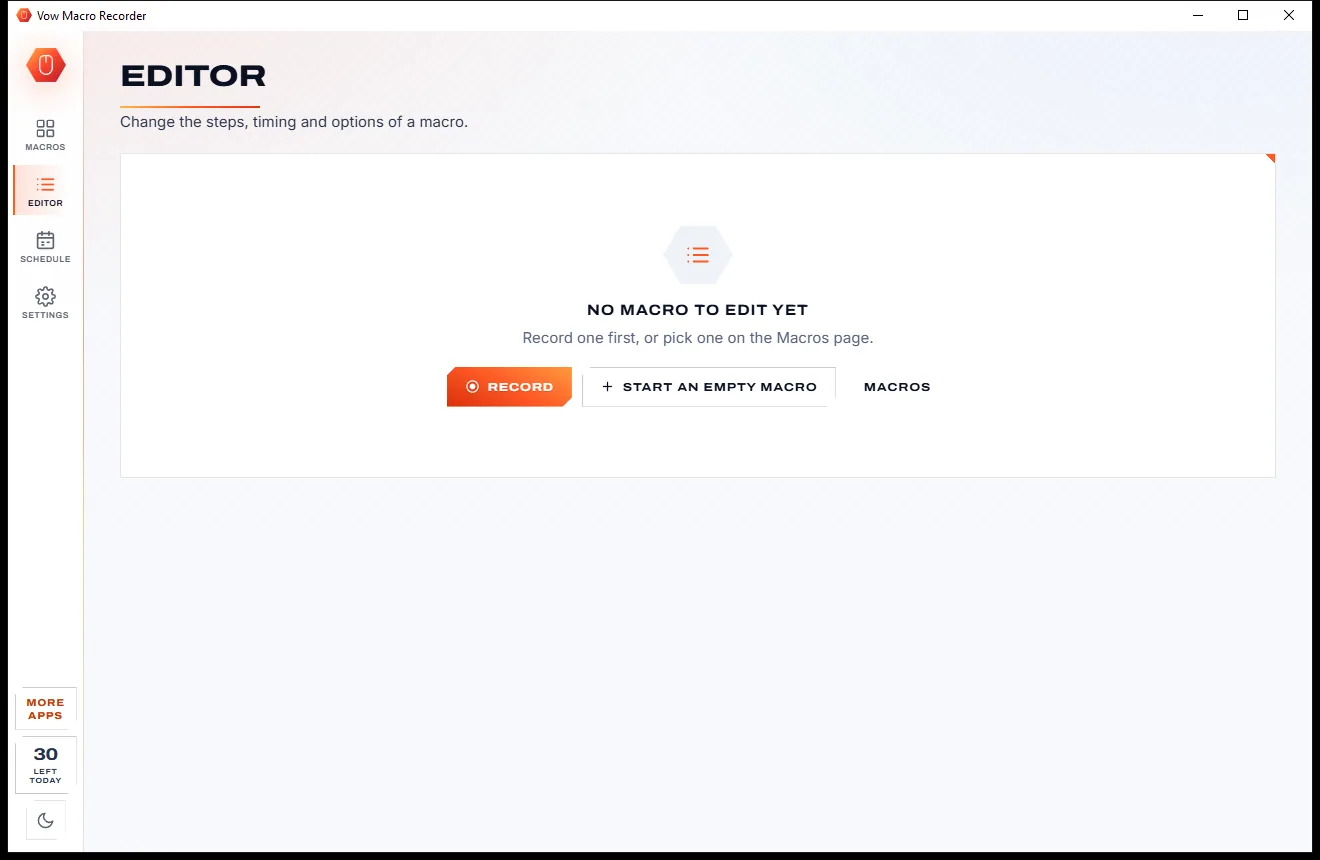
Change text, keys, timing and positions in plain-English steps, add waits and picture steps, or fill a form once per data row.
Features
For office routines, data entry, testing and anything you click through more than twice.
"Double-click at 1210, 82 in Excel", "Press Ctrl+S", "Type 'Hello'". Change any of them without re-recording.
Clicks remember their window, so they still land in the right place when the window has moved.
Before a click it waits until its window is open, and can wait for a window to close, a colour or a picture.
Paste rows from Excel or a CSV and type {Name}, {Email} and {Phone} into a form, once per row.
Point at a button or icon and the macro finds it anywhere on screen, clicks it, or waits until it's gone.
Half speed to four times, a custom percentage, or Max with no pauses. Add a little jitter to look human.
Remove or thin the mouse path, cap long coffee-break pauses, or make the whole macro twice as fast.
With Unlimited, give each macro its own hotkey, or run it every weekday at 9:00, every N minutes or at app start.
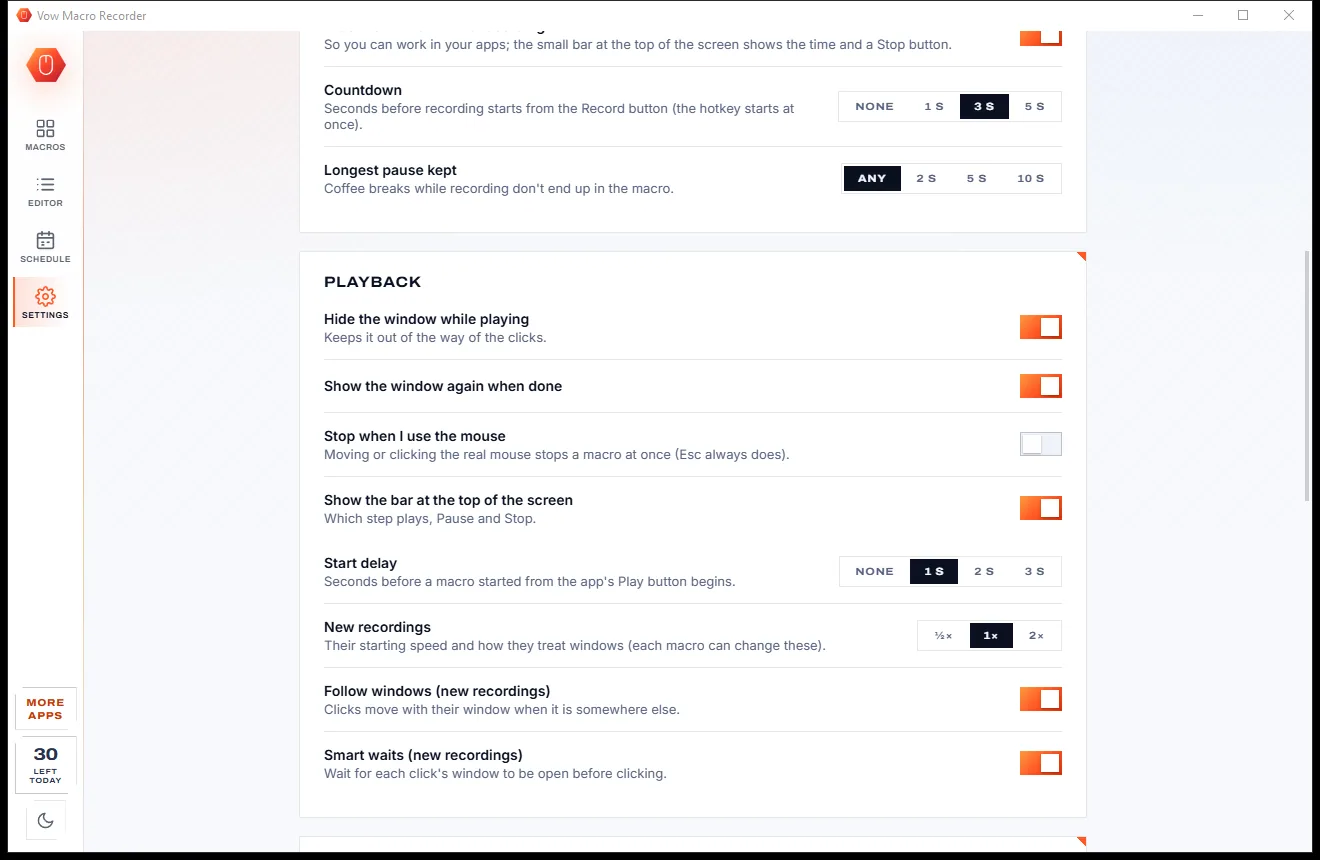
Esc stops any macro and releases every key and button it held. It can also stop when you touch the mouse.
Export a macro as a .tmacro file with its pictures, as an AutoHotkey v2 script, or as a desktop shortcut that plays it.
Light & dark theme
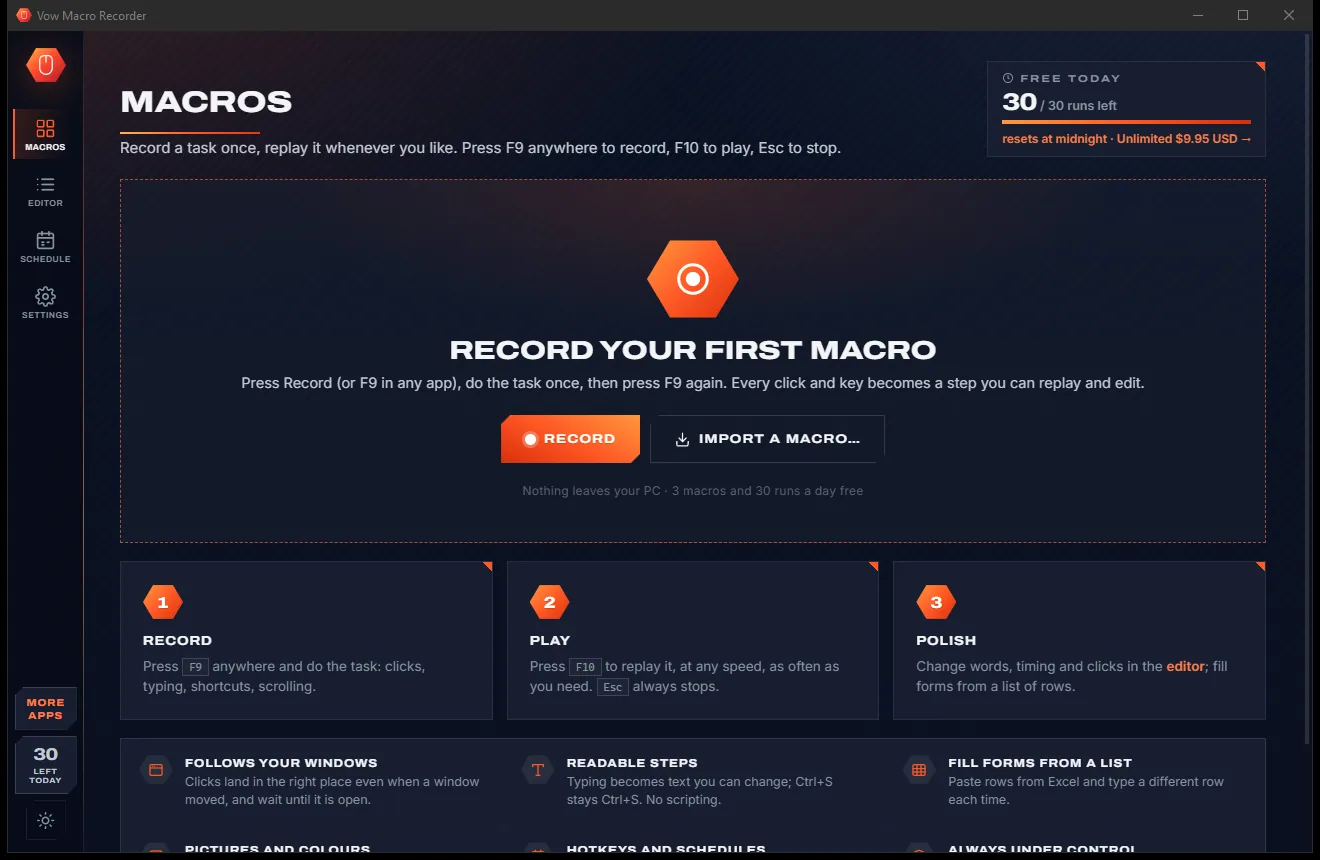
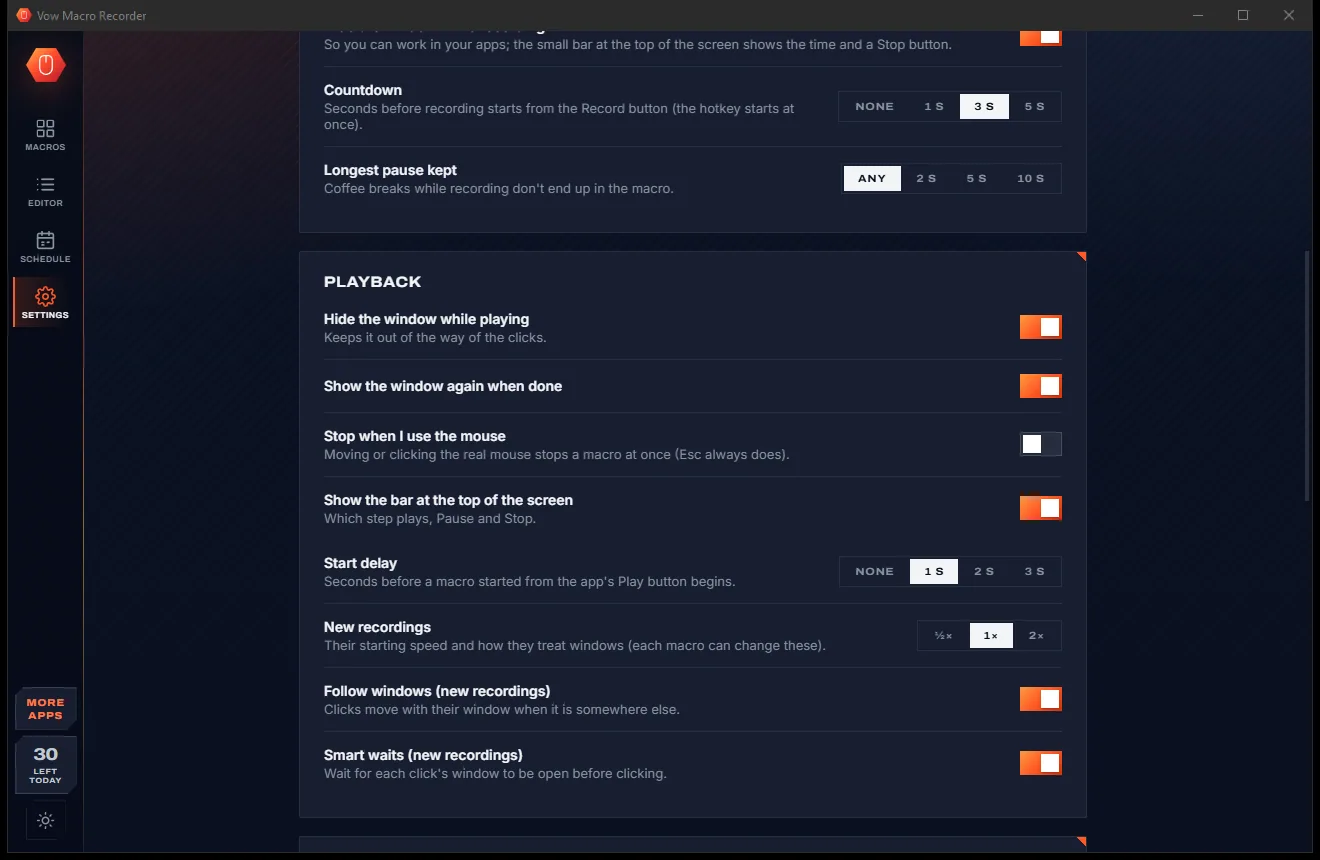
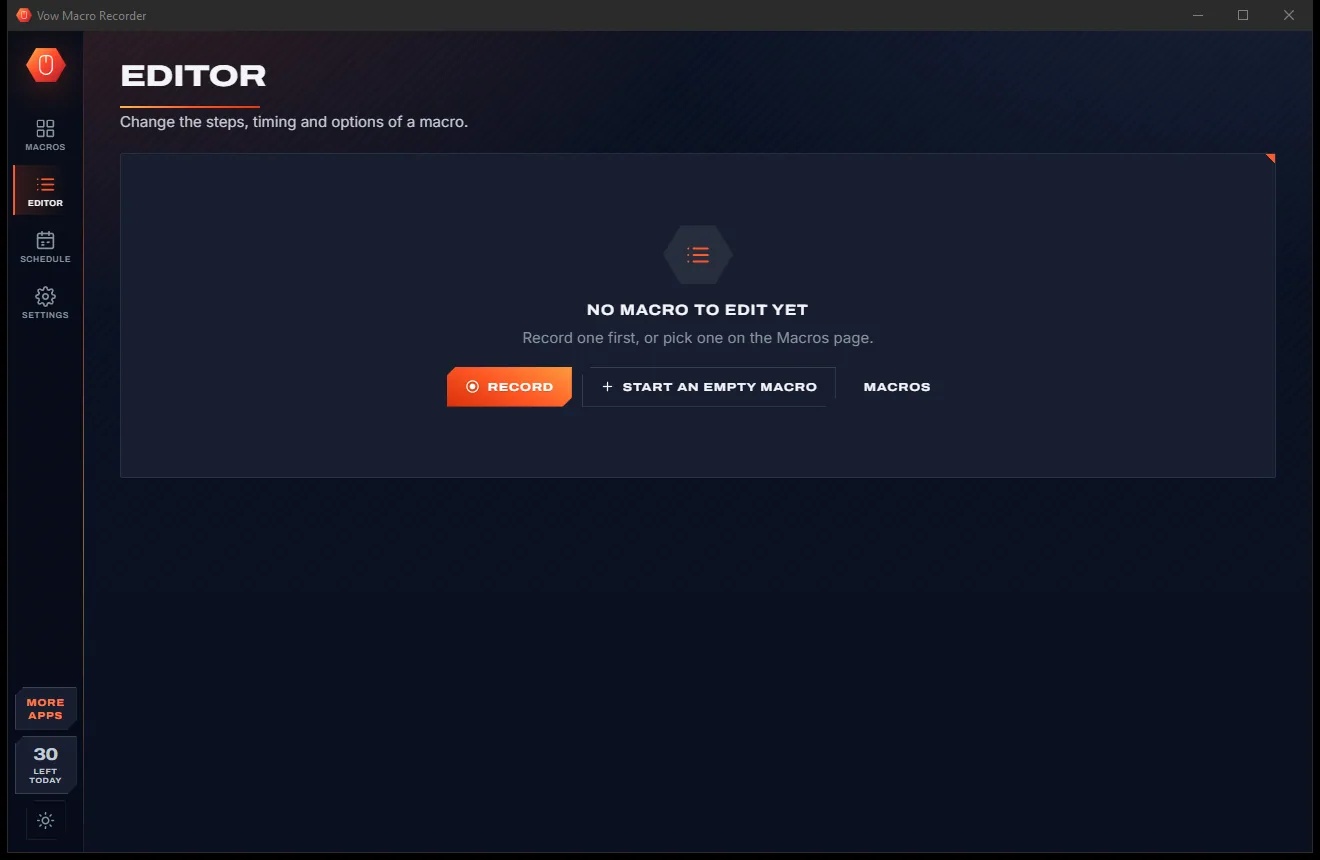
Macro Recorder comes with a crisp light theme and a calm dark theme. Switch with one click, or let it follow your Windows setting by itself. It remembers your choice.
Screenshots
Real screenshots of the real app, in both of its themes: 6 light, 6 dark. Click any picture to see it full size.
Light theme
Dark theme
Who it's for
Type a list of contacts, orders or records into any form, one row at a time, while you get on with something else.
The weekly report, the export-and-save, the same twelve clicks every morning, replayed with one key.
Replay the same steps through an app after every build, with waits for windows and pictures.
Repeat the same lookups and updates in older systems that have no automation of their own.
Record raw keys with scan codes for games, and replay them at the speed you choose, in single-player games that allow it.
Fewer repeated clicks and keystrokes for anyone who wants to cut down on strain.
Compare
Simple recorders, scripting tools and pricey suites, side by side.
| Feature | Vow Macro Recorder | Typical macro recorders |
|---|---|---|
| Readable, editable steps | Plain English, change any step | A blob to re-record, or a script |
| Clicks follow a moved window | Yes, by default | Most replay fixed screen positions |
| Waits for windows, colours and pictures | Built in | Scripting tools only |
| Data-entry rows from Excel or CSV | Built in | Rare without scripting |
| Correct on mixed-DPI monitors | Yes, physical pixels | Often off on scaled screens |
| Hotkeys and schedules | Yes (Unlimited) | Usually a pro edition |
| Price | Free every day, or $9.95 once | Trials, pro editions or subscriptions |
| Ads and bundled extras | None, ever | Common in free clicker downloads |
"Typical" describes what we found across the most-downloaded alternatives when we built Macro Recorder. Your mileage with any one of them may vary; ours won't.
Pricing
That is not a typo. Software this powerful usually means a monthly subscription; Macro Recorder is $9.95, once, for life: it's almost a giveaway. Use it free for as long as you like, and unlock Unlimited only if you need more.
3 saved macros, 30 runs a day, every step type and editing tool.
Almost a giveaway. Less than a takeaway lunch for software this powerful: no subscription, no renewals, yours for life on 2 PCs.
Unlimited macros and runs, hotkeys, schedules, endless repeats.
Payments by Stripe: we never see or store your card. Questions? Ask a real person.
Clean software
Most "free" Windows downloads pay for themselves with ads, bundled extras or your data. Vow Macro Recorder doesn't need to: it's paid for honestly, once, by the people who find it useful.
Download Macro Recorder freeStep-by-step guide
Your first macro takes as long as the task itself. Replaying it takes one key.
Step 1: get it freeDownload it from this page and run the installer. It needs no administrator rights and no account, and everything stays on your PC.
On the Macros page pick Everything, Clicks & keys, Keyboard only or Mouse only. Clicks & keys leaves out the mouse path for a lean macro.
Press F9 in any app (or Record, which starts after a 3-second countdown). A small bar shows the time and actions. Press F9 again to stop.
Pick a speed and how many times to repeat, then press F10 or Play. Press Esc at any moment to stop.
Open the Editor to change typed text, keys, positions (with Pick on screen) or timing, add waits, or test a single step.
Technical details
FAQ
Yes. You can keep 3 saved macros and run them 30 times a day, with every step type, the full editor, smart waits, picture steps and AutoHotkey export. There are no ads and no expiring trial. Unlimited, a one-time $9.95 USD payment, adds unlimited macros and runs, per-macro hotkeys, schedules and endless repeats.
No. You record by doing the task, and the macro is shown as plain-English steps such as "Click at 754, 356 in Excel" or "Press Ctrl+S". Changing a step means editing a box, not a script.
Clicks remember the window they belong to, so they still land in the right spot when it has moved, and wait until it is open before clicking. Positions are in physical pixels, so mixed-DPI monitors work too.
TinyTask saves a recording you can only replay as a whole; Vow shows readable steps you can change one by one. Pulover's Macro Creator builds a script; Vow keeps it point and click, with window-following clicks, smart waits and data-entry rows built in.
Yes. Paste rows from Excel or a CSV on the Data tab, use {Name}, {Email} or {1}, {2} in the typed text, and set Repeat to once per row. The free version handles 5 rows per run.
Press Esc. Every key and mouse button the macro was holding is released straight away. You can also make playback stop as soon as you touch the mouse.
No. Recording and playback happen entirely on your PC. Macros are saved as readable files in your user folder and nothing is sent anywhere.
Yes. It is made and published by XTO Pty Ltd, an Australian company. There are no ads, no bundled software and no account, it needs no administrator rights, and it uninstalls cleanly from Windows Settings.
The Vow collection
Same design, same promises, a tiny one-time price. Learn one and you already know them all.
Turn a tablet or phone into a second screen for your PC, in its browser

Preview, organise and identify every font on your PC, offline

Professional invoices and quotes on Windows, without a subscription
Record a task once, replay it whenever you like. No scripting. Free to use every day, $9.95 once if you ever want Unlimited.