
Audio
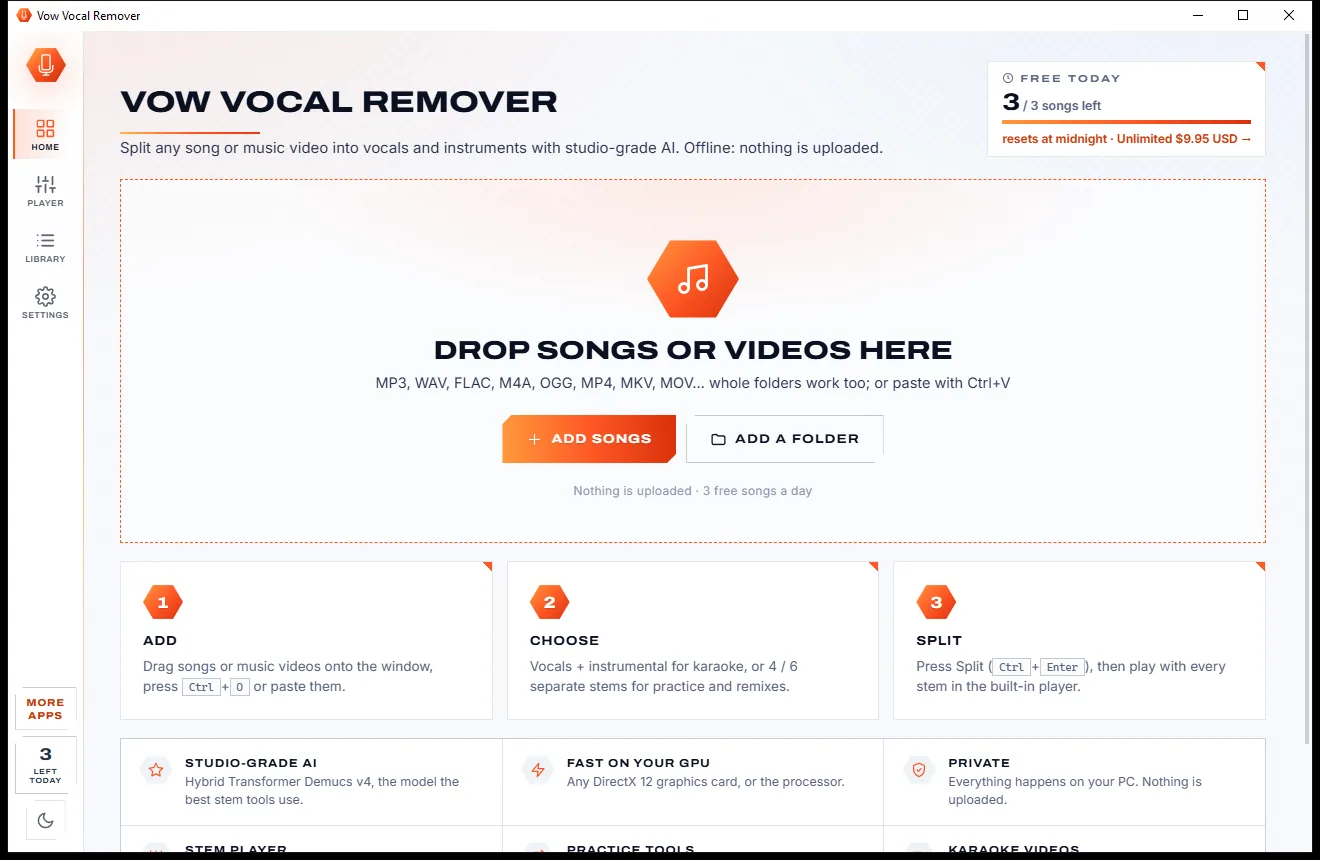
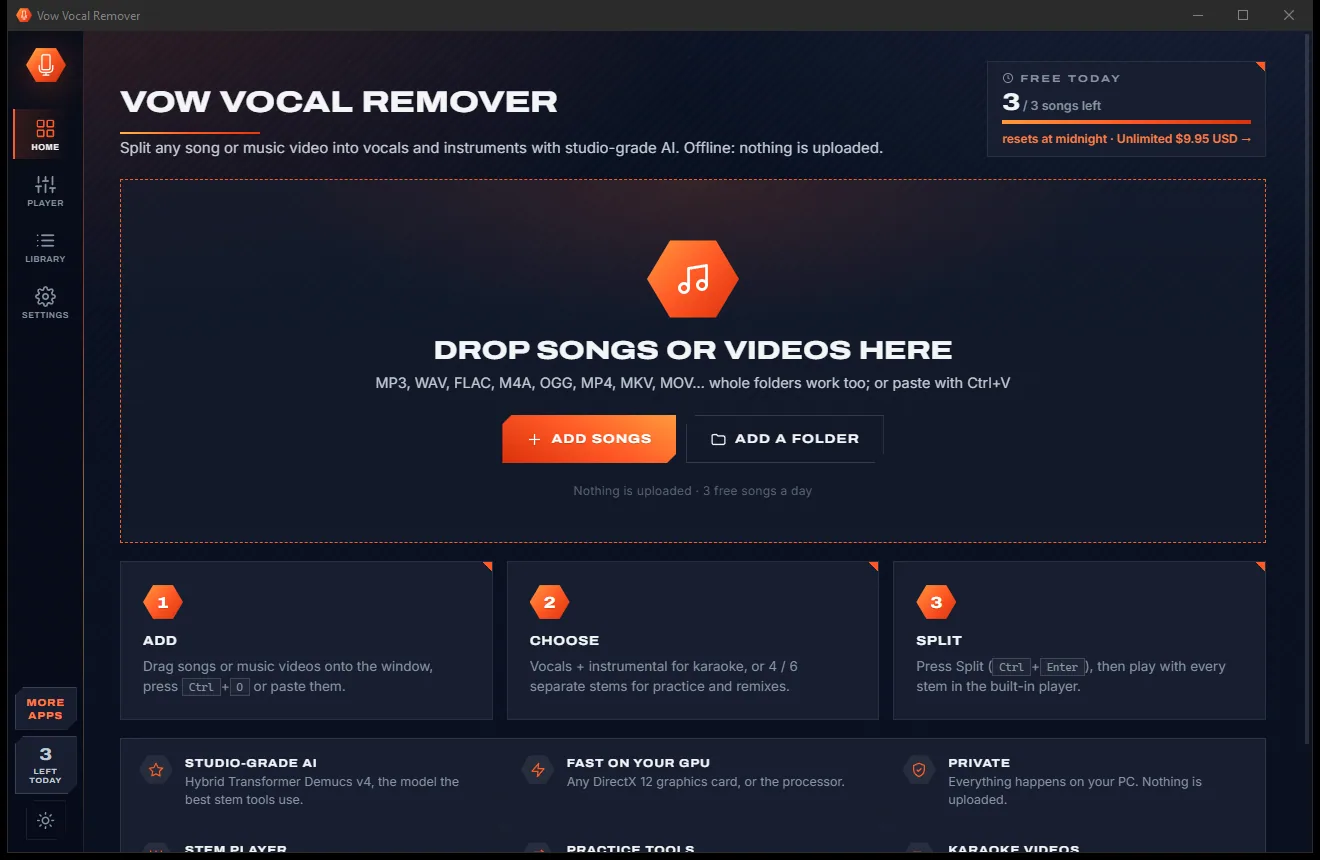
Vow Vocal Remover
Remove vocals from any song, offline, in two clicks
- Free: 3 songs a day, vocals + instrumental, the full stem player
- $9.95 once: Unlimited songs, 4 and 6 stems, lossless WAV and FLAC

System audio recorder for Windows
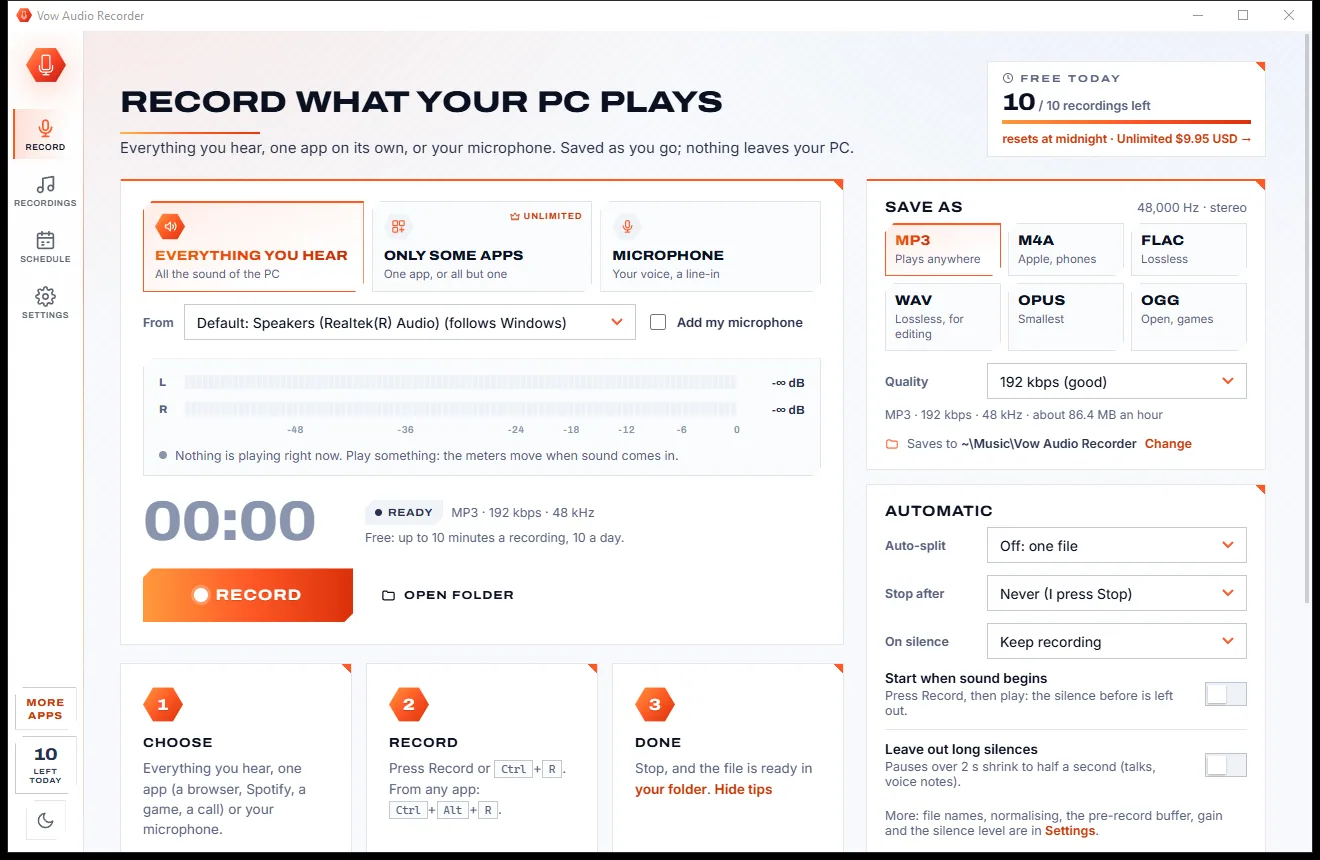
Pick a source and press Record, or Ctrl+Alt+R from any app. Vow Audio Recorder captures the PC's sound, a single app with no virtual cable, or your microphone, and writes the file as you go. Songs can be split and tagged from the player. No uploads, no account, no subscription.
The problem
Stereo Mix is hidden or missing, virtual cables need drivers, and the recorder you downloaded stalls at 0:00 or wants a subscription.
Recording one app usually means installing an audio driver and rerouting your sound by hand.
Windows' old recording trick is hidden, disabled or simply missing on many PCs.
Loopback recorders that wait for sound, then lose the quiet moments and drift out of time.
Chat notifications and Windows sounds end up in the middle of your recording.
Streaming recorders that cut you off after a few minutes, then ask for a yearly plan.
An hour-long recording you have to chop up, name and tag yourself, one track at a time.
Vow Audio Recorder fixes all of it.
How it works
Pick what to record, press one button, and the file is saved as you go, in the format you want.
Everything you hear, only some apps, or the microphone, with Add my microphone to mix in your voice. Live meters show the level before you start.
Press Record, Ctrl+R, or Ctrl+Alt+R from any app. The timer, file name and size update live; Pause, add a Marker or start a New file at any time.
The file is already written as you go, in MP3, M4A, FLAC, WAV, Opus or OGG, in Music\Vow Audio Recorder. Named and tagged from the player if you like.
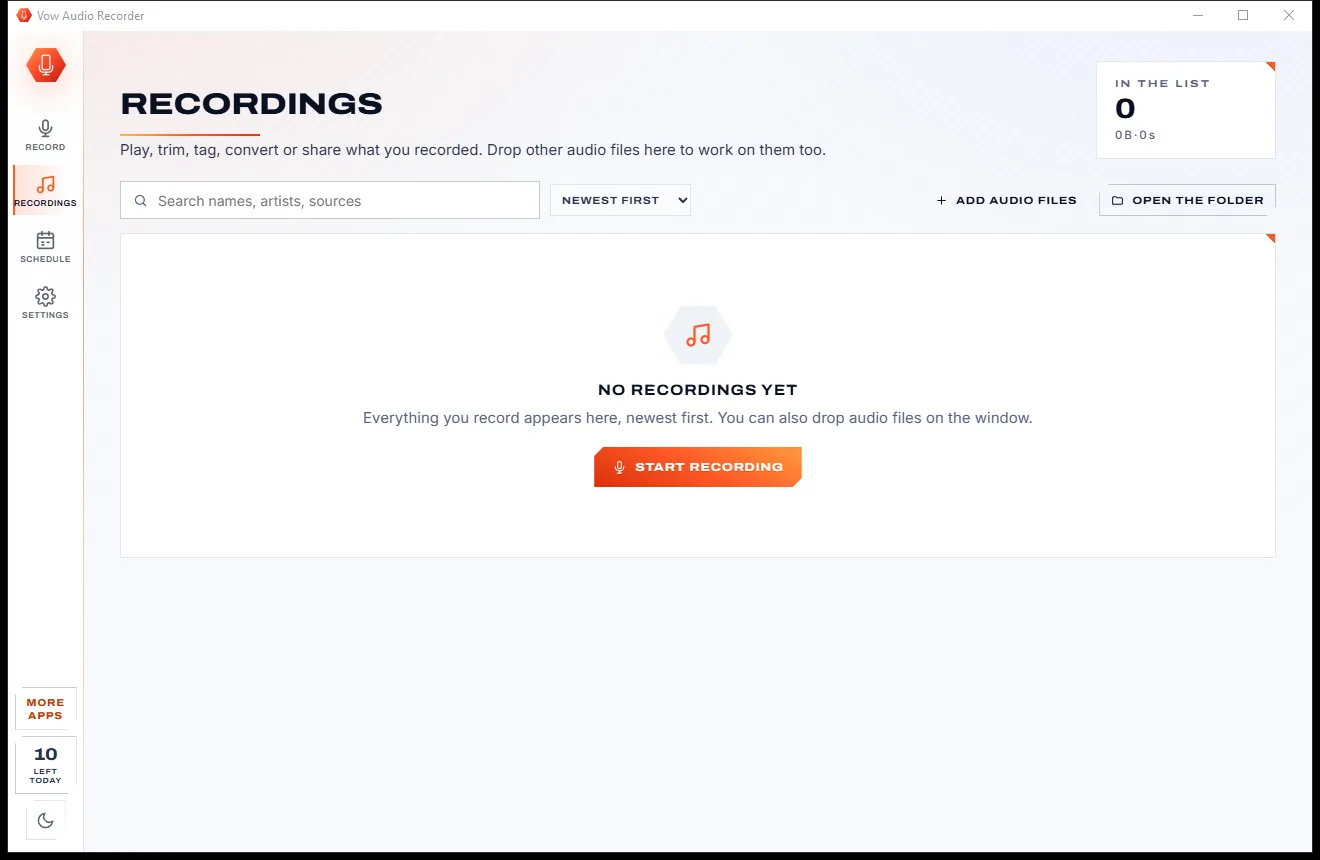
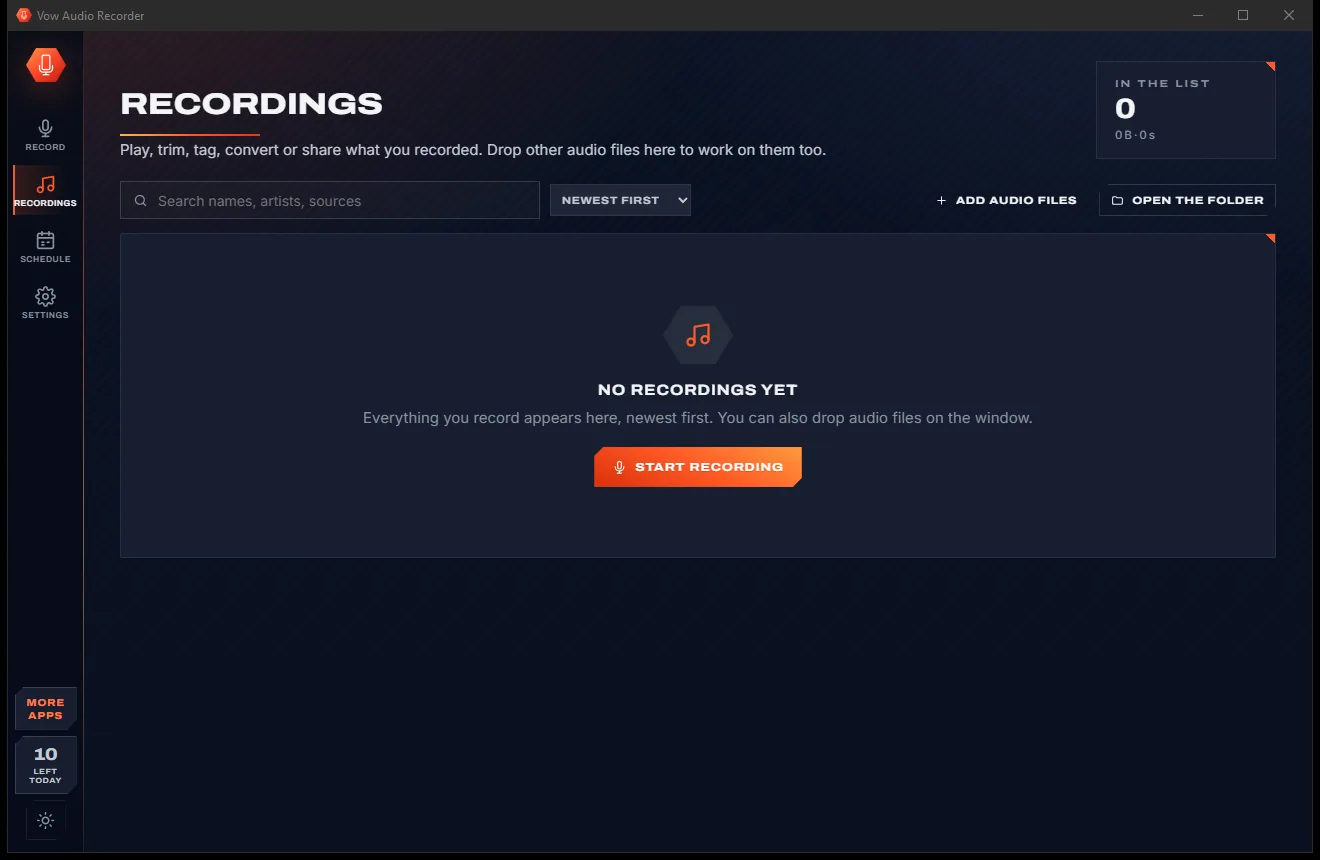
Features
For music fans, podcasters, students, gamers and anyone who wants to keep what their PC plays.
Record the sound of any output device, and keep going without a gap when you switch to headphones.
Record one app, several apps, or everything except one app, with Windows' own API: no driver, no virtual cable.
Record your voice alone or mixed with the PC or app sound, kept in time automatically.
Title, artist and cover from Spotify, browsers, the Media Player, VLC and others, with files named "Artist - Title".
Split at track changes, at pauses, every N minutes or every N MB, with cuts moved to the quietest moment.
Once, daily, weekdays or chosen days, for a set length, and it can wake the PC from sleep.
MP3 up to 320 kbps or VBR, AAC or Apple Lossless, FLAC and WAV up to 32-bit float, Opus and OGG.
Left and right meters with peak hold, plus plain warnings like "Nothing is playing" or "Too loud: the sound clips".
Wait for sound before starting, stop after silence, leave out long pauses, and keep a pre-record buffer.
Play, rename, tag, trim, convert or normalise any recording, or drag it straight into another app.
Light & dark theme
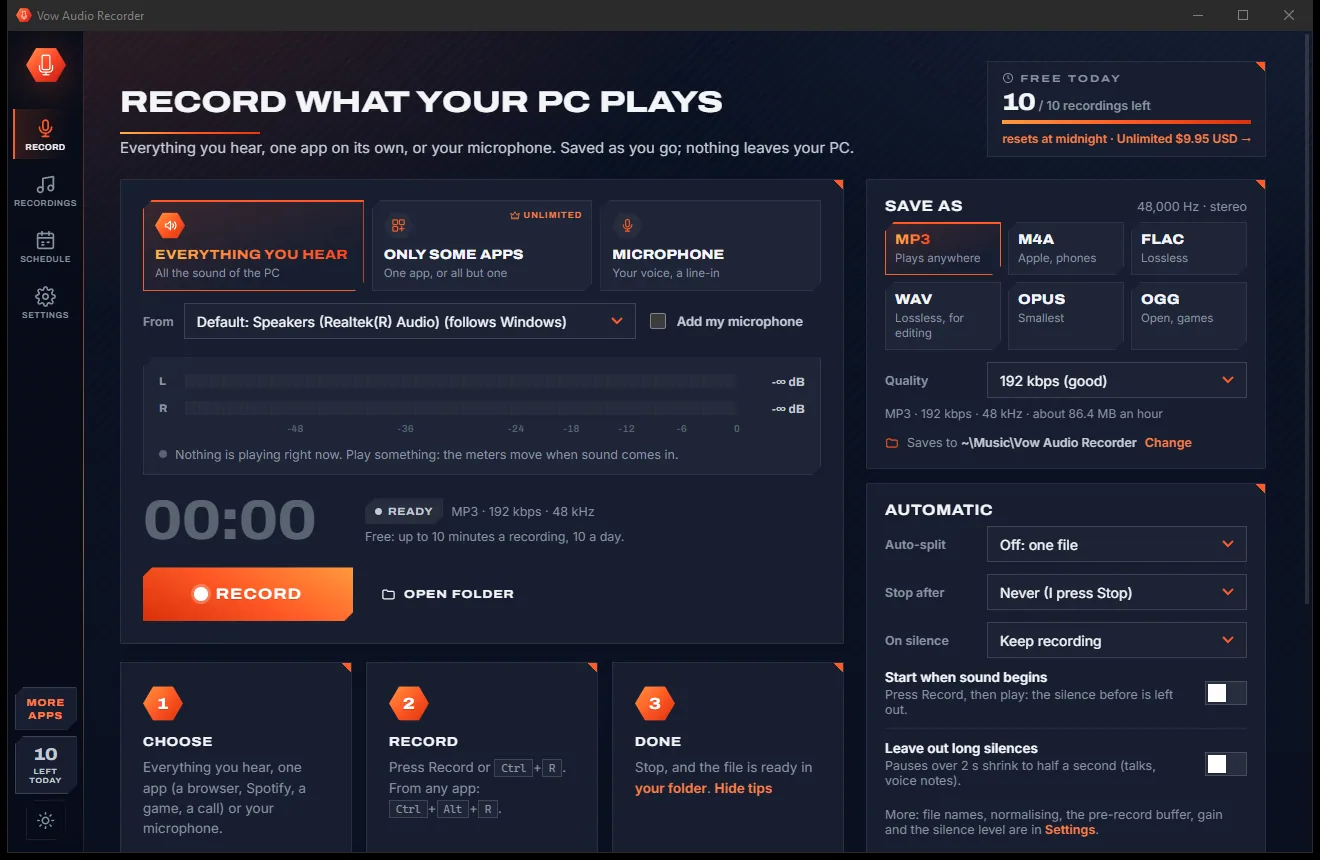
Audio Recorder comes with a crisp light theme and a calm dark theme. Switch with one click, or let it follow your Windows setting by itself. It remembers your choice.
Screenshots
Real screenshots of the real app, in both of its themes: 6 light, 6 dark. Click any picture to see it full size.
Light theme
Dark theme
Who it's for
Schedule a weekly show and let it record itself, split into songs with tags.
Record the meeting app on its own, with your microphone mixed in.
Keep the audio of a webinar or online class to listen to again later.
Capture just the game's sound, without chat pings or system noises.
Record your microphone straight to WAV or FLAC, with markers for the edit.
Save the sound you are listening to, for personal use, as MP3, FLAC or Apple Lossless.
Compare
What you get from a typical free sound recorder or streaming-audio recorder, side by side.
| Feature | Vow Audio Recorder | Typical audio recorder apps |
|---|---|---|
| Price | Free every day, or $4.95 once | Yearly plans or paid upgrades |
| Record one app only | Yes, no driver or virtual cable | Often needs a virtual audio cable |
| Silent stretches kept in time | Yes, filled with exact silence | Loopback recorders often stall or skip |
| Split into songs with tags | Yes, cut at the quietest moment | Rare, or a paid edition |
| Keeps going when you switch to headphones | Yes, without a gap | Rarely |
| Scheduled recording with wake from sleep | Yes | Rare |
| Ads, nags and bundled extras | None | Common on free recorders |
| Your recordings are uploaded | Never | Not always clear |
"Typical" describes what we found across the most-downloaded alternatives when we built Audio Recorder. Your mileage with any one of them may vary; ours won't.
Pricing
That is not a typo. Software this powerful usually means a monthly subscription; Audio Recorder is $4.95, once, for life: it's almost a giveaway. Use it free for as long as you like, and unlock Unlimited only if you need more.
10 recordings a day, up to 10 minutes each, every format.
Almost a giveaway. Less than a coffee for software this powerful: no subscription, no renewals, yours for life on 2 PCs.
Any length, one app on its own, song splitting, schedules.
Payments by Stripe: we never see or store your card. Questions? Ask a real person.
Clean software
Most "free" Windows downloads pay for themselves with ads, bundled extras or your data. Vow Audio Recorder doesn't need to: it's paid for honestly, once, by the people who find it useful.
Download Audio Recorder freeStep-by-step guide
Record what your PC plays, or a single app, in under a minute, with no drivers or cables to set up.
Step 1: get it freeDownload it from this page and run the installer. It needs no administrator rights, no account and no audio drivers; recording system or app audio works straight away.
On the Record page pick Everything you hear (or Microphone, or Only some apps with Unlimited). Play something and watch the meters move.
MP3 at 192 kbps is selected and plays anywhere. Choose M4A for phones, FLAC or WAV for lossless, or Opus for the smallest files; the size per hour is shown.
Click Record, press Ctrl+R, or press Ctrl+Alt+R from any app. Pause, add a marker or start a new file whenever you like.
Press Stop and save. The recording is already in Music\Vow Audio Recorder, and it appears on the Recordings page where you can play, trim, tag or convert it.
Technical details
FAQ
Yes. You can make 10 recordings a day of up to 10 minutes each for free, from the system audio, the microphone or both, in every format, with tags from the player, markers and the recordings library. If the limit stops a recording, the file is kept. There are no ads and no watermarks. Unlimited, a one-time $4.95 USD payment, removes the limits and adds one-app recording, song splitting and schedules.
No. Everything is recorded and saved on your own PC. There is no account and no cloud, and the app works with no internet connection.
Yes, with Unlimited. Pick one app, several apps, or everything except one app, and only their sound is recorded: no Windows sounds and no chat pings. It uses Windows' own process-loopback feature, so no driver or virtual cable is needed. It needs Windows 10 version 2004 or later. Free users can try it with the live meters.
Yes, with Unlimited. When the player reports a track change, the cut is moved to the quietest moment within 1.5 seconds so songs aren't cut early or late, and each file is named and tagged from the player. You can also split at pauses, by time or by size, and drop short clips such as jingles.
The recording carries on from the new default device without a gap. Quiet moments are kept as exact silence, so the recording never stalls at 0:00 or loses time when nothing is playing.
Yes, with Unlimited. Plan recordings once, daily, on weekdays or on chosen days, with a start time, a length and a source. The app needs to be running (it can wait in the notification area), and it can wake the PC from sleep when Windows allows wake timers.
Audacity's loopback recording sends nothing while nothing plays, which often leaves recordings stuck at 0:00; Vow fills that time with exact silence. Like OBS's Application Audio Capture it uses Windows' process-loopback API to record single apps, and it saves straight to an MP3, FLAC or other audio file, split into songs and tagged from the player.
Yes. It is made and published by XTO Pty Ltd, an Australian company. The installer contains no ads, no toolbars and no bundled software, installs no audio drivers, needs no administrator rights, and uninstalls cleanly from Windows Settings.
The Vow collection
Same design, same promises, a tiny one-time price. Learn one and you already know them all.
Remove vocals from any song, offline, in two clicks

Cut, fade and clean up any audio, and make ringtones, on your own PC

Convert any audio to MP3, FLAC and 9 more formats, tags and all
Record what your PC plays: everything, one app, or your microphone. Free to use every day, $4.95 once if you ever want Unlimited.