
PC Fixes
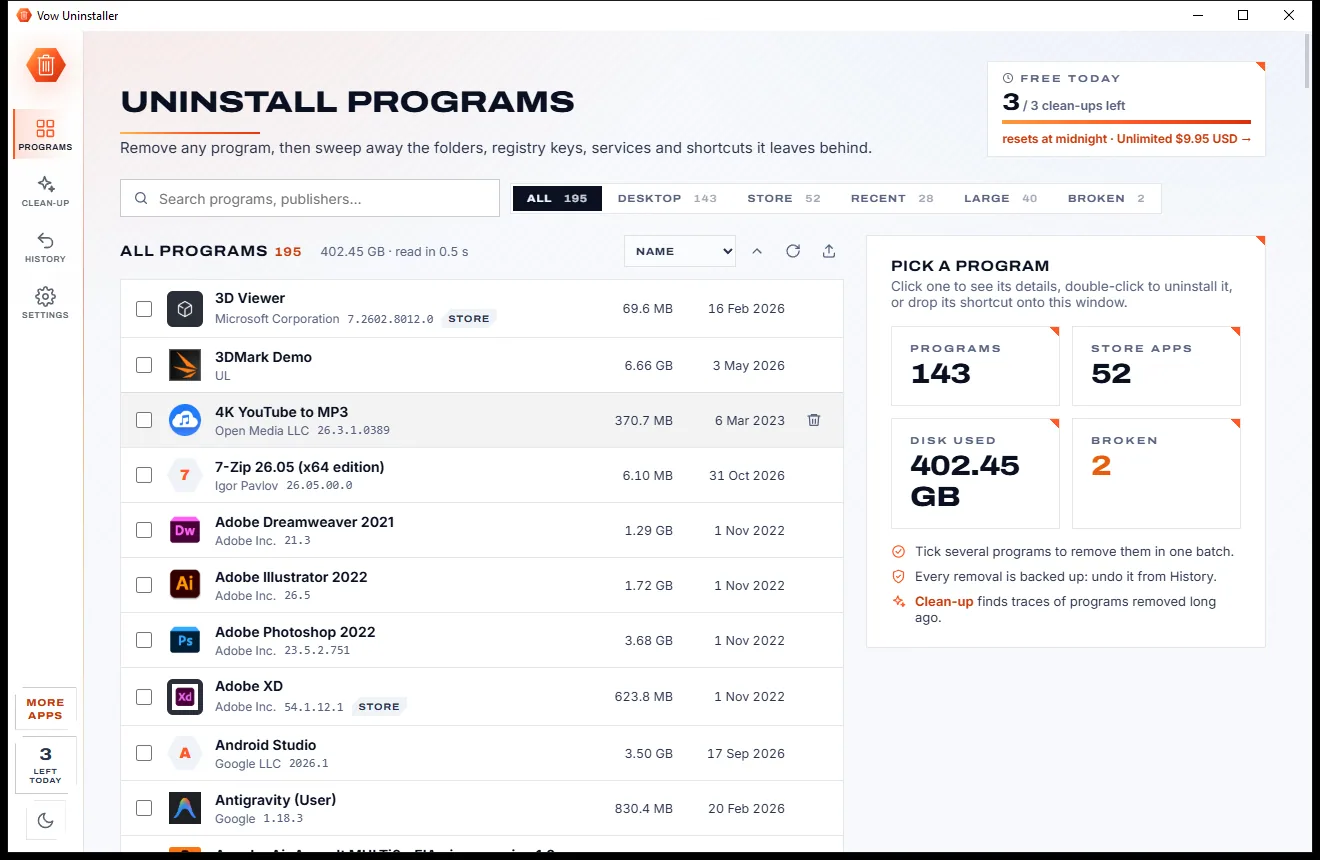
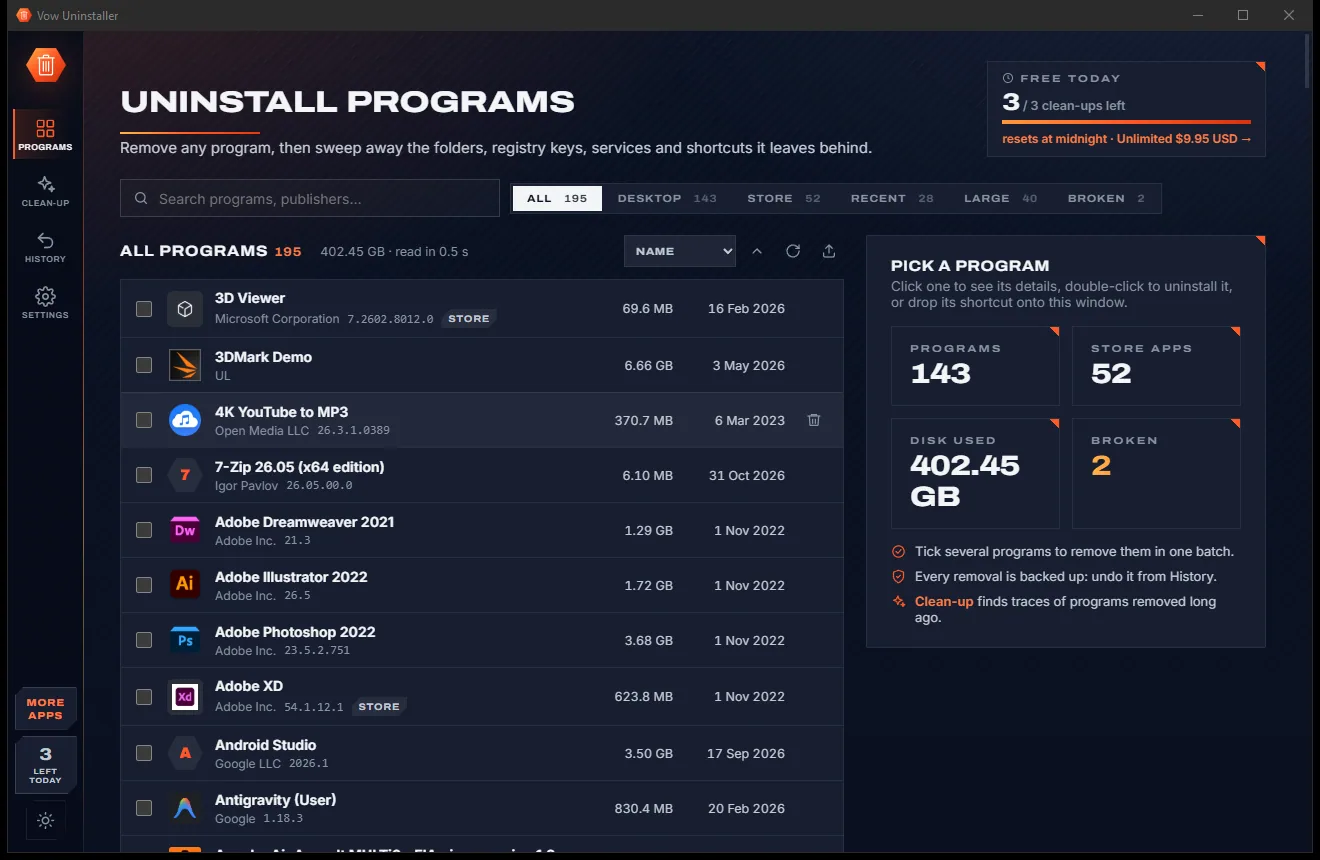
Vow Uninstaller
Uninstall programs completely, and undo it if you change your mind
- Free: Unlimited uninstalls and leftover scans, 3 clean-ups a day
- $4.95 once: Unlimited clean-up, forced uninstall and batch uninstall

The honest driver finder for Windows
Vow Driver Finder shows only the devices that really need a driver, names unknown devices and finds the official driver from Microsoft, the chip maker or your PC maker. No scareware, no fake "47 outdated drivers!" alarms, nothing bundled.
The problem
You just need your Wi-Fi back. Instead you get a scary red scan, a list of problems your PC never had, and a credit card form.
"47 outdated drivers! Your PC is at risk!" A working driver is not a problem, but scareware counts it as one to sell you a fix.
Free scan, then a paywall. And the subscription renews every year whether your PC needs anything or not.
Third-party download mirrors and repackaged installers: exactly the place malware likes to hide.
Toolbars, "PC optimisers" and startup programs riding along with the installer, nagging you forever.
Mass-updating every driver at once is how a stable PC gets a blue screen. Good drivers should be left alone.
The classic catch-22: the PC that needs a network driver can't download one.
Vow Driver Finder fixes all of it.
How it works
The truth about your PC in under a second, and the official fix one click away.
The read-only scan runs by itself in well under a second, with no administrator rights. Only devices that really need a driver are listed, network first.
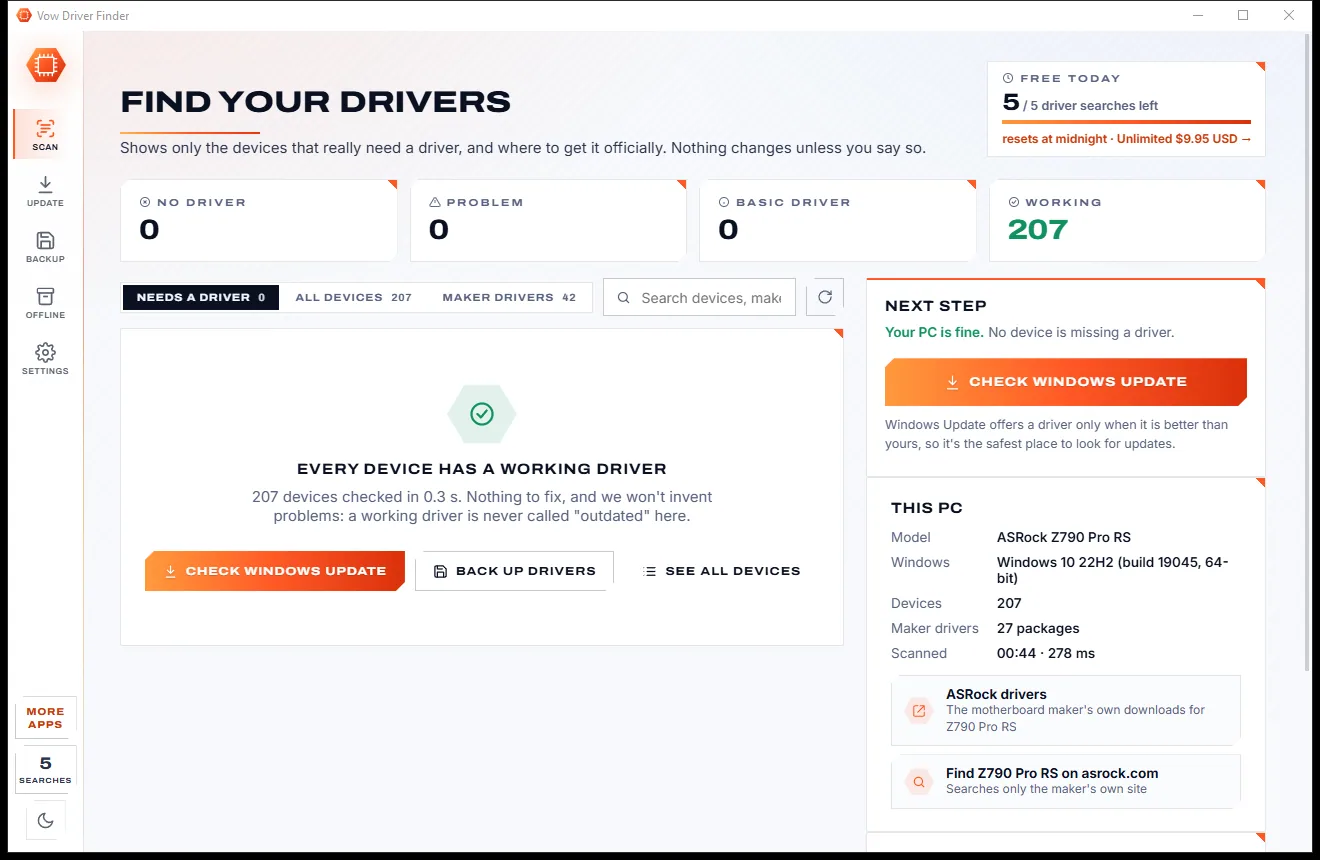
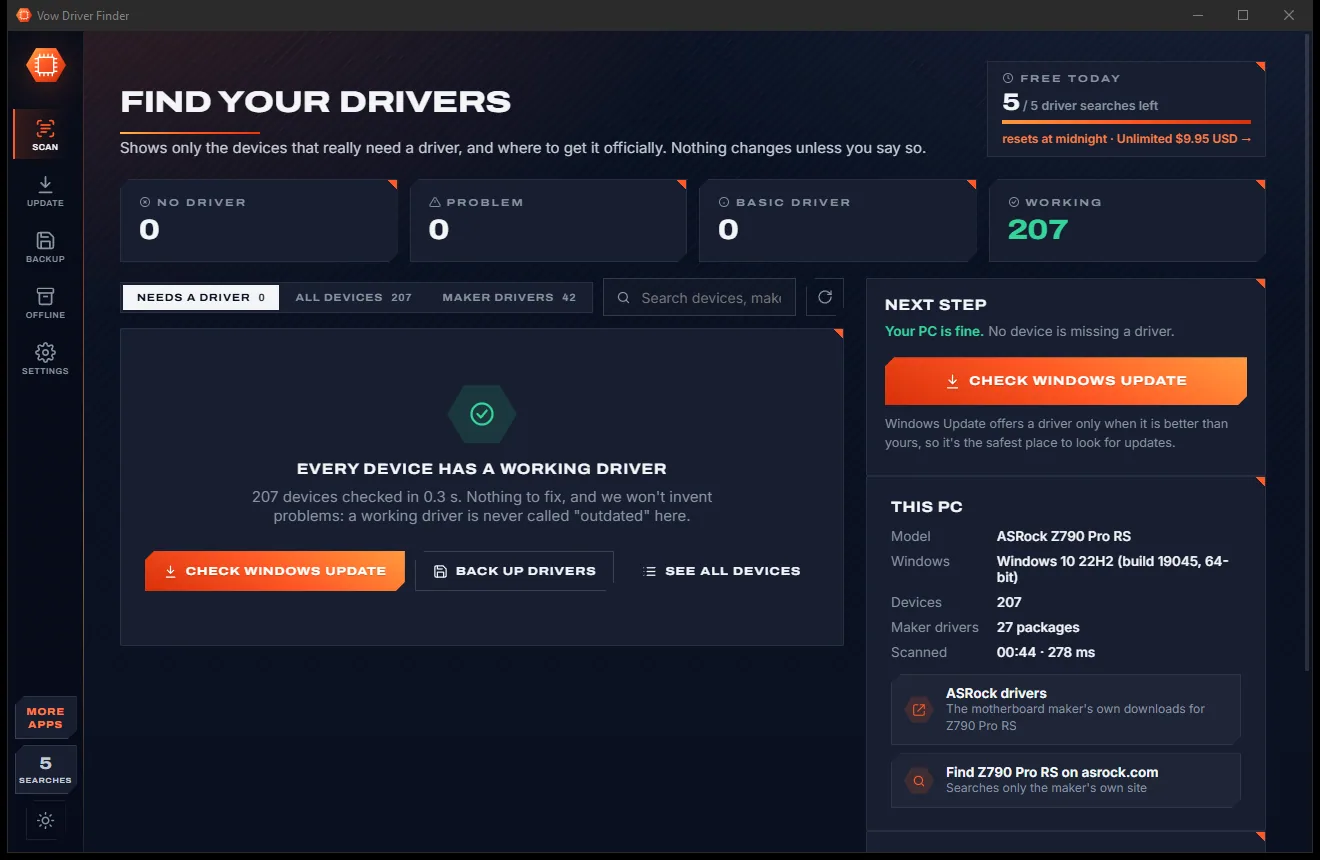
One button searches Microsoft's official driver catalog by each device's own hardware ID. Only drivers that list your exact device are shown, best match first.
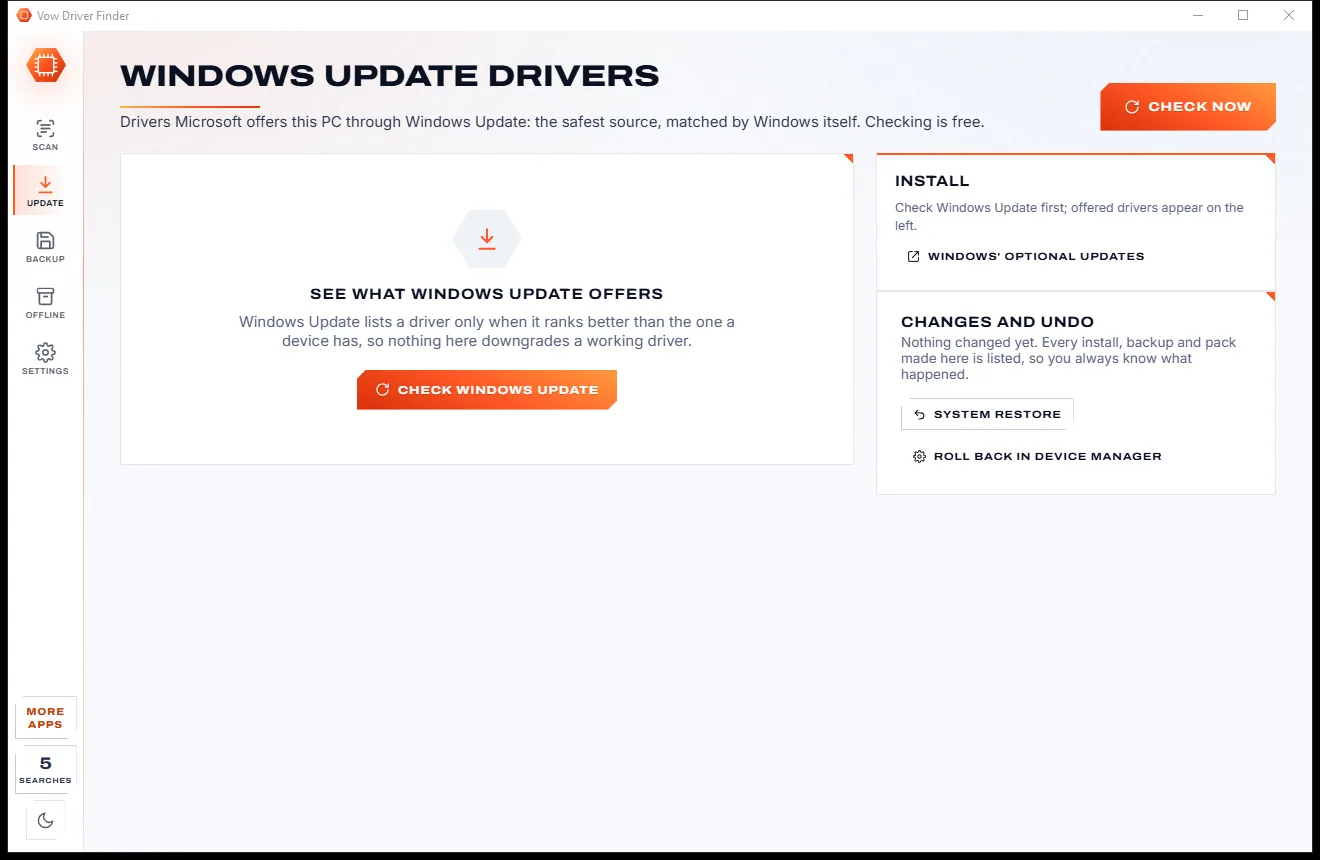
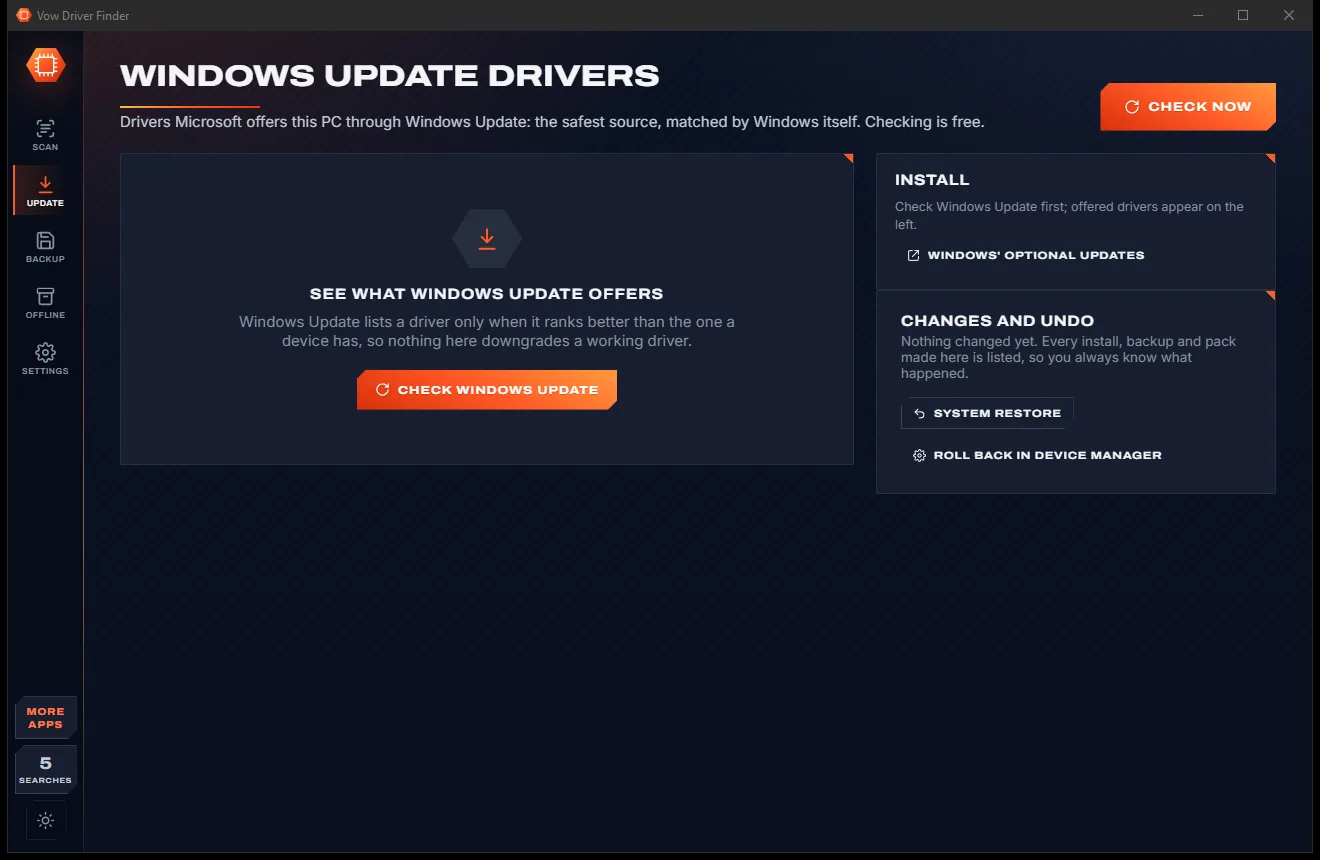
Download Microsoft's own .cab for free, or install in one click: checksum verified, a restore point made first, installed by Windows' own tool.
Features
Everything a reinstall, a new PC or a broken device needs, from people who refuse to invent problems.
Drivers come only from the Microsoft Update Catalog, Windows Update or the chip and PC makers' own sites.
A working driver is never called outdated. Only missing drivers, real error codes and basic display drivers are flagged.
Every result shows why it matches: your device's own hardware ID, a compatible ID, or the same chip in another model.
Before anything is installed a System Restore point is made, and every change is listed with a one-click way back.
"Unknown device" becomes the real chip and maker, with every Device Manager error explained in plain words.
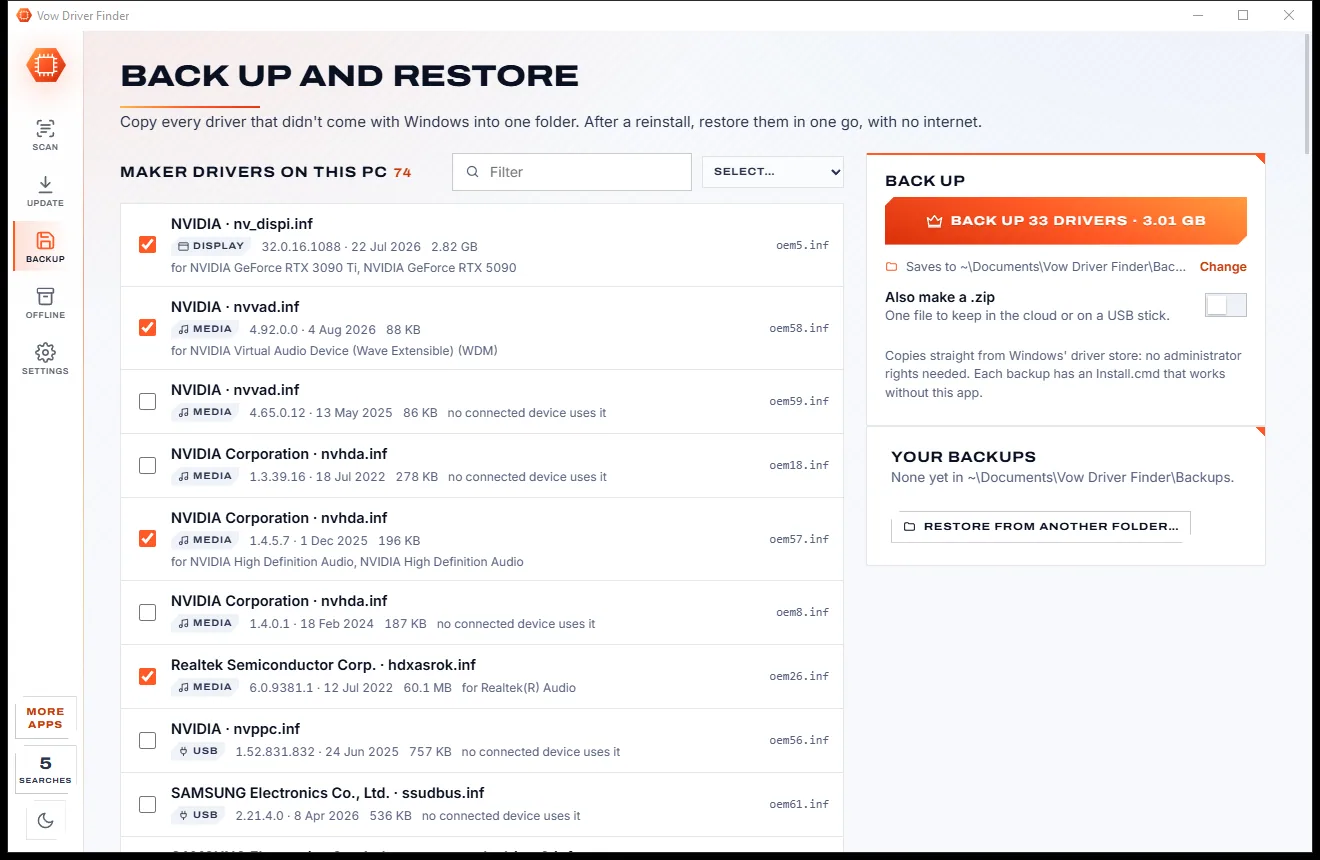
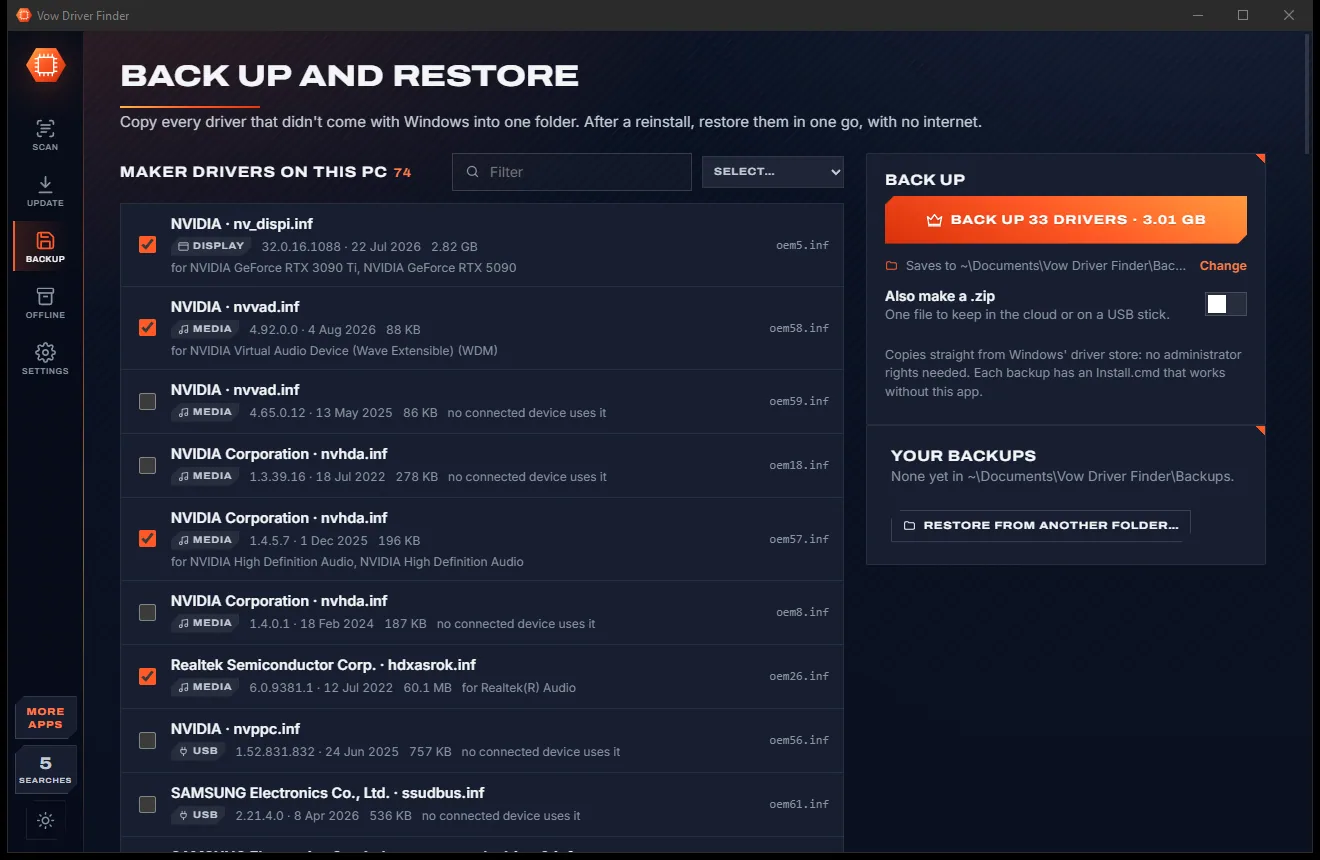
Copy every maker driver into one portable folder with an Install.cmd, ready for your next reinstall.
Put this PC's Wi-Fi, Ethernet and Bluetooth drivers on a USB stick, so a fresh Windows gets online at once.
Save the offline PC's scan, find and download its drivers on any PC that is online, then install from the folder.
See the drivers Windows Update offers this PC, the safest source of all, and install only the ones you pick.
Export the device list as HTML, CSV or text for a technician, a forum post or your own records.
Light & dark theme
Driver Finder comes with a crisp light theme and a calm dark theme. Switch with one click, or let it follow your Windows setting by itself. It remembers your choice.
Screenshots
Real screenshots of the real app, in both of its themes: 8 light, 8 dark. Click any picture to see it full size.
Light theme
Dark theme
Who it's for
Get Wi-Fi, sound and full-resolution graphics back without guessing which download is the right one.
See at a glance whether every device has a working driver, and fix the ones that don't.
Find out exactly which sound device lost its driver and get the official one back.
Spot a graphics card running on Windows' basic display driver and install the real one.
Portable version, reports, driver packs and offline installs for the PCs you look after.
Check driver availability for Windows 11 before you upgrade, not after something stops working.
Compare
The difference between fixing your PC and frightening you into a subscription.
| Feature | Vow Driver Finder | Typical driver updater apps |
|---|---|---|
| Price | Free scan and links, or $4.95 once | Yearly subscription after the scan |
| Says working drivers are "outdated" | Never | Routinely, to inflate the count |
| Where drivers come from | Microsoft and the makers only | Often their own mirrors |
| Download checked before install | SHA-256 and the INF must list your device | Rarely shown |
| Restore point before install | Always | Sometimes |
| Bundled toolbars and "optimisers" | None, ever | Common |
| Runs in the background at startup | No | Usually |
| Helps a PC with no internet | Network packs and offline driver packs | Rarely |
"Typical" describes what we found across the most-downloaded alternatives when we built Driver Finder. Your mileage with any one of them may vary; ours won't.
Pricing
That is not a typo. Software this powerful usually means a monthly subscription; Driver Finder is $4.95, once, for life: it's almost a giveaway. Use it free for as long as you like, and unlock Unlimited only if you need more.
Unlimited scans, official links, 5 in-app searches a day.
Almost a giveaway. Less than a coffee for software this powerful: no subscription, no renewals, yours for life on 2 PCs.
One-click install, backup and restore, offline driver packs.
Payments by Stripe: we never see or store your card. Questions? Ask a real person.
Clean software
Most "free" Windows downloads pay for themselves with ads, bundled extras or your data. Vow Driver Finder doesn't need to: it's paid for honestly, once, by the people who find it useful.
Download Driver Finder freeStep-by-step guide
From "no Wi-Fi" to fixed, step by step, with nothing installed you didn't choose.
Step 1: get it freeInstall it free (no administrator rights needed), or use the portable version from a USB stick. The scan starts by itself and takes well under a second.
Only devices with no driver, a Device Manager error or Windows' basic display driver are listed, network devices first because once you are online the rest follows.
Each device is searched on the Microsoft Update Catalog by its own hardware ID. You only see drivers that list your exact device, for your version of Windows.
Read what is wrong in plain words, then pick the best match. Every result says why it matches, with its version, date and size.
Download Microsoft's own .cab file for free, or let Unlimited install it in one click: it checks the file, makes a restore point and installs with Windows' own pnputil.
Technical details
FAQ
Yes. Scanning, naming unknown devices, explaining every Device Manager error and the official download links are free without limits, plus 5 in-app driver searches a day. Unlimited, a one-time $4.95 USD payment, adds one-click installs, backup and restore, offline driver packs and unlimited searches.
Only from official sources: the Microsoft Update Catalog, Windows Update, and the chip makers' and PC makers' own websites. Downloads are checked against Microsoft's hosts and their SHA-256 checksum, and a driver is installed only if its INF file lists your device.
Only if it's true that something needs attention. A device is flagged only for a real reason: no driver, a Device Manager problem code, or a graphics card on Windows' basic display driver. A working driver is never called outdated; newer versions are shown as optional.
Nothing changes unless you say so: the scan is read-only. Before any install it makes a System Restore point, installs with Windows' own pnputil, and lists every change with System Restore and Device Manager roll-back one click away.
Yes. Run the portable version from a USB stick, save that PC's scan, open the scan on any PC that is online and download the drivers it needs to a folder. Back on the offline PC, run Install.cmd. Before a reinstall you can also make a network-driver pack so Windows gets online straight away.
It does not mass-update working drivers, it never shows inflated outdated counts, it bundles nothing, runs nothing at startup and has no subscription. It only uses Microsoft's and the makers' own drivers, matched to your exact hardware.
Not to scan, search, back up or download. Windows asks for permission only at the moment you choose to install a driver.
Yes. It is made and published by XTO Pty Ltd, an Australian company. There are no ads, no bundled software and no background service, and it uninstalls cleanly from Windows Settings.
The Vow collection
Same design, same promises, a tiny one-time price. Learn one and you already know them all.
Uninstall programs completely, and undo it if you change your mind

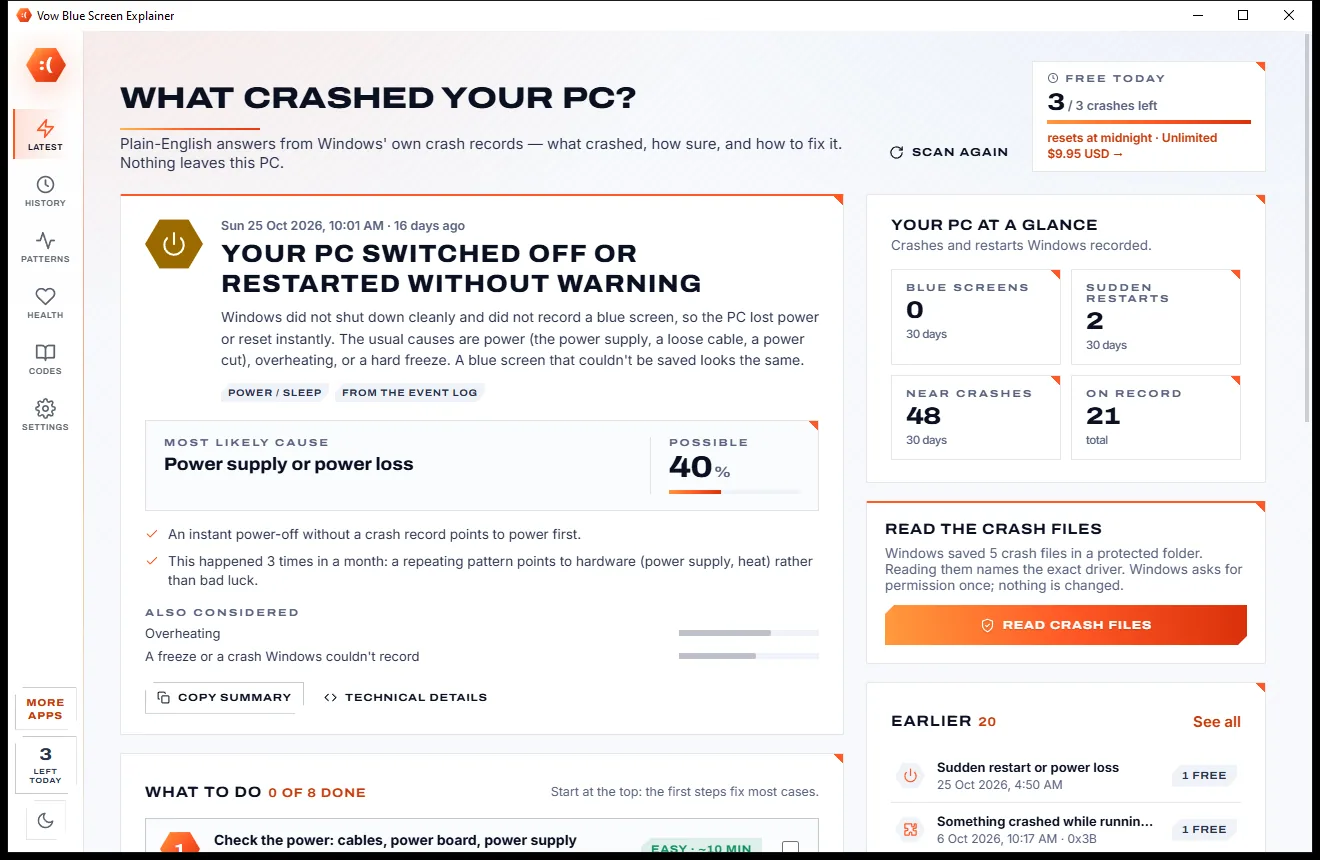
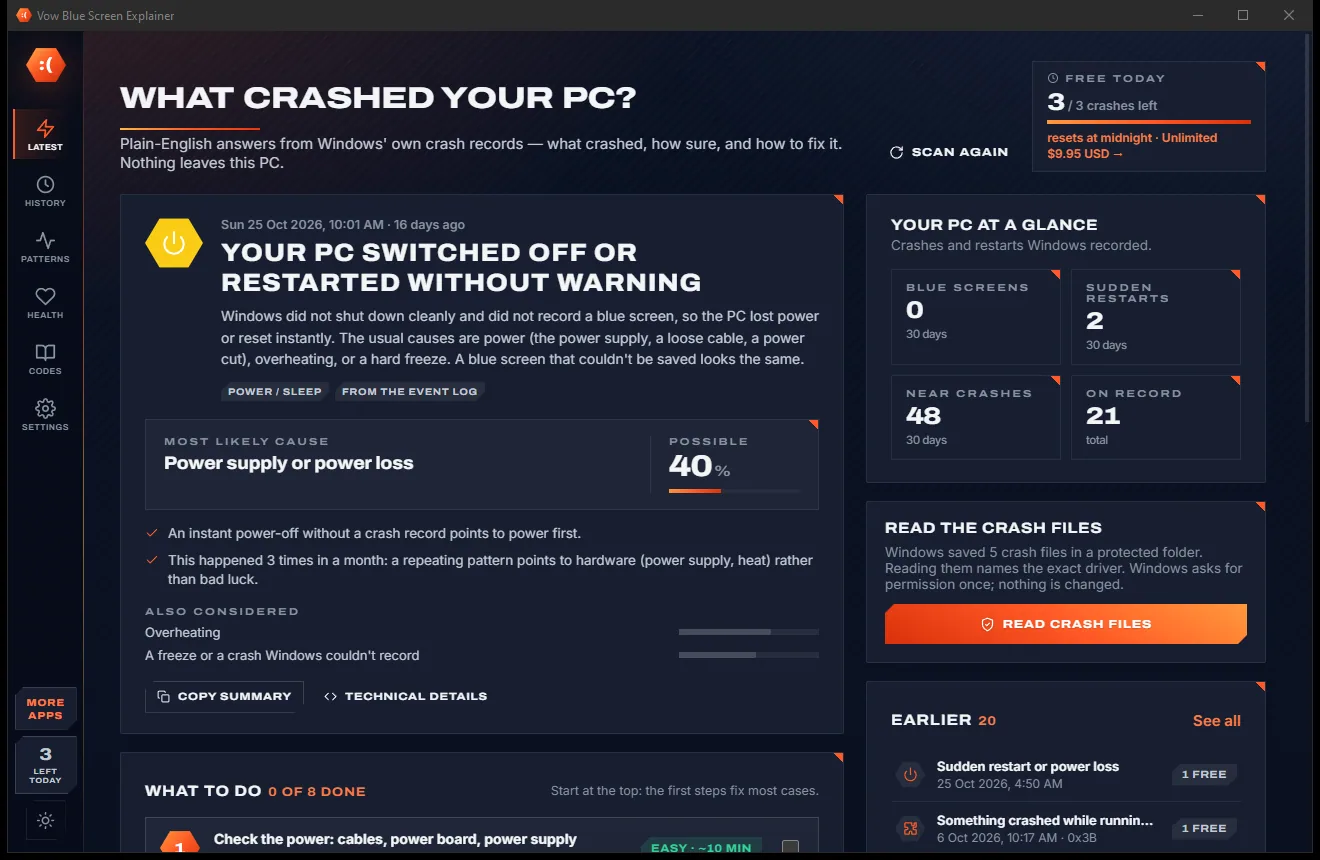
Find out what crashed your PC, in plain English, with the fix

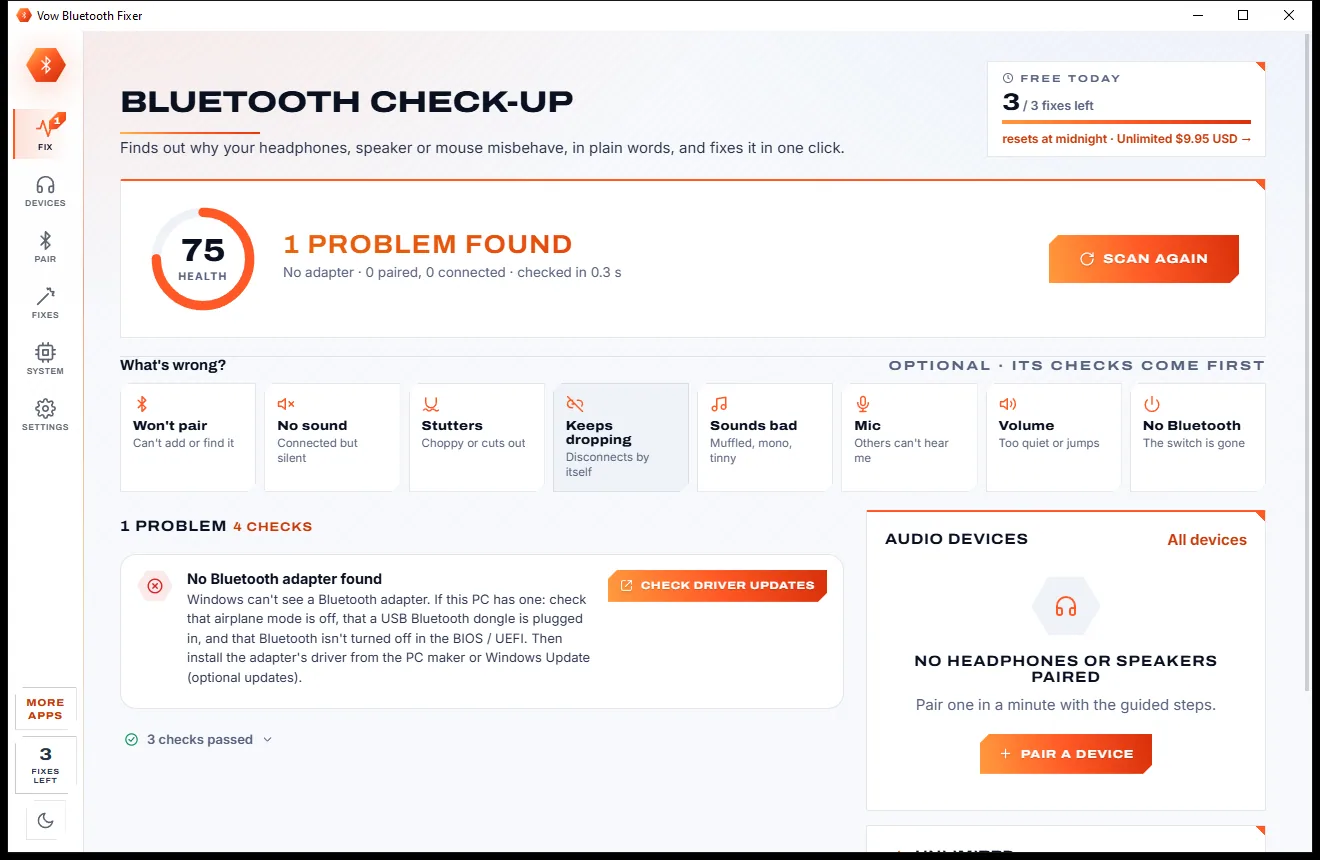
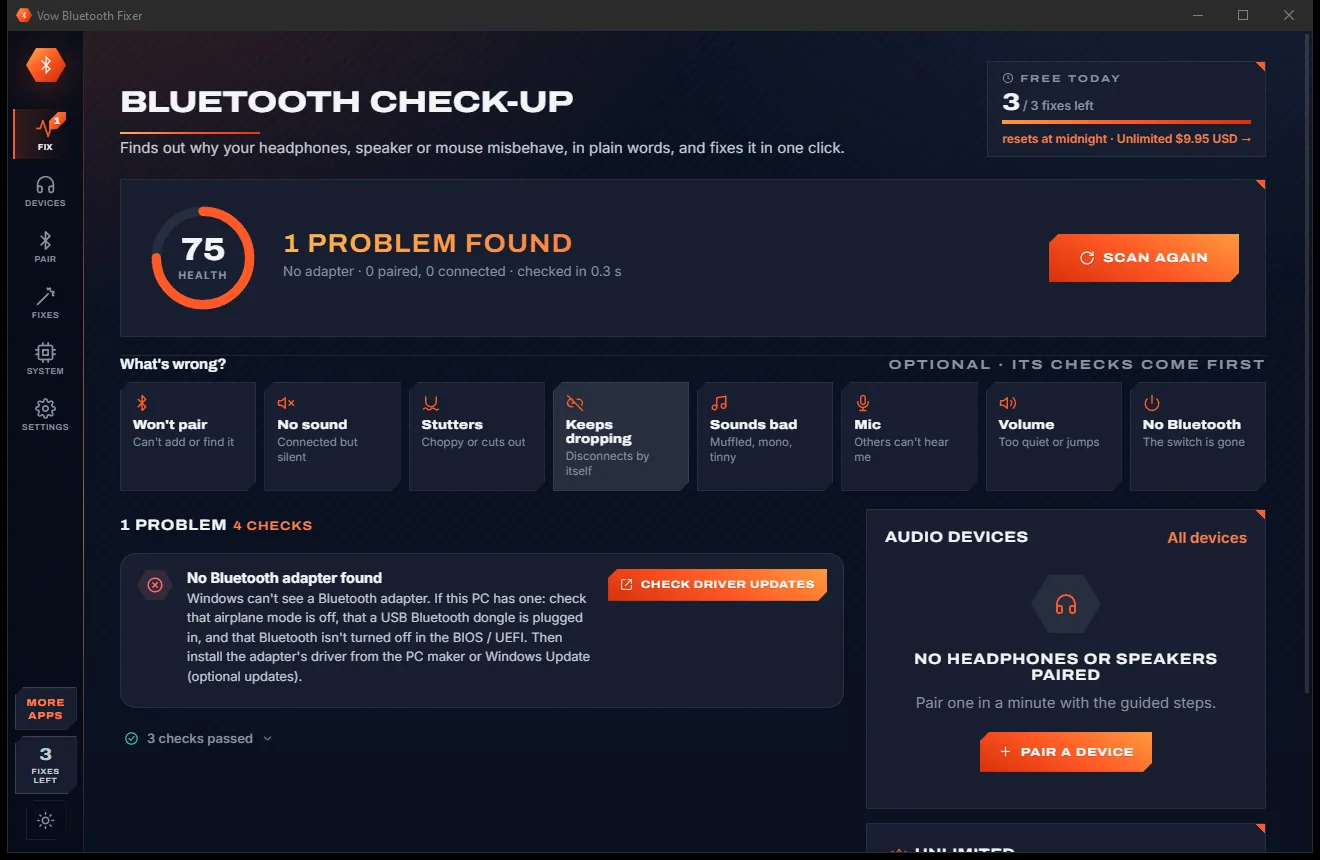
Fix Bluetooth headphones, speakers and mice that won't pair, stutter or play
Find the drivers your PC is really missing, from official sources only. Free to use every day, $4.95 once if you ever want Unlimited.