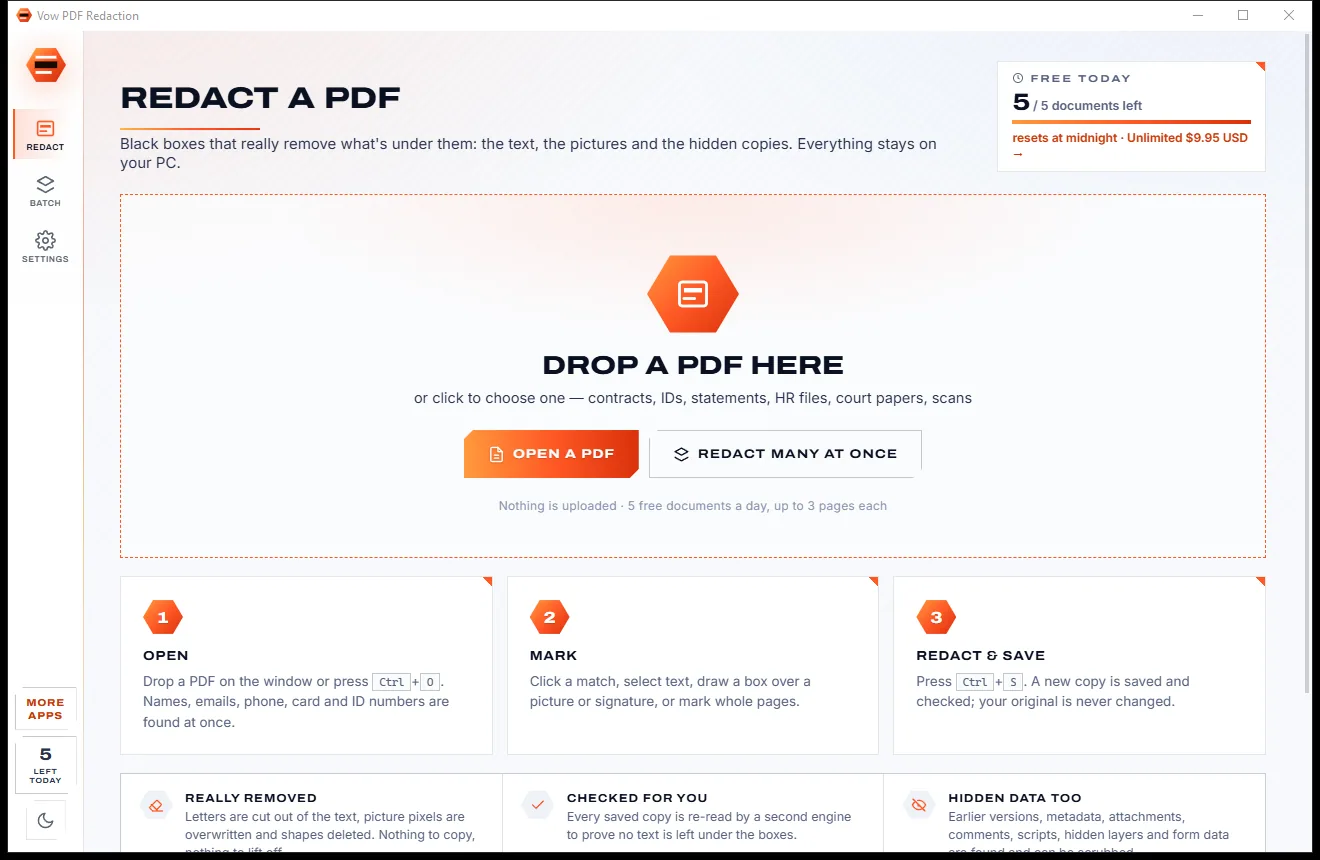
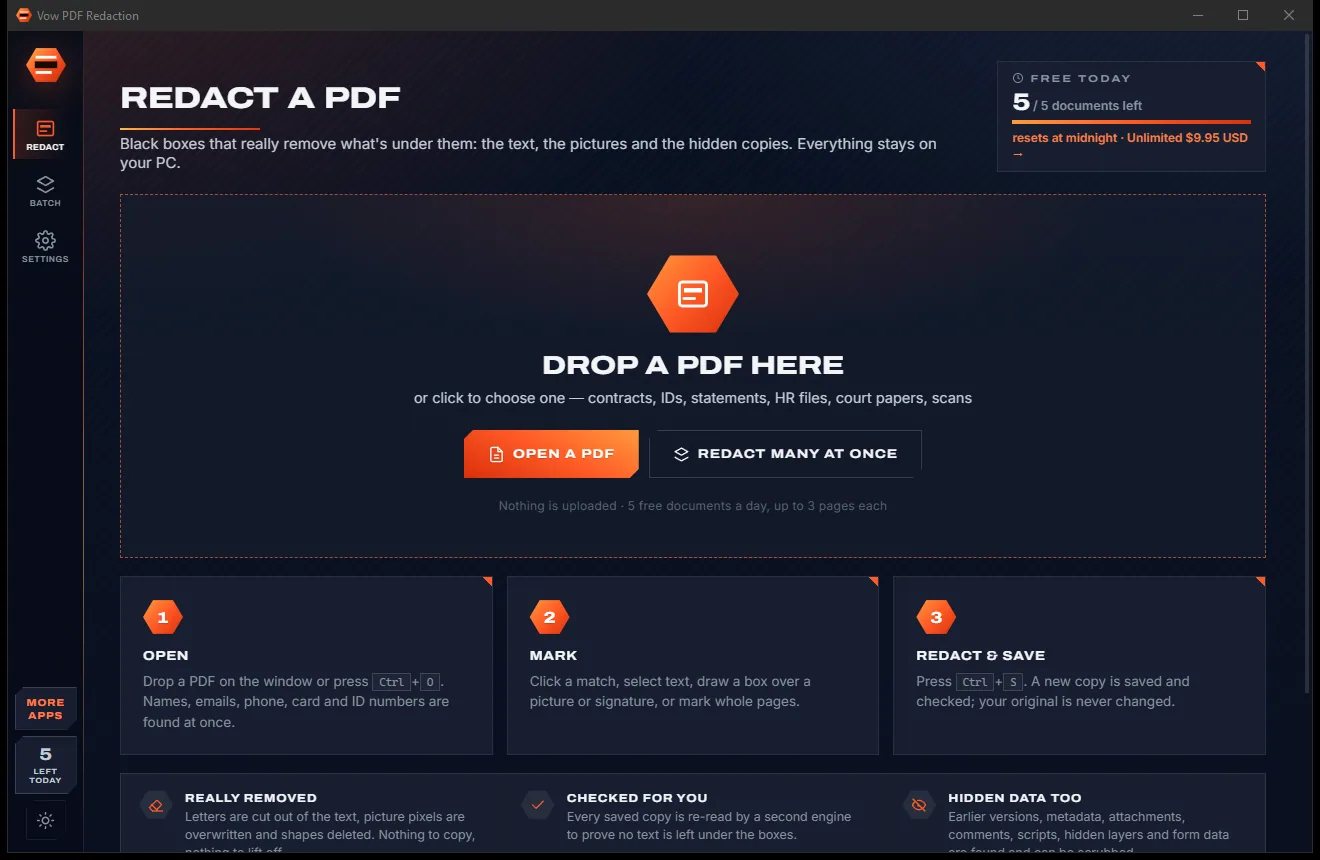

Redact PDFs for real: nothing left under the black boxes
- Free: 5 documents a day, up to 3 redacted pages each, true redaction
- $4.95 once: Any length, one-click redact-all, batch folders, scrub hidden data

Private AI document search for Windows
"Which contract mentions a late-payment clause?" Vow Ask Your Files finds the contract, quotes the clause and tells you the file and page. Small AI models run on your own PC, and every answer is a real sentence from your files. No uploads, no account.
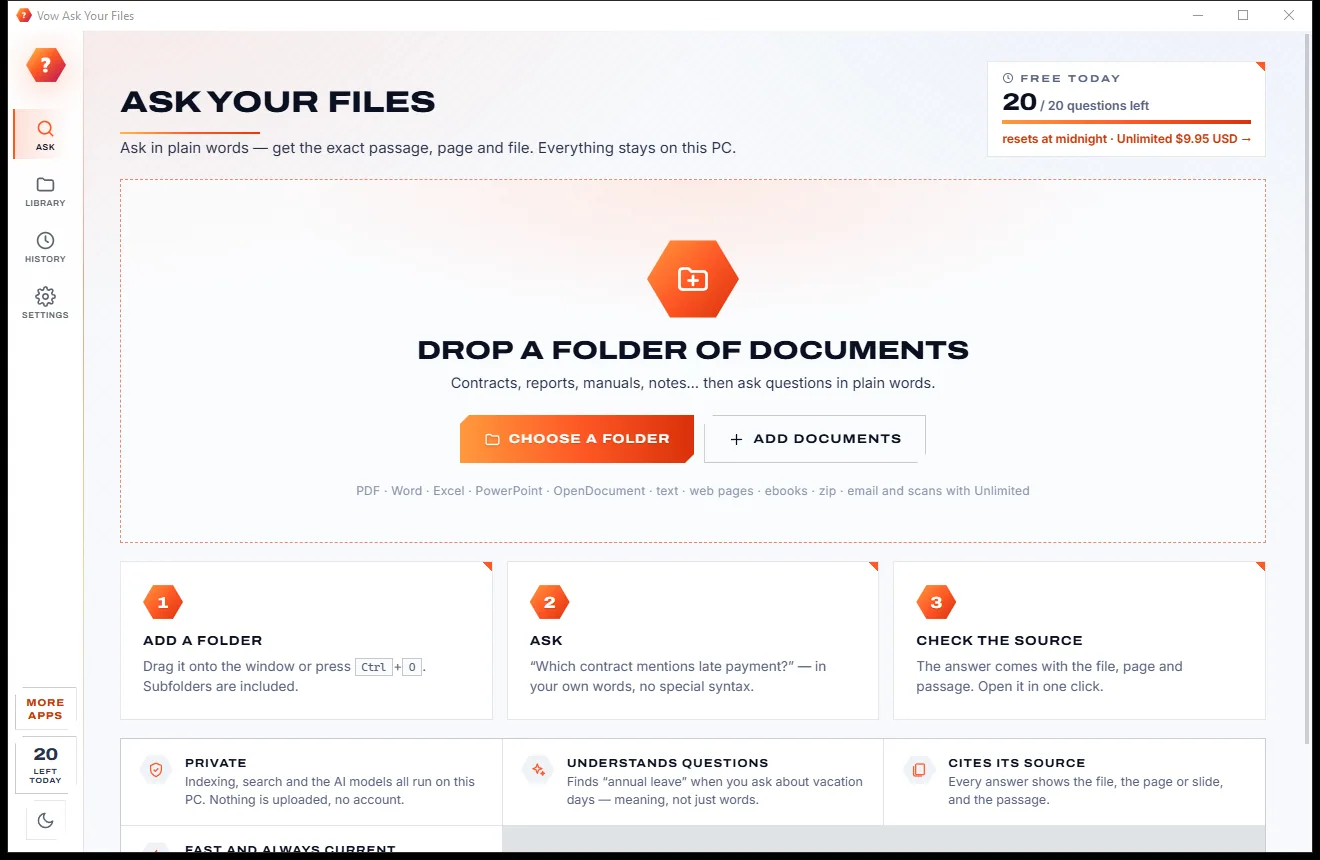
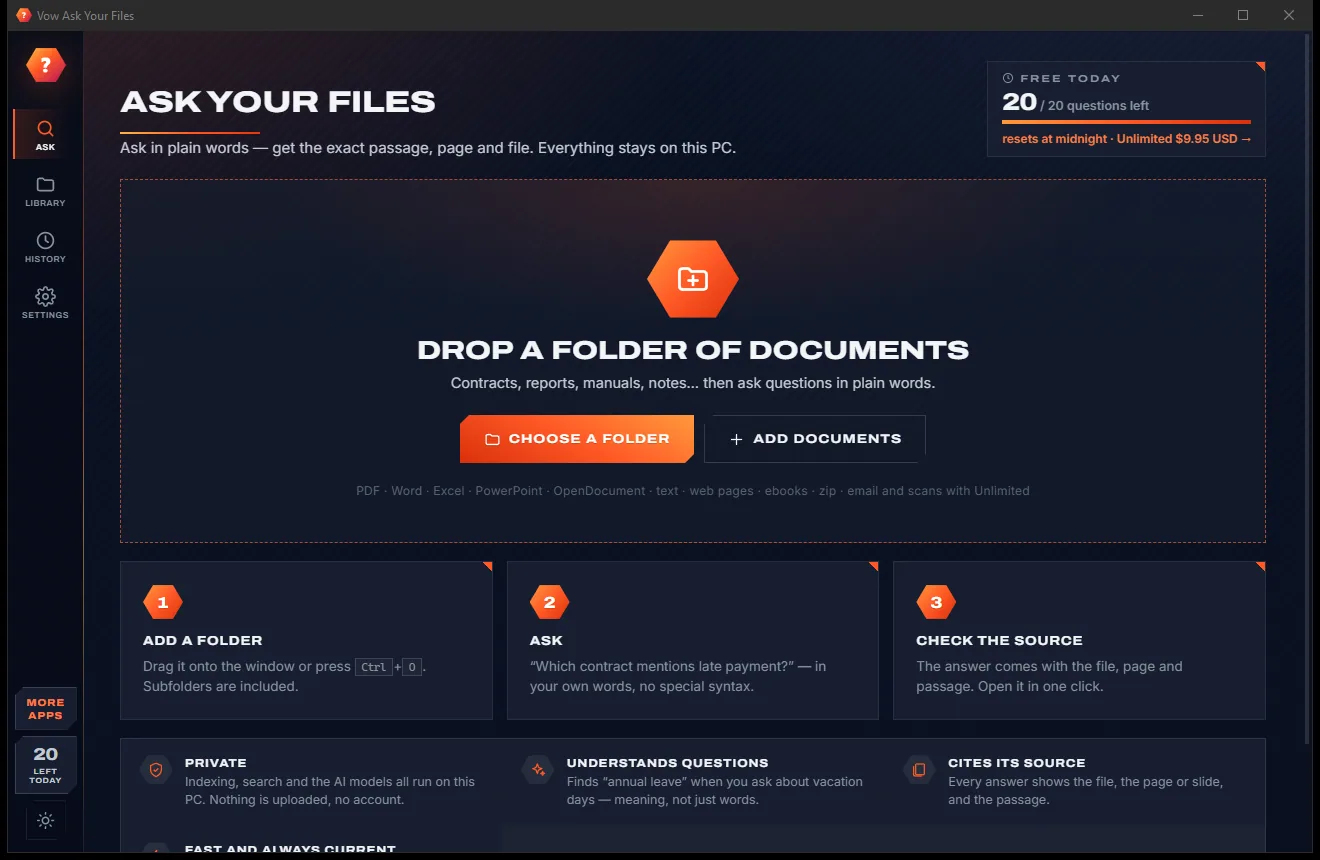
The problem
The notice period, the warranty, the figure from last year's report. Ordinary search finds file names; you need the sentence.
Ordinary search tells you which files contain a word. You still open twenty of them to find the one sentence you need.
Cloud AI chat wants your contracts, payslips and reports on someone else's servers before it will answer anything.
Chatbots can answer fluently and wrongly, with no page to check the answer against.
Local AI tools often need a separate multi-gigabyte model download, a powerful graphics card and an afternoon of setup.
Desktop search suites charge yearly plans, often with text recognition for scans saved for the top tier.
Heavy indexers re-read files that never changed and slow the whole PC down while they do it.
Vow Ask Your Files fixes all of it.
How it works
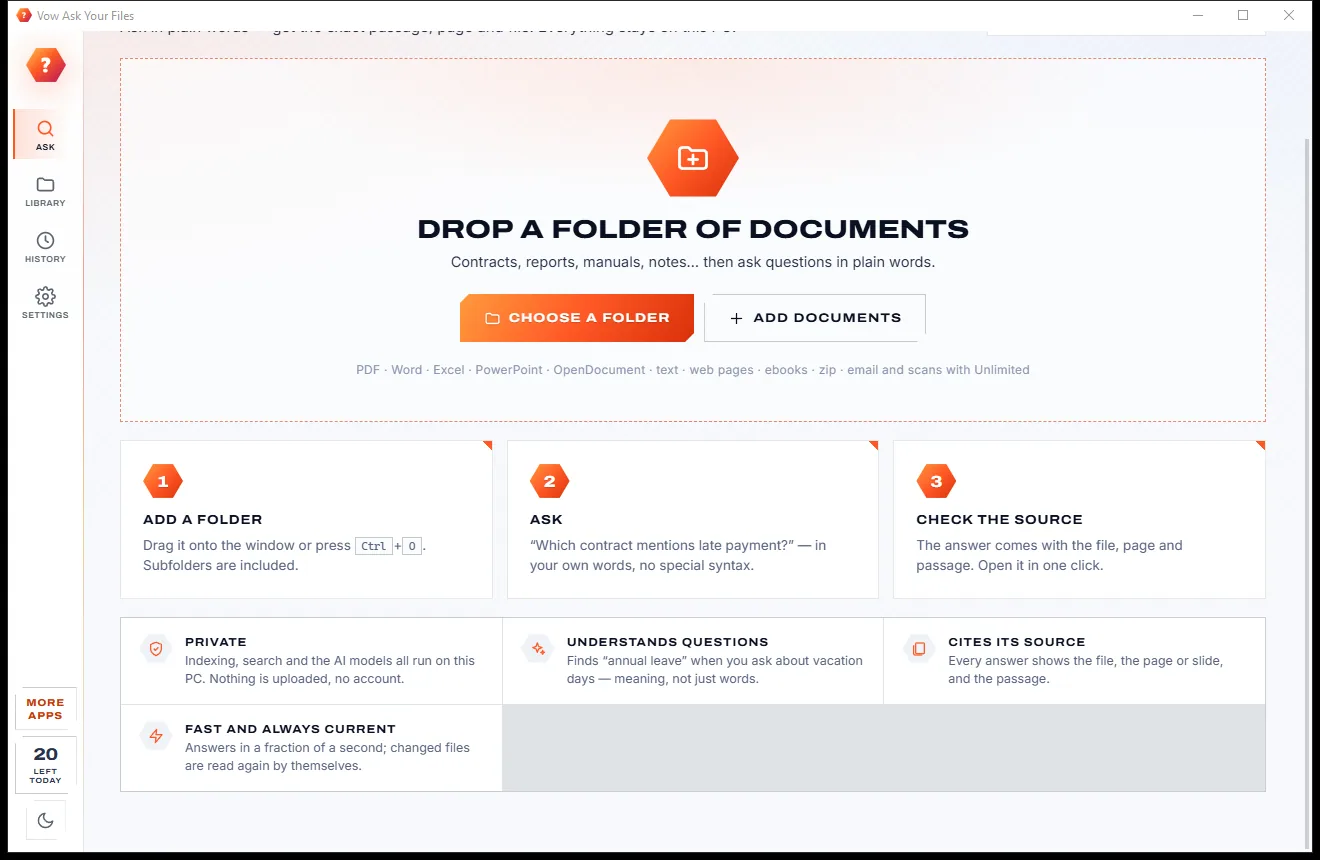
Point it at a folder, ask in your own words, and read the answer with its source a moment later.
Drag a folder onto the window or press Ctrl+O. Subfolders are included, the newest files are read first, and you can ask straight away.
Type a question and press Enter. The answer card shows the best sentence with a confidence label and the file and page it came from.
Show in context opens the document's text with the passage centred and highlighted; Open opens the file in its own program.
Features
For anyone with years of contracts, reports, policies and notes, and no time to open them one by one.
The answer card quotes the best sentence from your files with its file and page, slide, sheet or line. Nothing is invented.
Keyword search and a semantic AI model work side by side, then a second model re-reads each passage to pick the best one.
PDF, Word, Excel, PowerPoint, OpenDocument, RTF, text, Markdown, CSV, web pages, EPUB e-books and documents inside zips.
Read the document's text beside the results, with the passage centred and your question's words highlighted.
Only new or changed files are read again, changes are noticed while the app runs, and deleted files leave the index.
"Exact phrase", -word, type:pdf, in:Contracts, after:2024-03 or year:2023, or pick a folder, type and date from the menus.
Outlook .msg, .eml and .mbox mailboxes from Thunderbird or Gmail Takeout, with their attachments, in Unlimited.
Windows' own text recognition reads scanned PDF pages and photos of documents so they answer questions too, in Unlimited.
Save answers with numbered source citations as Markdown, HTML or CSV for a report or a file note, in Unlimited.
Every question is kept on this PC only, with its hits and best file. Pin the ones you ask often and ask again in one click.
Light & dark theme
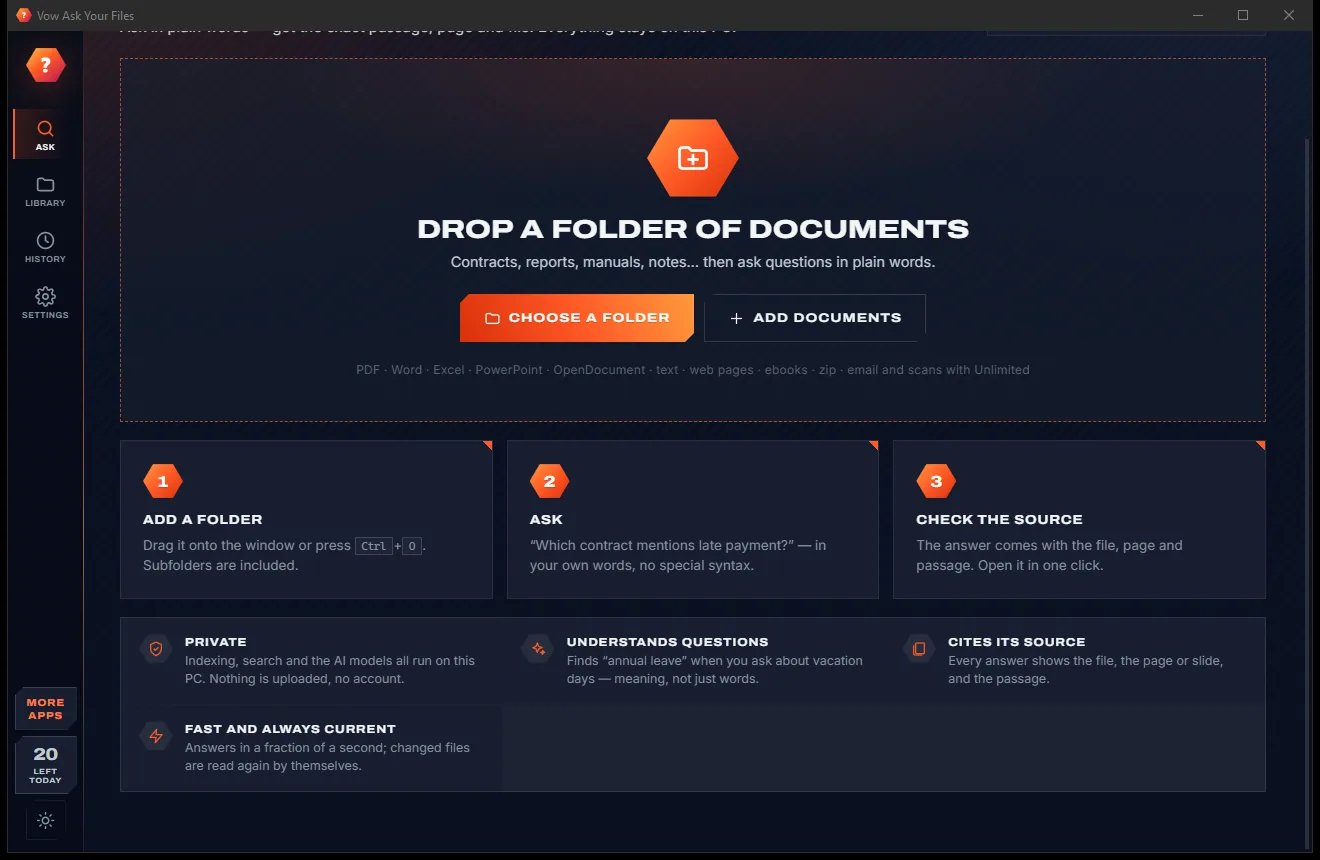
Ask Your Files comes with a crisp light theme and a calm dark theme. Switch with one click, or let it follow your Windows setting by itself. It remembers your choice.
Screenshots
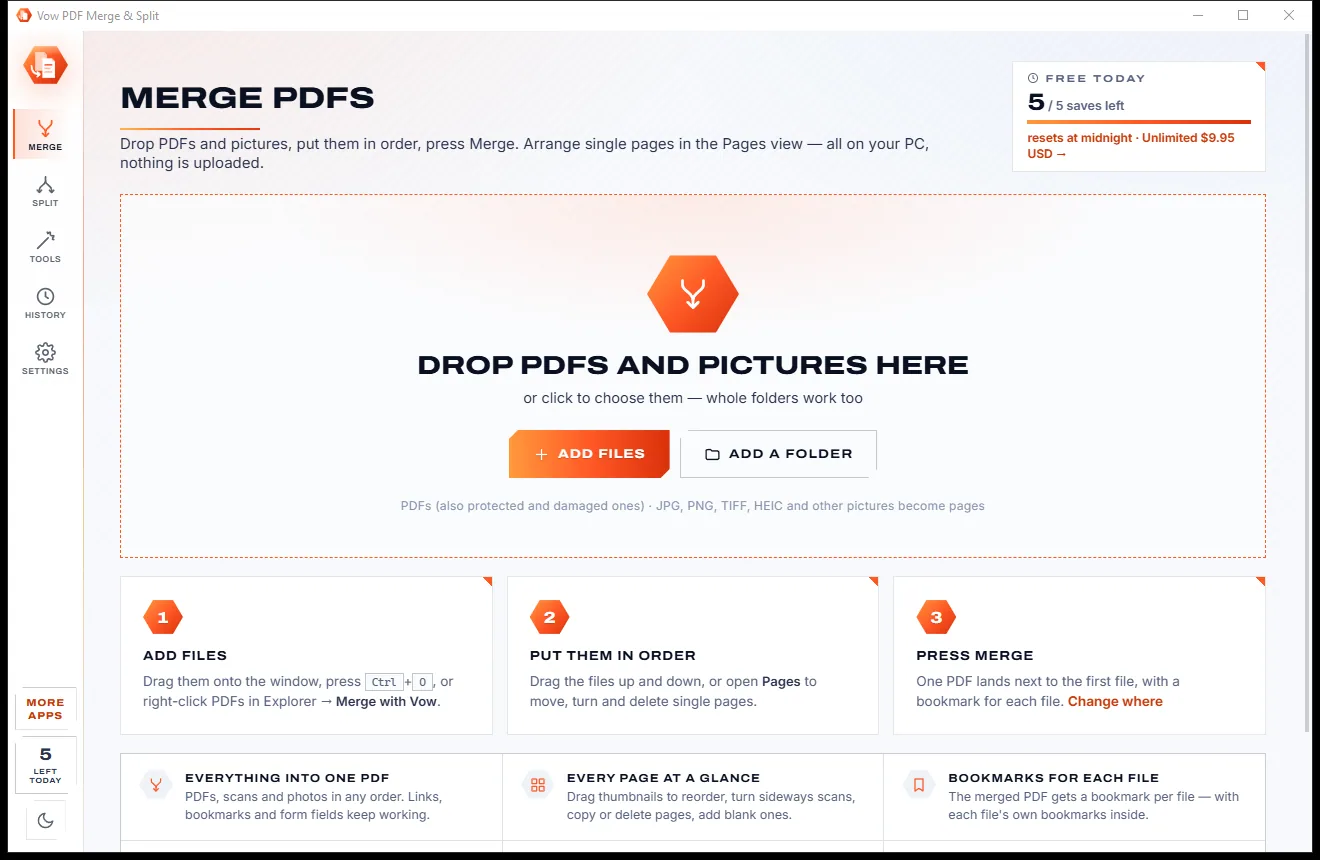
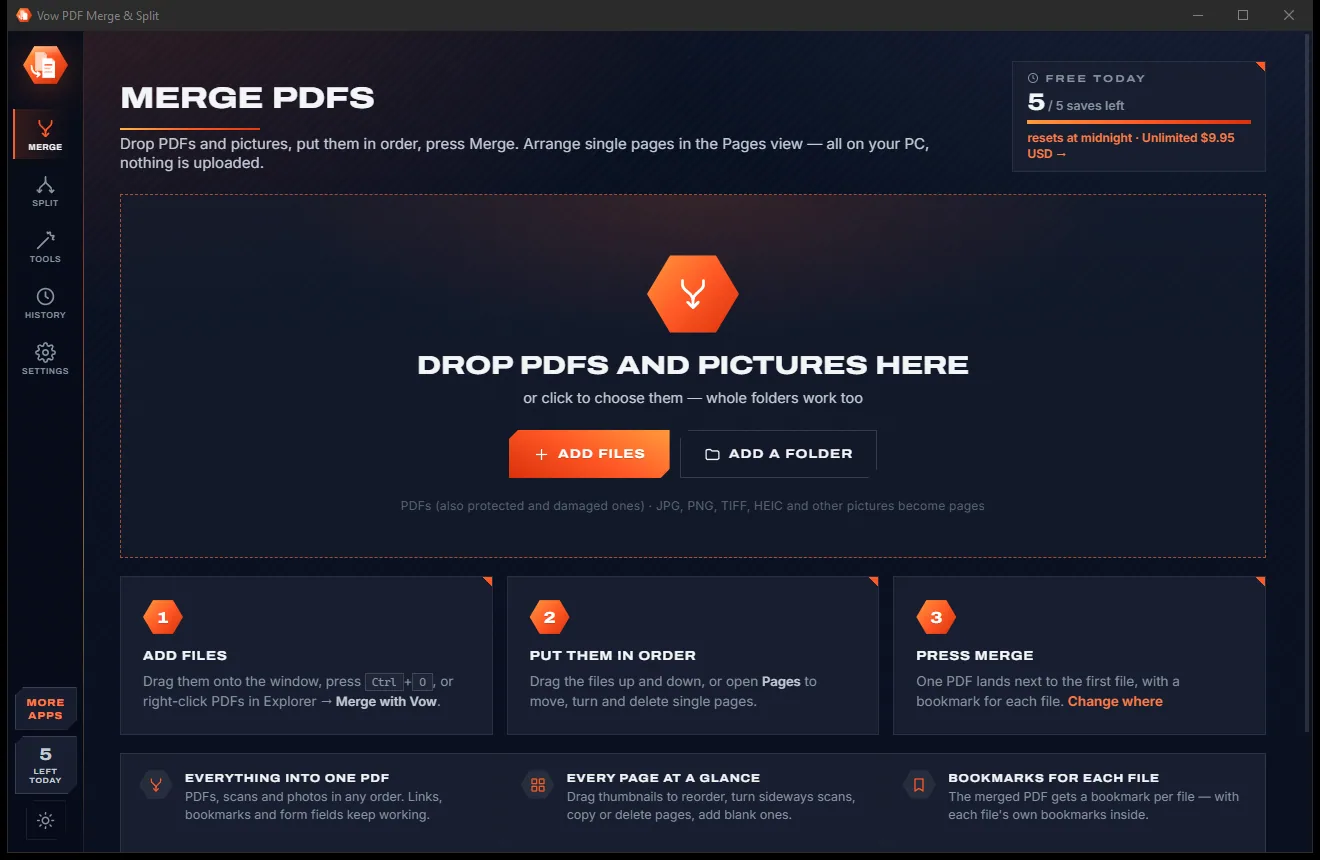
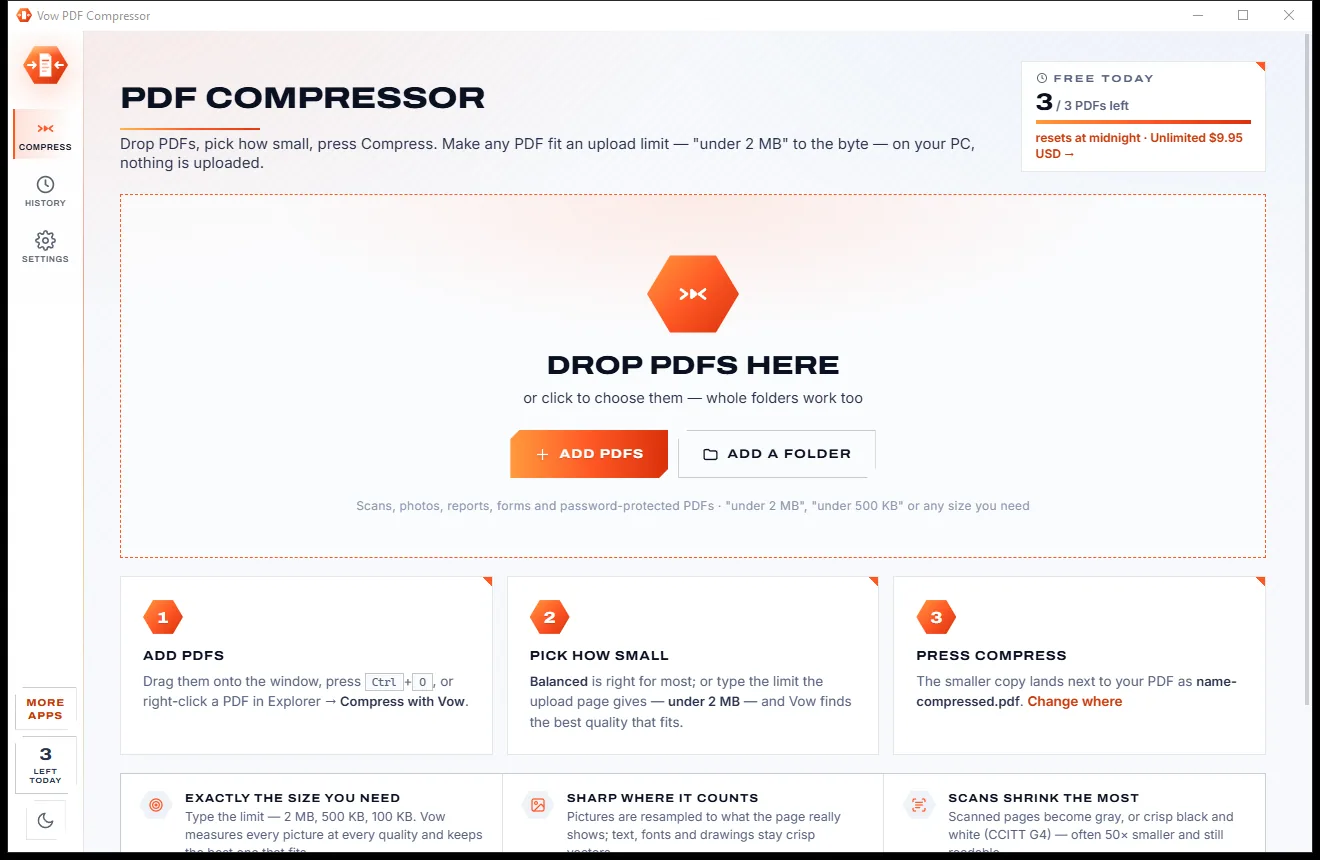
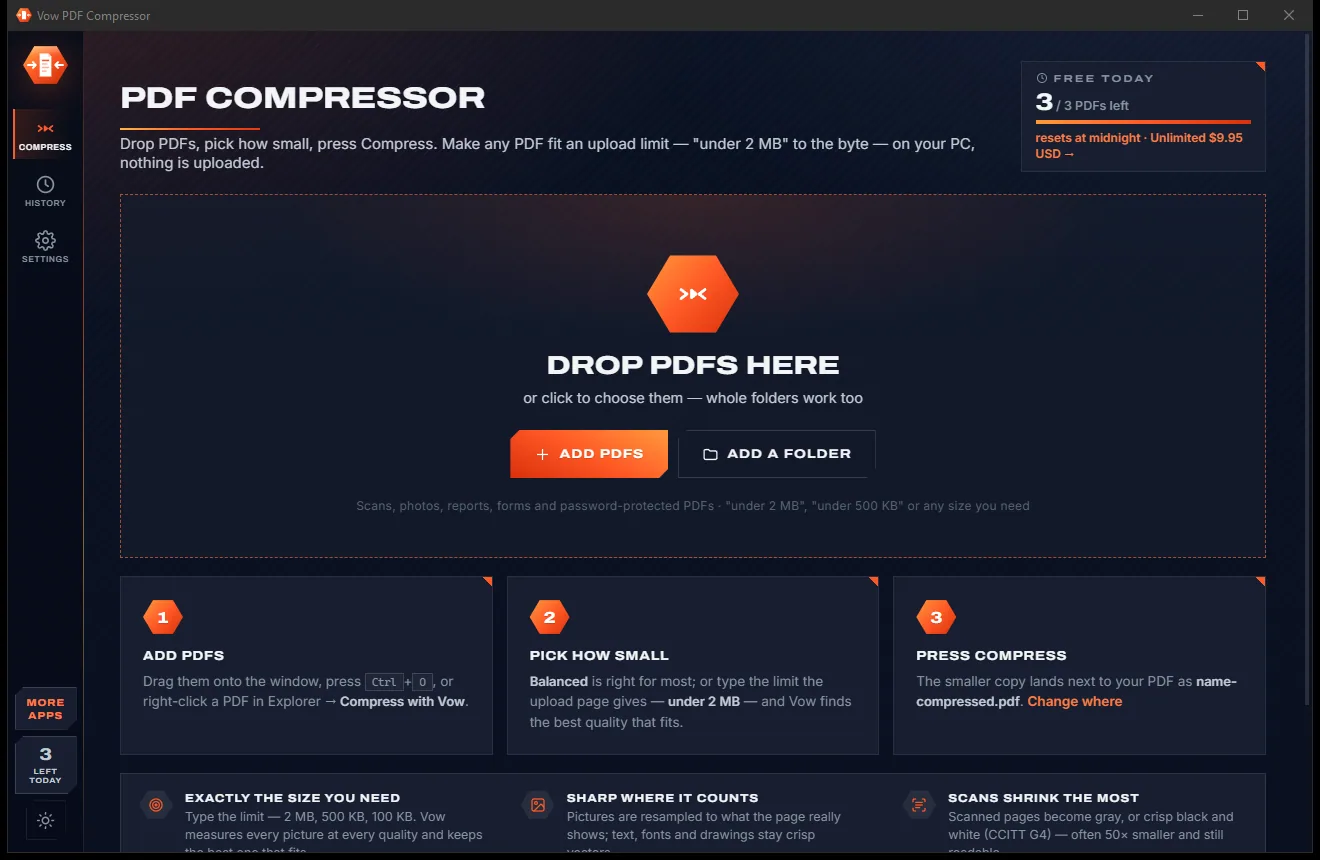
Real screenshots of the real app, in both of its themes: 6 light, 6 dark. Click any picture to see it full size.
Light theme
Dark theme
Who it's for
"How much notice do I have to give?" answered from the lease itself, with the page number.
Find the warranty period or the service interval without opening every PDF in the folder.
Answer staff questions from the policy folder, quoted word for word with the source.
Who owns the marketing budget, what last year's figure was, and which report said so.
Search years of client files privately, without a single document leaving the office.
Ask your papers and notes a question and get the passage to quote, with its source.
Compare
Keyword search, cloud AI chat and desktop search suites, side by side.
| Feature | Vow Ask Your Files | Desktop search & cloud AI tools |
|---|---|---|
| Your documents are uploaded | Never: everything runs on your PC | Yes, for cloud AI chat |
| What you get back | The exact sentence, with file and page | File names, or generated text without a page |
| Searches by meaning, not just words | Yes, words and meaning combined | Keyword only in many desktop tools |
| Model download and setup | None: small models are built in | Often multi-gigabyte downloads |
| Needs a graphics card | No: runs on the processor | Often, for local AI tools |
| Text in scanned documents | Built in, using Windows' own OCR | Often a top-tier plan or extra setup |
| Re-reads unchanged files | No: only new or changed files | Some do, slowing the PC |
| Price | Free every day, or $9.95 once | Monthly or yearly subscriptions |
"Typical" describes what we found across the most-downloaded alternatives when we built Ask Your Files. Your mileage with any one of them may vary; ours won't.
Pricing
That is not a typo. Software this powerful usually means a monthly subscription; Ask Your Files is $9.95, once, for life: it's almost a giveaway. Use it free for as long as you like, and unlock Unlimited only if you need more.
One folder of any size, 20 questions a day.
Almost a giveaway. Less than a takeaway lunch for software this powerful: no subscription, no renewals, yours for life on 2 PCs.
Any number of folders and questions, emails, OCR, exports.
Payments by Stripe: we never see or store your card. Questions? Ask a real person.
Clean software
Most "free" Windows downloads pay for themselves with ads, bundled extras or your data. Vow Ask Your Files doesn't need to: it's paid for honestly, once, by the people who find it useful.
Download Ask Your Files freeStep-by-step guide
From a folder of files to a cited answer in two clicks, without uploading a single page.
Step 1: get it freeGet Vow Ask Your Files from this page and run the installer. Everything it needs, including both AI models, is inside: nothing downloads on first run, and there is no account.
Drag a folder onto the window, press Ctrl+O or click Choose a folder. It is read in the background, newest files first, and you can start asking straight away.
Type it in your own words, such as "What is the warranty period?", and press Enter. Smart mode combines words and meaning; Exact words looks for the precise term.
The best sentence appears at the top, marked Strong match or Good match, with its source. Below it, every matching document shows the passage highlighted with its page, slide or sheet.
Press Show in context (or Space) to read the passage inside the document, or Open to open the file in its own program. Ctrl+Shift+C copies the answer together with its sources.
Technical details
FAQ
Yes. You can search one folder of any size and ask 20 questions a day for free (resets at midnight; asking the same question again that day is free), with PDF, Word, Excel, PowerPoint and more. Unlimited, a one-time $9.95 USD payment, adds unlimited questions and folders, emails, text recognition for scans, answer exports and local AI answers.
No. Reading the files, the search index and both AI models all run on your own PC. Your documents are only read, never changed, moved or uploaded.
No. The answer card is a real sentence quoted from your files, with its file and page and a confidence label. When nothing in your files answers the question, it says it isn't sure instead of inventing an answer.
No. The two small AI models (about 55 MB together) run on the processor. In testing, a question over 4,500 passages took about 0.35 seconds, and keyword search works the moment a folder is added.
PDF, Word (.docx, .doc, .rtf), Excel, PowerPoint, OpenDocument, text, Markdown, CSV, JSON, code, web pages, EPUB e-books and documents inside .zip files. Unlimited adds Outlook .msg, .eml and .mbox emails and text recognition for scanned PDFs and photos.
Keyword search works in any language, with accents handled. The meaning search and re-ranking models are trained on English, so they work best with English documents.
Yes, optionally, with Unlimited. If Ollama runs on your PC, Vow passes the top passages to your local model and shows a written answer that cites them as [1] and [2]. It never downloads a model itself, and the built-in search doesn't need one.
Yes. It is made and published by XTO Pty Ltd, an Australian company. There are no ads, no bundled software and no account, it needs no administrator rights, and it uninstalls cleanly from Windows Settings.
The Vow collection
Same design, same promises, a tiny one-time price. Learn one and you already know them all.
Redact PDFs for real: nothing left under the black boxes
Merge, split and reorder PDFs on your own PC
Shrink any PDF to the exact size an upload form asks for
Ask your documents a question, get the exact answer and its source. Free to use every day, $9.95 once if you ever want Unlimited.