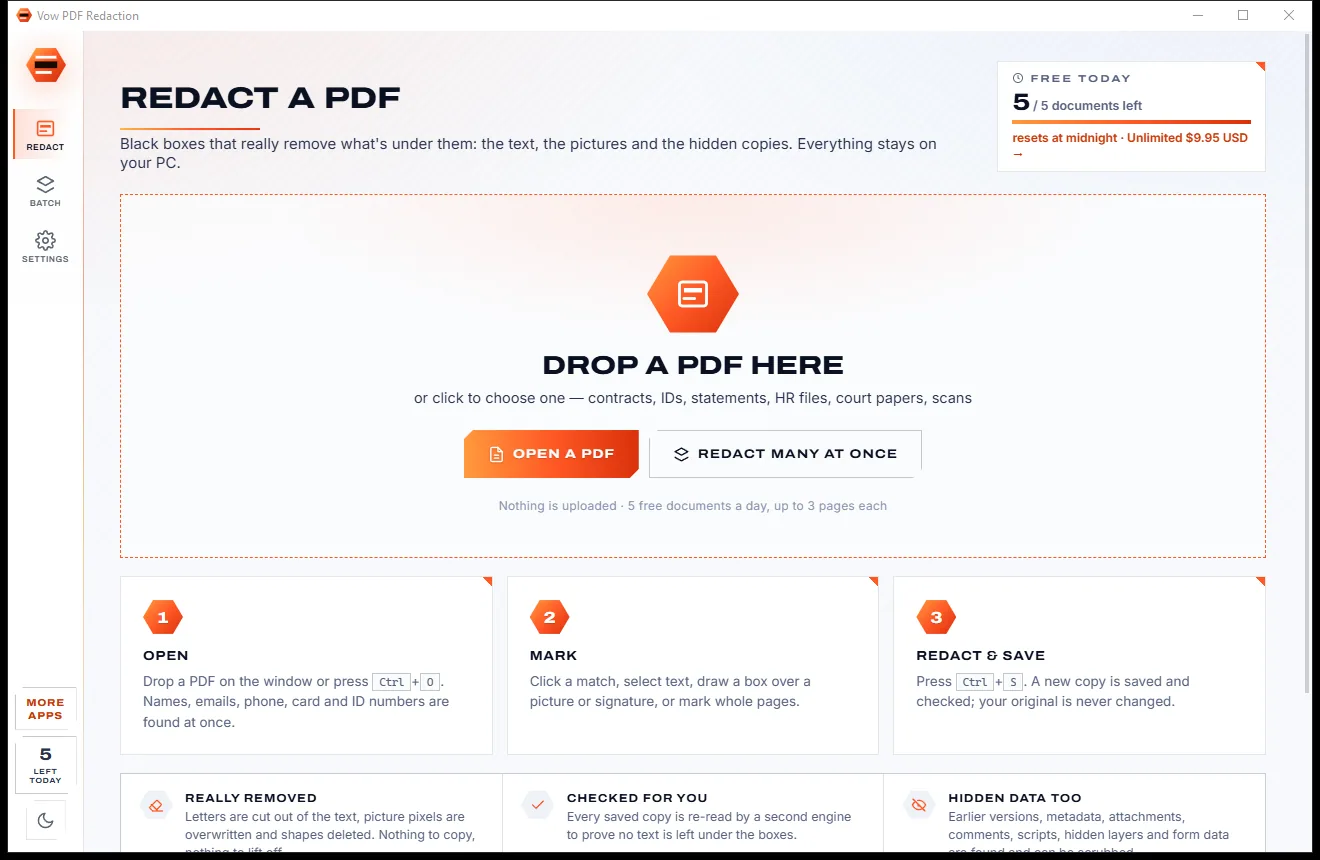

Redact PDFs for real: nothing left under the black boxes
- Free: 5 documents a day, up to 3 redacted pages each, true redaction
- $4.95 once: Any length, one-click redact-all, batch folders, scrub hidden data

Large CSV viewer and editor for Windows
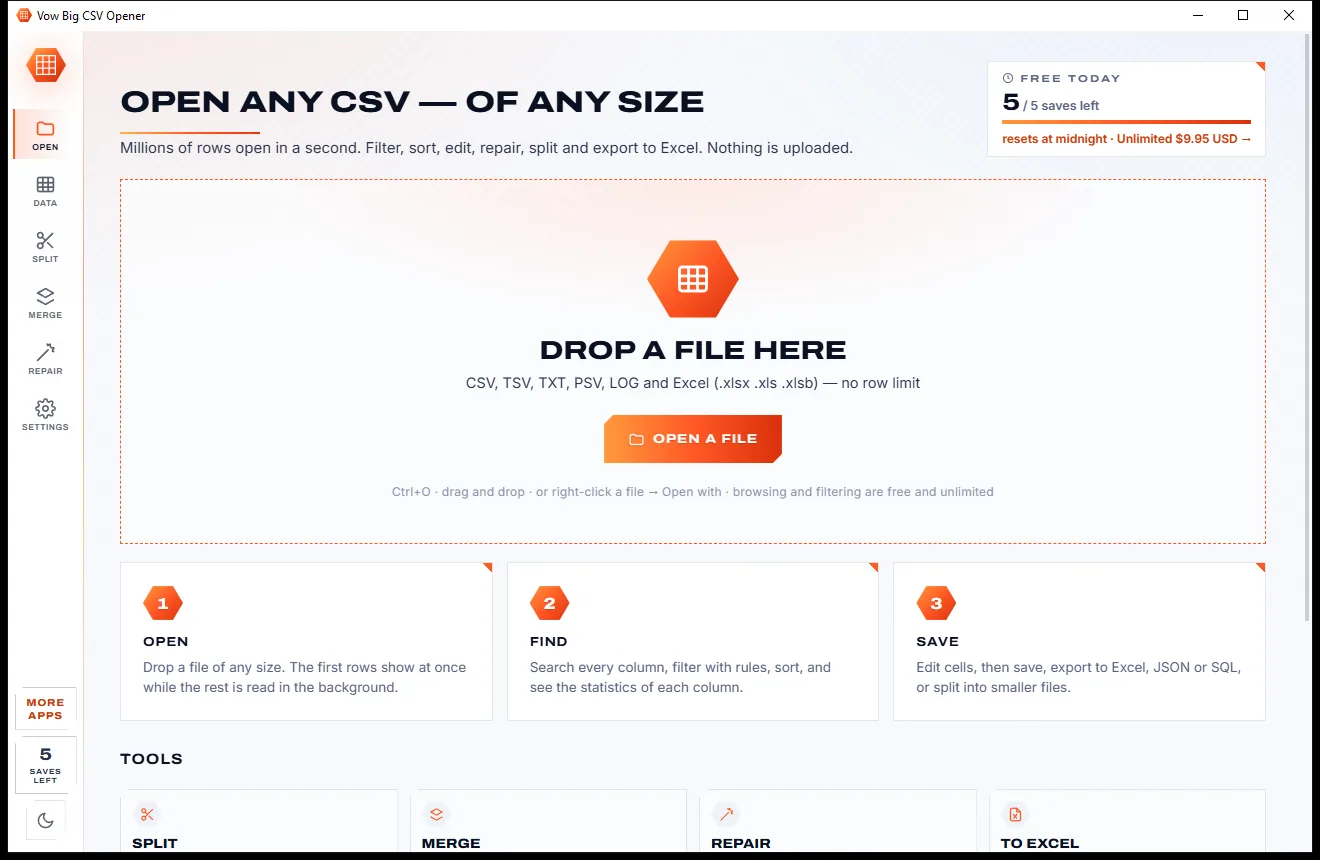
Drop in a multi-gigabyte export and the first rows appear at once while the rest is read in the background. Filter, sort, edit, repair, split and export to Excel with no row limit, and no leading zeros or long IDs mangled on the way. Nothing is uploaded.
The problem
A huge export lands in your inbox. Excel cuts it short, the text editor freezes, and the online converters want it on their servers.
Everything past that row is simply left out, and the warning is easy to click past. Half your data can vanish without you noticing.
Text editors and spreadsheet apps try to load the whole file into memory, lock up for minutes, then give up halfway.
Leading zeros disappear, long IDs turn into 1.23E+15 and codes like 1-2 or MAR1 become dates the moment the file opens.
Online CSV tools want your sales, payroll or customer data on their servers before they'll split or convert a thing.
Many big-file viewers are read-only. Fixing one bad row still means hunting for yet another program.
Monthly plans for something you need whenever a big export turns up, renewing whether you open a file or not.
Vow Big CSV Opener fixes all of it.
How it works
The first rows in milliseconds, the whole file indexed in the background, and every change undoable.
Drag in a CSV, TSV, TXT, LOG or Excel file of any size. The separator, encoding and header row are detected, and the first rows show in milliseconds.
Search every column, type a rule like amount > 100, or build filters with 19 tests. Click a column's most common value to filter on it.
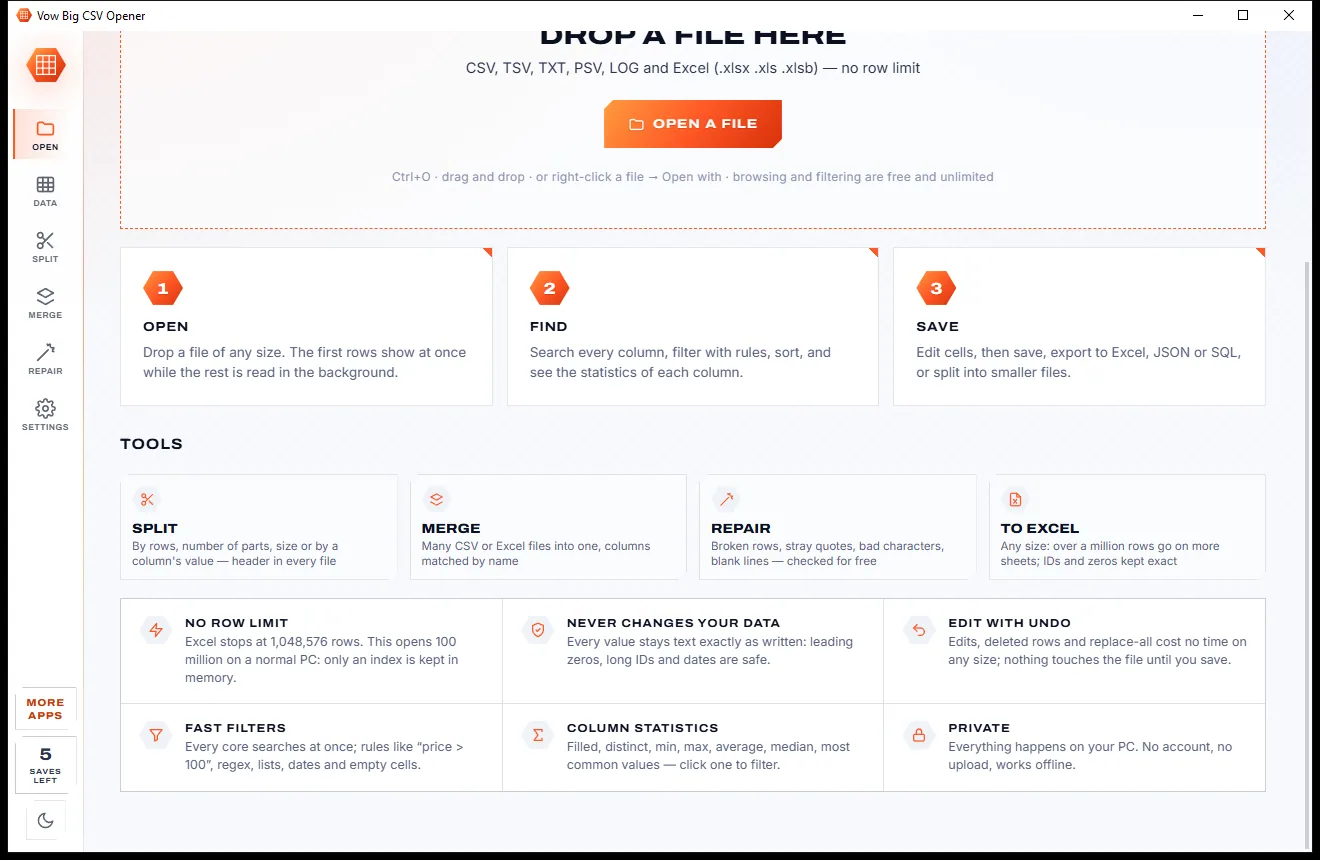
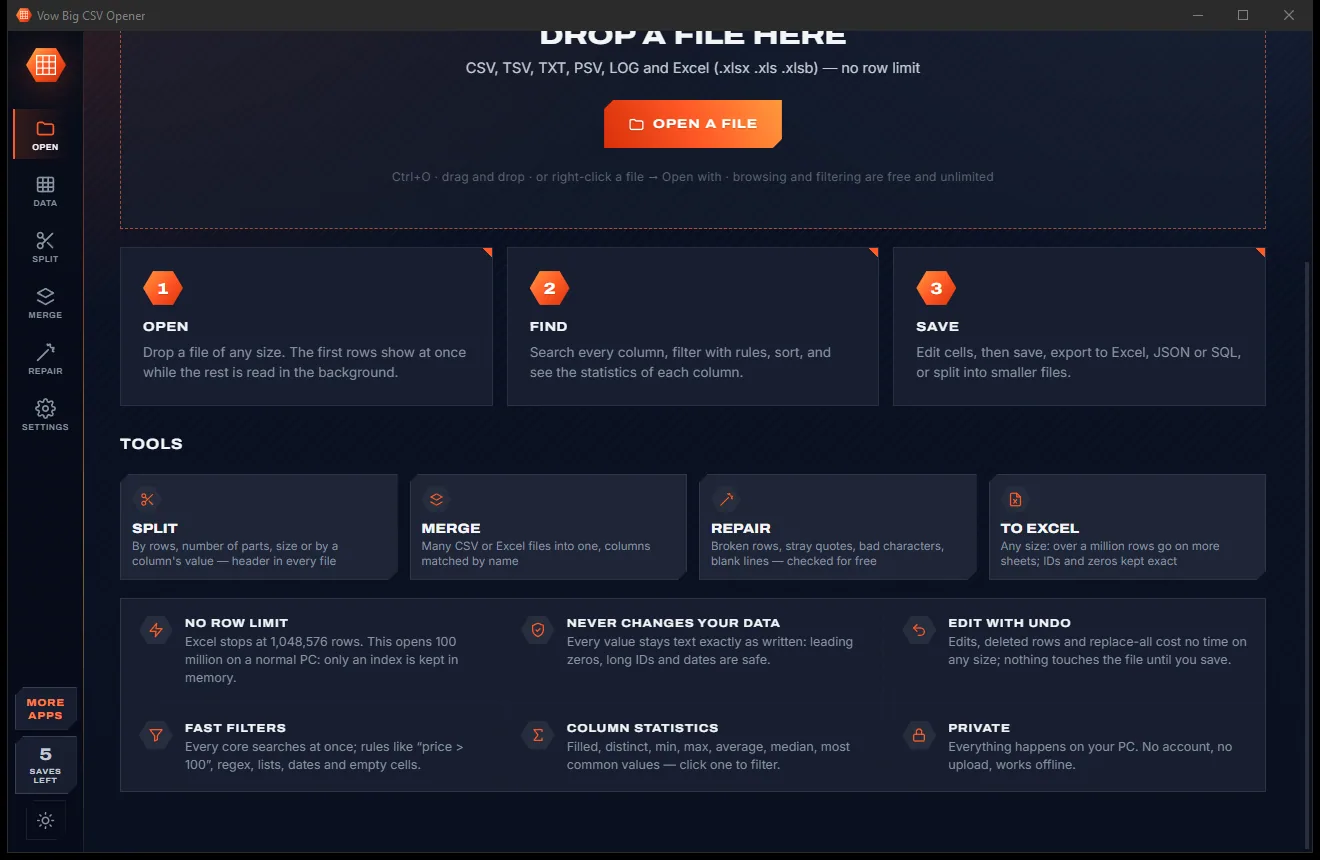
Edit cells, remove duplicates or repair broken rows, all undoable. Save in the file's own format, or export to Excel, JSON, SQL and more.
Features
For analysts, bookkeepers, developers and small businesses who live in exports and spreadsheets.
Only a small index is kept in memory, so 100-million-row files work on an ordinary PC. A 5-million-row, 396 MB test file indexed in 0.44 s.
Edit cells, paste from Excel, add or delete rows and columns, find and replace. Every change is undoable and instant on any size.
Typed rules like price > 100 or city = Perth, a 19-test filter builder, and natural multi-key sorting of numbers, dates and text.
Type, filled %, distinct values, sum, average, median, min, max and the top 20 values. Click one to filter on it.
See which columns hold leading zeros, 16+ digit numbers or date-looking text before Excel gets the chance to change them.
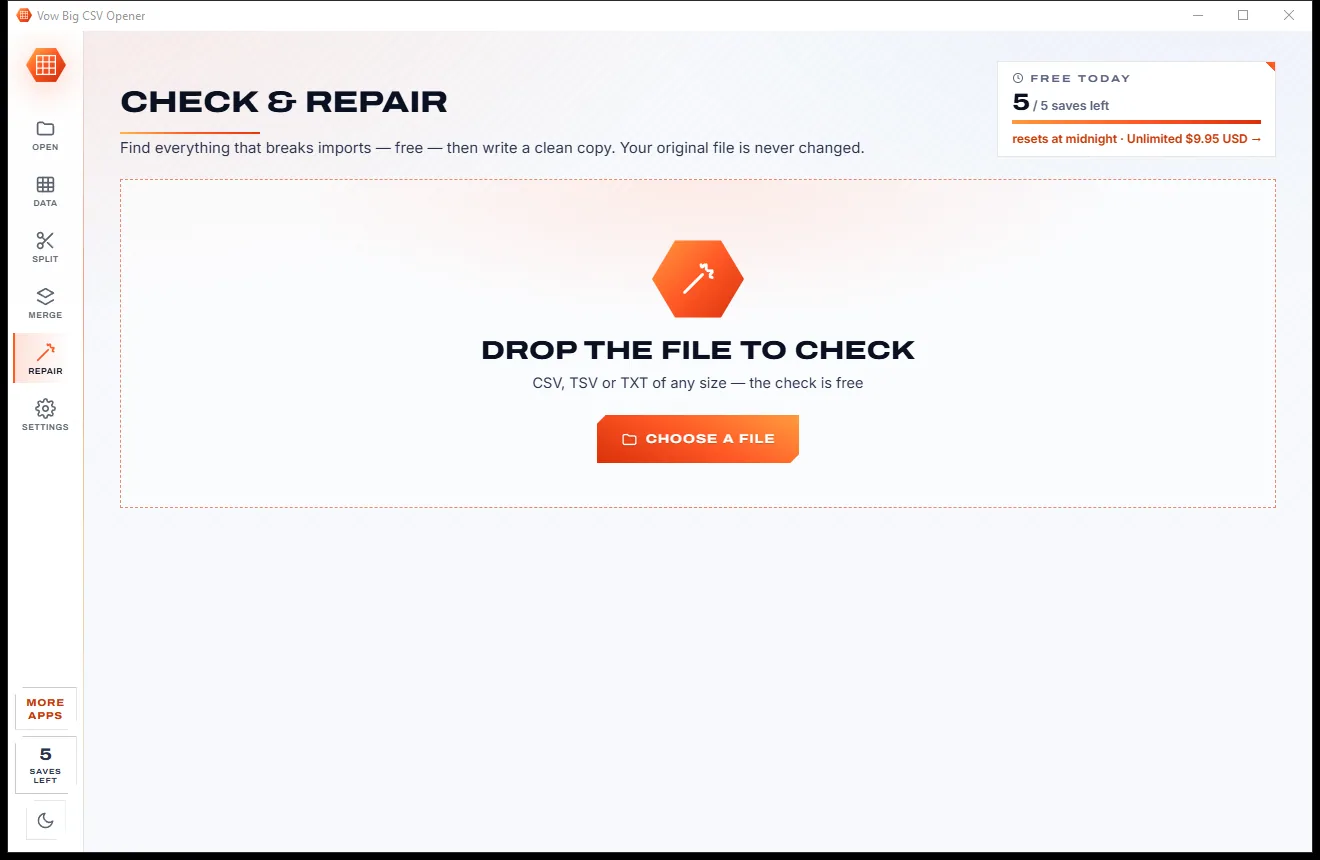
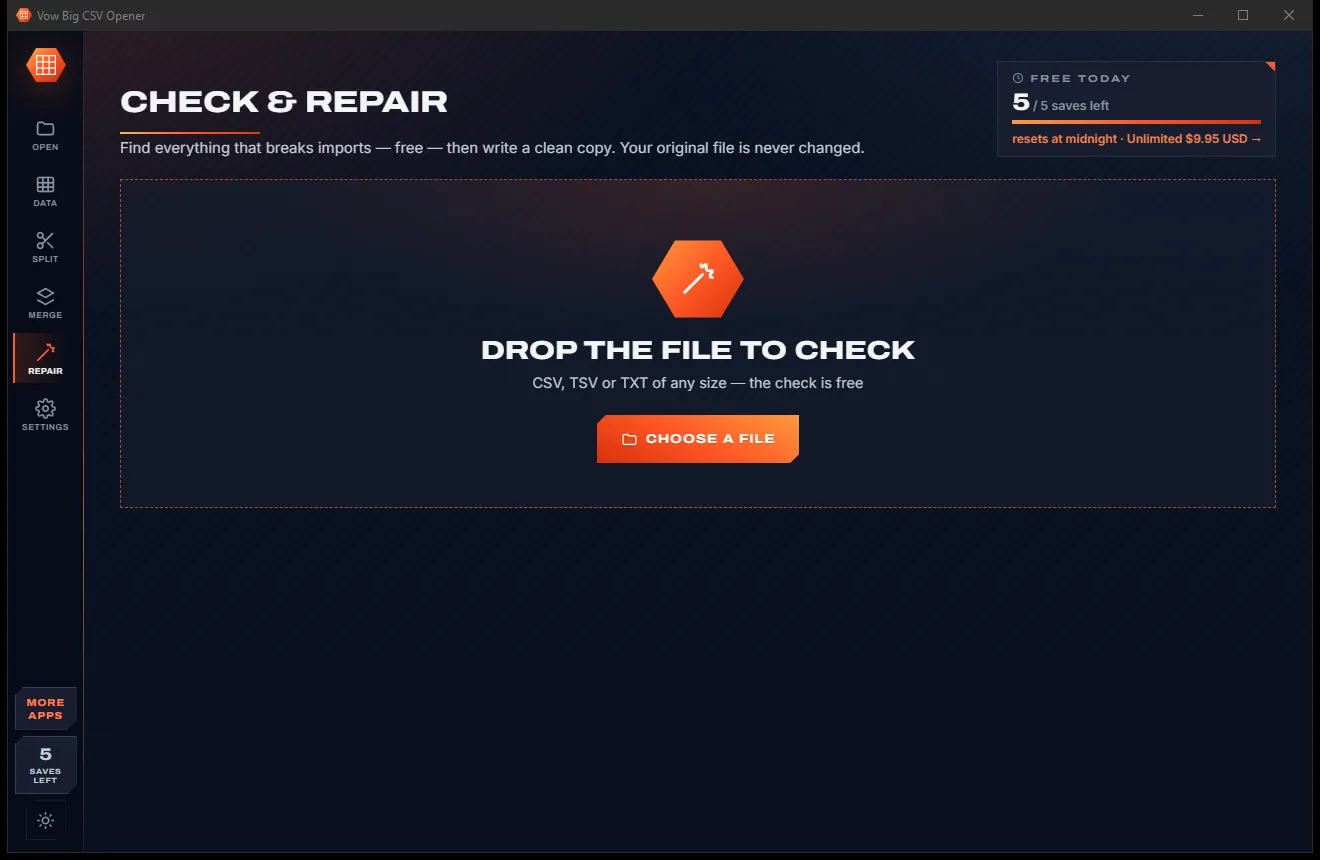
Finds unclosed quotes, missing or extra fields, broken characters, NUL bytes and blank lines with sample lines, then writes a clean copy.
Cut a file by row count, number of parts, megabytes, or one file per value of a column, with the header in every part.
Combine CSV and Excel files with columns matched by name, an optional source column, and duplicate rows removed.
Writes .xlsx that keeps leading zeros, long IDs and dates exactly as written, starting a new sheet past 1,048,576 rows.
Comma, tab, semicolon, pipe and more; UTF-8, UTF-16, Windows-1252 and 20 other encodings, all detected for you.
Light & dark theme
Big CSV Opener comes with a crisp light theme and a calm dark theme. Switch with one click, or let it follow your Windows setting by itself. It remembers your choice.
Screenshots
Real screenshots of the real app, in both of its themes: 8 light, 8 dark. Click any picture to see it full size.
Light theme
Dark theme
Who it's for
Explore a full export before it ever reaches a spreadsheet, with statistics on every column.
Open the sales, stock or customer export from your systems, filter it and send on only the part you need.
Bank and ledger exports with account numbers and leading zeros kept exactly as written.
Inspect a log or a database dump, find the bad row, and export a slice as JSON or SQL INSERT statements.
Split a file by size or by region, customer or year so each part fits in an email, header included.
Track down the stray quote or short row that breaks an import, and write a repaired copy with a log of every change.
Compare
What happens when the file is bigger than the tool, side by side.
| Feature | Vow Big CSV Opener | Spreadsheets, editors & online tools |
|---|---|---|
| Row limit | None for viewing, splitting and exporting | 1,048,576 in Excel; others slow to a crawl |
| First rows on screen | In milliseconds, the rest reads in the background | After the whole file loads, if it does |
| Leading zeros and long IDs | Kept exactly as written, with warnings | Often changed on opening |
| Edit huge files | Yes, with undo; nothing touched until you save | Many big-file viewers are read-only |
| Find and repair broken rows | Built-in check and repair | Rarely |
| Split and merge | Built in: by rows, parts, size or value | Separate tools or scripts |
| Your data is uploaded | Never | Yes, for online converters |
| Price | Free every day, or $4.95 once | Subscriptions or file-size caps |
| Ads and bundled extras | None, ever | Common on free download sites |
"Typical" describes what we found across the most-downloaded alternatives when we built Big CSV Opener. Your mileage with any one of them may vary; ours won't.
Pricing
That is not a typo. Software this powerful usually means a monthly subscription; Big CSV Opener is $4.95, once, for life: it's almost a giveaway. Use it free for as long as you like, and unlock Unlimited only if you need more.
Open, filter and analyse any size, plus 5 saves a day.
Almost a giveaway. Less than a coffee for software this powerful: no subscription, no renewals, yours for life on 2 PCs.
Unlimited saves, exports, splits, merges and repairs.
Payments by Stripe: we never see or store your card. Questions? Ask a real person.
Clean software
Most "free" Windows downloads pay for themselves with ads, bundled extras or your data. Vow Big CSV Opener doesn't need to: it's paid for honestly, once, by the people who find it useful.
Download Big CSV Opener freeStep-by-step guide
From a multi-gigabyte export to a filtered Excel file, step by step, on your own PC.
Step 1: get it freeGet Vow Big CSV Opener from this page and run the installer. It needs no administrator rights and no account, and can add an "Open with" entry for .csv, .tsv, .txt, .xlsx and .xls files without changing your default apps.
Drop it on the window, press Ctrl+O, or right-click it in Explorer and choose Open with. The first rows appear at once, and the status bar shows the rows, columns, separator and encoding.
Type in the search box to search every column, or type a rule such as amount > 900. Press Ctrl+L to build filters, and click a column's sort button to sort.
Double-click a cell to edit it, use Duplicates to find repeated rows, or open Repair to fix broken quotes and short rows. Ctrl+Z undoes anything.
Press Ctrl+E, pick Excel and choose the rows in view or all rows. Leading zeros, long IDs and dates are kept as written, and past 1,048,576 rows a new sheet starts automatically.
Technical details
FAQ
Yes. Opening, browsing, searching, filtering, sorting and profiling files of any size are free without limits, as are the repair check and the duplicate finder. You also get 5 saves a day: each save, export, split, merge or repair counts once, and saving the same file again that day is free. Unlimited, a one-time $4.95 USD payment, removes the daily limit.
There is no row limit for viewing, searching, splitting or exporting. Only a small index is kept in memory, so files with 100 million rows work on an ordinary PC; a 5-million-row, 396 MB test file was fully indexed in 0.44 seconds. Filter, sort and duplicate views work on up to 2.1 billion rows.
No. Values are shown and saved exactly as written: leading zeros, 16+ digit IDs and date-looking codes stay as they are. Columns Excel would change are flagged, and the Excel export stores them as text so Excel leaves them alone.
Yes. Edits are kept beside the file until you save, so they cost no time on any size and every one can be undone. Save writes the changes in the file's own separator, encoding and line endings, and keeps the previous version as a .bak file.
Yes: .xlsx, .xlsm, .xlsb and .xls workbooks, with a sheet switcher. It also opens CSV, TSV, TXT, PSV and LOG files, and detects the separator, encoding and header row for you.
Excel stops at 1,048,576 rows and can change leading zeros, long numbers and date-like text as a file opens. Vow Big CSV Opener has no row limit, never changes a value on its own, and adds built-in tools to repair, split and merge files.
No. Everything happens on your own PC and the app works offline. Nothing is uploaded, and there is no account to create.
Yes. It is made and published by XTO Pty Ltd, an Australian company. There are no ads, no bundled software and no account, it needs no administrator rights, and it uninstalls cleanly from Windows Settings.
The Vow collection
Same design, same promises, a tiny one-time price. Learn one and you already know them all.
Redact PDFs for real: nothing left under the black boxes
Merge, split and reorder PDFs on your own PC
Shrink any PDF to the exact size an upload form asks for
Open CSV files too big for Excel, in a second, and actually edit them. Free to use every day, $4.95 once if you ever want Unlimited.