
Open every archive, and fix the ones that won't open
- Free: Extract and browse every format with no limit, 3 repairs or joins a day
- $4.95 once: Unlimited repairs and joins, batches of any size, a watch folder

Instant file search for Windows
Type any part of a name and the results are already there, across every drive, kept up to date live. Remember the words but not the file name? Search inside PDF, Word, Excel and code files. No ads, no account, no subscription, and nothing leaves your PC.
The problem
Windows Search makes you wait, then misses the file anyway. The alternatives want admin rights, your attention or a yearly fee.
Type a name, watch the bar crawl, then scroll past web results and apps to find a file you saved yesterday.
If a file isn't somewhere Windows chose to index, it might as well not exist. You end up clicking through folders by hand.
Plenty of free search apps pay their way with banners, sponsored offers and extras slipped into the installer.
Searching the text inside documents is often locked in a yearly plan, for something you need a few times a month.
Some fast search tools want administrator rights, a service or a driver running on your PC all the time.
You remember what the document said, not what you called it. A name search can't help you with that.
Vow File Search fixes all of it.
How it works
Results with every keystroke, the right file first, and the text inside your documents one click away.
The first start indexes your drives in the background and you can search straight away. After that the saved index loads in a fraction of a second.
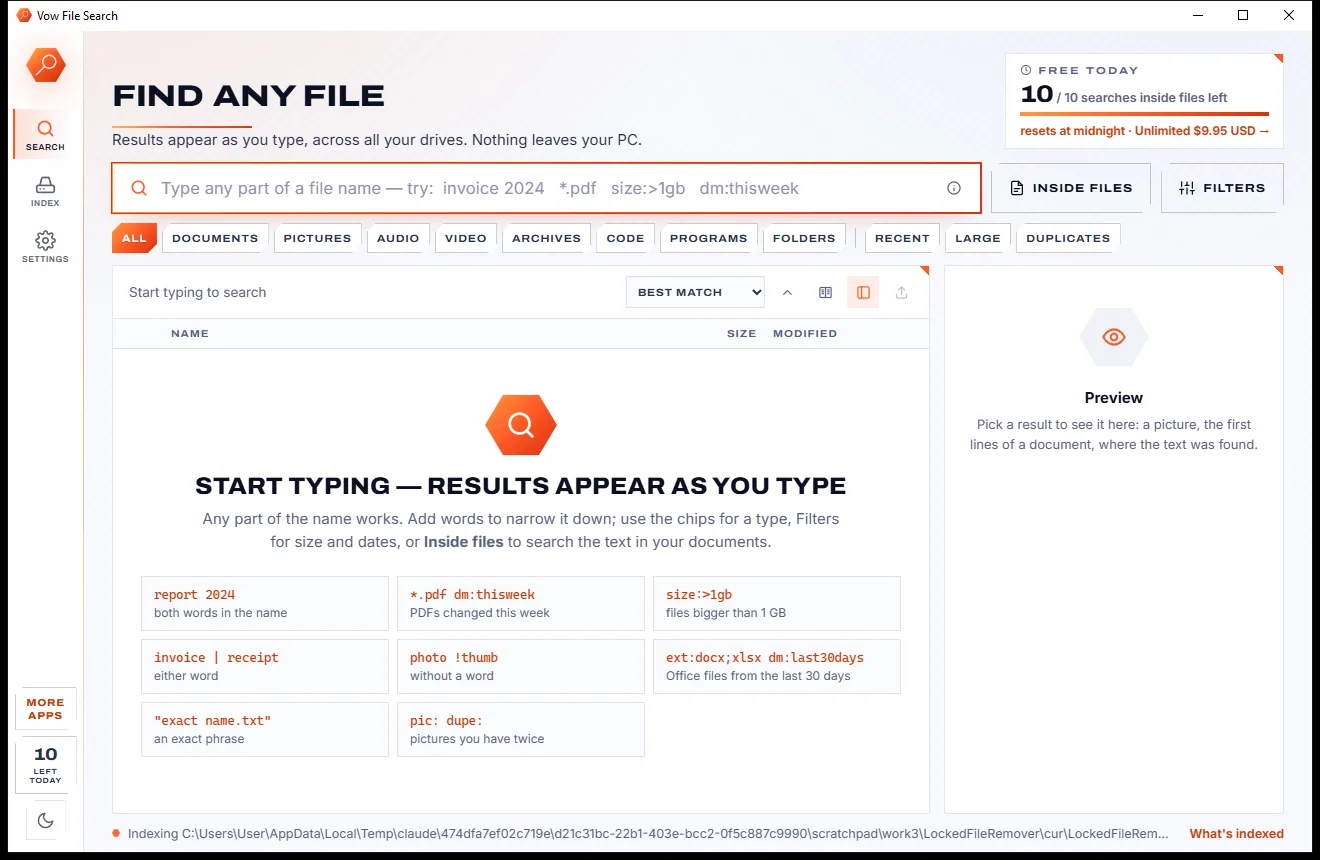
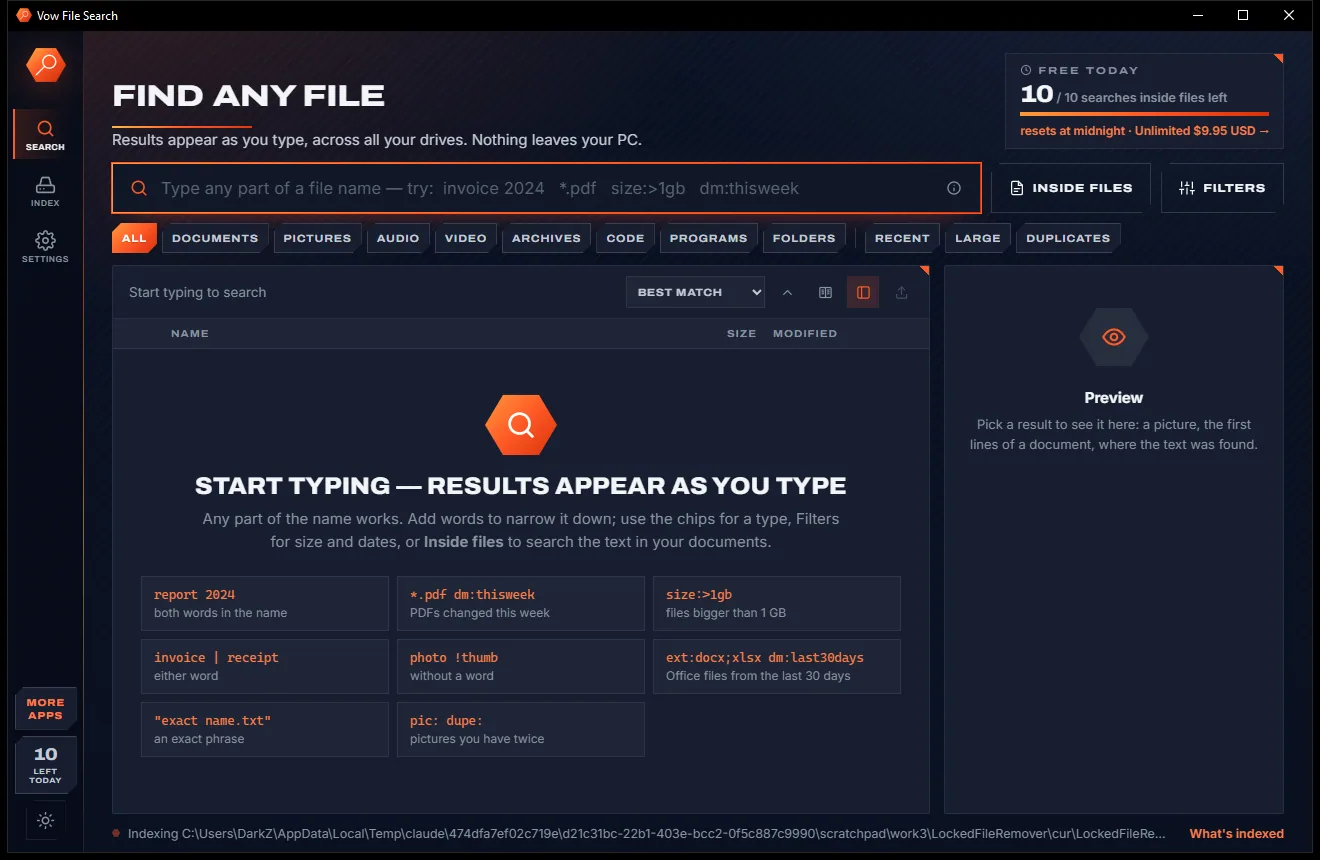
One click for Documents, Pictures, Recent, Large or Duplicates, filters for size, date and folder, or Inside files to search the text in your documents.
Enter opens the top result, Ctrl+Enter shows it in Explorer. Right-click to copy, move, rename or send it to the Recycle Bin, or drag it into any app.
Features
Simple enough to just type a name, deep enough for size, date, type and full-text searches across millions of files.
Every keystroke searches the whole index. A word over a million file names takes about 15 milliseconds.
PDF, Word, Excel, PowerPoint, OpenDocument, RTF, e-mail, web pages, text and code, with the line or PDF page of every hit.
Every change is followed live, new drives join by themselves, and the saved index loads in about 0.3 seconds.
Chips for Documents, Pictures, Audio, Video, Archives, Code, Recent, Large and Duplicates, plus size, date and folder filters.
Exact names come first, then names that start with your word. Files you open often rank higher, newer before older.
See the picture, the first lines of a document, or exactly where your words were found, right beside the results.
Wildcards, "exact phrases", OR and NOT, regex, ext:, size:>1gb, dm:thisweek, in:"folder" and dupe:, with clickable tips.
Open with, copy, move, rename, Recycle Bin, Properties, a terminal there, or Explorer's own right-click menu.
Press Ctrl+Alt+F in any app and type. Arrow keys, Enter and shortcuts for everything, no mouse needed.
Save any result list as CSV for Excel, plain text with one path a line, or an Everything file list (EFU).
Light & dark theme
File Search comes with a crisp light theme and a calm dark theme. Switch with one click, or let it follow your Windows setting by itself. It remembers your choice.
Screenshots
Real screenshots of the real app, in both of its themes: 5 light, 5 dark. Click any picture to see it full size.
Light theme
Dark theme
Who it's for
Type "invoice 2024" and every matching file on every drive is there before you finish typing.
Find the contract that mentions a client or the spreadsheet with a part number, by searching the words inside.
Search code by regular expression, filter by extension and leave folders like node_modules out of the index.
Type pic: dm:2024 for every picture from a year, or pic: dupe: for the pictures you have saved twice.
Sort by size, show files over 100 MB or find duplicates, then send what you don't need to the Recycle Bin.
With Unlimited, network drives and NAS shares join the index and are searched just like your own drives.
Compare
What you get when you go looking for something faster than the Start menu.
| Feature | Vow File Search | Windows Search & typical search tools |
|---|---|---|
| Price | Free every day, or $4.95 once | Yearly plans, or full-text search as a paid upgrade |
| Ads, pop-ups, bundled extras | None, ever | Common in free search tools |
| Results as you type | About 15 ms over a million names | Windows Search often makes you wait |
| Searches every drive | Every fixed drive, new ones join by themselves | Windows indexes chosen places only |
| Search inside PDF and Office files | Yes, with the line or page of each hit | Often a separate or paid tool |
| Needs admin rights, a service or a driver | None of them | Some fast tools need them |
| One-click filters, no syntax to learn | Yes, chips and a Filters panel | Often memorised syntax only |
| Preview with highlighted hits | Yes | Rarely |
| Account or sign-up | Never | Sometimes required |
"Typical" describes what we found across the most-downloaded alternatives when we built File Search. Your mileage with any one of them may vary; ours won't.
Pricing
That is not a typo. Software this powerful usually means a monthly subscription; File Search is $4.95, once, for life: it's almost a giveaway. Use it free for as long as you like, and unlock Unlimited only if you need more.
Unlimited file name search on every drive, 10 searches inside files a day.
Almost a giveaway. Less than a coffee for software this powerful: no subscription, no renewals, yours for life on 2 PCs.
Unlimited searches inside files, network drives and NAS shares.
Payments by Stripe: we never see or store your card. Questions? Ask a real person.
Clean software
Most "free" Windows downloads pay for themselves with ads, bundled extras or your data. Vow File Search doesn't need to: it's paid for honestly, once, by the people who find it useful.
Download File Search freeStep-by-step guide
From "where did I save that?" to the file open in front of you, in a few keystrokes.
Step 1: get it freeGet Vow File Search from this page and run the installer. It needs no administrator rights and no account, and everything it needs is inside.
The first start builds the index in the background, about a minute per million files, and you can search while it works. From then on it follows every change live.
Results appear with every keystroke. Add more words to narrow them down, or click a chip such as Documents, Pictures or Recent.
Click Inside files, type the words or "an exact phrase" and press Enter. Matching files stream in with the line, or PDF page, of every hit.
Press Enter to open the top result or Ctrl+Enter to show it in Explorer. Right-click for copy, move, rename and more, or drag it straight into another app.
Technical details
FAQ
Yes. File name search on every local drive is free and unlimited, with every filter, the preview and export included, plus 10 searches inside files a day. There are no ads. Unlimited, a one-time $4.95 USD payment, removes the daily limit on searching inside files and adds network drives and NAS shares.
No. The index lives on your own PC and every search, including the text inside your documents, runs locally. Nothing is uploaded and nothing is downloaded while it runs.
Every keystroke searches the whole index: a word over a million file names takes about 15 milliseconds. The first index takes about a minute per million files and you can search while it builds. After that the saved index loads in a fraction of a second and stays up to date live.
PDF, Word (DOCX and older DOC), Excel, PowerPoint, OpenDocument, EPUB, RTF, web pages, e-mail (EML and MSG) and text and code in any encoding. It has no OCR, so the text in scanned PDFs and pictures can't be searched.
No. It installs per user and indexes your drives without administrator rights, a service or a driver. It can keep running in the notification area so searches stay instant, and starting with Windows is off unless you switch it on.
Results appear as you type across every drive, not only the places Windows chose to index, ranked with the best match first. One-click chips and filters replace hunting through menus, and Inside files searches the current text of your documents with the line or page of every hit.
Yes, with Unlimited. Mapped drives and \\server\share paths join the index and are listed again every 30 minutes, with live updates where the server supports them.
Yes. It is made and published by XTO Pty Ltd, an Australian company. The installer contains no ads, no toolbars and no bundled software, needs no administrator rights, and uninstalls cleanly from Windows Settings.
The Vow collection
Same design, same promises, a tiny one-time price. Learn one and you already know them all.
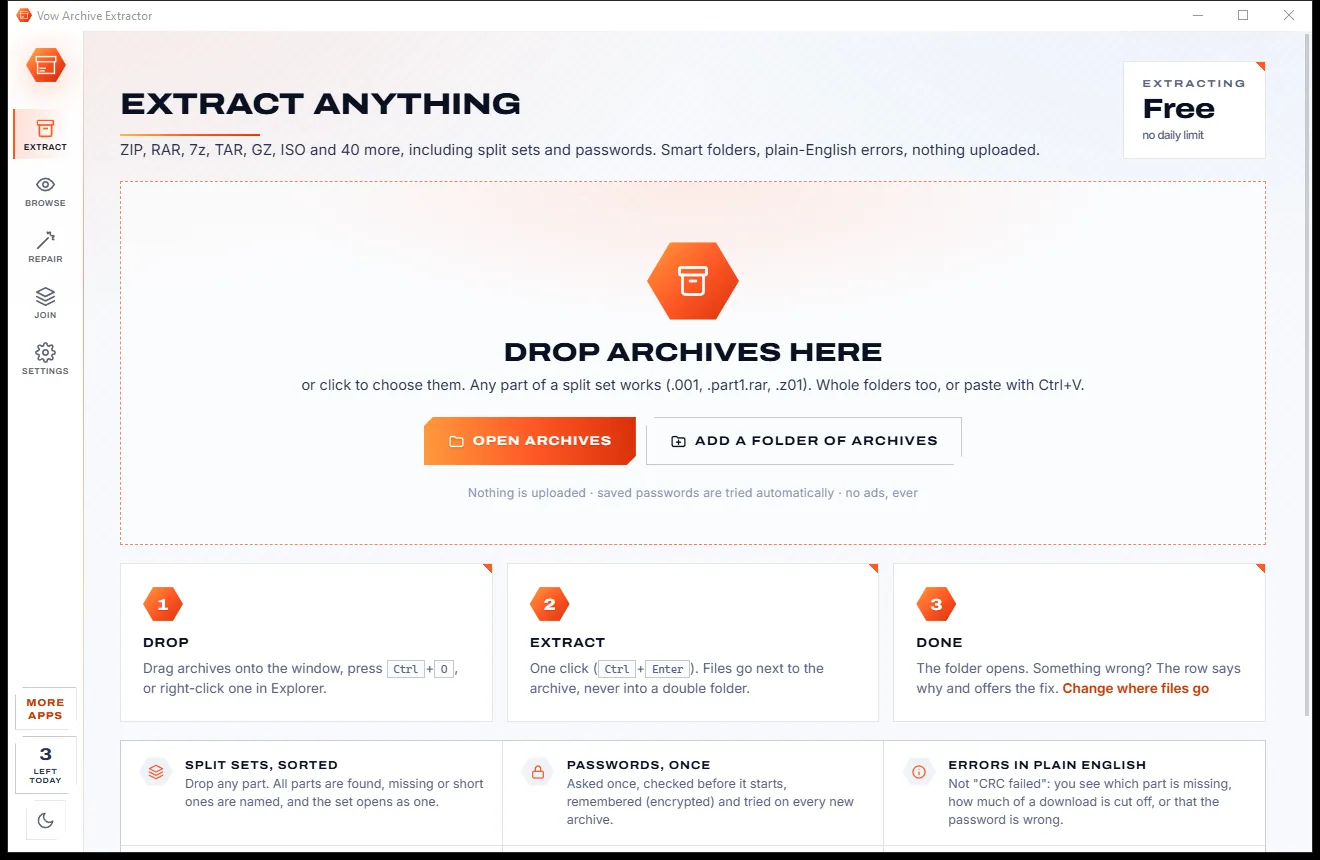
Open every archive, and fix the ones that won't open
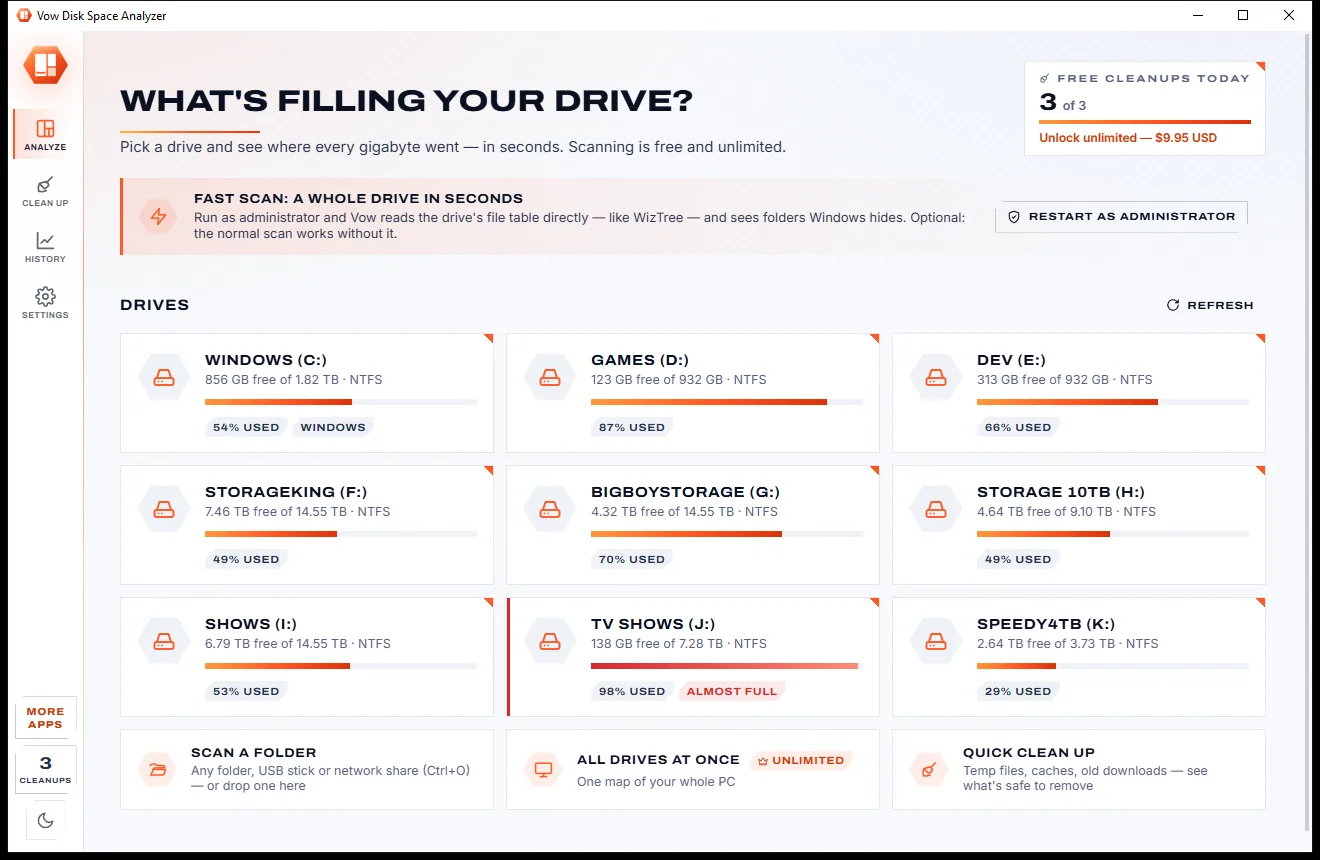
See what's filling your drive, then win the space back safely
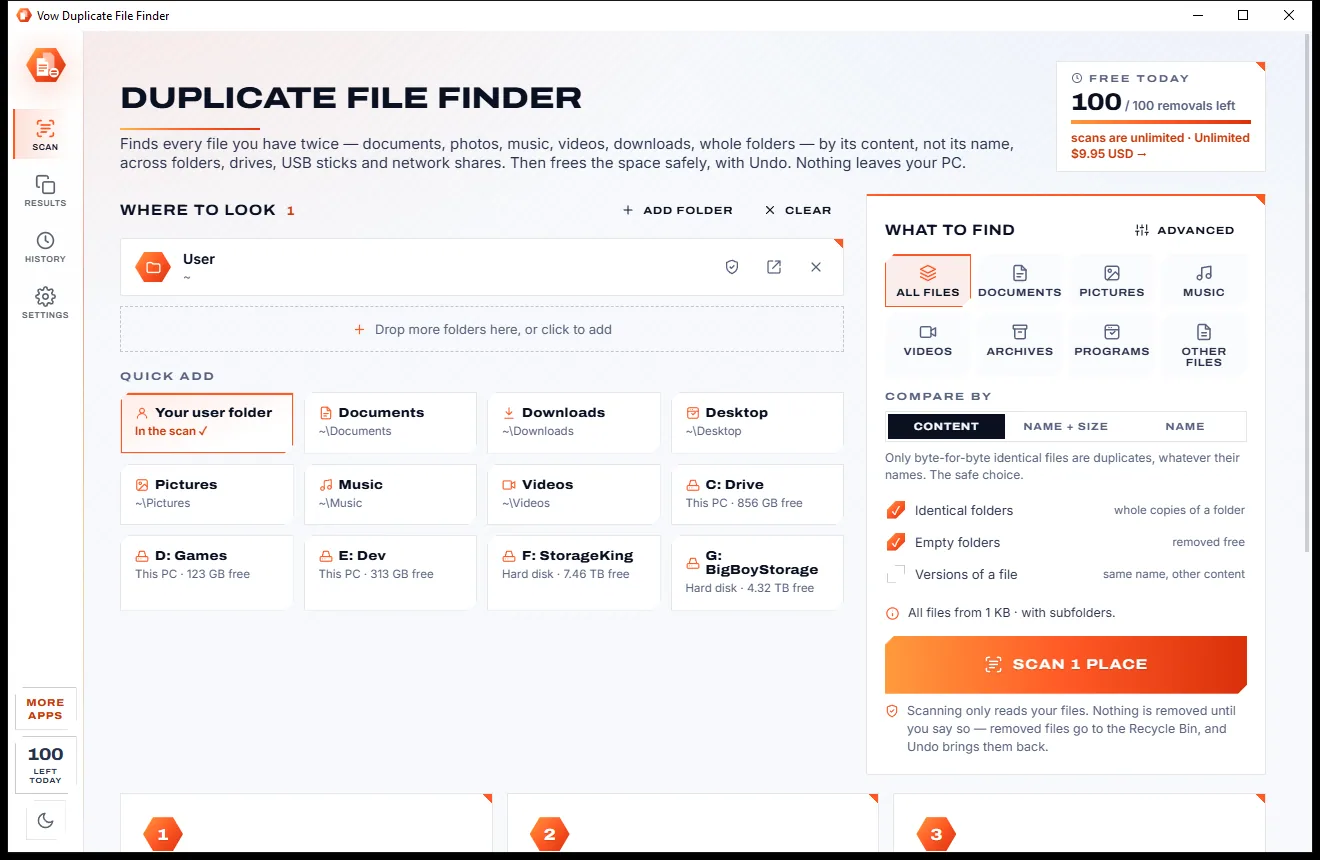
Find every file you have twice, and free the space with Undo
Find any file as you type, across every drive. Free to use every day, $4.95 once if you ever want Unlimited.