
PC Fixes
Vow Driver Finder
Find the drivers your PC is really missing, from official sources only
- Free: Unlimited scans, official links, 5 in-app searches a day
- $4.95 once: One-click install, backup and restore, offline driver packs

The honest PC speed-up for Windows
Vow PC Speed-Up checks what actually slows a PC down: apps that start with Windows, background hogs, junk, a full drive, the Power saver plan, weeks without a restart. Each finding is explained in plain words with one button to fix it, and every change can be undone. No "1,284 problems found", no registry cleaning, no subscription.
The problem
Your PC feels sluggish, so you run a free scan. A red screen appears with hundreds of "issues", and the fix button leads straight to a yearly plan.
Scans that count every cookie and registry entry as an issue, so the number looks frightening enough to pay for.
The clean-up button is behind a subscription that renews whether your PC needs anything or not.
Registry cleaners and "RAM boosters" promise speed they can't deliver, and some can cause problems of their own.
Aggressive cleaning wipes cookies, history and saved logins, so the next day you sign in to every site again.
Task Manager lists your startup apps, but not what each one costs or whether you need it.
Switch off the wrong thing and many tools keep no record of what they changed.
Vow PC Speed-Up fixes all of it.
How it works
A plain-words diagnosis in seconds, and one button for each thing that really matters.
In two or three seconds, read-only, you get a score out of 100 and a short list of what costs points and why. Only things that really slow a PC count.
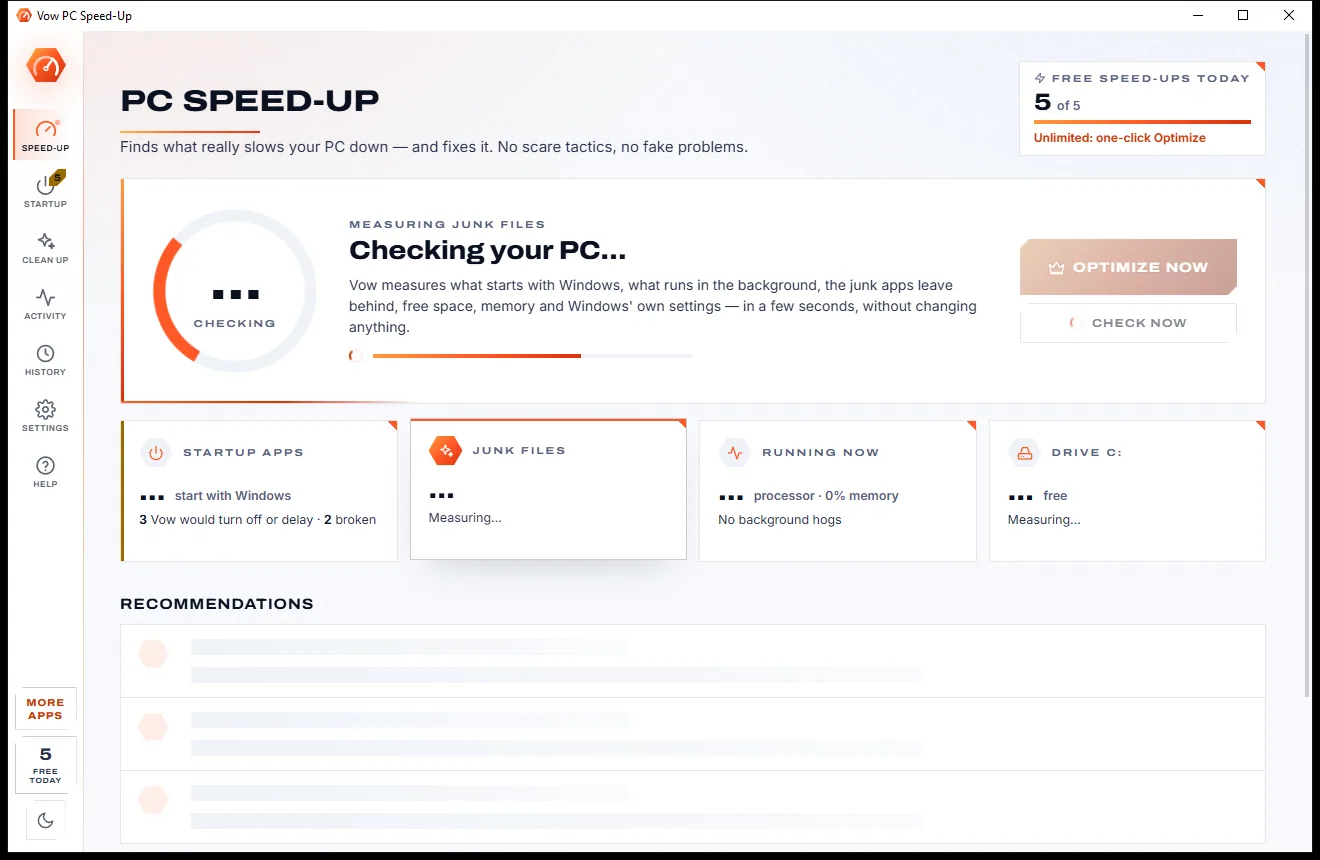
Each finding has one button: Review the startup apps, Clean, End it, Switch the power plan, Remove broken entries or Restart.
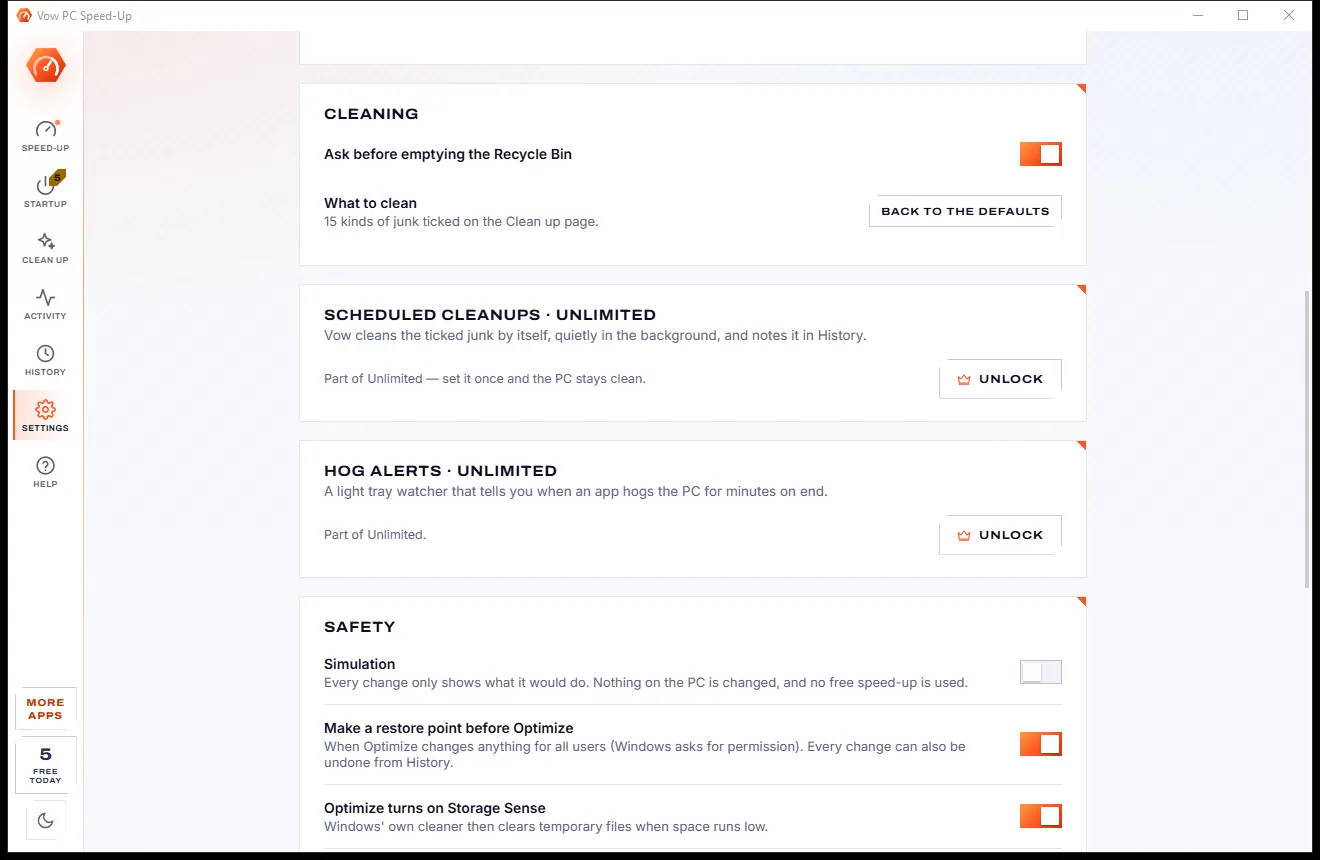
Every change is listed in History with Undo. Turn on Simulation in Settings to see what each fix would do without changing a thing.
Features
Built around what really slows a Windows PC, measured on your own machine instead of guessed.
Startup items, background hogs, junk, free space and drive type, memory, power plan, pending restarts, uptime and two antivirus apps at once.
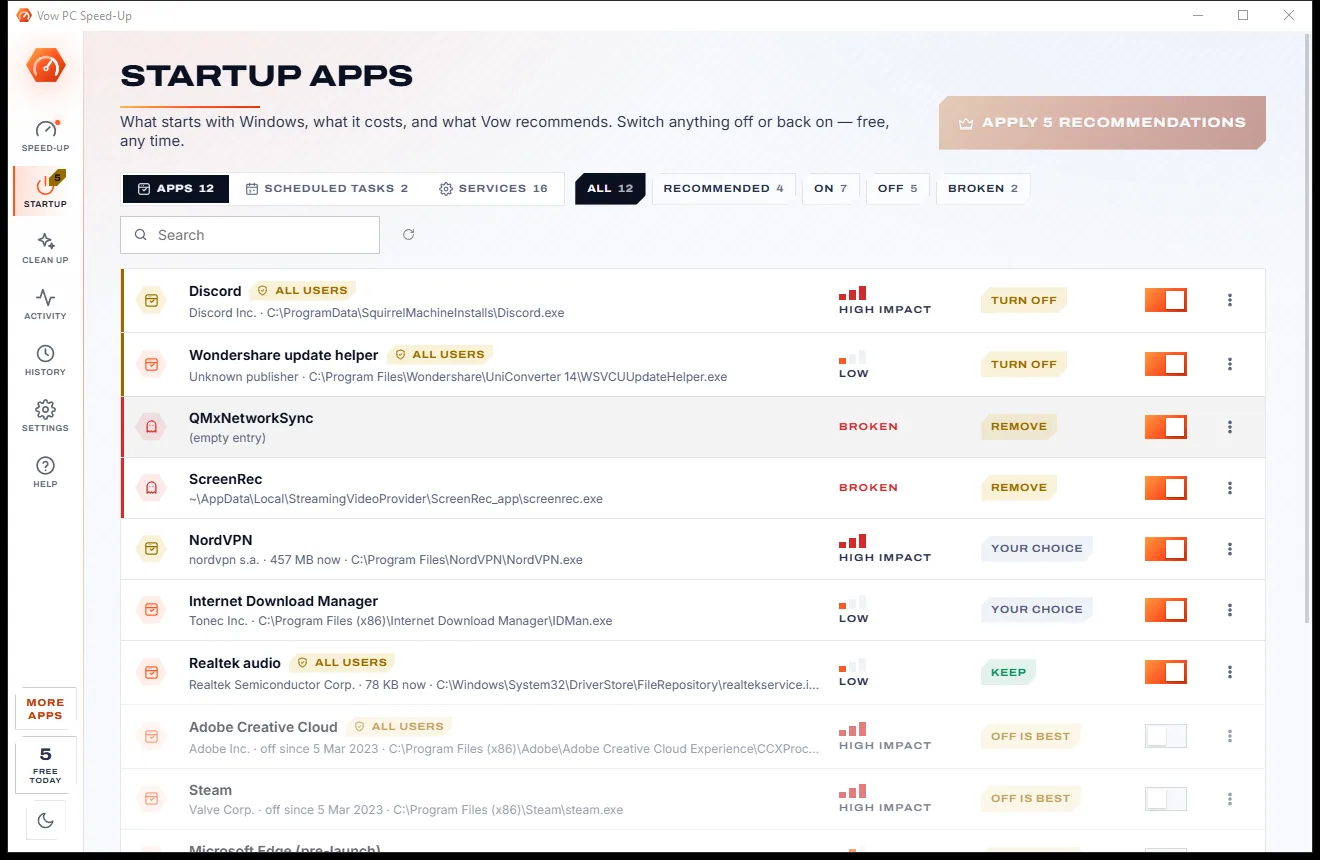
Apps, scheduled tasks and services that start with Windows, with the memory and processor each one uses on this PC.
A knowledge base of about 90 common apps says what to turn off and why. Windows' own parts, browser updaters and antivirus are always Keep.
Let an app start a minute after sign-in, once the PC has settled, instead of switching it off completely.
Turning an app off uses the same setting as Task Manager, so Windows and Vow always agree, and the app still opens when you click it.
Caches and leftovers apps rebuild themselves. Cookies, history, passwords, documents and downloads are never touched.
What's using the processor, memory and disk right now, with explanations for well-known processes, plus End it and Lower priority.
Every recommended fix in one go, with a restore point first and one Undo all. Free users can open it and see the full plan. Unlimited.
Daily or weekly at a set time, quietly at low priority, with an optional note of what was freed. Unlimited.
A light tray watcher tells you when an app keeps the processor busy or holds too much memory for minutes on end. Unlimited.
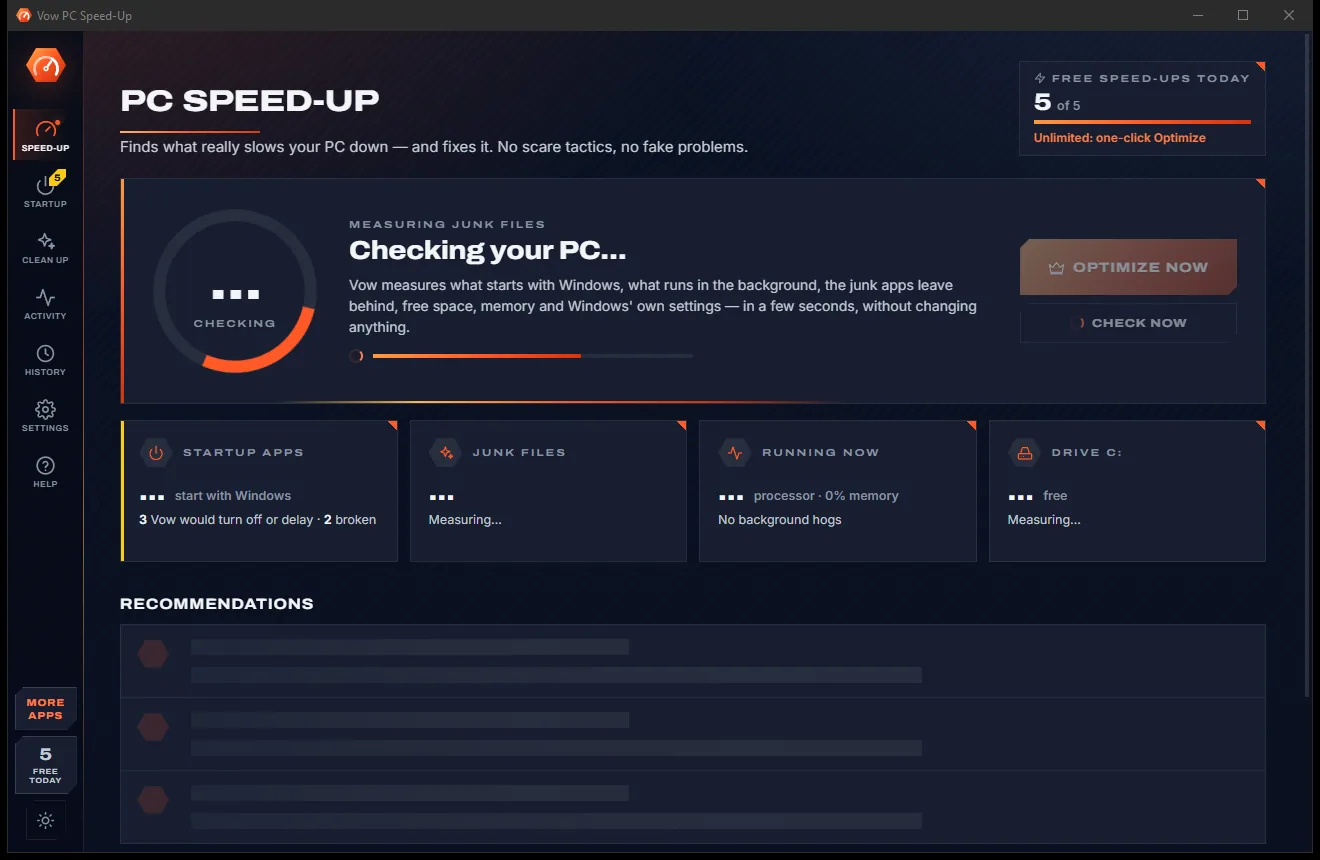
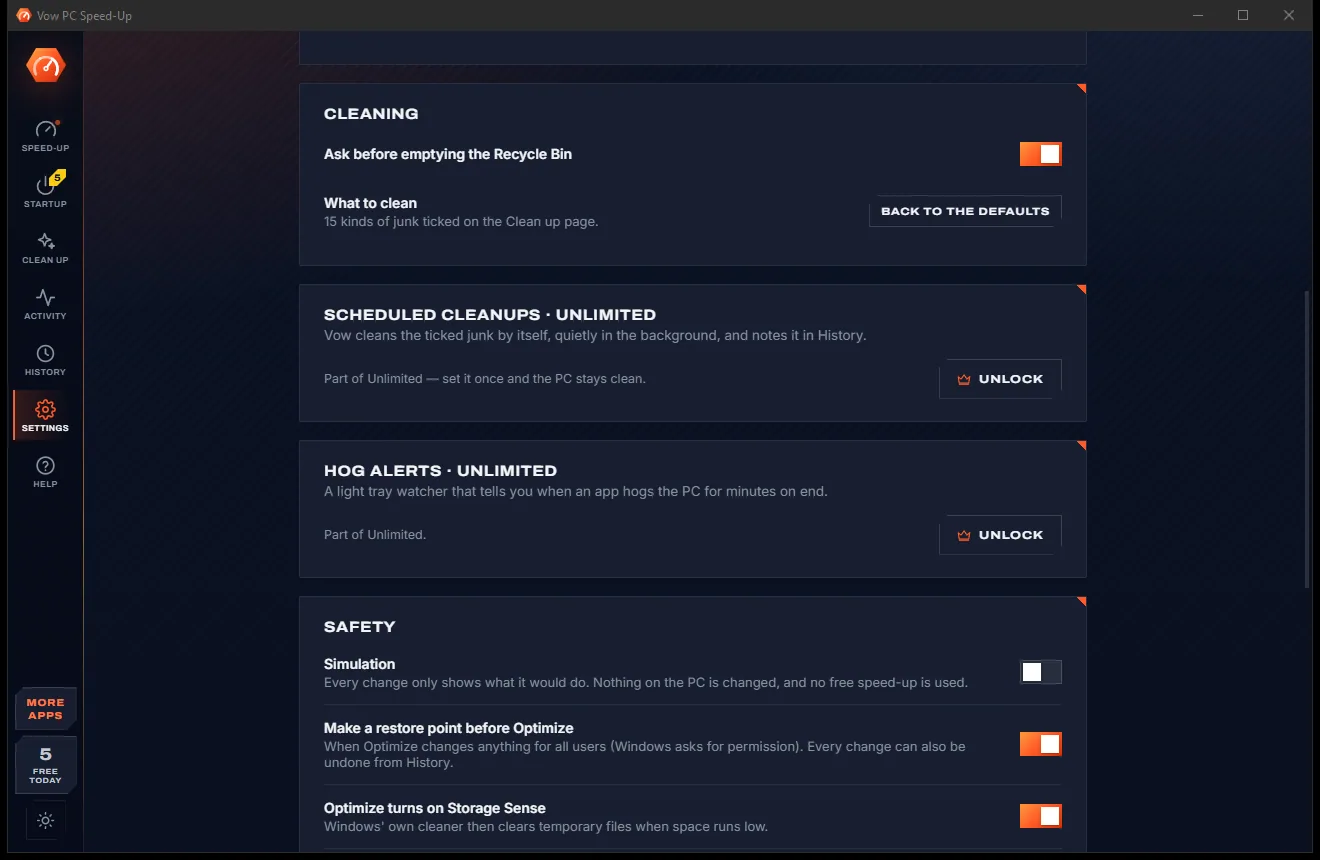
Light & dark theme
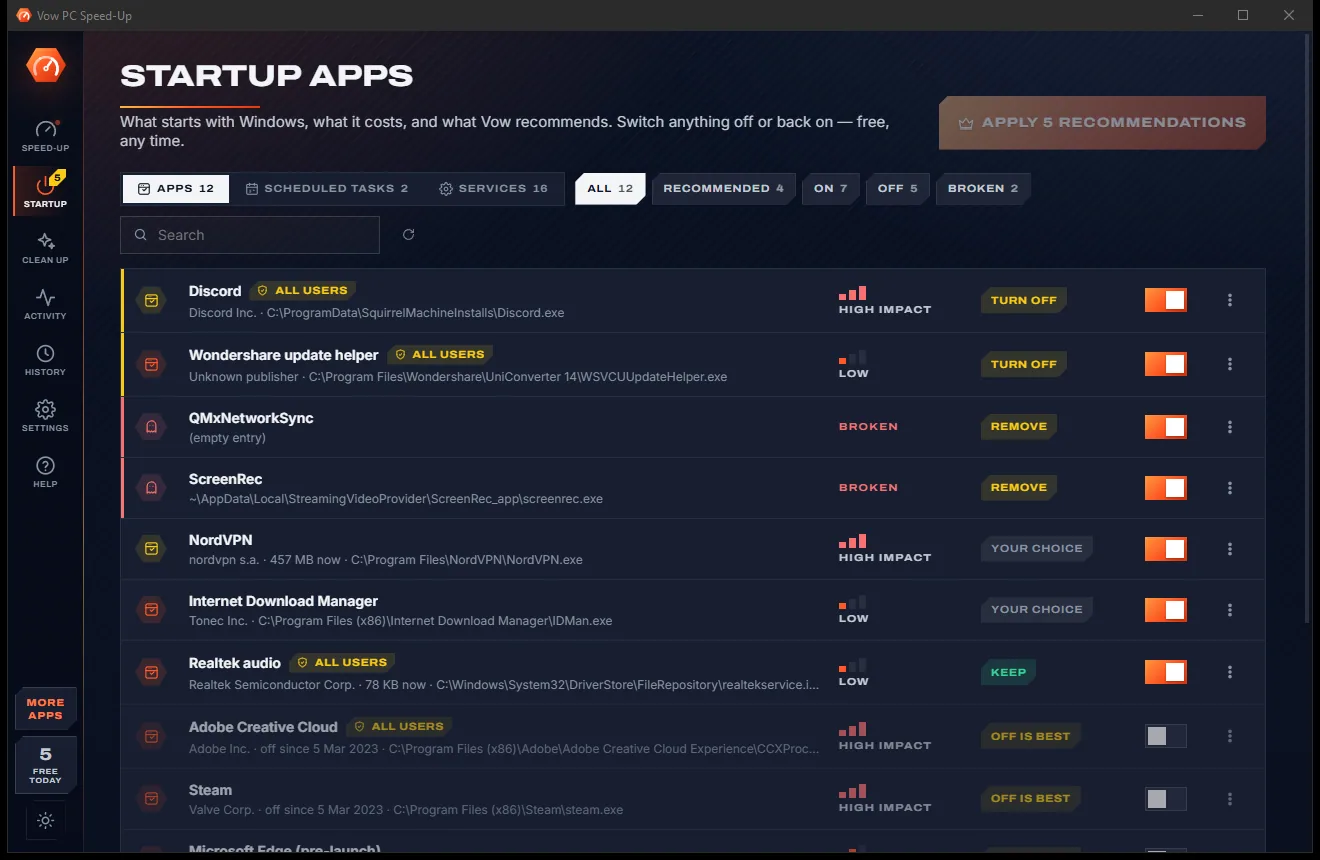
PC Speed-Up comes with a crisp light theme and a calm dark theme. Switch with one click, or let it follow your Windows setting by itself. It remembers your choice.
Screenshots
Real screenshots of the real app, in both of its themes: 12 light, 12 dark. Click any picture to see it full size.
Light theme
Dark theme
Who it's for
See which apps load with Windows, what they cost, and turn off or delay the ones you don't need straight away.
Find the program keeping the processor or disk busy, and learn what it is before you end it.
Clear caches and leftovers safely, and see whether Storage Sense is on.
Spot the Power saver plan, low memory and heavy startup apps that hold an older PC back.
Tidy up a shared PC without deleting anyone's logins, history or files.
A quick, honest check with plain-words reasons you can explain, and undo if they want something back.
Compare
A faster PC versus a frightening scan and a renewal notice.
| Feature | Vow PC Speed-Up | Typical PC cleaner & optimiser apps |
|---|---|---|
| Price | Free every day, or $4.95 once | Often $25-$60 a year |
| Honest score | No fake counts, no registry "errors" | Inflated problem counts |
| Registry cleaning and RAM boosters | Never | Common |
| Startup advice with the reason | Measured cost on this PC, plus why | A rating, often with an upsell |
| Delay instead of off | Apps and services | Some |
| Keeps cookies, history and passwords | By design | Often wipes them |
| Live monitor in plain words | Yes, free | Some |
| Hog alerts and scheduled cleanups | Yes, with the one-time unlock | Yes, with a subscription |
| Undo for every change | Yes, plus Simulation mode | Partly |
"Typical" describes what we found across the most-downloaded alternatives when we built PC Speed-Up. Your mileage with any one of them may vary; ours won't.
Pricing
That is not a typo. Software this powerful usually means a monthly subscription; PC Speed-Up is $4.95, once, for life: it's almost a giveaway. Use it free for as long as you like, and unlock Unlimited only if you need more.
Full diagnosis, every startup app, 5 speed-ups a day.
Almost a giveaway. Less than a coffee for software this powerful: no subscription, no renewals, yours for life on 2 PCs.
One-click Optimize, scheduled cleanups, hog alerts.
Payments by Stripe: we never see or store your card. Questions? Ask a real person.
Clean software
Most "free" Windows downloads pay for themselves with ads, bundled extras or your data. Vow PC Speed-Up doesn't need to: it's paid for honestly, once, by the people who find it useful.
Download PC Speed-Up freeStep-by-step guide
The checks a good technician would do, in the order that makes the biggest difference.
Step 1: get it freeDownload it from this page and run the installer. It installs for your account, needs no account or sign-up, and nothing else to install.
The check runs by itself when the app opens. Look at the score and the Recommendations list: each item says what it is and why it matters.
Open Startup to see every app, task and service that starts with Windows. Turn off or delay the ones Vow suggests, or anything you don't need at sign-in.
Press Clean for caches and leftovers, switch from Power saver to Balanced, end a hog, or restart a PC that has been on for weeks.
Press Check again (F5) to see the new score. Anything you changed is in History with Undo, and Unlimited can do the whole plan with Optimize next time.
Technical details
FAQ
Yes. The full diagnosis, the startup-app manager, the live activity monitor and ending hogs are free with no limit, and 5 speed-ups a day are free (a junk cleanup or a system fix each, reset at midnight). Unlimited, a one-time $4.95 USD payment, adds one-click Optimize, scheduled cleanups, hog alerts and unlimited cleanups and fixes.
No. Only things that really slow a PC cost points, each with the reason, and hardware advice such as "an SSD would help" costs none. It does no registry cleaning, no RAM boosting and no driver-update upsells, and says so in the app.
It uses Task Manager's own switch, so nothing is deleted and Windows Settings, Task Manager and Vow all agree. The app no longer starts with Windows but still opens normally when you click it. You can also delay it until a minute after sign-in.
Only caches and leftovers that apps and Windows rebuild themselves, from a fixed list of folders. Cookies, history, passwords, documents and downloads are never touched, temp files changed in the last 24 hours and files in use are left alone, and the Recycle Bin is off by default.
Yes. Every startup change, delay, removed entry and system fix is in History with Undo, and Optimize has one Undo all. Cleaned cache files can't be brought back, because they are files apps rebuild by themselves.
Unlimited is $4.95 once instead of a yearly plan. The score never counts registry "errors" or cookies as problems, startup advice is based on what each app costs on your own PC, cleaning keeps your logins and history, and every change has an undo.
Not for the check, your own startup apps, delays, cleaning your junk, the activity monitor or the power plan. Windows asks for permission only for all-users startup items, scheduled tasks, services, Windows' own temp folder and restore points.
Yes. It is made and published by XTO Pty Ltd, an Australian company. There are no ads, no bundled software and no account, nothing is uploaded, and it uninstalls cleanly from Windows Settings, starting any apps it delayed with Windows again.
The Vow collection
Same design, same promises, a tiny one-time price. Learn one and you already know them all.
Find the drivers your PC is really missing, from official sources only

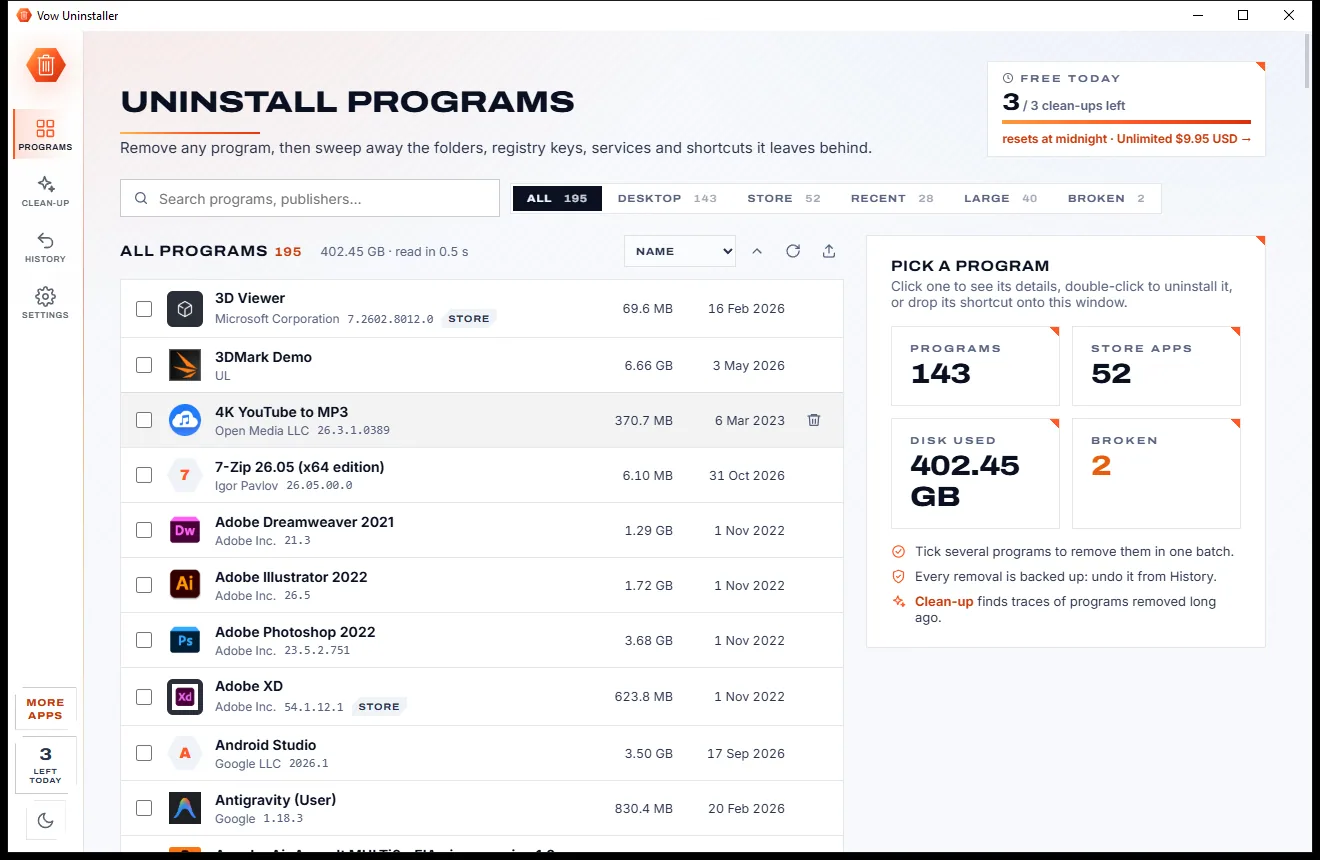
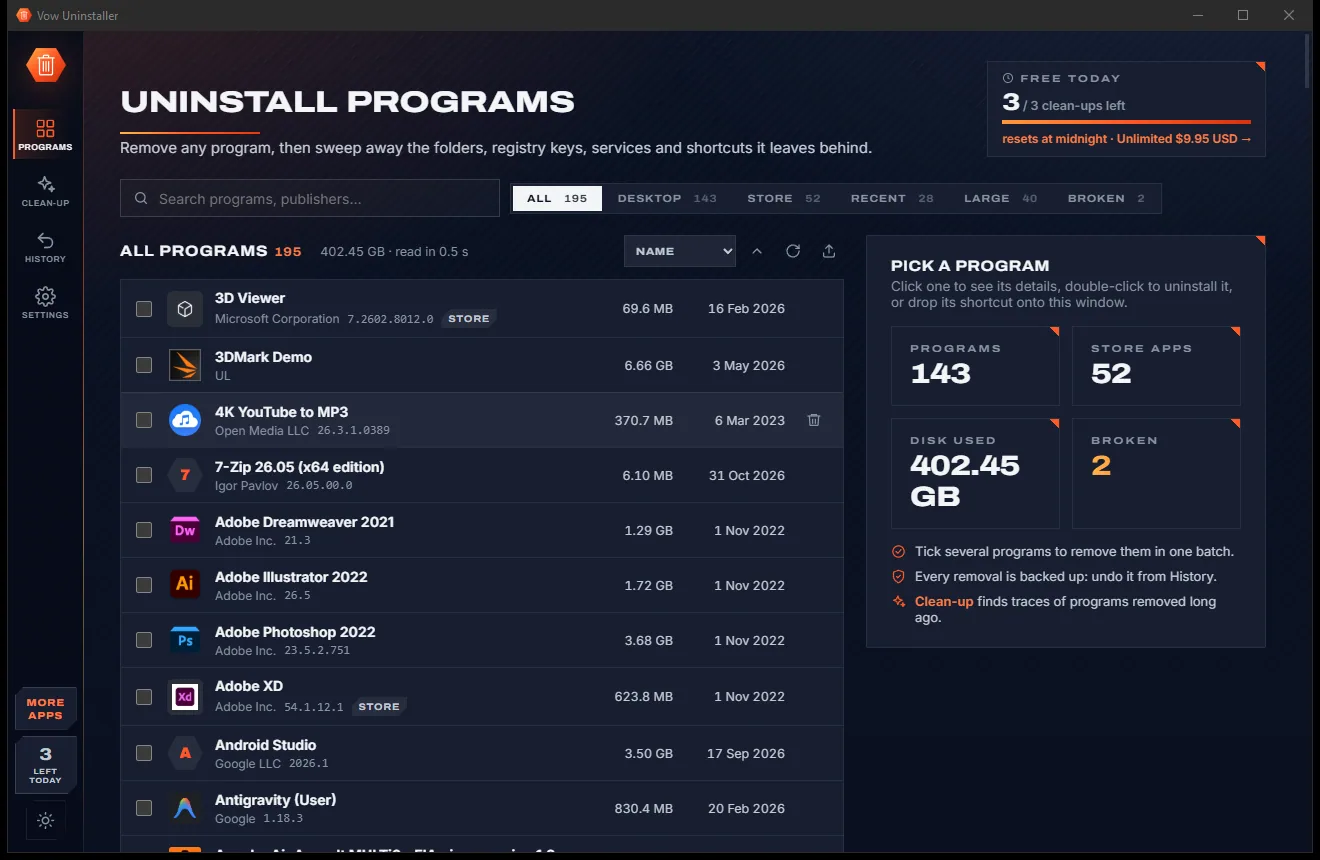
Uninstall programs completely, and undo it if you change your mind

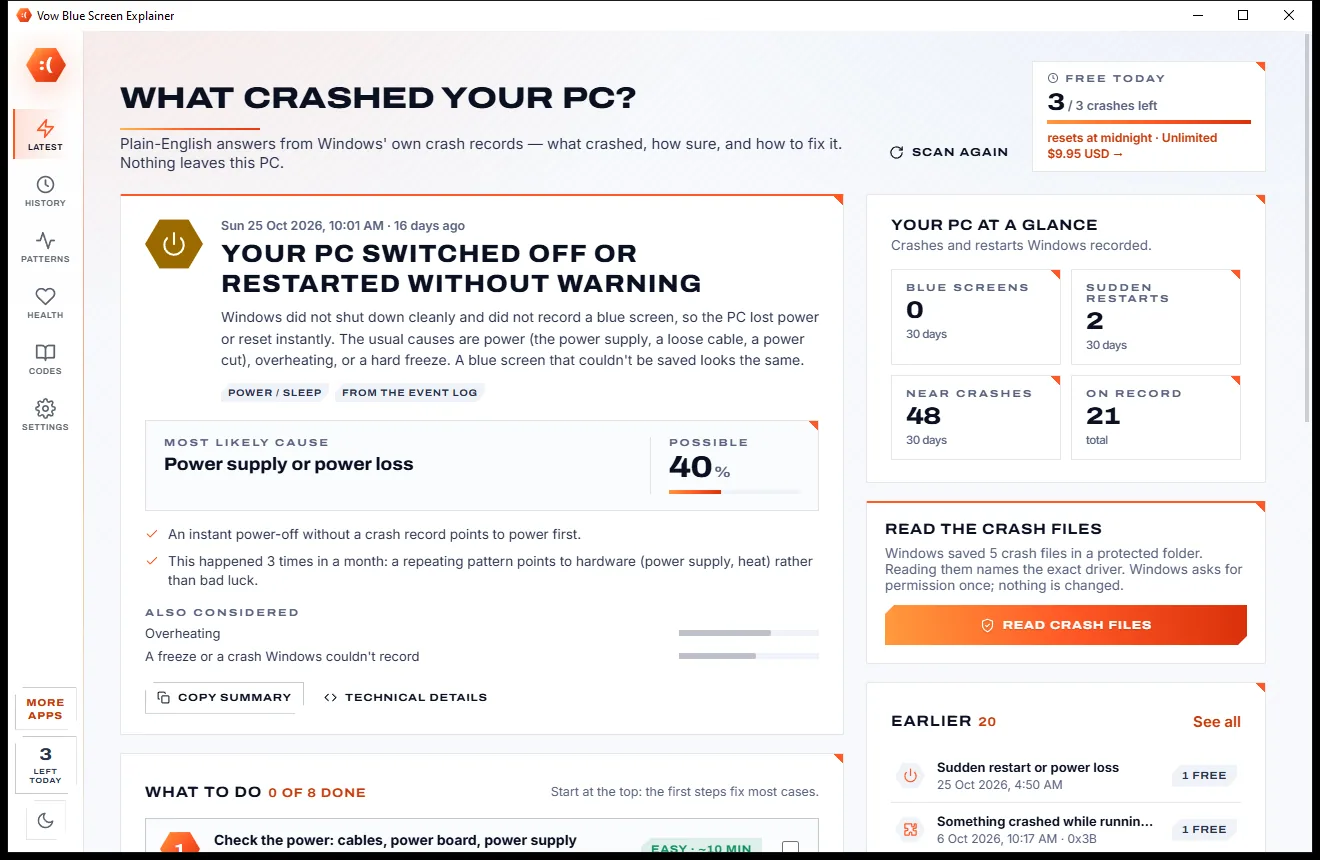
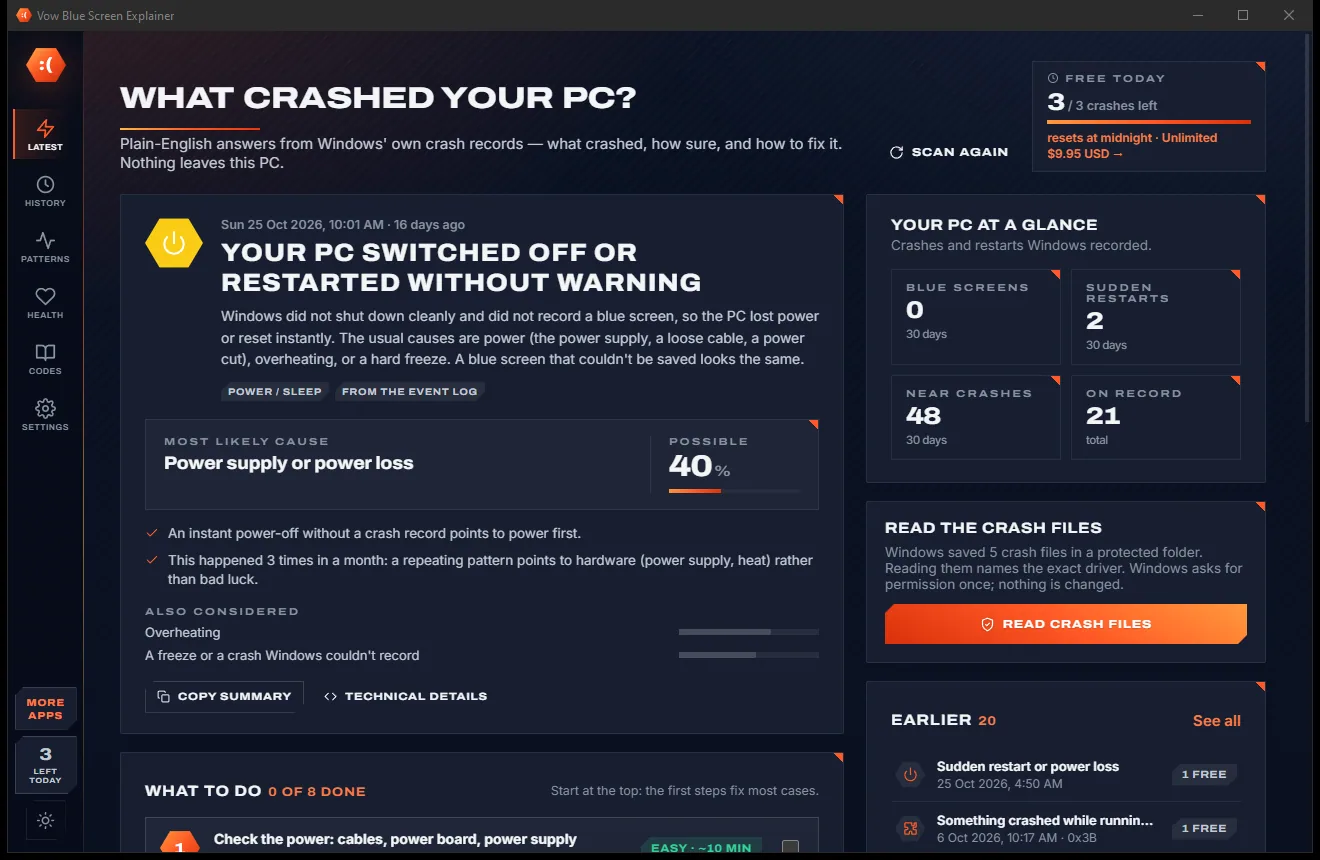
Find out what crashed your PC, in plain English, with the fix
Find what really slows your PC down, and fix it without the scare tactics. Free to use every day, $4.95 once if you ever want Unlimited.