
Productivity
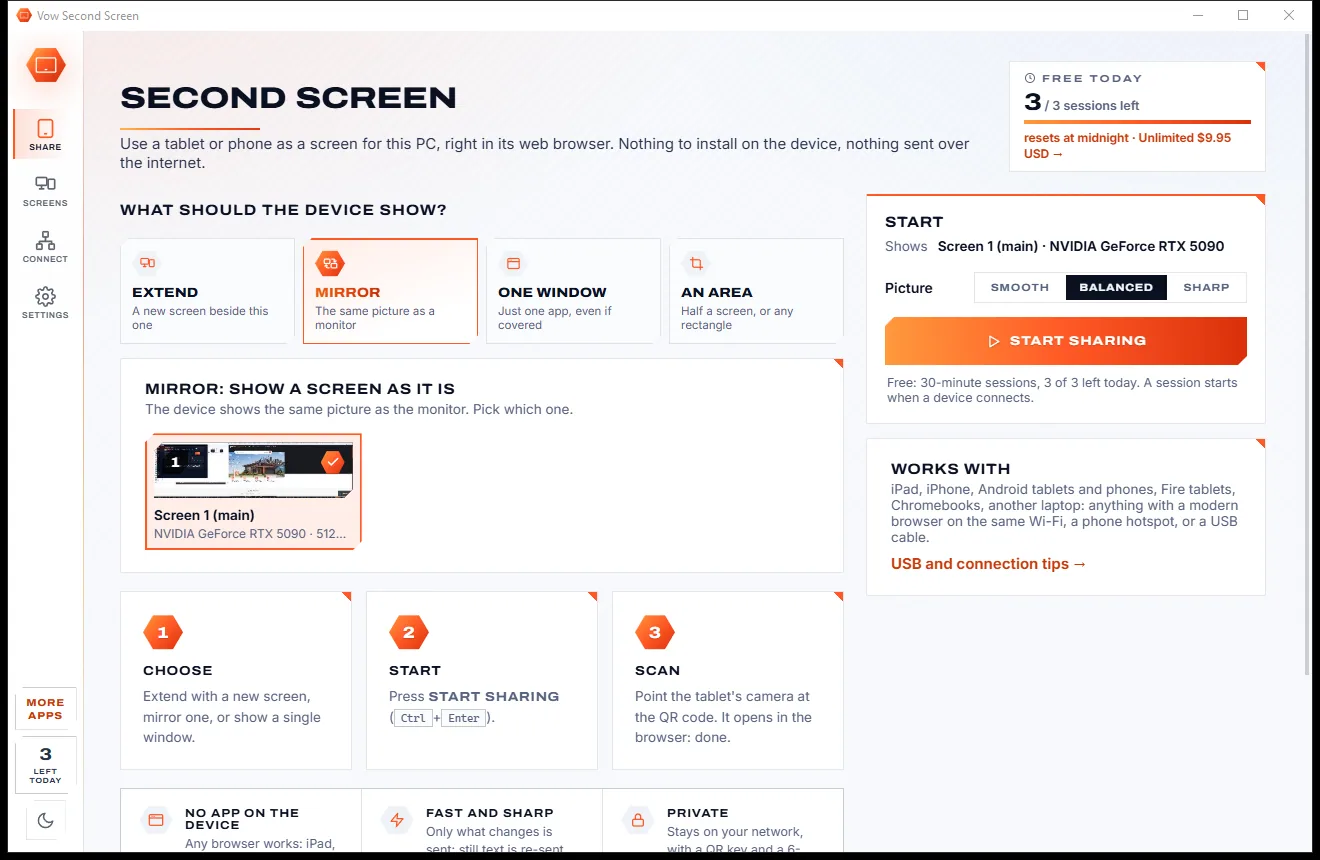
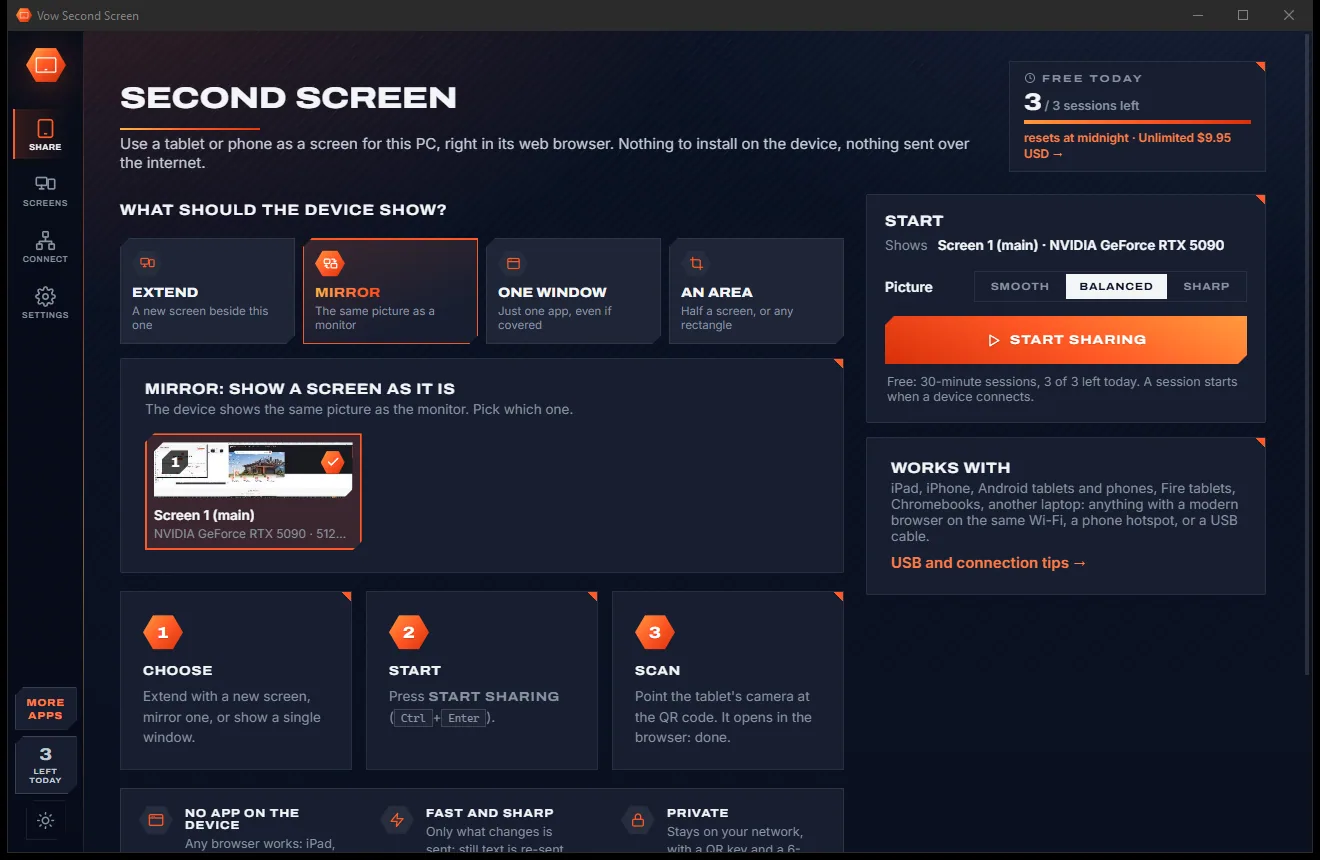
Vow Second Screen
Turn a tablet or phone into a second screen for your PC, in its browser
- Free: 3 sessions a day of 30 minutes, HD picture, view only, one device
- $4.95 once: Any length, up to 4K, touch, pen and keyboard, up to 6 devices

Offline invoice maker for Windows
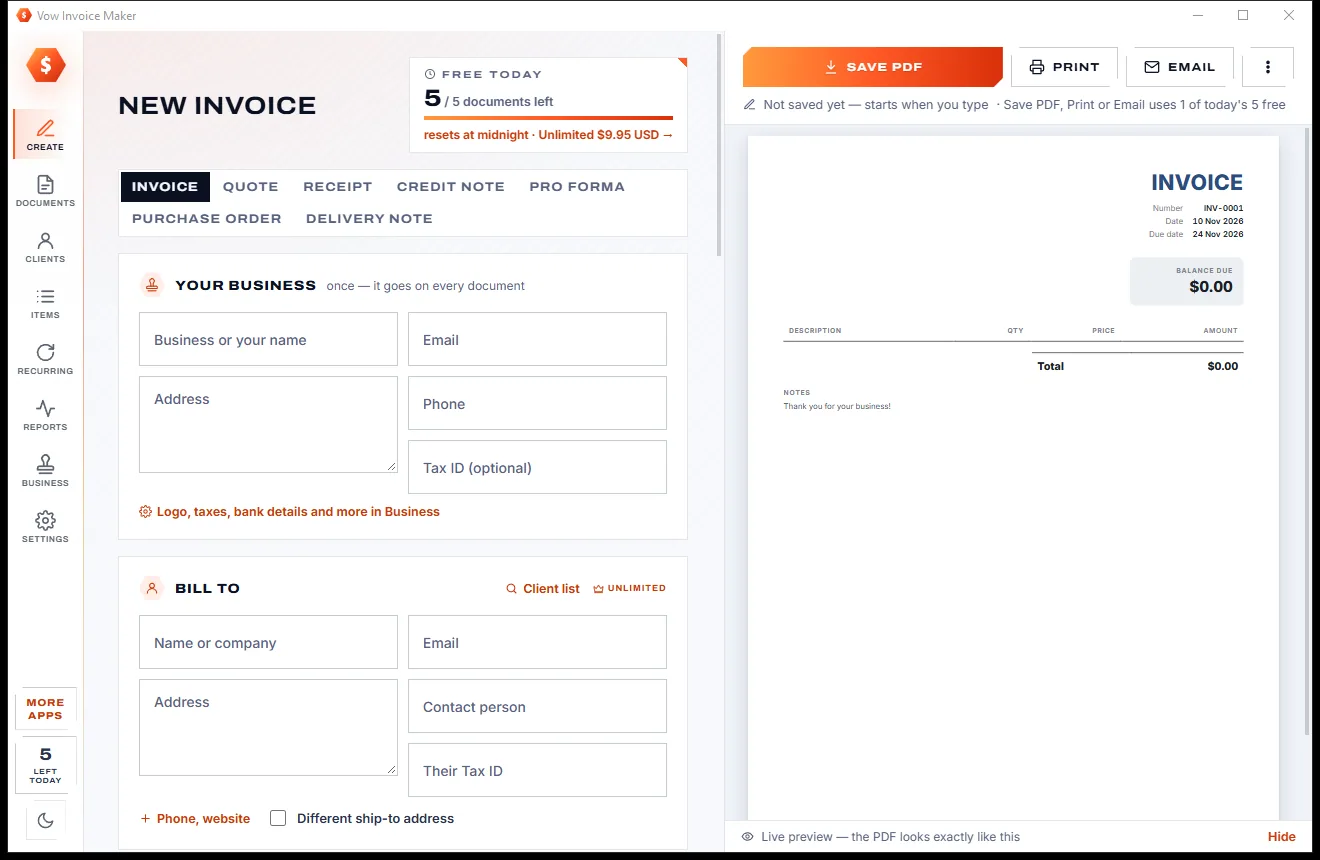
Type who it's for and what you sold, and the live preview is the PDF. Save it, print it or email it in one click, with GST, VAT, discounts and 50+ currencies done right. Everything stays on your PC: no account, no cloud, no monthly bill.
The problem
You just need to bill a client. Instead you get a sign-up form, a free plan with a cap and a watermark, and a price that keeps going up.
Monthly plans for something you do a few times a month, with price rises along the way and cancellations that are harder than they should be.
Free plans that stop at 3 to 10 invoices a month, usually just as work picks up.
Watermarks on free invoices tell every client you didn't pay for your own paperwork.
Online-only invoicing keeps your clients, prices and income on someone else's servers, and you need the internet to send a bill.
Free "invoice generators" that come with pop-up ads, toolbars and installers that quietly add extras.
Word and spreadsheet templates leave GST, VAT, discounts and rounding to you, and one wrong cell goes straight to the client.
Vow Invoice Maker fixes all of it.
How it works
From a blank page to a finished PDF in your client's inbox, and your figures never leave your PC.
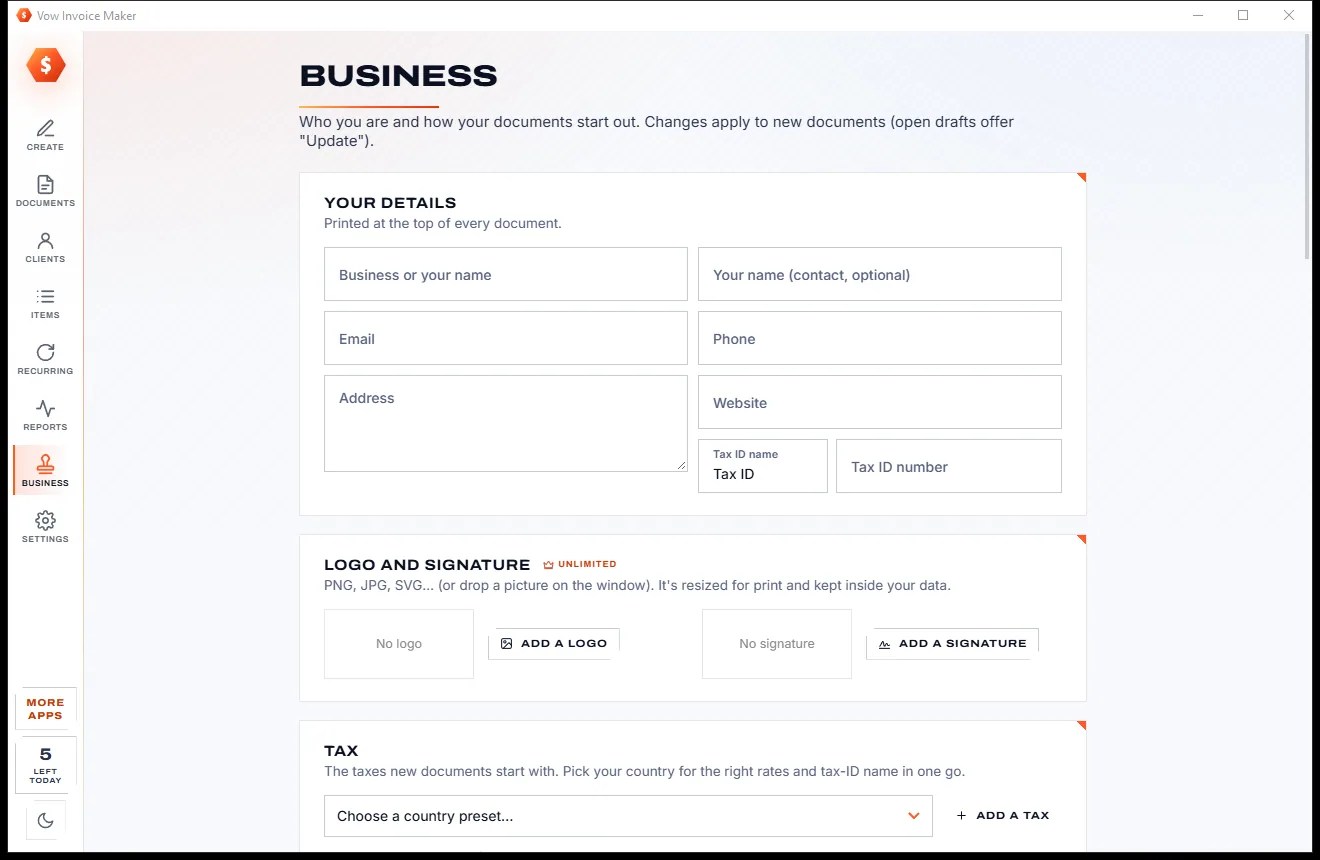
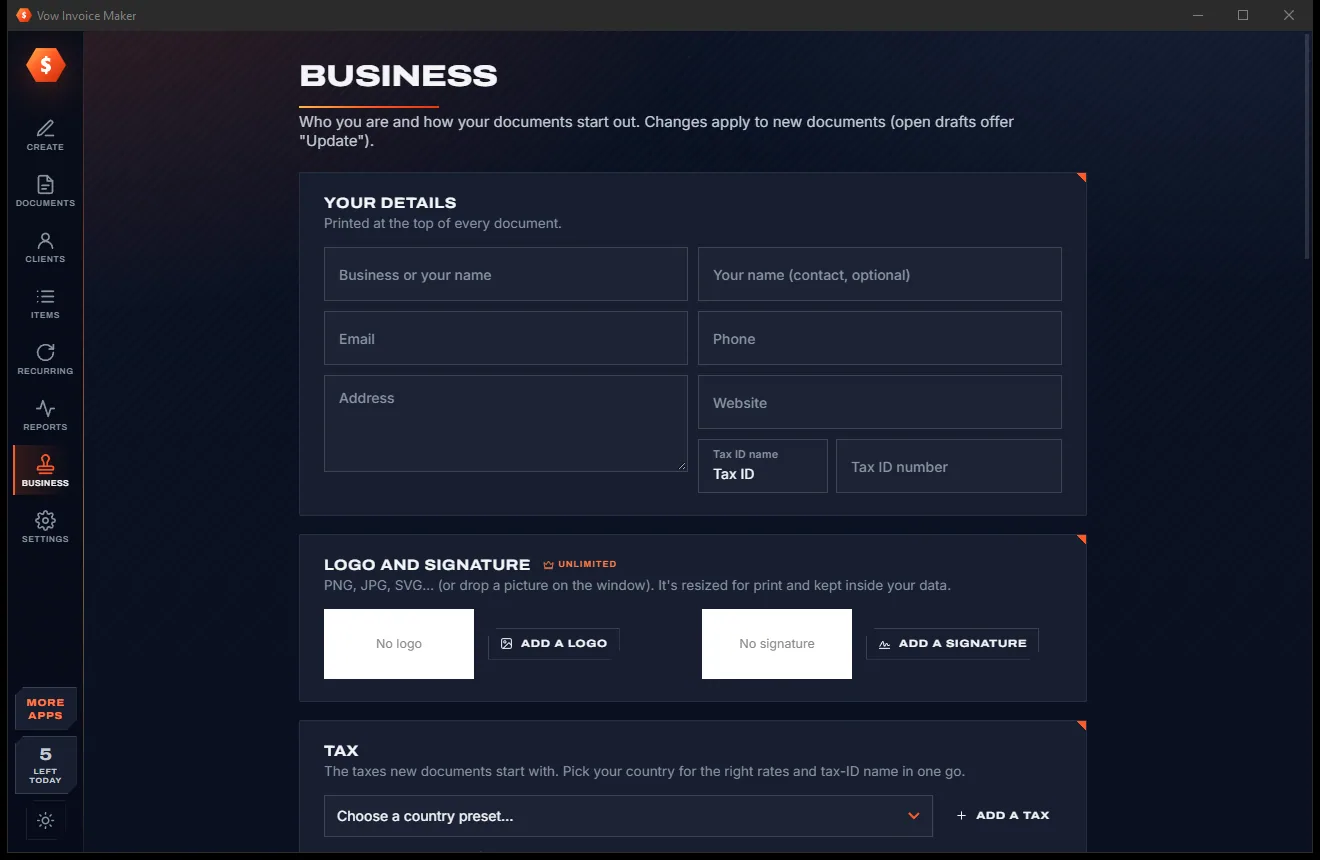
Your name, email, address and tax ID go on every document. The app opens on a new invoice that is already numbered, dated and has payment terms.
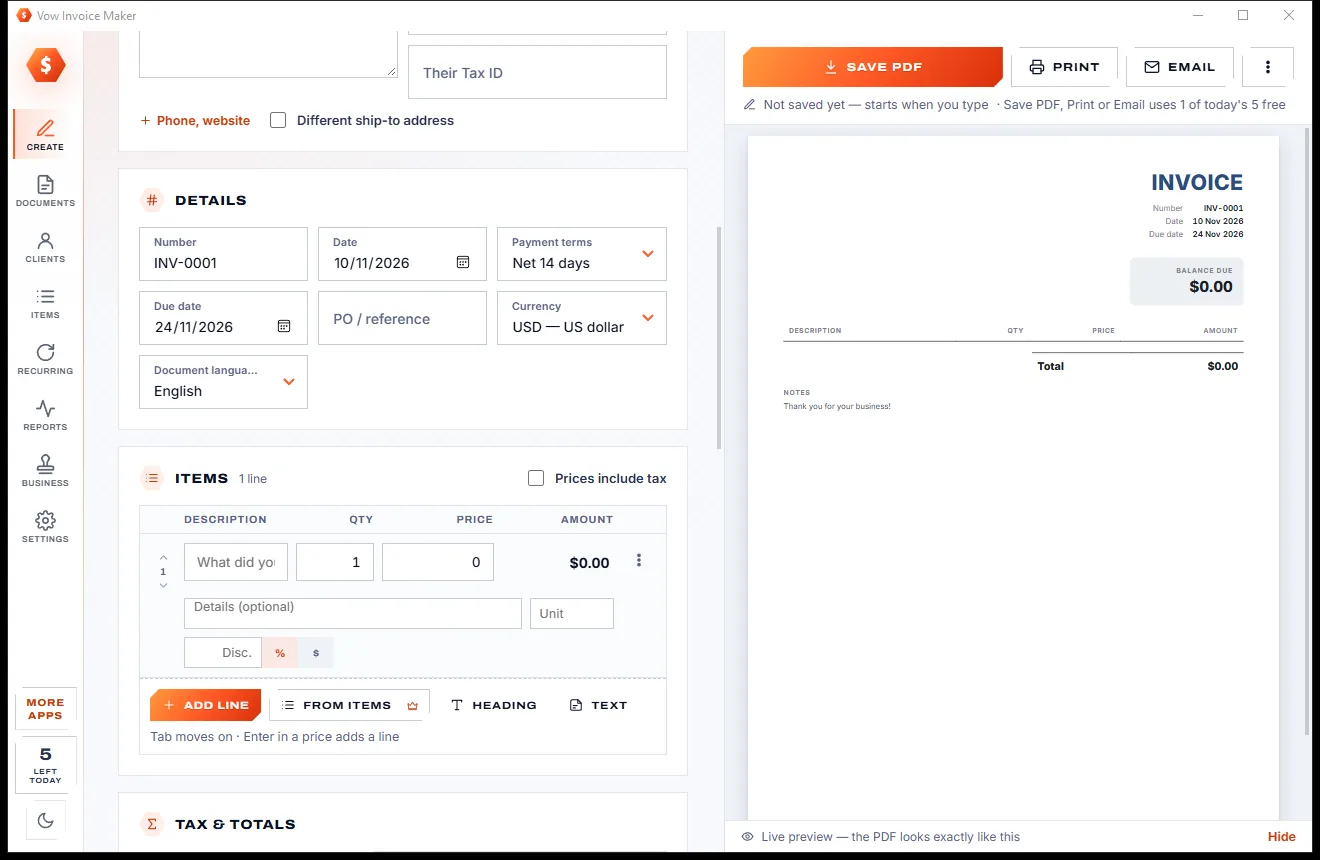
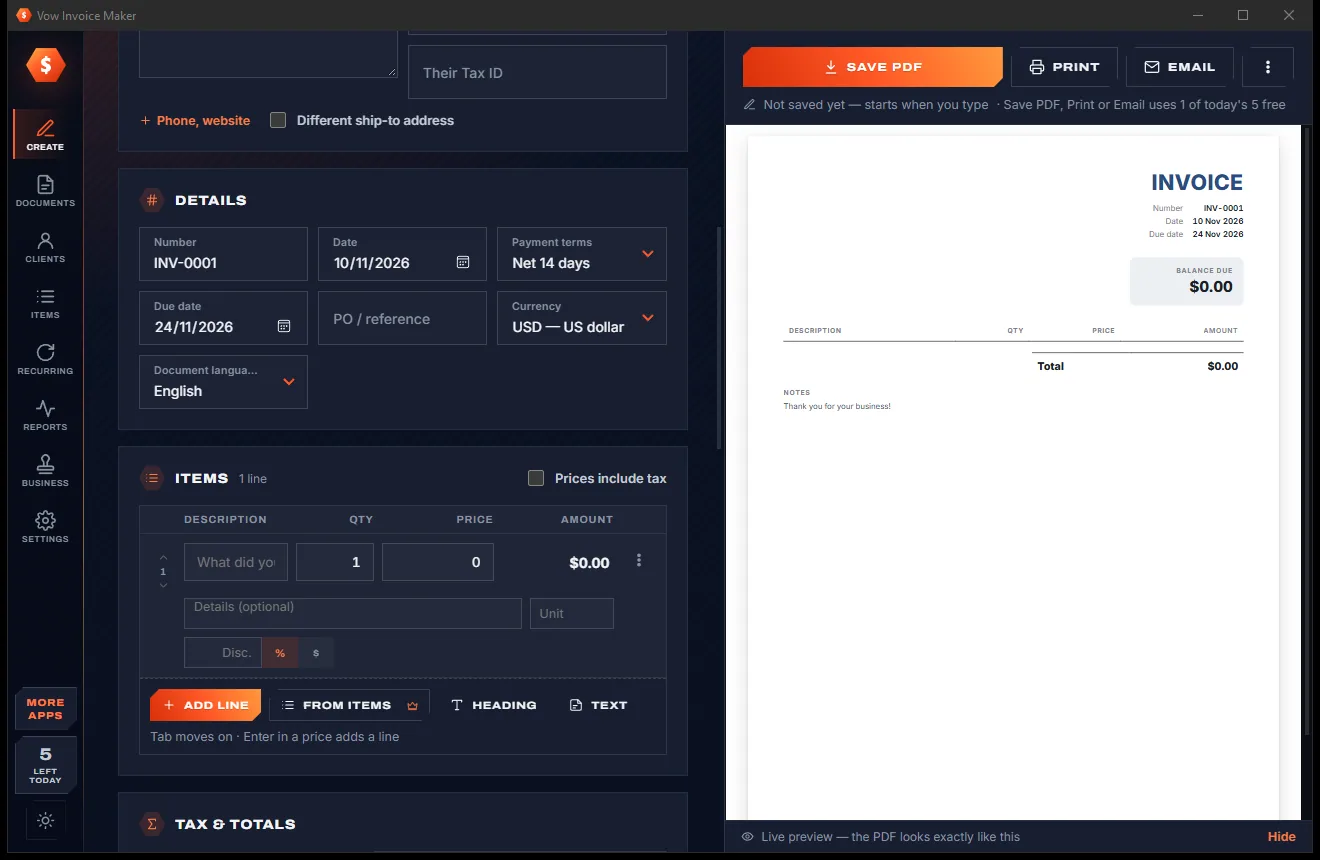
Type who it's for, then each item's description, quantity and price. Tax, discounts and totals are worked out as you type, and the preview follows live.
One click makes the PDF, prints it or opens your mail program with it attached. Every document is saved as you type and listed on the Documents page.
Features
Built for freelancers, tradies, consultants and small shops: quick for one invoice, deep enough for your whole client list.
What you see is what your client gets: the preview and the PDF come from the same engine, with sharp vector text and embedded fonts.
Invoices, quotes, receipts, credit notes, pro-forma invoices, purchase orders and delivery notes, with one-click conversions between them.
Several taxes per line, compound and tax-inclusive prices, taxable shipping and a tax summary, with 22 country presets for GST, VAT, HST and more.
Correct decimals for every currency, your number and date style, and documents printed in English, Spanish, French, German, Italian, Portuguese or Dutch.
Classic, Modern, Minimal, Bold, Elegant, Compact, Studio and Ledger, with your logo, signature, colours and fonts.
Pick a client and their address, currency and terms fill in. Type an item and its price, unit and tax follow.
Record part payments, see balances and what's overdue, send payment reminders and print a statement of account.
Retainers and monthly work invoice themselves on schedule, weekly to yearly, and catch up if the PC was off.
Invoiced vs received, who owes you, tax collected per rate for your BAS, VAT or GST return, and CSV exports for your accountant.
Everything is kept in one file that saves as you type, with a dated backup every day (30 kept). Nothing is uploaded.
Light & dark theme
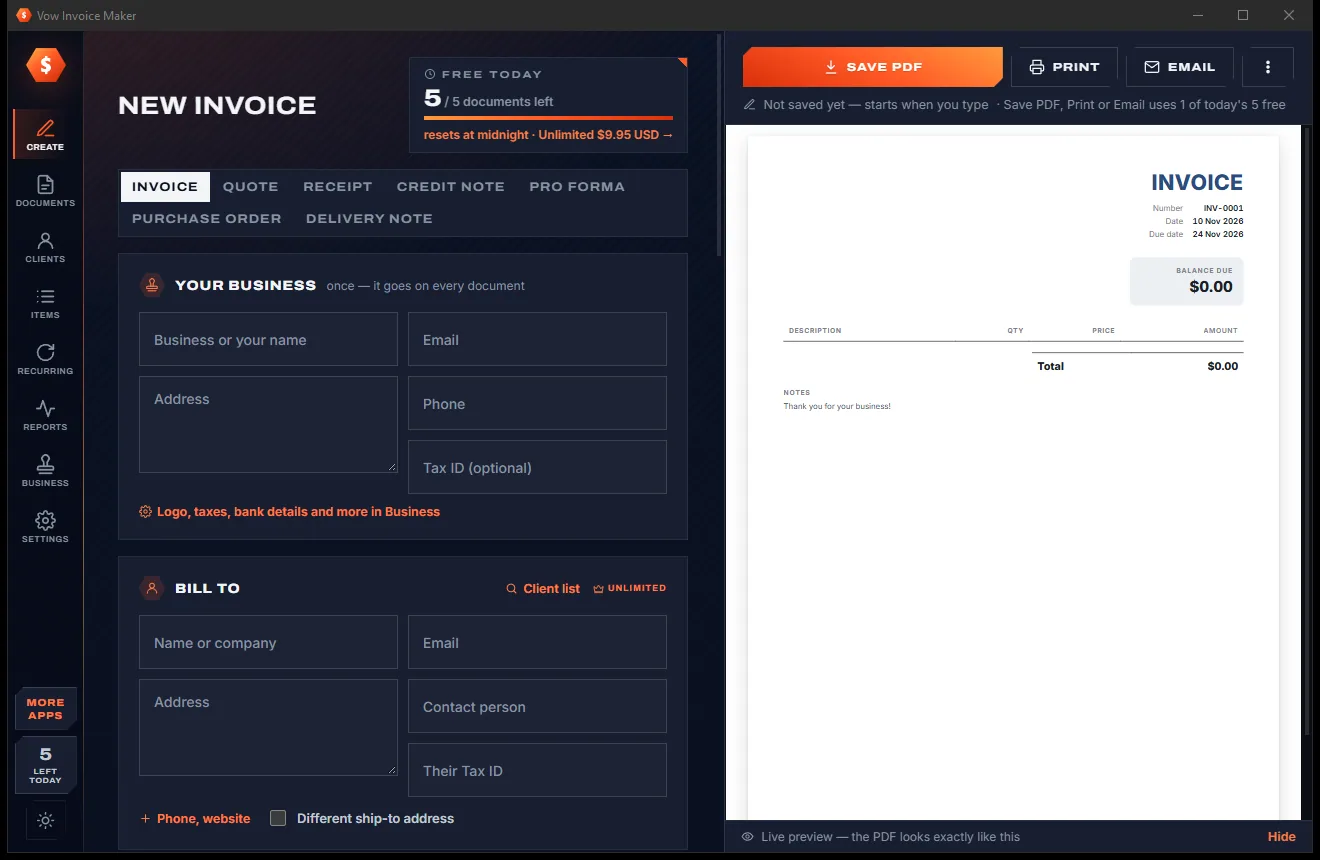
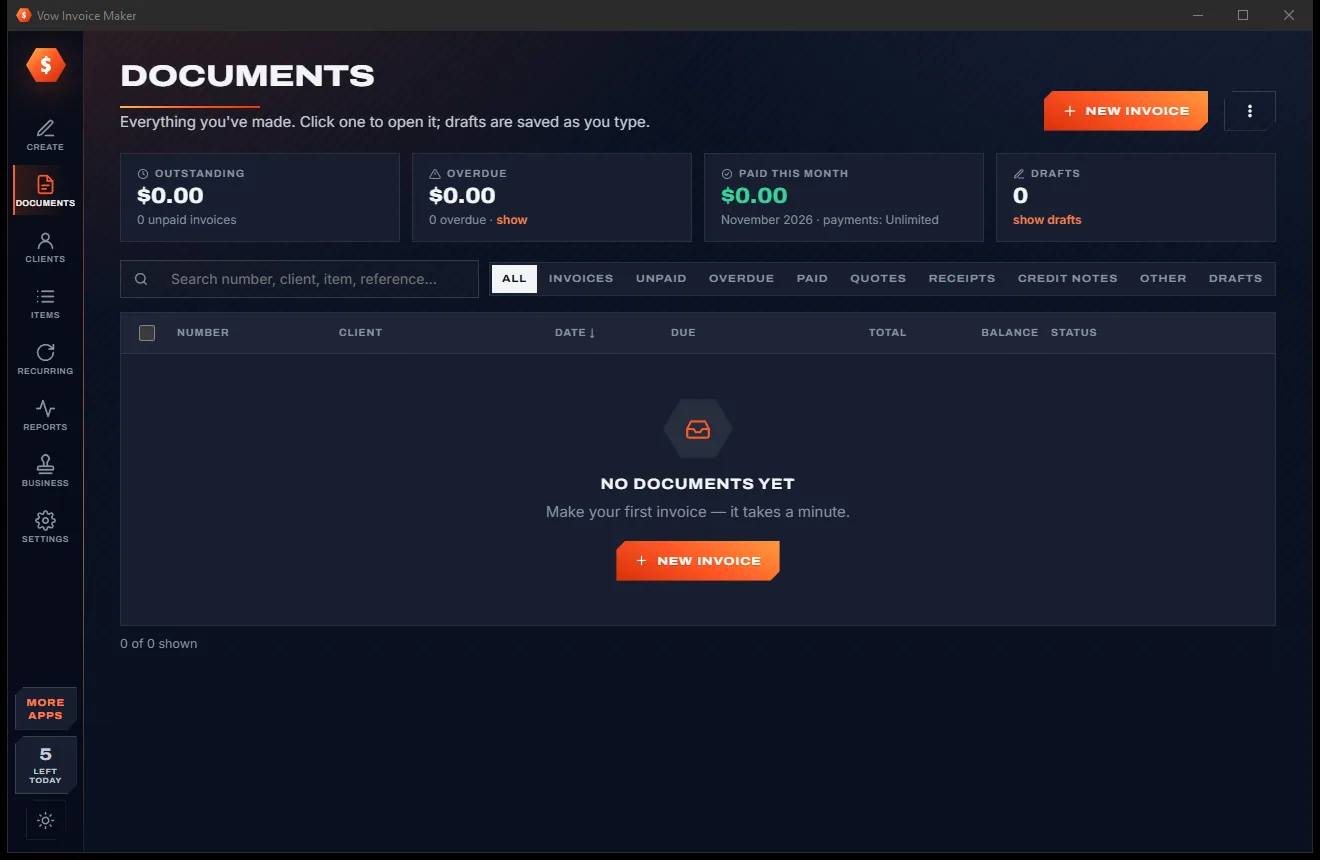
Invoice Maker comes with a crisp light theme and a calm dark theme. Switch with one click, or let it follow your Windows setting by itself. It remembers your choice.
Screenshots
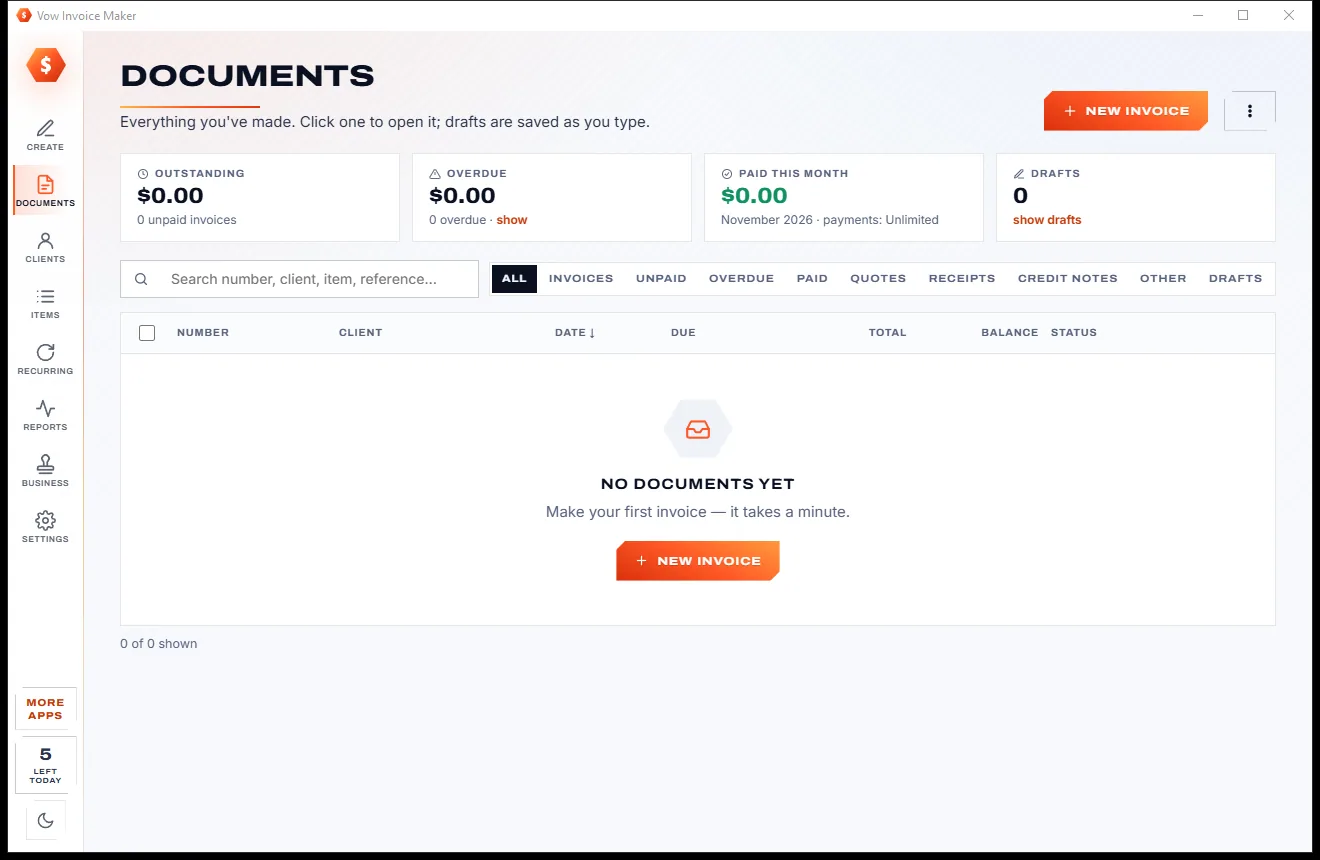
Real screenshots of the real app, in both of its themes: 11 light, 11 dark. Click any picture to see it full size.
Light theme
Dark theme
Who it's for
Designers, developers, writers and photographers billing clients between projects.
Quote the job, turn the quote into an invoice, and record the deposit when it lands.
Receipts, purchase orders and delivery notes that look as professional as your invoices.
Monthly retainers that invoice themselves, and a statement whenever a client asks what's owed.
Bill in their currency and print in their language: Spanish, French, German, Italian, Portuguese or Dutch.
Look professional from day one, without a monthly fee for the few invoices you send.
Compare
What you actually get when you search for an invoice maker, side by side.
| Feature | Vow Invoice Maker | Typical invoicing apps & sites |
|---|---|---|
| Price | Free every day, or $9.95 once | Monthly or yearly subscription |
| Free plan limit | 5 new documents every day | Often 3 to 10 invoices a month |
| Watermark on free invoices | Never | Common |
| Your data is uploaded | Never: one file on your PC | Yes, for online-only apps |
| Works without internet | Yes | No, for online-only apps |
| Preview matches the PDF exactly | Yes, the same engine | Not always |
| Compound and tax-inclusive taxes | Yes, plus 22 country presets | Sometimes, or a higher tier |
| Statements, recurring catch-up, accountant CSVs | Yes | Often missing or on higher plans |
| Ads and bundled extras | None, ever | Common on free downloads |
"Typical" describes what we found across the most-downloaded alternatives when we built Invoice Maker. Your mileage with any one of them may vary; ours won't.
Pricing
That is not a typo. Software this powerful usually means a monthly subscription; Invoice Maker is $9.95, once, for life: it's almost a giveaway. Use it free for as long as you like, and unlock Unlimited only if you need more.
5 new documents a day, all 7 types, the Classic template.
Almost a giveaway. Less than a takeaway lunch for software this powerful: no subscription, no renewals, yours for life on 2 PCs.
No limit, 8 templates with your logo, clients, payments, recurring, reports.
Payments by Stripe: we never see or store your card. Questions? Ask a real person.
Clean software
Most "free" Windows downloads pay for themselves with ads, bundled extras or your data. Vow Invoice Maker doesn't need to: it's paid for honestly, once, by the people who find it useful.
Download Invoice Maker freeStep-by-step guide
Your first professional invoice, from download to PDF, in five simple steps.
Step 1: get it freeGet Vow Invoice Maker from this page and run the installer. It needs no administrator rights, no account and no internet connection.
The first time, add your business name, email, address and tax ID (an ABN, VAT or GST number). It goes on every document from then on. Choose your country under Business to set the right tax in one go.
Type the client's name, email and address. Add each item with a description, quantity and price; press Enter in the last price, or Ctrl+L, for another line.
Tax, discounts and totals are worked out as you type. Tick or untick the tax on each line, and add shipping, a deposit or a whole-document discount under Tax & totals.
Press Save PDF (Ctrl+Enter), Print (Ctrl+P) or Email (Ctrl+M) to open your mail program with the PDF attached. The document is saved by itself and listed on the Documents page.
Technical details
FAQ
Yes. You can make 5 new documents a day for free, with all 7 document types, taxes, currencies, the live preview, PDF, print and email, and the Classic template. There are no watermarks, no ads and no sign-up, and re-saving, reprinting or re-emailing a document never counts again. Unlimited, a one-time $9.95 USD payment, removes the daily limit and adds 8 templates with your logo, the client list, payment tracking, recurring invoices and reports.
No. Everything is kept in one file on your own PC, with a dated automatic backup every day. There is no account and no cloud. You can back the file up anywhere you like and restore it with a click.
Yes. There are 22 country presets, including Australian GST with "Tax Invoice" and ABN, New Zealand GST, UK and European VAT with reduced rates, Canadian GST, HST, PST and QST, Indian CGST+SGST and IGST, and US sales tax. You can use several taxes per document or line, compound taxes and tax-inclusive prices.
Yes. Email opens a new message in your mail program, such as classic Outlook or Thunderbird, with the PDF already attached for you to check and send. With mail apps that can't take an attachment this way, the message opens and the PDF is shown ready to attach. The app never sends mail by itself.
Yes. Convert a quote to an invoice, pro-forma invoice or purchase order in one click, and an invoice to a receipt, credit note or delivery note. Any document can also be duplicated.
Most invoicing apps are subscriptions or online-only, and their free plans are often capped per month or watermarked. Vow Invoice Maker is one $9.95 payment, works offline, keeps your data in one local file and previews exactly what prints. It also has compound and inclusive taxes, country presets, statements, recurring catch-up and accountant CSVs, which several of them lack or keep for higher tiers.
Yes. Numbering can continue from your previous app's last number, with your own pattern such as INV-2026-0001. With Unlimited you can also import your clients and items from CSV files.
Yes. It is made and published by XTO Pty Ltd, an Australian company. The installer contains no ads, no toolbars and no bundled software, needs no administrator rights, and uninstalls cleanly from Windows Settings. Uninstalling asks before it removes your invoices, and the answer defaults to No.
The Vow collection
Same design, same promises, a tiny one-time price. Learn one and you already know them all.
Turn a tablet or phone into a second screen for your PC, in its browser

Preview, organise and identify every font on your PC, offline

Screenshots and whole scrolling pages, marked up in seconds
Professional invoices and quotes on Windows, without a subscription. Free to use every day, $9.95 once if you ever want Unlimited.