
Files
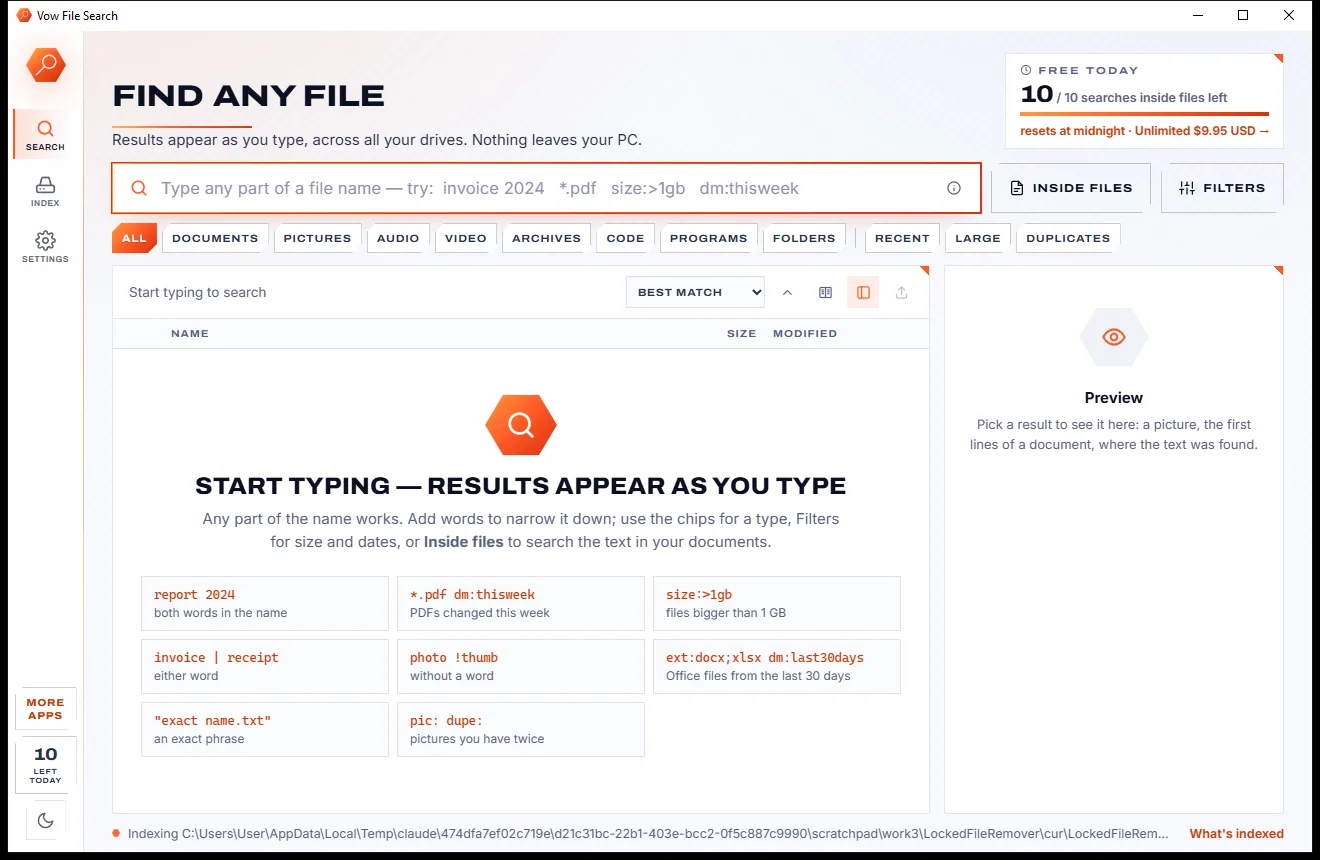
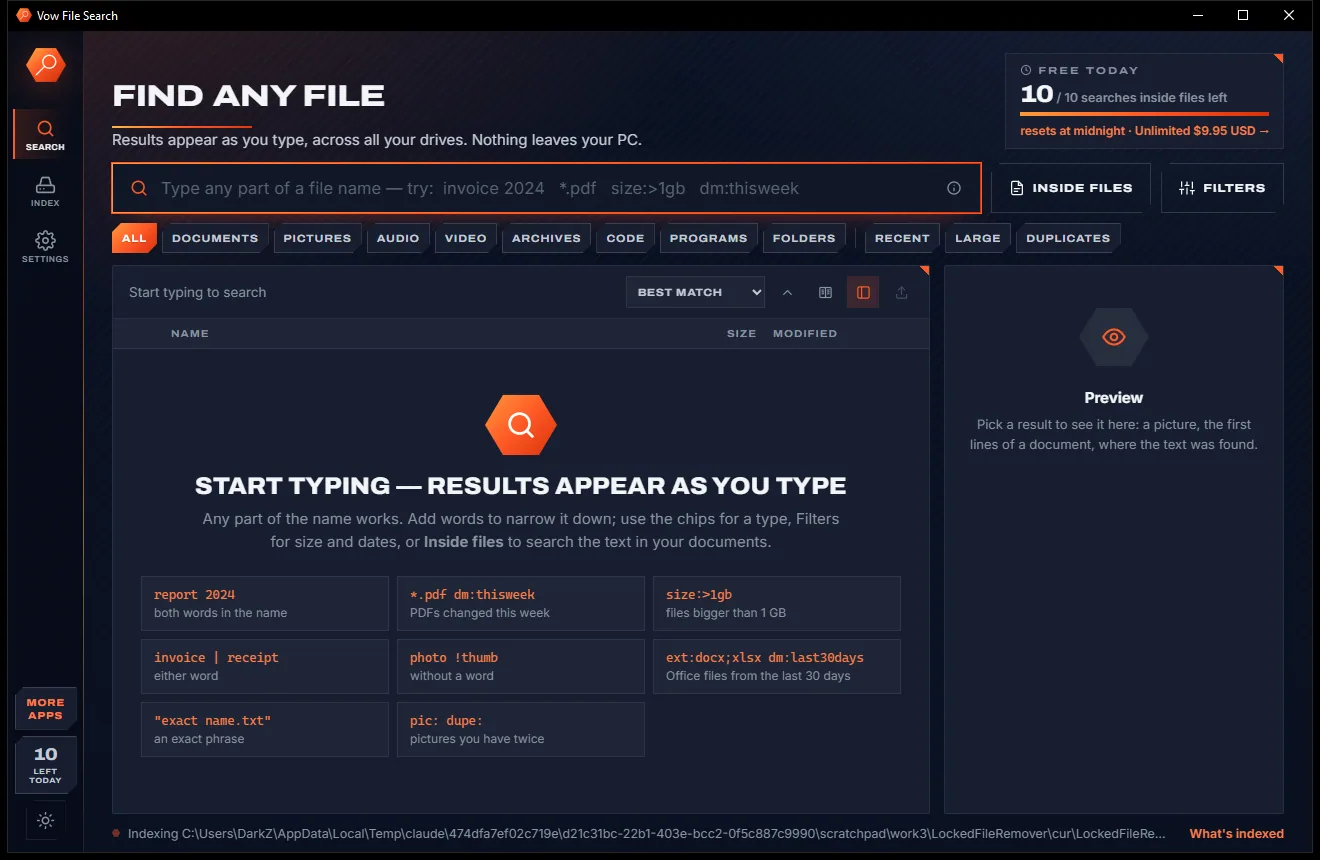
Vow File Search
Find any file as you type, across every drive
- Free: Unlimited file name search on every drive, 10 searches inside files a day
- $4.95 once: Unlimited searches inside files, network drives and NAS shares

Visual disk space analyzer for Windows
Pick a drive and seconds later every gigabyte is on a map you can click through, biggest first. Find forgotten videos, old downloads, duplicates and bloated caches, then clear them with the Recycle Bin as your safety net. No ads, no account, no subscription.
The problem
Windows tells you the drive is full, not what filled it. Clicking through folder properties one at a time could take all afternoon.
Windows shows a red bar and a number. It never shows which folder ate 200 GB, or when it happened.
Right-click, Properties, wait, repeat. Hunting for big folders one at a time is slow and easy to give up on.
Free PC cleaners that flag thousands of "junk" items, then want a yearly subscription before they remove any of them.
Clean-up tools that wipe folders in one go, with no list to check first and no way back.
Toolbars, browser changes and "optimisers" riding along with a free download you only wanted for five minutes.
Old-school analyzers give you a dense table of sizes and leave you to work out what is safe to remove.
Vow Disk Space Analyzer fixes all of it.
How it works
The whole drive as one picture in seconds, and the safe way to win space back right beside it.
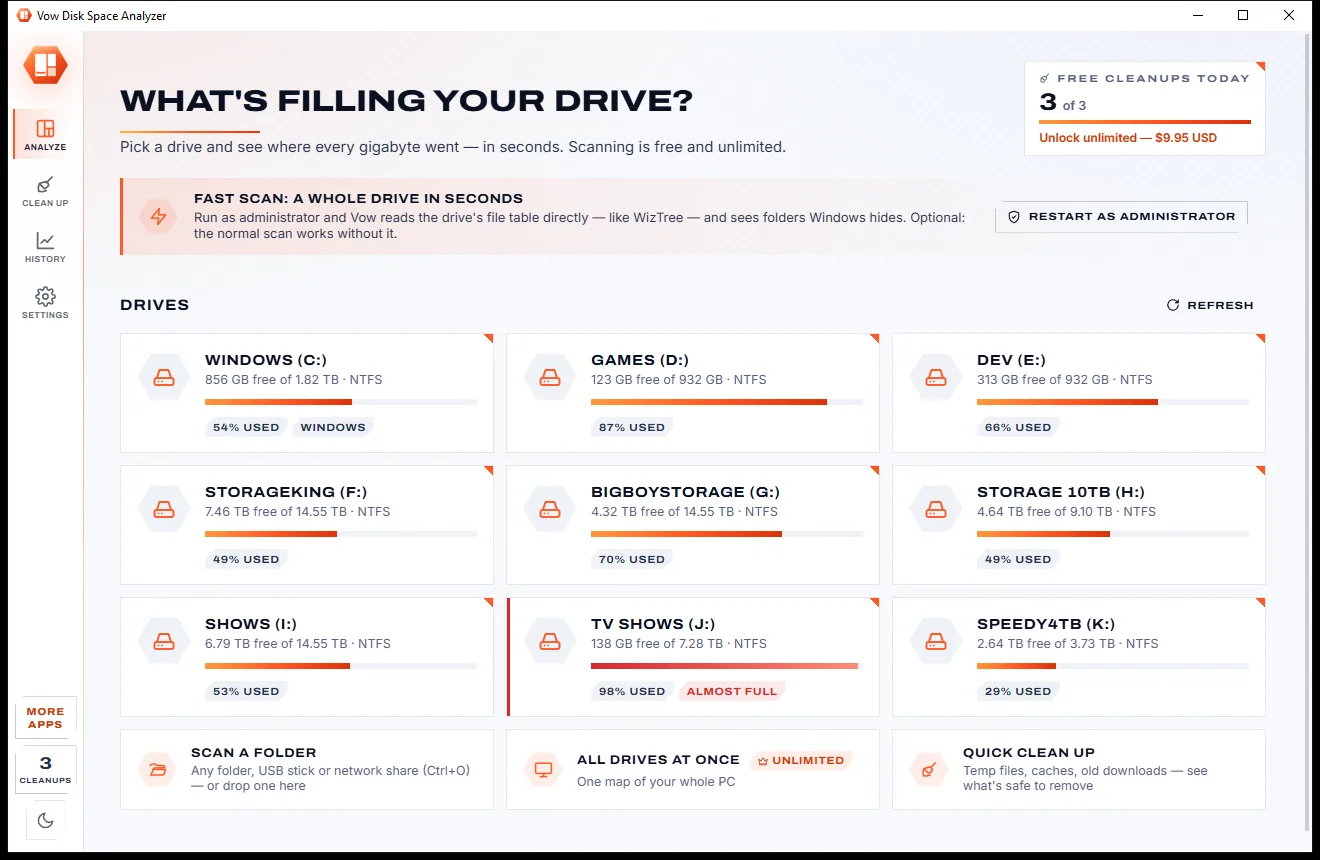
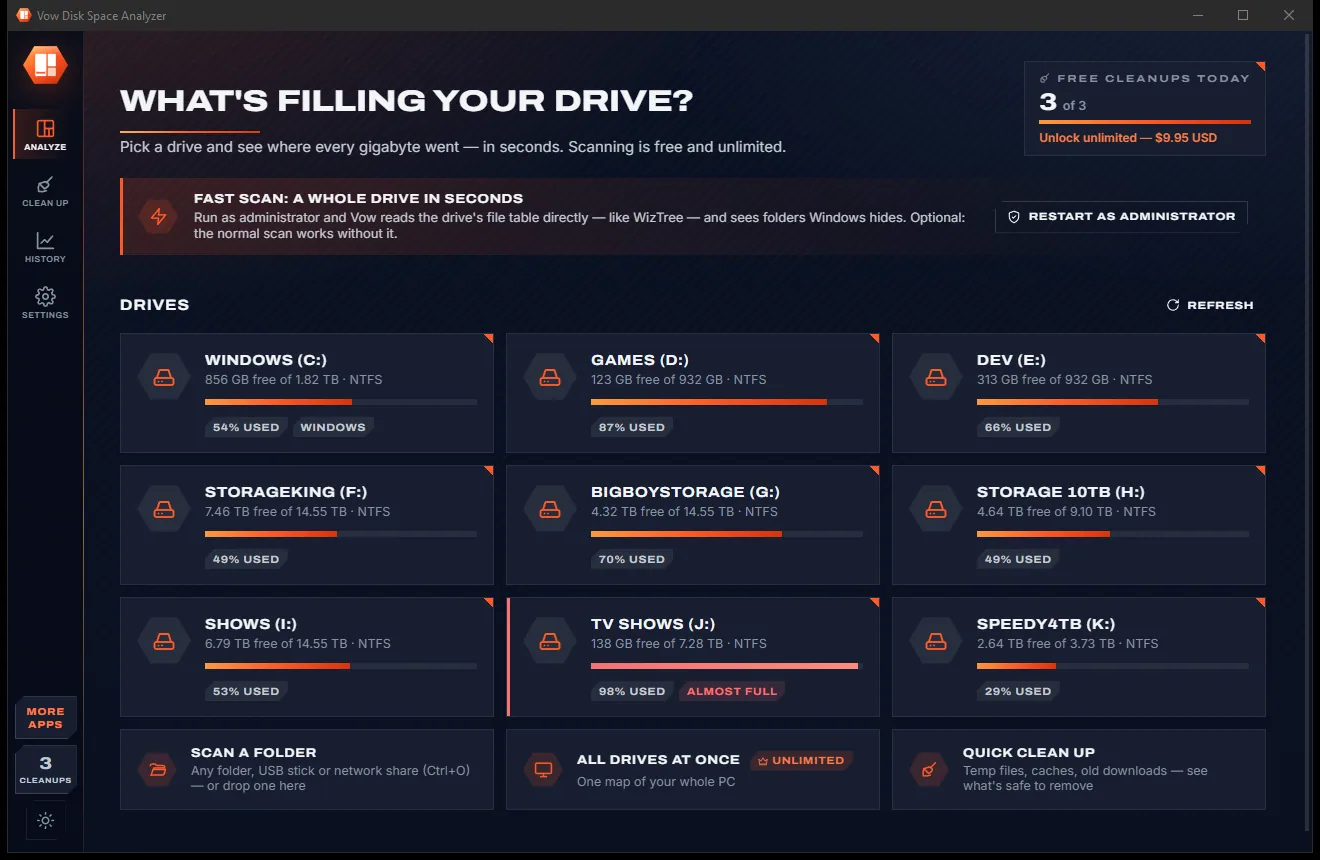
Every drive is a card with its used and free space. Click one, drop a folder on the window, or right-click a folder in Explorer and choose Analyze disk space.
Seconds later every folder and file is a block sized by the space it takes, coloured by type. Double-click to zoom in, right-click to open, show or delete.
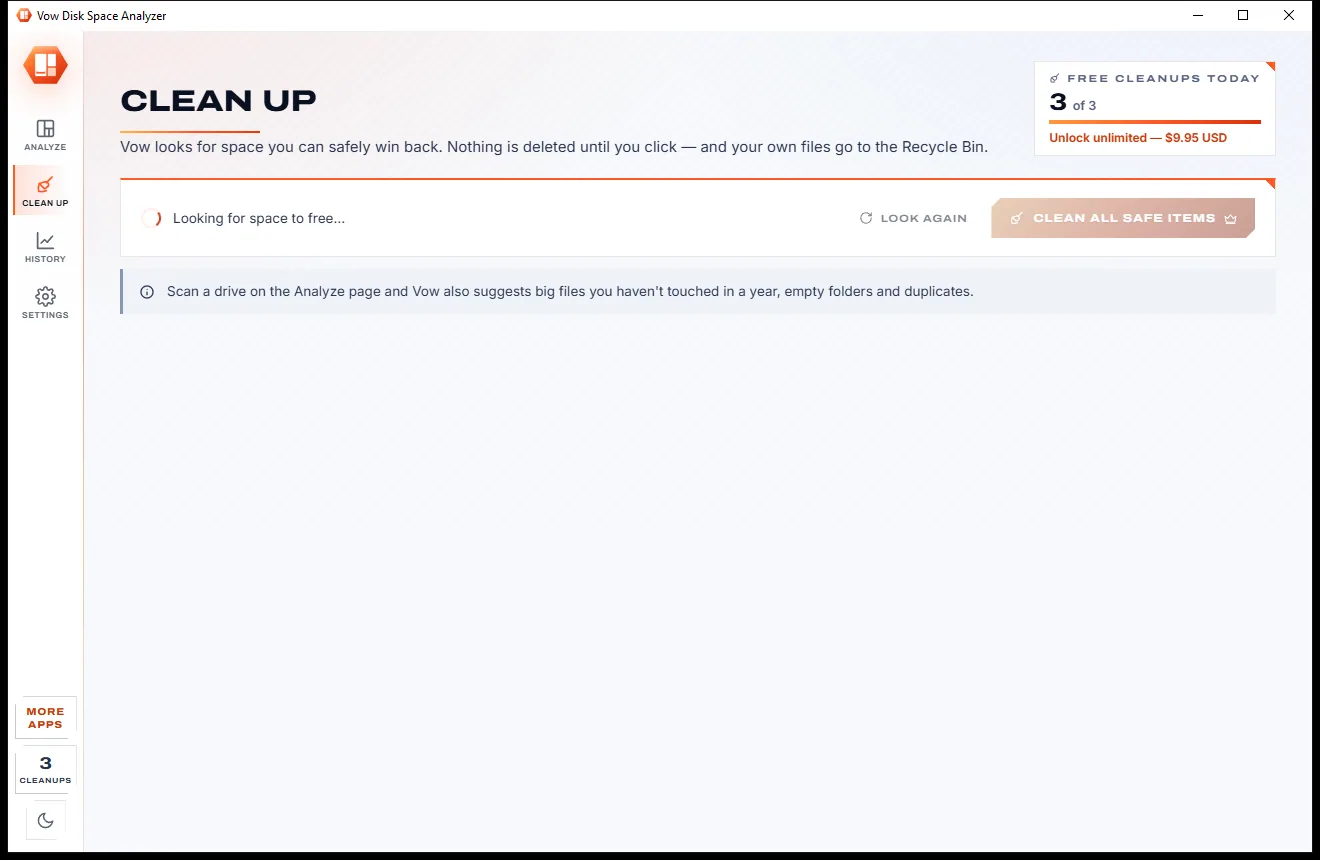
Clean up lists temp files, browser and developer caches, old installers and untouched downloads. Review the list, click Clean, and your own files go to the Recycle Bin.
Features
Fast enough for a full drive, clear enough for anyone, careful enough to trust with a delete button.
As administrator it reads the NTFS file table directly. Without admin rights, a parallel folder scan runs 2 to 4 times faster than Windows' own listing.
A labelled treemap or a sunburst, coloured by file type or by age, with the free space and hidden system space shown on a drive's map.
See the largest files, the space each file type and extension takes, and how much has not been touched in years.
Identical copies are matched by size, then by their first and last 64 KB, then by their whole content. The oldest copy is kept.
Each scan is remembered, so it can point to the exact folder that grew and chart each drive's used space over time.
Names, wildcards and filters such as ext:mp4, type:video, >1gb, older:2y and in:Downloads, across everything scanned.
Temp files, browser and developer caches, crash dumps, the thumbnail cache, old installers and downloads, each with a list to review first.
Windows, Program Files, your profile folders and drive roots are refused. Update leftovers and the hibernation file get advice, not a delete.
A quiet daily or weekly scan that warns you when a drive runs low or grows fast, before it is full.
Export folders or files to CSV, save the map as a PNG, copy a text summary, or scan from the command line.
Light & dark theme
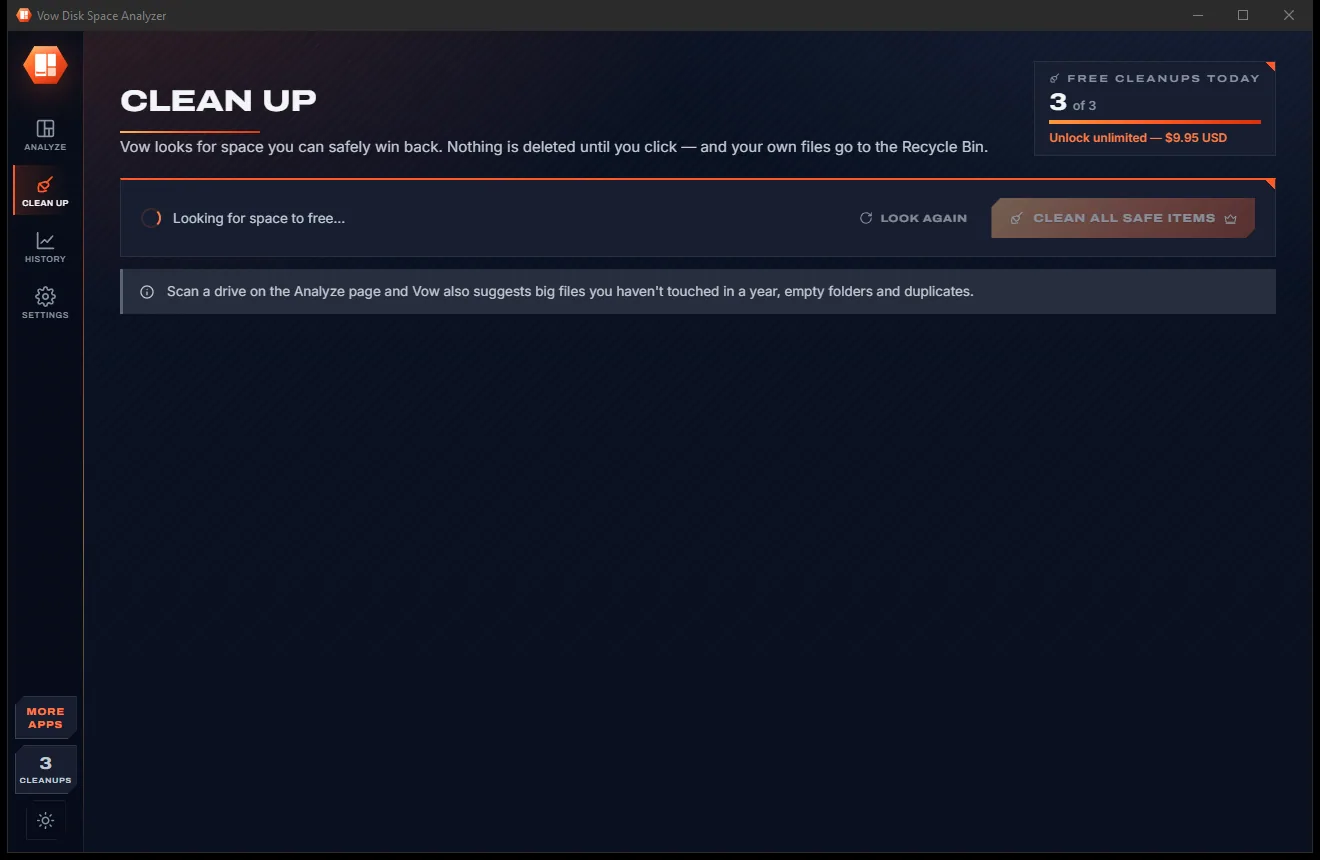
Disk Space Analyzer comes with a crisp light theme and a calm dark theme. Switch with one click, or let it follow your Windows setting by itself. It remembers your choice.
Screenshots
Real screenshots of the real app, in both of its themes: 5 light, 5 dark. Click any picture to see it full size.
Light theme
Dark theme
Who it's for
Find out in seconds what filled C: and which folders are safe to shrink.
See which games, mods and leftover installers take the most room before the next big download.
Spot the folders of old footage and duplicate copies filling up your storage drives.
Find bloated npm, NuGet, pip and Gradle caches and clear them in one click.
Make the most of a small SSD by finding the downloads and caches you forgot about.
Scan a user's folder or a network share, export a CSV report, or run it from a USB stick with the portable version.
Compare
What you usually get when you search for a way to free up disk space.
| Feature | Vow Disk Space Analyzer | Typical disk cleaners & analyzers |
|---|---|---|
| Price | Free every day, or $4.95 once | Yearly subscription to actually clean |
| Scanning and the full map | Free and unlimited | Sometimes limited in free versions |
| Visual map of every folder | Labelled treemap and sunburst | Often a list or a pie chart |
| Shows what is safe to delete | Grouped: safe, review first, Windows only | Rarely, or everything is "junk" |
| Your own files | Recycle Bin by default | Often deleted for good |
| What grew since the last scan | Yes, with history per drive | Rarely |
| Simulation (dry run) mode | Yes | Rarely |
| Ads, bundleware, inflated junk counts | None, ever | Common in free cleaners |
| Account or upload needed | Never: it all stays on your PC | Some want an account |
"Typical" describes what we found across the most-downloaded alternatives when we built Disk Space Analyzer. Your mileage with any one of them may vary; ours won't.
Pricing
That is not a typo. Software this powerful usually means a monthly subscription; Disk Space Analyzer is $4.95, once, for life: it's almost a giveaway. Use it free for as long as you like, and unlock Unlimited only if you need more.
Unlimited scans, the full map and every view, 3 one-click cleanups a day.
Almost a giveaway. Less than a coffee for software this powerful: no subscription, no renewals, yours for life on 2 PCs.
Unlimited cleanups, Clean all safe items, all drives at once, scheduled scans.
Payments by Stripe: we never see or store your card. Questions? Ask a real person.
Clean software
Most "free" Windows downloads pay for themselves with ads, bundled extras or your data. Vow Disk Space Analyzer doesn't need to: it's paid for honestly, once, by the people who find it useful.
Download Disk Space Analyzer freeStep-by-step guide
From a full C: drive to gigabytes back, without deleting anything you'll miss.
Step 1: get it freeDownload it from this page and run the installer. It needs no administrator rights and no account, or you can run the portable version instead.
Every drive shows its used and free space, and nearly full ones are flagged. Click one to scan it, or choose Scan a folder (Ctrl+O) for a single folder, USB stick or network share.
Big blocks are big folders and files. Double-click to zoom in and Backspace to come back, and check Biggest files, Types and Age on the left for the full story.
Right-click a block or a row and choose Recycle or Delete. The totals and the map update at once, with no rescan.
Open Clean up for temp files, caches, old installers and untouched downloads. Review each list, click Clean, and watch the free space come back.
Technical details
FAQ
Yes. Scanning any drive or folder, the fast scan, the full map, every view, duplicates, search, CSV export and deleting files by hand are free with no limit, plus 3 one-click cleanups a day. Unlimited, a one-time $4.95 USD payment, adds unlimited cleanups, Clean all safe items, all drives at once and scheduled scans with alerts.
Usually a handful of things: big videos or games, old downloads and installers, browser and developer caches, temp files, duplicate copies, and Windows' own hibernation file and update leftovers. The map shows which of these it is on your PC within seconds.
As administrator, the fast scan reads the drive's NTFS file table directly, like WizTree. Without admin rights a parallel folder scan is used: in testing it read a full C: drive of 2.46 million files in 12 seconds.
Not by accident. Scanning only reads. Your own files go to the Recycle Bin after a confirmation, Windows, Program Files, your profile folders and drive roots are refused, and Simulation mode shows what would be freed without touching anything.
It matches WizTree's file-table speed, has WinDirStat's treemap with labelled folder frames plus a sunburst, and TreeSize-style age analysis, duplicates and scheduled scans. On top it tracks what changed between scans, suggests safe one-click cleanups and shows free and hidden space on the map.
No. It runs as you. Only the fast scan and cleaning Windows' own temp folders and crash dumps need administrator rights, and the app explains why before Windows asks.
Yes. Any folder, USB stick or network share can be scanned, free and with no limit, and the results can be exported to CSV.
Yes. It is made and published by XTO Pty Ltd, an Australian company. There are no ads, no bundled software and no account, it installs without administrator rights, and it uninstalls cleanly from Windows Settings, scheduled-scan task included.
The Vow collection
Same design, same promises, a tiny one-time price. Learn one and you already know them all.
Find any file as you type, across every drive
Open every archive, and fix the ones that won't open
Find every file you have twice, and free the space with Undo
See what's filling your drive, then win the space back safely. Free to use every day, $4.95 once if you ever want Unlimited.