
Files
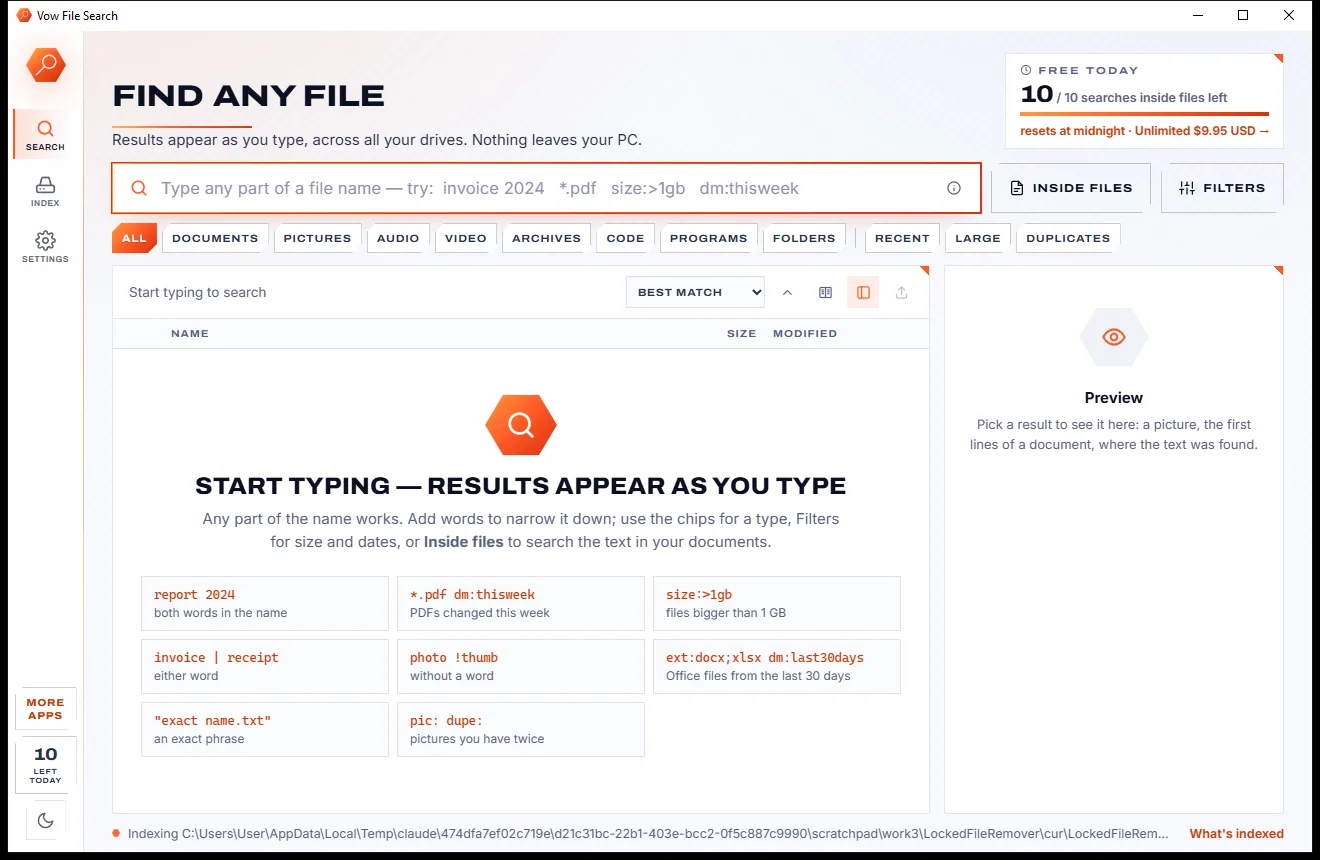
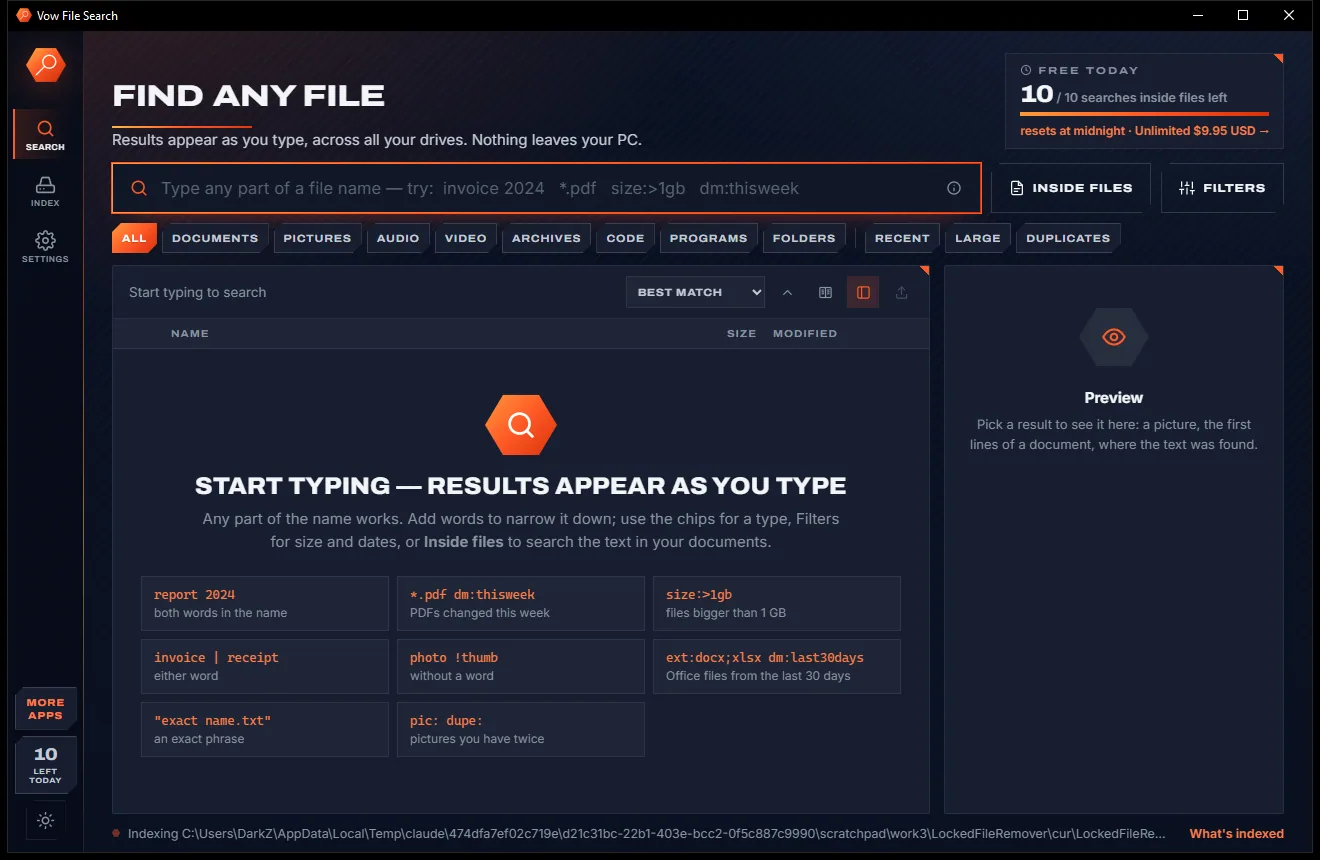
Vow File Search
Find any file as you type, across every drive
- Free: Unlimited file name search on every drive, 10 searches inside files a day
- $4.95 once: Unlimited searches inside files, network drives and NAS shares

PC migration assistant for Windows
Windows moves some of your files. Vow moves the rest: installed apps reinstalled fresh from their official source, browsers with bookmarks and passwords, Wi-Fi, your desktop and settings. Over your home network or a USB drive, checked byte for byte, with no account and nothing uploaded.
The problem
The files are the easy part. It's the dozens of apps, browser logins, Wi-Fi passwords and little settings that take days to put back.
Hunting down the installer for every app, one by one, then trying to remember how each one was set up.
Saved browser passwords and Wi-Fi keys stay on the old PC, so you spend the next week resetting passwords.
Many transfer tools copy Program Files across, which is how apps end up broken or asking for their licence again.
Free editions that stop at a couple of gigabytes or leave apps out entirely, then push a pricey upgrade.
Built-in options want a Microsoft account and route your files through the cloud to get them across.
Something overwritten on the new PC? Most tools have no undo for what they changed.
Vow PC Migration Assistant fixes all of it.
How it works
Two clicks on each PC, and everything you ticked arrives checked and undoable.
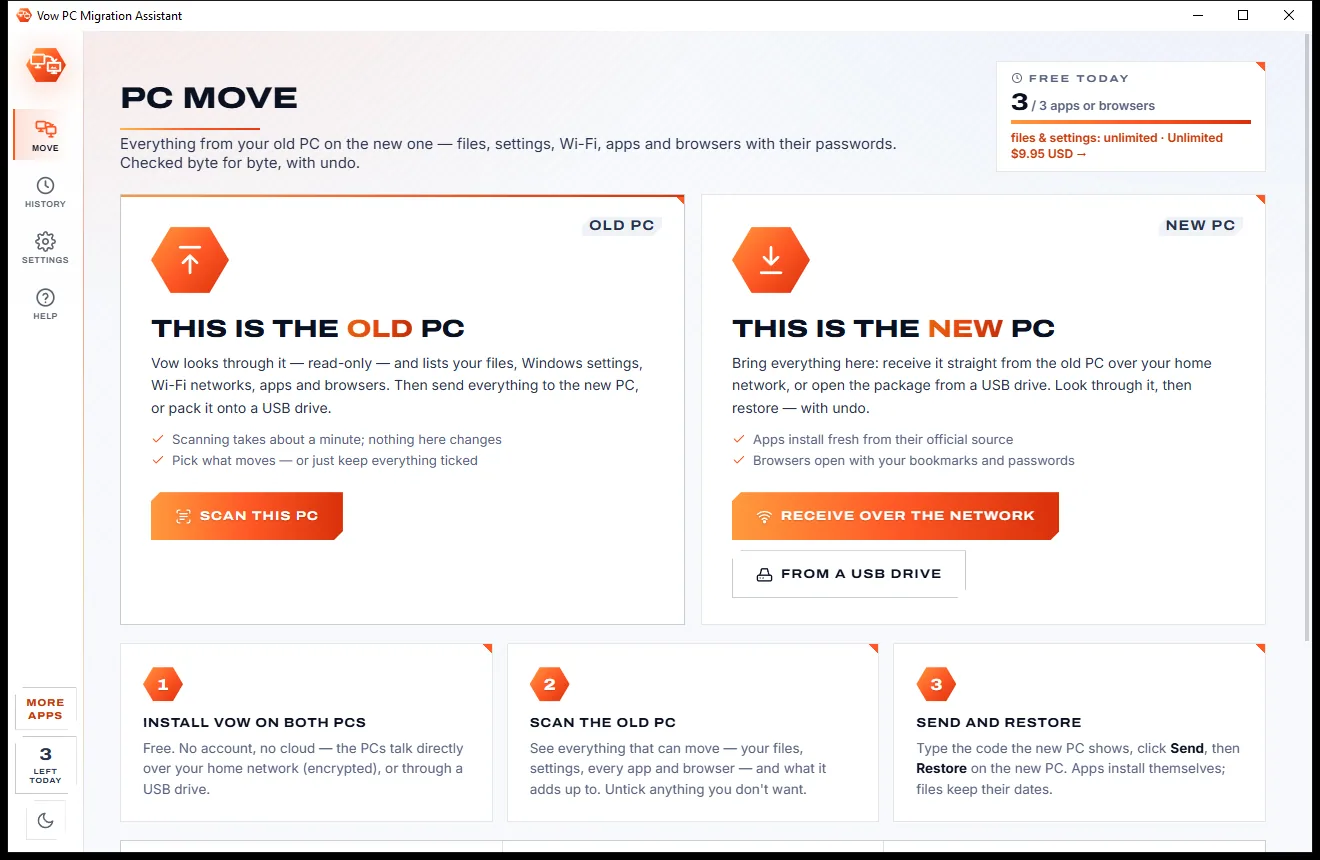
Read-only: see every folder, Windows setting, Wi-Fi network, app and browser that can move, with sizes. Untick anything you'd rather leave behind.
Pick the new PC on your network and type the 8-character code it shows, or pack everything onto a USB drive instead.
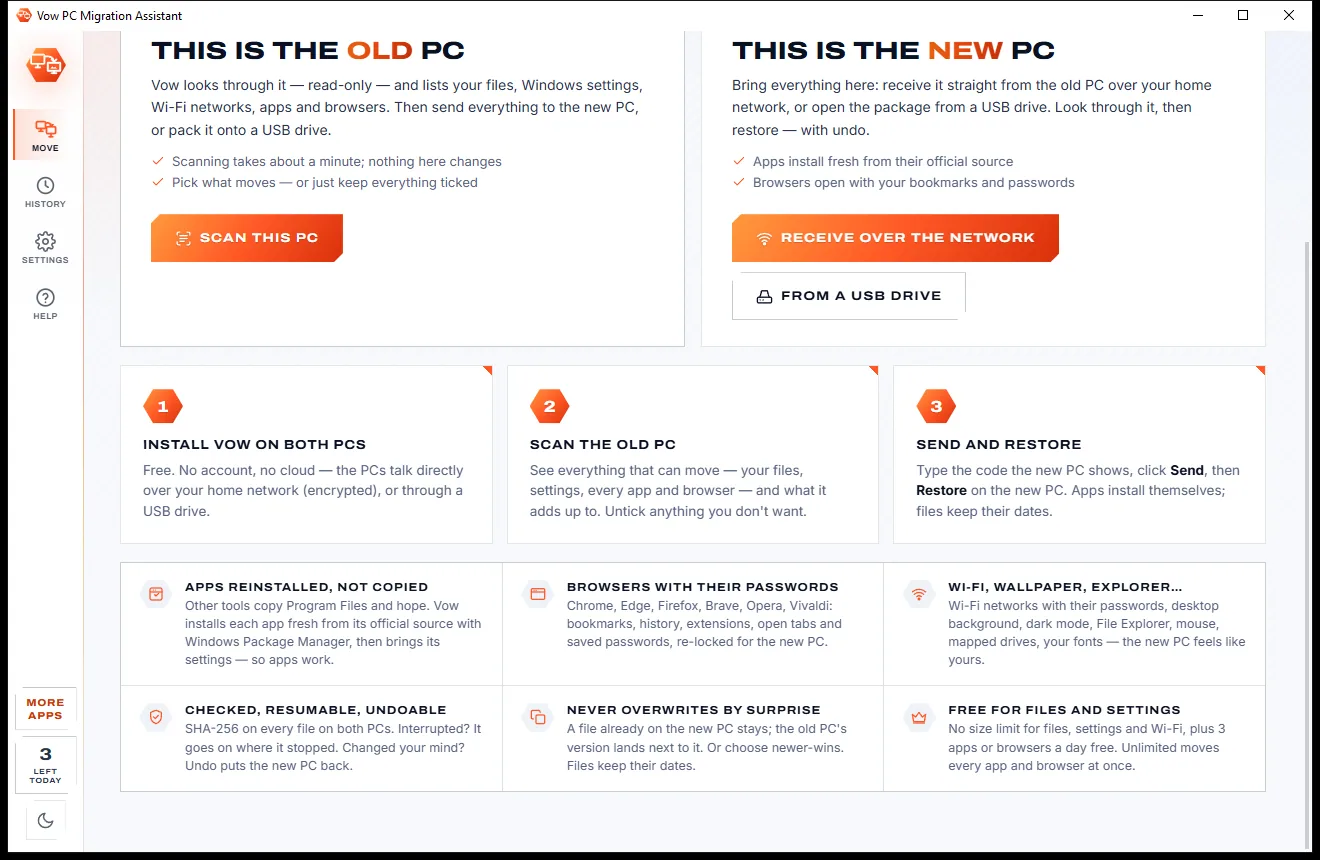
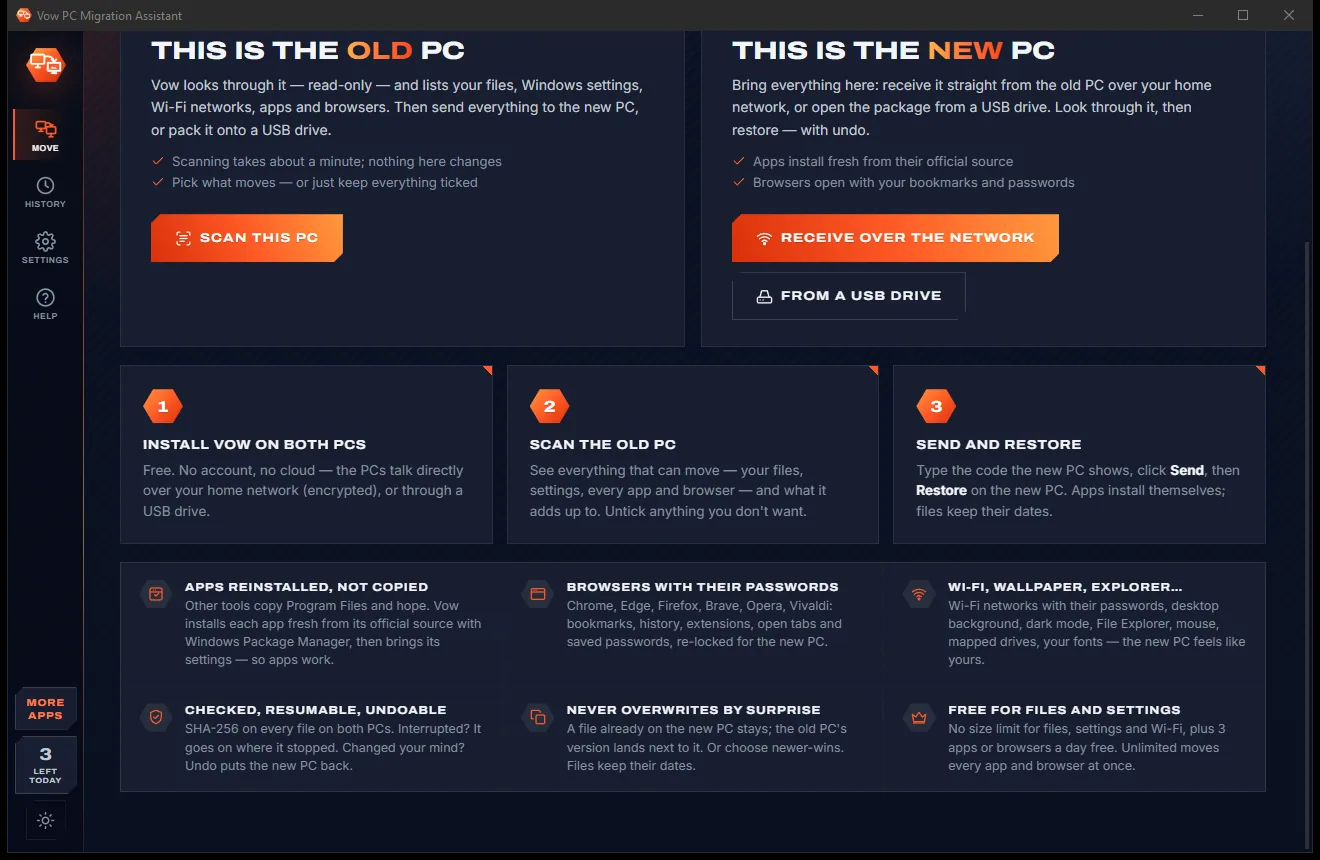
Apps install from their official source, browsers open with bookmarks and passwords, and History > Undo takes it all back if you change your mind.
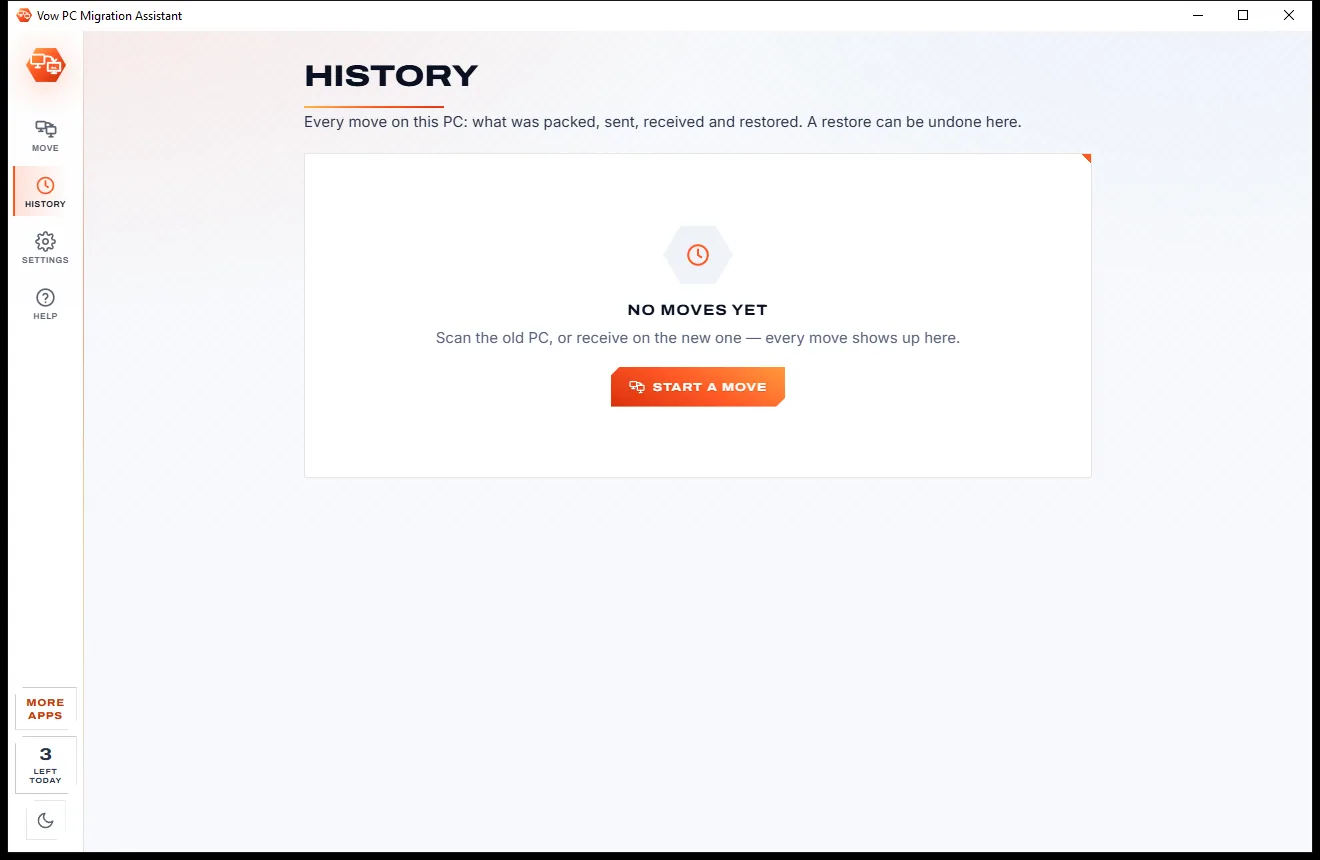
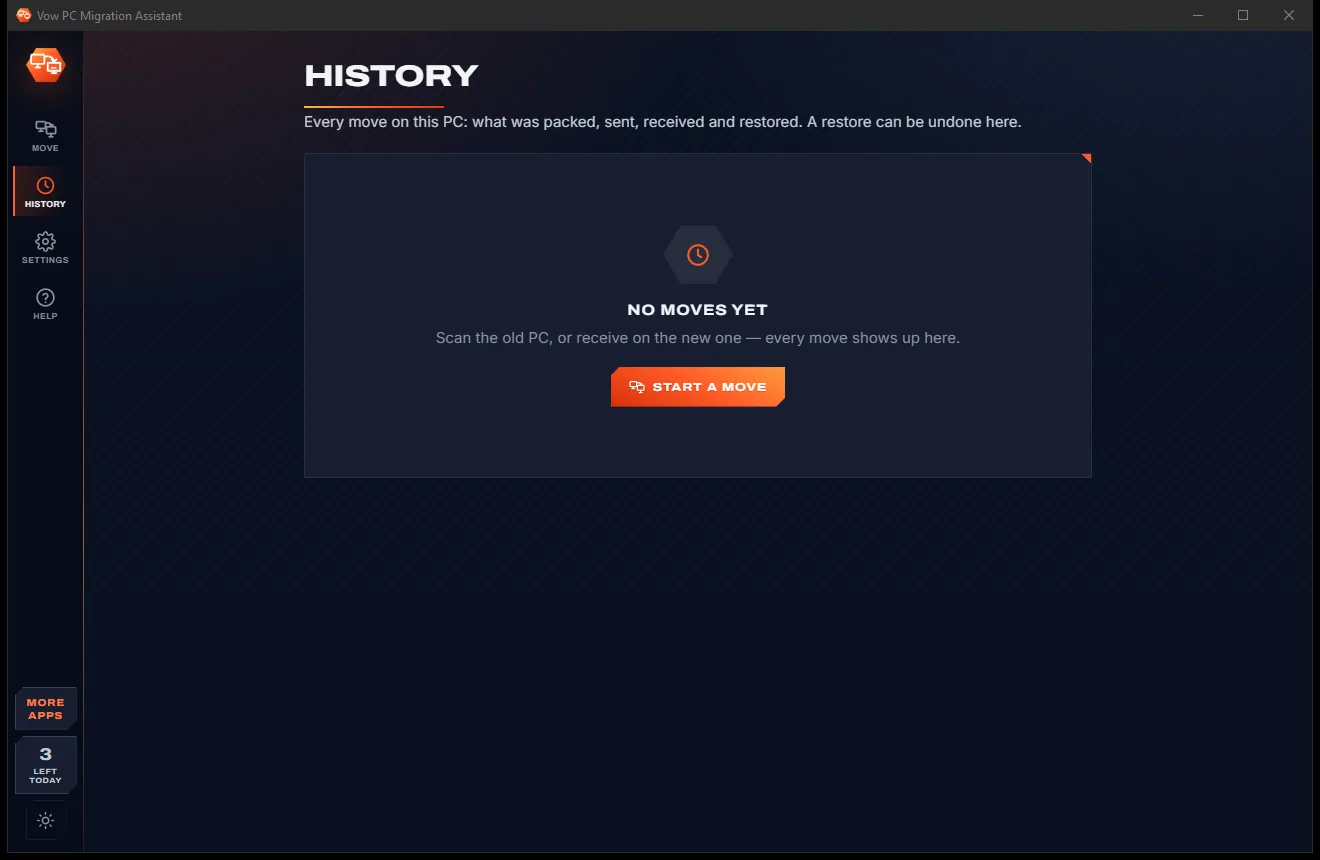
Features
Built for upgrading to Windows 11, replacing a dead laptop or setting up a family member's new PC.
Every app is installed fresh from its official source with Windows Package Manager, never copied out of Program Files.
Chrome, Edge, Brave, Vivaldi, Opera, Firefox and more, with bookmarks, history, extensions, tabs and saved passwords.
Your Wi-Fi networks travel with their passwords, sealed with a transfer password only you know.
Desktop background, dark mode and accent, Explorer options, taskbar, mouse, keyboard, fonts and mapped drives.
Desktop, Documents, Pictures and every other user folder, plus any folder you add, free with no cap.
SHA-256 on every file, both when it's read on the old PC and when it's written on the new one.
One click in History removes what the restore added and brings back anything it replaced.
A one-time code pairs the two PCs on your home network, and everything travels encrypted with AES-256.
VS Code, Notepad++, PuTTY, FileZilla, OBS scenes, Office signatures, Sticky Notes, Minecraft worlds and many more.
An interrupted pack, transfer or restore carries on with only what's still missing.
Light & dark theme
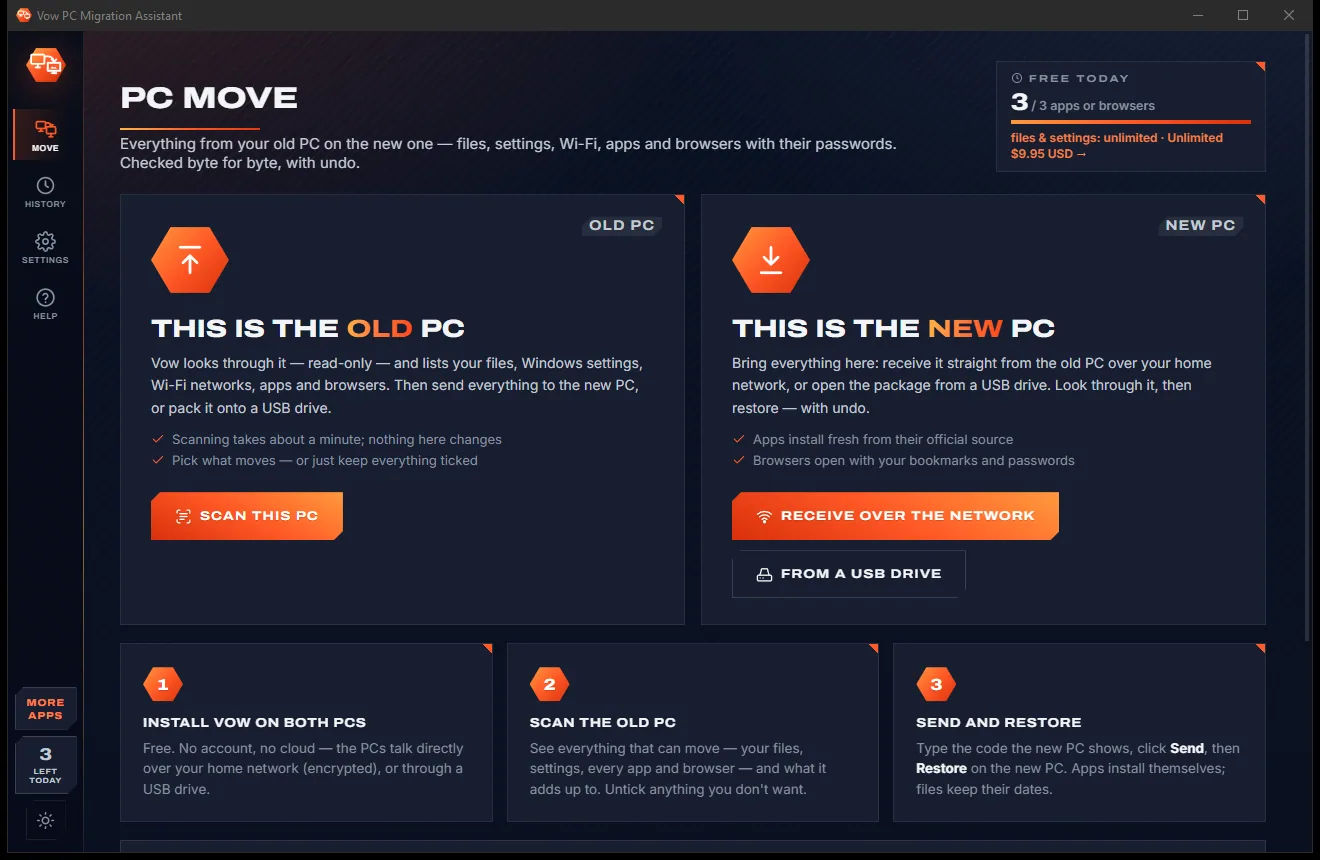
PC Migration comes with a crisp light theme and a calm dark theme. Switch with one click, or let it follow your Windows setting by itself. It remembers your choice.
Screenshots
Real screenshots of the real app, in both of its themes: 7 light, 7 dark. Click any picture to see it full size.
Light theme
Dark theme
Who it's for
Go from an old Windows 10 PC to a new Windows 11 machine without starting from scratch.
Do a parent's or teenager's new laptop in an evening, browser passwords included.
Replace a staff PC and have their apps, browser and settings ready by morning.
Git, SSH keys, VS Code with extensions, Windows Terminal, PuTTY and environment variables, all moved.
Saved Games folders and Minecraft worlds come along to the new rig with the rest of your apps.
Pack everything onto a USB drive while the old PC still runs, then restore it on the new one.
Compare
What the well-known PC transfer tools give you, and where they stop.
| Feature | Vow PC Migration Assistant | Typical PC transfer tools |
|---|---|---|
| Price | Free every day, or $9.95 once | Paid editions to move apps |
| Free version | All files and settings, no size cap | Capped at a few GB, or files only |
| How apps move | Fresh install from the official source | Program files copied across |
| Saved browser passwords | Re-encrypted for the new PC | Usually left behind |
| Undo after a restore | Yes, one click | Rarely |
| Account or cloud needed | No: PC to PC or USB | Windows' own option needs a Microsoft account |
| Every file checked | SHA-256 on both PCs | Not always |
| Ads, upsells, bundled extras | None | Upsells are common |
"Typical" describes what we found across the most-downloaded alternatives when we built PC Migration. Your mileage with any one of them may vary; ours won't.
Pricing
That is not a typo. Software this powerful usually means a monthly subscription; PC Migration is $9.95, once, for life: it's almost a giveaway. Use it free for as long as you like, and unlock Unlimited only if you need more.
All files, Windows settings and Wi-Fi with no size limit, plus 3 apps or browsers a day.
Almost a giveaway. Less than a takeaway lunch for software this powerful: no subscription, no renewals, yours for life on 2 PCs.
Every app, every browser profile with passwords, app settings.
Payments by Stripe: we never see or store your card. Questions? Ask a real person.
Clean software
Most "free" Windows downloads pay for themselves with ads, bundled extras or your data. Vow PC Migration Assistant doesn't need to: it's paid for honestly, once, by the people who find it useful.
Download PC Migration freeStep-by-step guide
Move files, apps and settings from your old Windows PC to the new one, start to finish.
Step 1: get it freeDownload Vow PC Migration Assistant from this page and install it on the old PC and the new one. It's free, needs no administrator rights and no account.
On the old PC choose This is the old PC, then Scan this PC. Nothing on the old PC changes. Look through the files, settings, Wi-Fi, apps and browsers, and untick anything you don't want.
On the new PC choose This is the new PC, then Receive over the network. It shows an 8-character code. No network? Choose USB drive or folder on the old PC instead, then From a USB drive on the new one.
On the old PC pick the new PC from the list, type its code, add a transfer password if you want Wi-Fi and browser passwords to travel too, and click Send.
On the new PC choose what happens to files that are already there (Keep both is the default), click Restore and open the report. Changed your mind? History > Undo puts the new PC back.
Technical details
FAQ
Yes. Scanning and packing the whole old PC is free, and so is moving all your files, Windows settings, Wi-Fi networks and fonts, with no size limit. You can also move 3 apps or browsers a day free to see it working. Unlimited, a one-time $9.95 USD payment, moves every app, every browser profile and every app's settings in one go.
It reinstalls them. Each app is installed fresh from its official source with Windows Package Manager, then its settings are brought across. Program Files is never copied, which is what breaks apps moved by other tools. Paid suites such as Adobe or Microsoft 365 are listed with what to do, because they need you to sign in.
Yes, when you set a transfer password. Chrome, Edge, Brave, Vivaldi, Opera and other Chromium browsers have their passwords re-encrypted for the new PC, and Firefox profiles move as they are. Passwords that newer Chrome versions lock to the old PC are counted, and the app tells you to sign in to the browser's sync for those.
No. The two PCs find each other on your home Wi-Fi or router and talk directly, encrypted. If they can't, use a USB drive, a folder or a network share instead. Nothing is uploaded and there is no account.
Every file is checked with SHA-256 on both PCs, interrupted moves resume where they stopped, and files already on the new PC are never overwritten by surprise: by default both copies are kept. History > Undo removes what the restore added and brings back what it replaced.
Laplink PCmover's Express edition moves no apps, and the free EaseUS Todo PCTrans stops at 2 GB and a few apps; both copy program files across. Vow moves all your files and settings free with no size cap, reinstalls apps cleanly from their official source, re-encrypts browser passwords for the new PC and costs $9.95 once.
Drivers and Windows' own components never move, and licence keys for paid apps can't be carried across, so apps that need signing in or a key are flagged with what to do. Printers are listed in the report so you can add them again.
Yes. It is made and published by XTO Pty Ltd, an Australian company. It only reads the old PC and writes only your own files and settings on the new one, never Windows or Program Files. There are no ads or bundled software, it needs no administrator rights to install, and it uninstalls cleanly from Windows Settings.
The Vow collection
Same design, same promises, a tiny one-time price. Learn one and you already know them all.
Find any file as you type, across every drive
Open every archive, and fix the ones that won't open
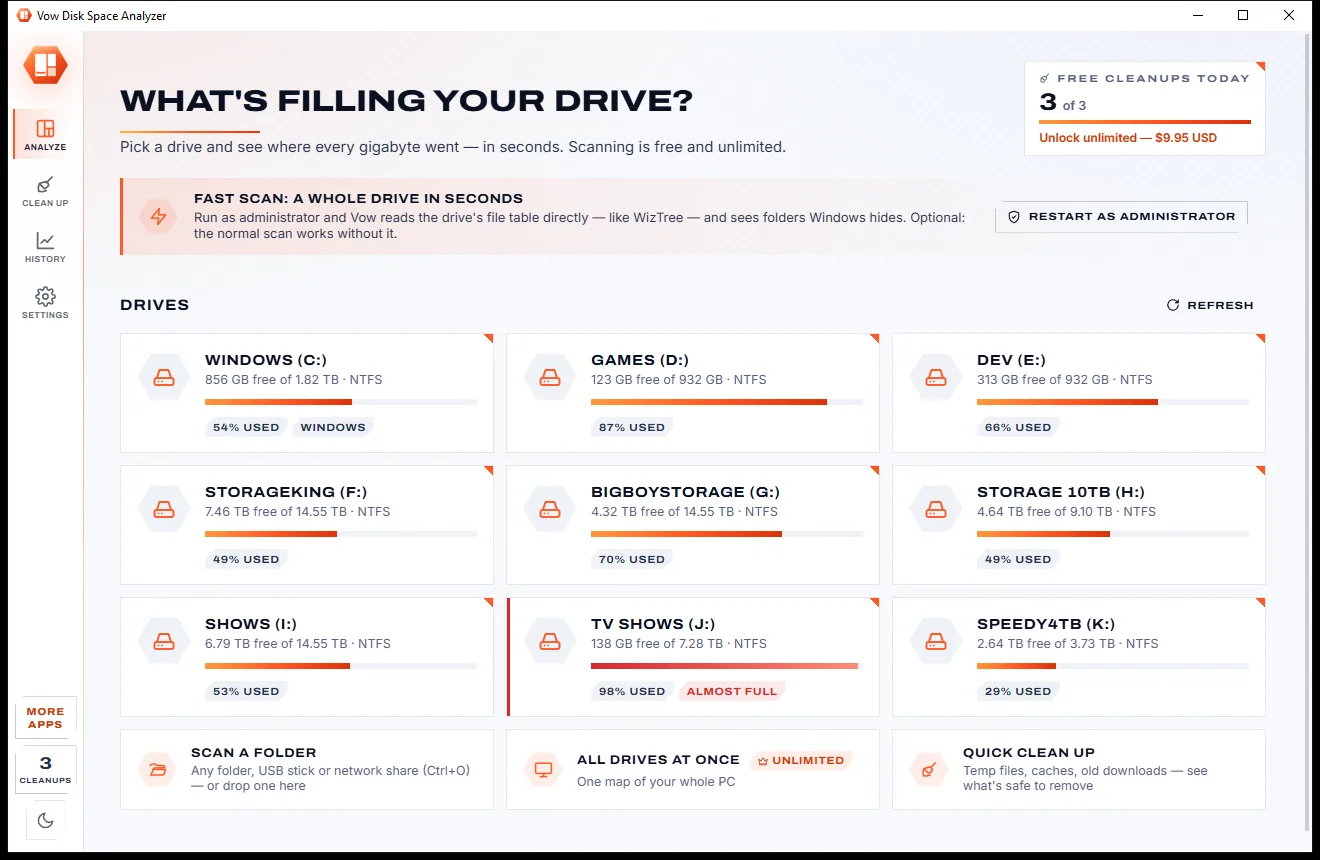
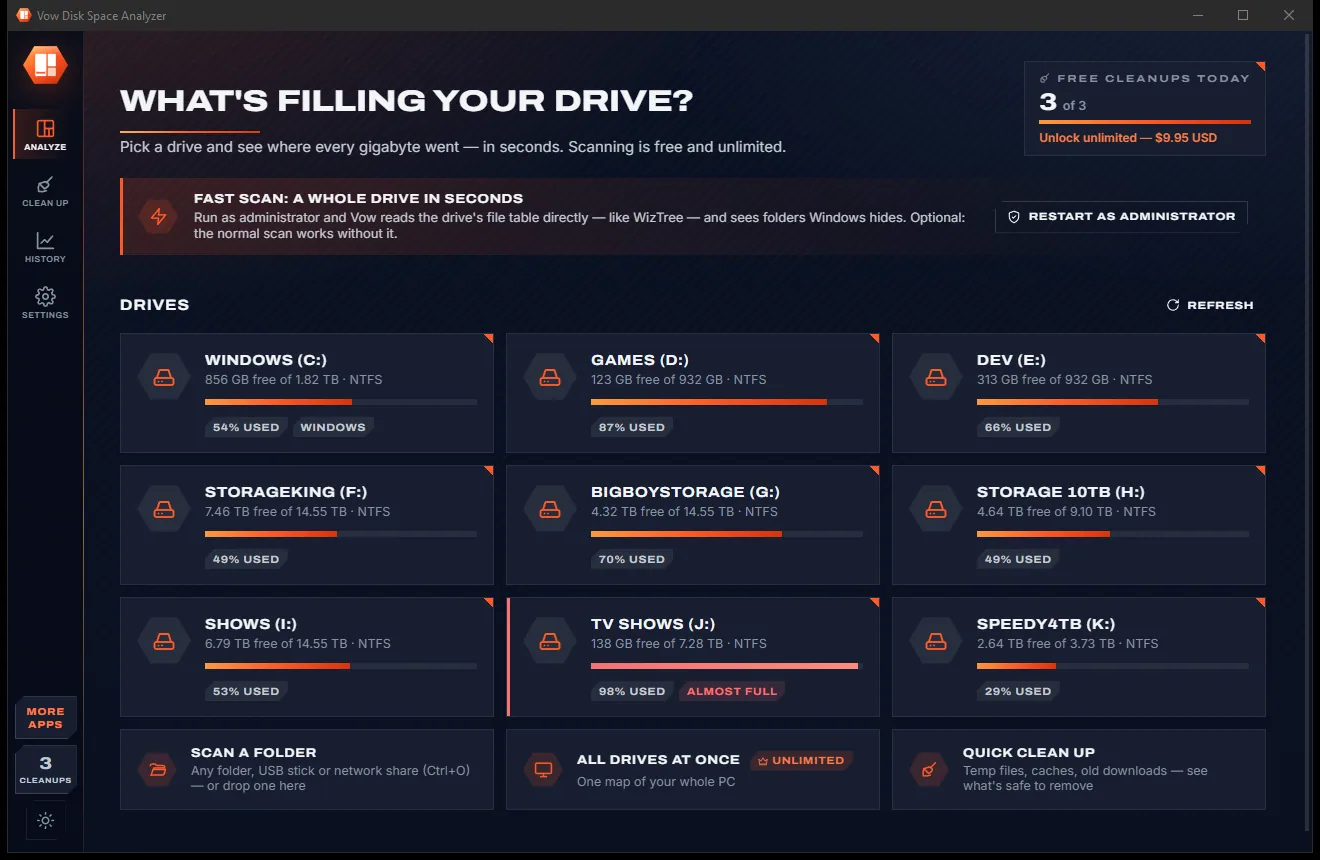
See what's filling your drive, then win the space back safely
Move everything from your old PC to the new one, with undo. Free to use every day, $9.95 once if you ever want Unlimited.