
PC Fixes
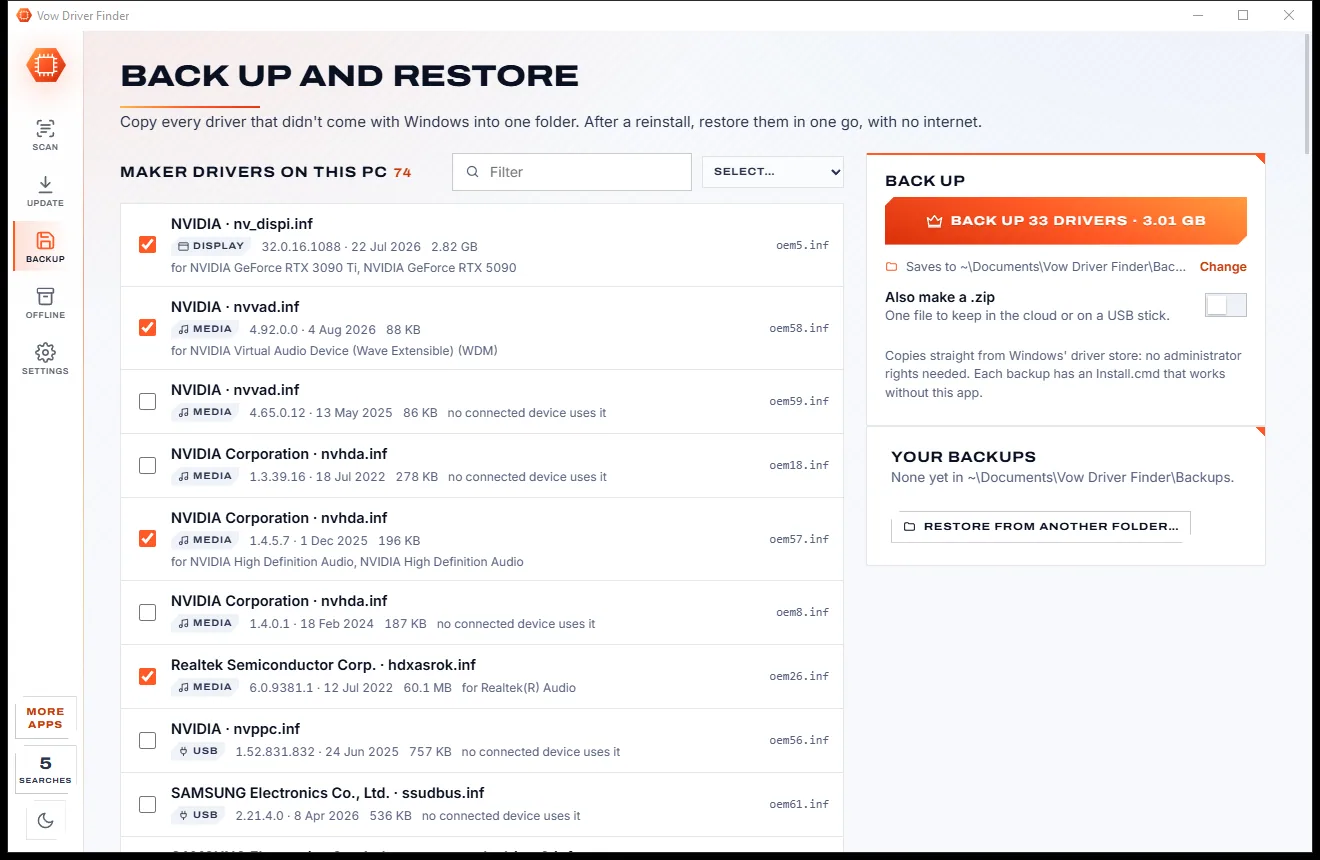
Vow Driver Finder
Find the drivers your PC is really missing, from official sources only
- Free: Unlimited scans, official links, 5 in-app searches a day
- $4.95 once: One-click install, backup and restore, offline driver packs

Boot repair rescue USB for Windows
Make a rescue USB in a few clicks on any working Windows PC. Start the broken PC from it and Vow checks the boot files, BitLocker, updates, drivers, the registry and the disk, explains what's wrong and fixes it with Microsoft's own tools. Backups first, undo always.
The problem
Startup Repair says it couldn't repair your PC. The internet says type bootrec commands. And your files are stuck on a disk you can't reach.
Windows' own repair runs, fails, and leaves you at the same blue menu with no idea what went wrong.
Forum threads full of bootrec, diskpart and bcdedit lines, typed blind into a black window.
Most repair discs mean downloading gigabytes on another PC and learning a whole new toolkit.
"Fix any boot error" downloads that hide the price until after the scan, or bundle extras you never asked for.
Run a full disk check on a failing drive and the files you needed may be gone for good.
Photos and documents sit on a disk that won't start, and every fix risks making it worse.
Vow Boot Rescue USB fixes all of it.
How it works
Make the USB while a PC still works, and when one doesn't, it tells you why and puts it right.
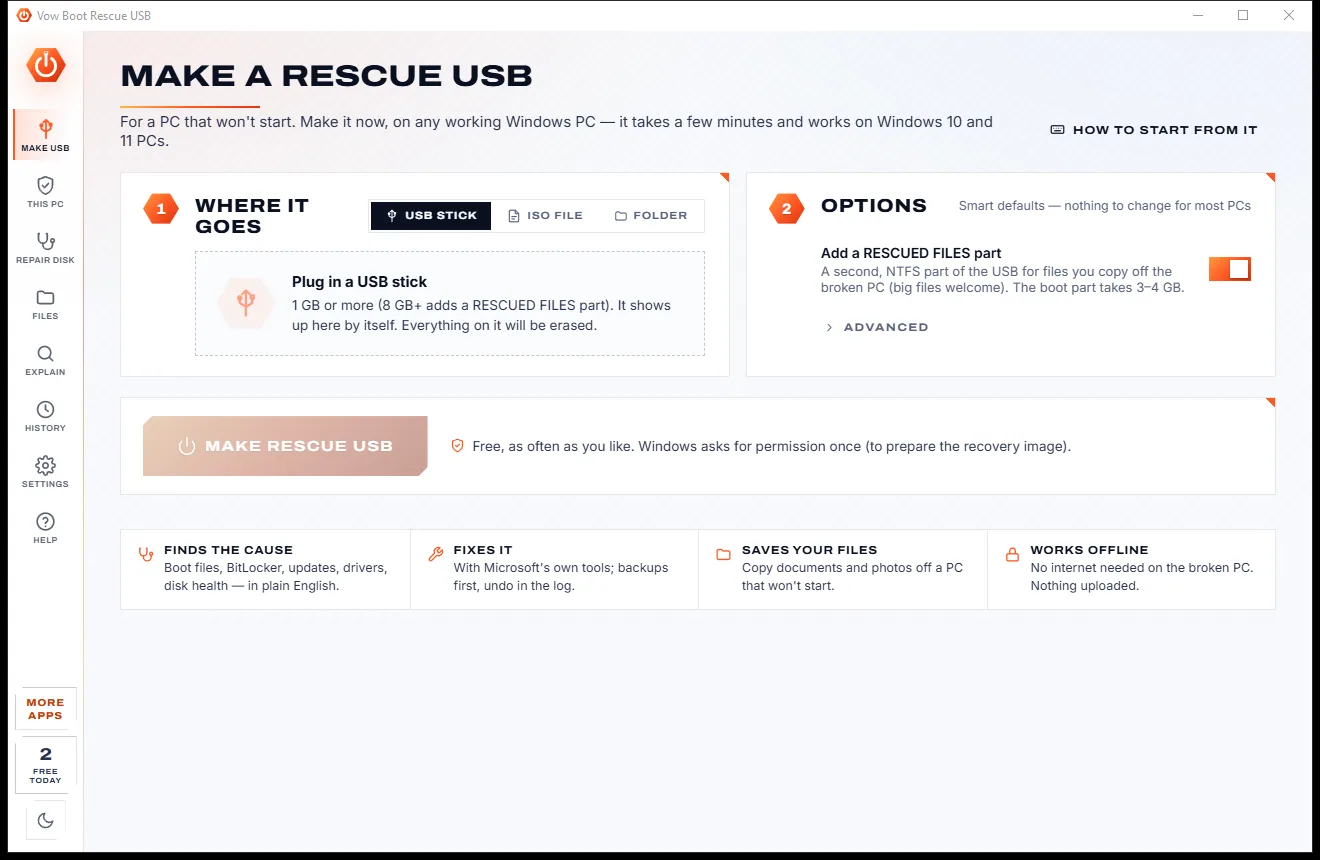
Plug in a stick of 1 GB or more and click Make rescue USB. It uses this PC's own Windows recovery image, so there's nothing to download.
Switch on and tap the boot-menu key: F12, F11, F9, F8 or Esc. The app lists the keys for 24 PC makers, this PC's first.
Vow starts by itself, checks the PC in seconds and shows each problem with the evidence, a one-click fix and the same fix by hand.
Features
Every check a repair shop would run, explained in plain English and fixed with Windows' own tools.
Every problem says what's wrong and "why Vow thinks so", with the evidence it read from the disk.
bcdboot, bootsect, DISM, SFC, chkdsk and reg, run with the right drive letters for the broken PC.
The boot store, sector 0 and the registry are copied before changes, and the Log can put them back.
Every problem found, fixed in one go in a safe order: room first, then the disk, registry, updates, drivers and boot files.
S.M.A.R.T. and NVMe health are checked first, and a failing disk never gets the heavy repairs that could finish it off.
Unlock an encrypted drive with its recovery key. The key is checked and never stored.
Desktop, Documents, Pictures, Outlook data and more to an external drive or the USB, verified and resumable.
No USB? Connect the broken PC's disk to a working PC and get the same diagnosis and repairs.
Type 0xc000000e, 0x7B or "BOOTMGR is missing" and get the meaning, the causes and the fix.
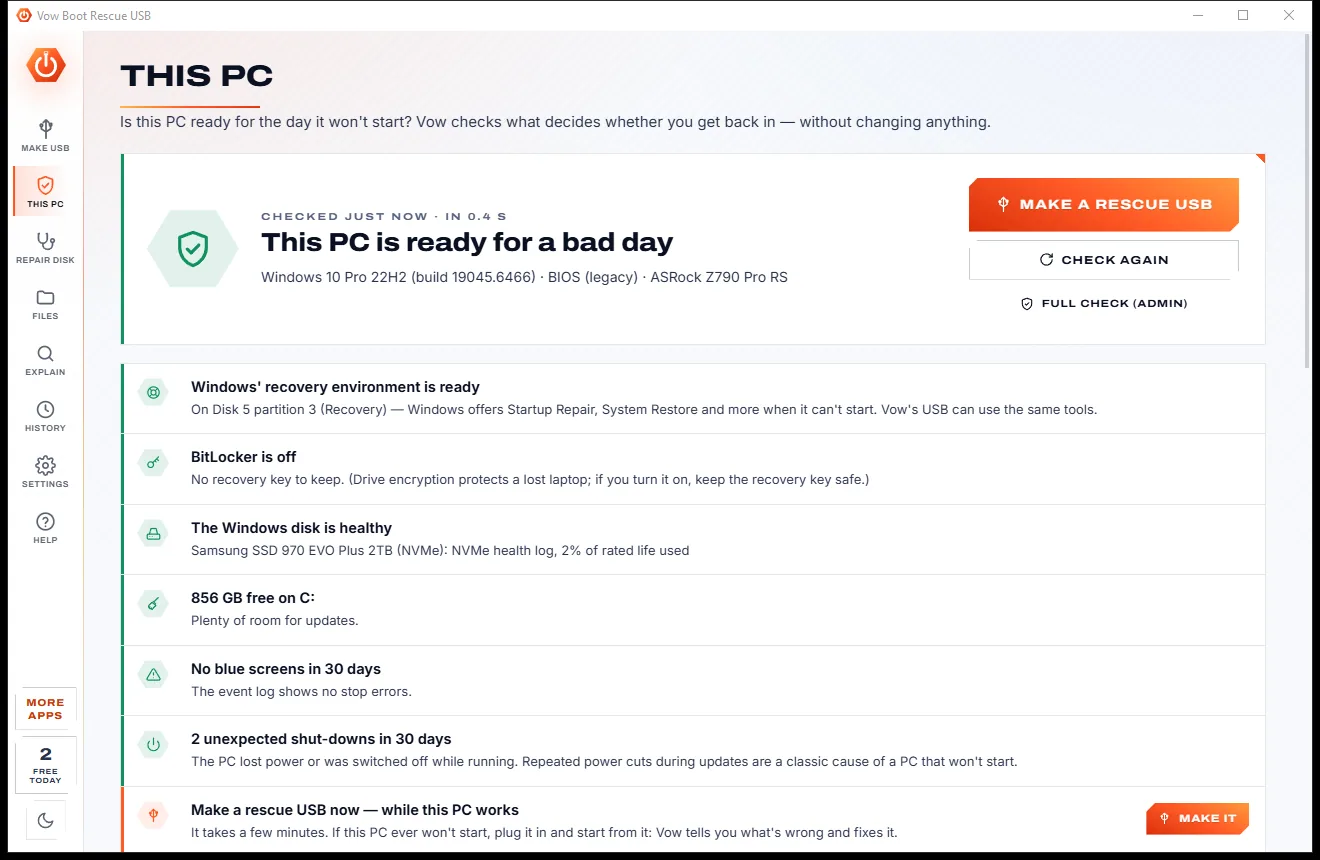
Check the recovery environment, BitLocker, disk health and recent crashes before anything goes wrong.
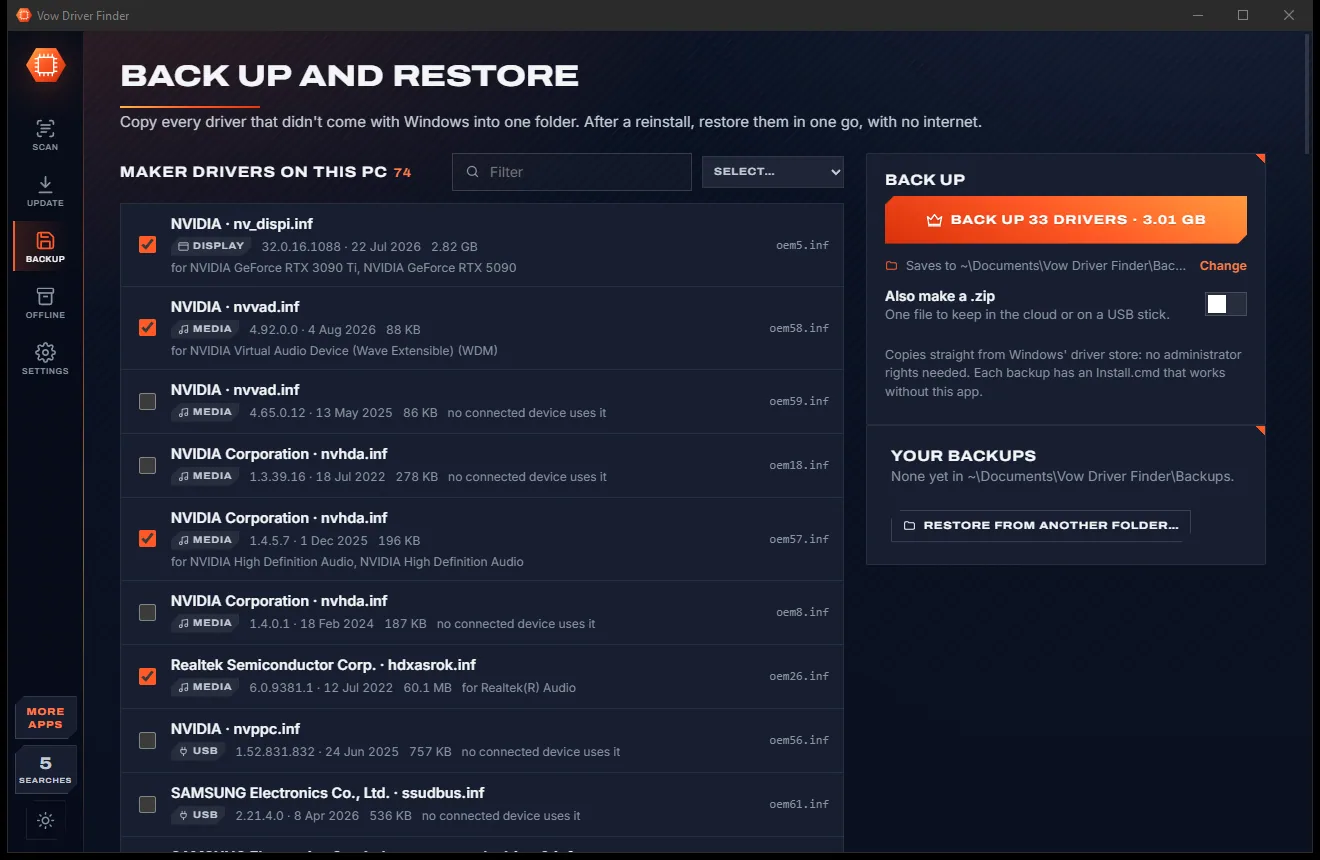
Light & dark theme
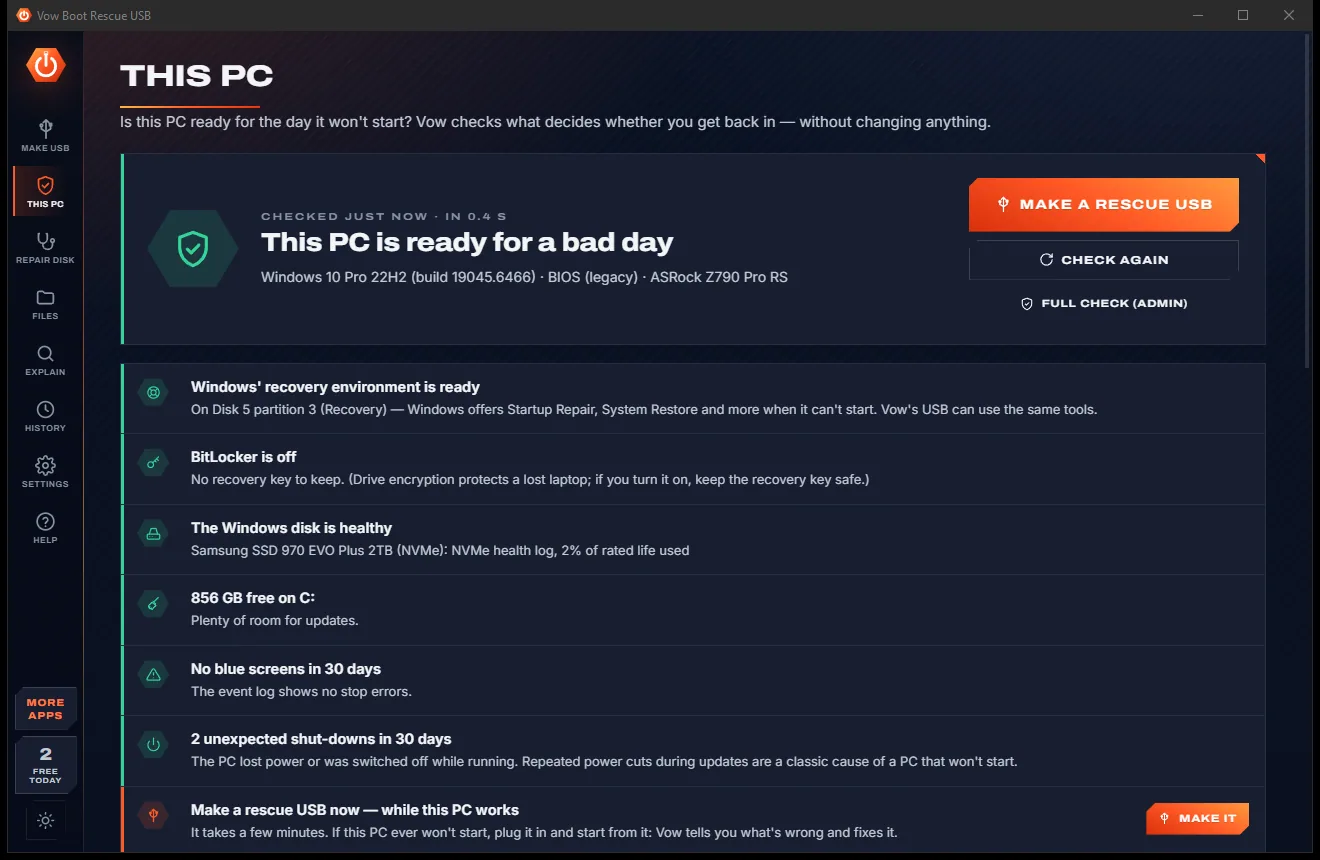
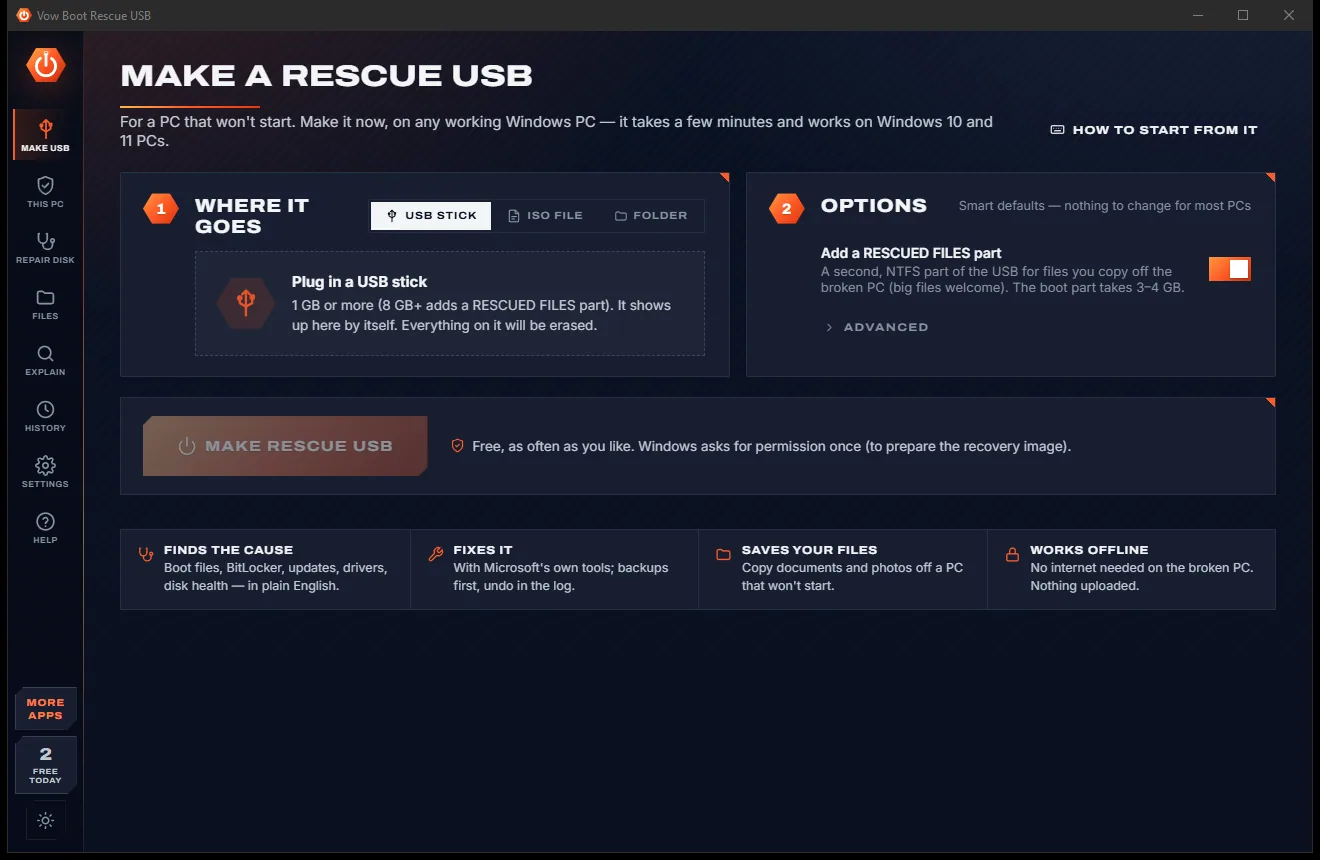
Boot Rescue USB comes with a crisp light theme and a calm dark theme. Switch with one click, or let it follow your Windows setting by itself. It remembers your choice.
Screenshots
Real screenshots of the real app, in both of its themes: 11 light, 11 dark. Click any picture to see it full size.
Light theme
Dark theme
Who it's for
Undo a half-installed update or uninstall the one that broke the PC, and end the endless "Undoing changes" loop.
Fix boot entries that still point at the old disk, the classic 0xc000000e "required device" error.
Turn Windows' disk controller drivers back on after a BIOS setting or driver change.
Unlock the drive with its recovery key, and find that key on a working PC before you need it.
Copy photos and documents off a PC that won't start before you try a single repair.
Keep one stick in the drawer for every Windows 10 and 11 PC you look after, BIOS or UEFI.
Compare
What you get when you search for "PC won't boot", side by side.
| Feature | Vow Boot Rescue USB | Typical boot repair discs & tools |
|---|---|---|
| Price | Free every day, or $9.95 once | Often a paid licence after the scan |
| Explains why it won't start | In plain English, with the evidence | Rarely more than pass or fail |
| Download needed to make the USB | No: uses this PC's own recovery image | Usually a large download |
| Backups before changes, with undo | Yes, for every repair | Rarely |
| Every fix shown by hand | Yes, exact commands, free | Rarely |
| Failing disk checked first | Yes, no heavy repairs on it | Not always |
| Copy files off the broken PC | Yes, verified and resumable | Sometimes, as a separate tool |
| Repair a disk connected to another PC | Yes | Rarely |
| Ads, scareware, bundled extras | None, ever | Common on free "repair" downloads |
"Typical" describes what we found across the most-downloaded alternatives when we built Boot Rescue USB. Your mileage with any one of them may vary; ours won't.
Pricing
That is not a typo. Software this powerful usually means a monthly subscription; Boot Rescue USB is $9.95, once, for life: it's almost a giveaway. Use it free for as long as you like, and unlock Unlimited only if you need more.
Rescue USBs, full diagnosis, 2 one-click fixes a day.
Almost a giveaway. Less than a takeaway lunch for software this powerful: no subscription, no renewals, yours for life on 2 PCs.
Repair everything, every fix, copy all your files.
Payments by Stripe: we never see or store your card. Questions? Ask a real person.
Clean software
Most "free" Windows downloads pay for themselves with ads, bundled extras or your data. Vow Boot Rescue USB doesn't need to: it's paid for honestly, once, by the people who find it useful.
Download Boot Rescue USB freeStep-by-step guide
Make the rescue USB on any working PC, then let it do the detective work.
Step 1: get it freeDownload Vow Boot Rescue USB from this page and install it free. It needs no administrator rights to install and no account.
Plug in a USB stick of 1 GB or more. It appears by itself. Click Make rescue USB and allow the Windows prompt once. Sticks of 8 GB and up also get a RESCUED FILES part for your files.
Plug the stick into the PC that won't start, switch it on and tap its boot-menu key. How to start from it lists the keys by PC maker.
Vow starts by itself and checks the disks, the boot files, the boot store and Windows in seconds. Each problem shows why Vow thinks so. If the disk is failing, it says so first.
Press the fix on each problem, or Repair everything to do them all in the right order with backups first. Every fix can also be done by hand with the exact commands shown.
Technical details
FAQ
Yes. Making rescue USBs, ISOs and folders, the full diagnosis, the boot-error explainer, every manual fix, BitLocker unlock and Windows' own recovery tools are free without limit, plus 2 one-click fixes and 25 rescued files a day. Unlimited, a one-time $9.95 USD payment, adds Repair everything, every fix any time, uninstalling the latest update and copying all your files.
Missing or broken boot files, boot entries pointing at a partition that no longer exists (0xc000000e), blank boot code, Safe Mode stuck on, half-installed updates, switched-off disk controller drivers (INACCESSIBLE_BOOT_DEVICE), a damaged registry, file system errors, damaged Windows files and a full Windows drive.
No. The USB is made from the working PC's own Windows recovery environment, so nothing is downloaded. You can choose a Windows ISO instead. Any USB stick of 1 GB or more works, and it starts both UEFI and older BIOS PCs.
The diagnosis only reads. Every repair shows its plan first, backs up what it changes and can be undone from the Log. A failing disk never gets full-disk repairs, and Simulation shows exactly what would run without running it.
Yes. Copy them to an external drive or to the USB's own RESCUED FILES part. Free copies 25 files a day; Unlimited copies whole user folders, checks every copy with SHA-256, picks up where it stopped and salvages damaged files.
Unlock it on the USB with its 48-digit recovery key. That is always free, and the key is never stored. On a working PC, the This PC page can show your recovery key now, before you ever need it.
Yes. Take the disk out, connect it to a working PC with a USB adapter or case, and use Repair disk and Files in the desktop app for the same diagnosis and repairs.
Yes. It is made and published by XTO Pty Ltd, an Australian company. There are no ads and no bundled software, the USB is checked twice before it's erased and a disk with Windows on it is never offered, and it uninstalls cleanly from Windows Settings.
The Vow collection
Same design, same promises, a tiny one-time price. Learn one and you already know them all.
Find the drivers your PC is really missing, from official sources only

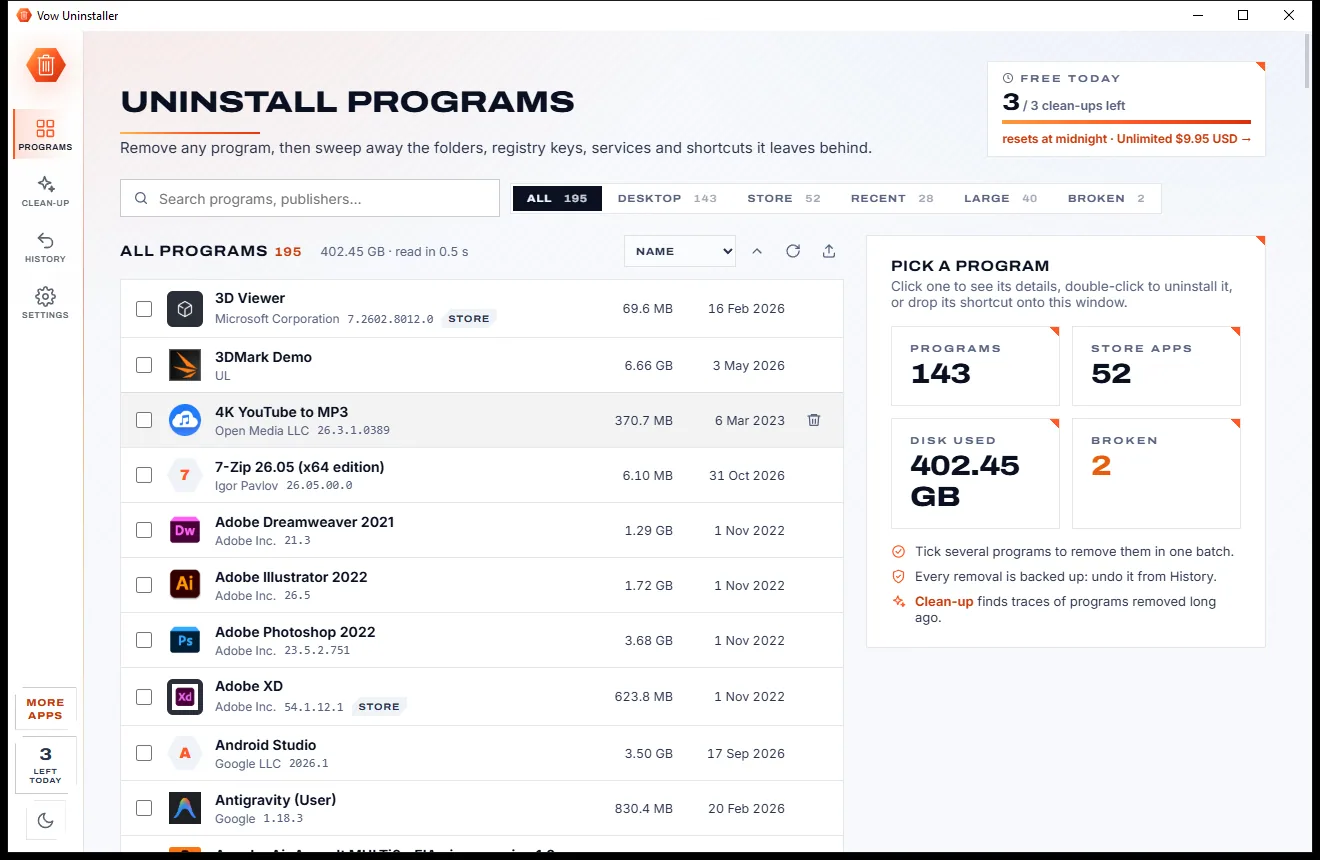
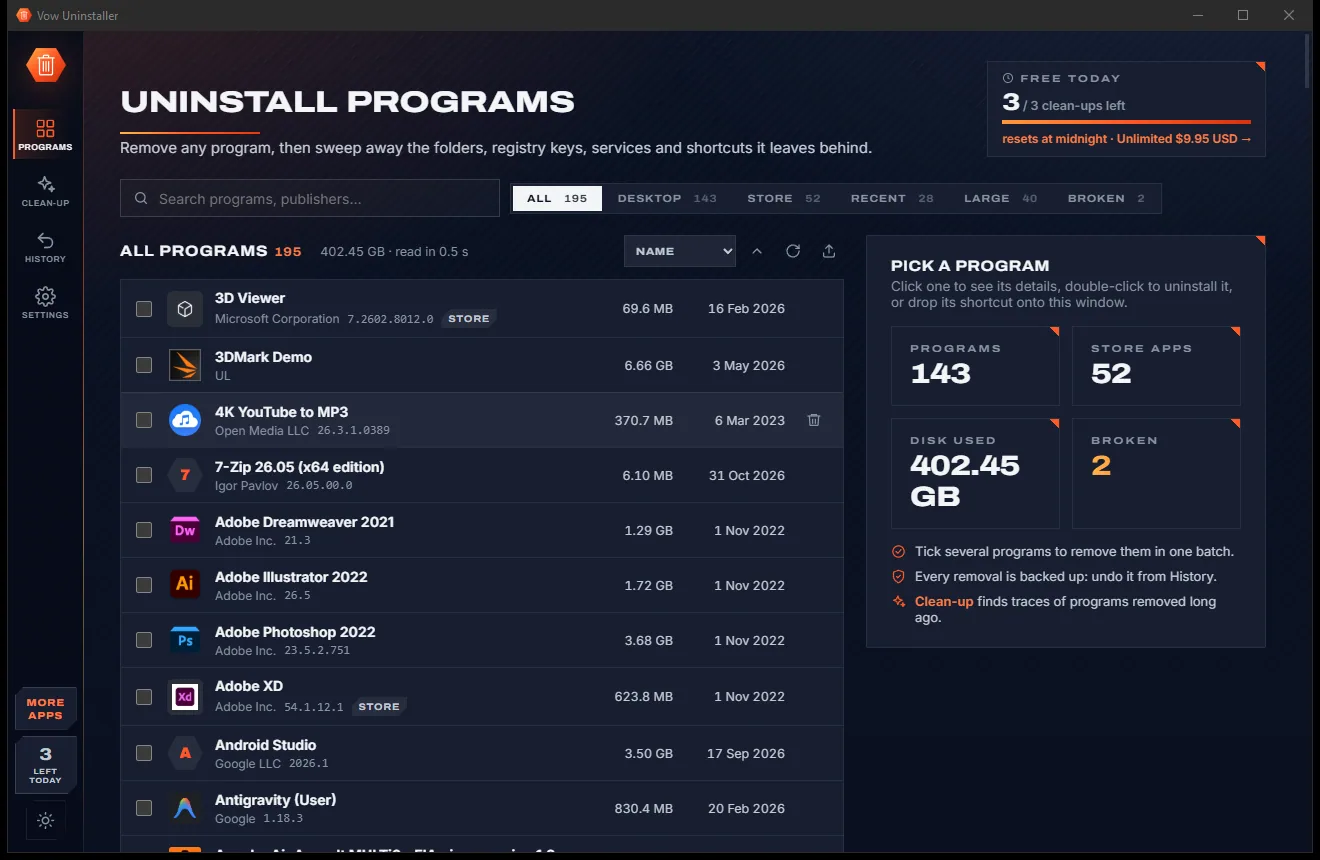
Uninstall programs completely, and undo it if you change your mind

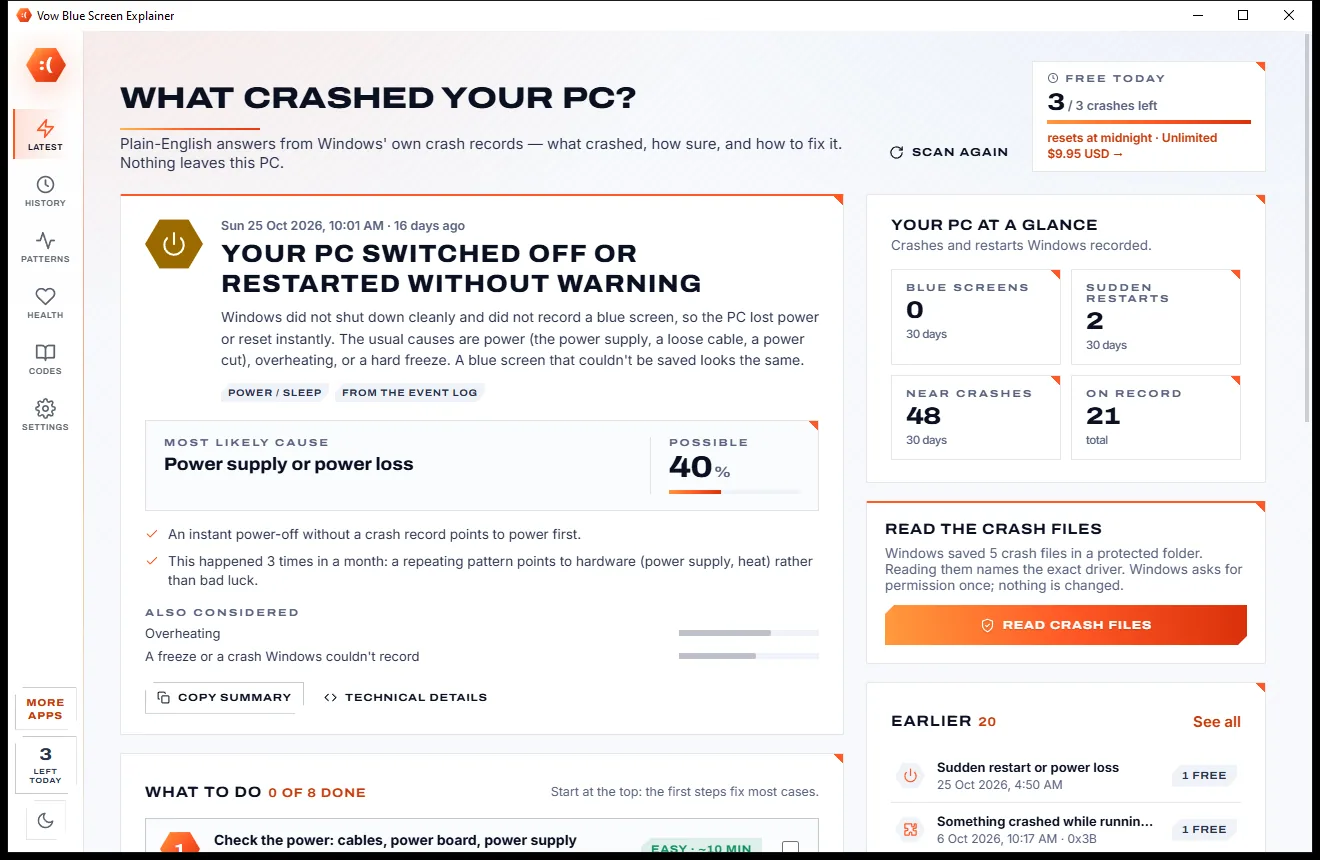
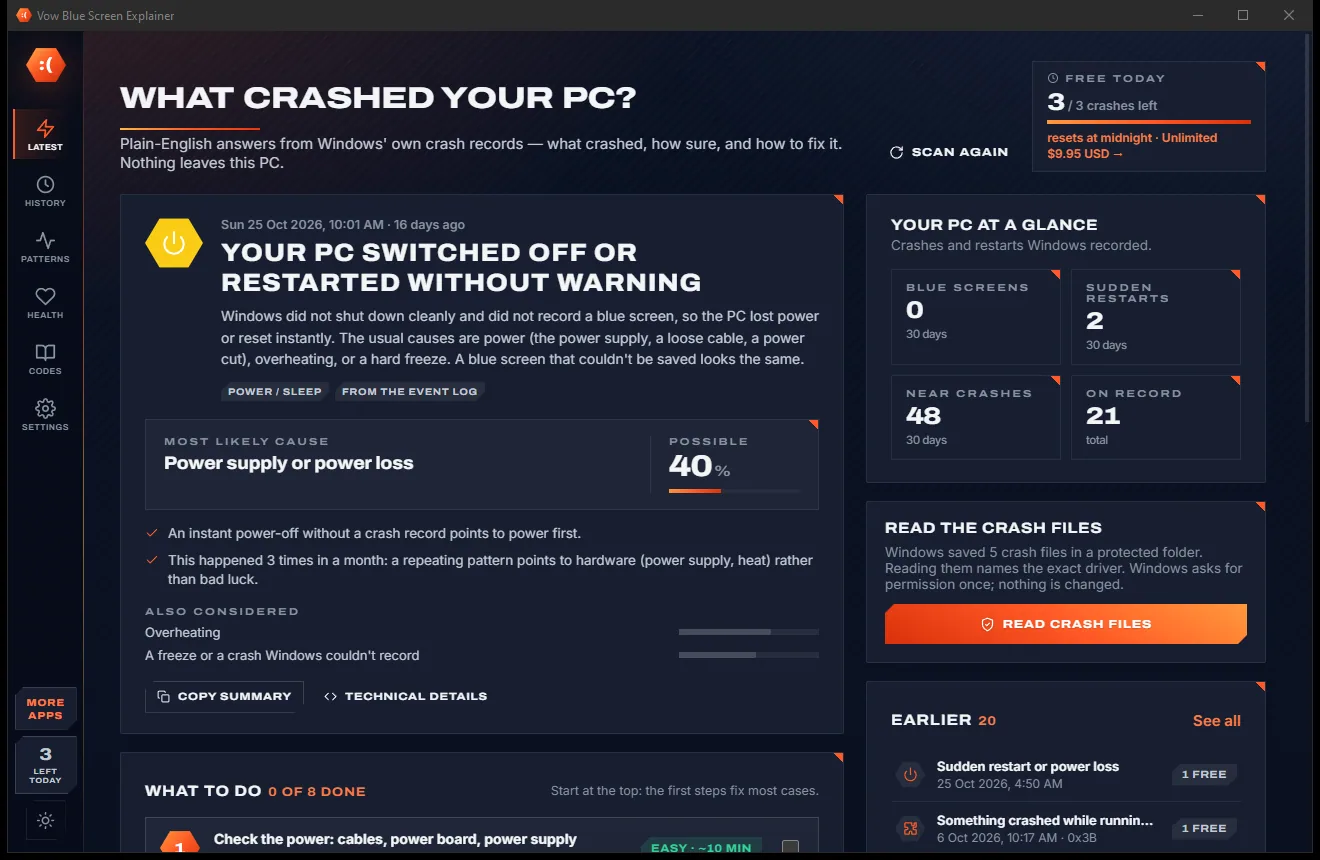
Find out what crashed your PC, in plain English, with the fix
A rescue USB that finds out why Windows won't start, and fixes it. Free to use every day, $9.95 once if you ever want Unlimited.